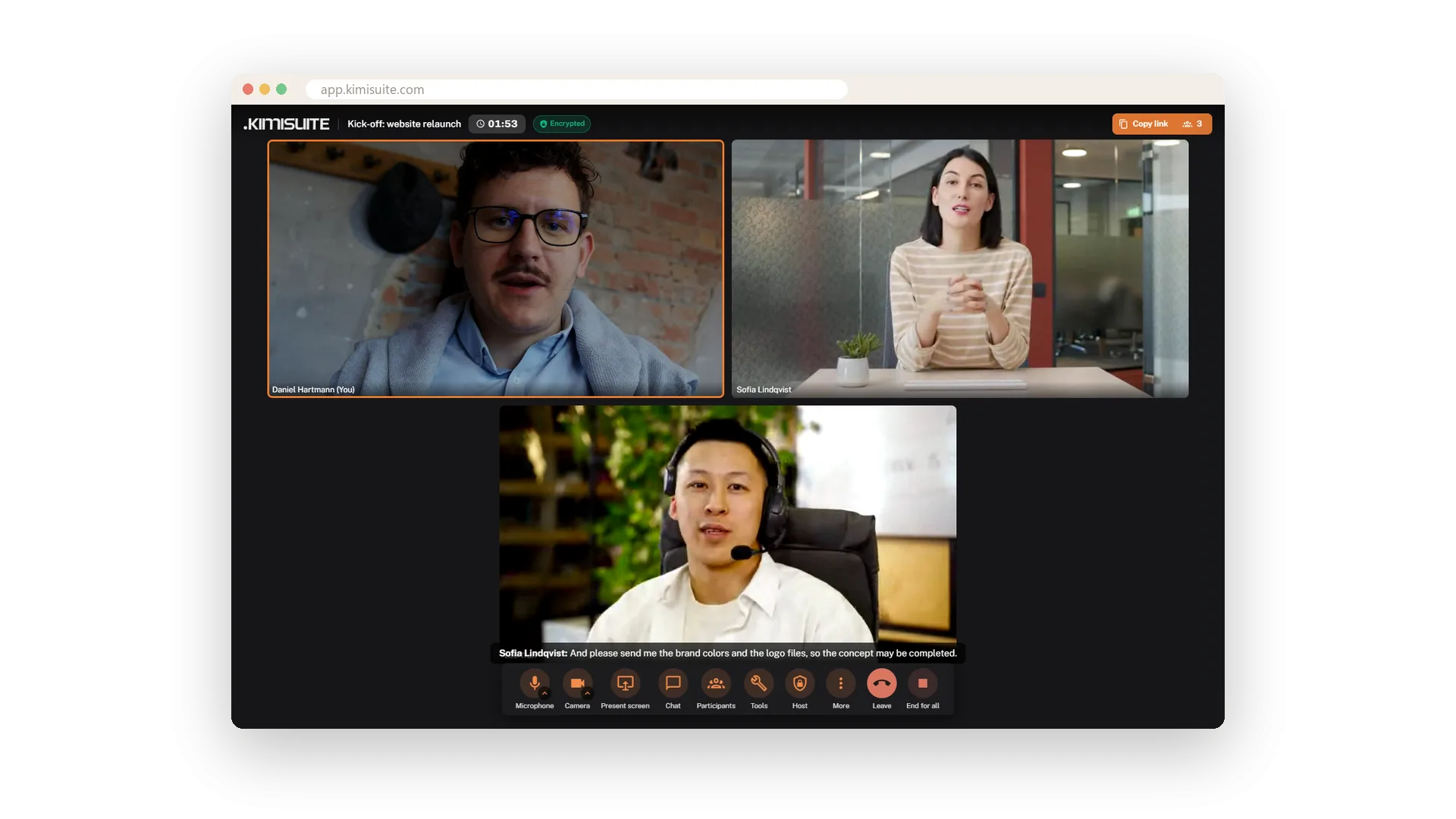
Video meetings in the browser
Start now or plan ahead - guests join with one link
 Meeting Hub
Some meetings you want to watch again - the training, the product presentation, the briefing for a colleague who could not make it. Start the recording and the meeting is recorded right in your browser. Everyone in the call sees a red Recording notice with your name, so nobody is recorded without knowing it.
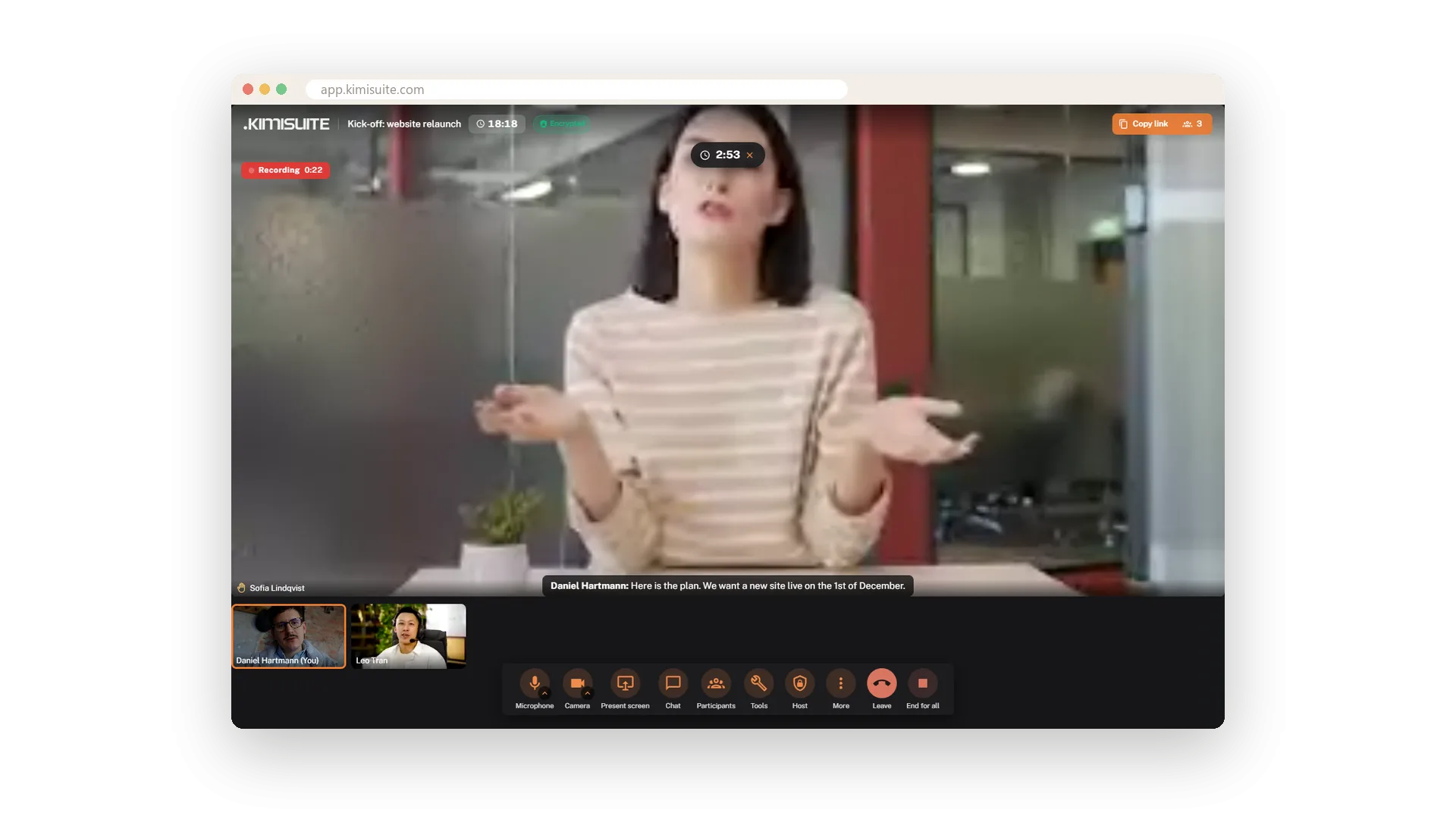
Stop, and the file lands on your computer as a video, with the meeting title, date and time in its name. Nothing is uploaded. You decide whether a meeting may be recorded at all: set the default once in the settings, and the Record button only appears where recording is allowed.
Record in the browser with one click - no extra software
Everyone sees a red Recording notice with the name of the person recording
The file lands on your computer with title, date and time - nothing is uploaded
Allow recording per meeting, with a default for the whole workspace
A red notice with the name of who records
As soon as the recording starts, a red Recording notice appears for everyone in the call, with the name of the person recording. When you stop, the video is saved on your computer, named with the meeting title, date and time.
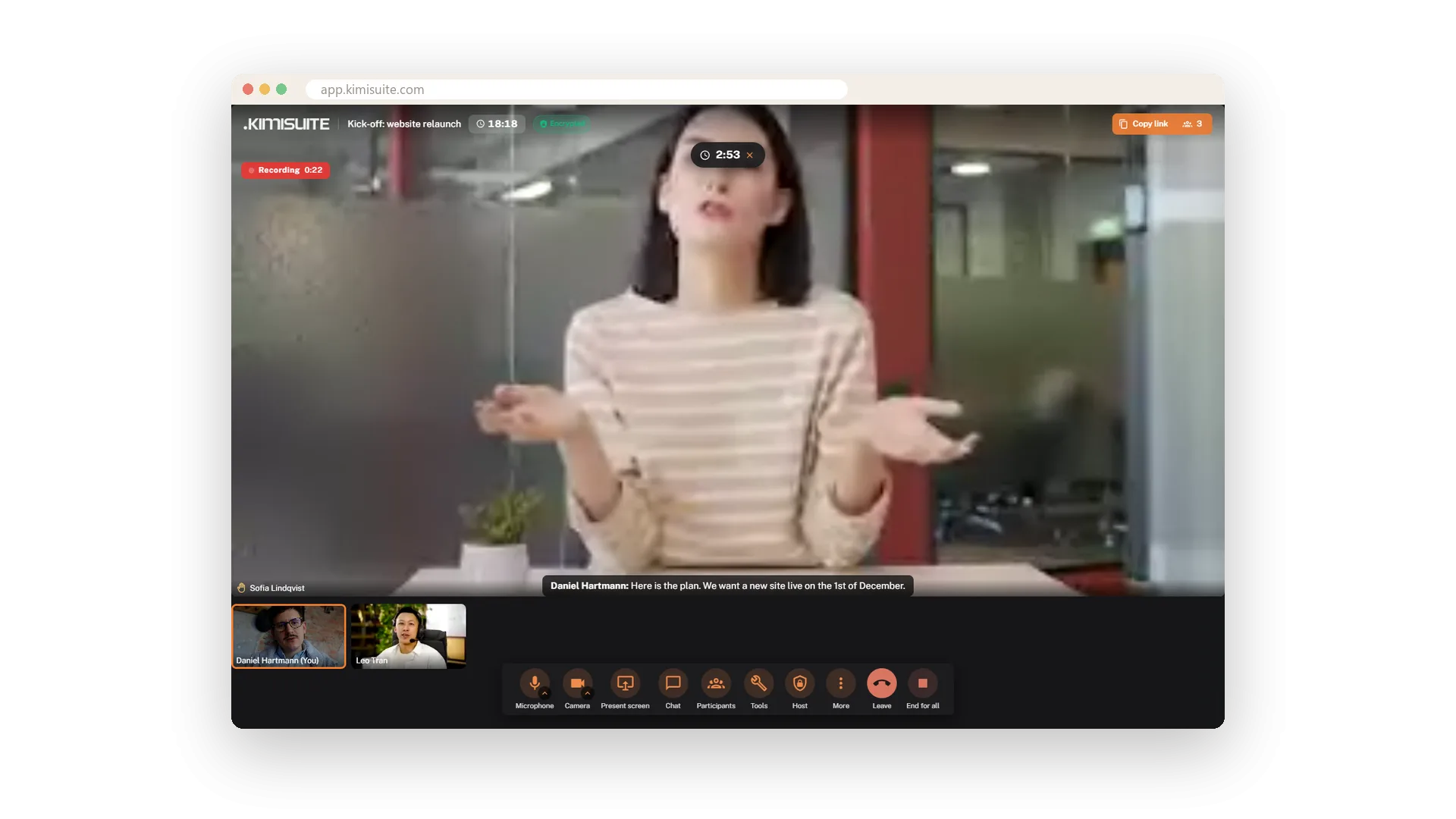
Per meeting, with a default for the workspace
Decide per meeting whether it may be recorded, and set the default for new meetings once in the settings. Where recording is not allowed, the Record button simply does not appear.
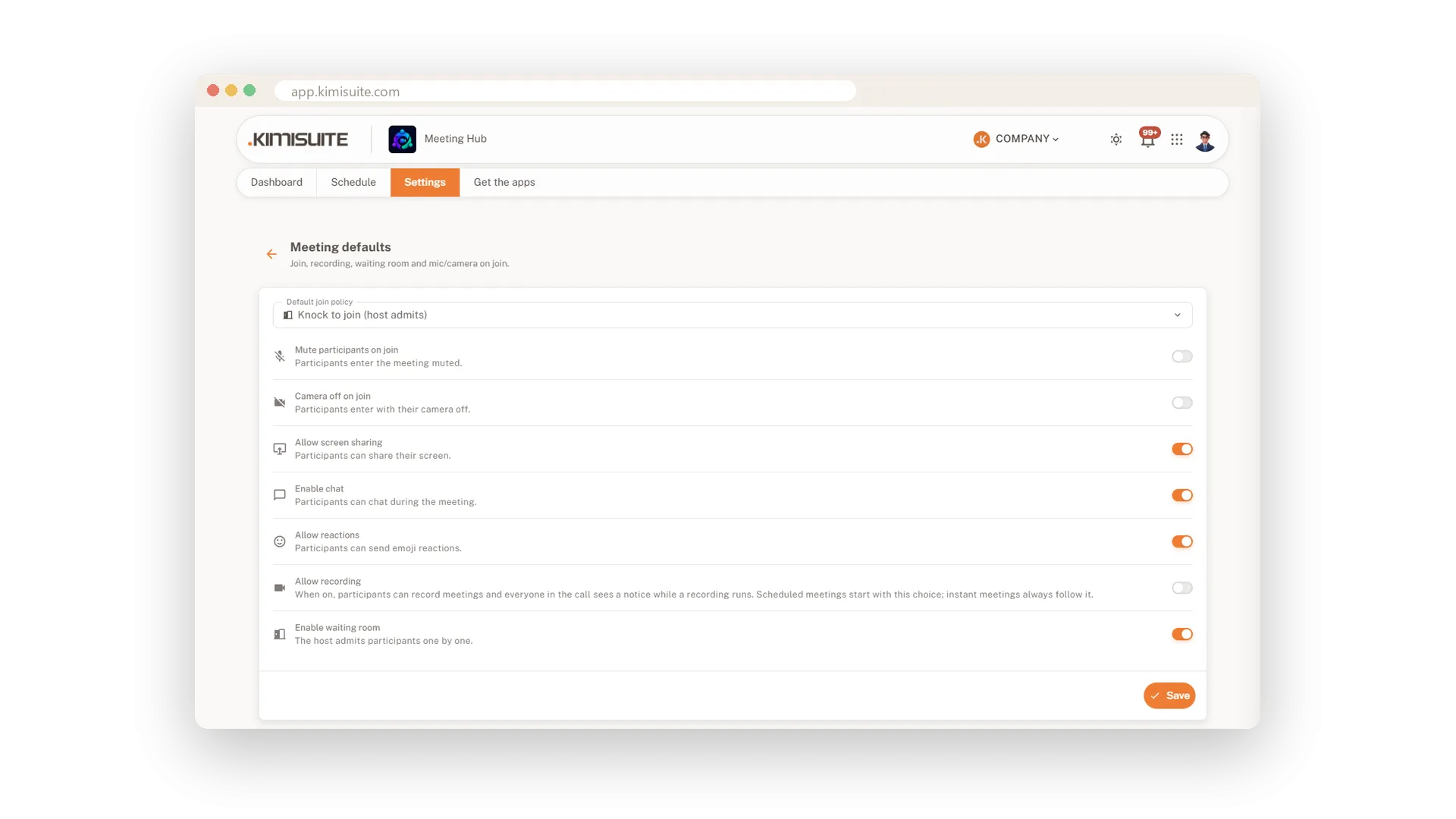
Record the onboarding session once. The video sits on your computer, ready for the next three people who start next month.
She missed the kick-off. Send her the recording, and she sees the screen share and hears every decision in the right order.
Leave Allow recording off for this one. The Record button does not appear, and everyone can speak freely.
Start now or plan ahead - guests join with one link
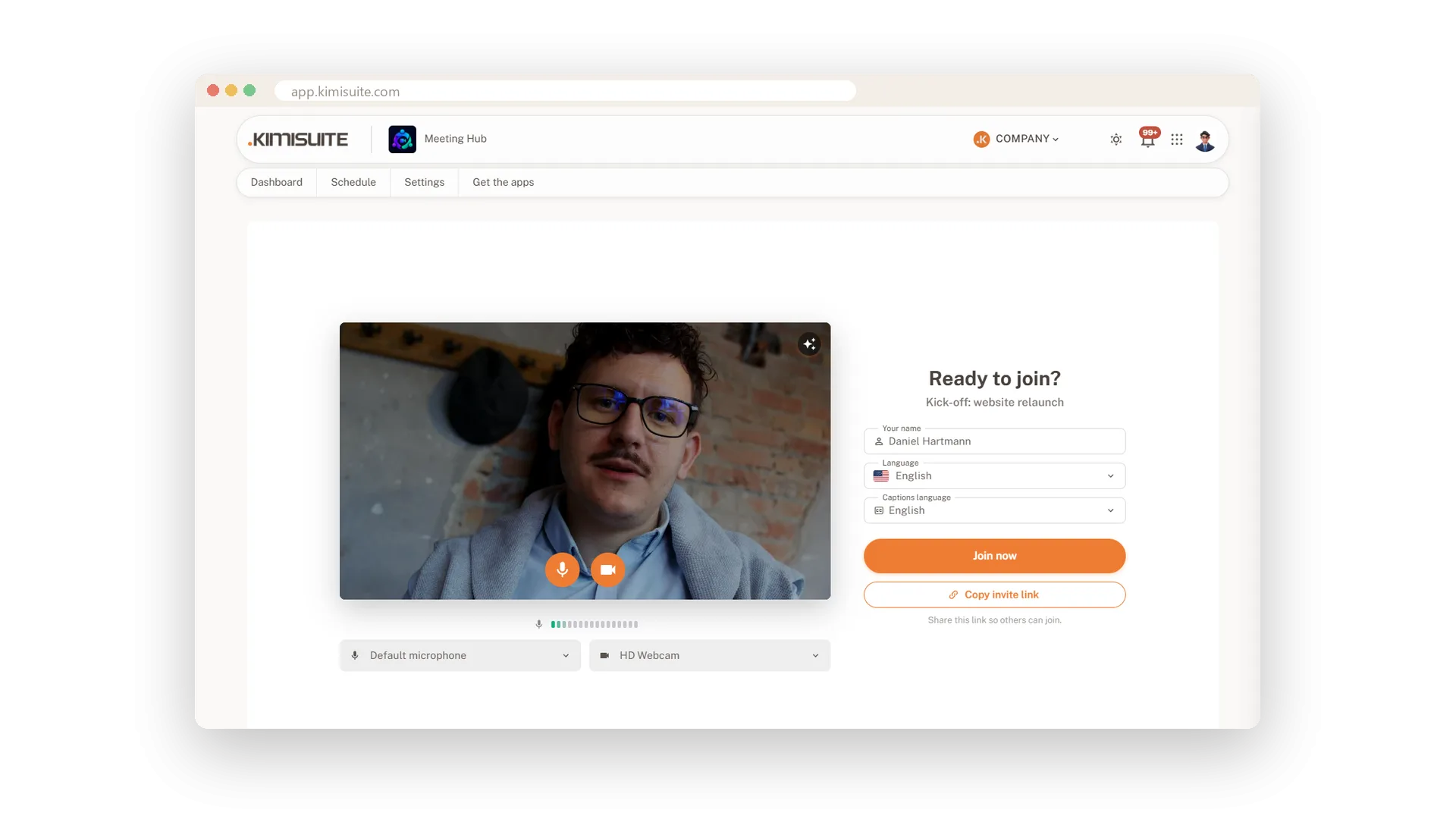
Check camera and microphone, then step in
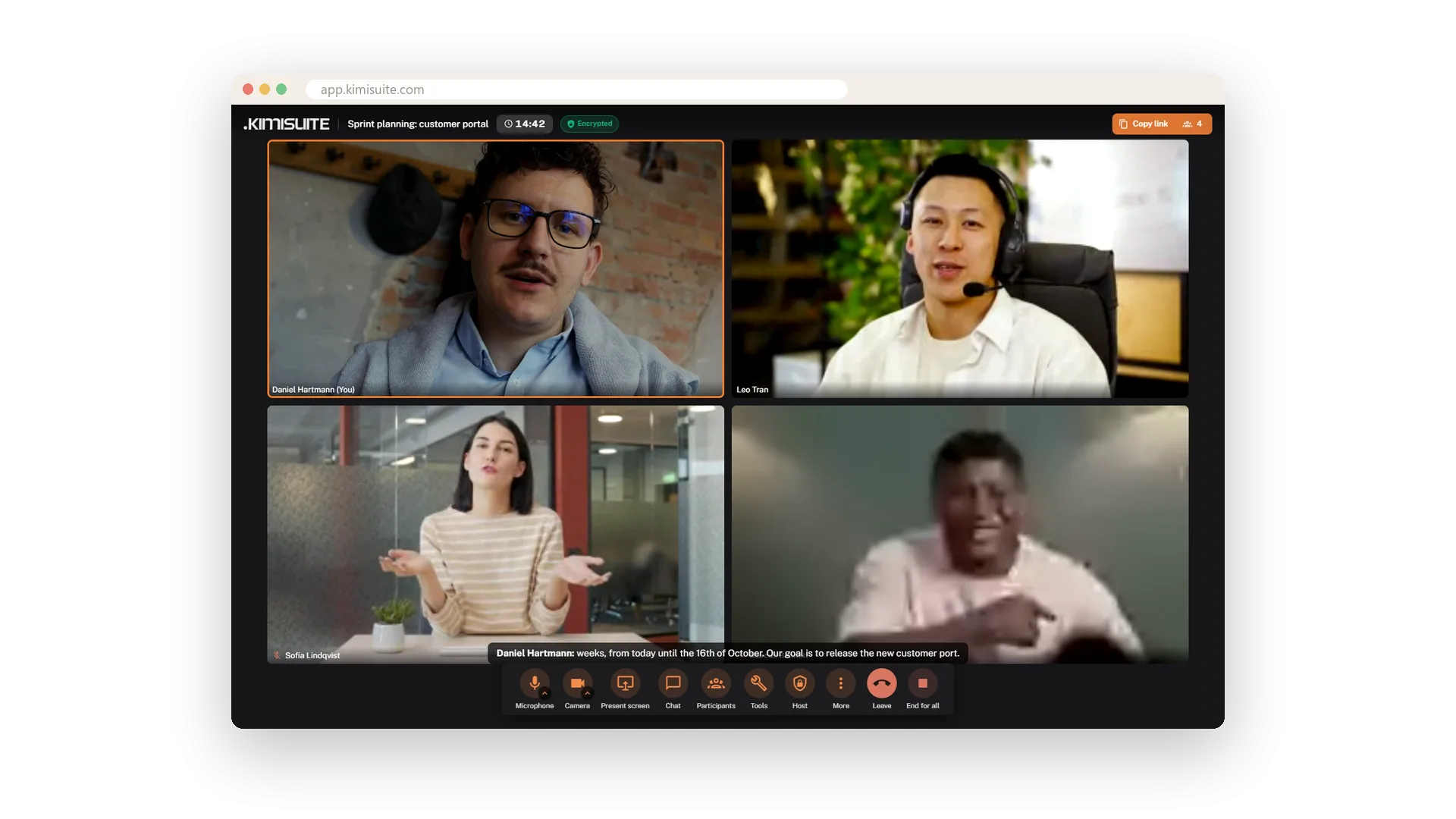
Three layouts, and the speaker lights up
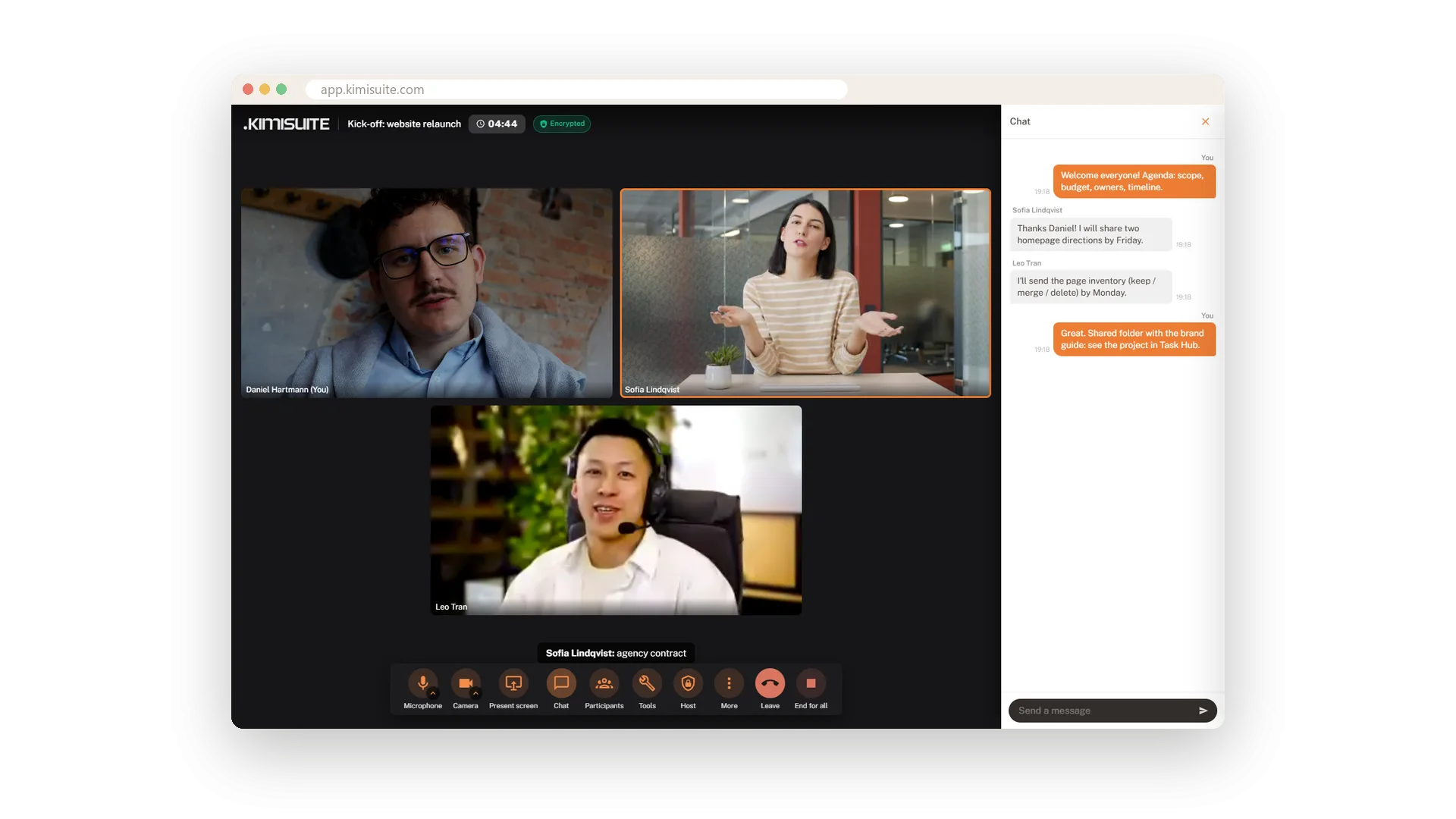
Chat, whiteboard, screen and polls - no second tool
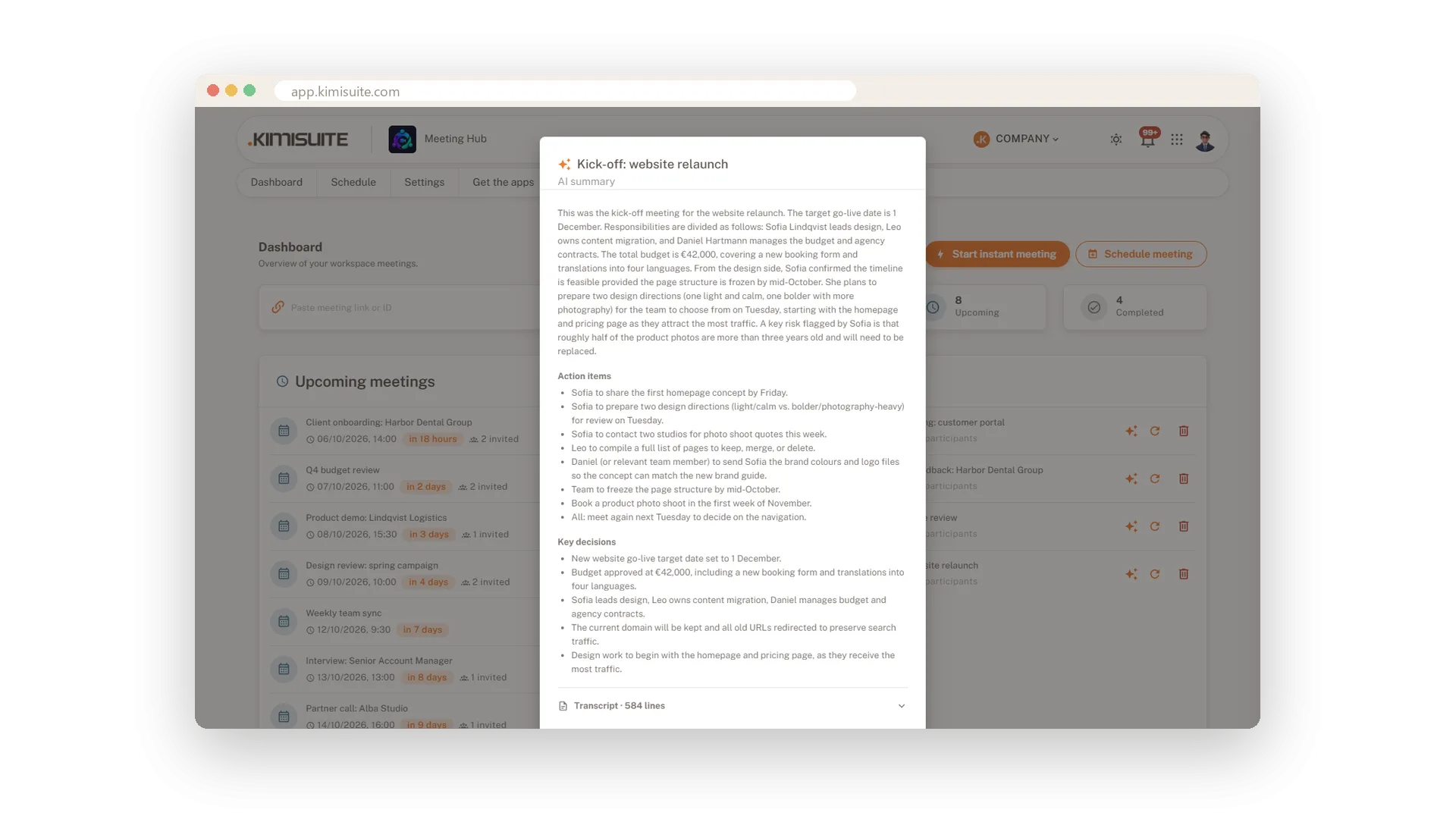
Live captions in the call, an AI summary after it
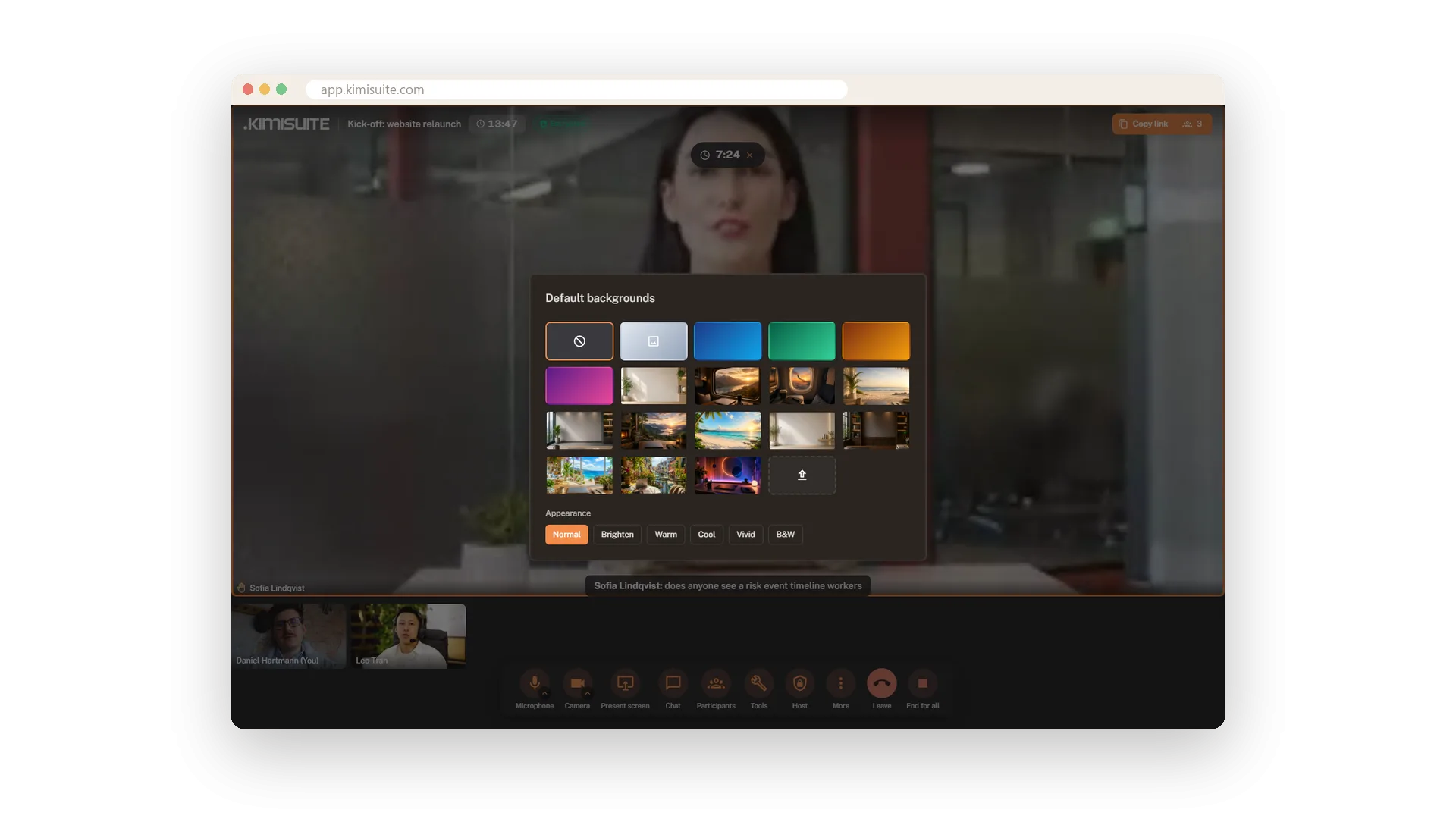
Blur, pictures and filters - the others see it live
On your computer. When you stop, the browser saves it as a video file (.webm) named with the meeting title, date and time. Nothing is uploaded.
Yes. Everyone in the call sees a red Recording notice with the name of the person recording.
Yes. Leave Allow recording off for a meeting and the Record button does not appear. The default for new meetings is set in the settings.
No. Recording runs in the browser - start it with one click, stop it with another.
Yes. Starter, Pro and Enterprise all record to your computer.
14 days free, cancel anytime, no minimum term.
