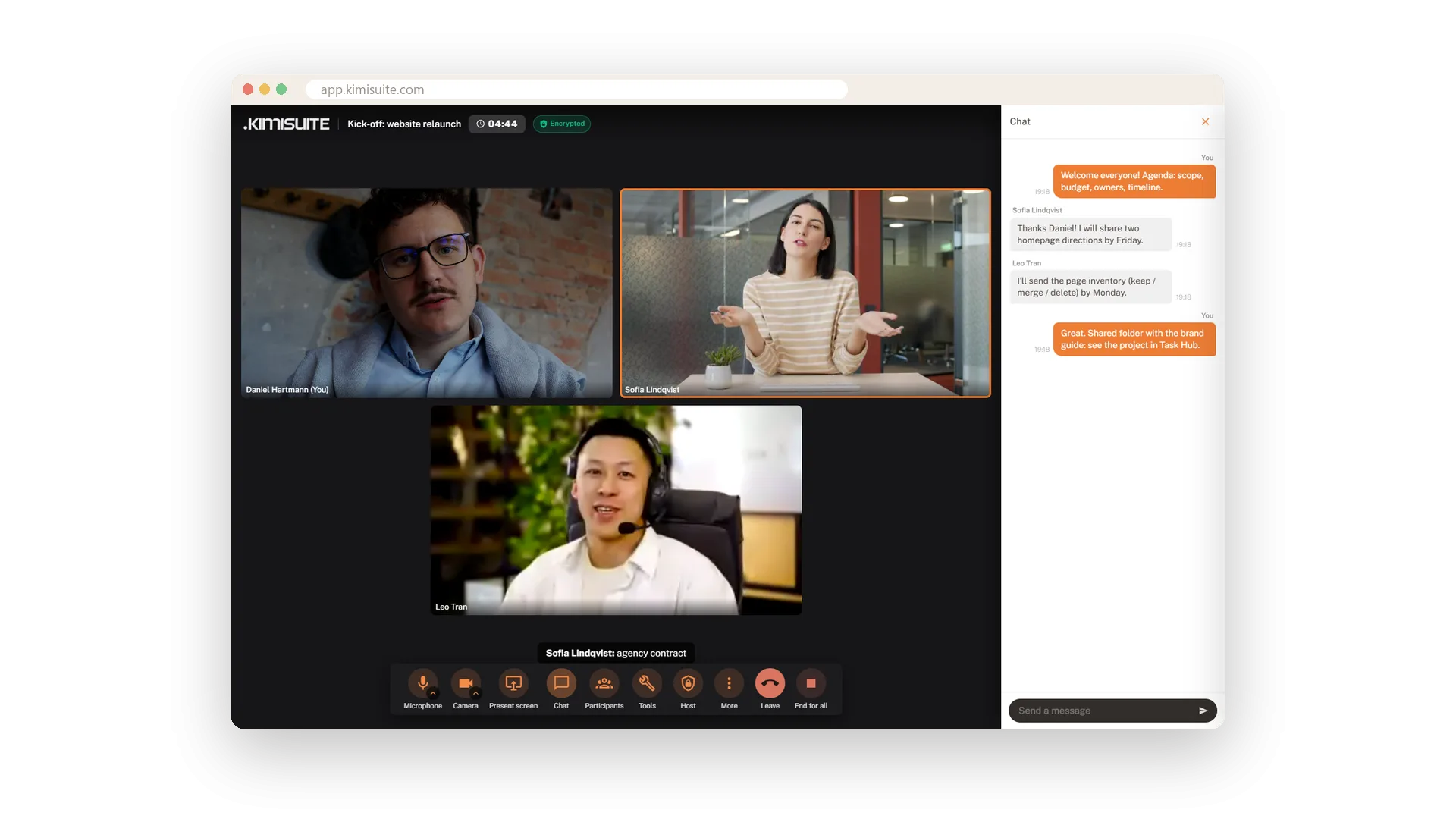
A meeting is more than faces in boxes. Share your screen and it becomes the stage for everyone. Open the whiteboard and sketch the idea together. Write in the chat under the display name you chose for your meetings, raise your hand to get a word in, or send a quick reaction that floats over your picture.
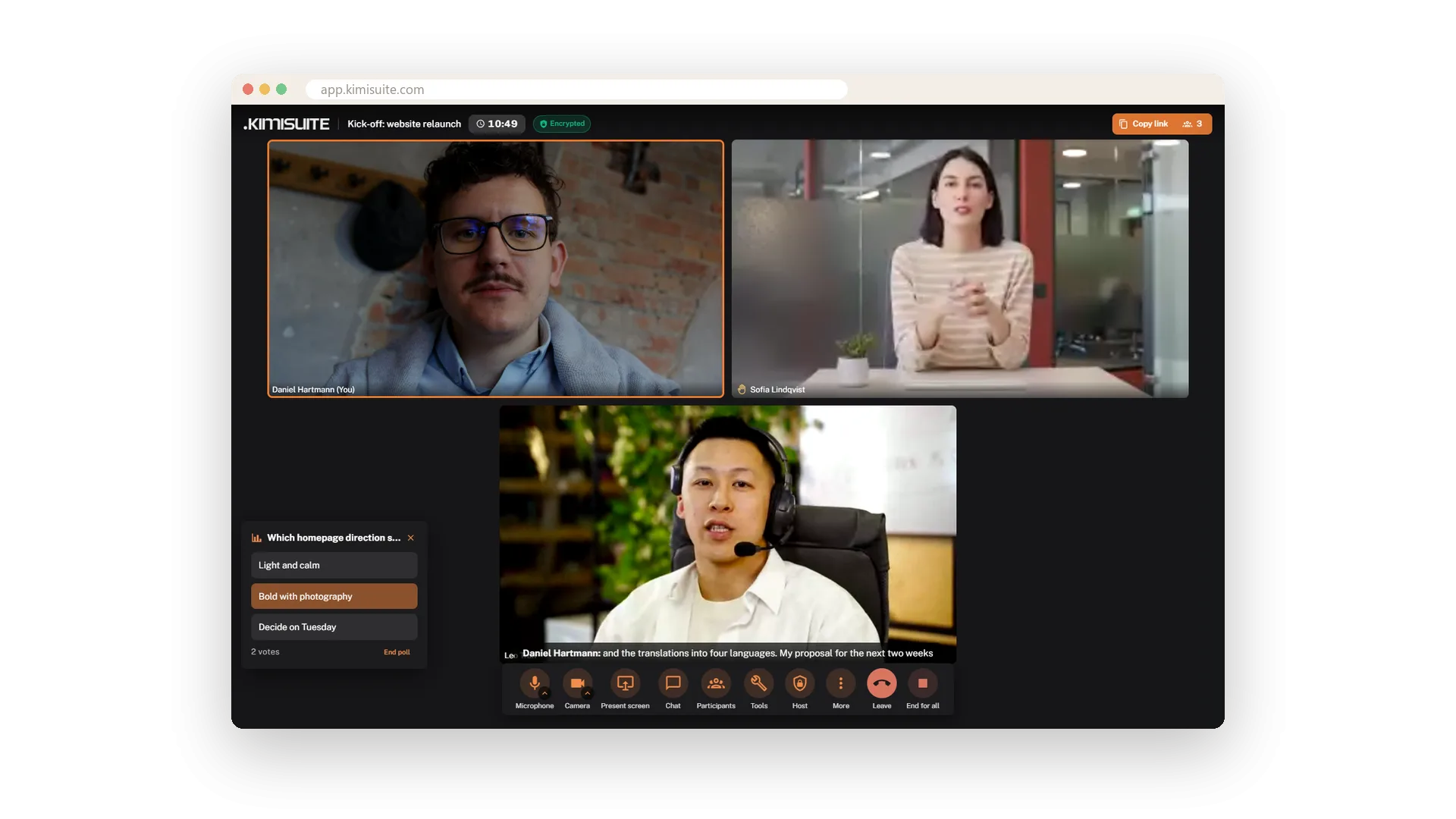
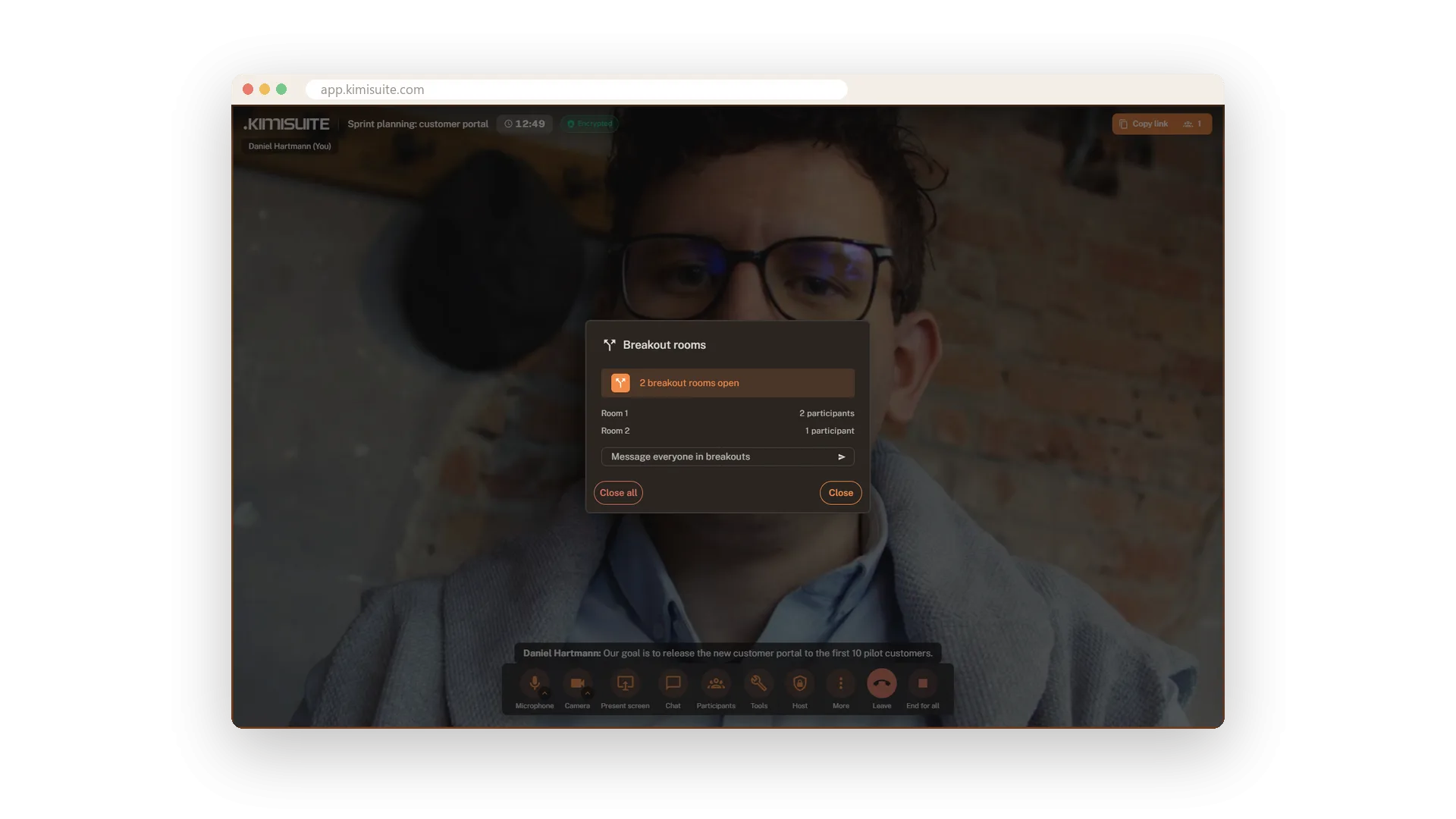
Need a decision? Start a poll from Tools, watch the votes come in and show everyone the result. Keep the meeting on time with a timer that everyone sees and that turns red at zero. On Pro and Enterprise, split a workshop into breakout rooms: people are spread automatically, you send a message to all rooms, and Close all brings everyone back.
Key Benefits
Share your screen and it becomes the stage - camera pictures move to the side
A shared whiteboard with six colours and three stroke sizes
Polls with live votes and a timer everyone sees, both one click away in Tools
Breakout rooms on Pro and Enterprise: split up, message all rooms, bring everyone back
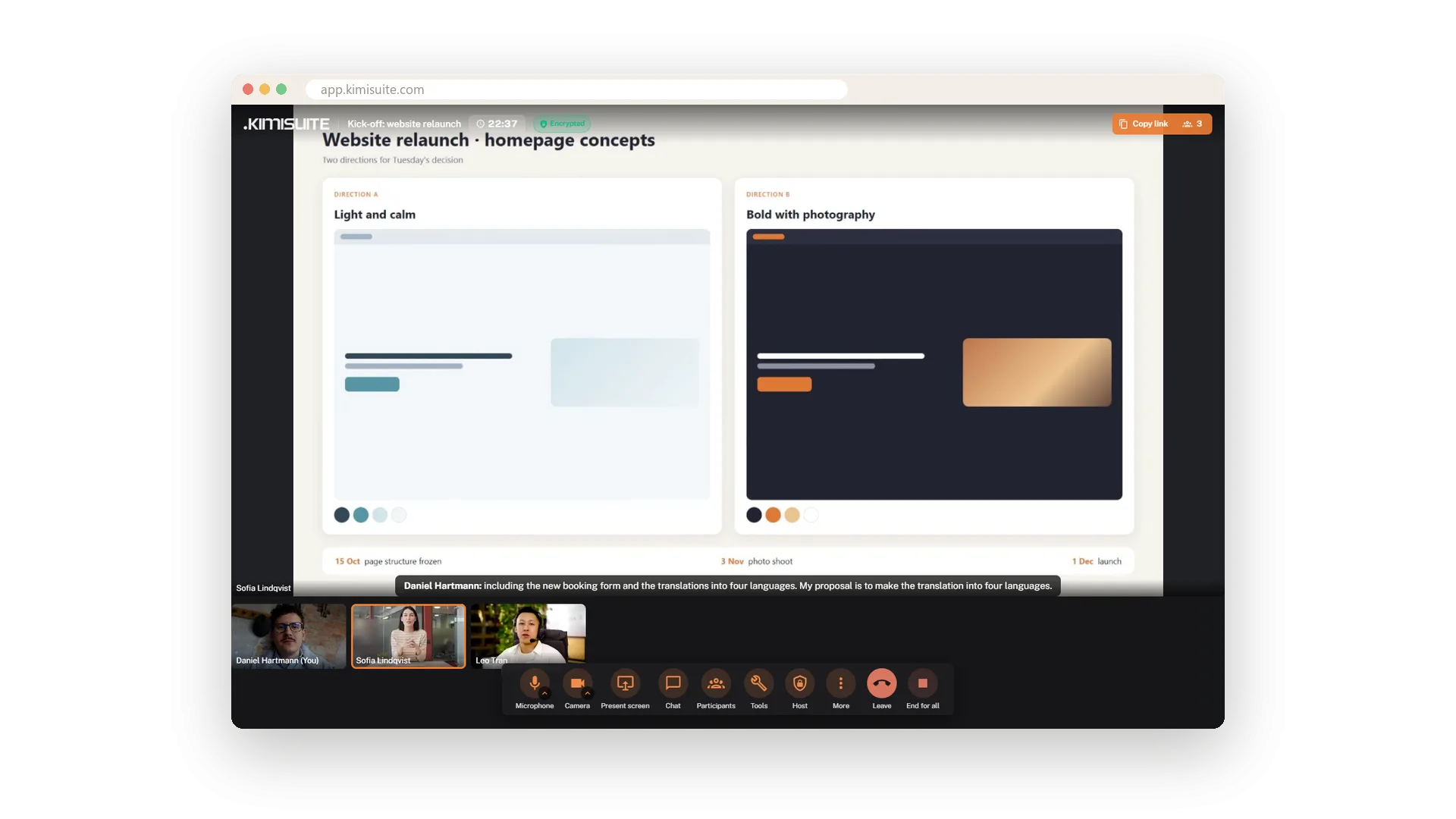
Share your screen
Your screen becomes the stage for everyone
One click on Present screen and your slides, a website or a spreadsheet fill the stage for everyone. The camera pictures move into a strip, so the content gets the space and the faces stay in view.
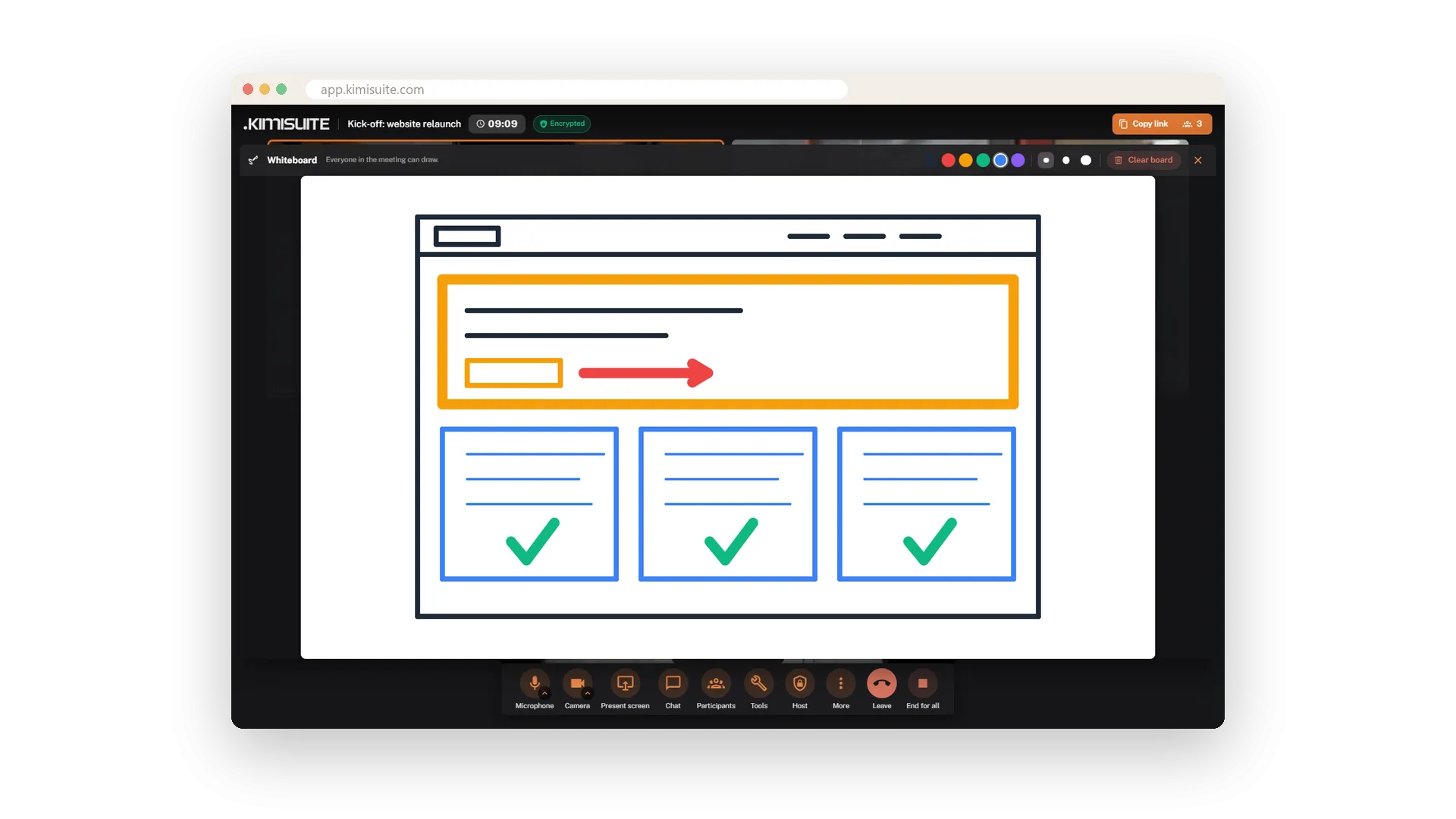
A whiteboard for everyone
Sketch it together, in six colours
Open the whiteboard and draw together - boxes, arrows, a quick wireframe. Six colours and three stroke sizes are enough for most ideas. Others see a badge when something new appears, and the host clears the board for the next topic.
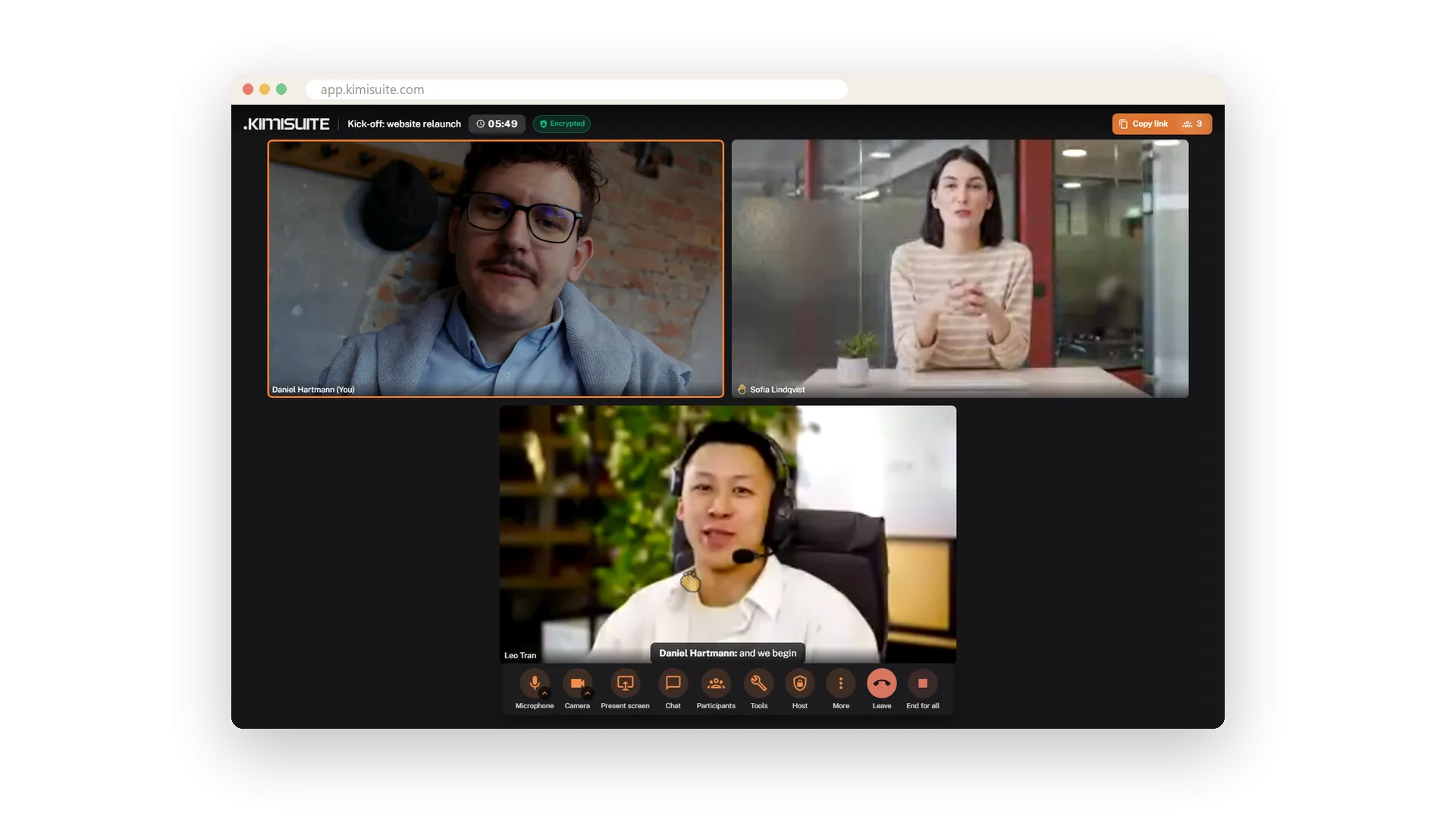
Raise your hand, react
Get a word in without talking over anyone
Raise your hand and the host gets a notice, while a hand appears on your picture and in the participants list. For quick agreement or applause, send one of six reactions - it floats over your picture for everyone to see.
Polls and a timer
Decide together and stay on time
Ask a question with two or more answers and watch the votes come in live; End poll shows everyone the result. For breaks and time-boxed rounds, start a timer of one to thirty minutes or your own length - everyone sees it, and it turns red at zero.
Breakout rooms
Split the group, then bring everyone back
For workshops and trainings on Pro and Enterprise: open two or more rooms and the participants are spread automatically. Send a message to all rooms at once, and when time is up, Close all brings everyone back to the main meeting.
Use Cases
The homepage decision
Share the two drafts on screen, then start a poll: A or B. The votes come in live, End poll shows the result to everyone - decided in two minutes.
The workshop with twelve people
On Pro, open four breakout rooms and let the app spread the group. Send 'Five minutes left' to all rooms, then Close all brings everyone back to the main room.
Drawing it is faster
Instead of explaining the process a third time, open the whiteboard and draw three boxes and two arrows. Everyone sees it while you draw.
FAQ

Try Meeting Hub today
Video meetings your guests join with one link - captions and AI notes included
14 days free, cancel anytime, no minimum term.
