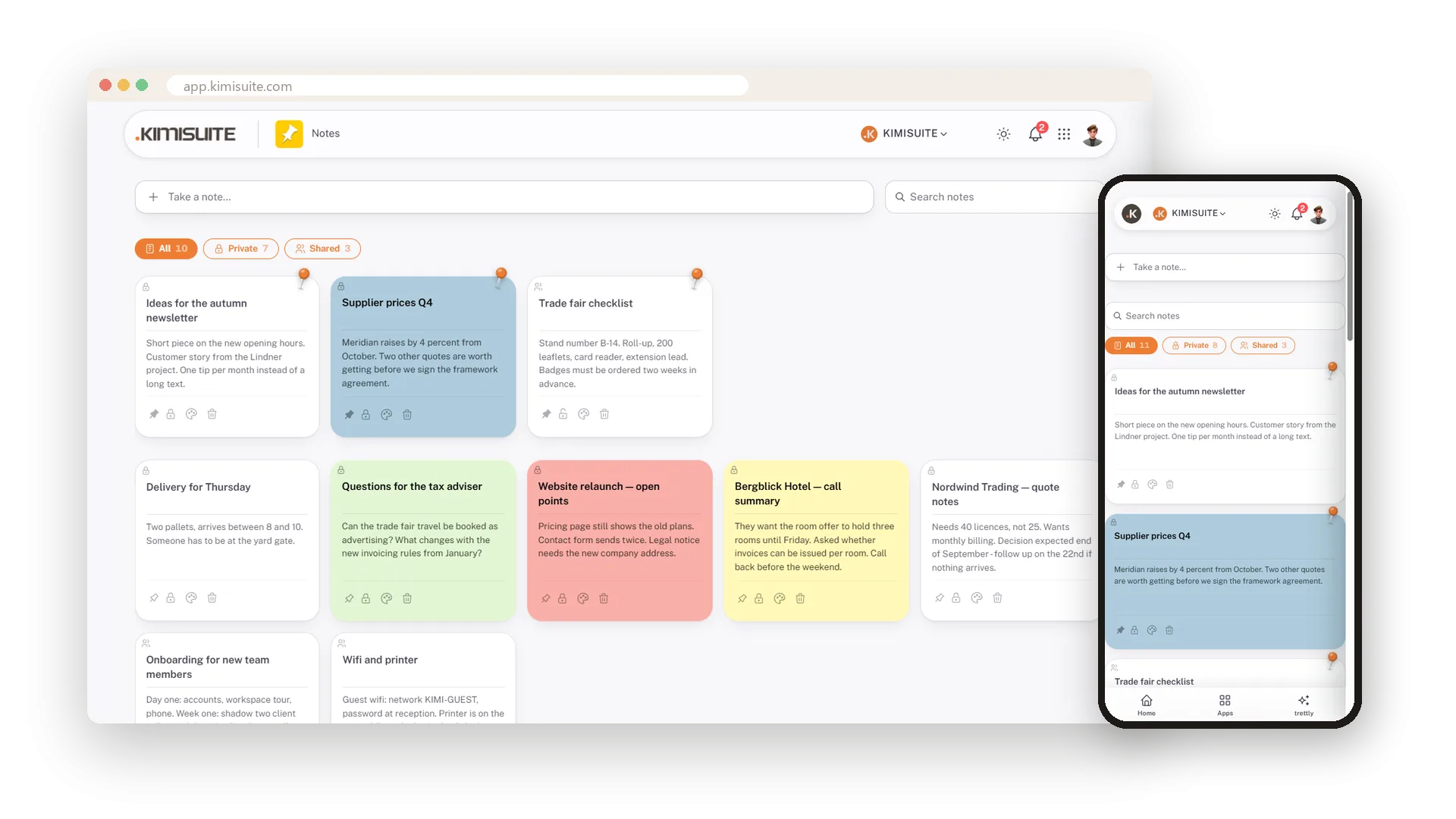

The sticky notes on your screen, as a board the team can share
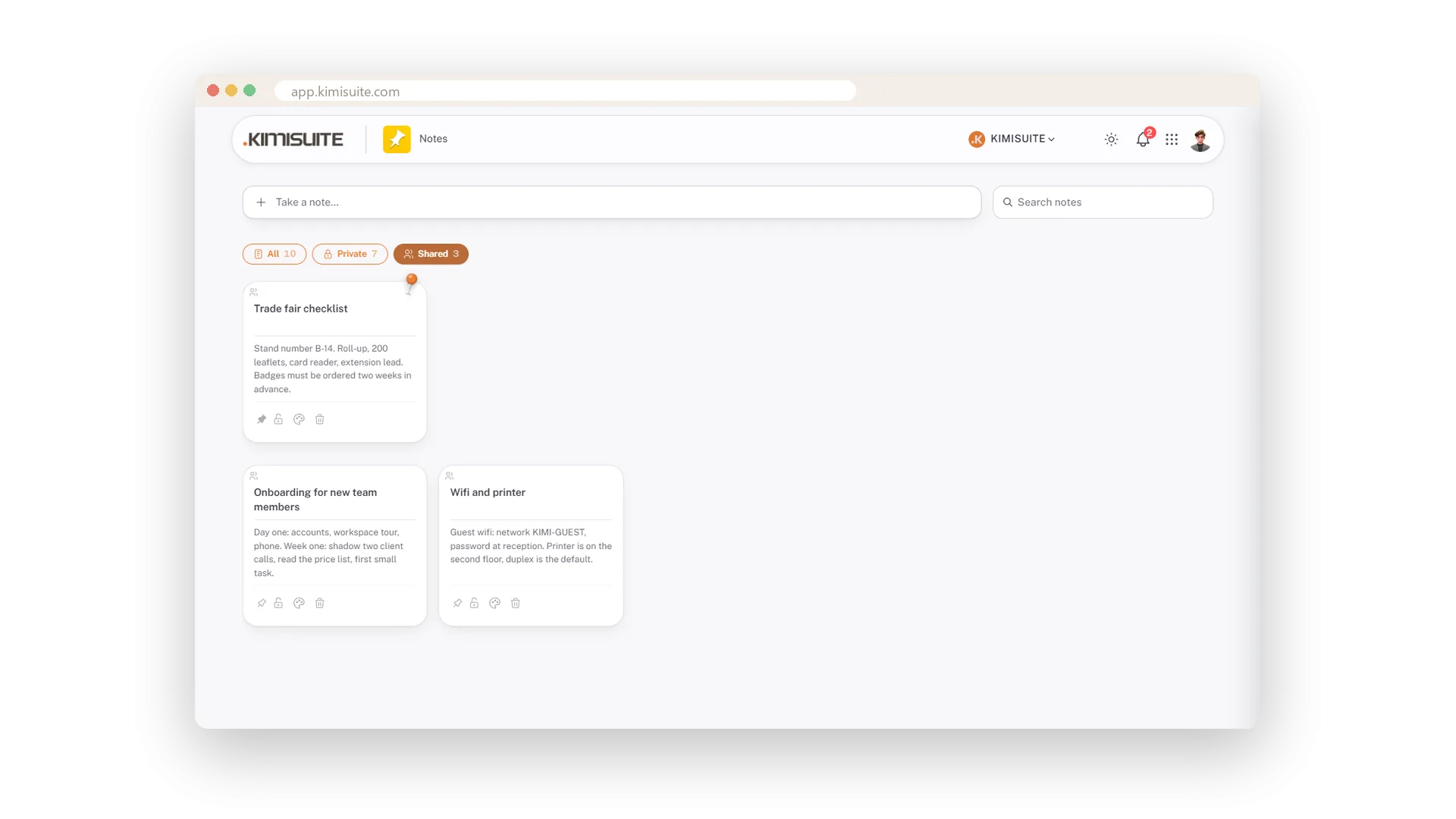
Write a note with Ctrl and Enter. Pin it, colour it, find it again by typing, change it in place. Private until you open the lock, then visible to the workspace. Free in every KIMISUITE workspace.
What the note board does
A note board with search and sharing. Not a knowledge archive, and it does not pretend to be one.
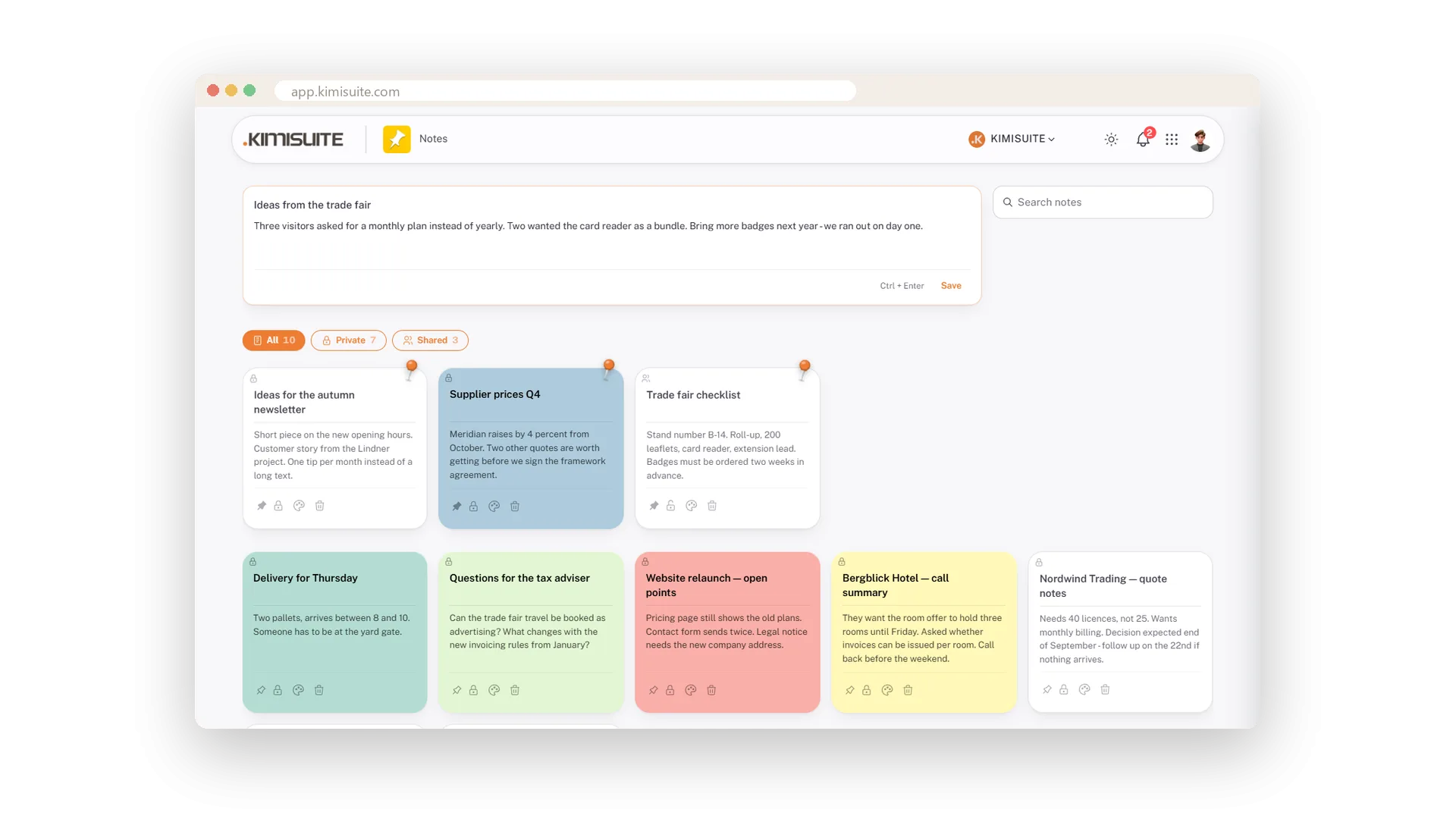
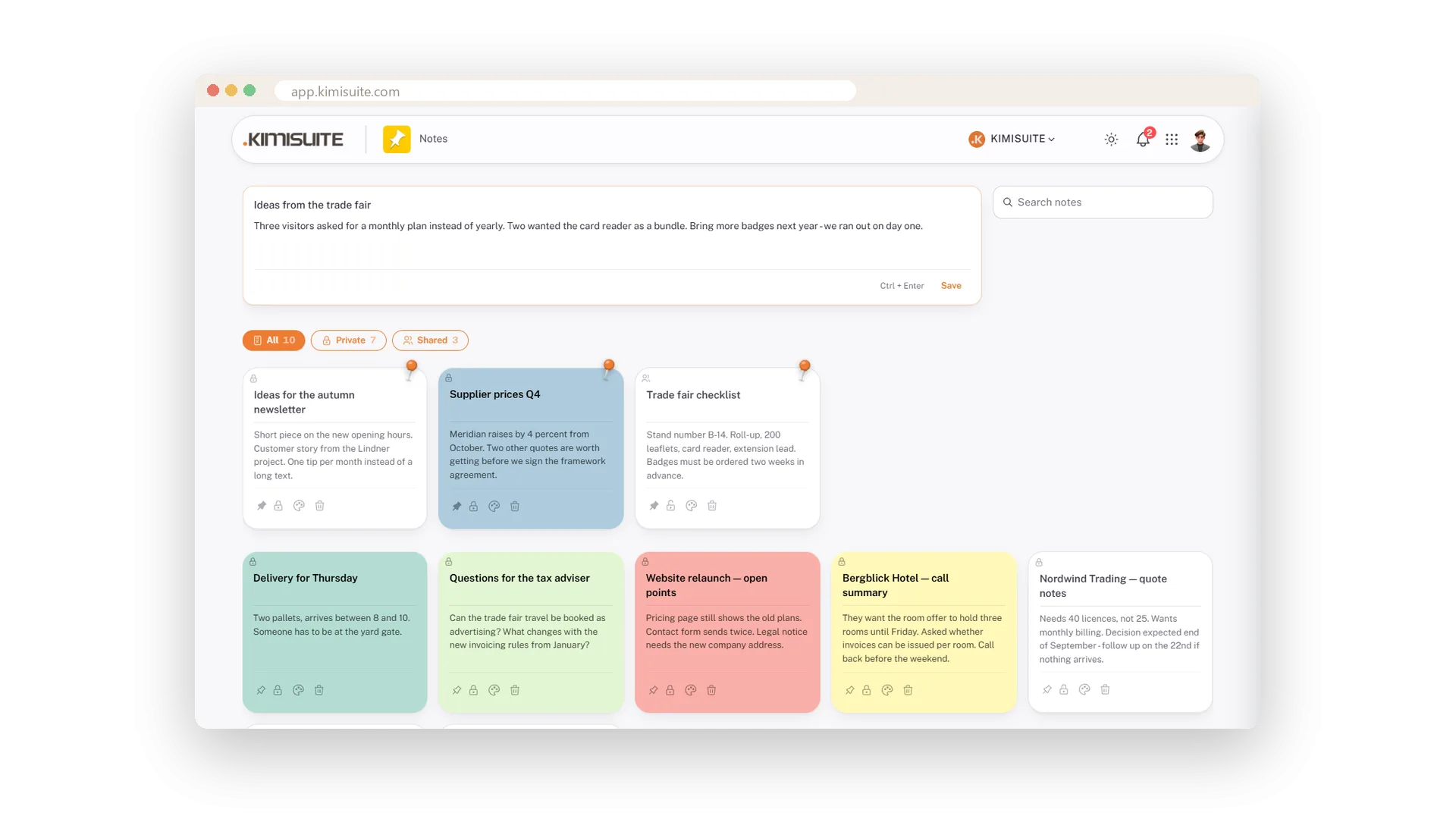
Take a note opens title and text; Ctrl and Enter saves. The editor is built for typing, not clicking.
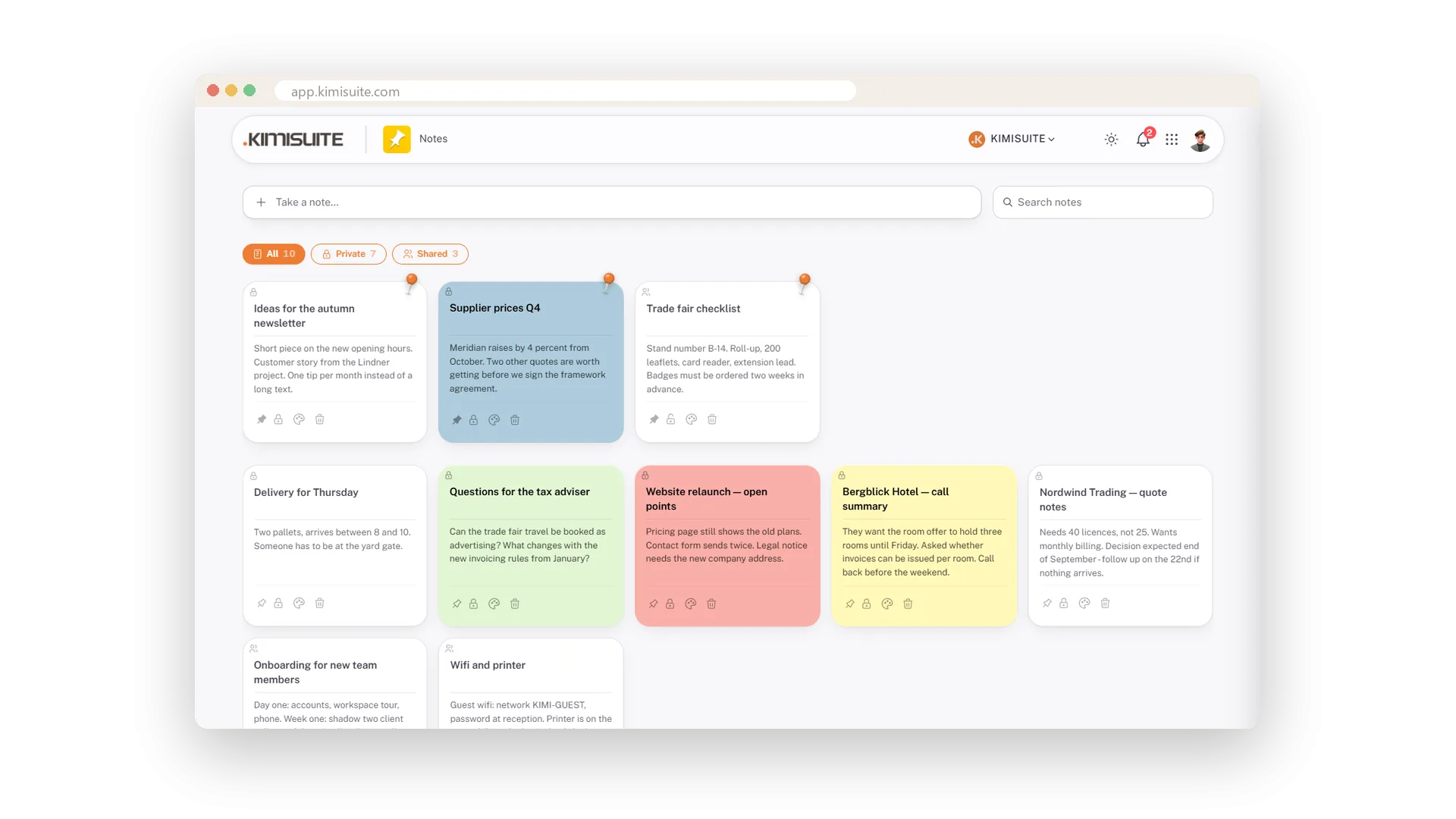
All cards the same height, newest first, nothing running out of its card. Pinned notes keep their own section on top.
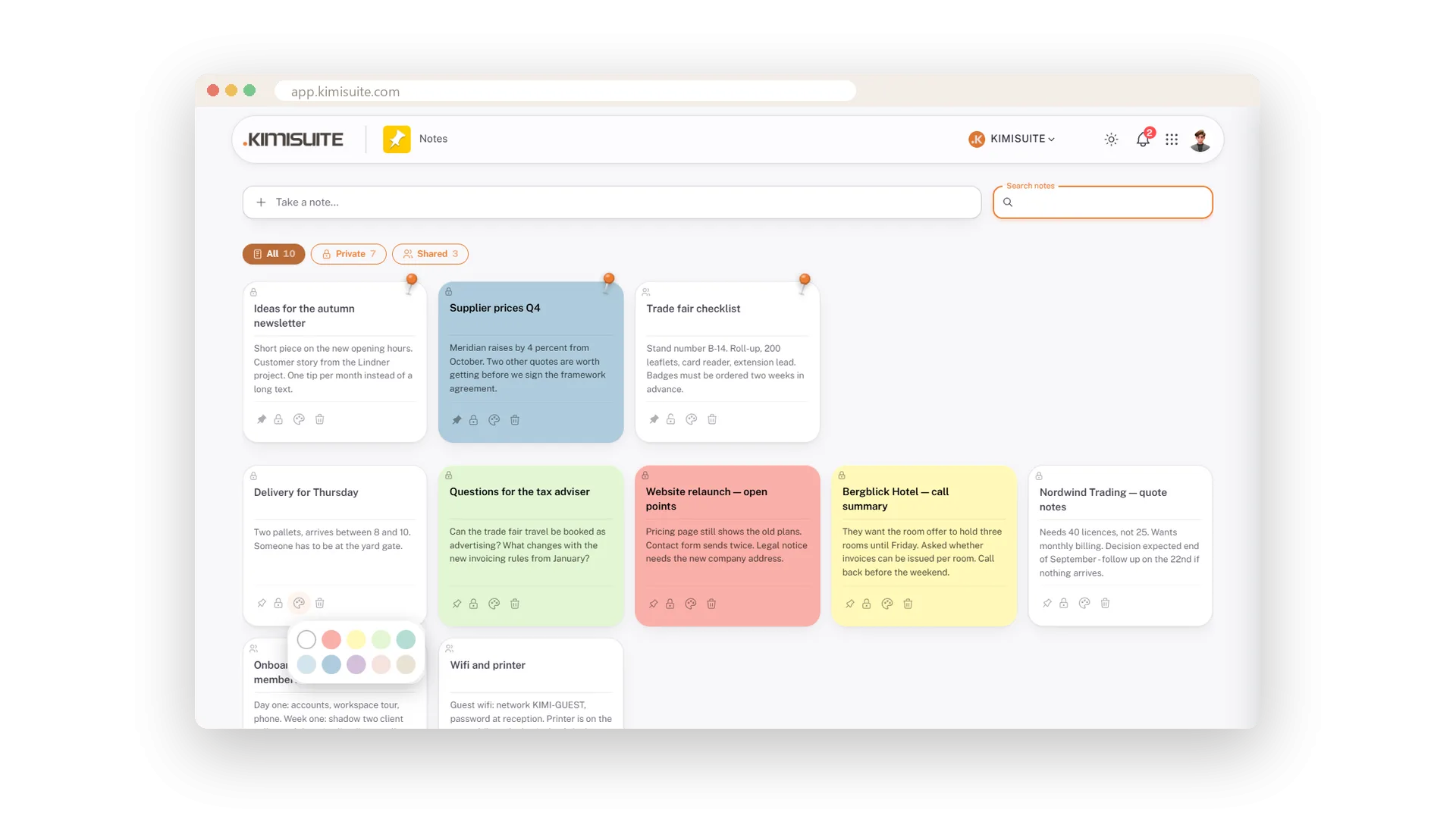
The whole card takes the colour, so the open points are red and the tax questions green without reading a word.
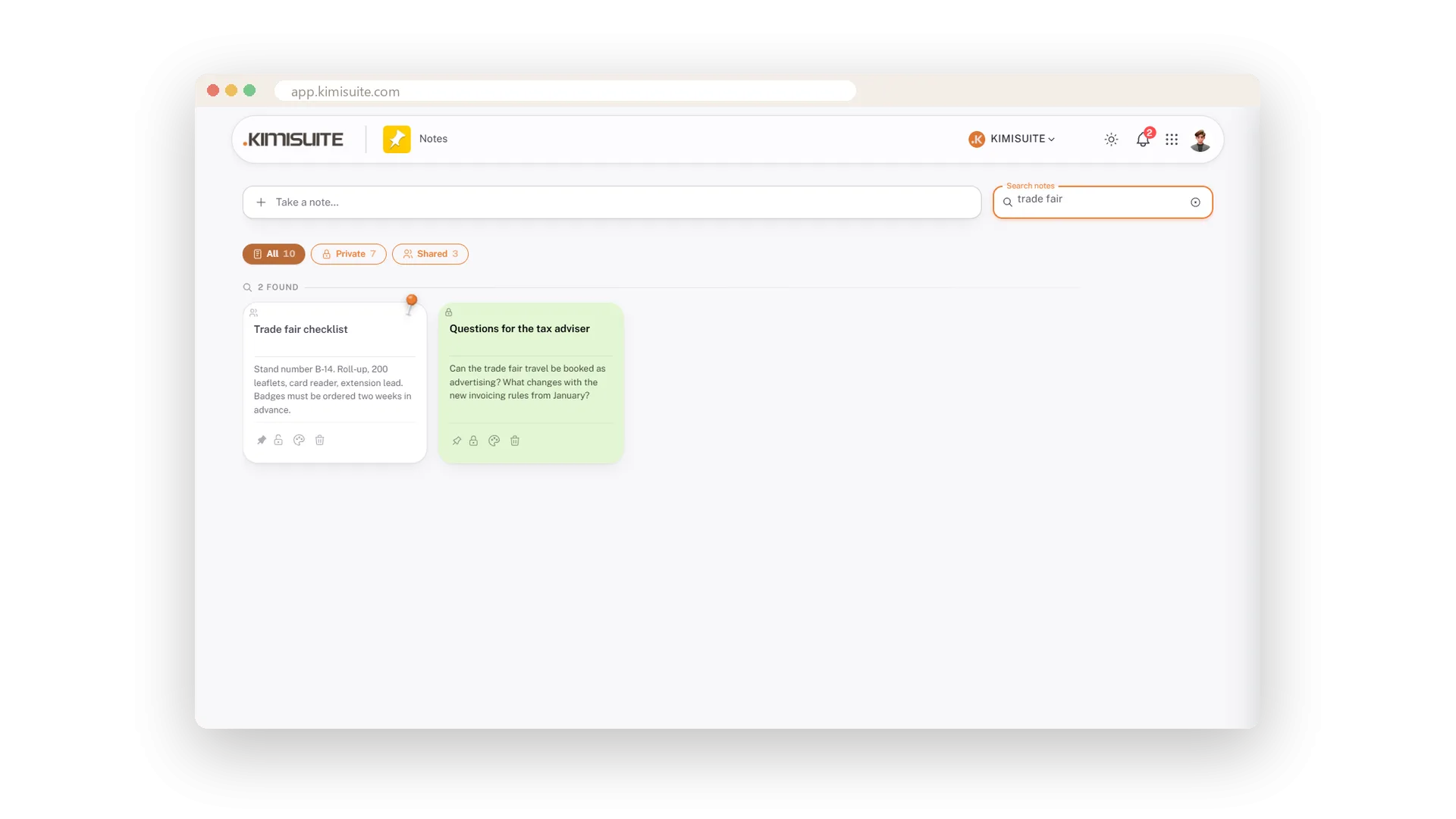
Titles and texts, ignoring case and accents, with a hit count. Two weeks later the note is one word away.
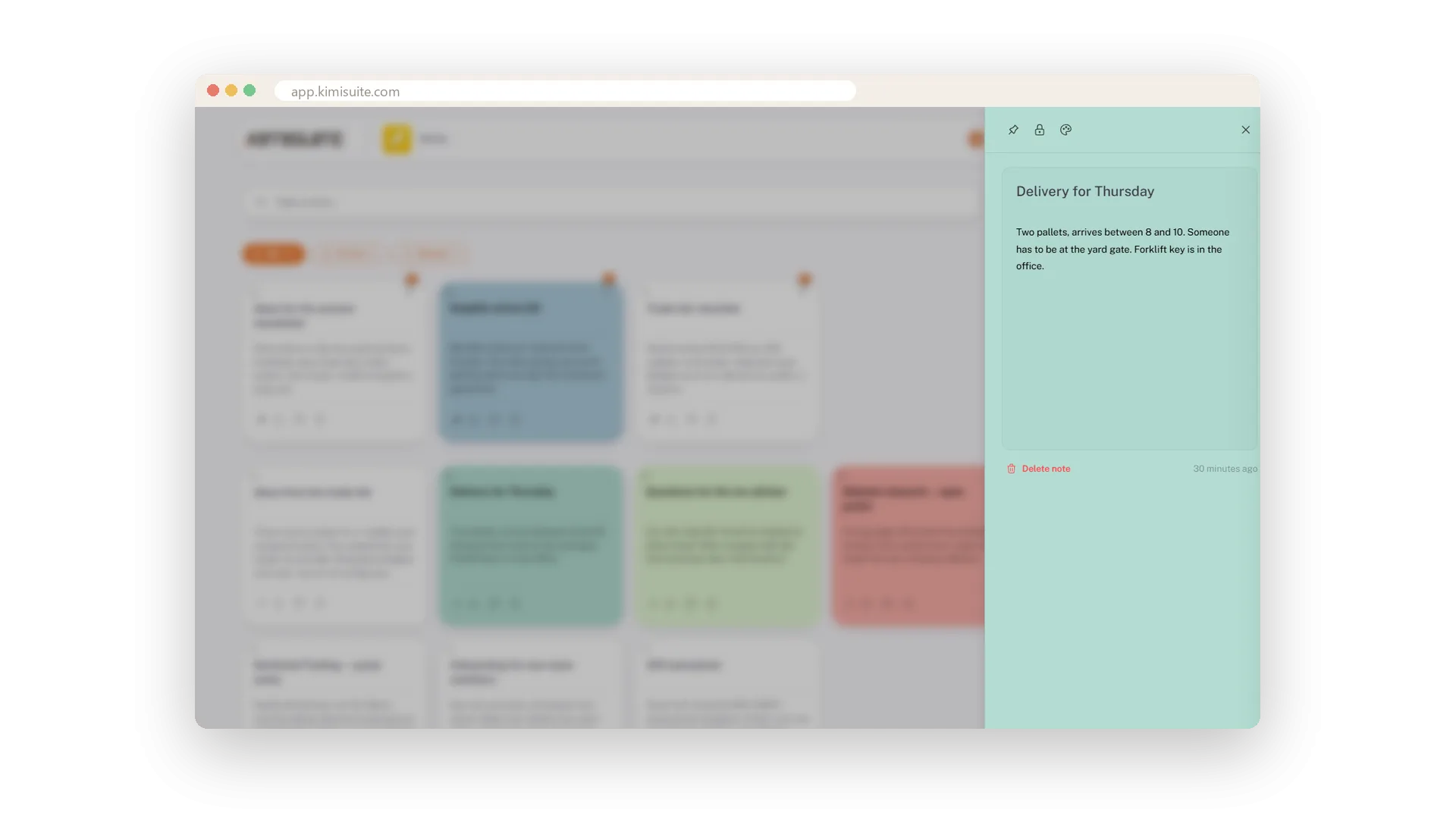
A click opens the card in a drawer; click any word and you are typing right there. It is saved when you leave the field - by mouse or keyboard.
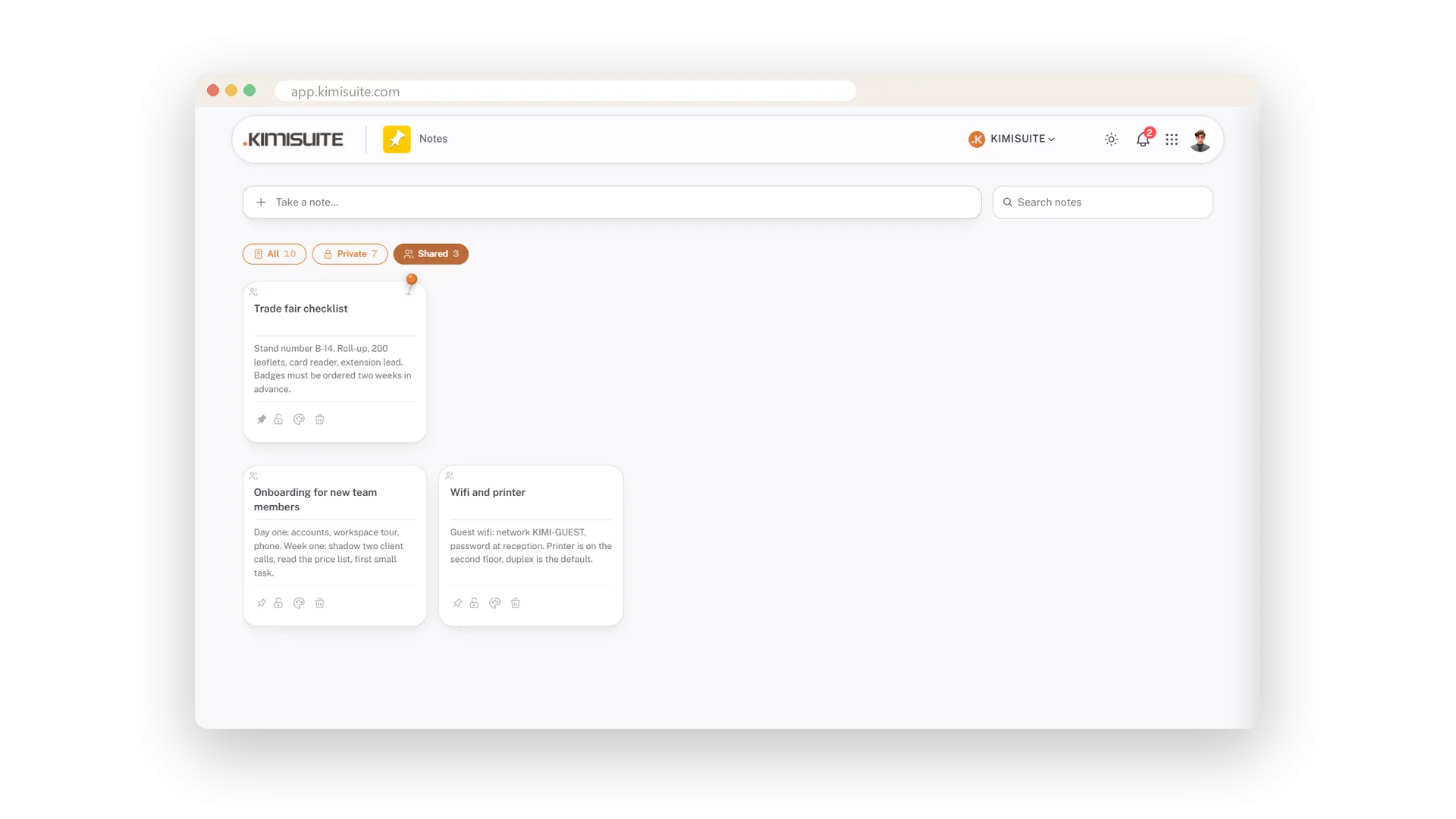
New notes are private. One click on the lock shares a note with the workspace; All, Private and Shared filters keep them apart.
See it in action
Features Built for Growth
Everything you need to scale your business
Notes
FAQ
Common questions about Notes answered clearly.
Ready to See It in Action?
Discover how KIMISUITE connects growth, automation and AI into one unified system.
Take Your Business to The Next Level!
Stop paying for tools you barely use. Start running your business on KIMISUITE.
Free in every workspace · No trial, no time limit
