 Part of Notes
 Notes you actually find again
Write it in two seconds, find it in one - cards, not clutter
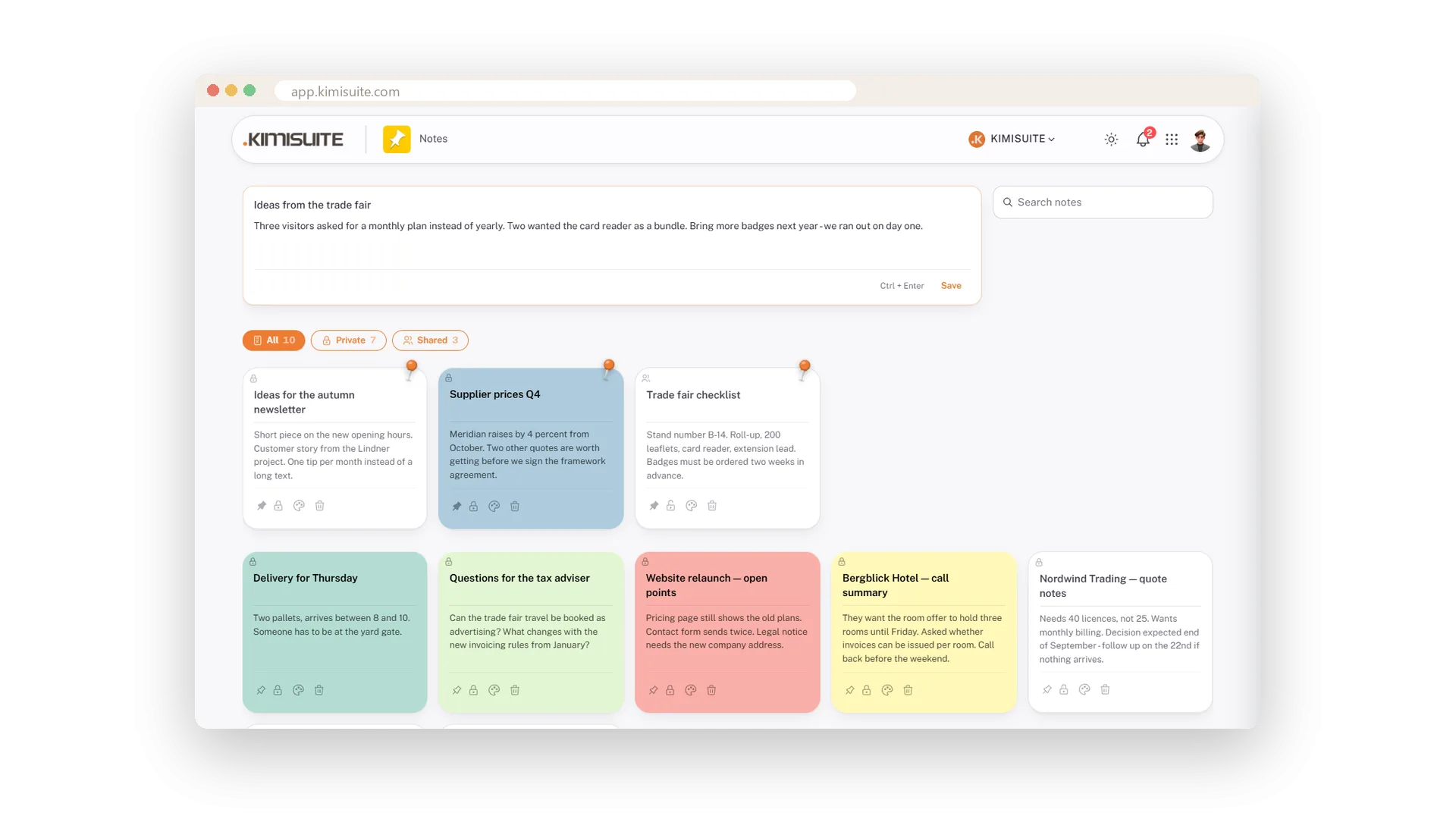
The room number a customer mentioned, the price a supplier quoted on the phone, the idea you had on the way in: write it down before it fades. Click Take a note, type, press Ctrl and Enter - done, no mouse needed. Every note is a card on a board, newest first, all the same size, nothing runs out of its edge.
Colour the cards so the tax questions are green and the open points red. Pin the ones that must stay on top. Two weeks later, type a word into the search and the notes that mention it appear while you type, accents and capitals ignored. Open a card, change the text, and it is saved the moment you leave the field. On the phone the cards stack in one column with the same search and filters.
Key Benefits
Write with the keyboard: Take a note, type, Ctrl and Enter - a title alone will do
Search titles and texts as you type - accents and capitals do not matter
Ten pastel colours and a pin for the notes that must stay on top
Open a card, change it, done - saved when you leave the field
Cards, not a list
Every note the same size, newest first, nothing cut off
Notes are cards on a board: all the same size, newest first, readable left to right. You see twelve notes at a glance instead of scrolling a list.
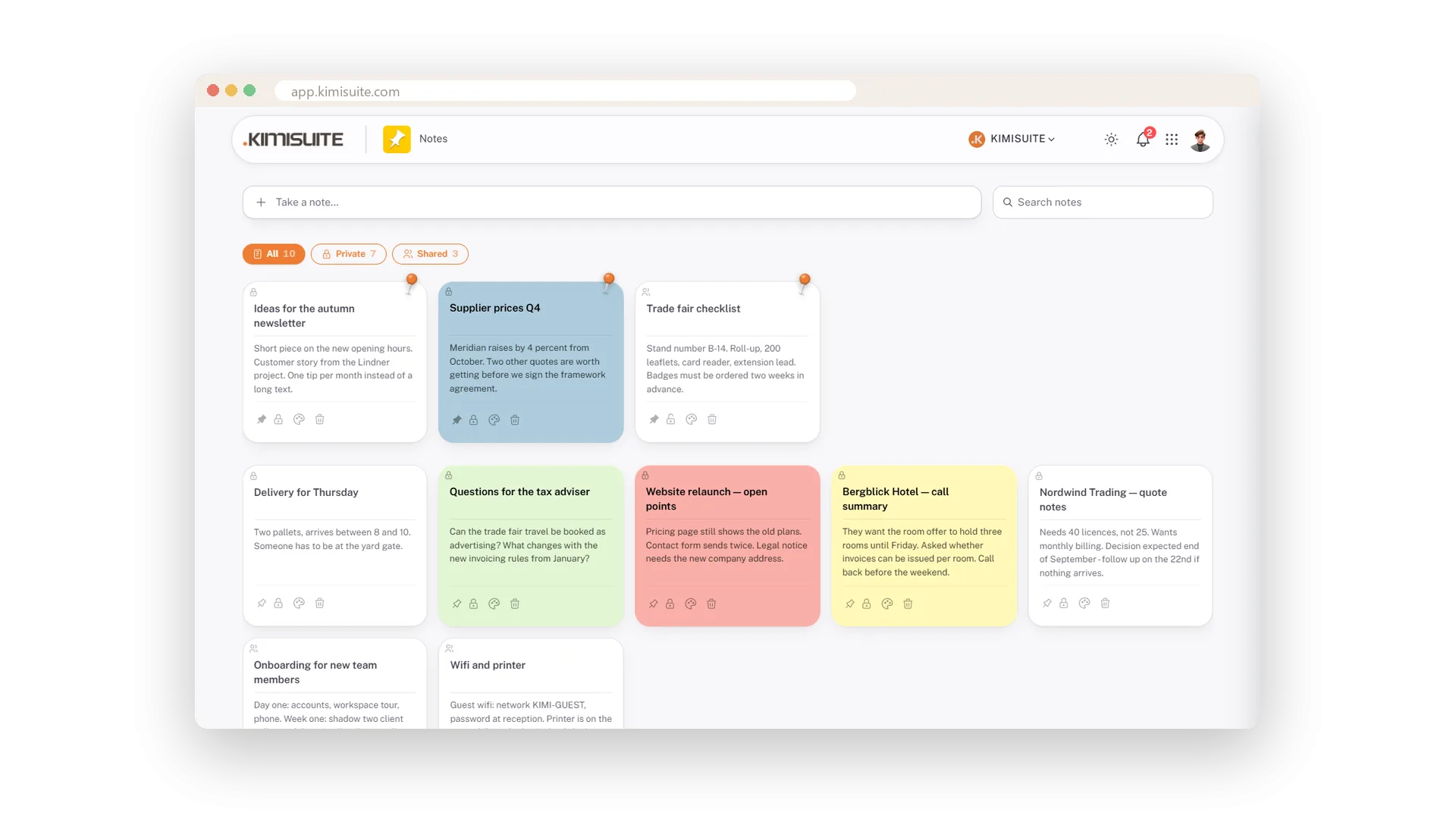
Pin what matters
Pinned notes keep their own section at the top
The wifi password, this week's priorities, the number you keep looking up: pin them and they sit in their own section at the top of the board, in every filter.
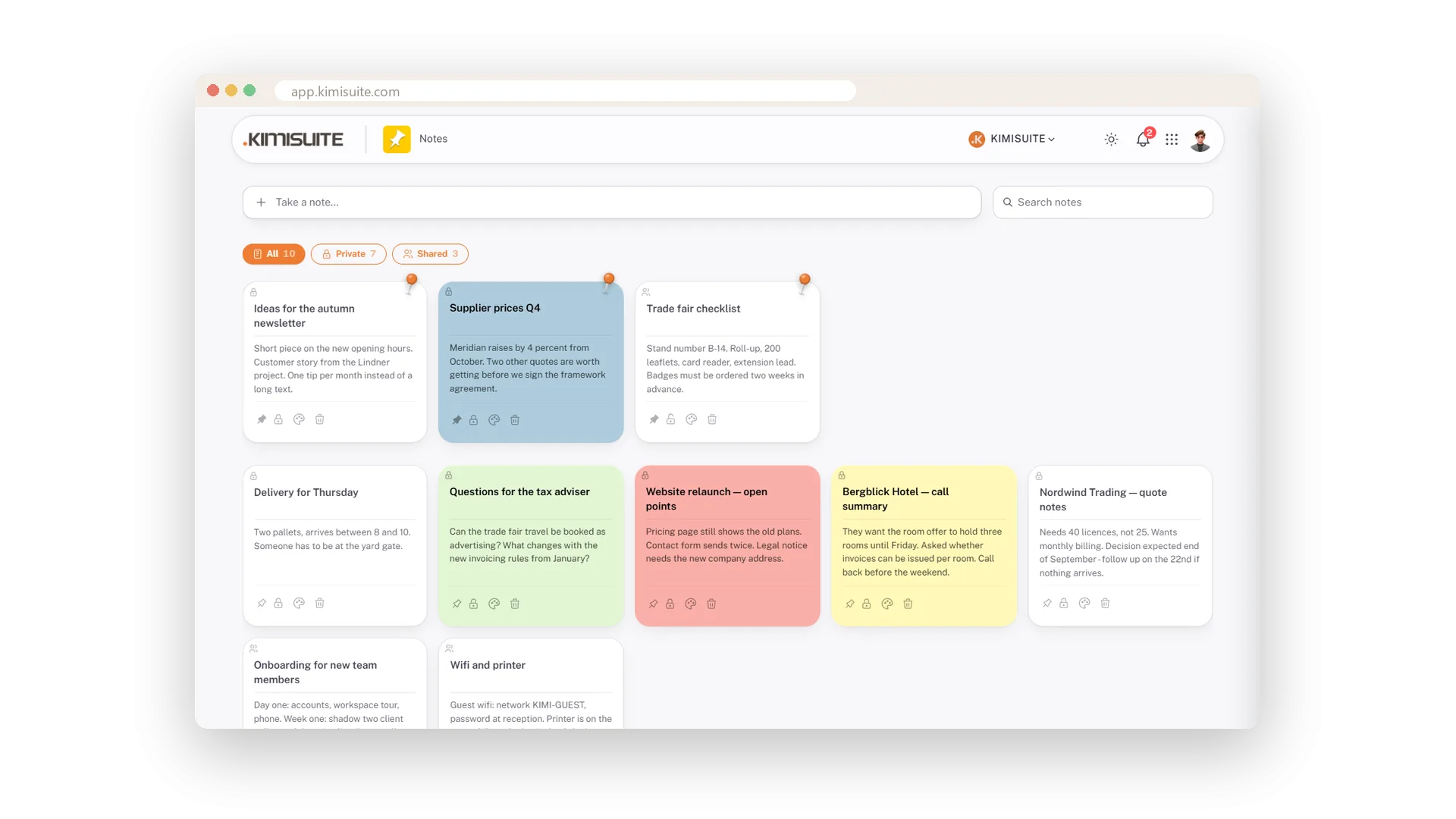
Colour says it before you read
Ten pastel colours for the whole card
Give a note one of ten pastel colours and the whole card takes it. Green for tax, red for open points, blue for ideas - you find the right note without reading a word.
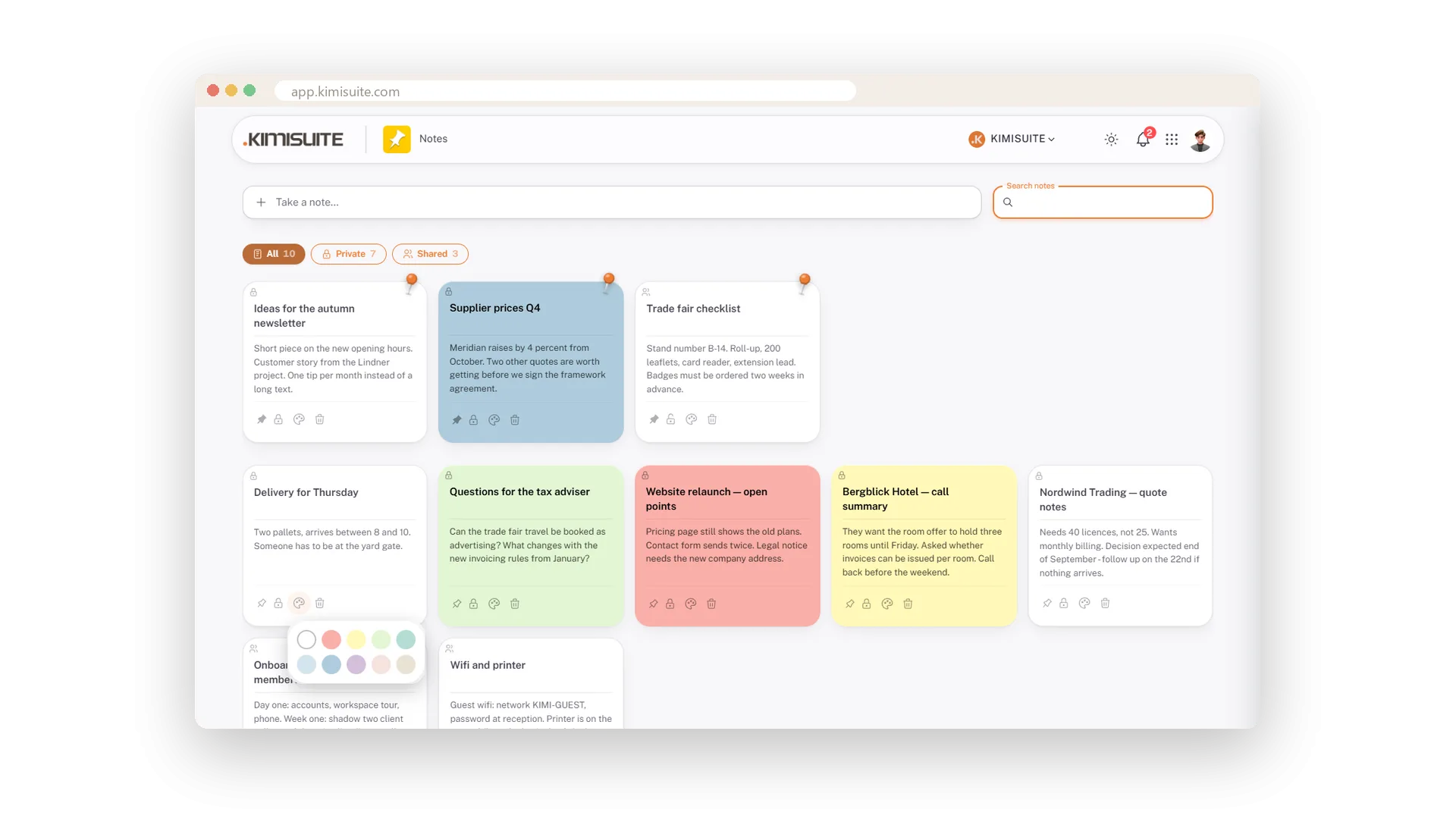
Open, change, done
Title and text editable in place, saved when you leave the field
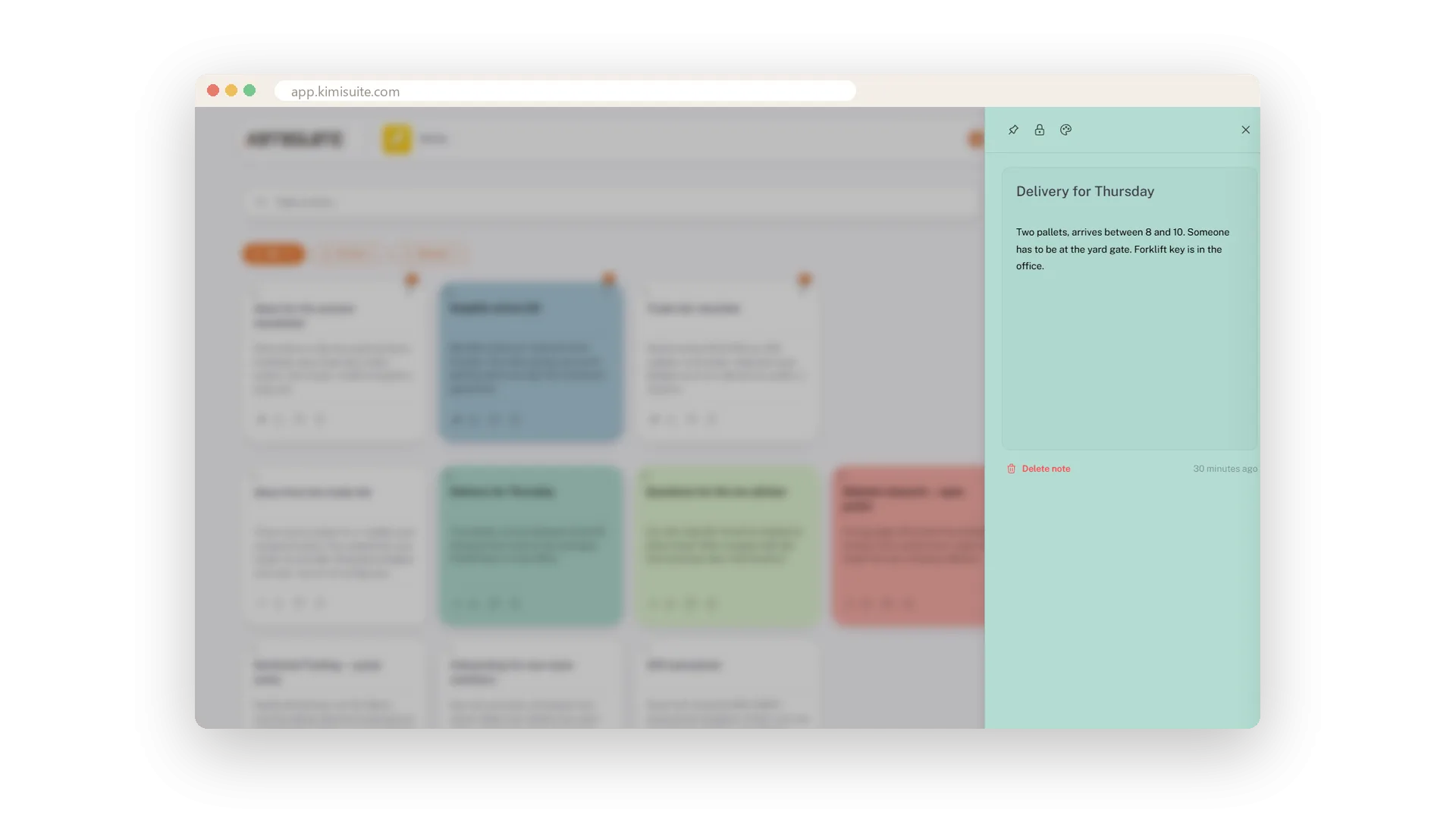
Click a card and it opens beside the board in its colour. Click any word and you are typing right there - with the mouse, or with Tab and Enter if you prefer the keyboard - and it is saved when you leave the field. Pin, lock and colour sit at the top, Delete note at the bottom.
Find it by typing
Titles and texts, as you type, with a count
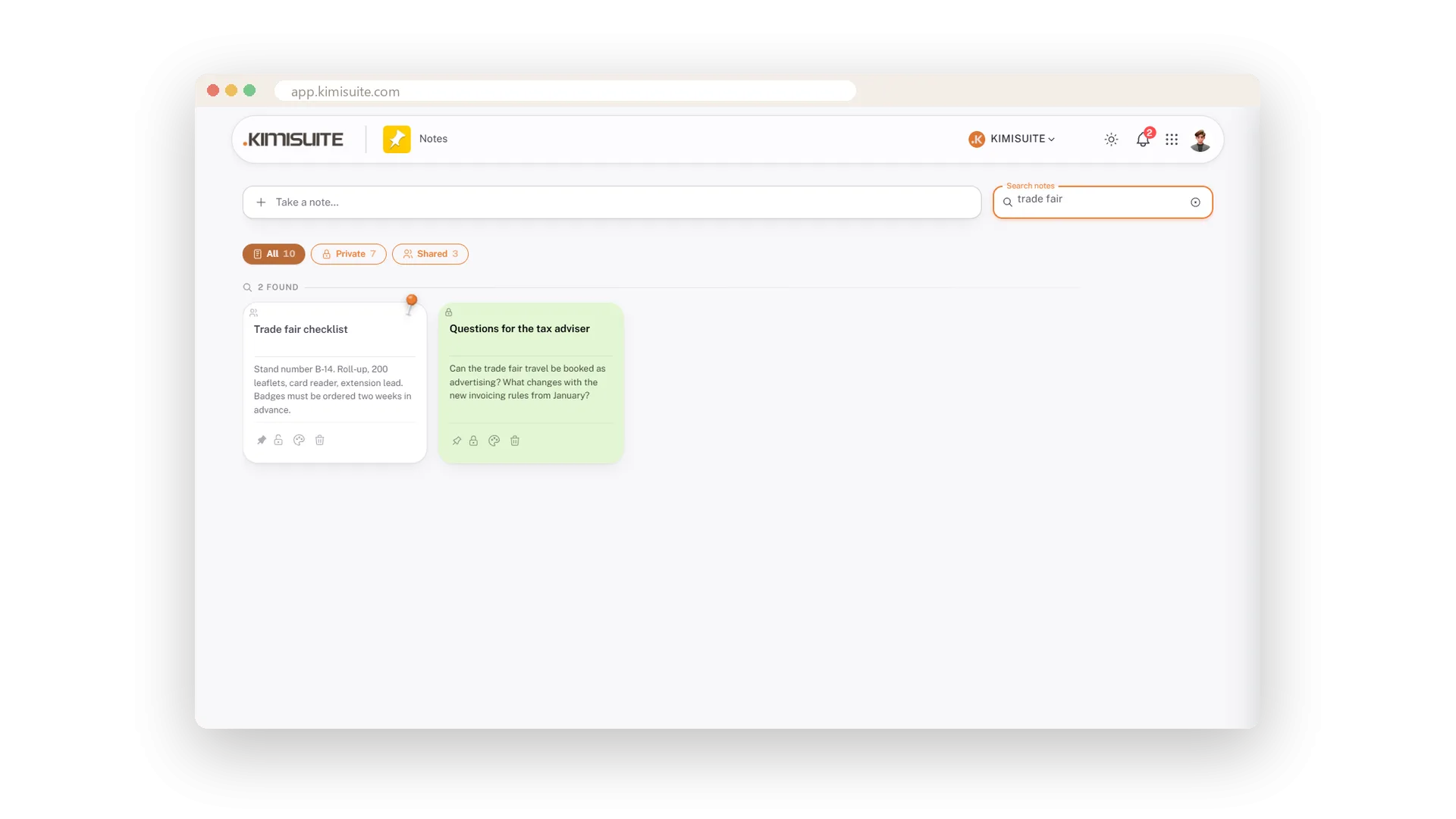
Type a word and the board shrinks to the notes that mention it - in the title or in the text, while you type, whether you wrote Café or cafe. The count tells you how many.
Notes on the phone
Cards stacked, search and filters stay on top
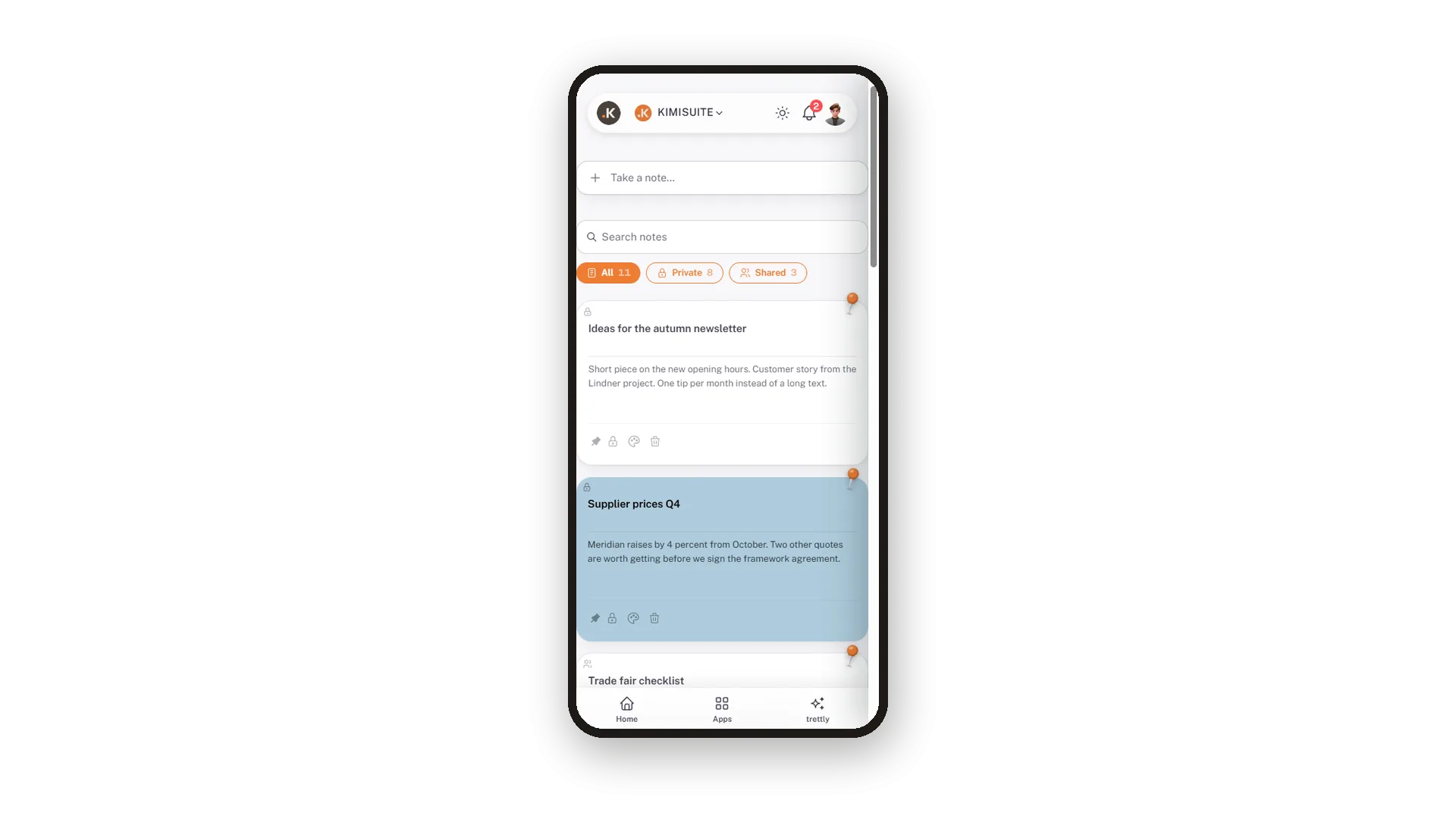
On the phone the cards stack in one column. Search and the All, Private and Shared filters stay at the top, so the note you need is two taps away.
Use Cases
The call summary before it fades
The hotel wants the room offer to hold three rooms until Friday. Take a note, Ctrl and Enter, and it is on the board before the next call.
Finding it again two weeks later
Type trade fair into the search. The two notes that mention it are there, with the count.
A note that keeps growing
Open the quote notes for a customer and add the new figure. The text is editable in place and saved on the spot.
FAQ
Try Notes today
Quick notes as cards, private or shared, free in every workspace
Free of charge, in your own workspace, ready in a minute.
