
A task list you understand in ten seconds
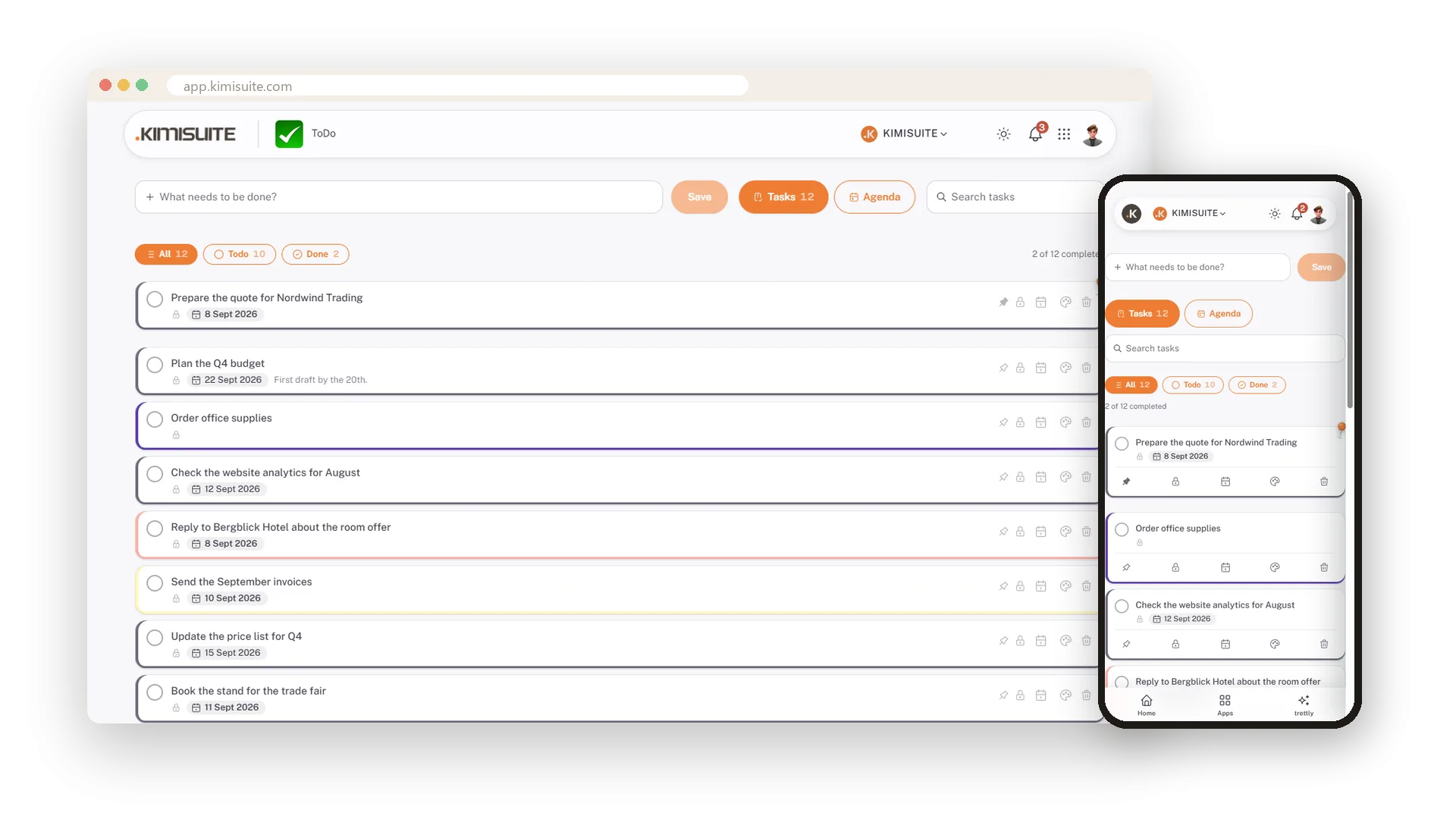
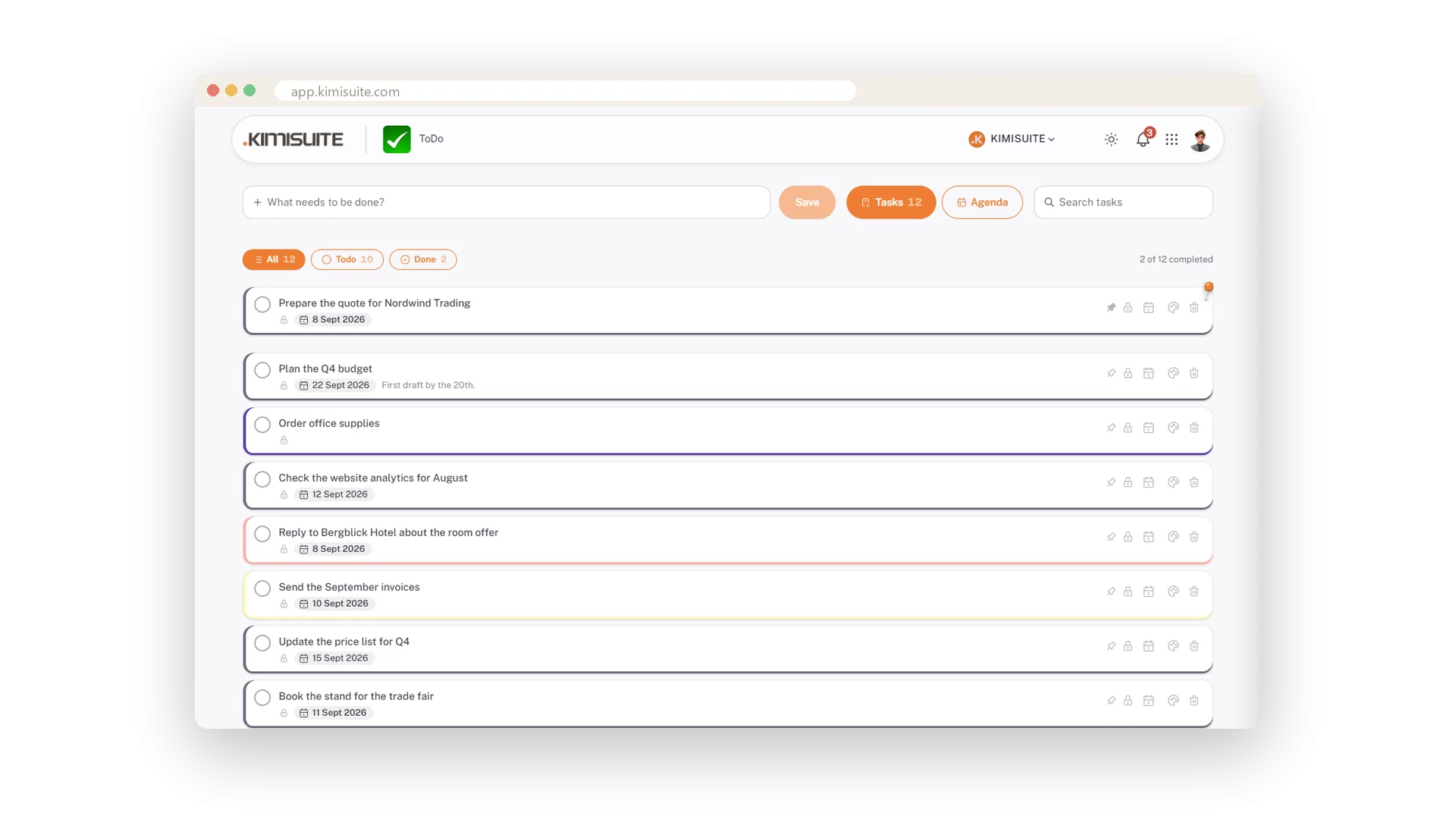
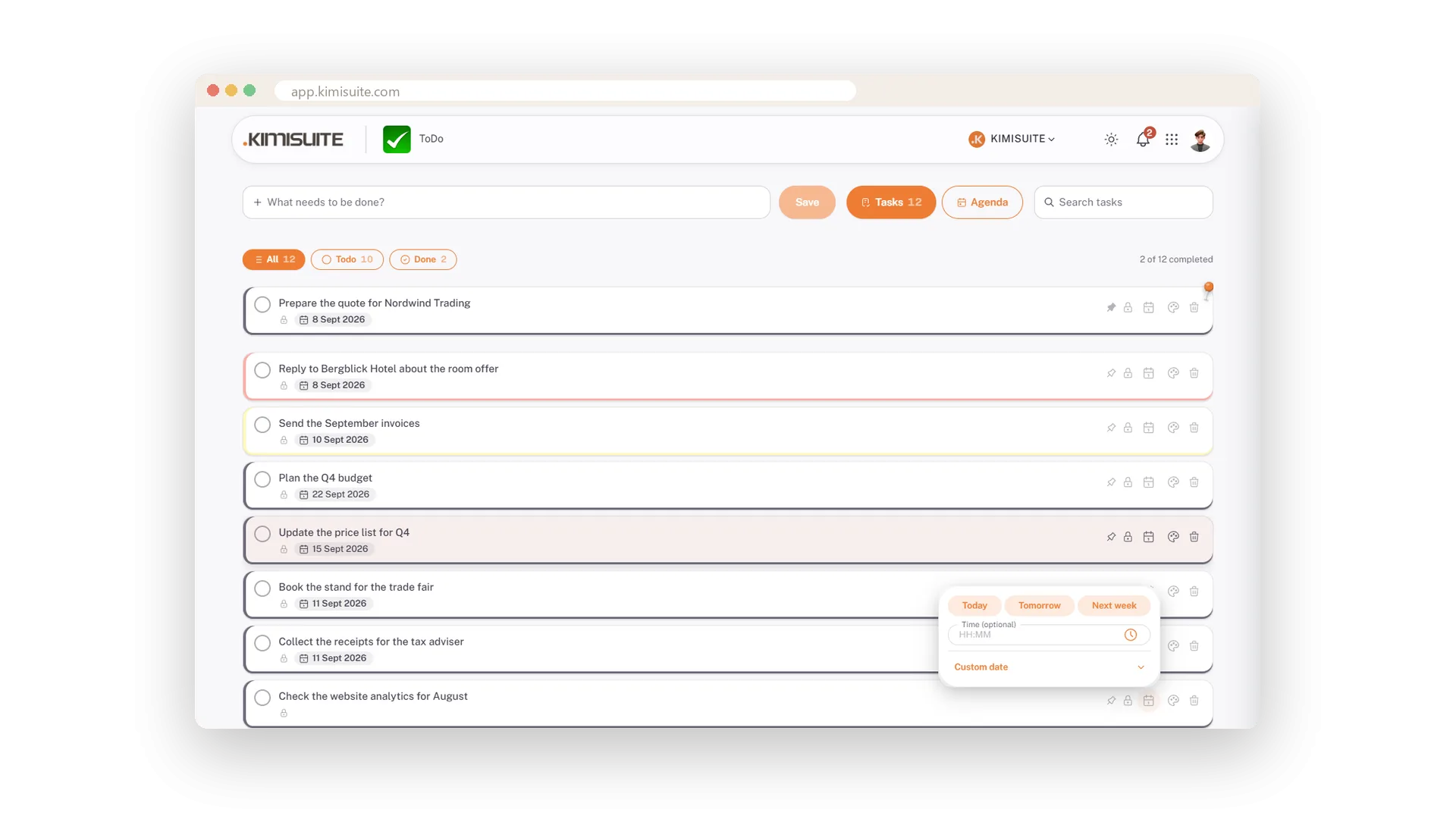
One field, one line per task, five buttons beside it. Deadline with time, ten colours, a pin, private or shared. Open a task for a description; switch to Agenda for the week's appointments. Free in every KIMISUITE workspace.
What the task list does
Small on purpose. Teams that need projects, assignees and subtasks use the Task Hub.
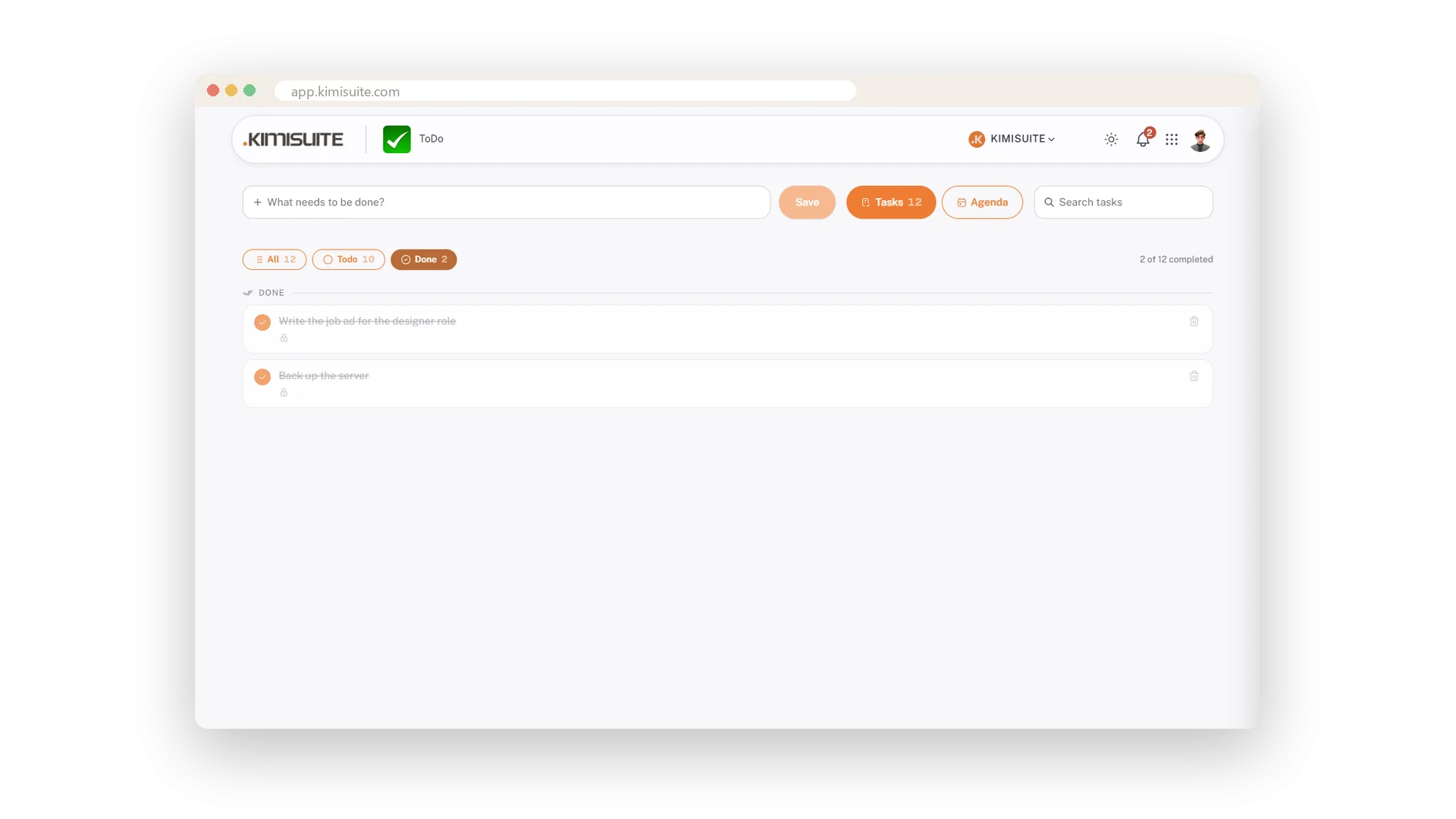
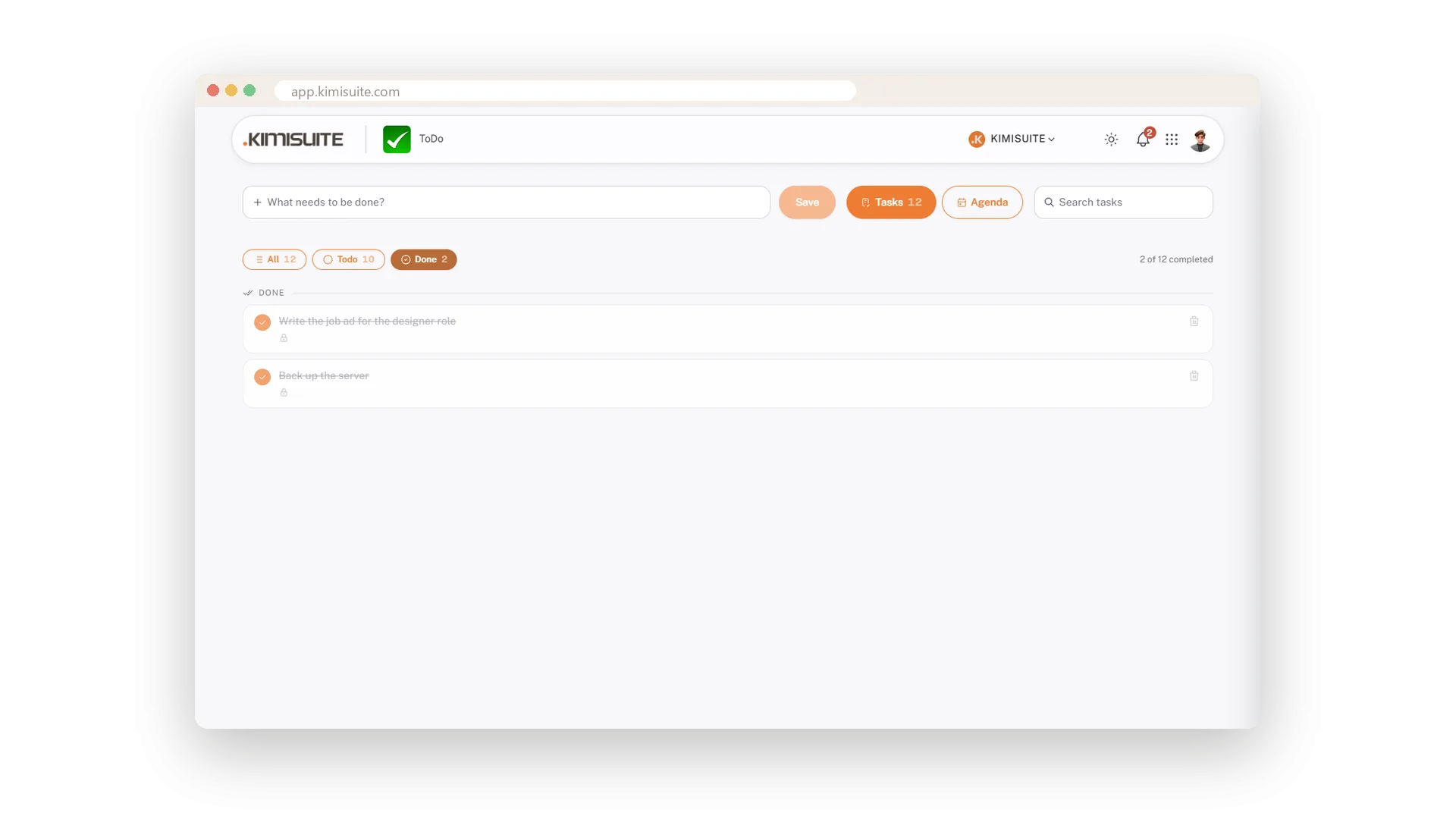
Type into the field, press Save. Tick the circle when it is done; done tasks move to their own filter.
Today, Tomorrow, Next week or any date, with an optional time. The task appears in the calendar on that day.
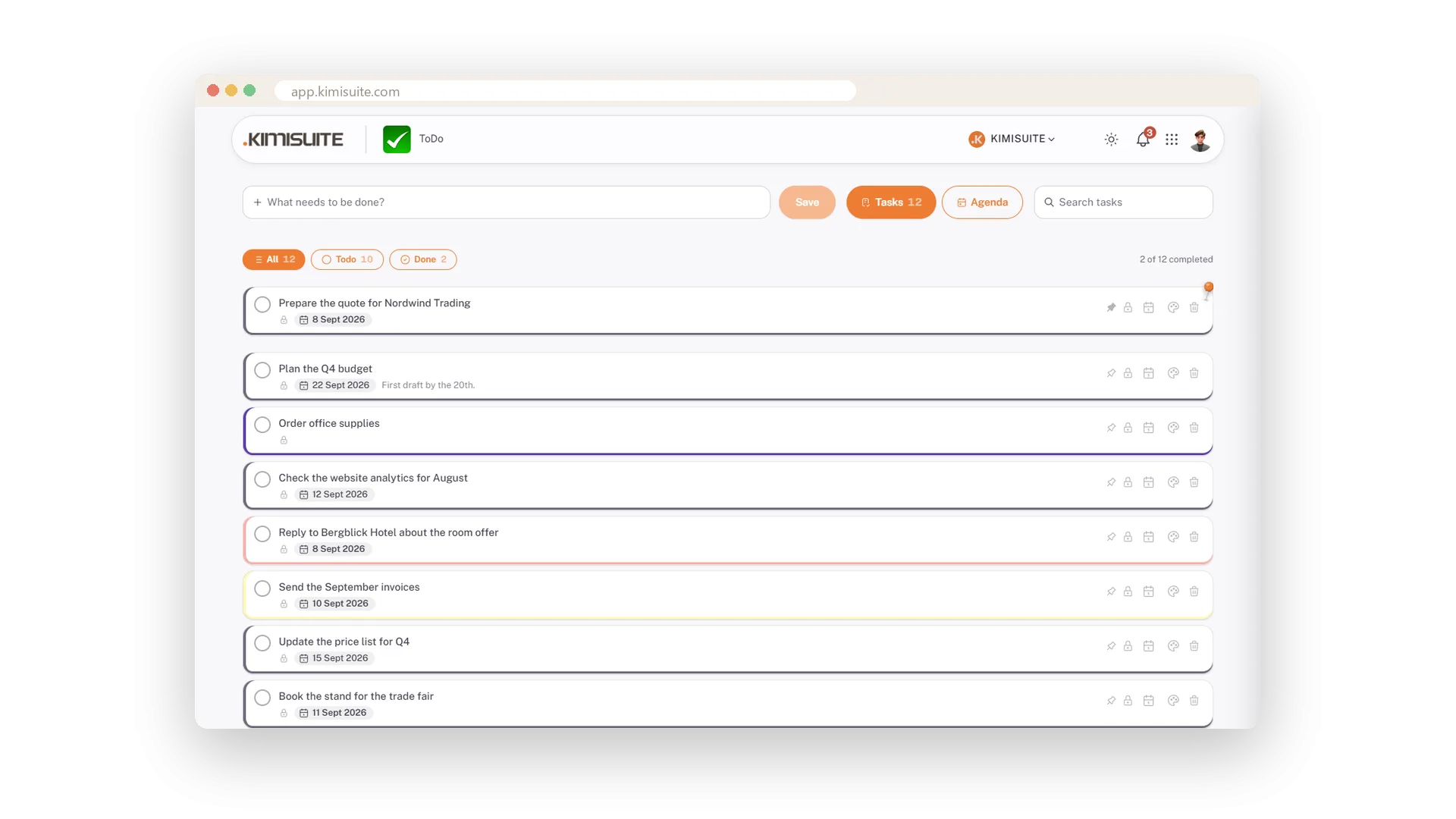
Ten colours tint the whole row; a pin keeps a task at the top.
New tasks are private. One click on the lock shares a task with the workspace, and the state is always visible.
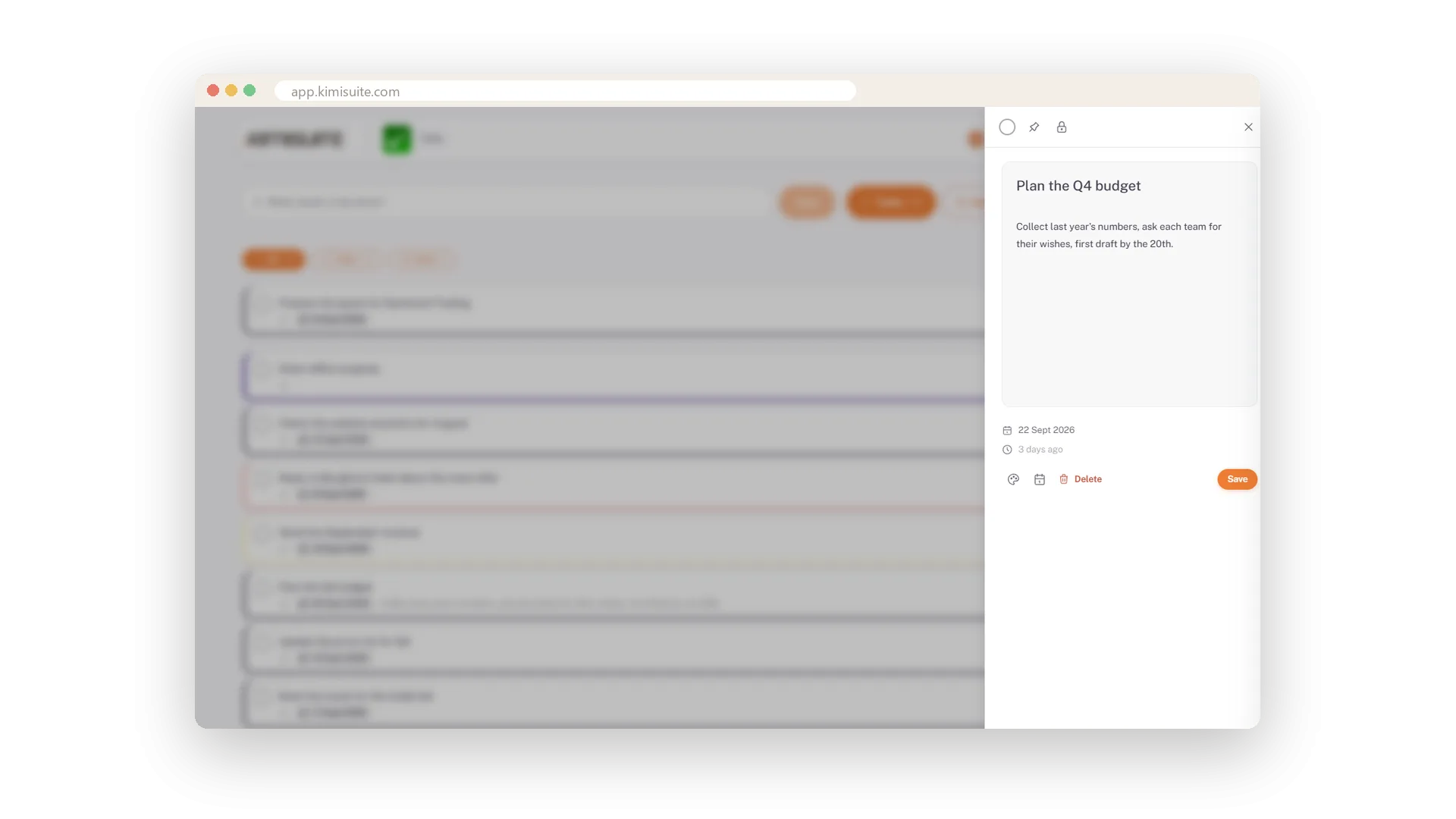
A click opens the task in a drawer: change the title, add up to 500 characters of description.
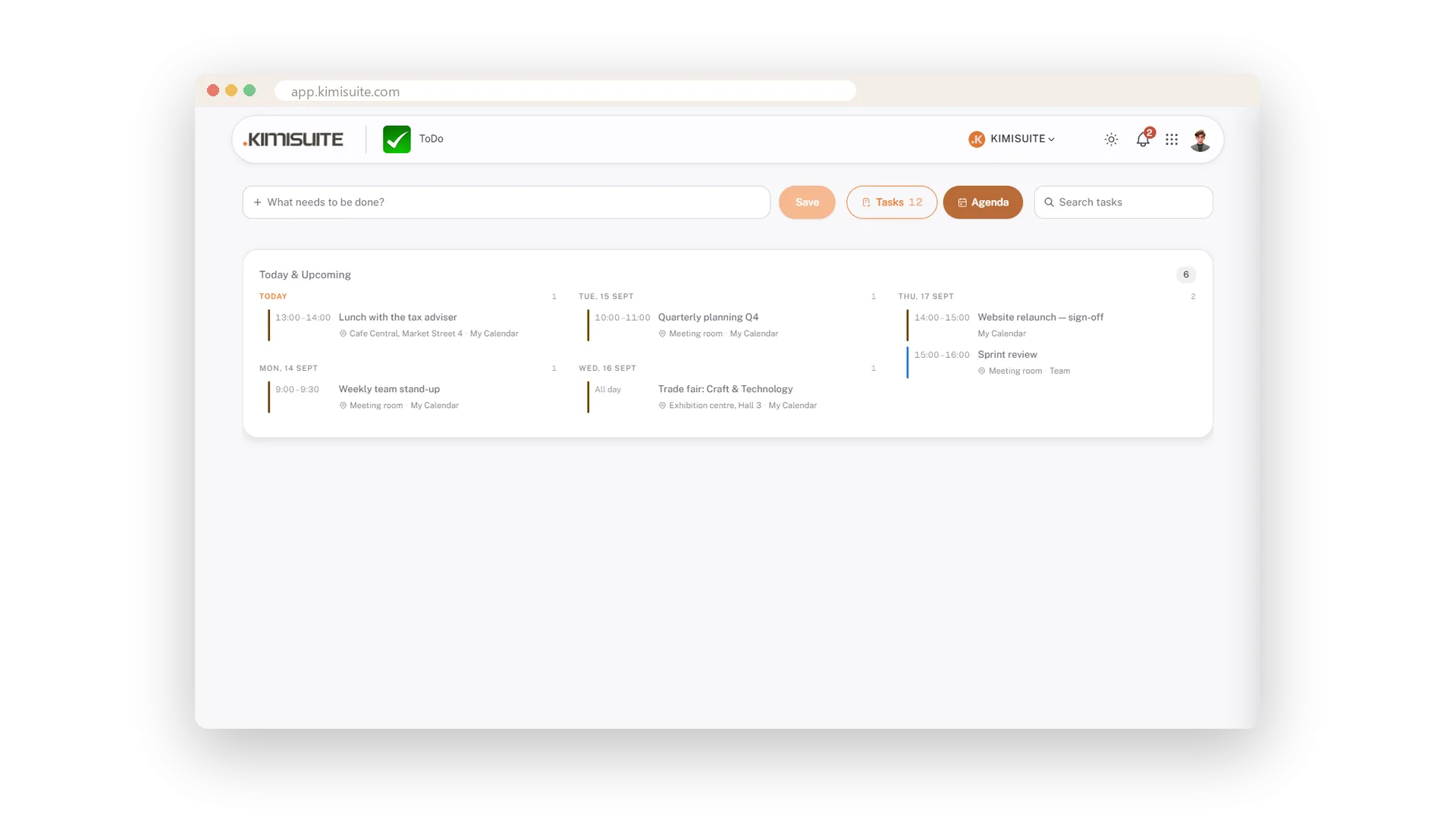
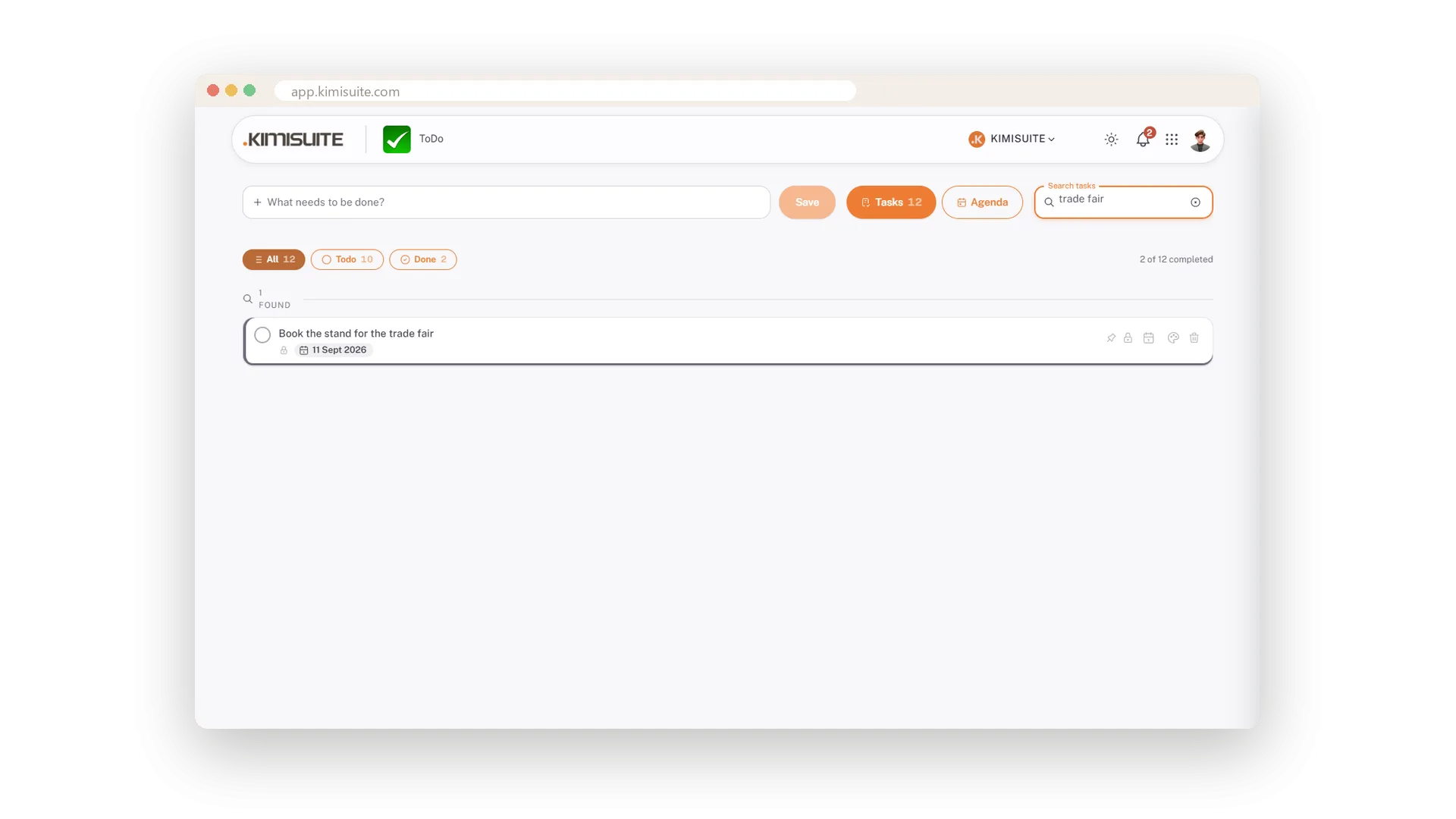
All, Todo and Done with counters, a live search, and an Agenda tab with the calendar's appointments for the week.
See it in action
Features Built for Growth
Everything you need to scale your business
Works with your other apps
One workspace. Data moves between the apps instead of being typed twice.

ToDo
FAQ
Common questions about ToDo answered clearly.
Ready to See It in Action?
Discover how KIMISUITE connects growth, automation and AI into one unified system.
Take Your Business to The Next Level!
Stop paying for tools you barely use. Start running your business on KIMISUITE.
Free in every workspace · No trial, no time limit
