 Part of ToDo
 The to-do list that takes ten seconds to learn
Type it, save it, tick it off - deadline, colour and pin too
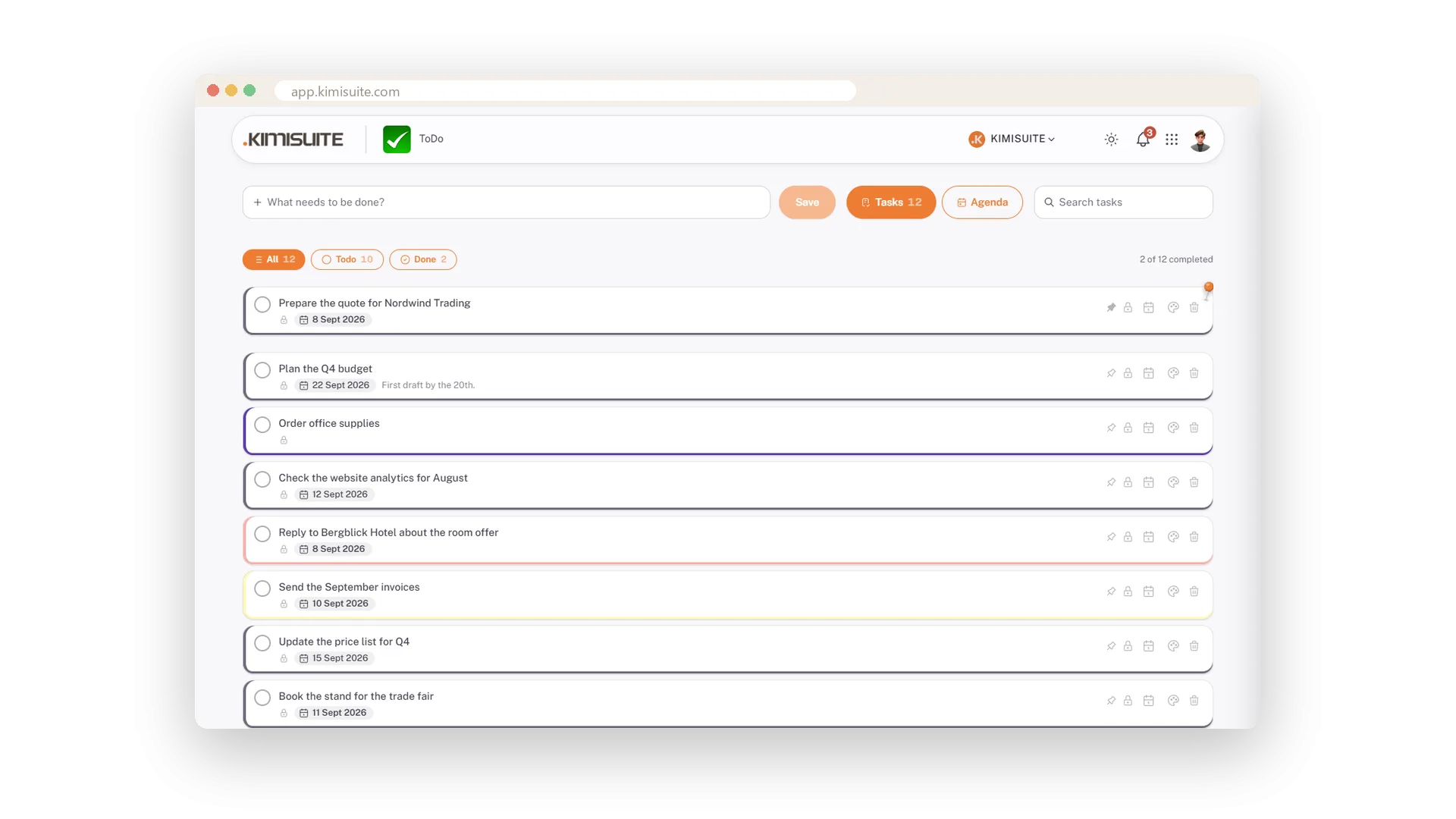
Some things do not need a project tool. The quote you promised for Friday, the receipts to collect, the domain to renew. ToDo is one field: type what needs doing, press Save, and the line is on your list. Tick it off when it is done and it moves out of the way.
Each line carries exactly what a task needs: a deadline with Today, Tomorrow, Next week or any date and time, one of ten colours that tint the whole row, a pin that keeps it on top, and a lock - private until you share it with the workspace. Miss a deadline and its chip turns red; today's shows in orange. Need a few more words? Open the task and add a description; it shows under the title. Included in every KIMISUITE workspace. For projects, assignees and subtasks there is the Task Hub.
Key Benefits
One line per task: type it, save it, tick it off
Deadline with Today, Tomorrow, Next week or any date - red once it is overdue
Ten colours that tint the whole row, and a pin that keeps a task on top
Private by default; one click on the lock shares a task with the workspace
Tick it off
Done tasks move out of the way, one click brings them back
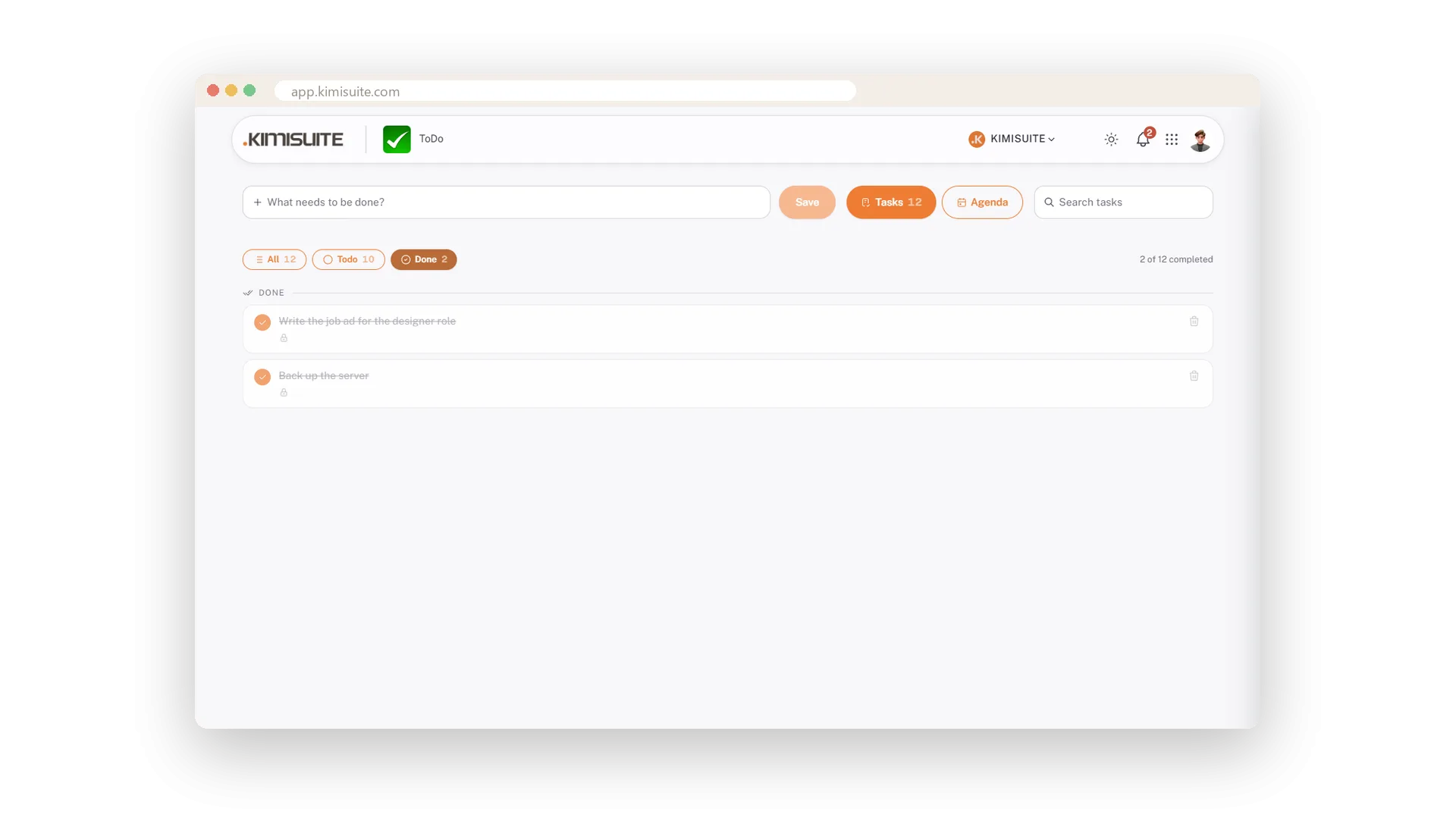
The circle on the left marks a task as done. It is struck through and moves to the Done filter, so the open list stays short - and one click on Done shows what you got through.
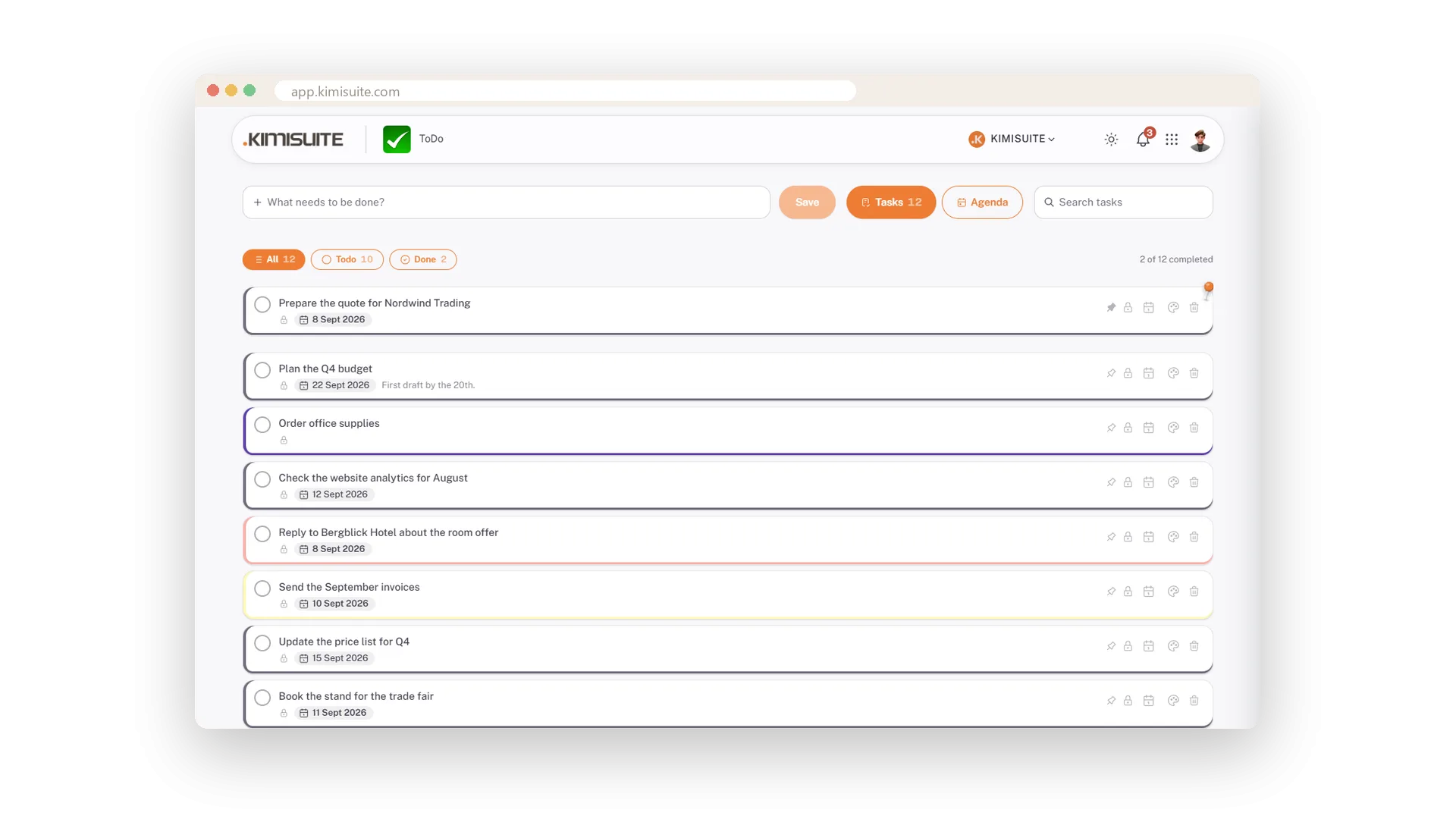
Pin the one that matters
Pinned tasks stay at the top
The task for today, the one you must not forget: pin it and it stays at the top of the list, whatever else you add.
Private or shared, always visible
A lock by default, a people icon when shared
New tasks are yours. Click the lock and the task is visible to the workspace - the people icon under the title tells you so at a glance. Click again and it is private.
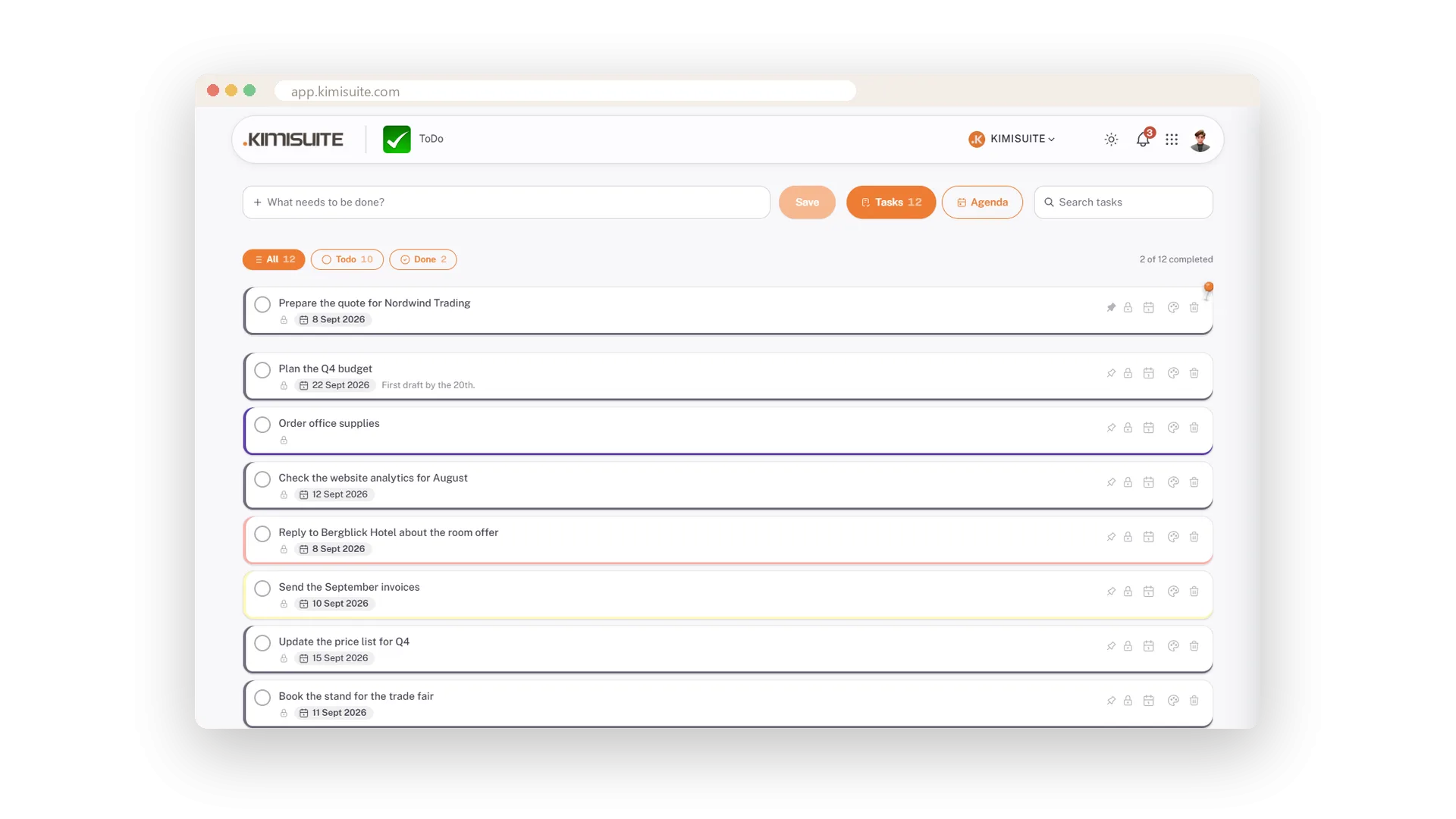
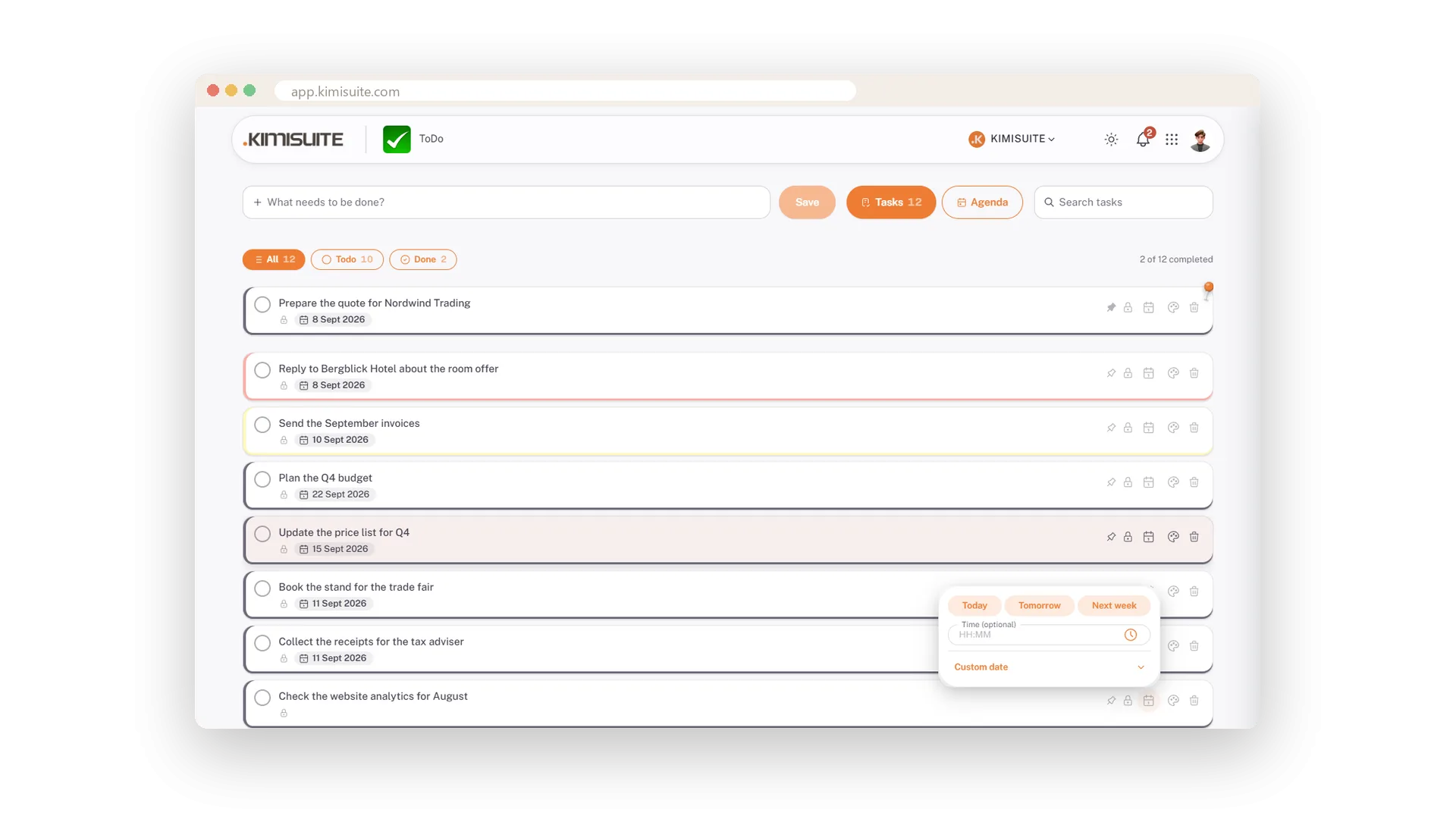
A deadline in two clicks
Today, Tomorrow, Next week or any date - with a time
Click the calendar, choose Today, Tomorrow, Next week or a date, add a time if it matters. The deadline sits as a chip under the title - orange on the day, red once it has passed - and the task shows up in your calendar on that day.
Colour the row
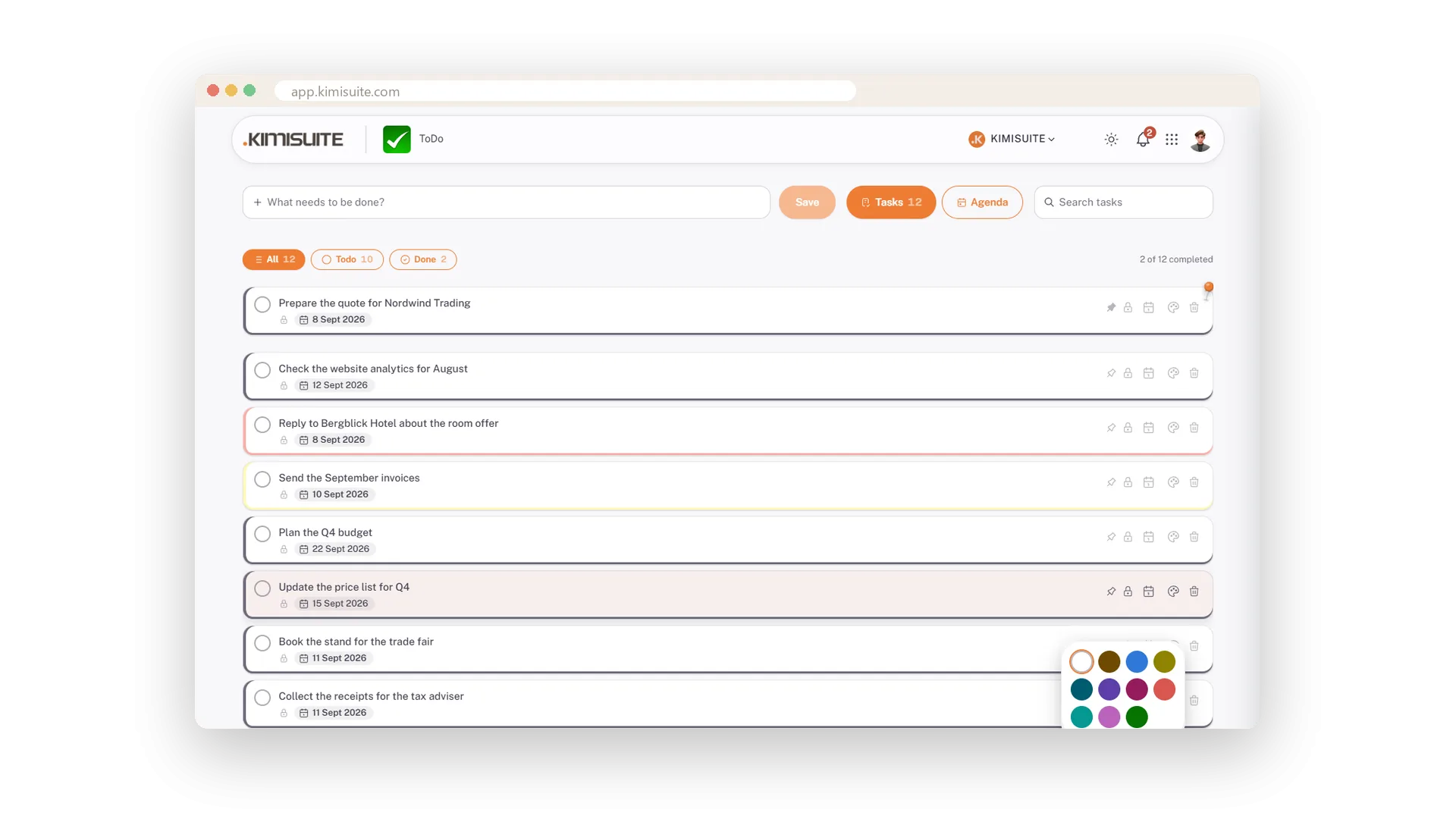
Ten colours - a red line stands out in a list of white ones
Give a task one of ten colours and the whole row takes it: the left edge and the background. Urgent in red, waiting in yellow - you see it before you read it.
Open it and say more
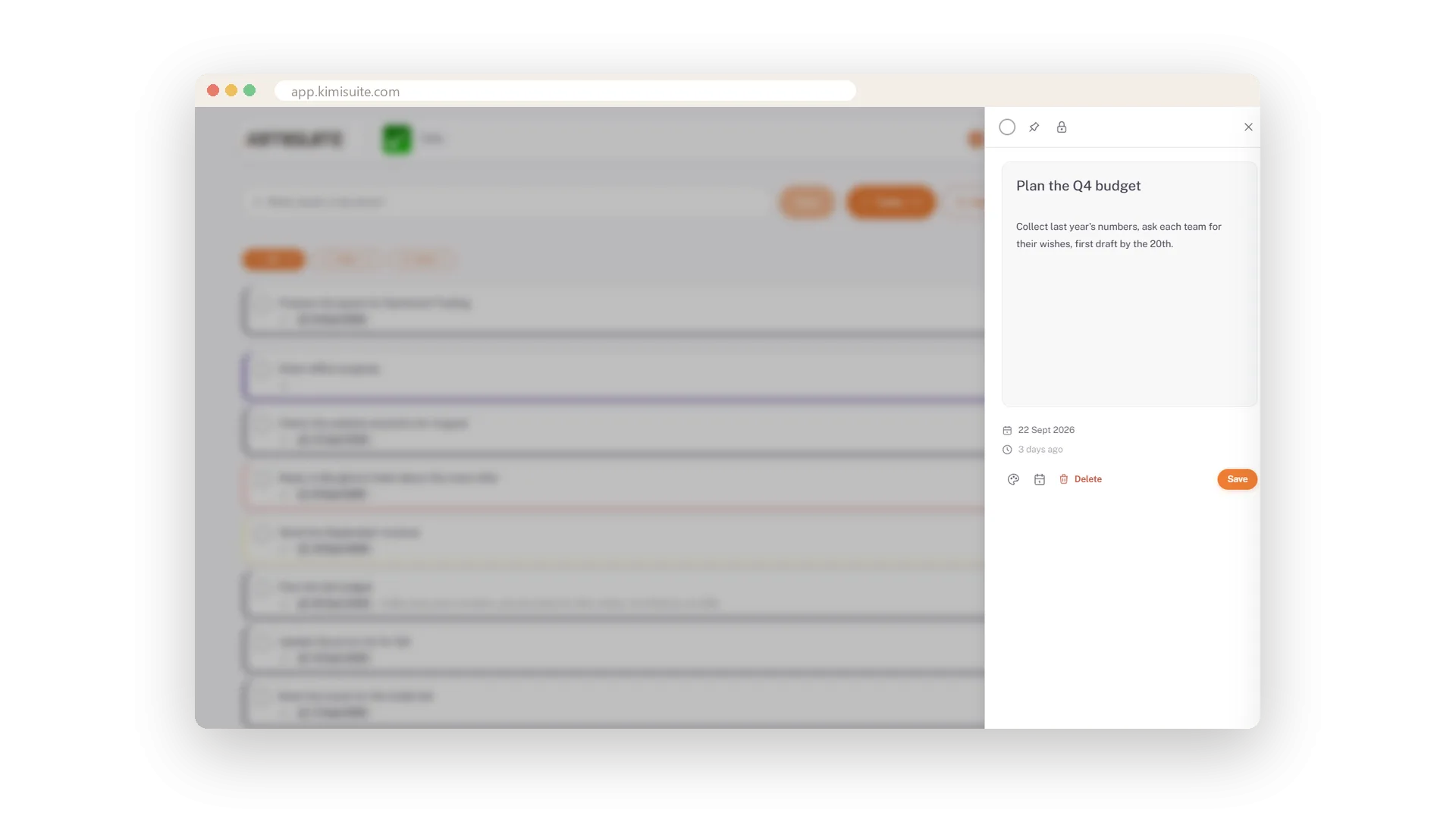
Title, description and the details in one place
Click a task and it opens beside the list: change the title, add a description of up to 500 characters, set the deadline and the colour. The description then shows under the title in the list.
Use Cases
The list in your head, written down
Quotes to send, receipts to collect, a domain to renew. Each becomes a line with a date, and the calendar shows it on its day.
One task the whole team should see
Open the lock on the task. It shows a people icon and every colleague sees it - no message, no e-mail.
A task that needs a few more words
Open it and write what has to be collected before the draft. The description shows under the title in the list.
FAQ
Try ToDo today
The small task list, free in every workspace
Free of charge, in your own workspace, ready in a minute.
