
Team
Everyone on your team, in one place.
A directory with a profile for every person, members and roles managed in the same app, and a public team page for the people who agree. Free in every KIMISUITE workspace.
Who sees which app: roles and access for your team
Watch how everyone gets a profile with a photo, a position and a department, and how you find the right person by department, location or position. You create a role that decides app by app who may do what, invite a new colleague by e-mail, and they see only the apps their role allows. If you like, you publish a team page for your website.
What Team does for your workspace
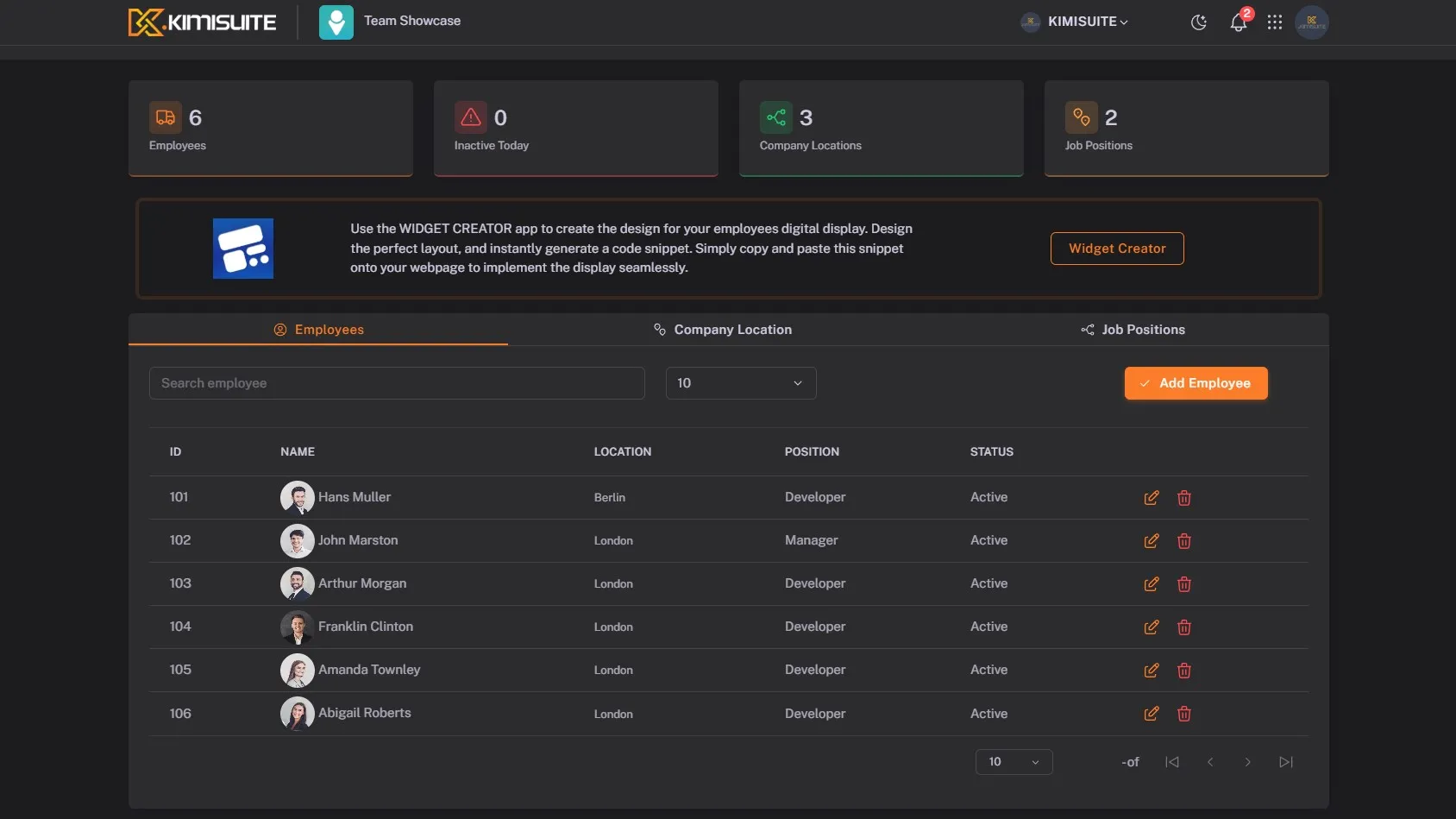
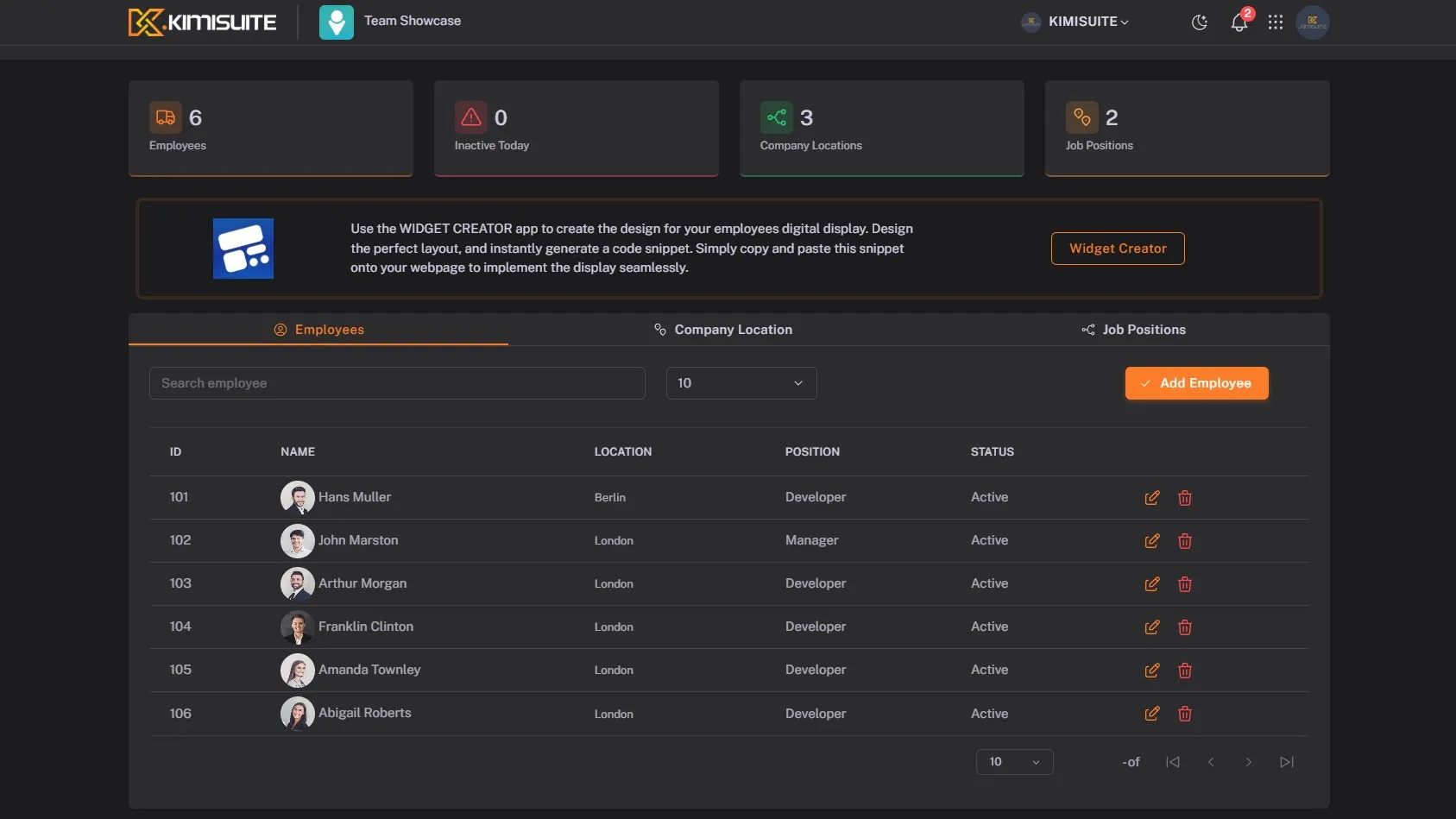
Every person gets a profile with photo, bio, position, departments and locations. Search and filters find a colleague in seconds.
Invite people by email, assign a role and decide what each role may do in your KIMISUITE apps. Remove members who leave.
Set up your structure once and every profile, filter and team page uses it. Duplicates are refused, so the lists stay clean.
Each member updates their own photo, bio and links. Name, email and phone come from their KIMISUITE account.
Publish your team at its own address, grouped by department, location or position, light or dark, in your accent colour.
Embed the same people with the Team widget from the Widget Creator: a grid, a list or a carousel, in your colours and fonts.
One directory, with and without an account
Team is the people app of your workspace. Members with a KIMISUITE account are in it by themselves. Colleagues without one - seasonal staff, a freelancer, the partner who never logs in - you add as people, up to 500 per workspace.
- Find anyone. Cards with photo and position, search and filters by department, location and position.
- One structure for everything. Departments, positions and locations are set up once and sorted the way you work.
- Profiles that stay current. Members keep their own photo, bio and links; admins set positions, departments and locations.
Members, invitations and roles moved here from the workspace settings, so everything about your people is in one place.
Your team page, online in a few minutes
Choose an address, a title and a short introduction, and your team page is online at team-showcase.kimisuite.com/your-name. Visitors see a featured person with a quote, a grid of photos and a profile card for each person, with your logo, contact details and social links in the footer.
- Only who agrees. An admin publishes people; members appear only after they agree, and they choose whether their email and phone are shown.
- Gone when they leave. Anyone who leaves the workspace disappears from the page at once.
- Found by search engines. The page is rendered on the server, so search engines see every person, and it uses its own fonts with no requests to outside servers.
- In your visitors' language. The page labels come in 14 languages, Arabic from right to left.
Prefer your own website? The Team widget from the Widget Creator shows the same people as a grid, a list or a carousel.
See It in Action
Features Built for Growth
Everything you need to scale your business
Works with your other apps
One workspace. Data moves between the apps instead of being typed twice.

Team
FAQ
Common questions about Team answered clearly.
Ready to See It in Action?
Discover how KIMISUITE connects growth, automation and AI into one unified system.
Take Your Business to The Next Level!
Stop paying for tools you barely use. Start running your business on KIMISUITE.
Free in every workspace · No trial, no time limit