
Your rooms, menus, events and team - live on any website
Pick a widget, check it in the live preview, set your colours and language, and paste the code into your site. It shows what is current in your apps and updates itself. Free in every KIMISUITE workspace.
From the app to your website in five minutes
Your website should show what is current tonight - not the PDF from last spring. The Widget Creator makes that happen without a developer:
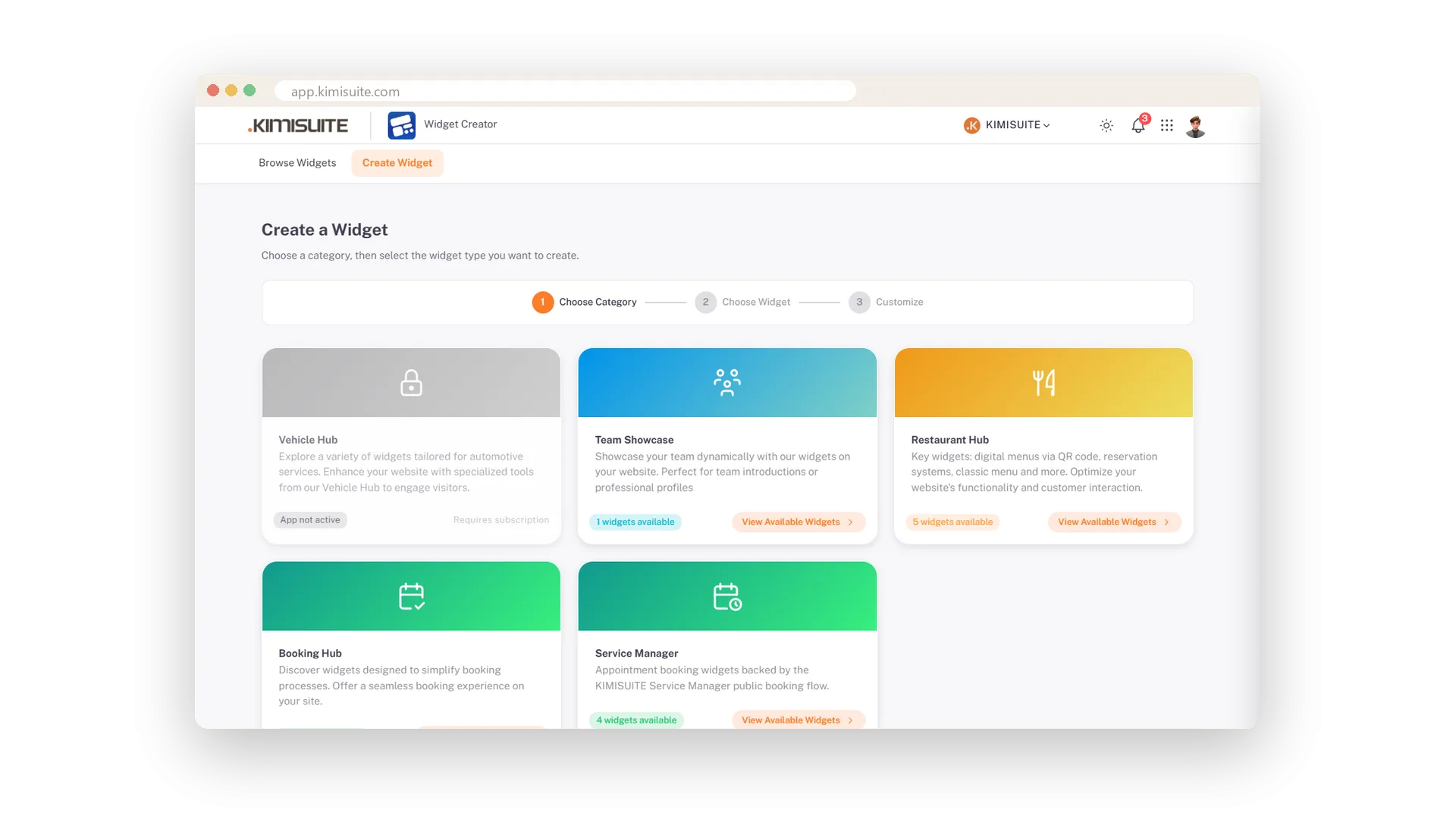
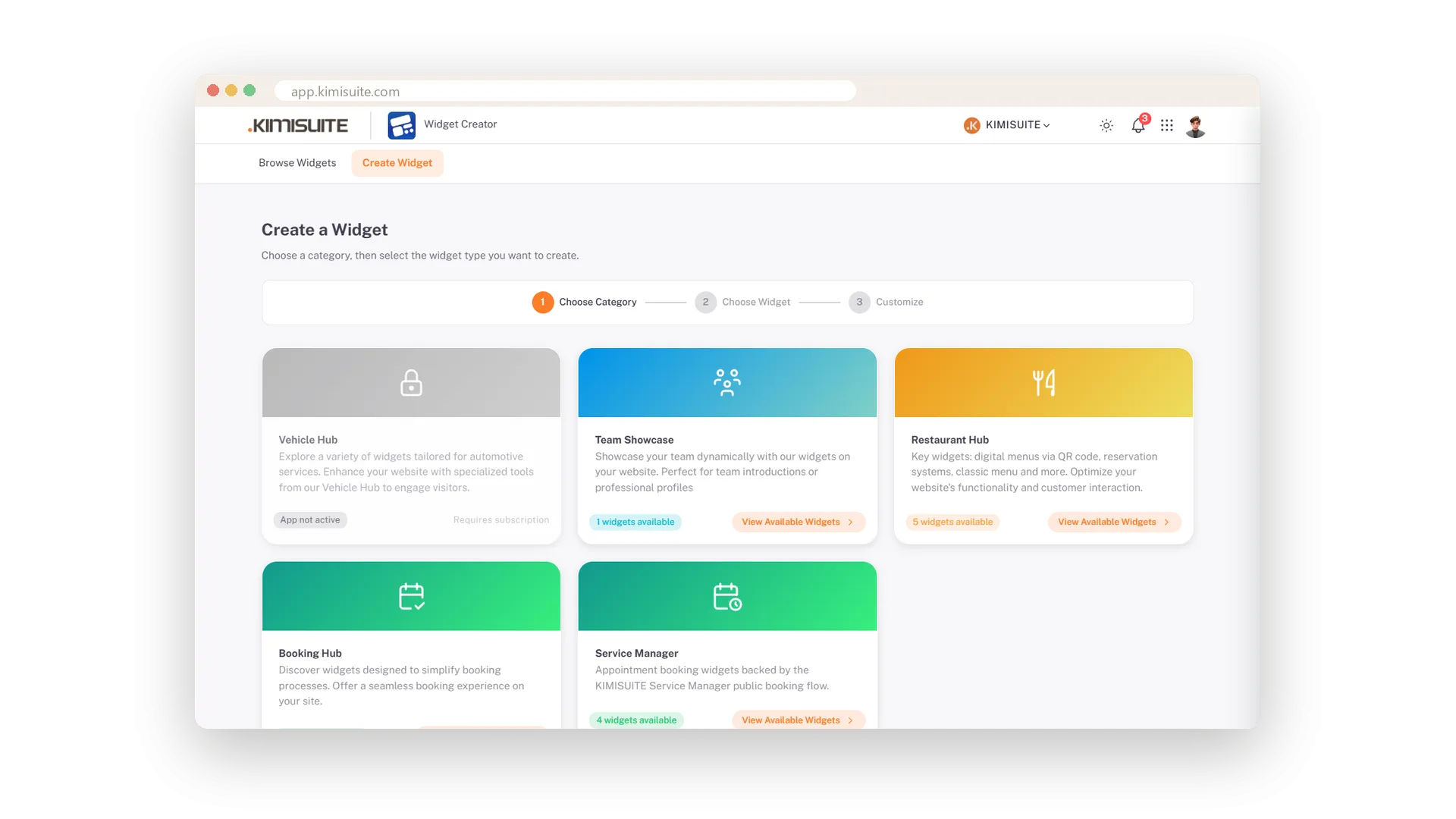
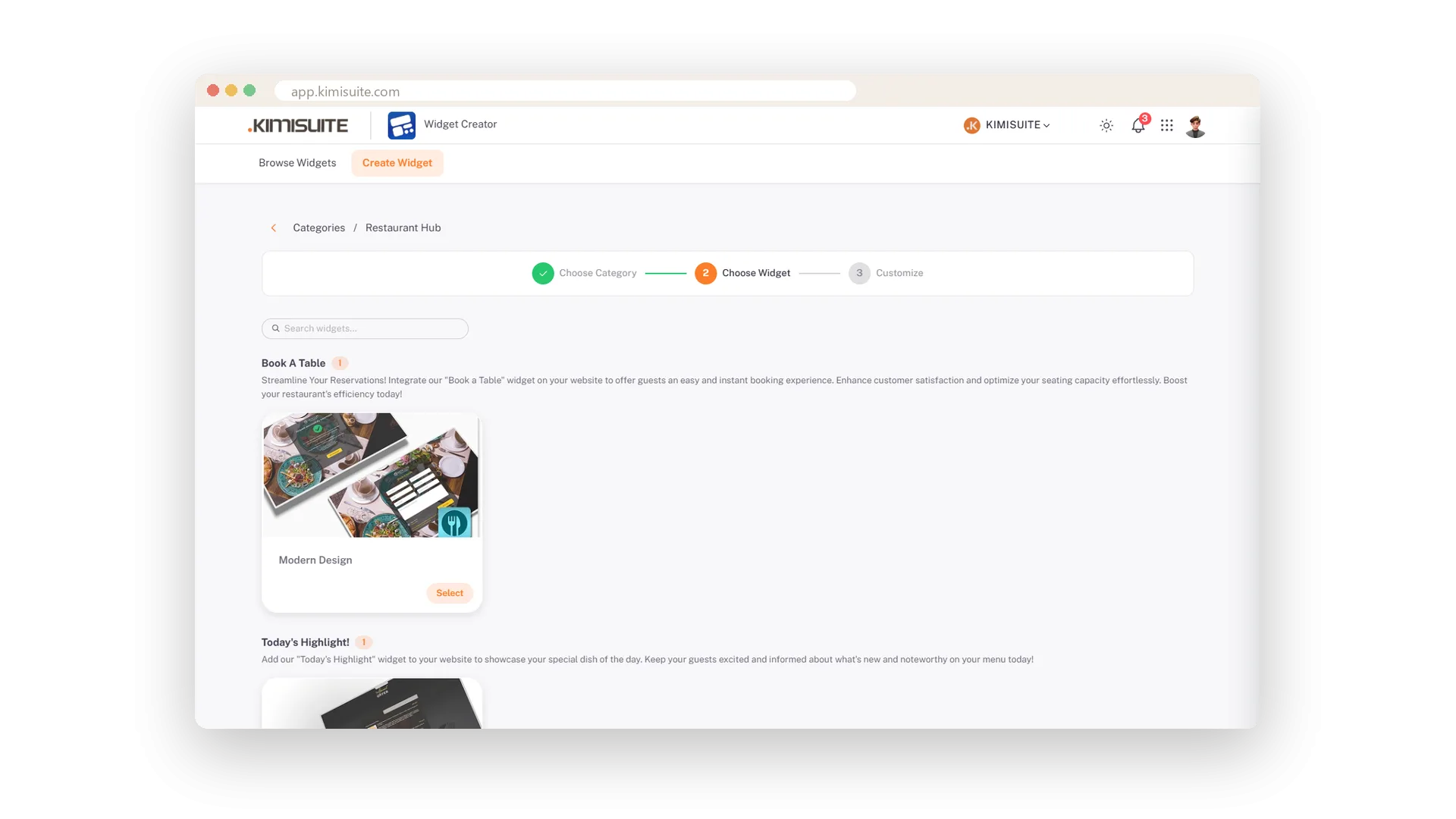
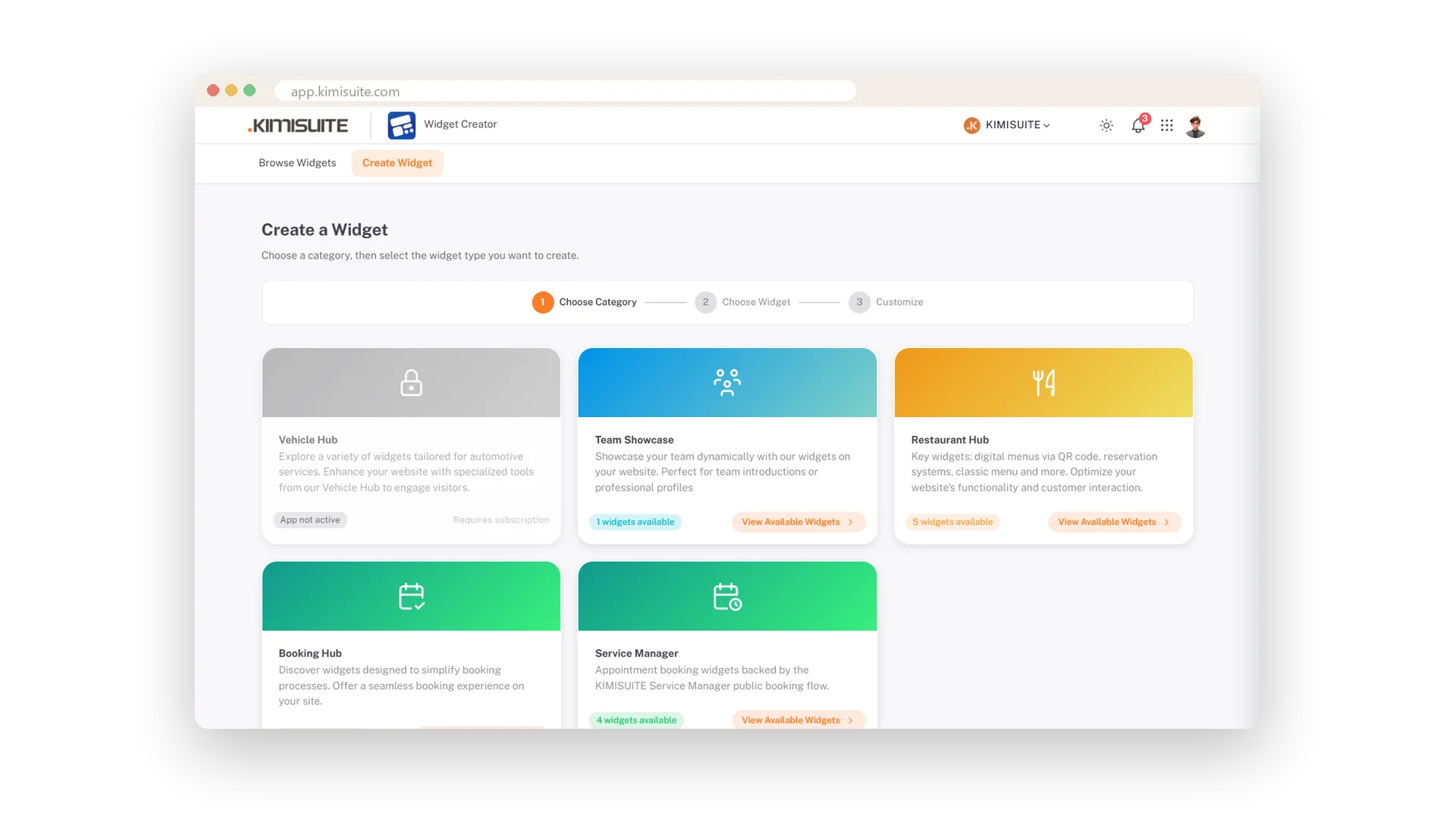
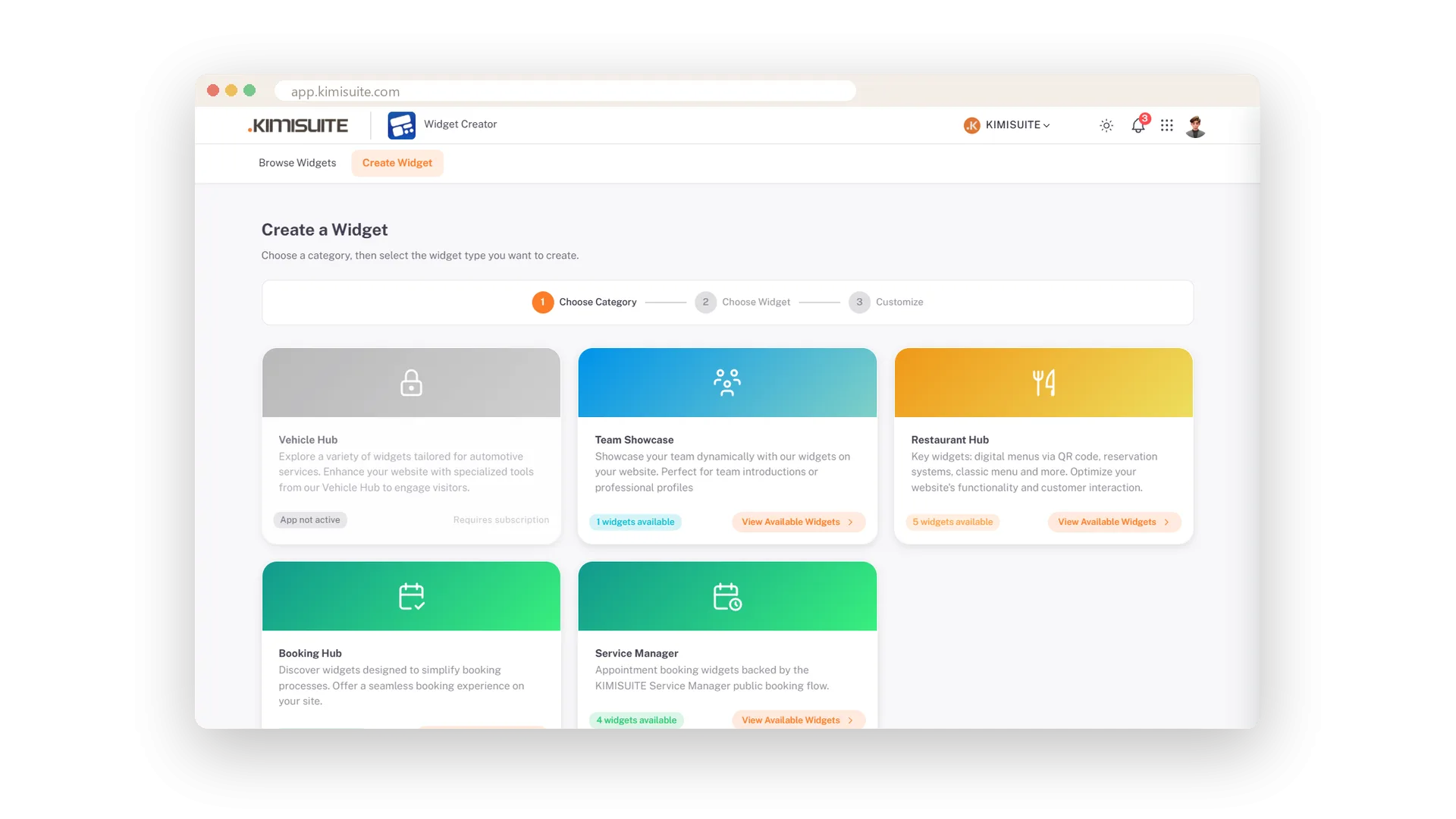
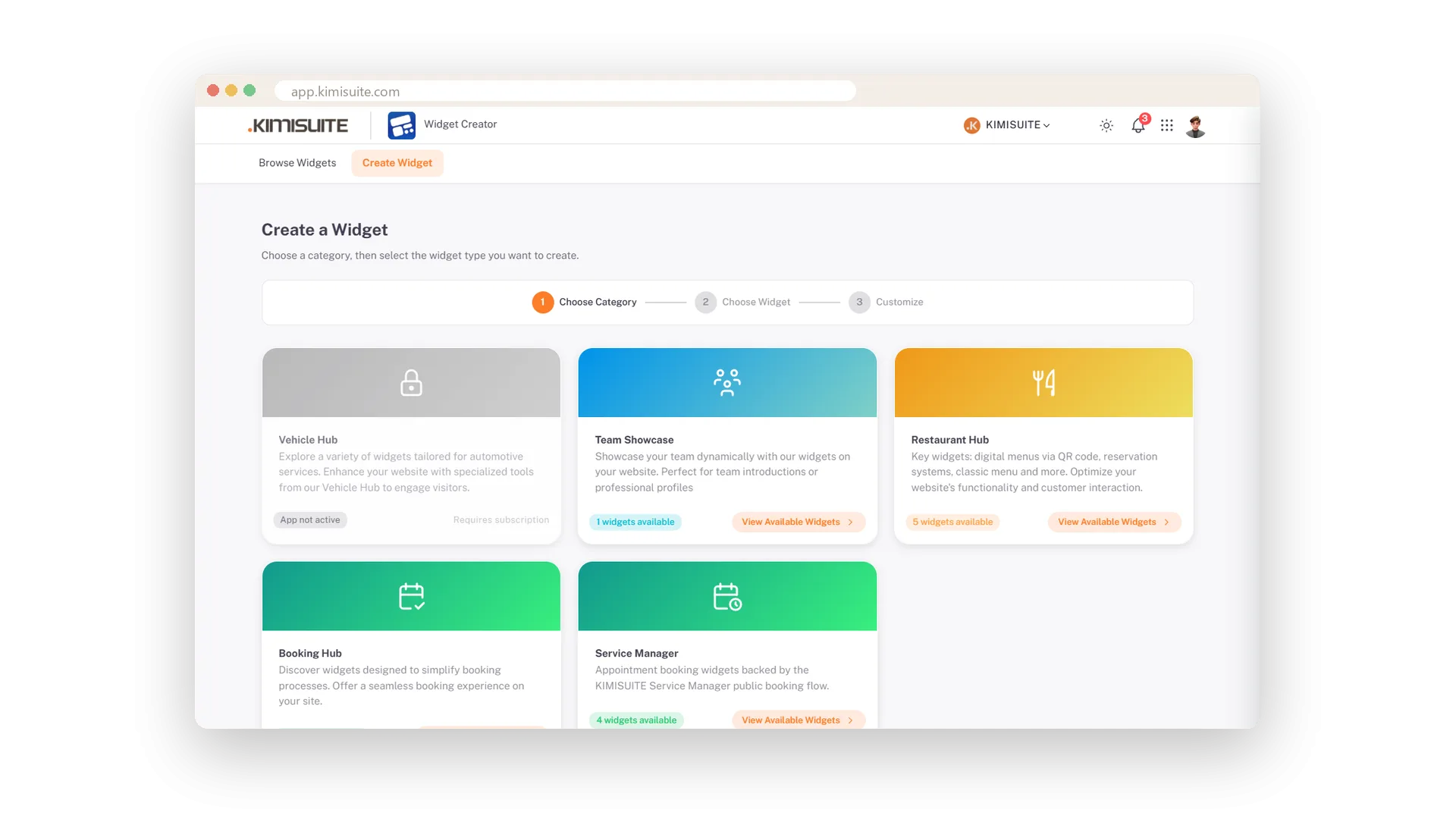
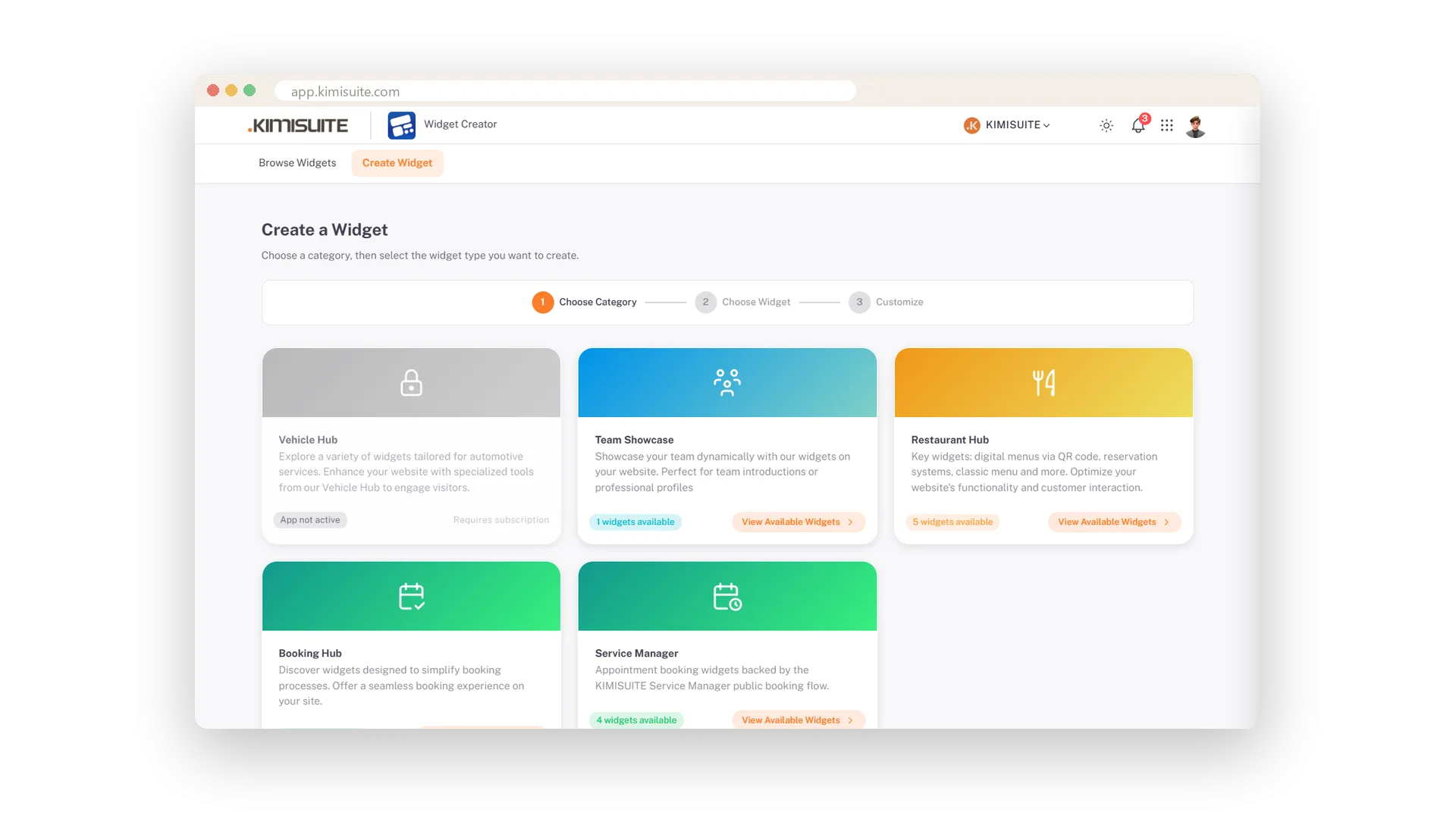
- Pick the app. Booking Hub, Restaurant Hub, Service Manager, Event Ticket Hub, Vehicle Hub or Team - each brings its own collection of widgets.
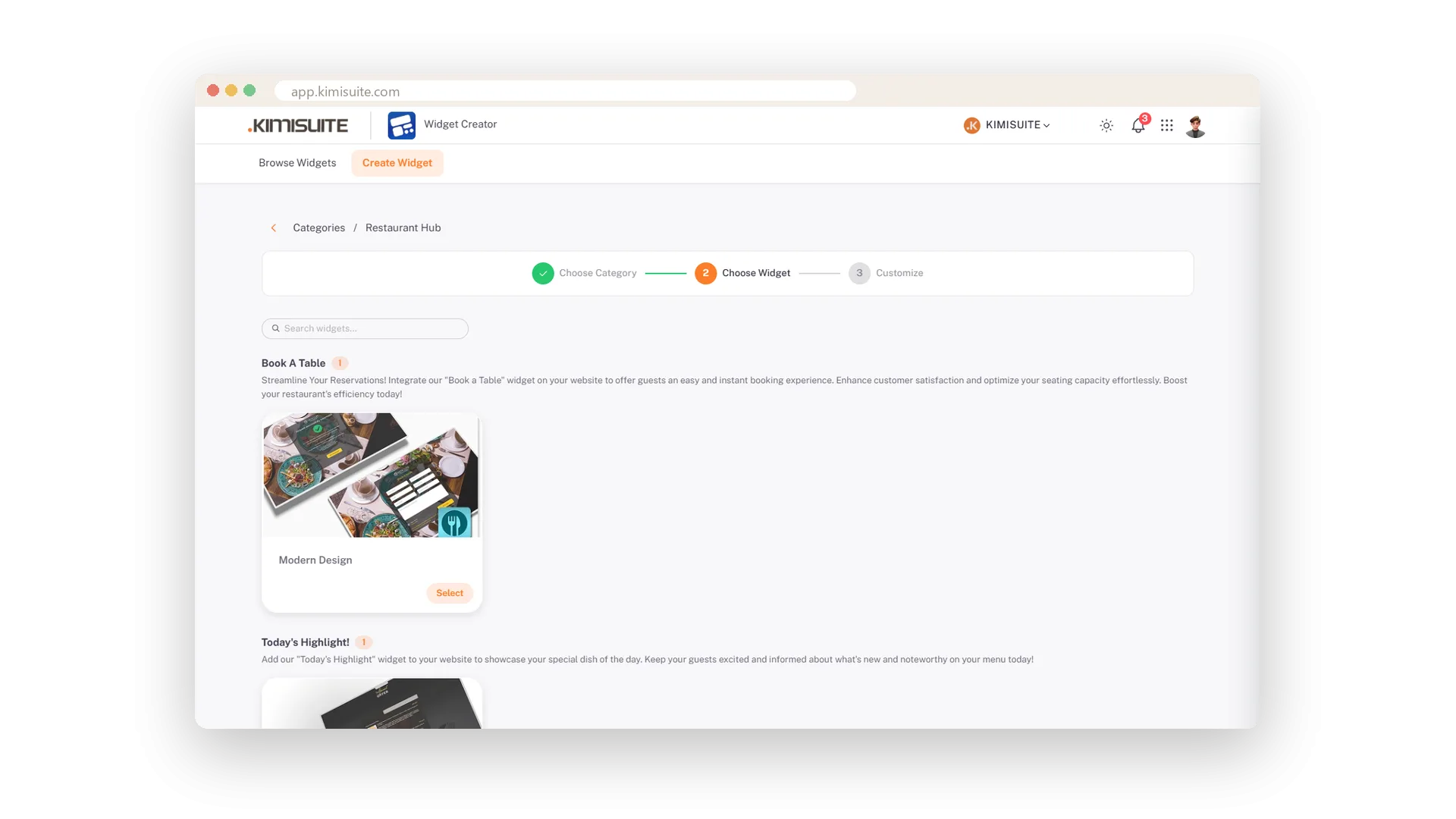
- Pick the widget. A room search, the menu, online booking, a ticket button, your vehicle stock or your team.
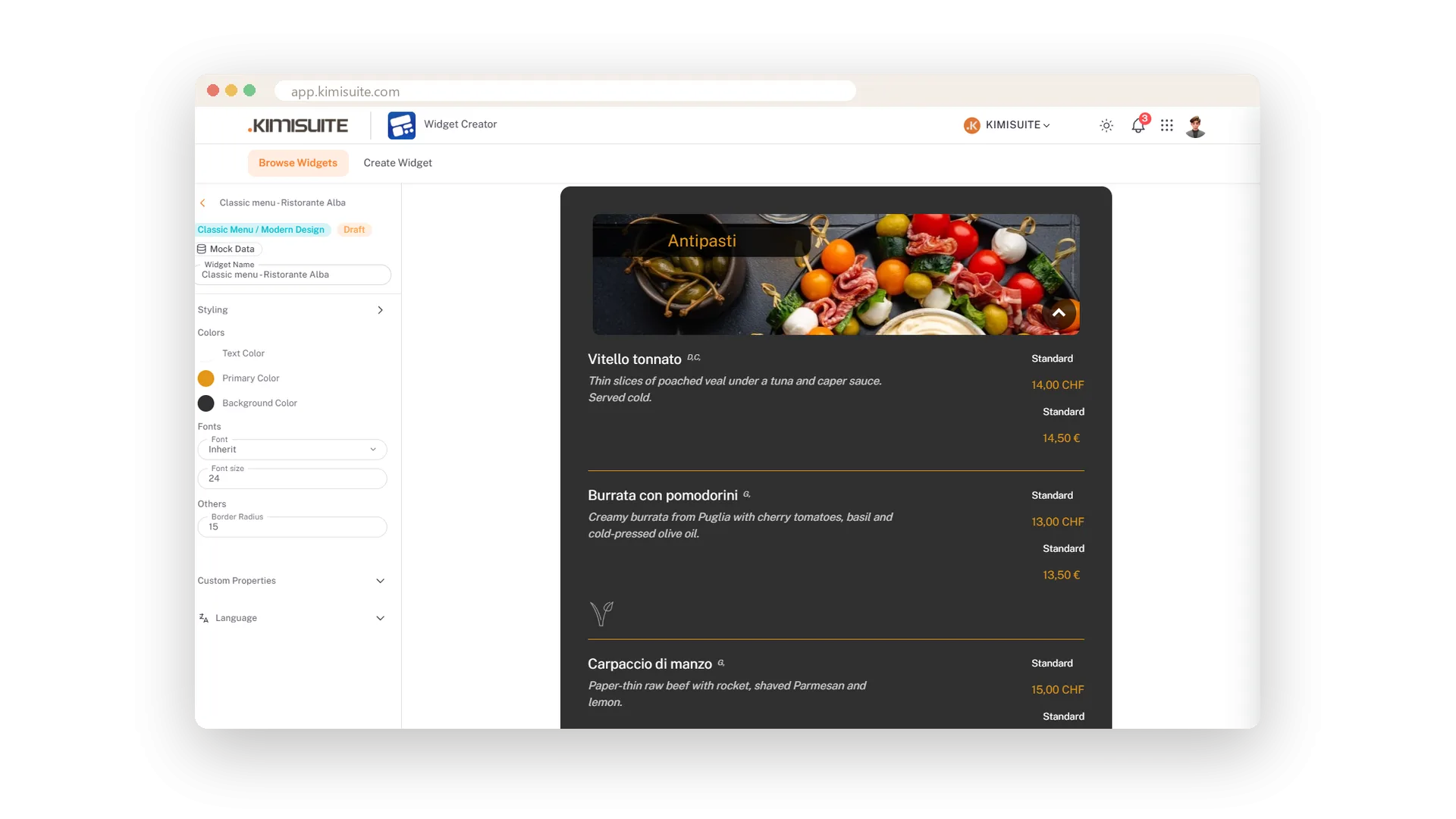
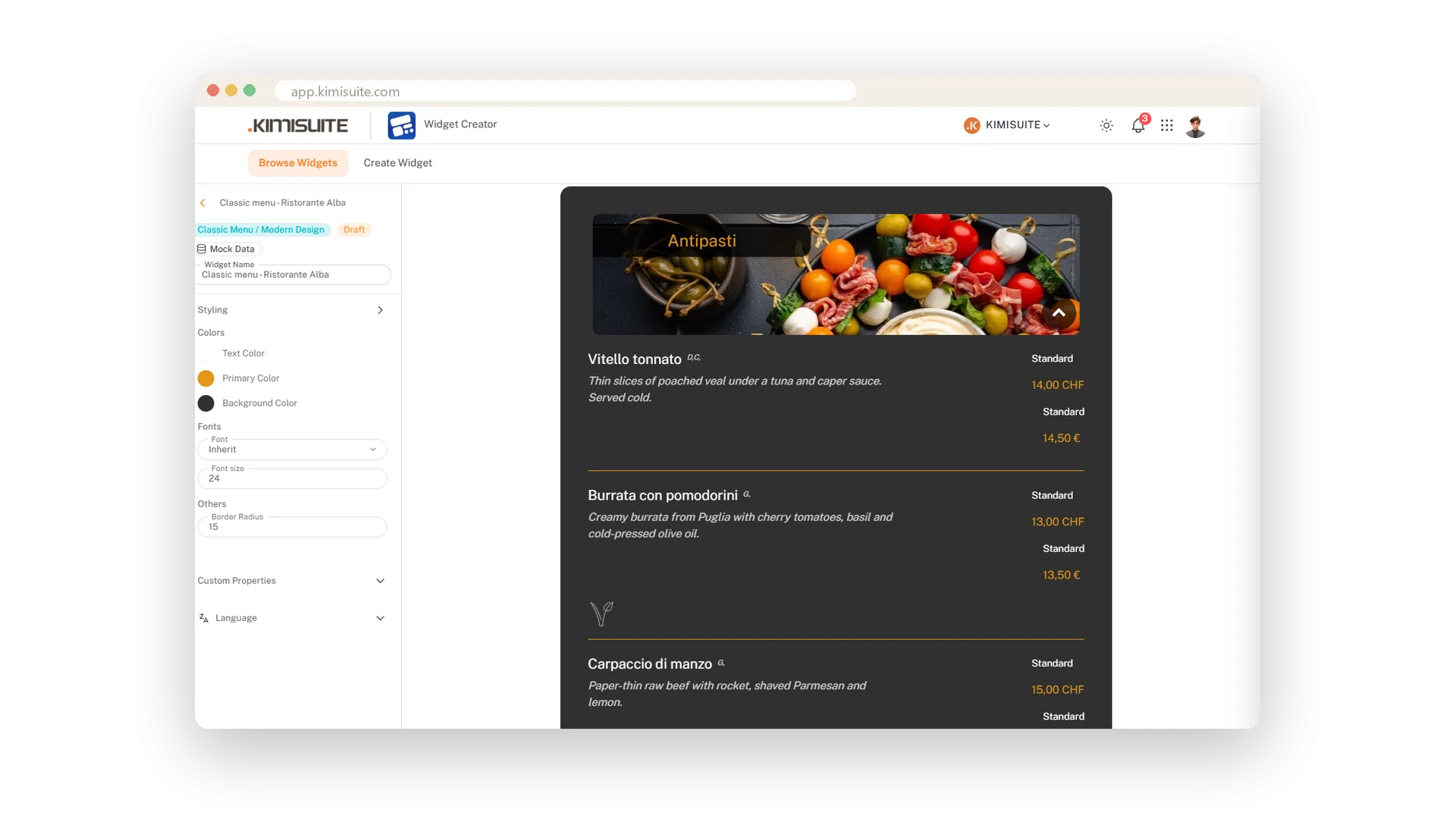
- Make it yours. A ready-made colour design or your own colours, the width and alignment, one of sixteen languages - checked in a live preview with your real data.
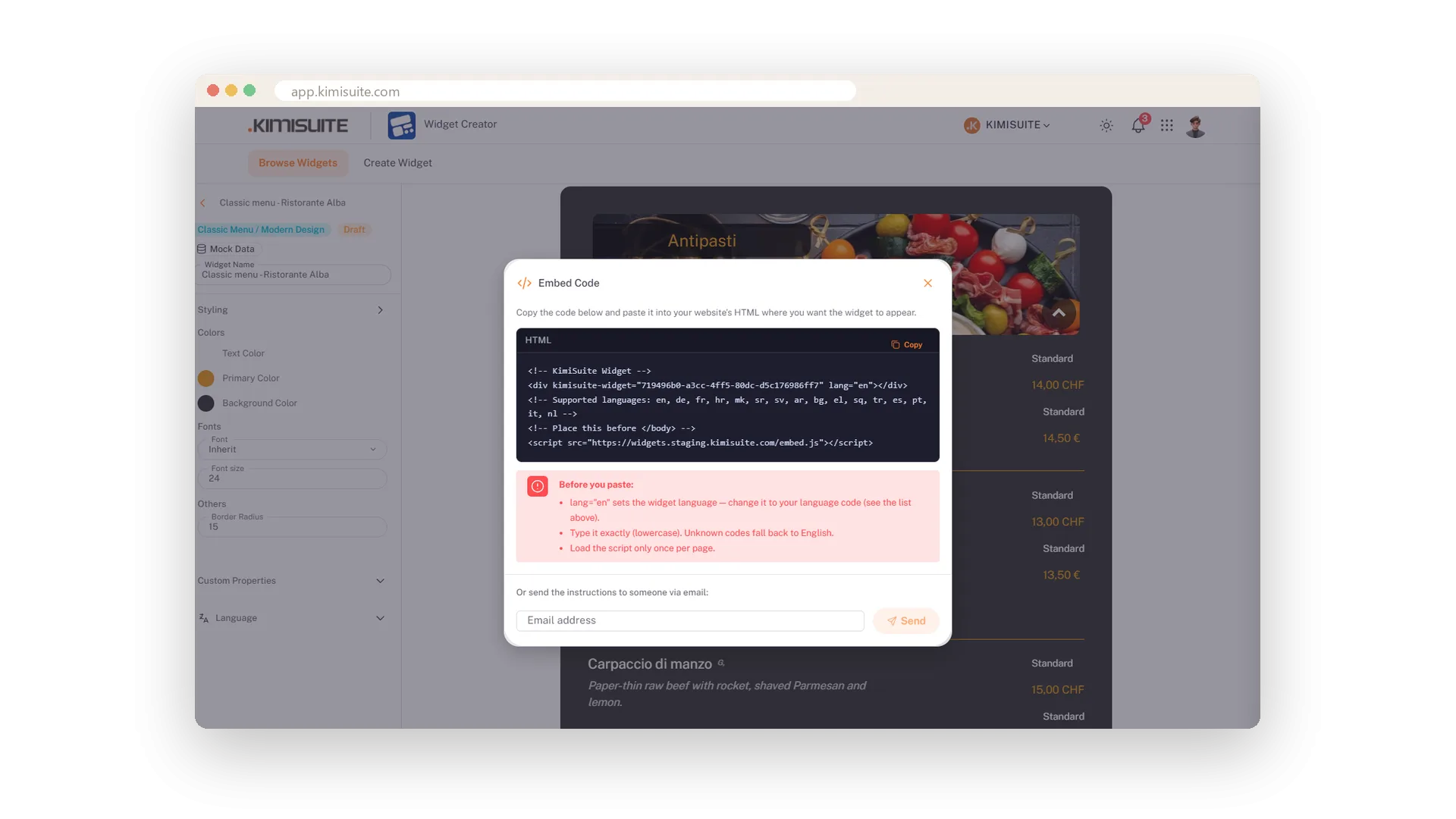
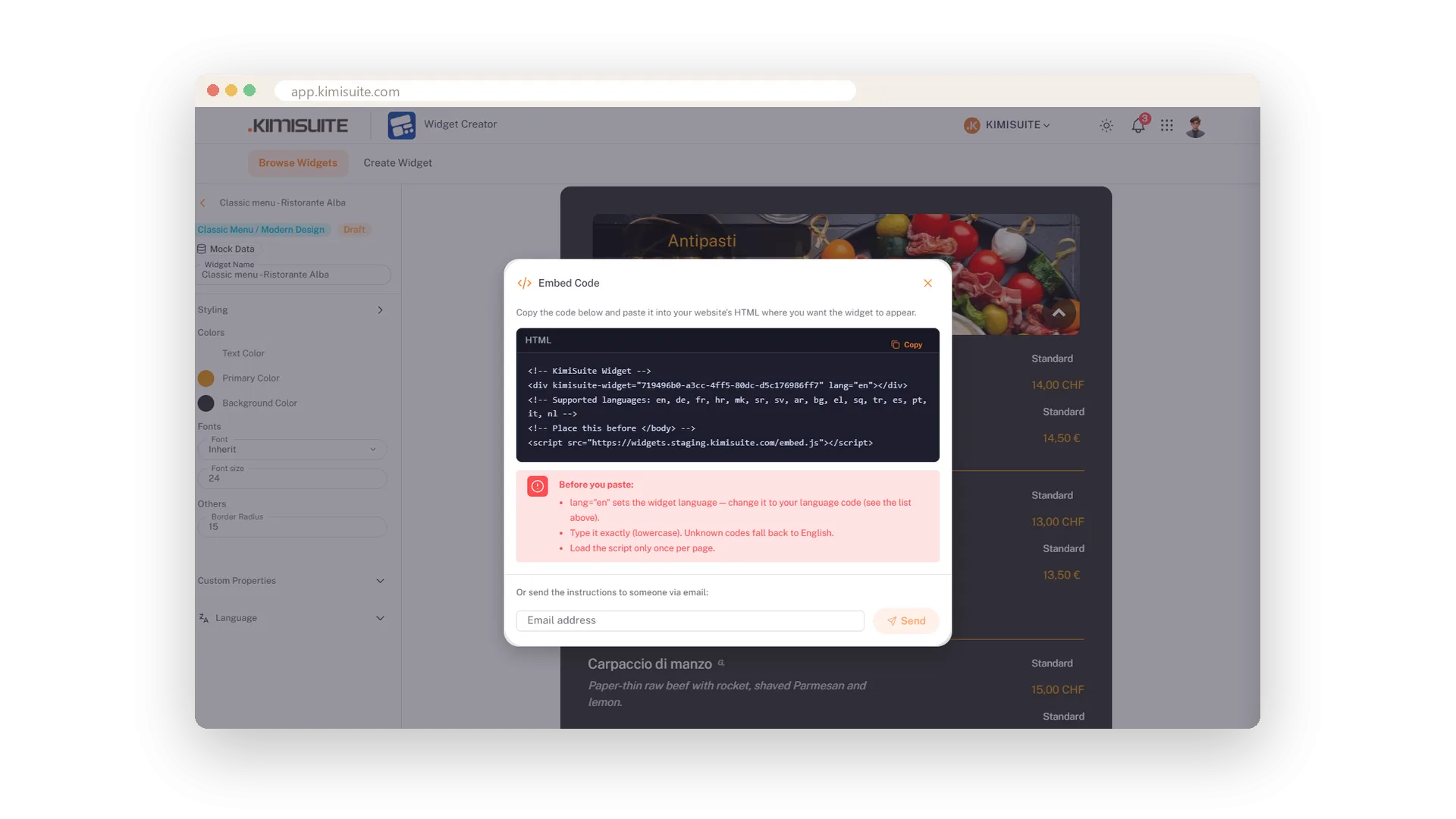
- Copy the embed code. Two lines of HTML, or send them to whoever looks after your site.
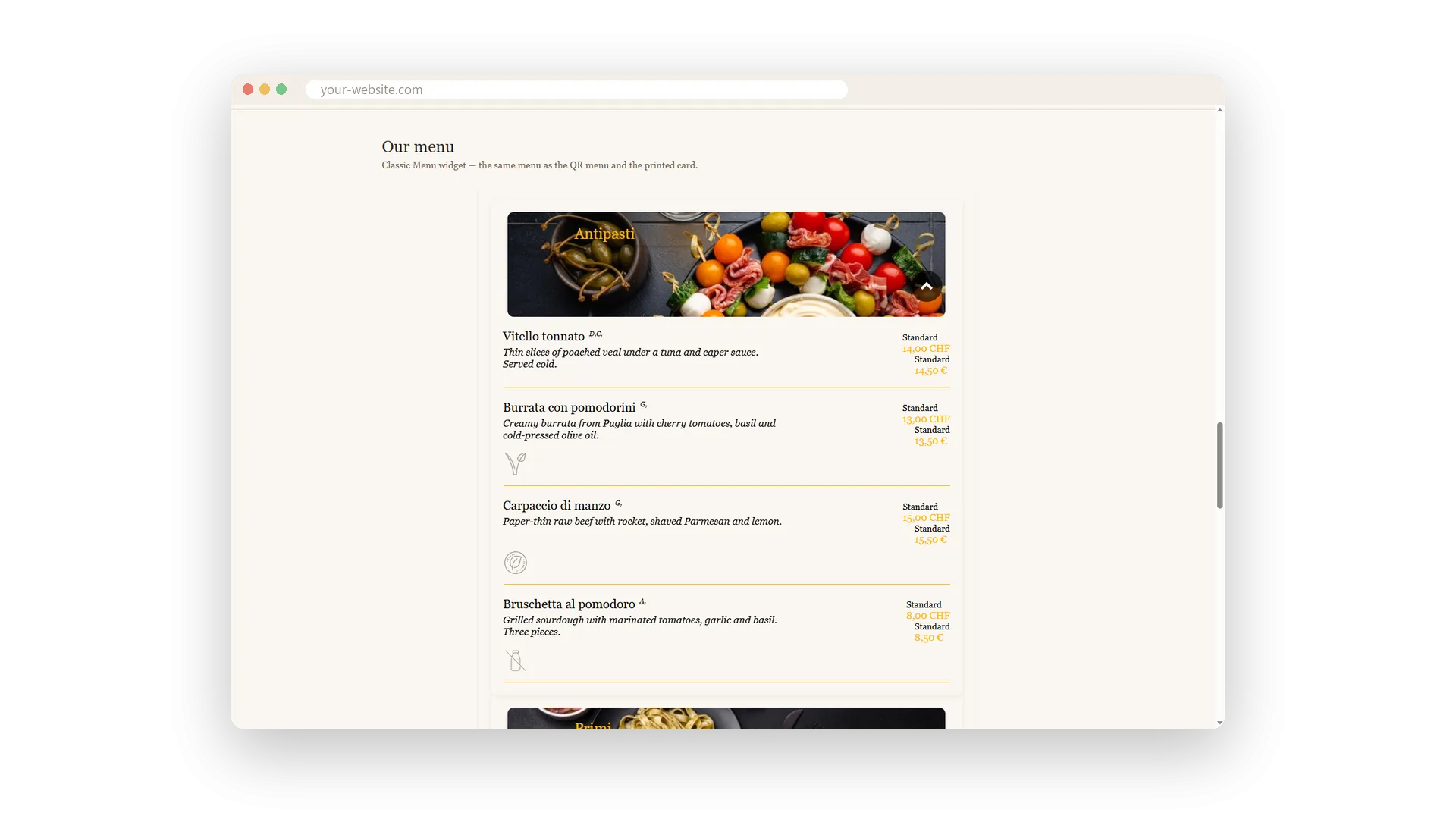
- Paste it. WordPress, Wix, a static site - anything that takes HTML.
From then on the widget updates itself. Change something in the app and the website shows it on the next page load.
Everything your website needs from your apps
Everything a widget shows comes live from the app behind it. You never maintain anything twice.
Booking Hub, Restaurant Hub, Service Manager, Event Ticket Hub, Vehicle Hub and Team each bring their own widgets. Pick one and the editor opens.
Booking Hub, Restaurant Hub, Service Manager and Event Ticket Hub add an assistant that answers visitors from your own data and guides them to a booking.
Start from a ready-made colour design or set your own colours, then check the result in a live preview with your real data.
Set the language in the editor or in the embed code: lang="de" shows the German version on the German page. One widget serves a bilingual site.
Copy the embed code and paste it into any page that accepts HTML: WordPress, Wix or a static site. Or send it to whoever looks after your website.
Widgets arrive as finished HTML from the server, with structured data, so Google and AI crawlers see your rooms, dishes, events and vehicles.
Where a widget goes
A widget goes wherever your visitors already are. You choose the page; the widget brings the content and keeps it current.
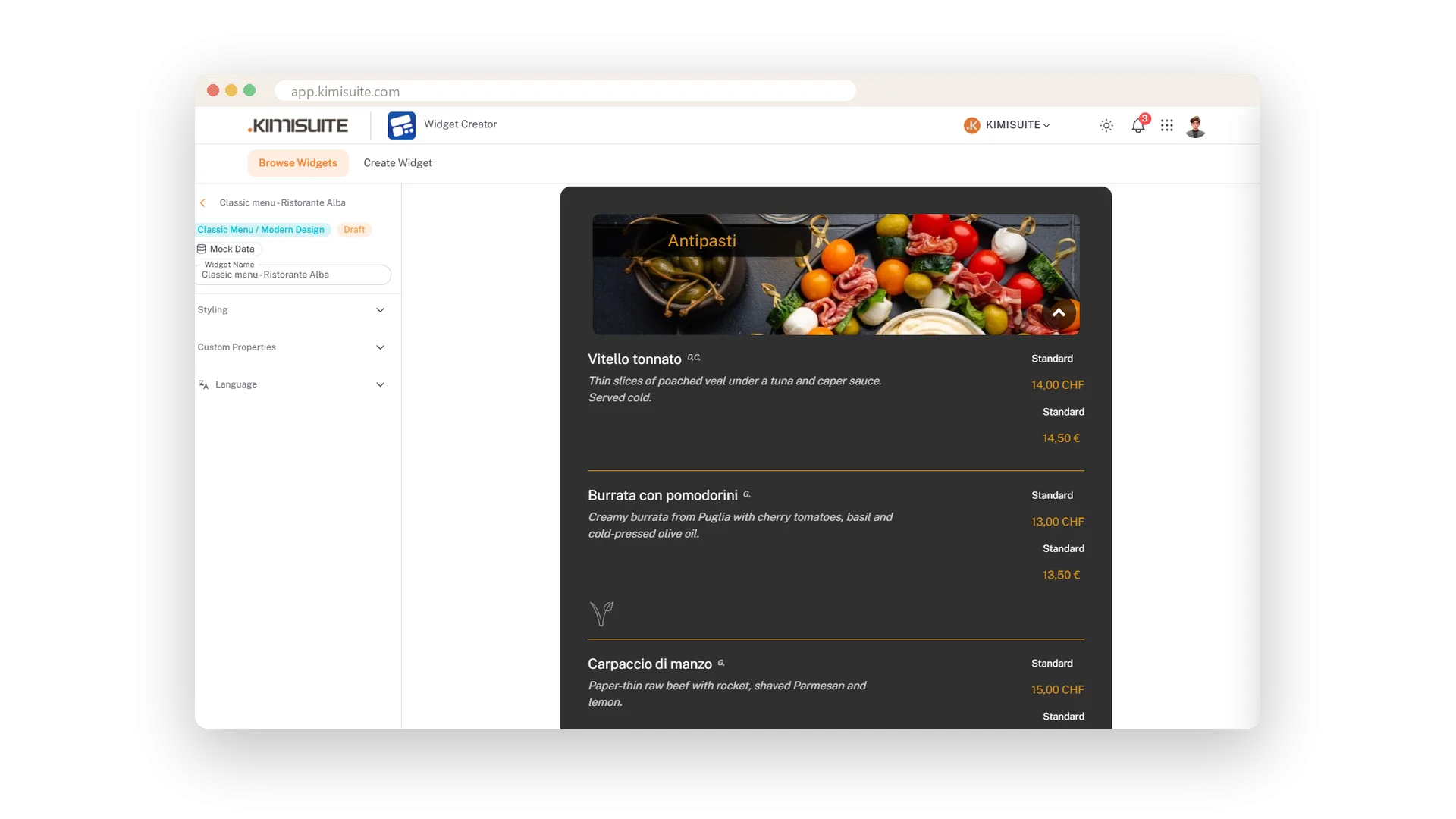
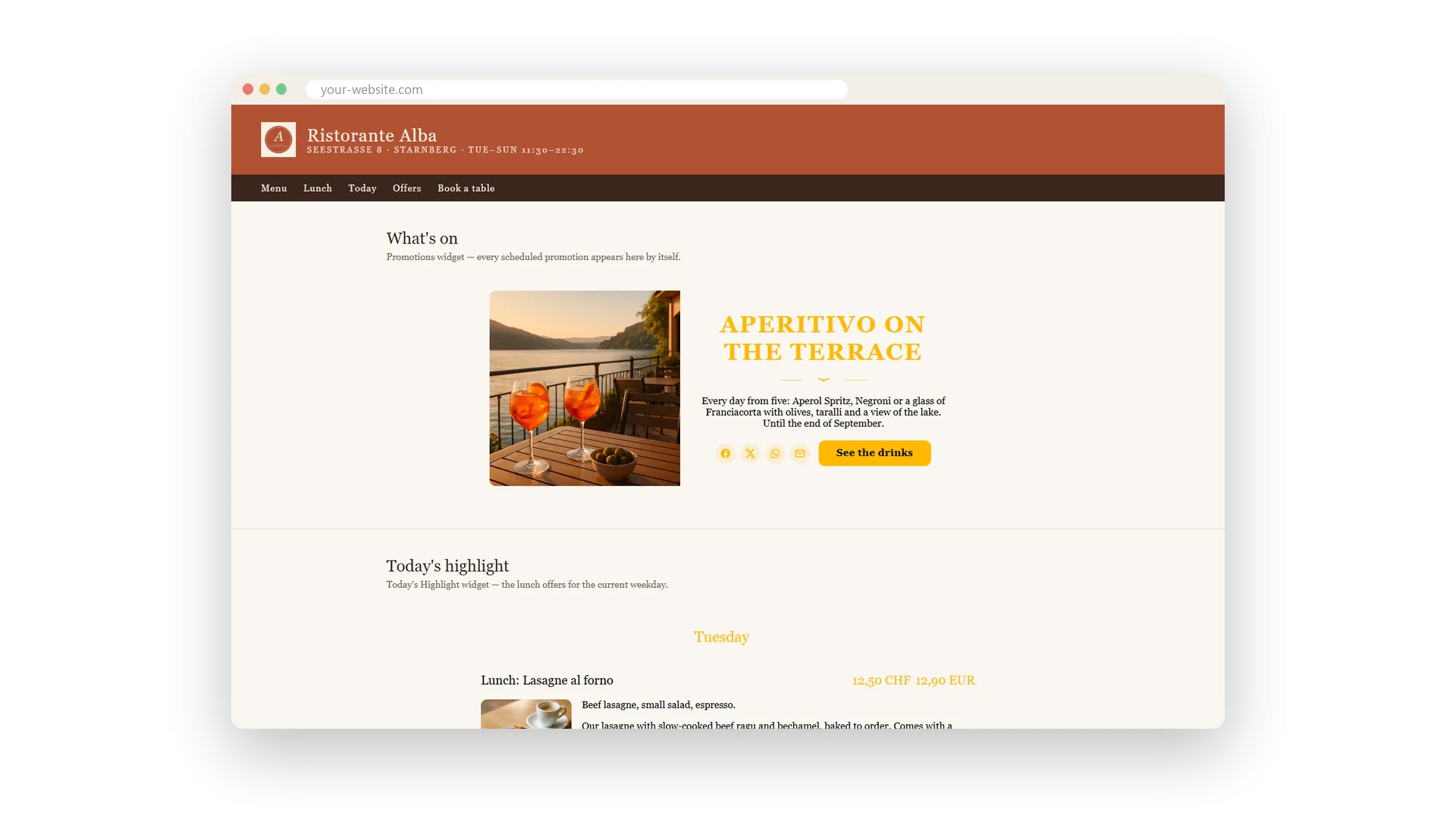
- The menu where the PDF used to be. The Menu widget shows your categories, dishes and prices from Restaurant Hub, and the Specials widget today's offer or the whole week.
- A room search on the hotel homepage. Guests pick their dates and see your rooms from Booking Hub.
- A ticket button next to every event. Visitors choose their tickets and pay in the Event Ticket Hub checkout, which opens over your page.
- Online booking for your services. Customers book an appointment through the Service Manager widgets on your own site.
- Your stock on the dealer website. A vehicle search, the stock list and a page for every vehicle, with the details your market requires.
- An assistant that answers at night. The Host, the Concierge or the assistant replies from your own data while you are closed.
The widget shows the language set in its code, so the German page carries the German version and the English page the English one.
See it in action
Features Built for Growth
Everything you need to scale your business
Your rooms on your own website
Room search, slider, listing and an AI concierge
Your restaurant on your website
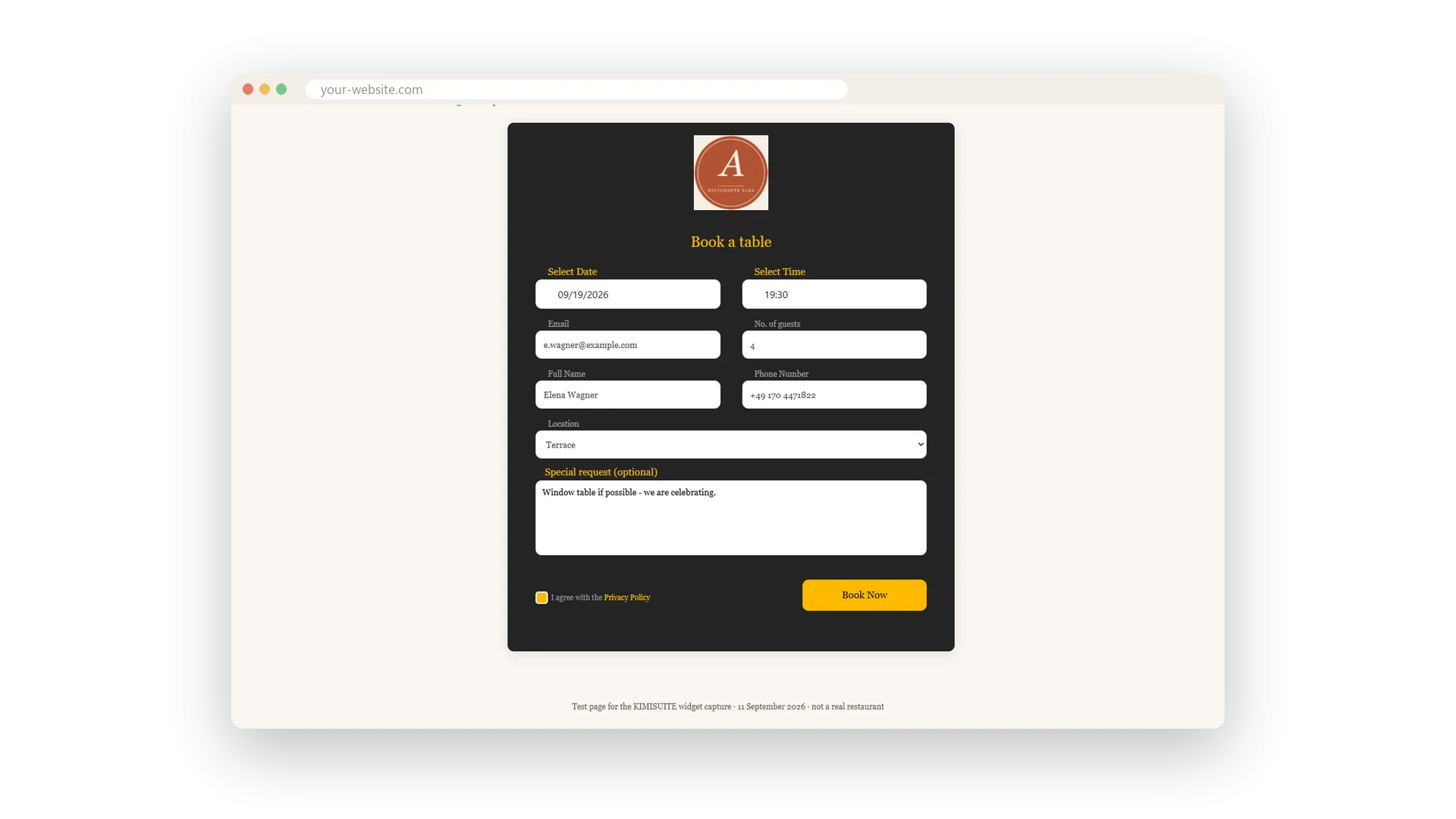
Menu, specials, booking and an AI host - live
Online booking for your services
Booking, services, quick booking, team and info
Your events and tickets on your website
Event list, ticket button, calendar and an assistant
Your vehicle stock on your website
Search, stock, vehicle pages, slider and compare
Your team on your website
Grid, list or carousel of the people you publish
AI assistants that answer your visitors
Concierge, Host and assistants from your own data
Looks like part of your website
Colour designs, your colours, your language
On your website in five minutes
Pick a widget, publish, paste two lines of HTML - done
Works with your other apps
One workspace. Data moves between the apps instead of being typed twice.





Widget Creator
FAQ
Common questions about Widget Creator answered clearly.
Ready to See It in Action?
Discover how KIMISUITE connects growth, automation and AI into one unified system.
Take Your Business to The Next Level!
Stop paying for tools you barely use. Start running your business on KIMISUITE.
Free in every workspace · No trial, no time limit
