 Part of Widget Creator
 On your website in five minutes
Pick a widget, publish, paste two lines of HTML - done
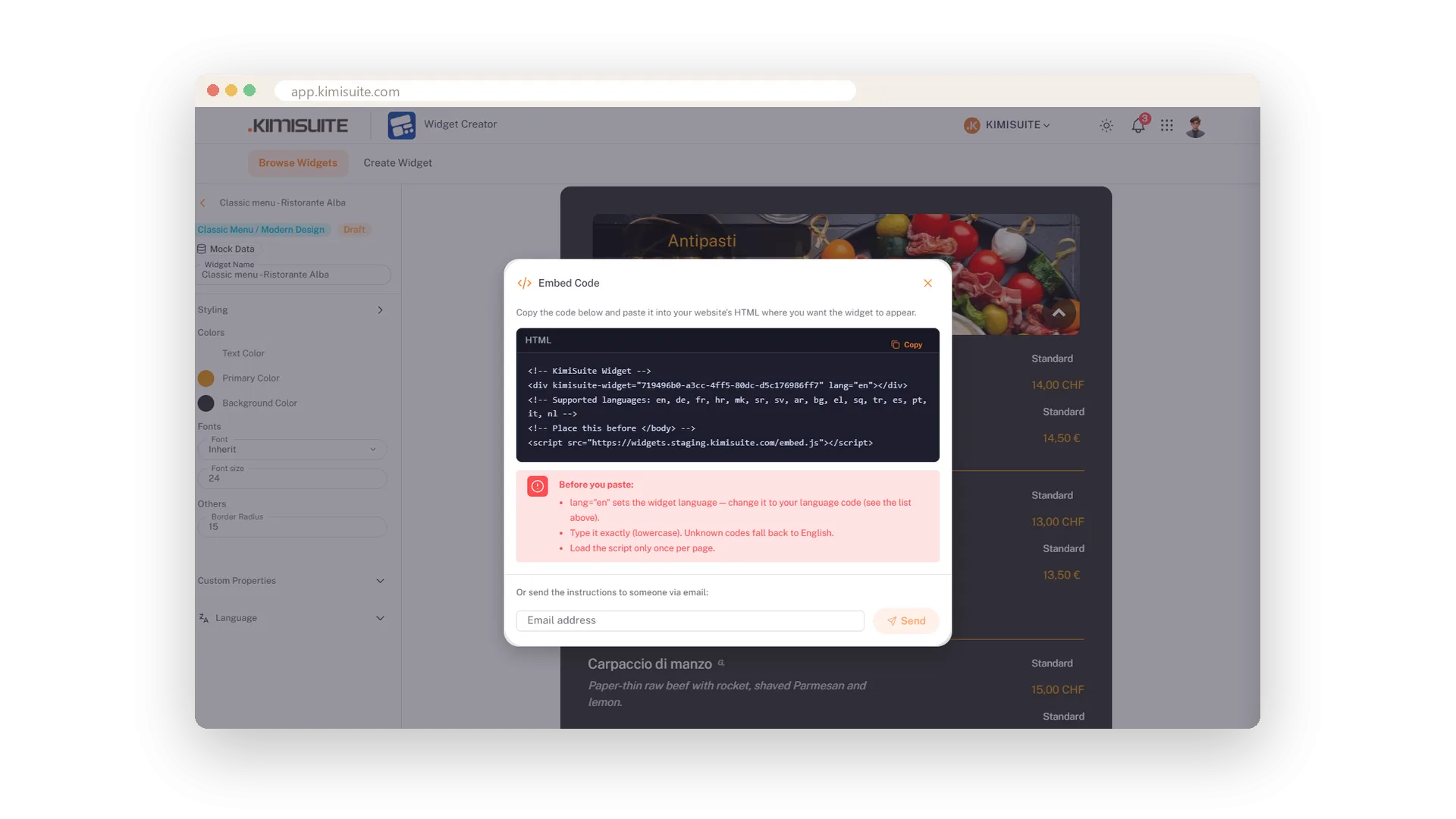
No plugin, no developer, no theme change. Pick the app, pick the widget, style it, publish. Then copy two lines of HTML and paste them where the widget should appear - into WordPress, a page builder or a hand-written page. That is the whole job, and most people finish it before the coffee is cold.
You keep every widget in one list: search, filter by published or draft, preview it alone on a white page before it is on any site, unpublish it when the season ends. And if someone else looks after your website, type their e-mail address and they get the code with the instructions.
Key Benefits
Two lines of HTML, one Copy button - works on any website
Publish, keep as draft, unpublish: a seasonal widget is switched off in a click
A preview link for every widget, to share before it goes live
E-mail the code and instructions to whoever maintains your site
Three steps to a widget
Pick the app, pick the widget, make it yours
Pick the app - Restaurant Hub, Booking Hub, Service Manager, Team Showcase or Vehicle Hub. Pick the widget from cards with a picture and a line of text. Then the editor opens with the live preview.
Publish when you are ready
Live, draft or unpublished - one click each
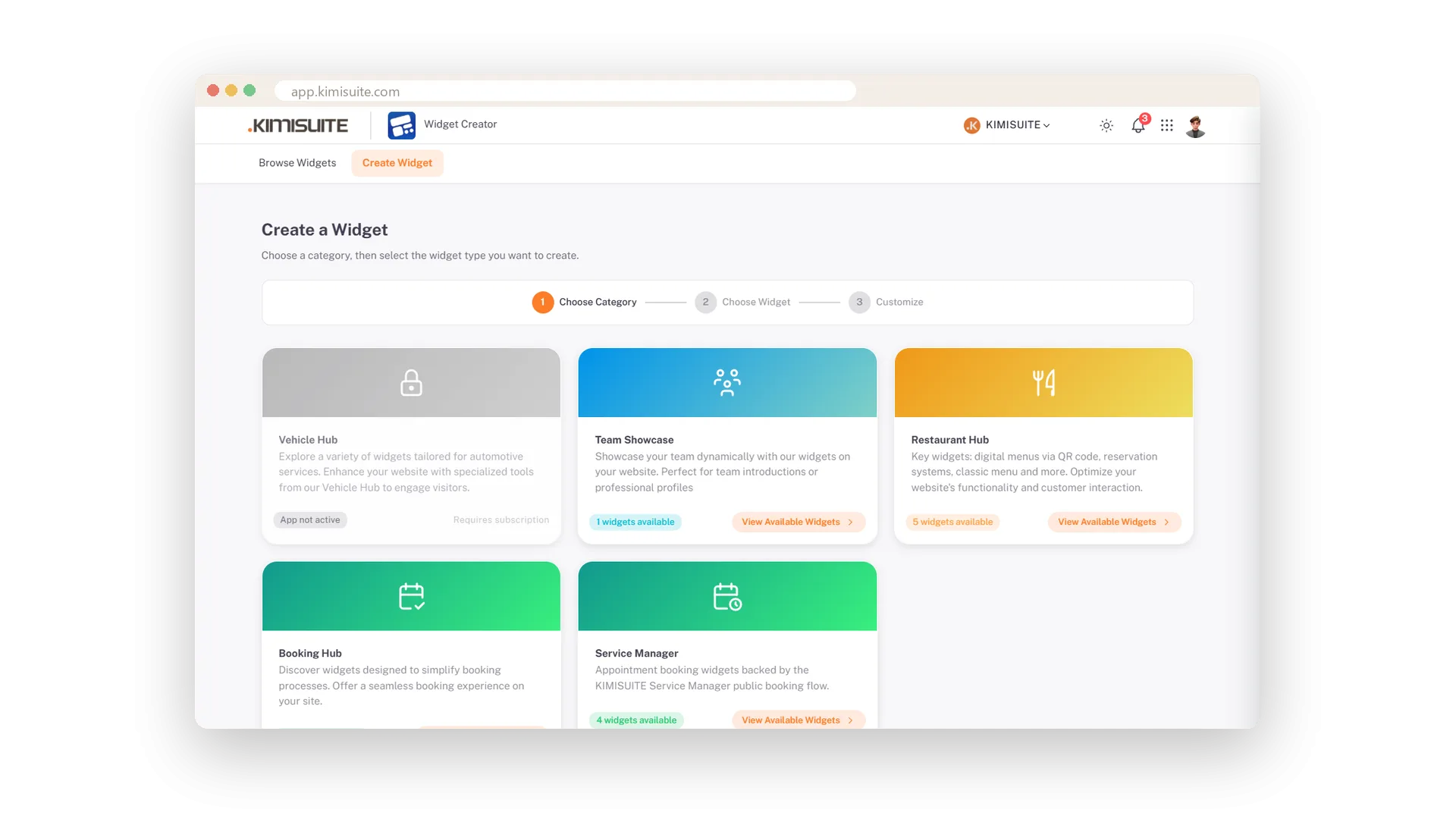
Publish makes the widget live through its code. Save Draft keeps it in your list until you are ready. Unpublish stops it in a click - so the summer terrace widget rests in winter and comes back in spring.
One widget, every language
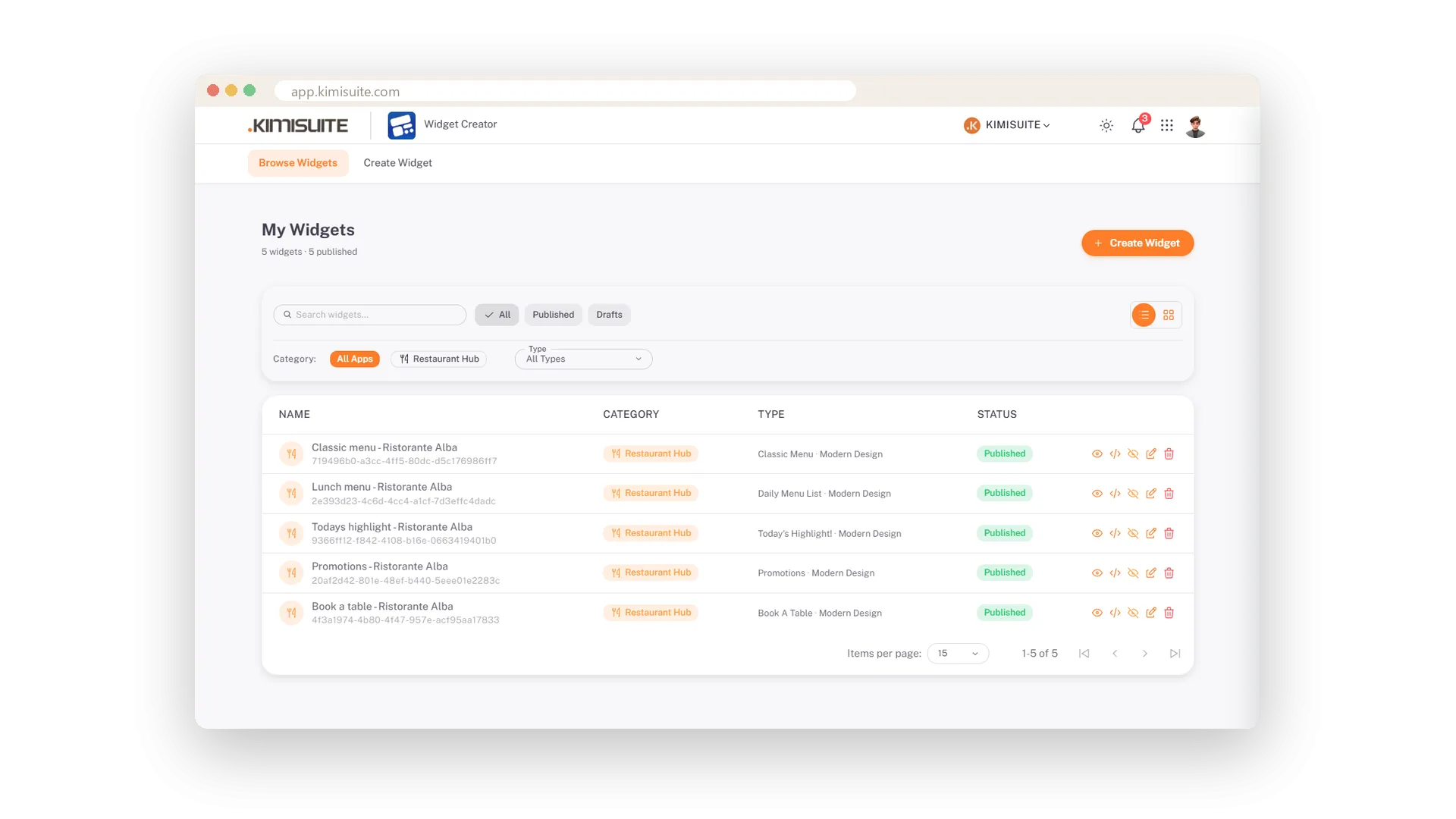
lang=de on the German page, lang=fr on the French
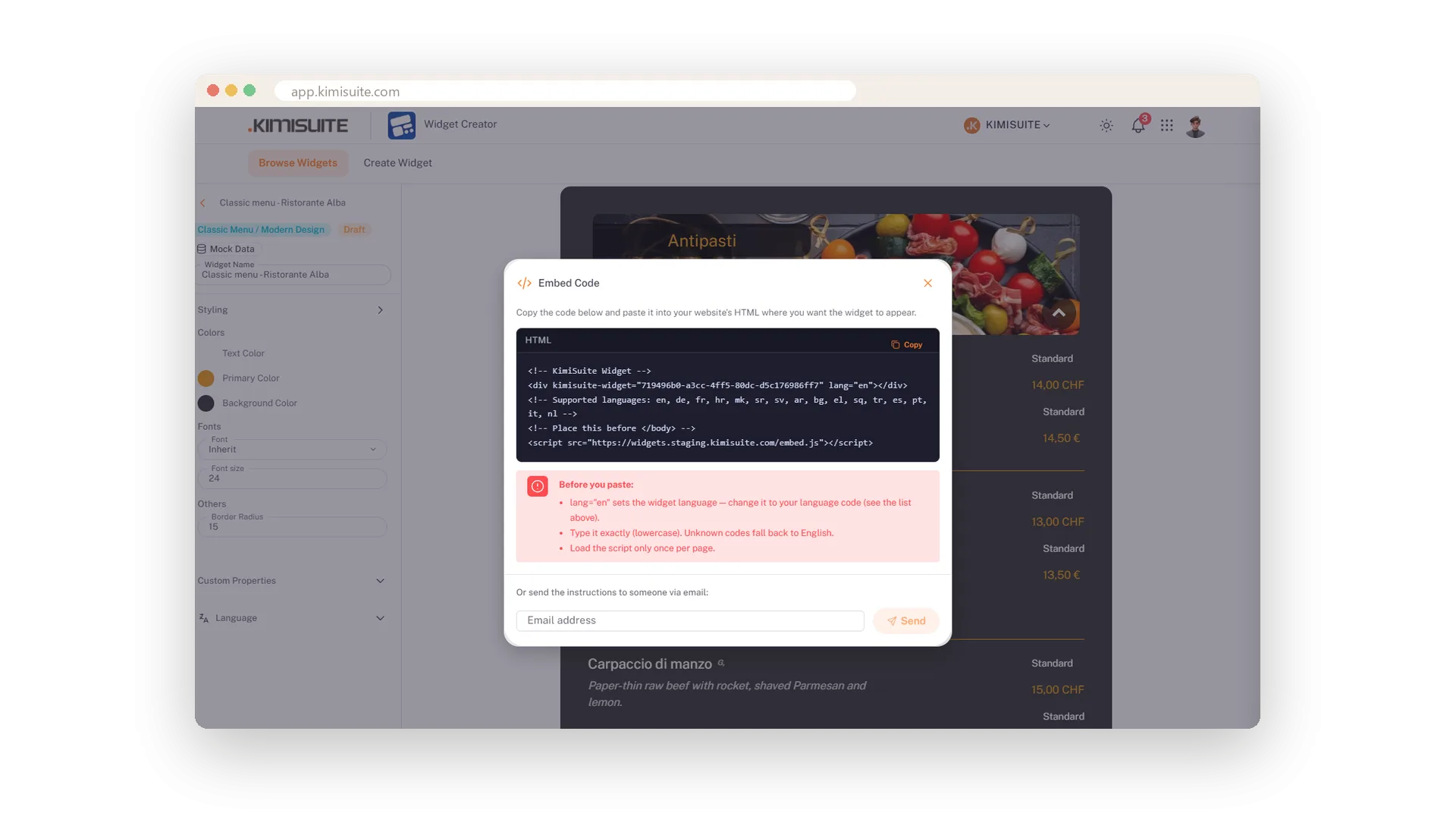
The code carries a language. Change it to any of sixteen codes and the widget speaks that language - so one widget serves a bilingual site, embedded once per page.
Send the code to your web designer
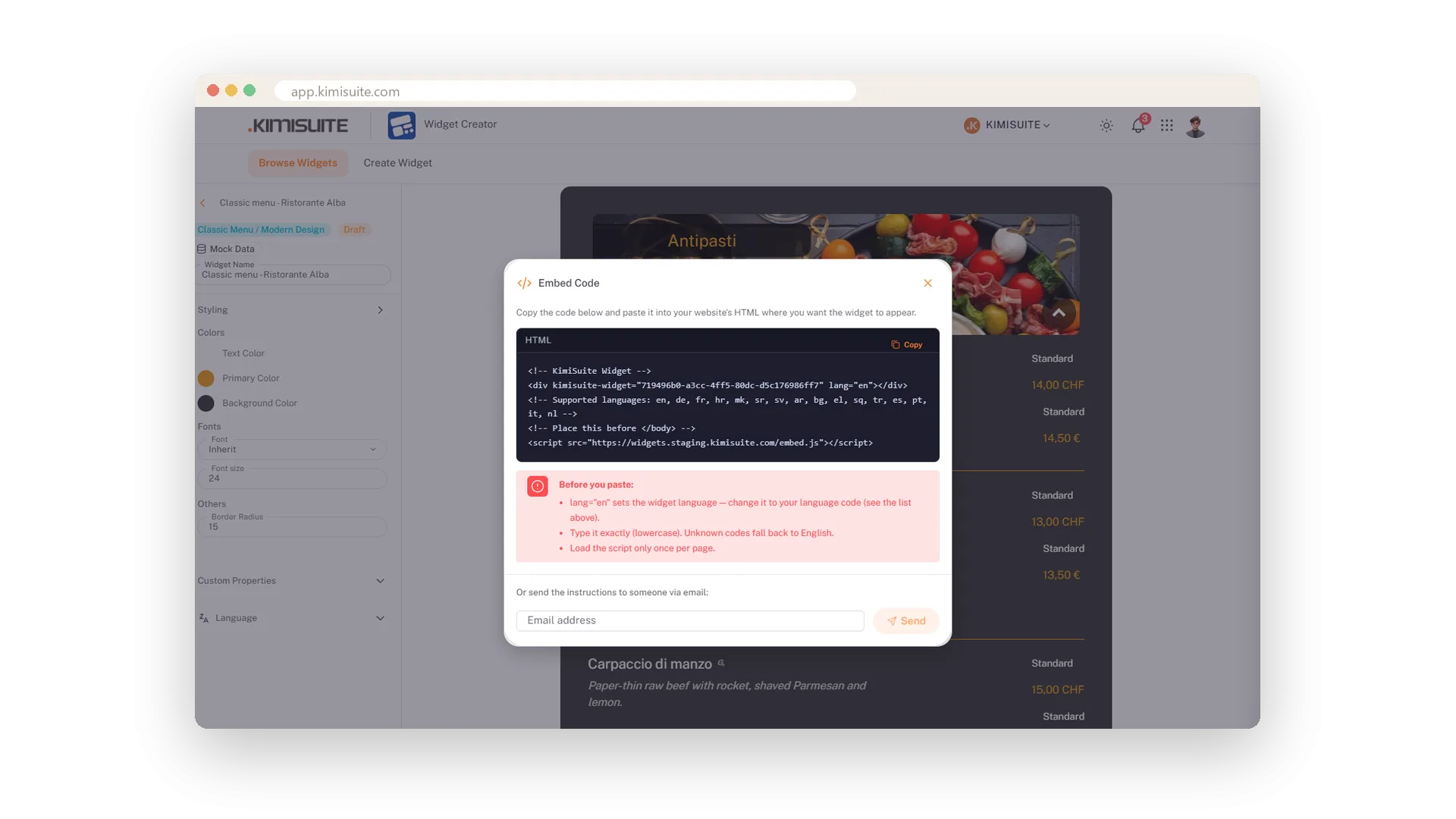
One address, one click - they get the snippet and the hints
Someone else looks after your website? Type their e-mail address in the embed dialogue and press Send. They receive the two lines with the instructions. No copying into a chat, no lost line.
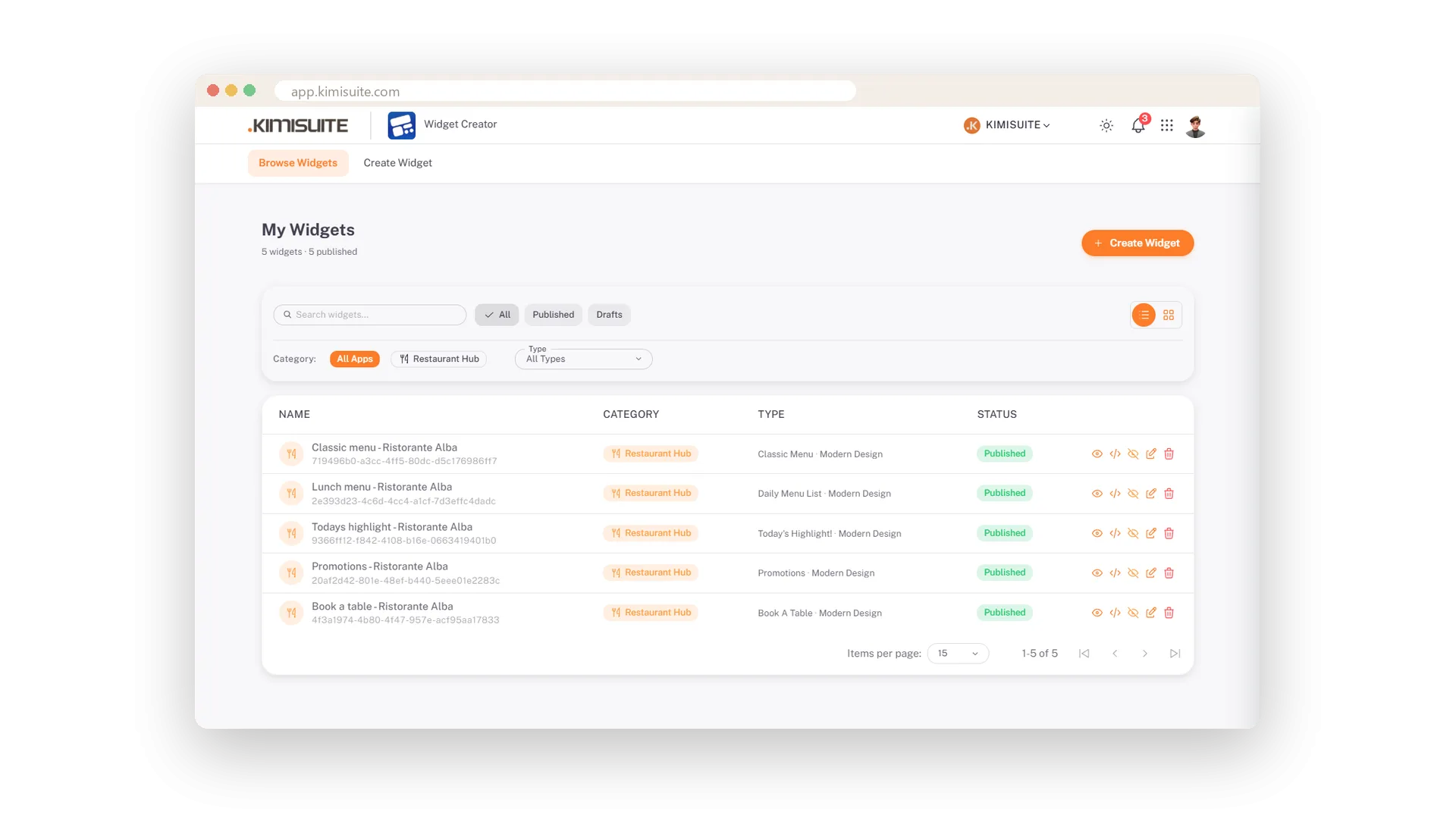
All your widgets in one list
Search, filter, preview, edit - table or cards
Every widget in one place with name, app, type and status. Search it, filter by published or draft, switch between table and cards. Each row offers preview, code, unpublish, edit and delete.
Works on any website
WordPress, page builders, hand-written pages - paste and done
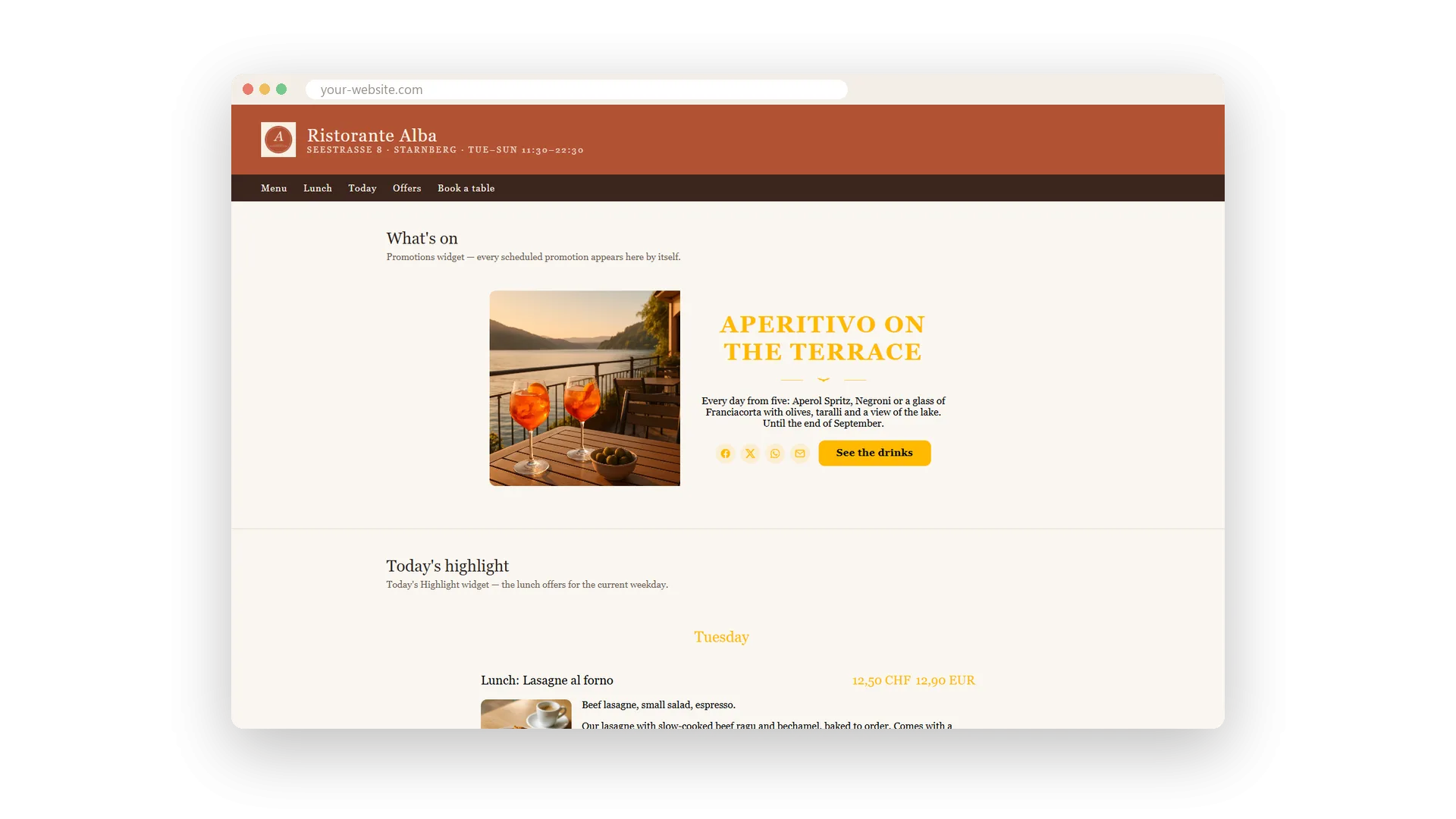
The code is plain HTML: a div and a script. WordPress, Wix, a page builder or a hand-written page take it the same way, and the widget renders there in your page's typeface. No plugin, no theme change, nothing to maintain.
Change it in the app, see it on the site
No new code, no new publish after a change
The widget reads your app on every page load. A new price, a sold-out dish, a new allergen mark in Restaurant Hub is on your website with the next visit - the code on the page never changes.
A link to show before it is live
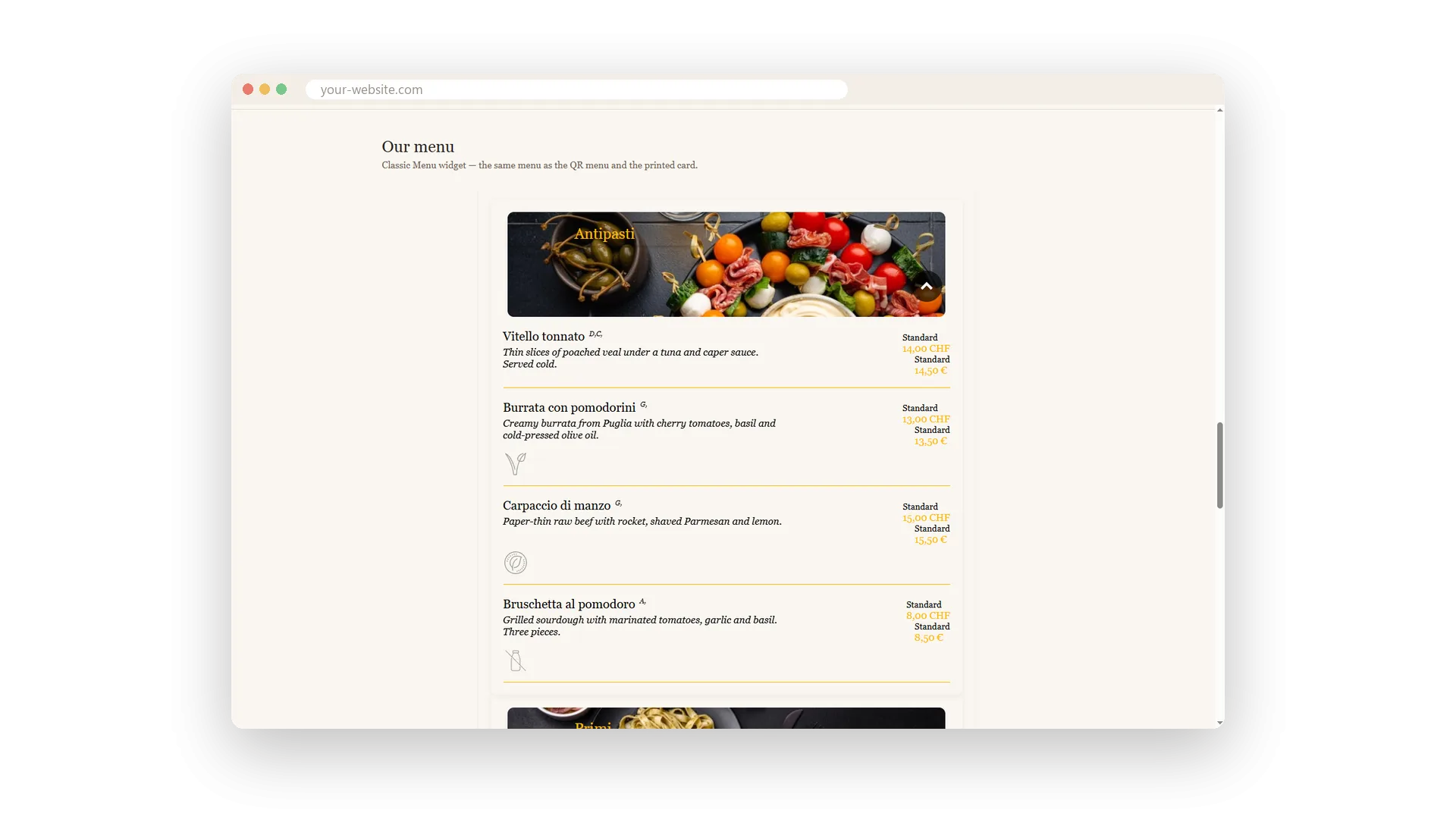
The widget alone on a white page, with real data
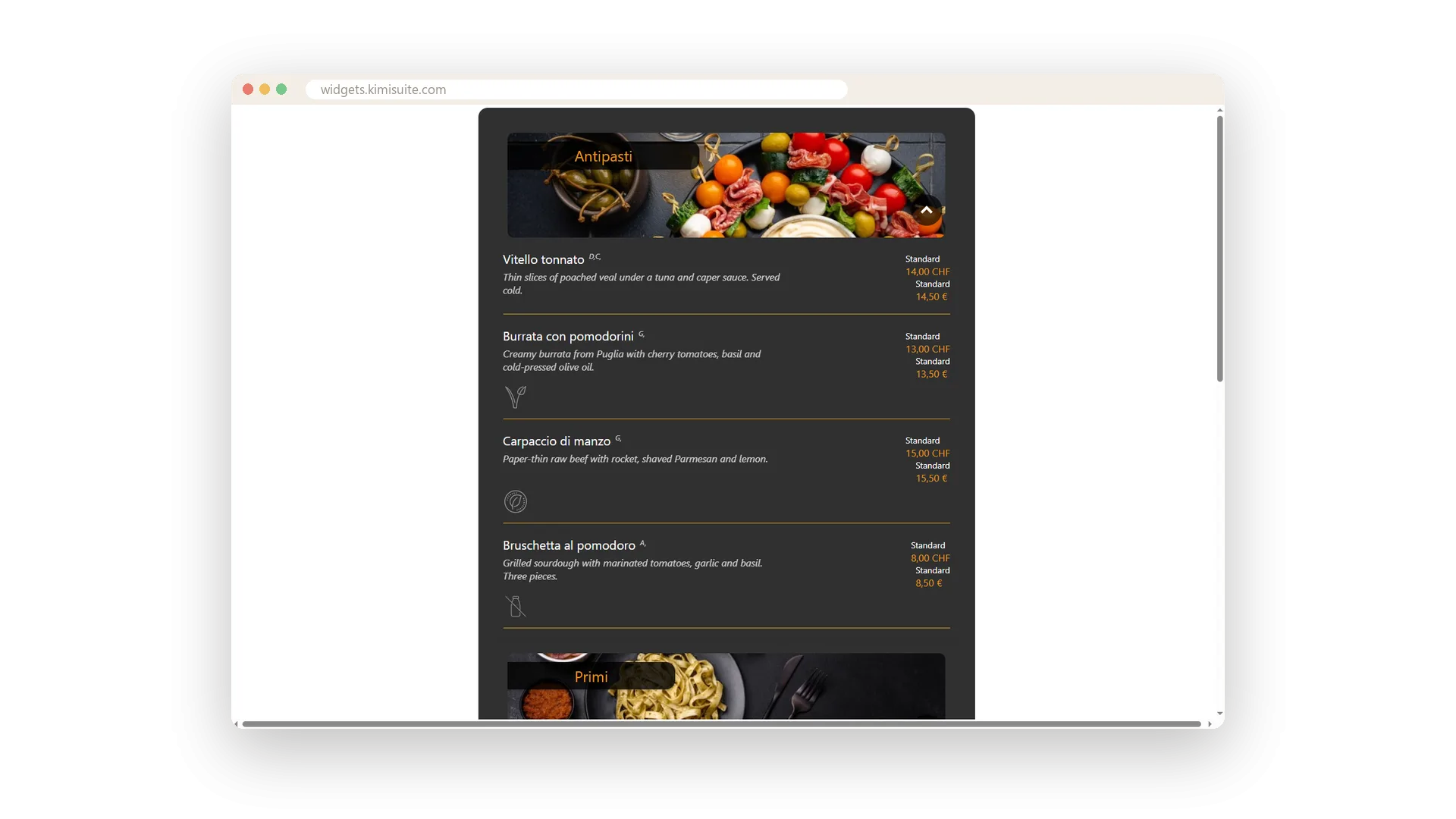
The eye icon opens a preview: the widget by itself on a white page with your real data. Send the link to a colleague or the agency and get the menu approved before the website goes live.
Use Cases
Handing the code to the agency
Open the embed dialogue, type the agency's address, Send. They receive the two lines and the hints - nothing gets lost in a chat.
Two languages on one site
Embed the same widget twice: lang=de on the German page, lang=en on the English one. One widget, one id.
Showing the menu before the site is live
Open the preview link and send it to a colleague. The widget shows alone on a white page with the real data.
FAQ
Try Widget Creator today
Live widgets from your apps, on any website
Free of charge, in your own workspace, ready in a minute.
