
Image Tools
From Edit to Export — All Image Tools in One Place.
What Image Tools Makes Possible
KIMISUITE Image Tools is a powerful online workspace that brings together everything you need to work with images in one place. Instead of switching between multiple applications or installing complex software, Image Tools provides a complete toolkit directly in your browser, designed to make everyday image tasks faster, simpler, and more efficient.
Whether you need to edit, convert, optimize, resize, or design images, the platform provides a smooth workflow that allows you to move seamlessly between tools. You can quickly improve visuals with the Image Editor, convert files between formats like PNG, JPG, and WebP using the Converter, and significantly reduce file sizes with the Compressor while maintaining high visual quality.
Managing large collections of images is equally simple. With the Batch Resizer you can scale multiple images at once, while the Image Cropper helps prepare visuals for social media, product listings, profile images, and other standard formats. For creative tasks, users can combine multiple images with the Collage Maker or create ready-to-publish graphics using the Social Designer.
Image Tools also includes built-in branding and vector capabilities. The Watermark tool allows you to add logos or text to protect and personalize your images, while the Vector Editor makes it possible to create and edit SVG graphics directly inside the platform.
Designed as part of the KIMISUITE ecosystem, Image Tools focuses on speed, usability, and flexibility. The clean interface and integrated workflow make it easy for individuals, teams, and businesses to manage their entire image workflow from a single modern platform.
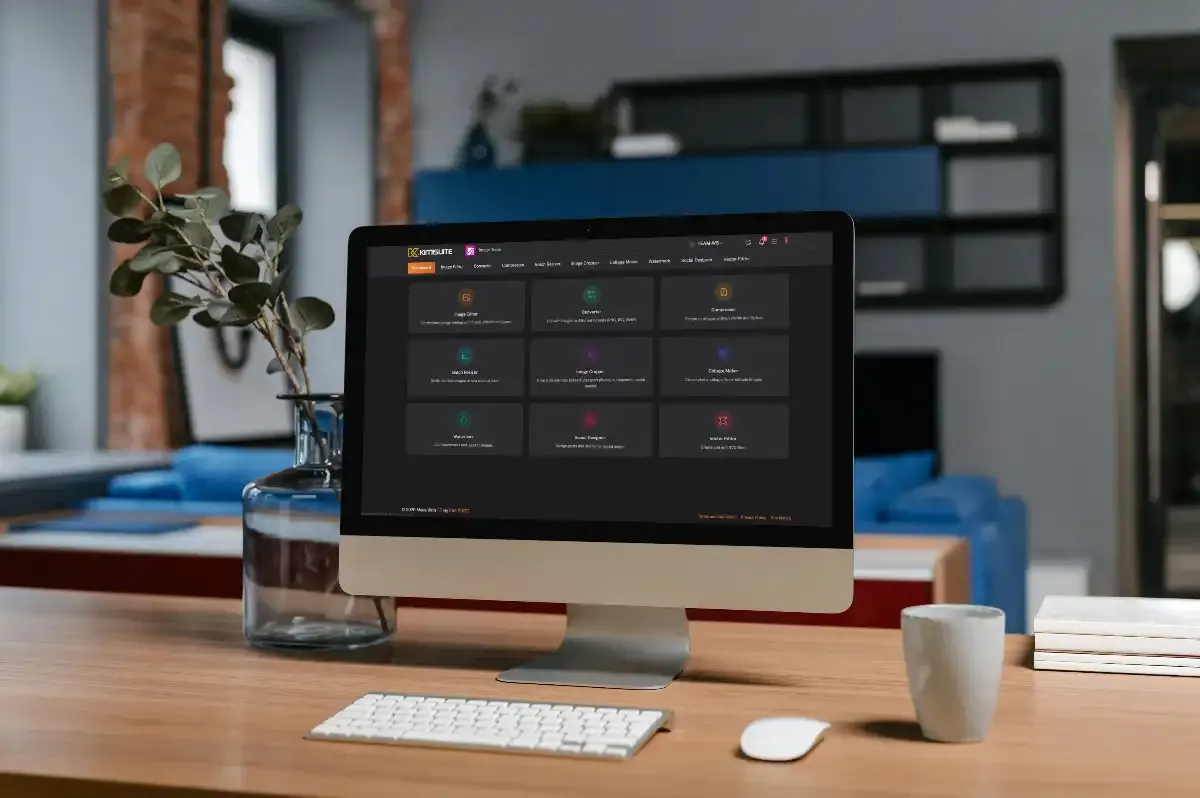
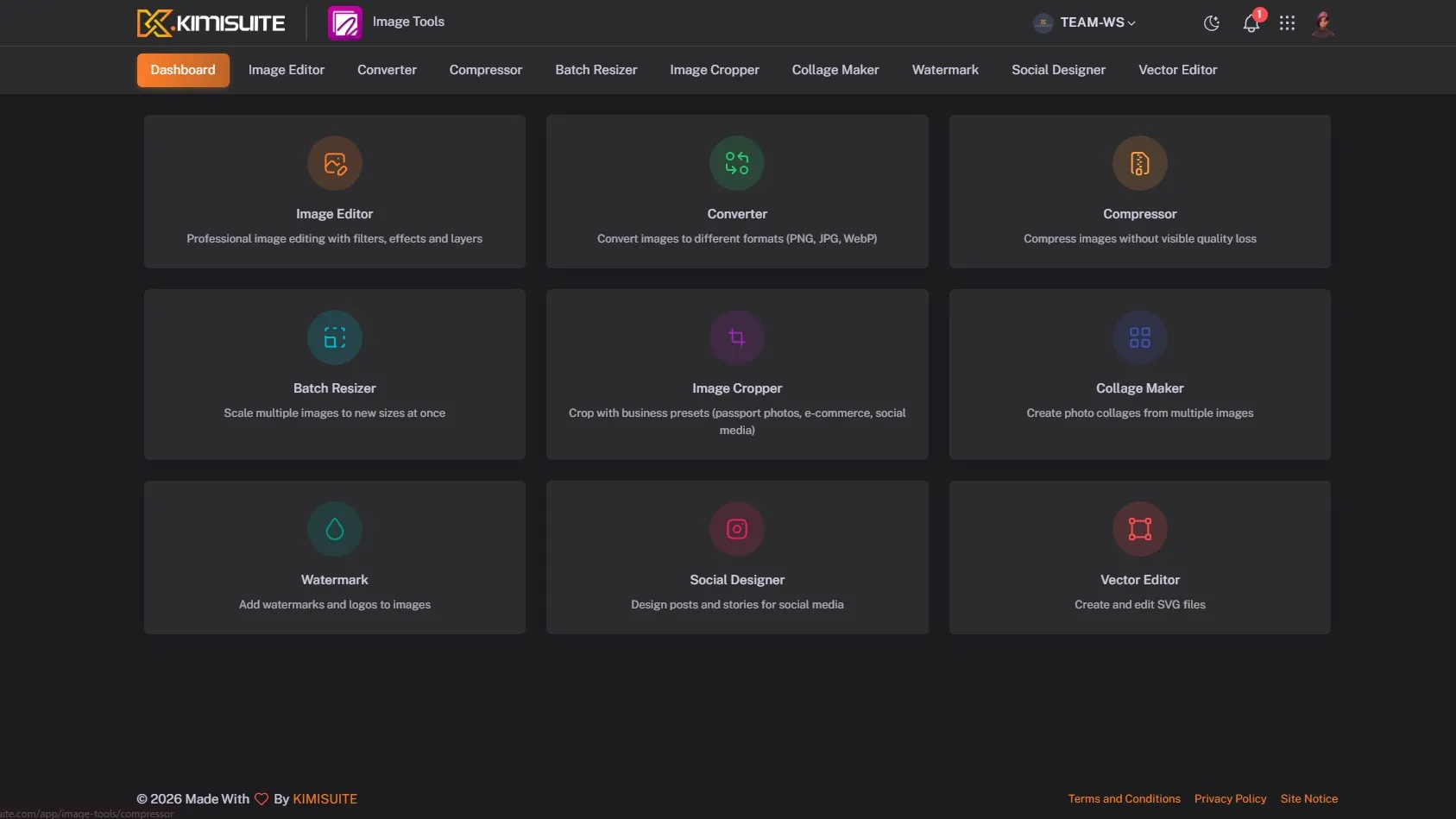
Image Tools Overview
Edit and enhance images with filters, adjustments, and simple editing tools directly in your browser.
Convert images between popular formats like PNG, JPG, and WebP quickly and effortlessly.
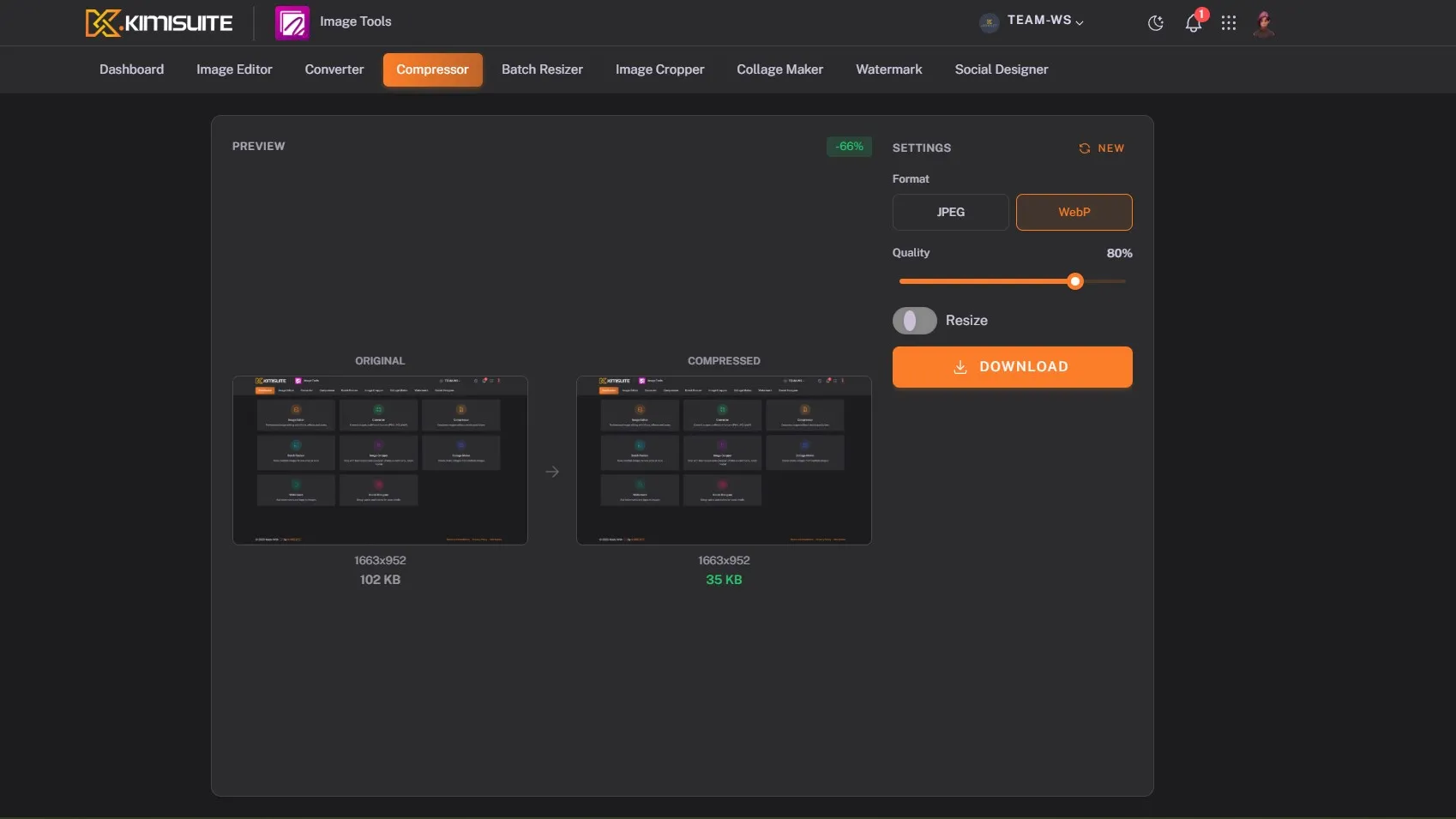
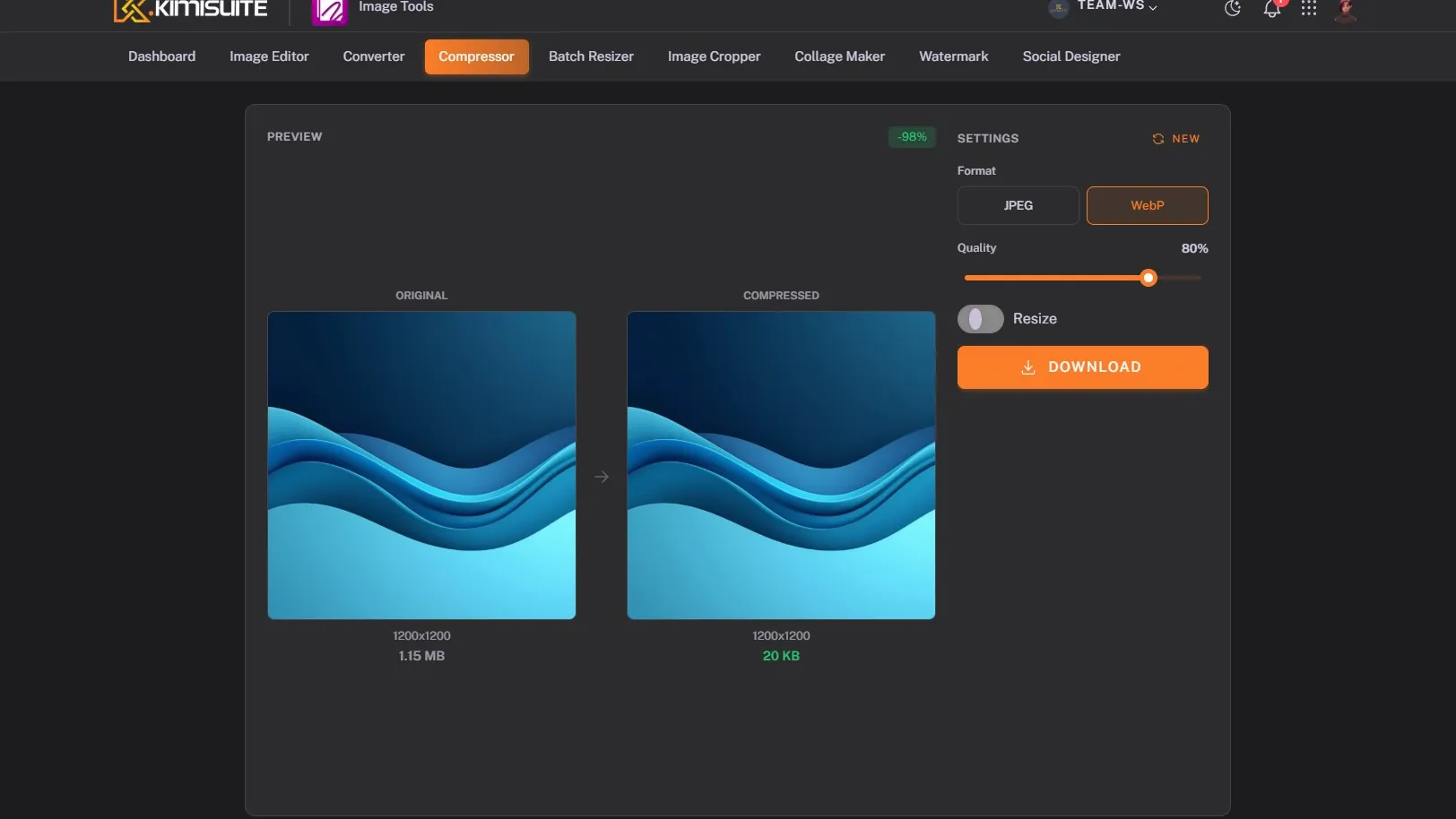
Reduce image file size while maintaining high visual quality for faster websites and apps.
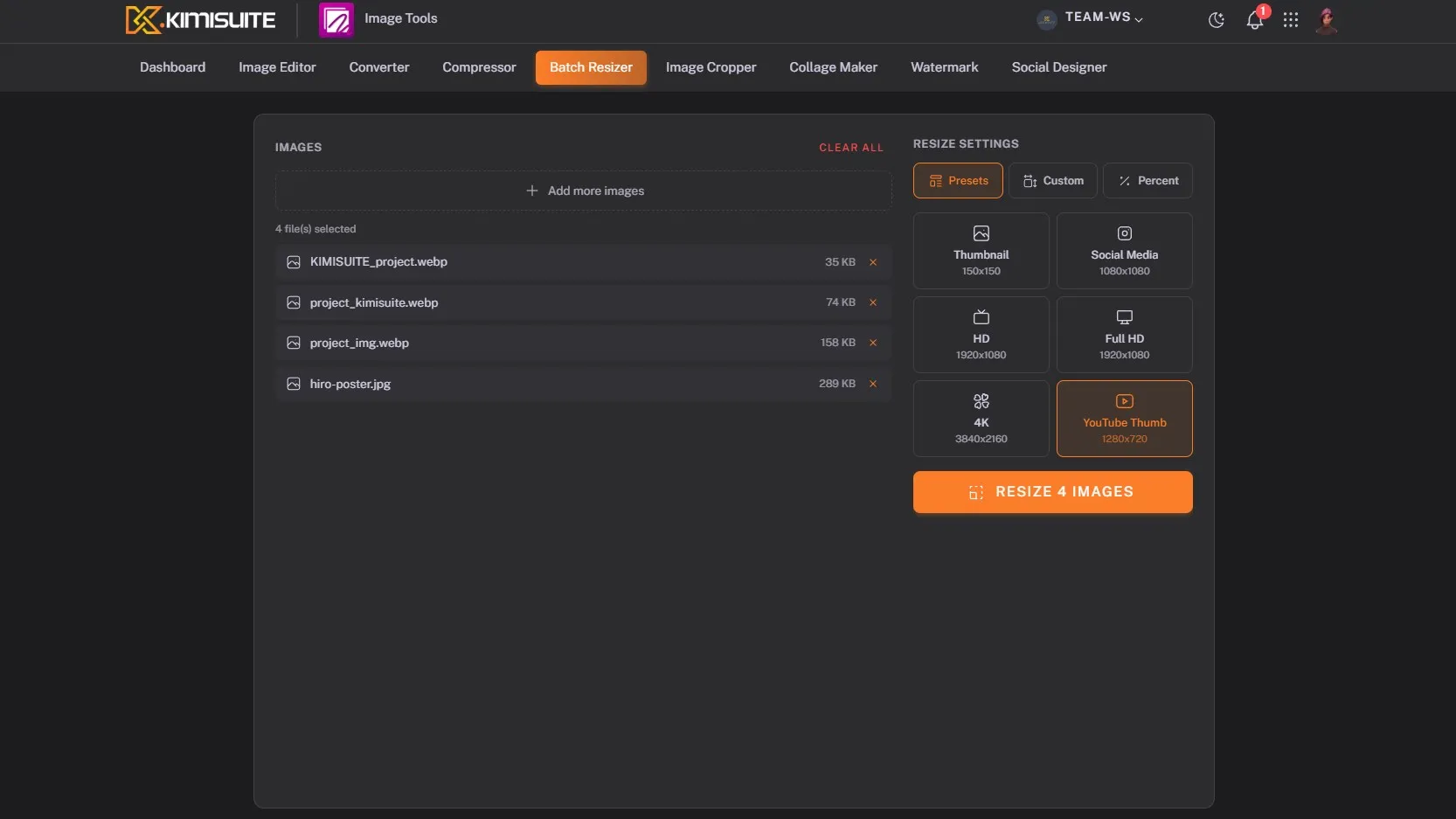
Resize multiple images at once using presets or custom dimensions to save time.
Crop images precisely with predefined formats for social media, profiles, or custom ratios.
Combine multiple images into clean and stylish layouts for presentations or social media.
Add logos or text watermarks to protect and brand your images easily.
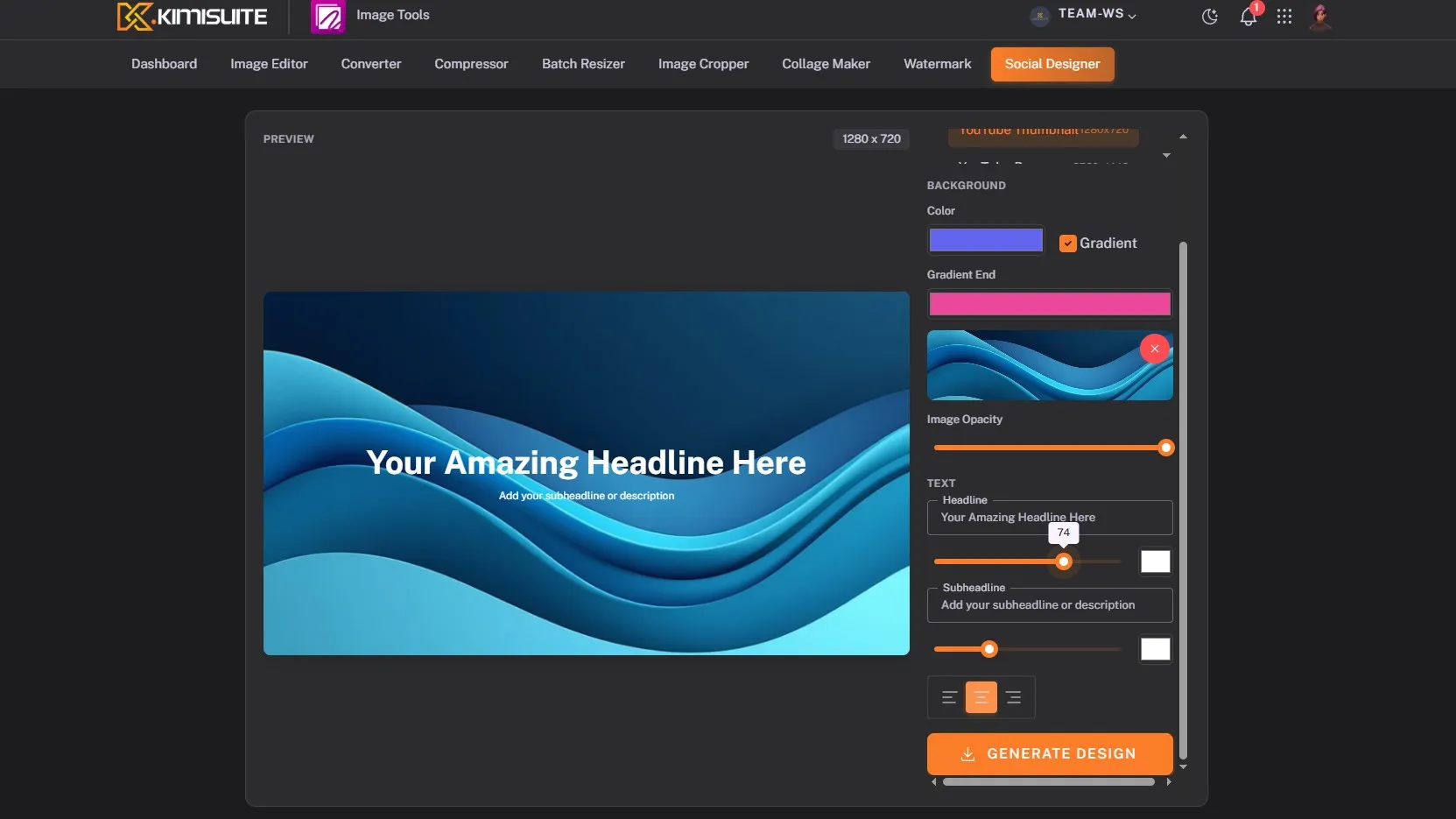
Create ready-to-publish visuals for social media posts and stories in seconds.
Create and edit scalable SVG graphics directly in your browser.
See It in Action
Pricing Plans
Choose the right plan for your needs. All plans include free updates.
| Image Tools | Basic €4.90 /mo · per workspace Start Free Trial | Plus €7.90 /mo · per workspace Start Free Trial | Recommended Premium €9.90 /mo · per workspace Start Free Trial |
|---|---|---|---|
| Image Editor Professional image editing with filters, effects, and layers. | |||
| Image Converter Convert images between PNG, JPG, WebP formats. | |||
| Image Compressor Compress images without quality loss. | |||
| Batch Resizer Resize multiple images at once with presets. | |||
| Image Cropper Crop images with business presets (passports, e-commerce, social media). | – | ||
| Collage Maker Create photo collages from multiple images. | – | ||
| Watermark Add watermarks and logos to images. | – | ||
| Social Designer Design posts and stories for social media. | – | ||
| Vector Editor Create and edit SVG vector graphics. | – | – |
- Image Editor Professional image editing with filters, effects, and layers.
- Image Converter Convert images between PNG, JPG, WebP formats.
- Image Compressor Compress images without quality loss.
- Batch Resizer Resize multiple images at once with presets.
- Image Cropper Crop images with business presets (passports, e-commerce, social media).–
- Collage Maker Create photo collages from multiple images.–
- Watermark Add watermarks and logos to images.–
- Social Designer Design posts and stories for social media.–
- Vector Editor Create and edit SVG vector graphics.–
Image Tools
FAQ
Common questions about Image Tools answered clearly.
Ready to See It in Action?
Discover how KIMISUITE connects growth, automation and AI into one unified system.
Take Your Business to The Next Level!
Stop paying for tools you barely use. Start running your business on KIMISUITE.
No long-term contract · Cancel anytime · 14 days free