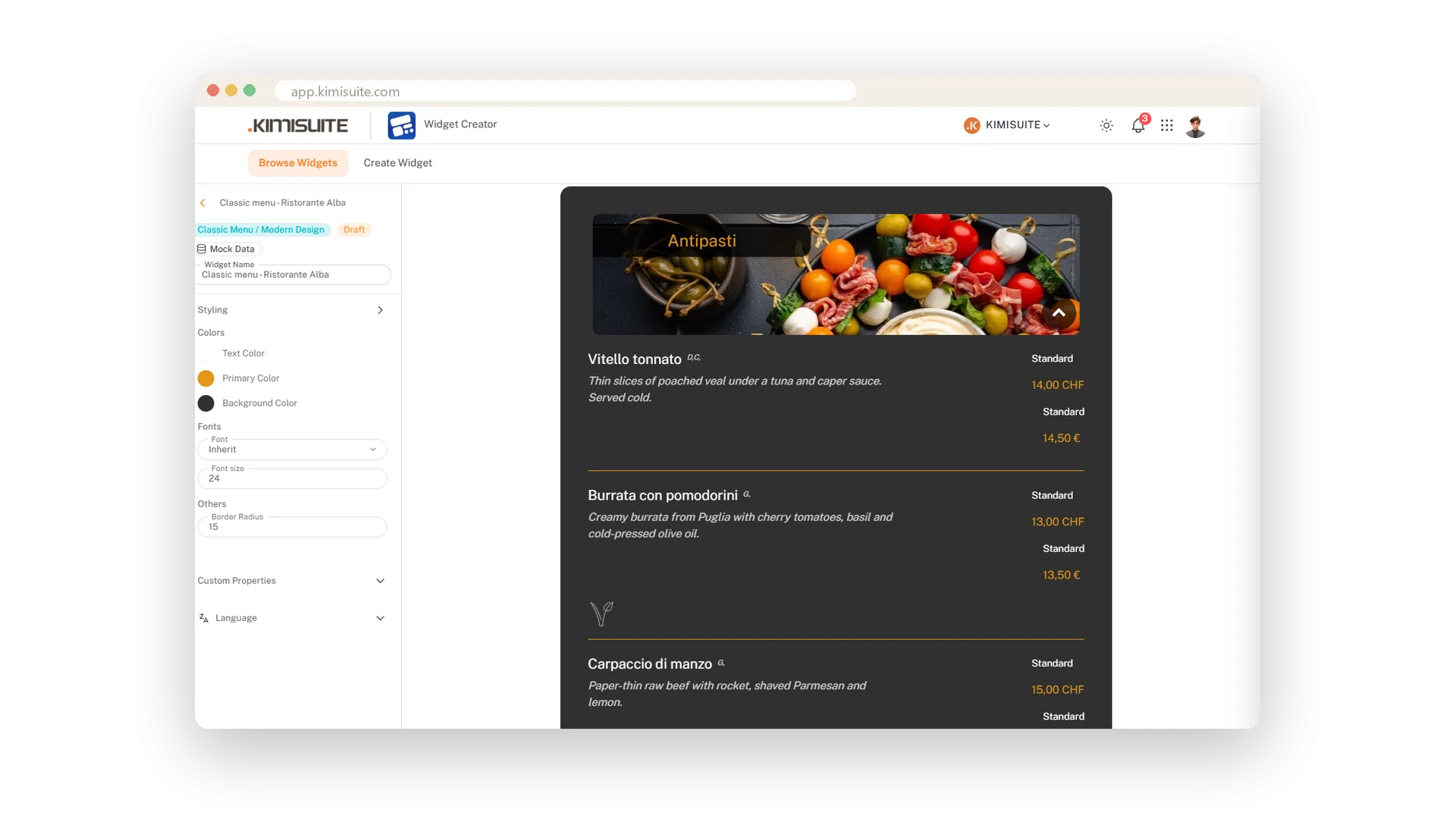
A widget should look like it belongs to your page, not like a box from somewhere else. Start from a ready-made colour design or set your own colours - the colours you used before stay at hand - choose the width and alignment, and watch the result in a live preview with your real data, before a single visitor sees it.
Sixteen display languages switch buttons and labels together, and the preview shows the widget on desktop, tablet and phone. One widget can serve a bilingual site: set the language in the embed code of each page.
Key Benefits
Ready-made colour designs or your own colours, in a minute
The colours you used before stay at hand for the next widget
Sixteen display languages, also per page in the embed code
Live preview for desktop, tablet and phone, with your real data
Colour designs or your own colours
Pick a design, adjust it, reuse it
Start from a ready-made colour design or set your own colours, and the preview repaints as you pick. The colours you used before stay at hand, so the next widget matches the first.
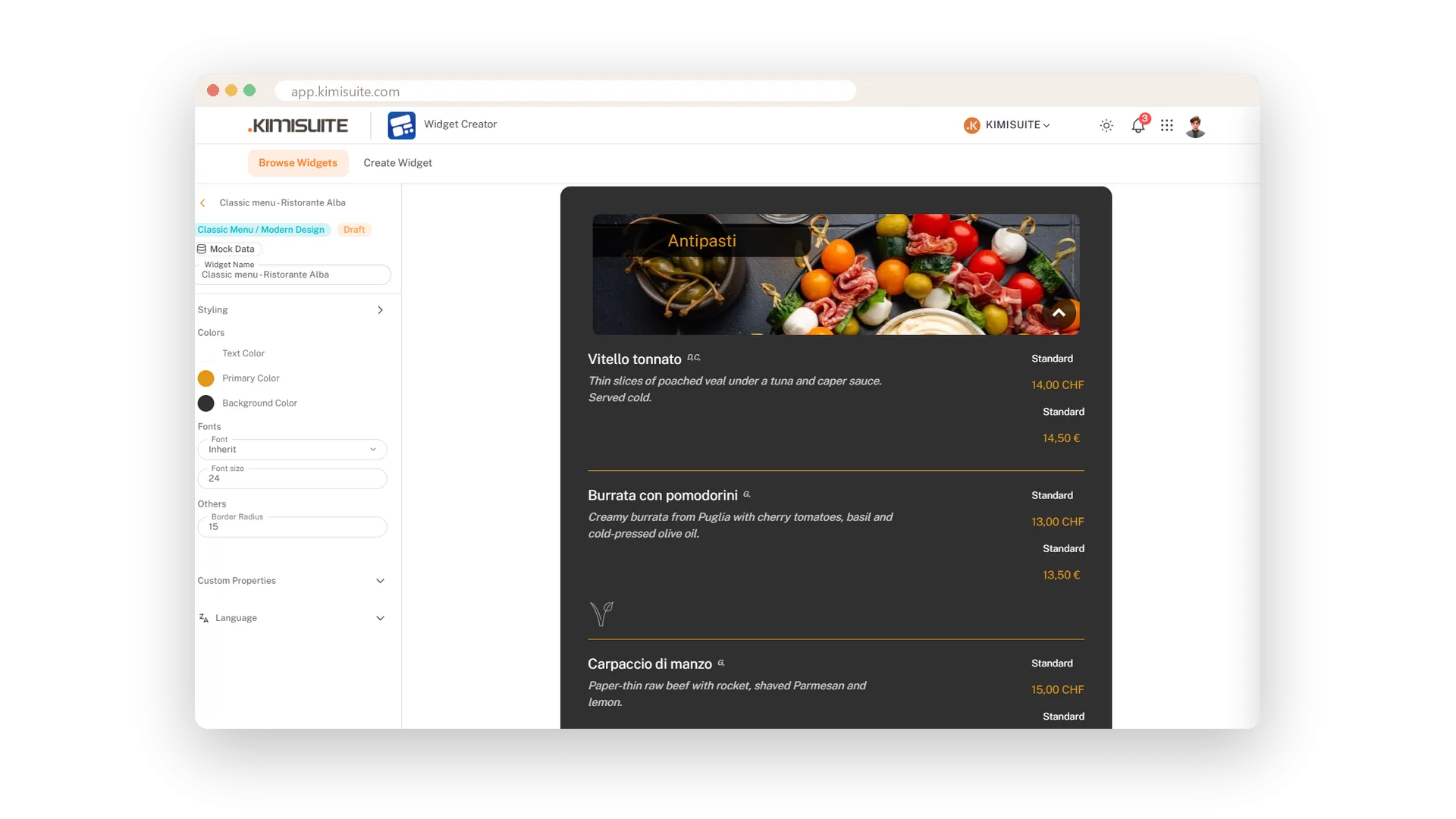
Sixteen languages
Buttons, labels and menu texts switch together
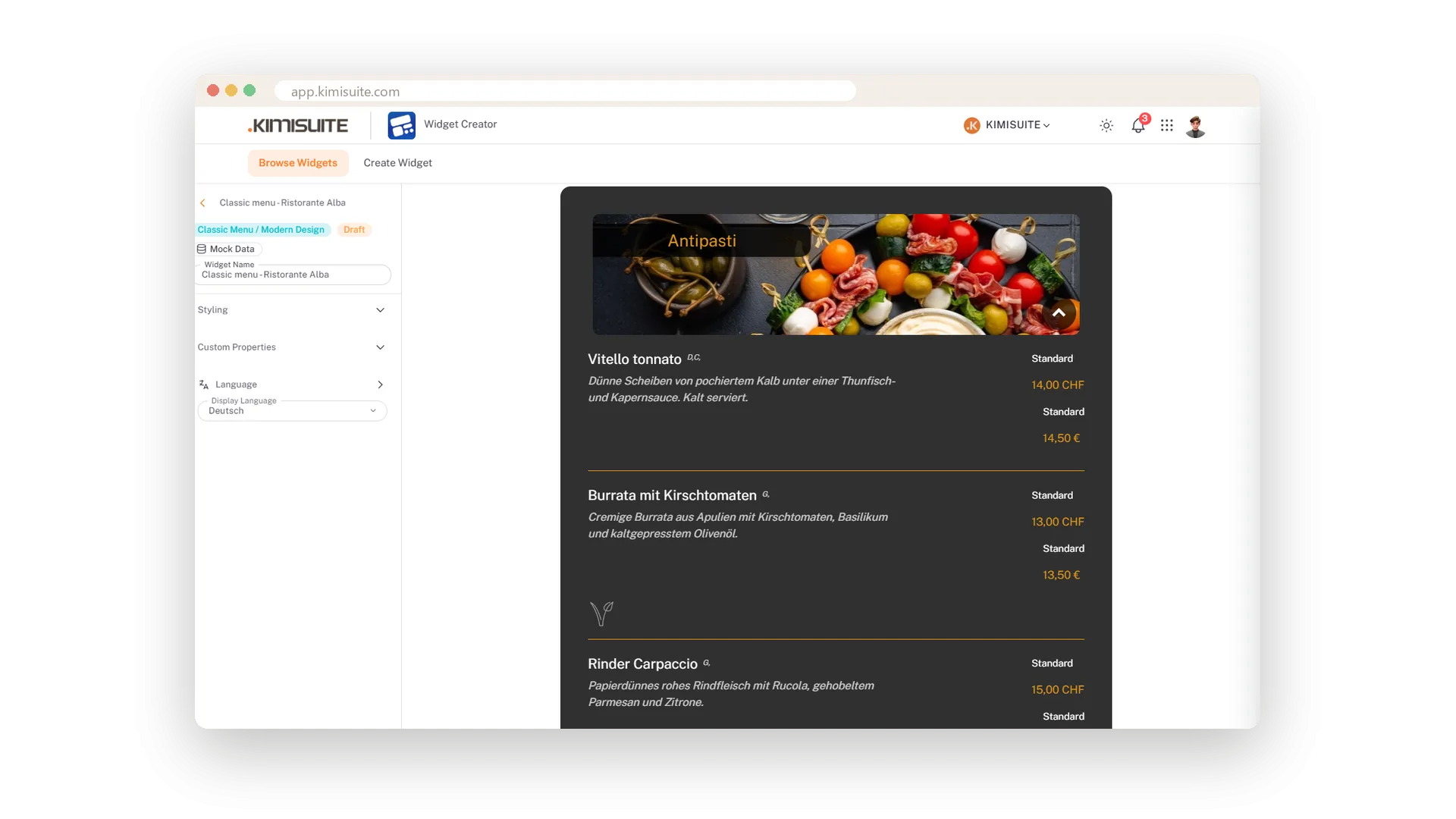
Choose the display language from sixteen. Buttons, labels and the menu texts from Restaurant Hub switch together, and the preview shows it. One widget can serve a bilingual site - set the language in the embed code per page.
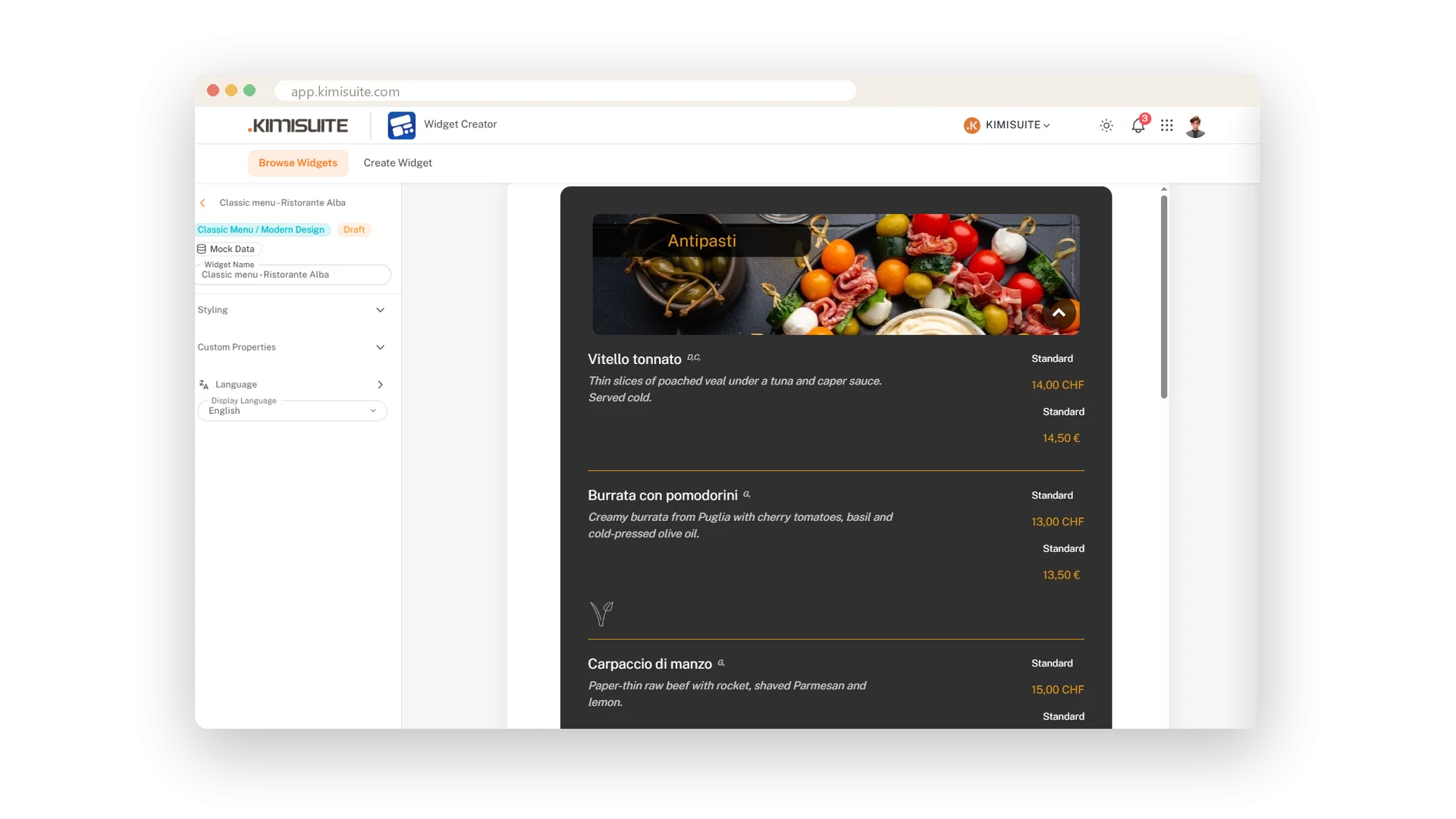
See it as your visitors will
Desktop, tablet and phone, with your real data
The preview shows the widget with your real dishes. Three buttons switch it to desktop, tablet and phone width, so you know exactly what visitors will see on every screen before you publish.
Use Cases
A dark website
You pick a dark colour design and adjust the main colour to your brand. The preview shows the widget in those colours before you publish.
The second widget in the same colours
Your previous colours appear in the editor, so the booking widget matches the menu widget with one click.
A German page for German guests
Set the display language to Deutsch, or lang="de" in the embed code. Buttons and labels switch, and the preview shows it.
FAQ

Try Widget Creator today
Live widgets from your apps, on any website
Free of charge, in your own workspace, ready in a minute.
