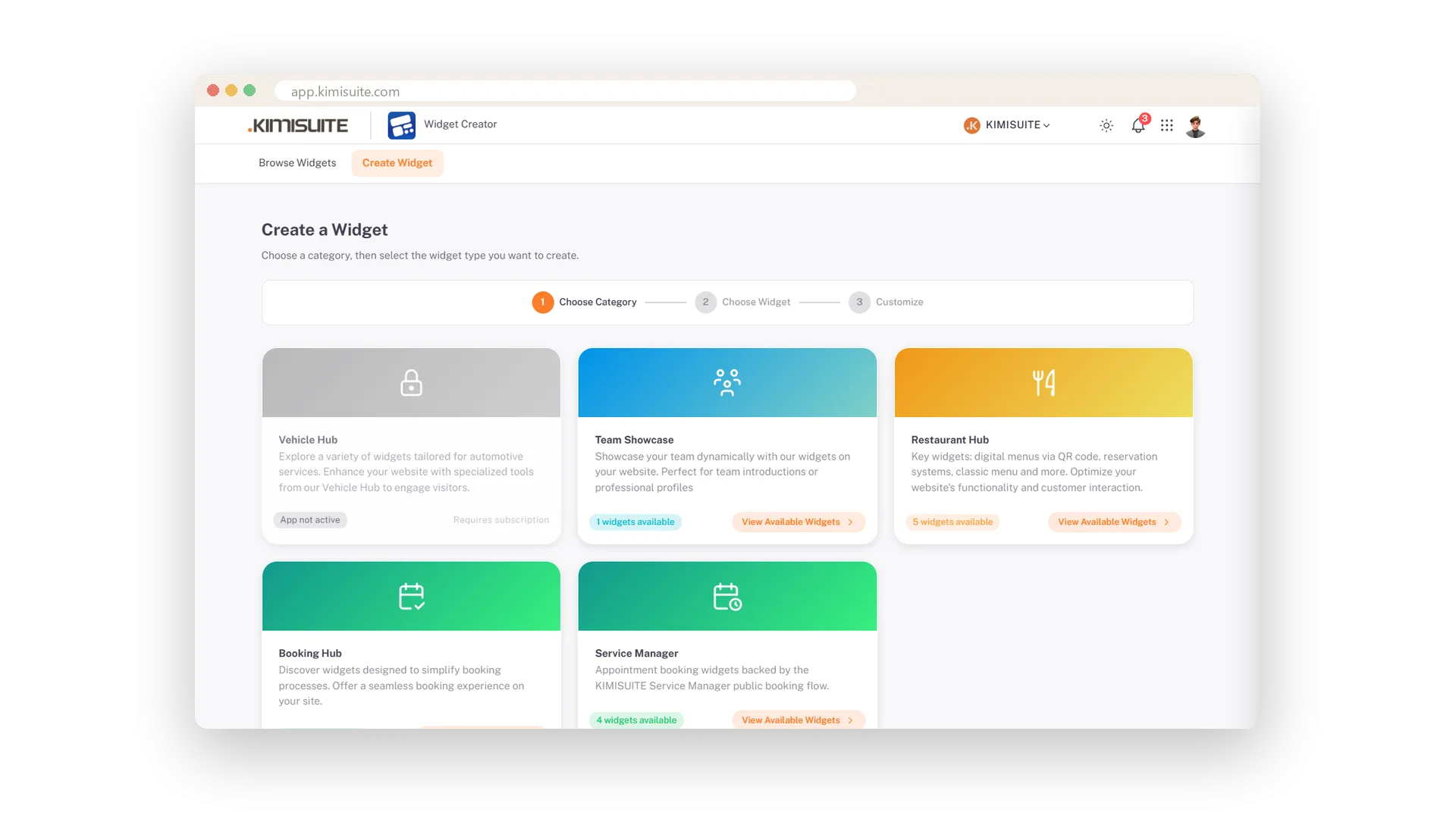
Visitors like to see who they will deal with. The Team widget shows the people you published in Team, right inside your own website: as a grid that looks like your team page, as a list with bios that open on a click, or as a carousel with arrows.
Set the title, grouping, filters, theme, density, corners, fonts and colours, and add your own CSS if you need more. Members appear only after they agree to be shown in public, and anyone who leaves your workspace disappears from the widget at once.
Key Benefits
The people you publish in Team, inside your own website
A grid, a list with expandable bios, or a carousel
Your fonts, colours and corners, and your own CSS if you need it
Only members who agreed, and gone at once when they leave
Use Cases
A team grid on the About page
You paste the grid into your About page. Visitors see the same photos and positions as on your team page, in your site's colours.
A slim list next to the contact form
A law firm shows its partners as a list beside the contact form. Bios open on a click, so the column stays short.
A carousel on the homepage
A small agency puts its eight people into a carousel on the homepage. Visitors flip through them with the arrows.
FAQ

Try Widget Creator today
Live widgets from your apps, on any website
Free of charge, in your own workspace, ready in a minute.
