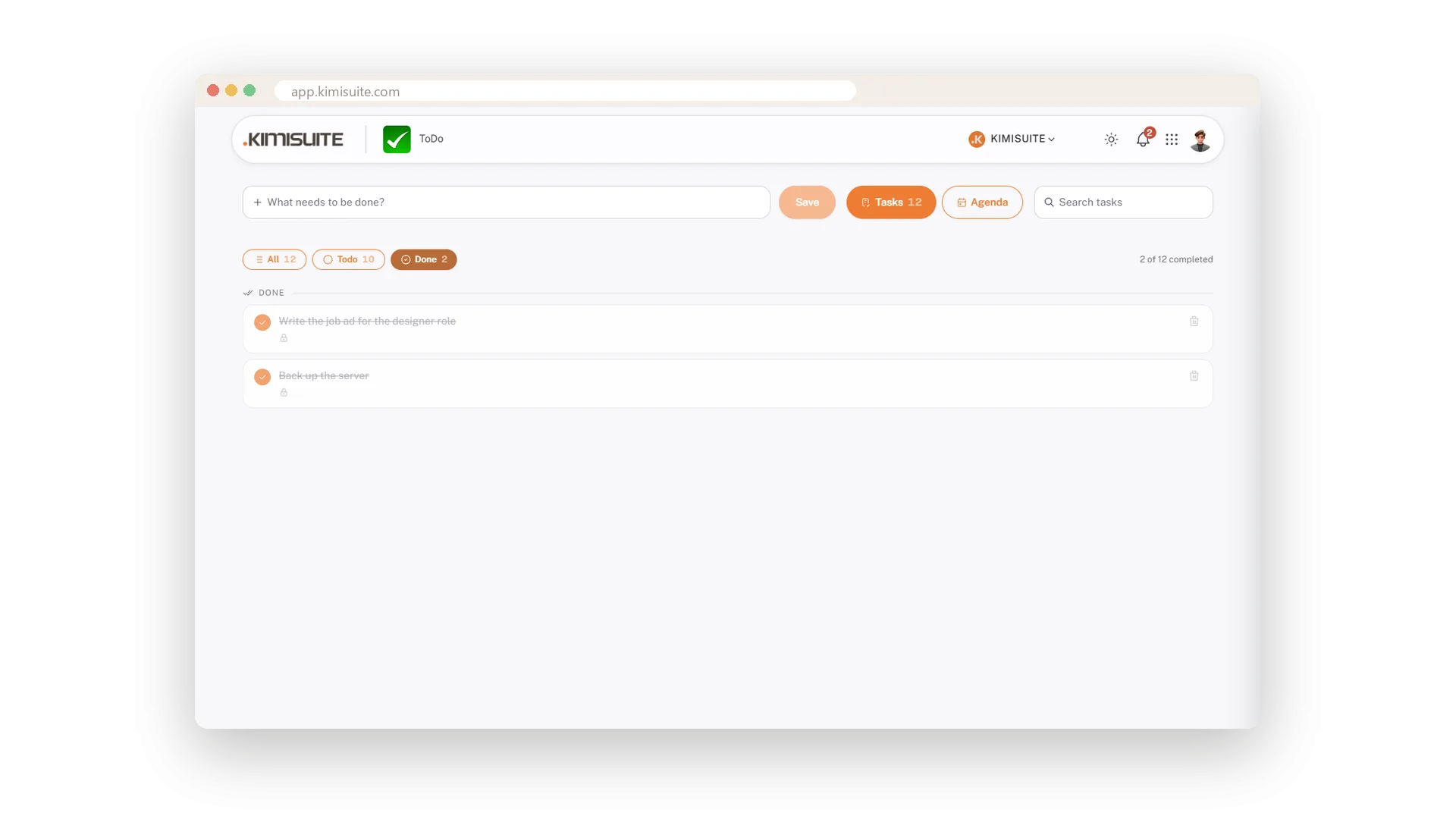
Above the list sit three chips - All, Todo, Done - each with a count, and a line that says how much of the week is already done. Pinned tasks come first, finished ones wait in their own filter. Type into the search and the list shrinks to the tasks that mention the word.
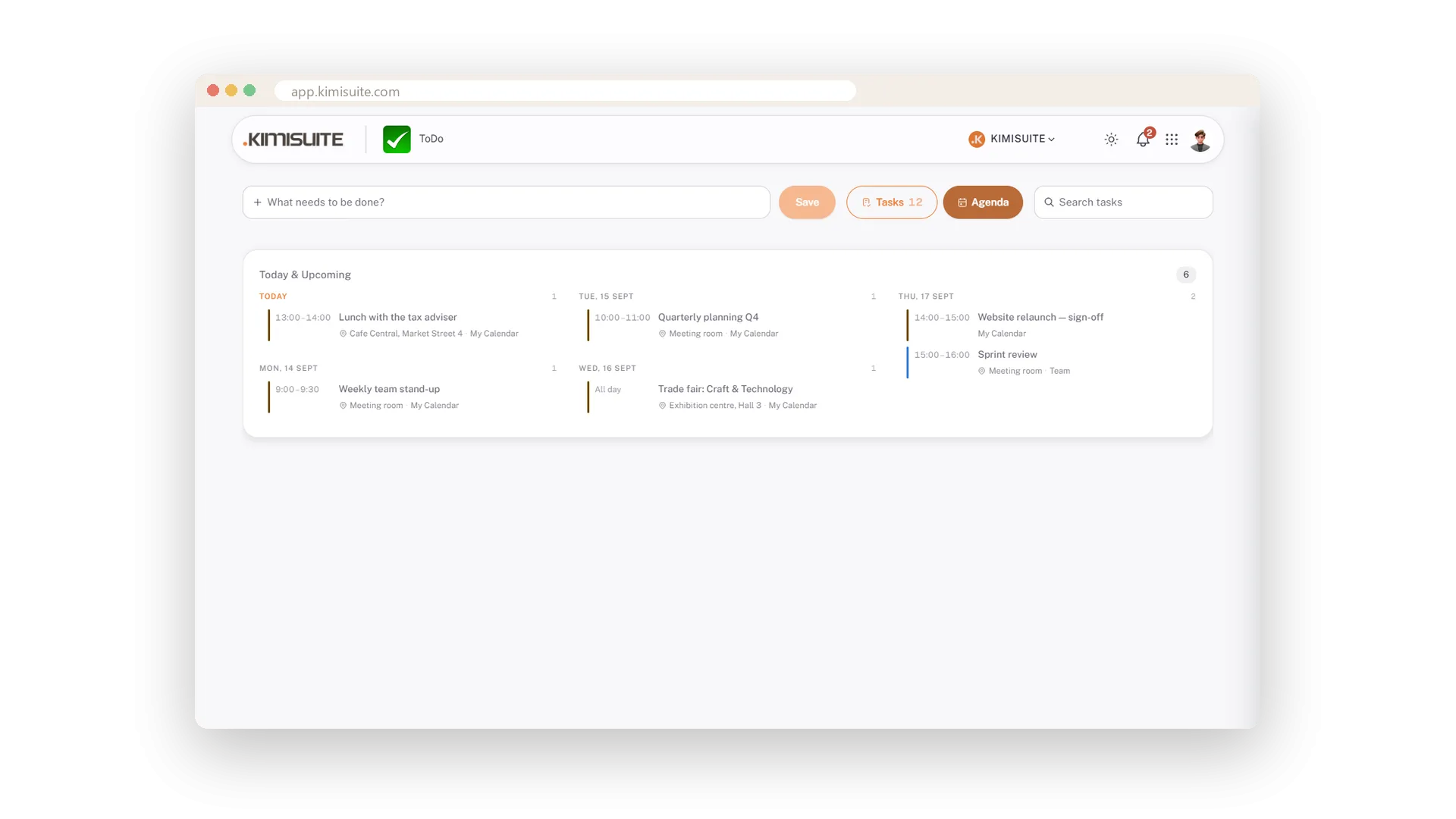
The Agenda tab turns the same small app into your morning check: today's and this week's appointments from the Calendar app, grouped by day with time, title, location and calendar. Tasks and appointments on one screen - you know what the day holds before the first coffee.
Key Benefits
All, Todo and Done with counts, plus a line that says how far you are
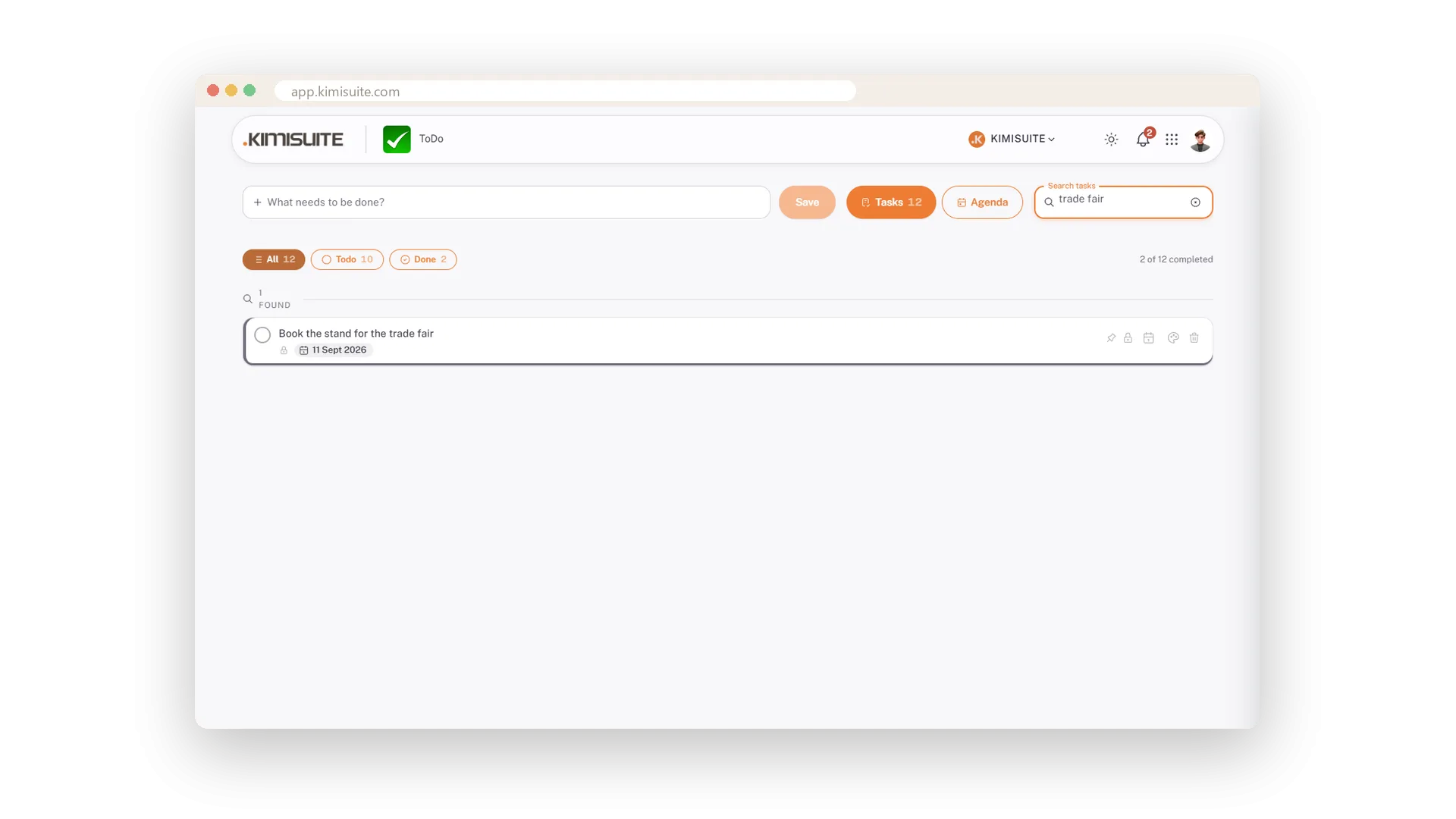
Search that shrinks the list as you type
An Agenda tab with the calendar's appointments for the next seven days
Pinned tasks first, done tasks out of the way
Find a task by typing
The list shrinks as you type
Type a word and only the tasks that mention it stay on screen. No filter menu, no Enter - it happens while you type.
Today and the week ahead
The calendar's appointments, right next to your tasks
One switch from Tasks to Agenda and you see today's and this week's appointments from the Calendar app - grouped by day, with time, title, location and the colour of the calendar. Your morning check on one screen.
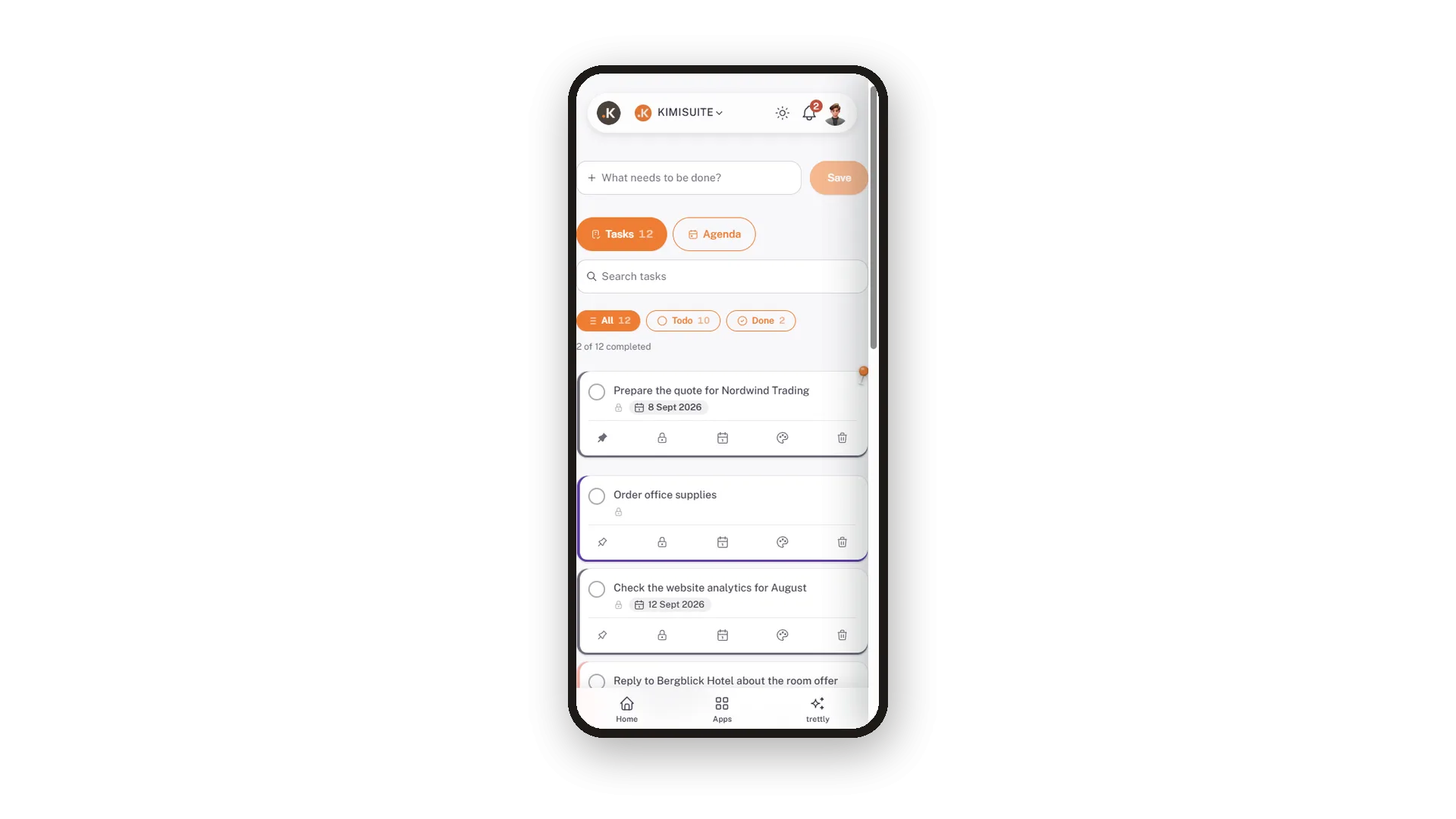
Tasks on the phone
Every line wraps, every button fits a thumb
On the phone each task takes the full width and its buttons get their own row, sized for a thumb. Tick off, pin, colour - on the way to the next appointment.
Use Cases
How far along is the week
Todo 10, Done 2, and the line that says 2 of 12 completed. Enough to know without opening anything.
Was there a task about the trade fair?
Type trade fair into the search and the list shrinks to the tasks that mention it.
What is on today - tasks and appointments
Switch to Agenda. Today's and this week's appointments from the calendar sit right next to the task list.
FAQ
Try ToDo today
The small task list, free in every workspace
Free of charge, in your own workspace, ready in a minute.
