 Widget Creator
A booking widget for WordPress that is two lines of HTML, not another plugin
The widget shows a KIMISUITE booking app you subscribe to: Booking Hub, Service Manager or Restaurant Hub. Paste two lines into a block, and rooms, appointments or tables become bookable on the page visitors are already reading.
- Cancel anytime
- No long-term contract
- 14 days free
What a site without a booking button costs
How many of your website visitors turn into bookings, and what one more percent would bring? Work it out with the booking conversion calculator.
- Visitors who want to book now
- have to call, email or leave for a booking platform
- Booking platforms
- take a commission on guests who found you on your own website
- A booking plugin
- one more plugin to update, secure and keep compatible with the theme
- Widget Creator
- no charge of its own; the booking app it shows is a paid subscription
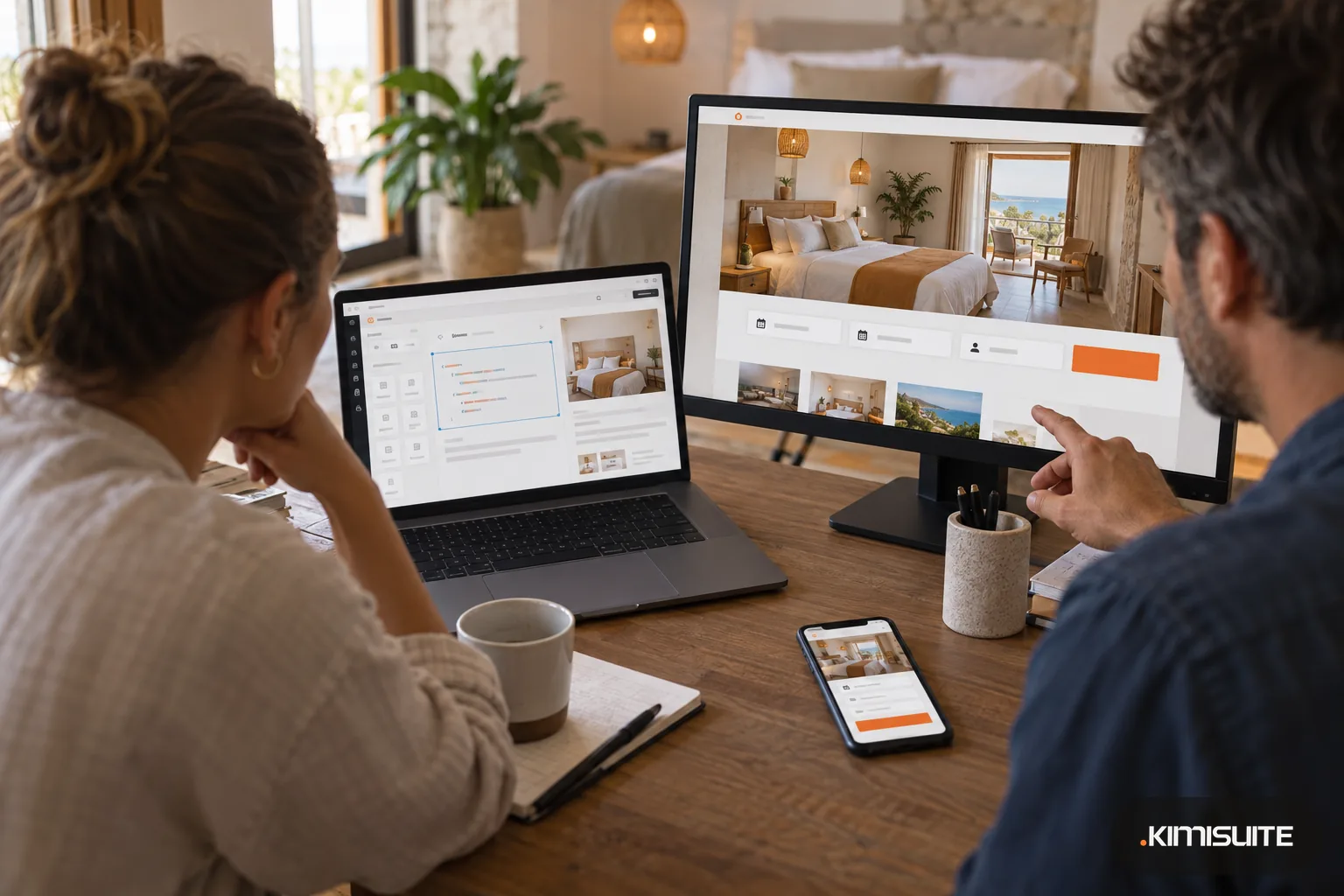
A booking widget for WordPress should do one thing: let visitors book without leaving your page, and without turning your site into a puzzle of plugins. It needs a KIMISUITE booking app you subscribe to, because that app holds the bookings: Widget Creator builds the widget from the data of your KIMISUITE app, such as the rooms and prices of Booking Hub, the services of Service Manager or the menu and tables of Restaurant Hub. You choose the widget, set the colors and the width, publish it and copy the embed code: one line that marks where the widget sits and one script line. Paste them into a Custom HTML block, and the widget is live.
Because the widget reads your app, you never update it in WordPress. Change a room price, close a date or add a service in the app, and the widget shows it without you touching WordPress. Hotels and guest houses use the Booking Hub widgets for room search, a room slider, a room list and an AI concierge that answers from your rooms and prices. Salons and studios use the appointment widgets from Service Manager. The same two lines work in Elementor, in Squarespace, in Wix or on a hand-written site. Widget Creator itself costs nothing; each widget needs the app it shows.
What you get
A booking widget for WordPress in a Custom HTML block
Paste the two lines into a Custom HTML block in the block editor, or into an HTML element of your page builder. No plugin to install, update or keep compatible with your theme.
Your theme cannot break it
The widget arrives as HTML from the server inside its own shadow DOM, so your theme's CSS does not spill into it and the widget's styles do not change your theme.
Always what your app says
Prices, free dates, services and menus come live from Booking Hub, Service Manager or Restaurant Hub. You publish the widget once and never edit it in WordPress again.
One widget for every language of your site
Set lang="de" or lang="fr" in the code and the same widget speaks that language, from 16. On a multilingual WordPress site, each language version of the page gets its own code.
Readable for search engines
Every widget comes with structured data in schema.org format, rendered on the server, so Google and AI search tools can read your rooms, services or menu.
An AI assistant on your site
Booking Hub's concierge and Service Manager's assistant answer visitors' questions from your own data and lead them into the booking. They use your app's AI credits.
Build your first widget and paste it into a draft page
Open Widget Creator, pick the widget for your app, set your colors and copy the code into a private WordPress draft. Check it on your phone before you publish the page.
How to get started
Set up the app behind the widget
Add Booking Hub for rooms, Service Manager for appointments or Restaurant Hub for menus and table requests to your KIMISUITE workspace, and enter your rooms, services or menu there.
Create the widget
In Widget Creator, choose the app, then the widget, such as room search or appointment booking. Pick a color variant, the width and the alignment, and check the preview, which shows the widget as it will look on your site.
Publish and copy the code
Publish the widget and copy the embed code. Note the language code and change it if the page is not in English.
Paste it into WordPress
Add a Custom HTML block where the widget should appear and paste the widget line. Add the script line once per page, ideally in a block at the end of the page, then update the page.
Pricing
Widget Creator is free in every KIMISUITE workspace. Each widget needs the app whose data it shows: Booking Hub from a fixed monthly price (see pricing), Service Manager from a fixed monthly price (see pricing) or Restaurant Hub from a fixed monthly price (see pricing), billed per workspace, not per user.
The AI assistants in the widgets use the AI credits of their app.
Is it the right fit?
A good fit if
- Hotels and guest houses on WordPress that want room search and booking on their own site
- Salons, studios and practices that want appointment booking on a WordPress page
- Restaurants that want the menu and a table request form on their WordPress site
- Web designers who build WordPress sites for clients who run KIMISUITE apps
Not the right fit if
- Sites that need a booking system without a KIMISUITE app: every widget shows the data of its app
- Designers who want to add their own JavaScript or CSS to the widget
- Marketers who want to A/B test widget variants or read visitor analytics in the widget
- Sites on a hosting plan that removes script tags from pages
Frequently asked questions
How do I add a booking widget for WordPress without a plugin?
Does it work with Elementor and other page builders?
Will my theme change how the widget looks?
Do I have to update the widget when my prices change?
Can a restaurant take table bookings with it?
Is Widget Creator really free?
Can I use the widget on a multilingual WordPress site?
Why does WordPress remove the script line when I save the page?
Read next
- Related solutionsGuest house software for B&Bs, pensions and small innsSell your rooms with breakfast online, take the phone booking while you set the tables, and know every morning who arrives, who leaves and what is still unpaid.
- Related solutionsA holiday let booking system for cottages, flats and self-catering apartmentsTake direct bookings on a booking page of your own, keep Airbnb, VRBO and Booking.com on one calendar, and send every guest the door code and arrival notes for their apartment without picking up the phone.
- Related solutionsOnline consultation software for advisers, coaches and consultantsYour client clicks a link, checks camera and microphone and waits in your waiting room until you let them in. No download, no account, no meeting ID read out over the phone.
- From the blogWhat Customers Check Before They Book an Appointment OnlineService, price, a free time, the rules and proof that it worked. If an online booking page answers these five questions, people book. If one...
- From the blogThe Direct Booking Test: Where Hotel Websites Lose ReservationsHotels pour time and money into their website — but rarely check whether it actually turns visitors into direct bookings. A quick audit usua...
Ready when you are
Set it up in your own workspace and see how it works with your data.
- Cancel anytime
- No long-term contract
- 14 days free
