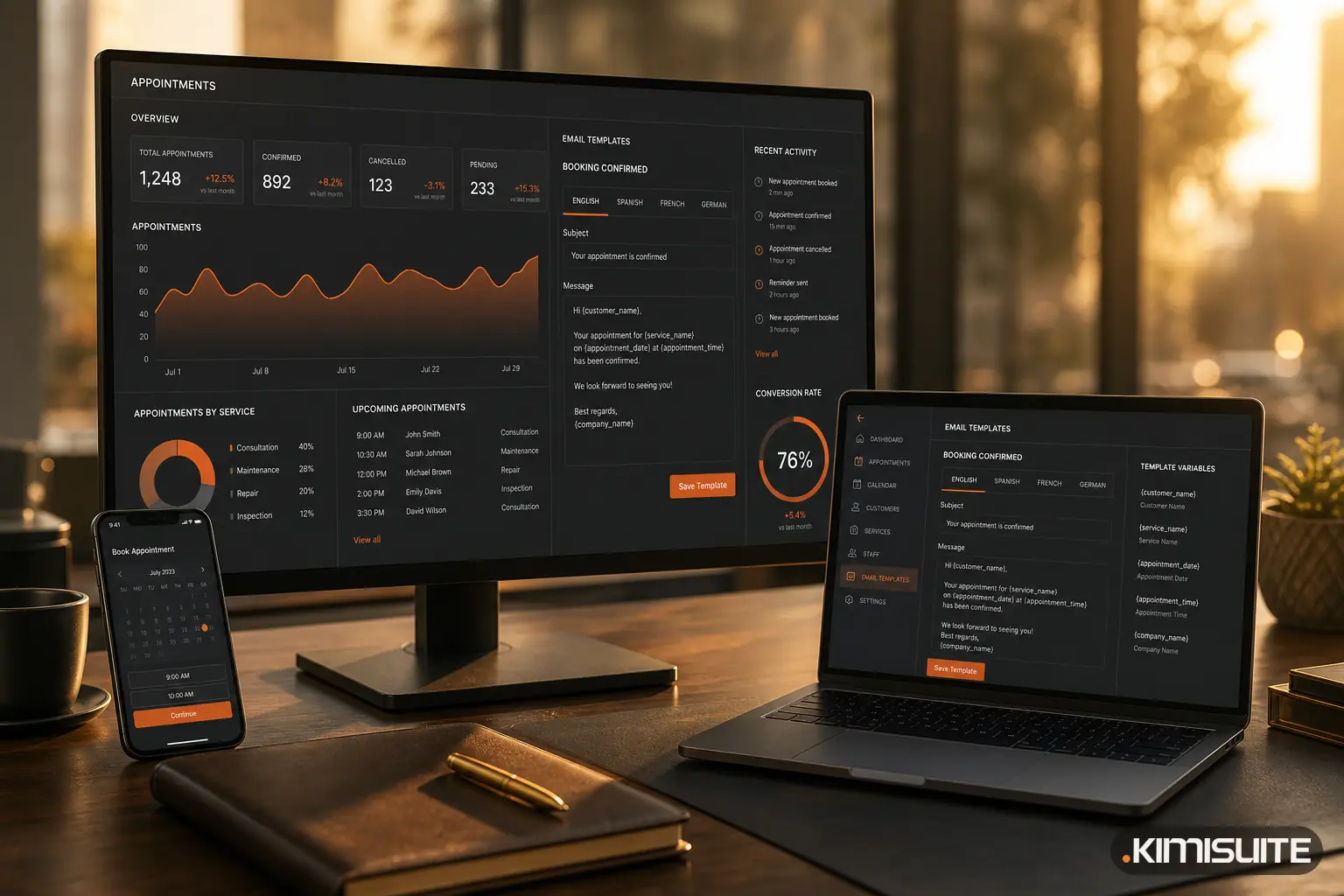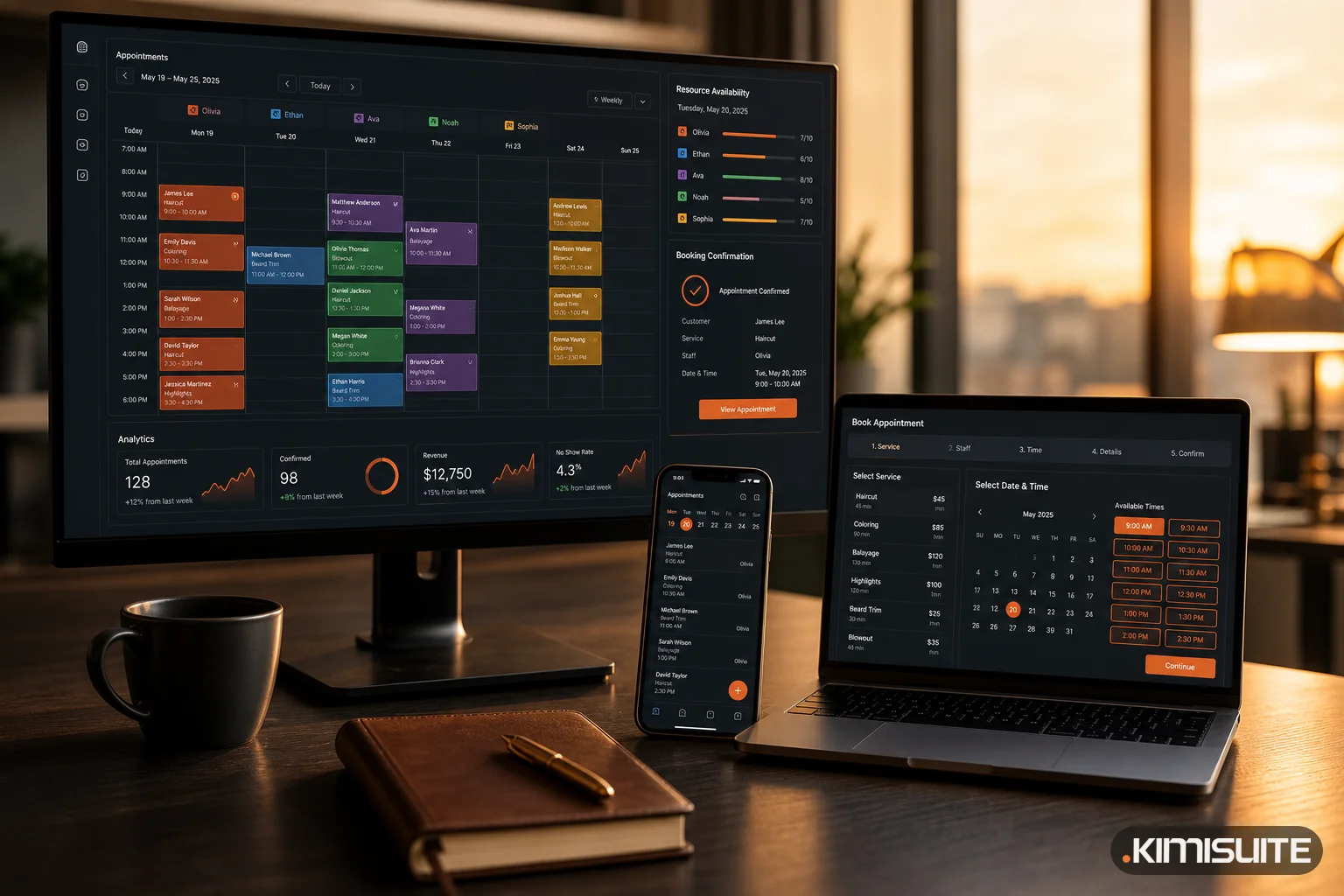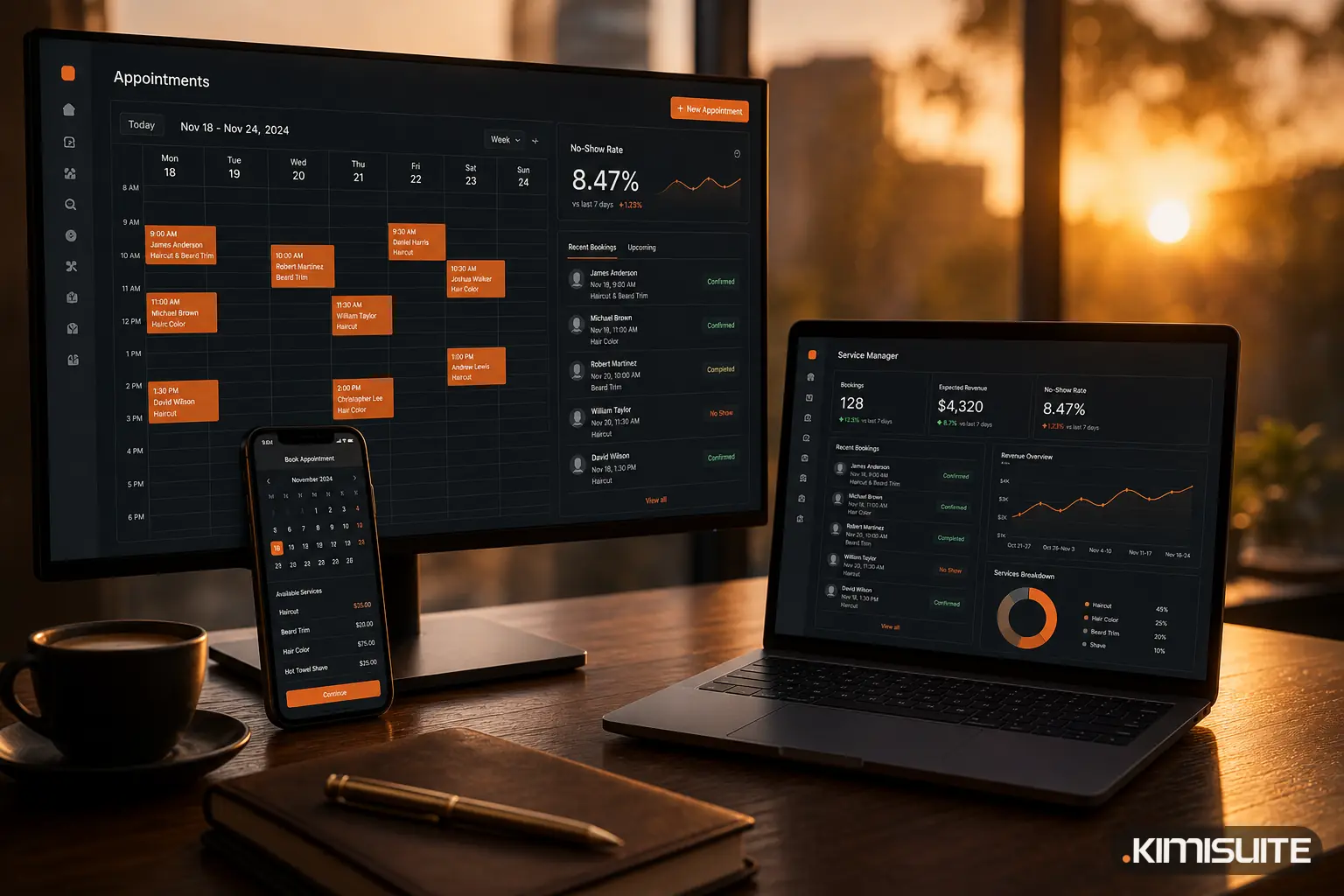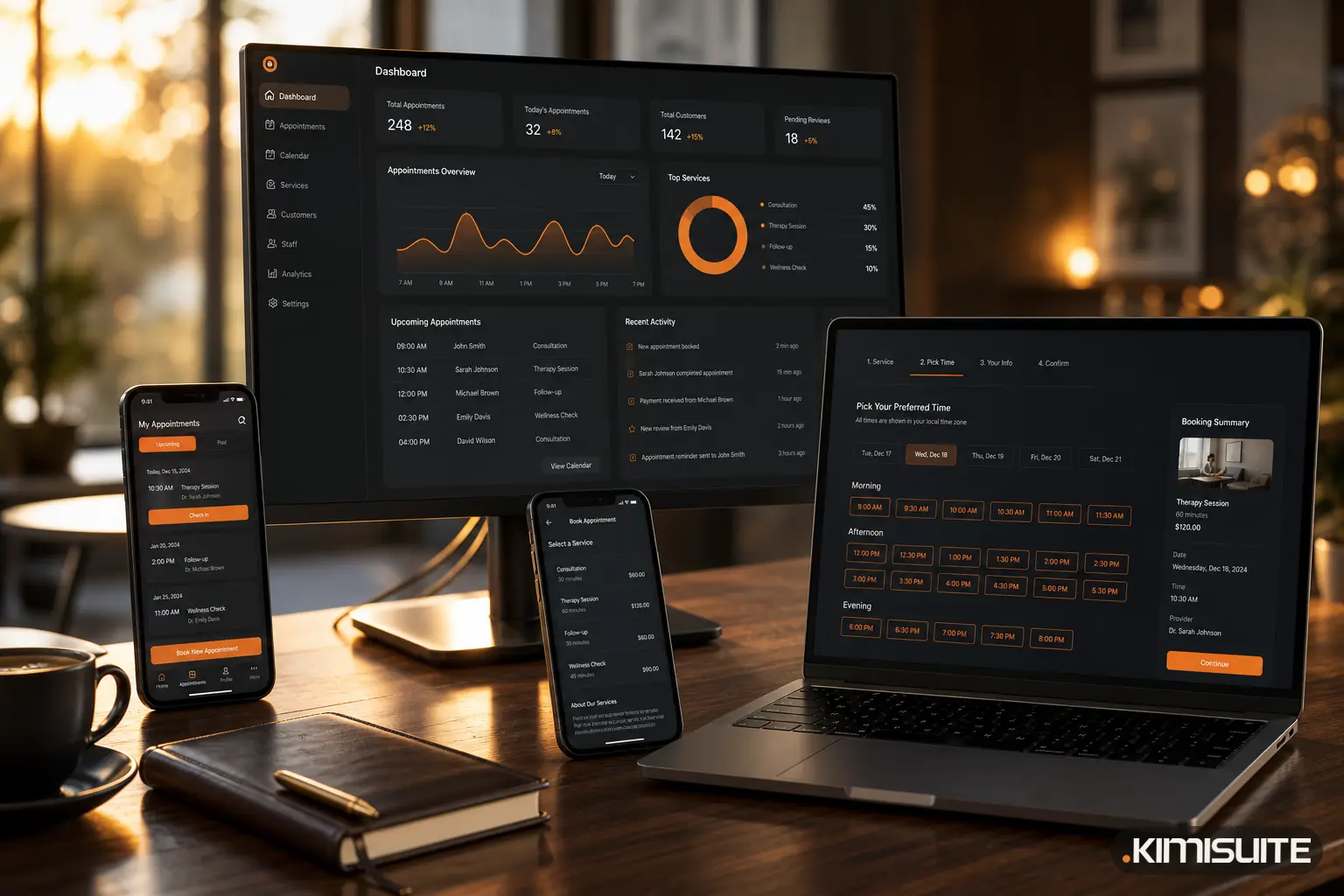
Before booking an appointment online, customers check five things: what exactly the service is and what it costs, whether a free time suits them, how long it takes, what happens if they have to cancel, and whether the booking really went through.
An online booking page is a public page where clients choose a service, pick a free time and leave their details without calling you. If it answers those five questions, people book. If one is missing, they either phone you, which is the work the page was meant to save, or they close the tab and book somewhere else.
The five checks, one by one
| What they check | What they need to see | What makes them leave |
|---|---|---|
| The service | Clear name, short description, grouped by category | Vague names ("Treatment A"), a long unsorted list |
| The price | A price per service, or an honest "on request" | No prices at all, prices only after entering personal details |
| The time | Real free slots, ideally this week | A contact form that says "we will get back to you" |
| The rules | Cancellation policy and terms before the final button | Rules that appear only in the confirmation email |
| The proof | An on-screen confirmation with a booking number, and an email | A blank page, or nothing in the inbox |
None of this is complicated. But on most booking pages at least one of the five is missing, and it is usually the one the owner considers obvious.
Real availability, not a request form
The single biggest difference between a booking page and a contact form is that the client sees what is actually free. That only works if the page calculates slots from your real day: opening hours, the length of each service, and the gap you need between appointments.
The Appointment Slot Calculator shows how much that gap matters. Take an eight-hour day with 30-minute appointments:
| Setting | Slots per day | Per week (5 days) | Per month (22 days) |
|---|---|---|---|
| 30 min, no break between | 16 | 80 | 352 |
| 30 min + 10 min break | 12 | 60 | 264 |
| 30 min + 15 min break | 10 | 50 | 220 |
The formula is simple: working minutes divided by appointment length plus break, rounded down. A ten-minute break costs you four slots a day. That is not a reason to drop the break. It is a reason to put it into the system, so the page never offers a time you cannot actually keep. A page that shows sixteen slots when you can deliver twelve produces rushed appointments or phone calls to move people.
Two more settings decide what clients see:
- Minimum notice. How close to the appointment someone may still book online. Two hours is common for salons, a day for anything that needs preparation.
- Booking window. How far ahead the calendar opens. Thirty to sixty days is a common choice; very long windows tend to bring more forgotten appointments.
Price and duration before anything else
Clients compare. If one page says "Classic Facial, 60 min, €45" and another only says "Facial", the first one often wins, even at a higher price, because the client knows what they are agreeing to.
Show the duration next to the price. It answers the next question ("can I fit this into my lunch break?") before it is asked. For services where the price really depends on the case, say so openly. A page can list a service without a price; that is better than a price that turns out to be wrong.
The rules, before the button
Cancellation terms that appear only after the booking feel like a trap, even when they are fair. The right place is the booking form itself: a short policy, linked where the client enters their details, and a checkbox for terms and privacy.
This protects you as much as the client. A client who has read "please cancel at least 24 hours in advance" before booking takes the appointment more seriously than one who never saw a rule.
Proof that it worked
The last check happens after the click. The client wants to see, immediately, that the booking exists:
- An on-screen confirmation with service, date, time and a booking number
- An email with the same details, in the language they booked in
Without that, a share of clients will call anyway "just to make sure", and the page has saved you nothing.
On a phone, in their language
Many people book on their phone, often in the evening. The page has to work with one thumb: large time buttons, few fields, no account to create. And if you serve clients in more than one language, the service names, the descriptions and the confirmation should switch with the page, not just the buttons.
What a booking page is not
To keep the term clear:
- Not a contact form. A form collects a wish. A booking page creates an appointment in a free slot.
- Not a shared calendar link. A calendar shows busy and free time. It does not know service lengths, prices, breaks or your rules.
- Not a full website. It can replace a small one, but its job is narrow: get from "I need this" to a confirmed appointment in about a minute.
A good booking page also affects how many people turn up. We looked at the numbers behind that in what an empty appointment slot really costs.
How Service Manager covers the checklist
The online booking page in Service Manager is built around exactly these five checks. Services appear under their categories with price and duration, and a service can be listed without a price when that fits better. Free times come from your working hours, each service's duration, preparation and follow-up minutes, and the buffer between bookings, so the page only offers what you can actually deliver. Minimum notice and booking window are settings, not workarounds.
Before the client books, the form shows your cancellation policy, and with terms and privacy switched on, both have to be ticked. After the click the client sees the service, date, time, booking number and total, and you decide whether bookings are confirmed automatically or wait for your confirmation.
The page itself comes in eight templates with your logo, colours and a custom address, works on phones, and switches headlines, service names and descriptions between up to 16 languages. Clients do not need an account.
You can set up your booking page in Service Manager and share the link the same day. Cancel anytime · No minimum term · 14 days free.