An appointment reminder is a short written message sent ahead of an appointment that repeats the service, date, time and place and makes it easy to cancel or move, and it reduces no-shows because many missed appointments are simply forgotten, not avoided.
Start with the money. A business with 40 bookings a week, an average booking value of €80 and a 10% no-show rate loses €16,640 a year in bookings that never happen. The No-Show Cost Calculator works with a reduction of 30 to 60% for automated reminders. Applied to that business:
| Reduction through reminders | Revenue kept per year |
|---|---|
| 30% | €4,992 |
| 50% | €8,320 |
| 60% | €9,984 |
Treat the percentage as an assumption, not a promise. It depends on your clients, your booking lead times and how well the reminder is written. But even the low end is a meaningful number for a small business, and it comes from work that nobody has to do by hand once it is set up.
Why phone calls do not scale
Many practices still remind clients by phone. It works, and clients like it. It also costs more than it seems:
| Step | Time per client |
|---|---|
| Find the number, dial, wait | 1 minute |
| Short conversation or voicemail | 1 to 2 minutes |
| Note the outcome, call back if unanswered | 1 minute |
At three to four minutes per client and 40 appointments a week, that is two to almost three hours of calls every week, spread across the day between other work. Some of those calls end on voicemail, so the reminder does not always reach the client anyway. And the calls stop the moment the person who makes them is ill or on holiday.
Written reminders solve the three weaknesses of the phone: they cost no time per client, they arrive whether or not the client can pick up, and they stay in the inbox as a record of the time and place.
What a good reminder contains
A reminder is not a newsletter. It has one job: get the client to the appointment, or get the slot back early enough to give it to someone else.
| Element | Why it matters |
|---|---|
| The service and its duration | "Hot Stone Massage, 75 minutes" tells the client how much time to block |
| Date and time, written out | "Thursday, 24 September, 16:30" instead of "tomorrow" leaves no room for doubt |
| Address and how to get there | Especially for first-time clients |
| Booking number | Makes any follow-up call short |
| How to cancel or move it | The most important line: a client who can cancel easily does not simply stay away |
| Your cancellation policy, in one sentence | A reminder of the agreement, not a threat |
| Your name and phone number | Some clients want to talk to a person |
Keep the tone neutral and friendly. "We look forward to seeing you" works better than "Please note that missed appointments will be charged", even if both are true.
When to send it
There is no single right moment. It depends on how far ahead the appointment was booked. A practical rule:
| Booked how far ahead | What to send |
|---|---|
| Same day | The confirmation is enough |
| 1 to 7 days | Confirmation at booking, one reminder the day before |
| More than a week | Confirmation at booking, a reminder a few days before, optionally a short note the day before |
| Recurring appointments (every 4 weeks, for example) | A reminder before each one, because the booking was made long ago |
The reminder a few days ahead gives the client time to move the appointment, which gives you time to fill the slot. The one the day before catches the people who simply forgot.
Avoid sending reminders late in the evening or very early in the morning. A message at a sensible time in the working day is read, not swiped away.
Email or text message
Both work, and both have trade-offs:
| Text message | ||
|---|---|---|
| Cost per message | None | Usually a small fee per message |
| Space for details | Plenty: address, policy, booking number | Very little |
| Read how quickly | Hours, sometimes a day | Often within minutes |
| Record for the client | Stays in the inbox, easy to find | Easy to lose in a chat list |
| Needs | An email address | A mobile number and consent |
For most appointment businesses, email carries the details and the record, and it scales without extra cost. A text message is useful as a short nudge on the day, if your clients prefer it and you have their consent.
The confirmation is the first reminder
The most overlooked reminder is the one sent at the moment of booking. A client who booked by phone and received nothing in writing has only their memory to rely on. A client who got a confirmation with date, time and address has it in their inbox, and many add it to their own calendar straight away.
So before you think about the day-before message, make sure every booking produces a written confirmation. That includes bookings you enter yourself while the client is on the phone or standing at the desk.
The same goes for changes. When an appointment is moved, the client should get the new time in writing. An old confirmation with the wrong time is worse than none.
Make cancelling easier than not showing up
Clients who stay away are often clients who felt awkward about cancelling: the line was busy, it was outside office hours, or they did not want to explain themselves. Every reminder should therefore say clearly how to cancel or move the appointment, and that doing so is welcome.
A cancellation two days ahead is a slot you can offer again. A no-show is a slot that is simply gone.
After a no-show
Reminders reduce no-shows. They do not eliminate them. What you do afterwards matters too:
- Record it as a no-show, not as a cancellation. Otherwise you never know your real rate, and you cannot tell whether the reminders are working.
- Send a short, neutral message. "We missed you today, would you like a new appointment?" keeps the client. Most no-shows are not meant badly.
- Apply your policy consistently for repeat cases. A policy that is only enforced sometimes is not a policy.
Watch the rate for four to six weeks after changing your reminders. If it falls, the calculator tells you what the change is worth. If it does not, look at the content and timing before you conclude that reminders do not work for your clients. We showed how to put a number on that in what an empty appointment slot really costs.
What Service Manager does
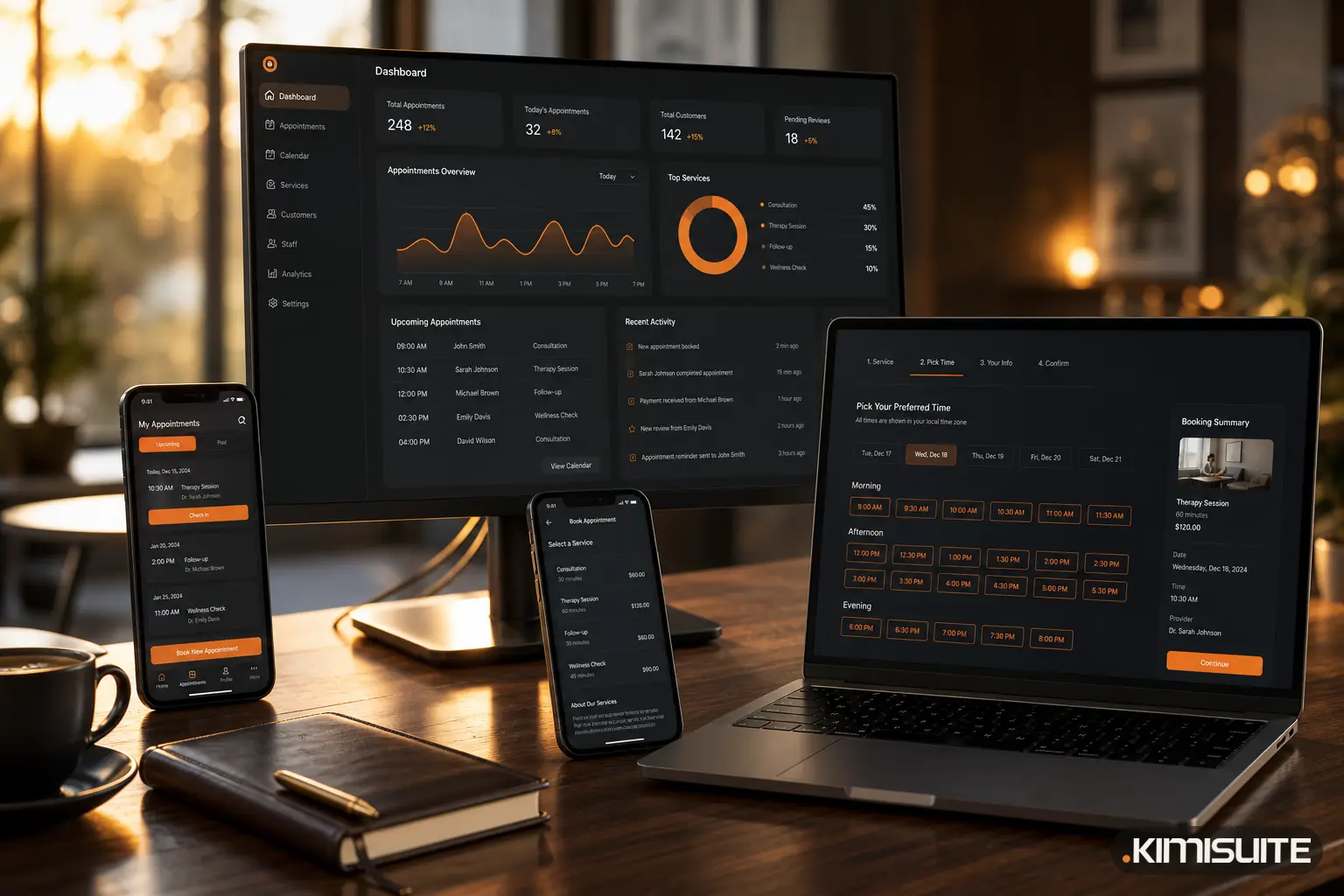
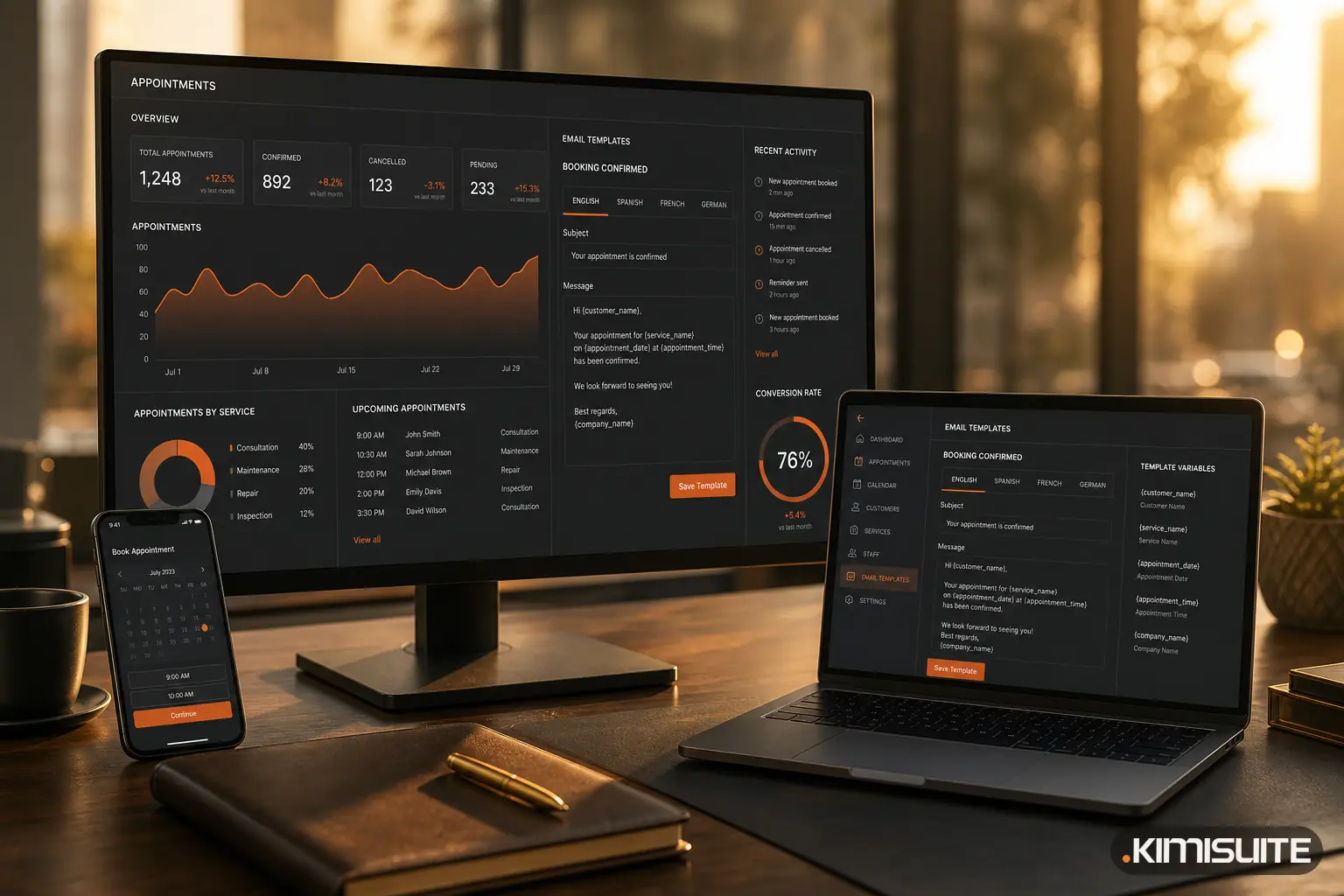
Service Manager handles the written side of this with email, without anyone picking up the phone. Its appointment email notifications cover six moments: booking created, confirmed, cancelled, completed, rescheduled and marked as no-show. There is a version for the client and one for your office, in every language you offer, and clients receive the language they booked in.
That covers the two points this post calls the most overlooked: a new booking comes with a written confirmation, and a moved appointment comes with a message showing the new time. You write subject and body yourself, with placeholders for the client's name, service, date, time, price, booking number and your company details, so the confirmation can carry everything the reminder table above lists, including your cancellation policy and how to reach you. A test email to yourself shows the result before any client sees it, and switches decide who receives what.
For work that repeats on a schedule, Service Manager has automations, and reminders are one of the automation types, alongside follow-ups, supply orders and recurring bookings. Each automation runs on the schedule you give it and shows its next run and a log.
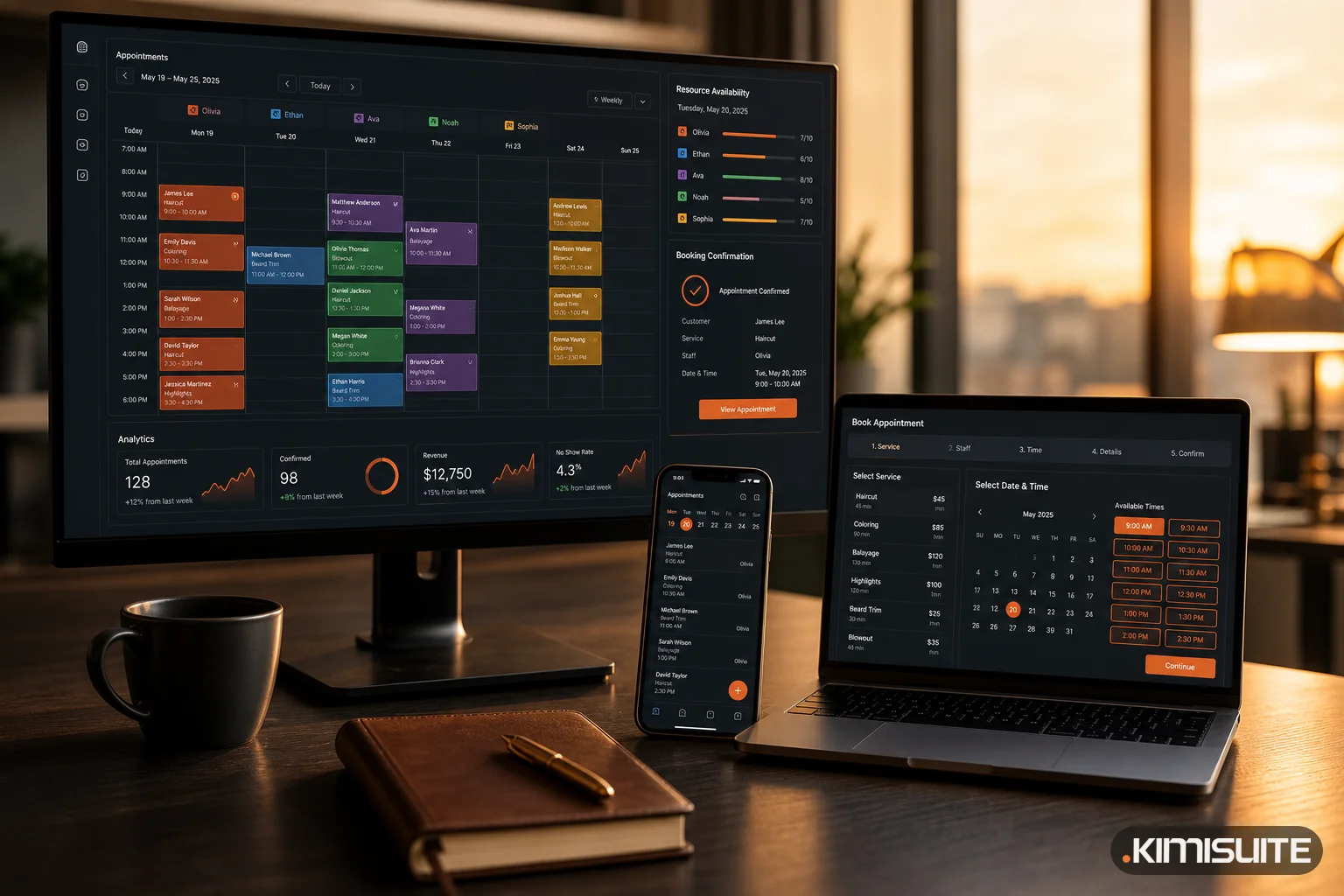
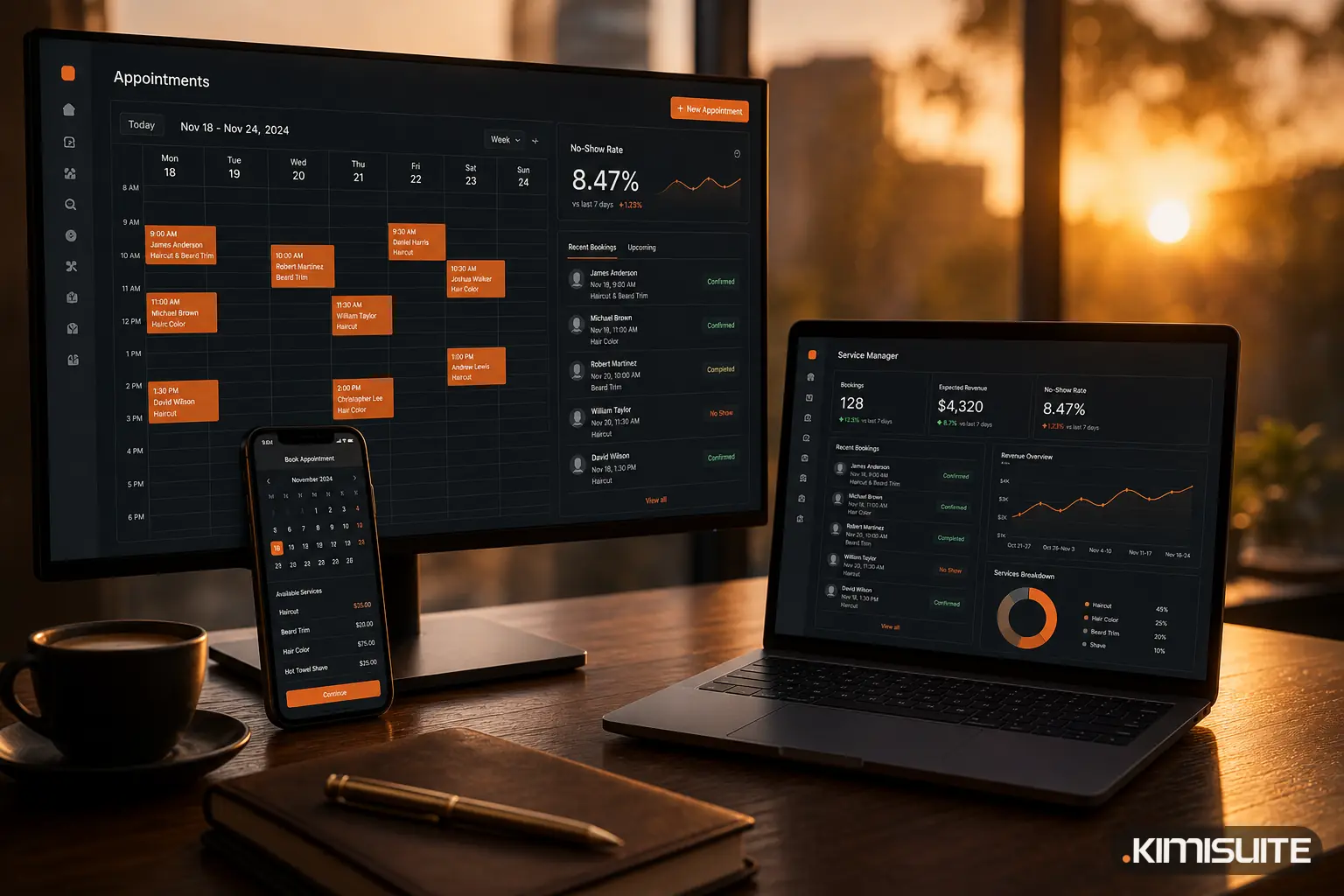
The effect is visible in the same place. Marking an appointment as no-show takes one click, and the dashboard shows the no-show rate for today, 7 days or 30 days, so you can see whether the new messages change anything.
You can set up your emails in Service Manager once per language and let every booking confirm itself from then on. Cancel anytime · No minimum term · 14 days free.