A booking is never just a time. It is a time, plus a person who can do the work, plus a room or a chair or a lift that has to be free, plus the thirty minutes afterwards that nobody counted.
That is why appointment scheduling looks trivial until you try to do it in a calendar. The calendar knows about time. It knows nothing about your second treatment room, your one colourist who does balayage, or the fact that the workshop bay needs twenty minutes between cars.
An online appointment system knows about all three. That is the whole difference — and it is bigger than it sounds.
The three things a real scheduling system tracks
Almost every scheduling problem comes down to one of these being invisible.
1. The service. How long does it take? What does it cost? Does it need preparation or cleanup time? A haircut is 45 minutes; a colour treatment is 2.5 hours with a gap in the middle. If the system does not know the difference, your day does not survive contact with reality.
2. The staff. Who can actually perform it? Which days do they work? Who is on holiday in week 34? Not every employee does every service, and a booking assigned to the wrong person is worse than no booking at all.
3. The resource. The treatment room, the dentist's chair, the workshop bay, the conference room, the diagnostic machine, the van. This is the one people forget, and it is the one that causes the double bookings that are technically not double bookings — two appointments with two different staff members that both need the only X-ray machine.
When all three are modelled, availability stops being a guess. A slot appears on your booking page only if the service duration, a qualified staff member and the required resource all line up. Nothing else can be booked.
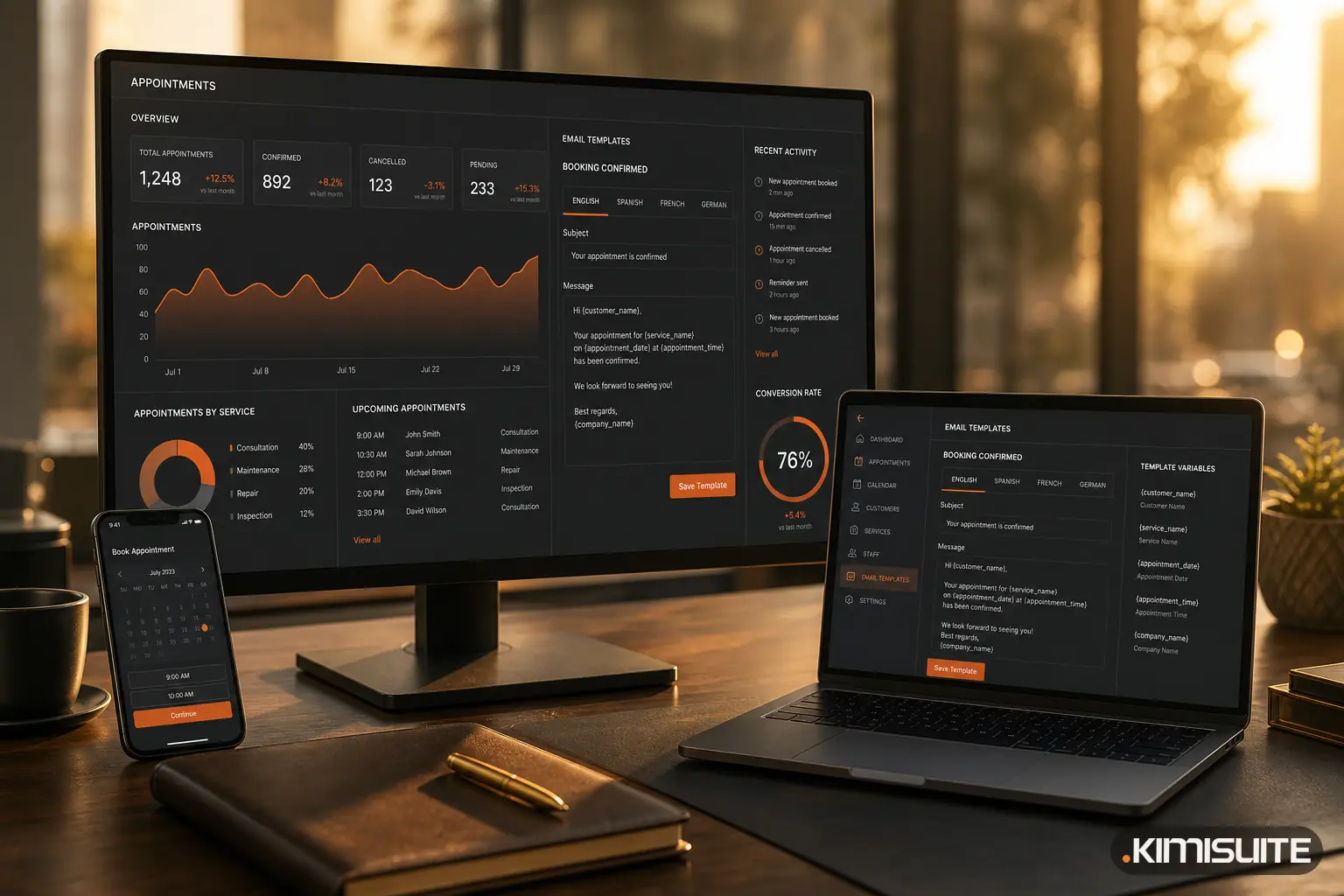
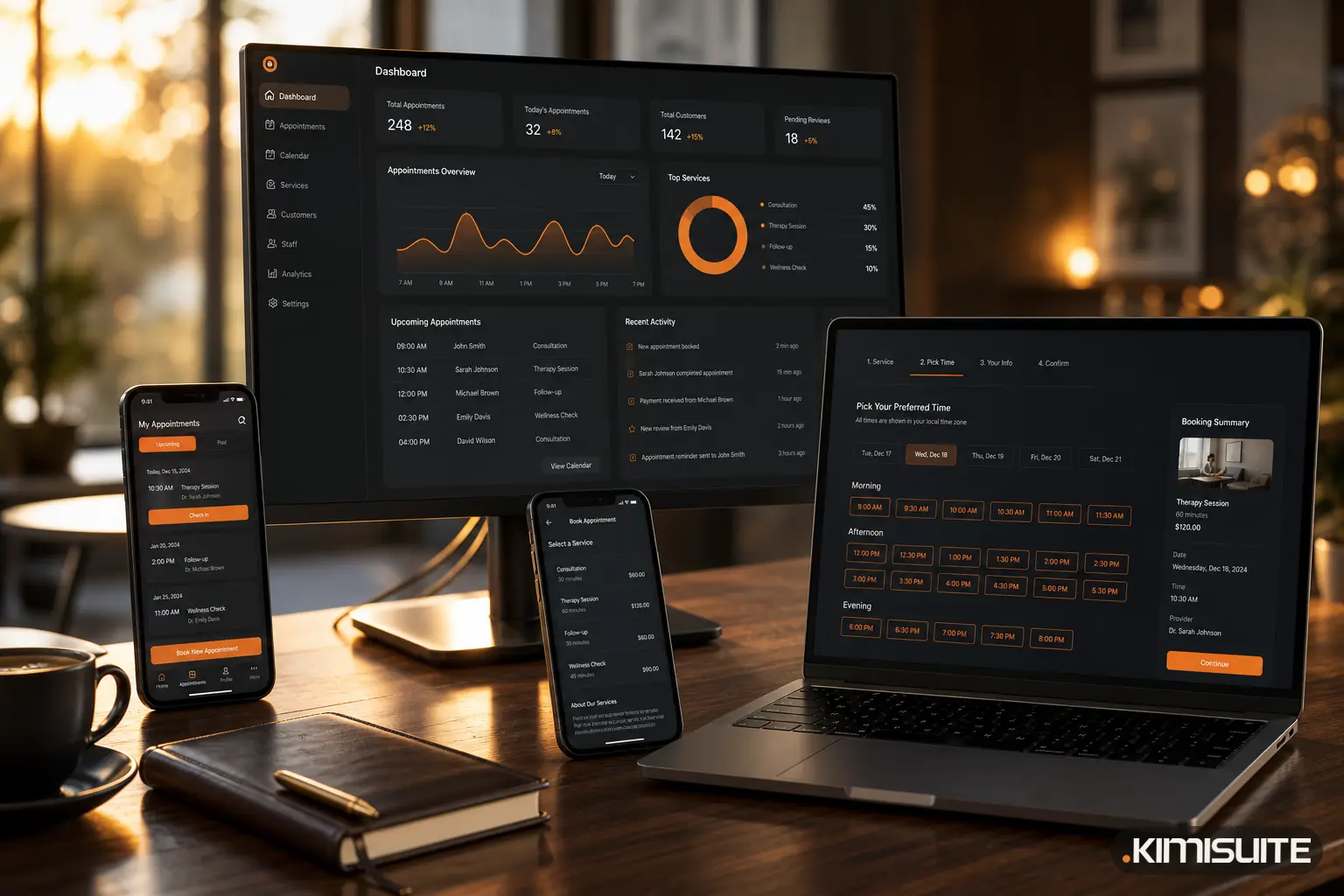
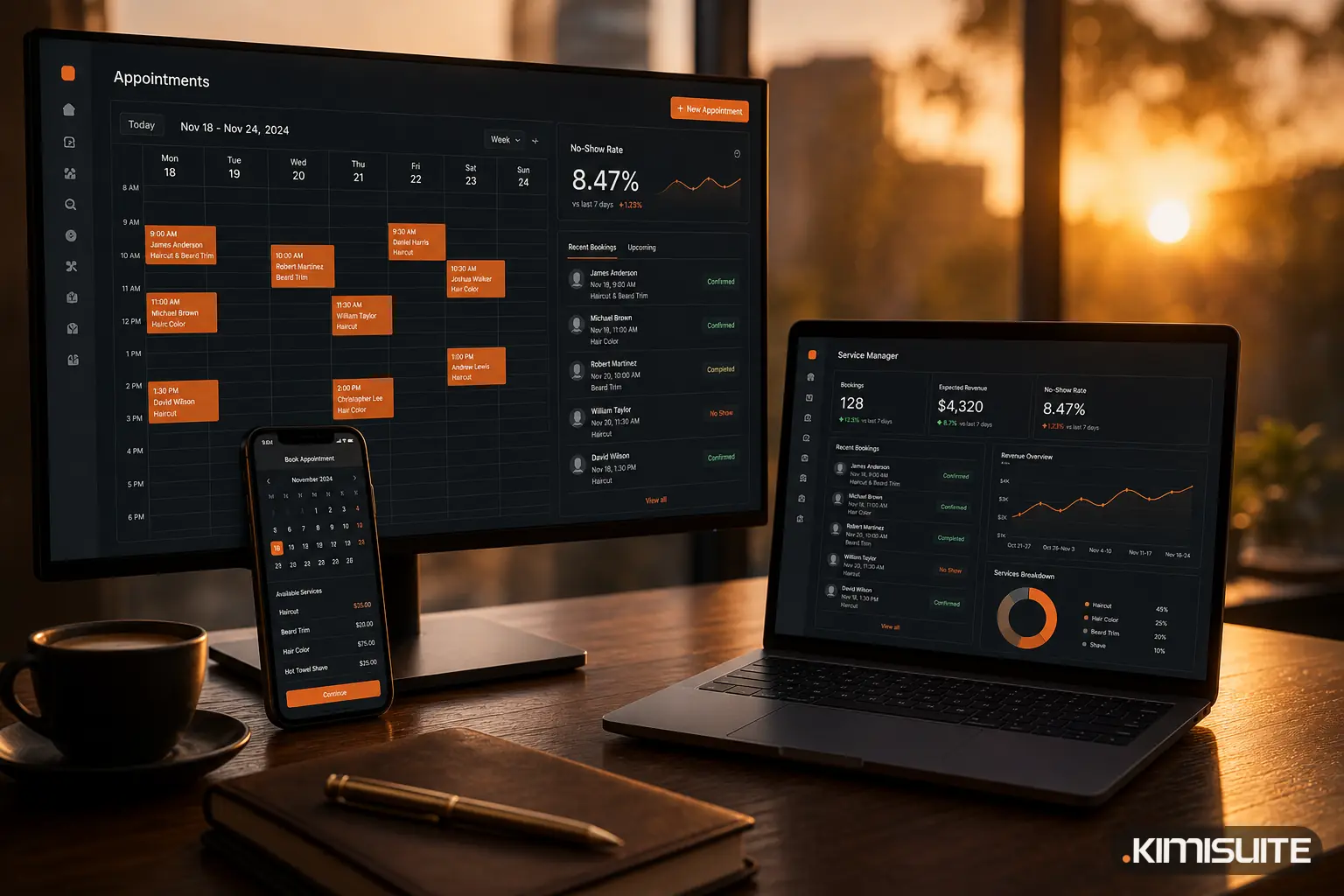
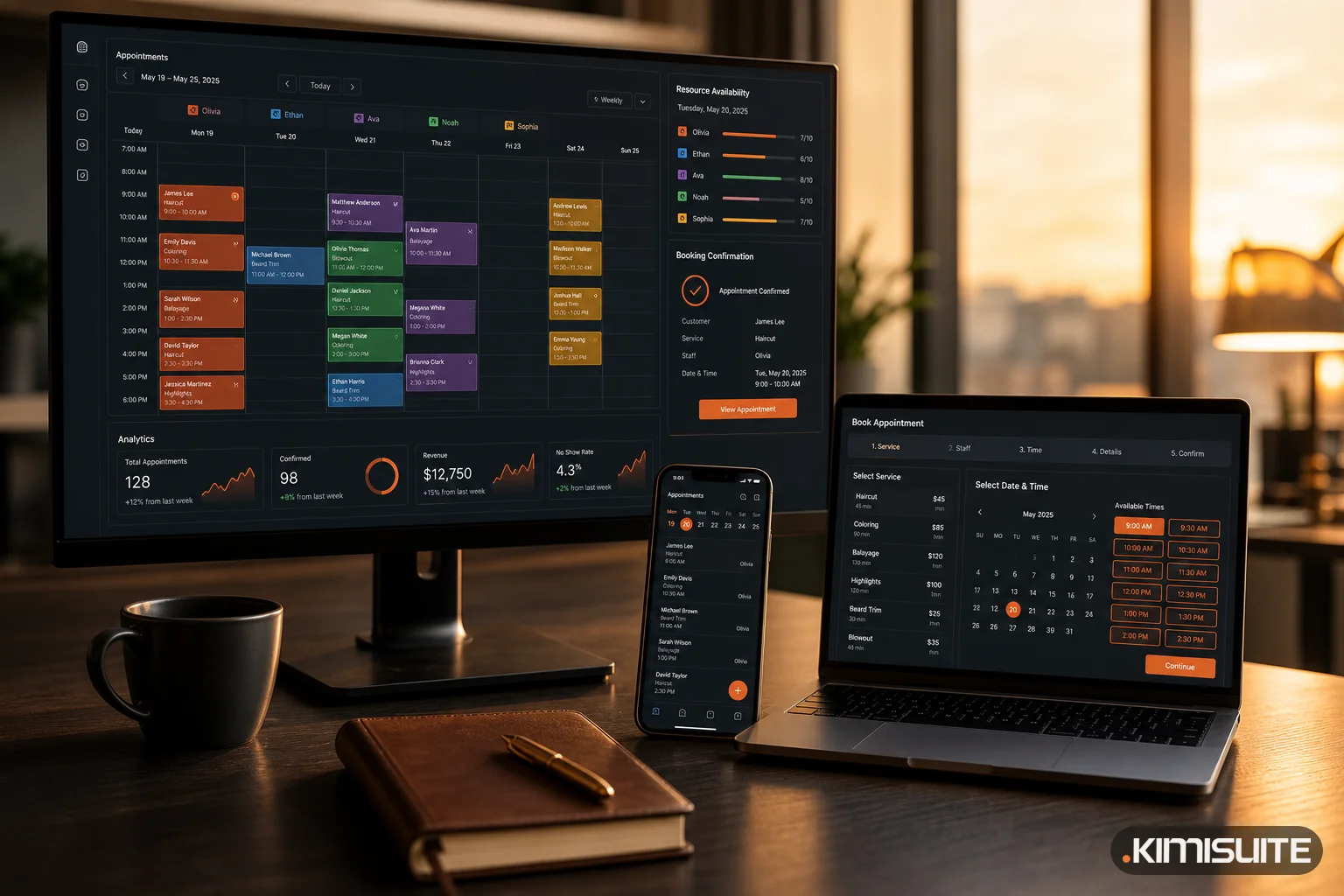
In KIMISUITE Service Manager that is exactly how it is built: service templates with durations, pricing and workflows; staff with their own availability and shifts; and resources — equipment, rooms or vehicles — with their own scheduling. Availability is what remains after all three agree.
What your customers get
The operational argument is only half the story. The other half is that people no longer want to phone you.
They want to look at real availability at 22:40 on a Sunday, pick a slot, get an instant confirmation and receive a reminder the day before. Not "call us Monday between 9 and 5".
An online booking page gives them:
- Availability 24/7, matching what is genuinely free
- Instant confirmation by email, with no waiting for someone to call back
- Secure online payment via Stripe or PayPal, or the option to pay on arrival if that suits your business better
- Automatic reminders before the appointment
- A booking page in your own branding, in their language and in your time zone
The reminders deserve a specific mention. No-shows are usually not a discipline problem, they are a memory problem. An automated reminder the day before recovers a meaningful share of appointments that would otherwise quietly evaporate, and it costs nothing per booking.
Who this is for, including the businesses that do not think it is for them
The obvious candidates book appointments all day: medical clinics, dental practices, physiotherapy centres, beauty salons, barbers, tattoo studios, veterinary practices.
But the pattern is much broader. If your business sells time attached to a person or a place, this applies:
- Automotive workshops. Services range from 30-minute oil changes to full-day repairs, and each needs a bay and a mechanic. Bay availability is the real constraint, not the calendar.
- Consultants, accountants and lawyers. Discovery calls, annual reviews, signature appointments. A booking link at the end of an email replaces four scheduling messages.
- Fitness studios and personal trainers. Sessions, courses, equipment.
- Photographers. Studio time, plus the studio itself, plus the equipment set.
- Driving schools. Instructor, plus vehicle, plus the student's licence stage.
And then the ones people rarely think of:
- Conference and meeting room rental. The room is the resource, the booking is the product, and payment can happen at the moment of booking. A co-working space, a hotel with a seminar room or an office with spare capacity can put rooms online and stop negotiating by email.
- Event and wedding bookings. A venue viewing is an appointment. A tasting is an appointment. The wedding date itself is a resource booking that blocks everything else. Instead of a shared spreadsheet and a colour-coded wall calendar, the date is either free or it is not, visible to everyone including the couple.
- Spa and wellness inside a hotel. Treatments booked by guests, with staff and rooms managed like any other service — and, if the property runs on Booking Hub, against the same guest record as the stay.
- Personal appointments. Genuinely. A booking page for your own consultation slots works exactly like one for a clinic with twelve employees.
The system does not care whether the resource is a dentist's chair or a wedding venue. It only cares that it can be occupied by one thing at a time.
What changes in the back office
The customer-facing improvement is easy to picture. The internal one is where the hours come back.
The calendar becomes the source of truth. Daily, weekly and monthly views show every staff member and every resource. Nobody asks "is Tuesday free?", they look.
Service templates end the improvisation. A service carries its duration, price and workflow with it. New staff cannot accidentally book a 90-minute treatment into a 45-minute slot.
Workflow automation moves appointments through stages — booked, confirmed, in progress, completed — with structured status updates instead of someone maintaining a list.
Client history sits in one place. What they booked, when, with whom, and what happened. The next conversation starts informed.
Role-based permissions let the front desk book, a therapist see their own day, and the owner see everything, without three separate tools.
Setting it up without a two-week project
The fastest route we see:
- Write down your five most-booked services with honest durations, including preparation and cleanup. Honest, not optimistic.
- List the resources that are genuinely scarce. Rooms, chairs, bays, machines. Four identical rooms are one resource with a capacity of four, not four separate problems.
- Enter staff availability as it really is, including the afternoon someone always leaves early.
- Publish the booking page for one service first. Watch what people book and when. You will learn something about your own demand within a week.
- Turn on reminders immediately. This is the highest-return setting in the entire system.
- Add payment last, once the flow works. Pay on arrival is a perfectly good starting point.
Start narrow and expand once it runs. The businesses that try to model every edge case before going live are the ones still not live three months later.
The point of all of it
Scheduling software does not exist to make a calendar prettier. It exists so that the answer to "can you fit me in on Thursday?" is instant, correct and available at midnight — and so that the person who used to be the calendar can go back to doing the work.
Explore Service Manager — online booking, staff and resource scheduling, reminders and payments in one system.
Read next: What an Empty Appointment Slot Really Costs