An empty appointment slot costs you the full value of the booking that should have filled it: at 40 bookings a week, an average of €80 and a 10% no-show rate, that is €320 a week and €16,640 a year in revenue that never arrives.
Most owners know their no-shows are annoying. Few have ever put a number on them, because a single missed appointment never looks expensive. It is one gap in one afternoon. The cost only becomes visible when you multiply it by the weeks in a year.
This post does that multiplication step by step, names the assumptions behind it, and then looks at what actually brings the number down.
The calculation, step by step
The No-Show Cost Calculator uses four inputs and one simple chain of multiplications. Here it is with its default values, which describe a typical small practice or studio:
| Input | Example value |
|---|---|
| Bookings per week | 40 |
| Average booking value | €80 |
| No-show rate | 10% |
| Realistic reduction with reminders | 50% |
And the results:
| Result | Formula | Example |
|---|---|---|
| Lost per week | 40 × €80 × 10% | €320 |
| Lost per month | €320 × 4.33 | €1,385.60 |
| Lost per year | €320 × 52 | €16,640 |
| Recoverable | €16,640 × 50% | €8,320 |
Four no-shows a week. That is the whole input. It does not feel like a problem on any single day, which is exactly why it survives for years.
The assumptions behind the numbers
Every calculation has assumptions. These are the ones worth knowing:
- Revenue, not profit. The calculator counts the booking value you did not receive. What that means for your margin is discussed below.
- A month is 4.33 weeks. That is 52 weeks divided by 12, so the monthly figure is an average, not a calendar month.
- 52 working weeks. If you close for four weeks a year, multiply by 48 instead. At the example values that is €15,360.
- A constant rate. Real no-show rates move with the season, the day of the week and how far ahead people book. The 10% is an average over all of them.
- The reduction is an estimate. The 50% in the last line is an input you choose, not a promise. The calculator suggests a range of 30 to 60% for automated reminders. Use the low end if you want a figure you can defend.
How sensitive the number is
The yearly loss scales in a straight line with each input. Double the rate, double the loss. This table keeps 40 bookings a week and changes the other two inputs:
| No-show rate | €50 average | €80 average | €120 average |
|---|---|---|---|
| 5% | €5,200 | €8,320 | €12,480 |
| 10% | €10,400 | €16,640 | €24,960 |
| 15% | €15,600 | €24,960 | €37,440 |
Two things follow from this table. First, a business with high booking values feels even a low rate: a clinic at €120 and 5% loses more than a nail studio at €50 and 10%. Second, every percentage point you remove is worth the same amount, whether you start at 15% or 6%. There is no point where reducing no-shows stops paying.
Why lost revenue is close to lost profit
A fair objection: if the client does not come, you also save something. That is true, but less than people expect. Look at what a booked hour actually consists of:
| Cost of the slot | Still paid when the client does not show? |
|---|---|
| Rent for the room or chair | Yes |
| Wages of the person who was booked | Yes, they were at work |
| Preparation (room set up, equipment ready) | Yes, it was done in advance |
| Software, insurance, utilities | Yes |
| Consumables (oil, polish, disposable covers) | Mostly saved |
For a service business, almost all costs are fixed for the day. The only thing a no-show saves is the material that was not used. So for a massage at €80 with perhaps €3 of oil and linen, the lost revenue and the lost profit are almost the same number. That is the uncomfortable part: a no-show usually goes straight off your bottom line.
What the calculator leaves out
The formula is deliberately conservative. Three costs are not in it:
The client you turned away. A slot that was booked could not be offered to anyone else. If someone asked for Thursday at four and heard "fully booked", you lost that booking too, and possibly the client.
The work around the gap. Somebody calls the missing client, waits ten minutes to be sure, moves the next appointment forward if possible, and updates the records. On a busy day that is fifteen minutes nobody planned.
The late cancellation. A cancellation two hours before the appointment is, for your schedule, almost the same as a no-show: the slot is too close to fill. Many businesses count these separately and then underestimate the problem. If you want a realistic figure, add late cancellations to the no-show rate before you enter it.
Where no-shows come from
The good news is that no-shows are not random. They come from a short list of causes, and each has a matching fix:
| Cause | What it looks like | What helps |
|---|---|---|
| The client forgot | Booked three weeks ago, never thought about it again | A written confirmation and a reminder |
| Booked by phone, nothing in writing | The time lived only in the client's memory | Confirmation by email for every booking, including phone bookings |
| Booked too far ahead | Plans changed, cancelling felt awkward | A booking window that limits how far ahead people can book |
| Booked too late to plan | Same-day slot, then something came up | A minimum notice before an appointment |
| Unclear rules | The client did not know a missed appointment matters | A visible cancellation policy the client accepts before booking |
| Nothing at stake | Free to book, free to skip | Prepayment or a deposit for long or expensive services |
Notice that most of the fixes are about information, not pressure. A client who knows when, where and under which conditions they are expected tends to turn up more reliably than one who booked on a whim three weeks ago.
Measure your real rate first
Before changing anything, find your actual number. That sounds obvious, but in many businesses a no-show is recorded as "cancelled", or not recorded at all, and the rate is a feeling rather than a figure.
A simple rule solves this: every appointment ends in one of three states. Completed, cancelled, or no-show. Nothing stays open. After four weeks you have a rate you can put into the calculator, and after the first change you can see whether it moved.
If your rate turns out to be 3%, your problem is small and your time is better spent elsewhere. If it is 12%, the table above tells you what it is worth to fix it.
How Service Manager handles no-shows
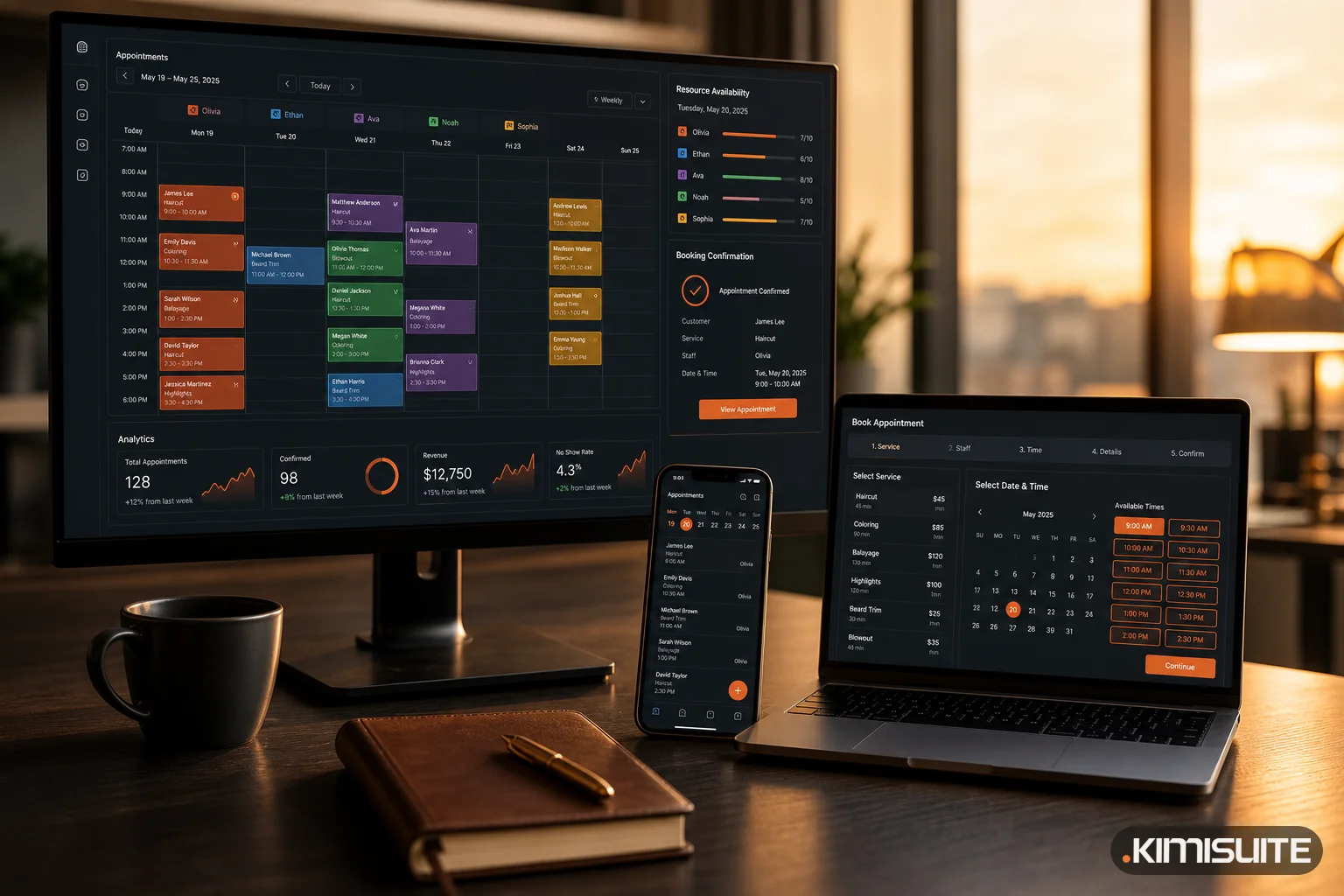
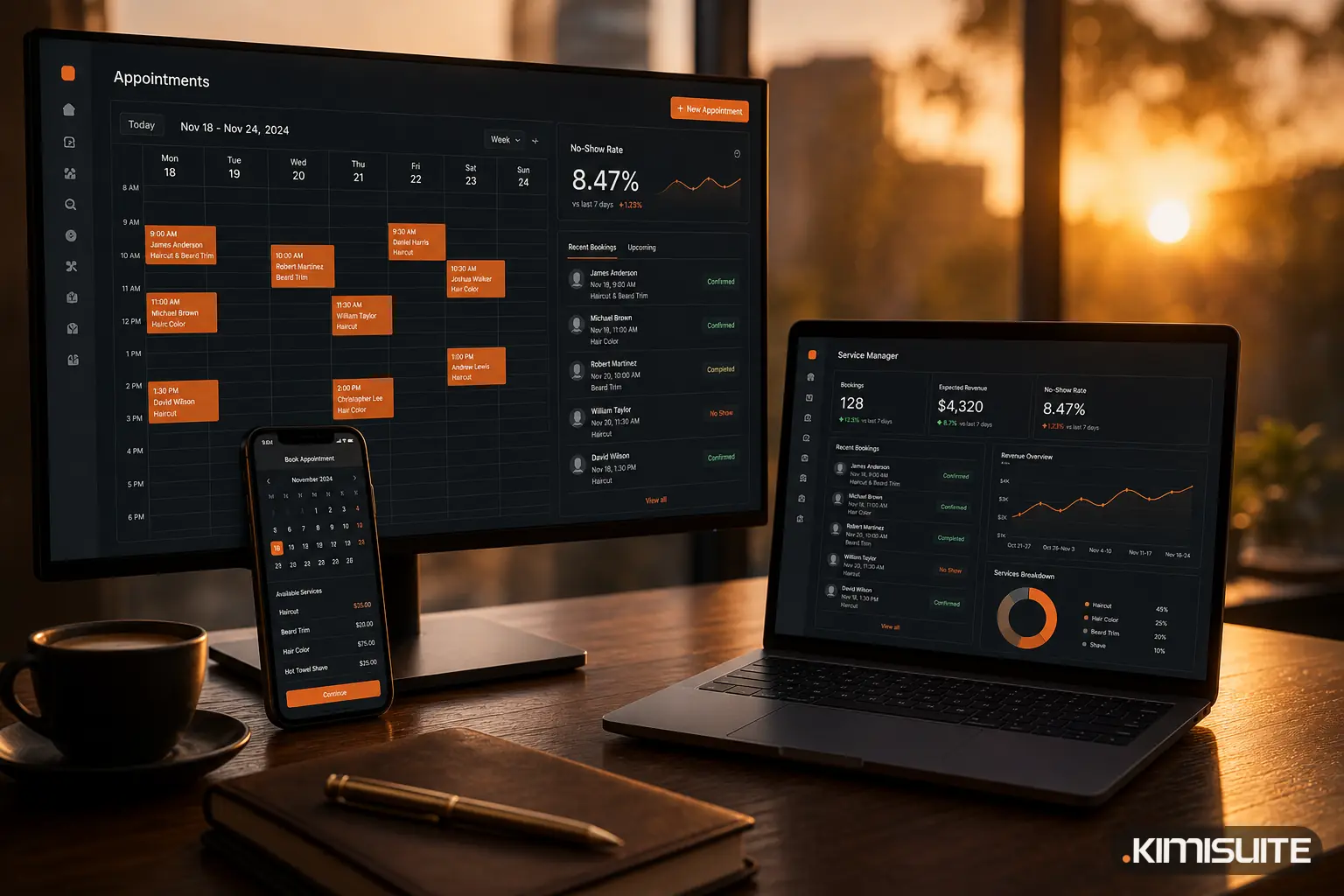
In Service Manager, a no-show is a status, not a note. From the booking list or the booking itself, you mark an appointment as completed, no-show or cancelled with one click. The dashboard counts those into a no-show rate for today, the last 7 days or the last 30 days, next to bookings, expected revenue and new contacts. That gives you the number the calculator needs, without a spreadsheet.
The causes from the table above map onto settings you already have:
- Written confirmation. Service Manager sends emails at six moments: booking created, confirmed, cancelled, completed, rescheduled and marked as no-show. There is a version for the client and one for your office, and clients get the language they booked in. You write the text yourself, with placeholders for date, time, service and booking number.
- Clear rules. A cancellation policy is linked on the booking page, and when terms and privacy policy are switched on, the client ticks both before the booking goes through.
- Sensible limits. A minimum notice and a booking window decide how short-term and how far ahead clients can book online.
- A second look. With auto-confirm off, new online bookings arrive as requests and wait on the dashboard until you confirm them.
- Money at stake. For long or expensive services, payment extensions let clients pay online when they book, through Stripe. Pay on arrival remains an option.
If you are still working out how services, rooms and working hours fit together, our guide to online appointment scheduling covers the basics.
Start with your own number
Put your bookings, your average value and your honest no-show rate into the calculator. If the yearly figure is larger than what you pay for the software that would help reduce it, the decision makes itself.
You can set up Service Manager in your workspace and track your no-show rate from the first week. Cancel anytime · No minimum term · 14 days free.