Free tool No sign-up needed
Payment Due Date Calculator
Calculate invoice due dates in seconds
 See how it works CRM Business Hub →
 Loading tool...
Read next
- Payment Terms Explained: Net 30, Net 60 and 2/10 Net 30 Net 30 means the full amount is due 30 days after the invoice date. A table of common terms, worked examples with real d...
- Working Days vs Calendar Days: How Deadlines Are Actually Counted Calendar days count every day, working days only Monday to Friday minus public holidays. How far apart they are, how dea...
- Late Payment Reminders: When to Send Them and What to Say A notice before the due date, a first reminder within three days, firmer steps up to a final notice at day 30. A reminde...
About this tool
The Payment Due Date Calculator helps businesses determine when invoices are due based on various payment terms. Calculate Net 30, Net 60, or custom payment terms, and plan your cash flow accordingly.
How to use it
- 1 Enter the invoice date
- 2 Select payment terms (Net 30, Net 60, etc.)
- 3 Or enter custom days until due
- 4 View the calculated due date
- 5 Add notes or early payment discounts
- 6 Plan your accounts receivable schedule
What you get
- Never miss payment deadlines
- Plan cash flow accurately
- Manage accounts receivable
- Set up payment reminders
- Track early payment discounts
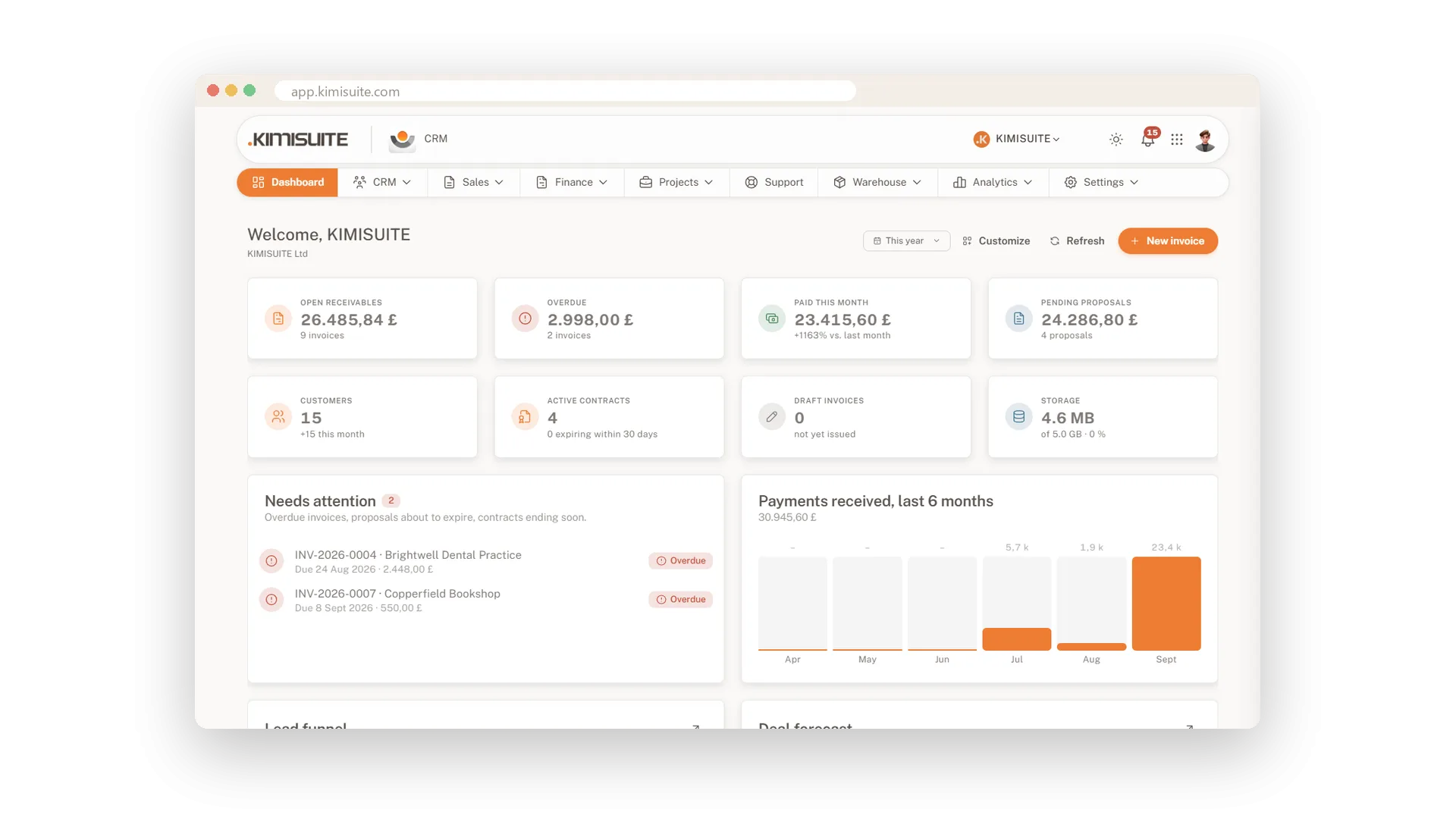
CRM Business Hub Do it for every case with CRM Business Hub
Calculate one date manually — or auto-track every invoice with NET 30/60/90 reminders + bank-matched reconciliation in CRM Business Hub.
Cancel anytime · No long-term contract · 14 days free