Handheld ordering means the waiter enters the order on a phone or tablet at the table, and the order goes straight to the kitchen and the bar. It saves the walk to a shared till after every table, removes handwriting from the kitchen ticket and gets food started sooner. It pays off most on large floors, terraces and in restaurants with several kitchen stations. Payment often still happens at a till.
How handheld ordering works
The basic flow is the same in every system:
- The waiter signs in on the device, ideally with a personal PIN.
- They pick the table on a floor view.
- They add items from the menu, with notes such as "no onions" or "medium rare".
- They send the order. Each item goes to the station that prepares it: drinks to the bar, mains to the grill.
- The device shows when the kitchen has started and when the food is ready.
- Later rounds go onto the same table order.
Without handhelds, steps 3 and 4 happen twice: once on a notepad at the table and once at the till, often after a short queue behind a colleague. That second step is where items are forgotten, misread or typed onto the wrong table.
When it pays off
| Situation | Handheld ordering helps because |
|---|---|
| Large terrace or garden | The walk to the till takes minutes, not seconds |
| Several kitchen stations | Each item is sent to the right station without sorting |
| High turnover at lunch | Orders reach the kitchen while the waiter is still at the table |
| Many tables per waiter | Less time at the till means more time on the floor |
| Guests with allergies | Notes are typed, not scribbled, and print on the ticket |
It helps less at a counter where guests order and pay in one place, or in a dining room so compact that the till is two steps from every table.
Faster ordering also changes how you plan staff. If each waiter can cover more tables, the same team serves more guests. A labor cost percentage calculator shows what that means for your wage bill as a share of sales.

Gastro POS Hub
Point of sale, kitchen tickets, tables, inventory, deliveries and reporting — one app for the whole restaurant.
What to check before you start
- Wi-Fi coverage. Walk the whole floor, terrace and garden with a phone and check the signal at every table.
- Devices. Restaurant phones or tablets, or staff phones. Restaurant devices stay at work; staff phones need a clear rule about privacy and battery.
- Sign-in. Every waiter needs their own PIN, so orders, voids and tips are recorded against the right person. Shared logins make every report useless.
- The menu. Long item names, missing modifiers and duplicate items slow handhelds down more than they slow a till. Clean up the menu first.
- Search. Waiters should find "tiramisu" by typing three letters, ideally in every language your team uses.
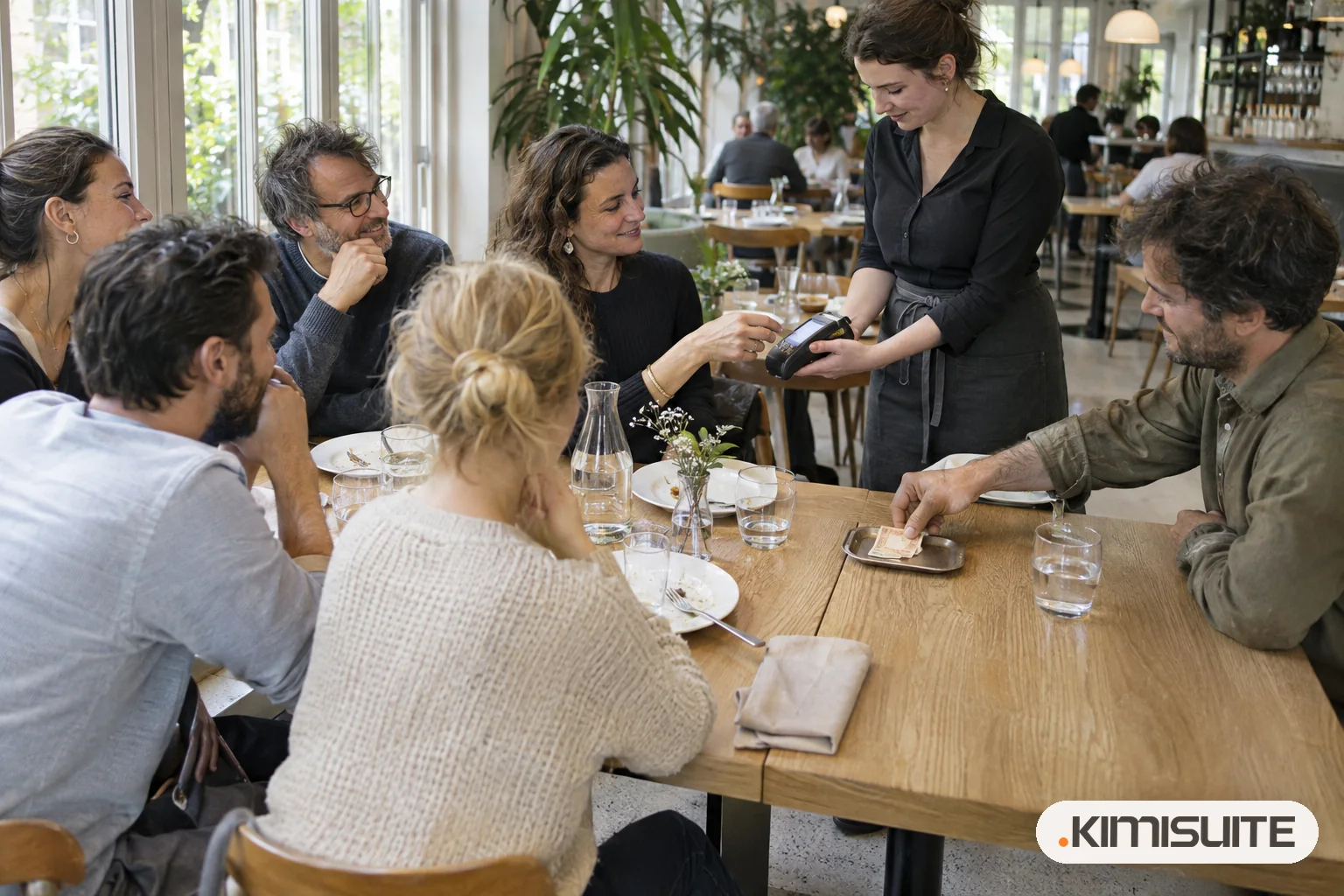
- Payment. Decide whether waiters take payment at the table or at a till. In some countries payment and receipts must go through certified equipment; check what applies to you.
- Printing. Each station needs its own printer or screen, so drinks and food tickets do not end up in the same place.
Rolling it out
- Start with one section or one shift.
- Train two waiters first, then let them show the others.
- Keep the paper pad for the first week as a backup.
- Collect what goes wrong: missing items, wrong stations, slow screens.
- Fix the menu and the station routing before you roll out to the whole floor.
Common objections
"Guests think it is rude when the waiter looks at a phone." Most guests do not mind if the waiter keeps eye contact and repeats the order. Typing is faster than writing, and the kitchen gets a ticket it can read.
"The battery will not last a double shift." Keep a charging point near the pass and a spare device for the evening.
"Older staff will not like it." Waiters who struggle with a till often find a phone easier, because they already use one every day. Pair them with a colleague for the first shifts.
For the other places where a restaurant till loses money, see our restaurant POS test.
Where Gastro POS Hub fits
The restaurant POS system Gastro POS Hub has a waiter app for Android and iOS. You pair a phone by scanning a QR code from the back office, and each waiter signs in with their own PIN. The floor shows the waiter's own tables and, read only, the colleagues' tables of the same area. The waiter picks a table, adds items, finds them by typing in Latin or Cyrillic or by any translation, and sends the ticket to each kitchen station. Kitchen status updates on the phone. From the app a waiter can also sell items by weight, take over a colleague's order and accept a register handover. The app does not take payment: the bill is settled at a till, where the waiter mode shows the waiter's tables and takes the payment.
The video shows how an order travels from the table to the kitchen to the bill in under three minutes.