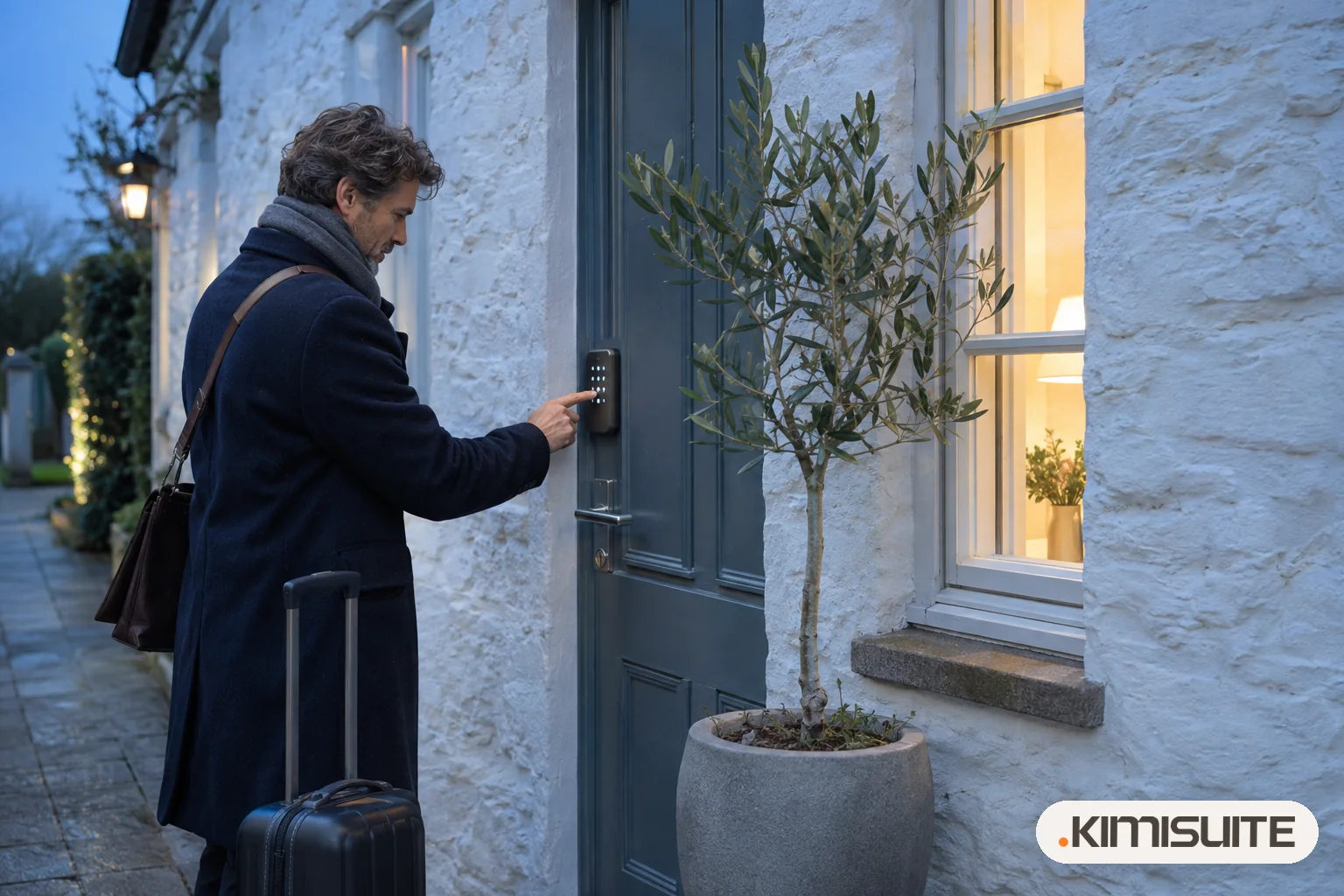
A hotel smart lock opens with a code, a card or a phone instead of a metal key, so guests can reach their room without stopping at a front desk. Keyless check-in combines such a lock with a message that gives the guest the code and the directions before arrival. It works when three things are right: the lock type suits your building, every code is handled per stay, and guests get written instructions they can follow at the door at night.
The main types of smart lock
Hotels, guest houses, apartments and holiday lets use four common kinds of lock for keyless arrival. They differ in what the guest needs and in how codes reach the door.
| Lock type | How the guest gets in | Points to weigh |
|---|---|---|
| Keypad lock | Types a PIN on the door | No app needed; codes must be changed between stays |
| Card lock | Taps a key card | Cards must be issued, so on its own it is not keyless |
| Mobile key lock | Opens with a phone app | Guest needs the app, a charged phone and often a connection |
| Key safe | Code opens a box with a normal key | Cheap and simple; the key itself can still be copied or lost |
There is a second difference that matters more than it looks. Some locks are connected: they reach a server through Wi-Fi or a hub, so codes can be changed from a distance. Others work offline: codes are set at the door or follow the lock maker's own system. Connected locks are easier to manage across many rooms; offline locks keep working when the internet does not. Ask the supplier which one you are buying and what happens when the connection drops.
How keyless check-in works, step by step
- The guest books and pays or guarantees the booking.
- Guest details are collected, including anything your country requires for guest registration.
- A room is assigned to the booking, so you know which door the guest will use.
- The code for that stay is ready, either set by you or generated by the lock system.
- The guest receives the code and the directions, close to the arrival day.
- The guest arrives and lets themselves in, without waiting for anyone.
- After check-out, the code stops working or is changed before the next guest.
Each step can fail on its own. Most problems at the door come from steps 3, 4 and 5: the room was changed after the code was sent, the code was never changed after the last guest, or the directions did not say which of three doors to use.

Booking Hub
Hotel Booking System Built for Direct Growth
Codes: the part that goes wrong
- One code per stay. A code that stays the same for months is shared with every guest who ever stayed in that room.
- Staff codes are separate. Cleaners and maintenance get their own codes, never a guest code.
- Few people see codes. A receptionist may need to send a code without needing to read it. Limit who can view codes in your systems.
- Send codes late, not early. A code sent three weeks ahead sits in an inbox and may be forwarded. The day before or the morning of arrival is enough.
- Change the code when the room changes. If you move a guest to another room, send the new room's code and directions straight away.
Instructions guests can follow in the dark
A code alone does not get a guest into a room. They need to know which building entrance to use, which floor, which door, and exactly how the lock works: enter the code, press the confirm key, turn the handle. Add what to do if the code does not work and a phone number that is answered at night. Write the instructions per room, because the way to room 12 is not the way to room 31, and in the guest's language. The pre-arrival message is the place to tell guests that these details will follow.
Plan for the day it fails
Every lock fails sometimes. Batteries run down, a hub loses power, a phone app will not open. Before you rely on keyless arrival:
- Know how your lock warns about low batteries and who checks those warnings.
- Keep a backup way in, such as a mechanical override key in a secure place.
- Make sure a person can be reached by phone at any arrival time you allow.
- Test each lock regularly, not only when a guest calls.
Is keyless check-in right for your property?
Keyless check-in pays off most where nobody is at the door when guests arrive: holiday lets and apartments without a desk, guest houses where the owner is not on site in the evening, and hotels with many late arrivals after the desk closes. Properties with a staffed desk around the clock can still use it to shorten queues, but they gain less. In every case, keep one human contact in the process. Keyless should mean no waiting, not nobody to call.
Where Booking Hub fits
Booking Hub handles the self check-in side of keyless arrival; it does not operate the lock itself. You store a PIN for each room and write that room's directions in every language you offer, with placeholders for the guest's name and room number. The front desk assigns the room on the booking and sends the check-in details: room number, PIN and directions, after picking the guest's language and previewing the email. The dialog shows when the details were last sent. A role can be allowed to send PINs while seeing them only masked, and the same directions print on room sheets for staff. Booking Hub does not create or change codes on the lock, so when you change a room's code on the lock, update the PIN in Booking Hub too. More on self check-in.
The video shows Booking Hub from the booking overview to self check-in in about two minutes.