 Service Manager
Massage booking software that books the therapist, the room and the time to reset it
A hot stone massage needs the stones heated before and the room reset after. Clients book on your page, and only see times when a therapist and a room are free for the whole stretch.
- Cancel anytime
- No long-term contract
- 14 days free
What it looks like in practice
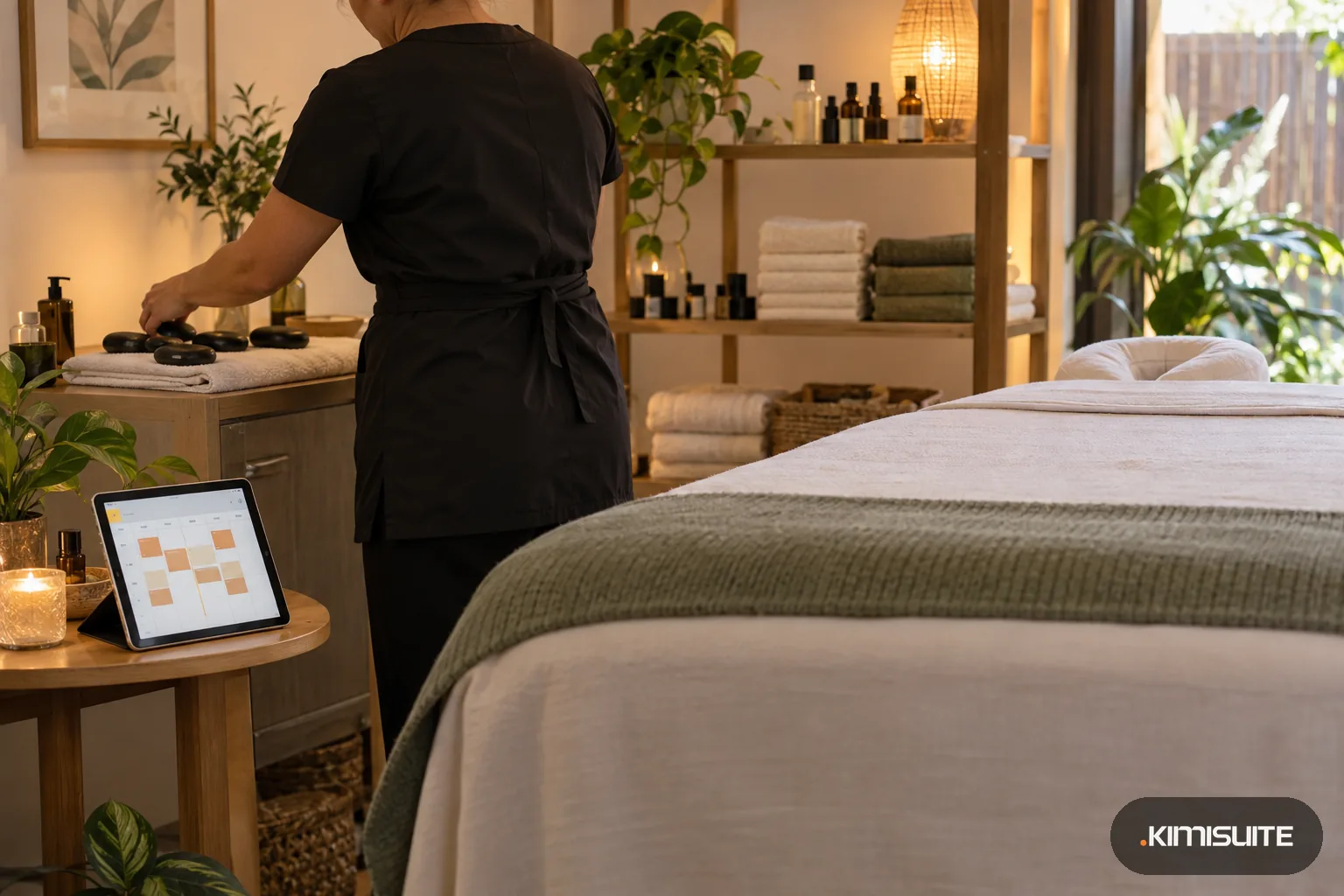
Tuesday, 8:30: stones on, room one ready
The first hot stone massage starts at nine. Its fifteen minutes of preparation were blocked in the calendar, so nobody booked room one at half past eight. The page offered the first free time from nine.
Tuesday, 12:00: two therapists, two rooms
Your therapists share two rooms. Each massage needs one of each, so the page offers a noon slot only while a therapist and a room are both free.
Wednesday, 15:00: home visits stay yours
Your Wednesday afternoon home visits live in your personal calendar. It is connected to Service Manager, so the studio page never offered those hours, and in your week view they appear grayed out, marked Busy (external).
Friday: Saturdays fill first
You set a booking window of thirty days. Clients can plan a month ahead, and nobody books next summer before you know your hours. Your minimum notice keeps same-hour surprises out too.
Massage booking software has to keep three things in step: the therapist, the room and the minutes around the massage itself. In Service Manager a relaxation massage or a hot stone massage names the resource types it needs, for example Massage Therapist and Treatment Room, and carries its own preparation and follow-up time. In the editor it reads as one plain sentence: seventy-five minutes blocked for each booking, then a ten-minute gap. Your booking page offers only the times when everything fits.
Each therapist works to her own week, with split shifts and personal breaks, and each room has its own hours too. The Health & Beauty template brings body treatments and the Massage Therapist type, ready to rename and price. Clients book in sixteen languages and get your emails in the language they used. The Health & Beauty template also brings an Appointment Reminder: switch on email notifications, and on Professional or Enterprise every client gets an email before the massage. A client who has to drop out cancels or reschedules from that email, so a late change shows up as a free room on your page, not as a therapist waiting with warm stones. If you also keep home visits or a second practice in your own calendar, connect it by its iCal address, and those hours never show on the studio page. To see how much a room can carry in a day, use the staff utilization calculator, and find every detail on the Service Manager page.
What you get
Therapist and room together
Each massage names the therapist type and the room type it needs. It is only offered when both are free for the whole time. A sixty-minute massage never lands in a room that is still being reset.
Heat the stones, reset the room
Preparation and follow-up minutes sit around the massage. The editor tells you exactly what one booking blocks. Clients see the full length of each massage before they choose.
A week per therapist
Give each therapist her own hours, split shifts and personal breaks. Rooms get their own weeks as well. A therapist who works Tuesdays only is offered on Tuesdays only.
Couples side by side
Give the couples room a capacity of two, and two massages can run in it at the same time, each with its own therapist. A note on the bookings tells you they belong together.
Sixteen languages for visitors
Turn on the languages your clients speak. Each massage gets a name and description per language, and the page switches all of it. Prices follow the local number format in each language.
An email before every massage
Clients hear from you before they arrive, at the hours you choose, for example 24 and 5 hours ahead. A client with a cold cancels or moves her hot stone massage from the button in that email, so the stones and the room go to someone else instead of waiting for nobody.
Lay out your massage menu
Add your massages with lengths and prices, your therapists and rooms, and see the week your clients would book from. Start with your two most booked massages and one room, and add the rest once the first clients have booked.
What one hot stone massage blocks
An example: enter your own minutes per massage. The staff utilization calculator shows how much of a therapist's week turns into booked time.
- Heating stones and room set-up
- 15 minutes, set as preparation
- Hot stone massage
- 75 minutes, the service length
- Room reset and fresh linen
- 15 minutes, set as follow-up
- Gap to the next client
- 10 minutes, set as buffer
How to get started
Start your massage booking software with body treatments
Pick Health & Beauty during onboarding and keep the body treatments and the Massage Therapist type.
Add rooms and therapists
Create each room and therapist with their own weekly hours, and name what each massage needs.
Set lengths and rules
Add preparation and follow-up minutes, a minimum notice, a booking window and your cancellation policy.
Publish your page
Pick a calm template such as Minimal or Elegant, set your colors and a short link, and share it.
Pricing
Service Manager starts at a fixed monthly price (see pricing) for your whole massage practice workspace, not per therapist. Rooms and therapists turn into bookable resources on Professional or Enterprise, which also send the reminder emails, and Enterprise adds staff records, roles and shifts. Connecting your personal calendar costs nothing extra on any plan.
Fourteen days to set up your rooms and therapists and try it, with no minimum term.
Is it the right fit?
A good fit if
- Massage studios with one or more rooms shared by several therapists
- Independent massage therapists who want their own booking page
- Studios offering massages of different lengths, from thirty minutes to ninety
- Studios with clients who book in different languages
- Therapists who also do home visits and keep them in their own calendar
Not the right fit if
- Practices that need clinical notes, intake forms or treatment records
- Studios that remind clients by text or WhatsApp; Service Manager sends its reminders as email
- Studios that sell gift vouchers or massage packages
- Studios whose therapists need the app screens translated; the client side speaks sixteen languages, the admin English only
Frequently asked questions
What should massage booking software do for a small studio?
Can two therapists share one room?
How do I block time to heat stones or change the linen?
Can a couple book together?
Can I review bookings before they are final?
Is it priced per therapist?
Can my personal calendar keep clients out of my days off?
Do clients get a reminder before their massage?
Read next
- Related solutionsBeauty salon booking software that books the esthetician and the room togetherA facial needs a treatment room, a brow shape needs five minutes at a station, and a peel needs time to settle. Clients book all of it on your page, and each treatment only takes a time when everything it needs is free.
- Related solutionsNail salon booking software that keeps gel, pedicure and refills on timeClients pick a gel manicure or a pedicure on your page and see only times your technicians and desks can really take. Sanitizing and drying time is built in, so the next set starts on time.
- Related solutionsHair salon booking software that gives a color the time it needsClients book a cut, a color or a blow-dry on your own page, day or night. Every service blocks exactly the minutes it takes, so the chair is ready and the next client is not left waiting in reception.
- From the blogWhat Customers Check Before They Book an Appointment OnlineService, price, a free time, the rules and proof that it worked. If an online booking page answers these five questions, people book. If one...
- From the blogPriced per Workspace, Not per User: What It Means for a Team of 12Per-user pricing adds a line to the bill with every hire. Per-workspace pricing moves in steps. A worked example for a team of 12, including...
Ready when you are
Set it up in your own workspace and see how it works with your data.
- Cancel anytime
- No long-term contract
- 14 days free
