 Service Manager
Nail salon booking software that keeps gel, pedicure and refills on time
Clients pick a gel manicure or a pedicure on your page and see only times your technicians and desks can really take. Sanitizing and drying time is built in, so the next set starts on time.
- Cancel anytime
- No long-term contract
- 14 days free
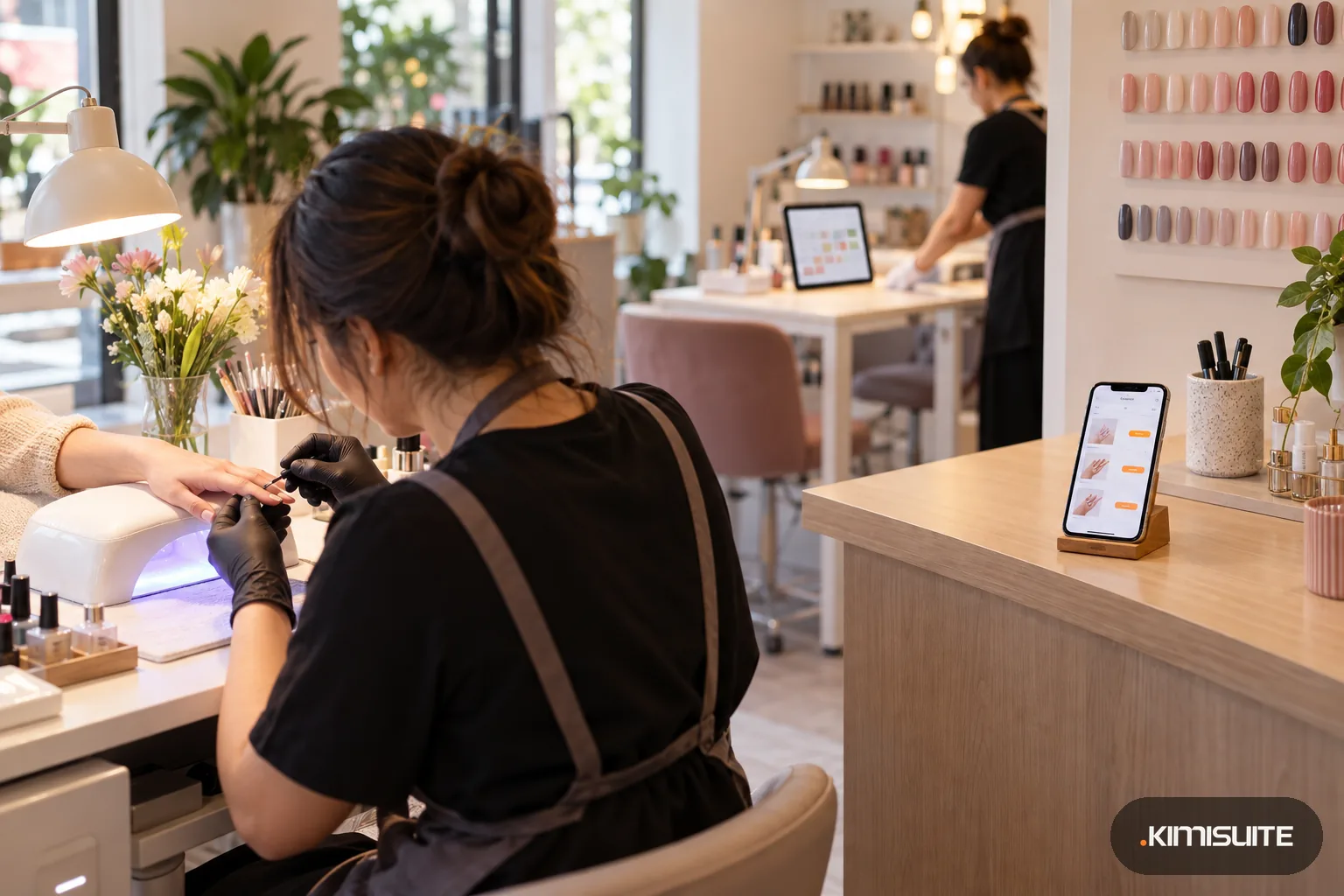
What it looks like in practice
Monday, 9:00: desks wiped, day full
Overnight, two gel refills and a pedicure came in through your page. They sit in Awaiting confirmation, and you confirm each one before the first client takes a seat.
Tuesday: a client wants nails and toes together
You book the manicure and the pedicure back to back in the four-step booking. Each one already carries its own minutes, so the afternoon adds up without a calculator.
Wednesday, 11:00: a refill moves itself
A client's gel refill is at 16:00. Her reminder email reached her five hours ahead, and she is stuck at work. She taps the button in it, picks Friday instead, and the 16:00 desk is back on your page while someone else can still take it.
Friday, 17:30: the last set of the week
The pedicure chair is the only one with a foot bath. Because the pedicure names it as its resource, nobody could book two pedicures at the same time.
Nail salon booking software earns its keep when a gel full set, a quick polish change and a pedicure all sit in the same afternoon without crashing into each other. In Service Manager each treatment carries its length, with extra minutes before it to sanitize tools and after it for drying and wiping down the desk. Clients see your nail services by category on your own booking page, with price and duration next to each, and pick a time that is genuinely free.
The Health & Beauty template already holds nail services, the Nail Technician type and a Station type for desks and pedicure chairs. You keep what you offer, set your prices and hours, and add your house rules: the cancellation policy and your terms appear on the booking page, and clients tick them before they book. From Professional, the Appointment Reminder in the template emails each client before her set, at hours you choose, as long as email notifications are switched on. A client who has to drop a full set uses the button in that reminder to cancel or reschedule, which gives you the desk back instead of a gap you only notice when nobody sits down. If you serve tourists or neighbors who speak another language, turn on more of the sixteen booking page languages. Work out a fair price for a full set with the service hourly rate calculator.
What you get
Drying time that counts
Add follow-up minutes after gel or a pedicure, and preparation before. The calendar blocks the full time, not just the painting. A polish change stays short, a full set gets its curing time.
Desks and pedicure chairs
Add each desk and the pedicure chair as a resource. A service that needs the foot bath can only be booked when it is free. A desk renter can connect her own calendar, so appointments she takes elsewhere block her desk here too.
One week per technician
Each technician gets her own weekly hours, a split day if she wants one, and personal breaks. The booking page offers her times and nobody else's. Two technicians can never be booked onto one desk at the same time.
Restock before you run out
Set a Product Restock automation for gel, tips and remover. It sits on your list with a schedule and a next run date.
House rules up front
Write your cancellation policy and terms once per language. Clients see them on the page and tick them before the booking goes through.
A cleaning block every week
Save a weekly template with deep-clean or delivery blocks, then roll it out over the coming weeks. The blocks sit between appointments in the calendar. Blocks you placed by hand stay where they are.
See a nail week before you commit
Pick Health & Beauty, keep the nail services, add your desks and technicians and look at the week your page would offer.
What one gel full set blocks
An example only: enter your own minutes and the service editor shows the total. The service time estimator helps you set realistic lengths.
- Sanitizing tools and desk before
- 10 minutes, set as preparation
- Full set with gel
- 75 minutes, the service length
- Curing and drying after
- 10 minutes, set as follow-up
- Gap to the next client
- 10 minutes, the Health & Beauty buffer
How to get started
Set up your nail salon booking software
Open Service Manager, choose Health & Beauty and keep the nail services. Add what your menu has on top, such as refills or nail art.
Add desks, the pedicure chair and technicians
Create a resource for every desk and the pedicure chair, then each technician's weekly hours. Name the resources each service needs.
Set your rules
Add a cancellation policy, terms and privacy text, a minimum notice and how many days ahead clients may book.
Publish and share
Choose a template and your colors, use the studio's name as the short link, and put it on your Instagram profile and the card you hand out at the till.
Pricing
Service Manager starts at a fixed monthly price (see pricing) for your nail salon's workspace, however many technicians and desks you have. Desks, the pedicure chair and technicians become resources from Professional, which also runs automations such as Product Restock and the reminder email clients get before their set. Staff records and shifts arrive with Enterprise. Calendar sync for a technician's outside appointments comes with every plan.
Try it for fourteen days; there is no minimum term.
Is it the right fit?
A good fit if
- Nail salons and nail bars with several desks and a pedicure chair
- Studios with desk renters who keep their own hours and their own calendars
- Salons with many short treatments and a few long ones in the same day
- Owners who want clients to accept the cancellation policy before they book
- Studios that lose long gel sets to clients who simply forget, and want them reminded by email
Not the right fit if
- Salons where clients expect to choose their technician by name: the booking page does not offer that today
- Studios that want to remind clients by SMS; Service Manager reminds them by email only
- Salons that need retail sales, a till or stock counting; restock reminders do not count stock
- Studios whose technicians need the back office in their own language; the app itself is English, the booking page is not
Frequently asked questions
What makes good nail salon booking software for a small studio?
Can a pedicure only be booked when the foot bath chair is free?
How do refills and new sets get different lengths?
Do clients get a reminder before a gel set?
Do clients have to agree to my cancellation policy?
Is there a fee for every technician?
Can clients book a manicure and a pedicure in one visit?
A desk renter also works in another studio. Will we double-book her?
Read next
- Related solutionsBeauty salon booking software that books the esthetician and the room togetherA facial needs a treatment room, a brow shape needs five minutes at a station, and a peel needs time to settle. Clients book all of it on your page, and each treatment only takes a time when everything it needs is free.
- Related solutionsHair salon booking software that gives a color the time it needsClients book a cut, a color or a blow-dry on your own page, day or night. Every service blocks exactly the minutes it takes, so the chair is ready and the next client is not left waiting in reception.
- Related solutionsMassage booking software that books the therapist, the room and the time to reset itA hot stone massage needs the stones heated before and the room reset after. Clients book on your page, and only see times when a therapist and a room are free for the whole stretch.
- From the blogWhat Customers Check Before They Book an Appointment OnlineService, price, a free time, the rules and proof that it worked. If an online booking page answers these five questions, people book. If one...
- From the blogPriced per Workspace, Not per User: What It Means for a Team of 12Per-user pricing adds a line to the bill with every hire. Per-workspace pricing moves in steps. A worked example for a team of 12, including...
Ready when you are
Set it up in your own workspace and see how it works with your data.
- Cancel anytime
- No long-term contract
- 14 days free
