 Event Ticket Hub
Sell tickets for restaurant events: tastings, supper clubs and chef's tables
Turn your special evenings into prepaid seats. Guests pay when they book, tell you what they cannot eat, and the empty chair from a late cancellation goes to the next person on the waiting list.
- Cancel anytime
- No long-term contract
- 14 days free
What it looks like in practice
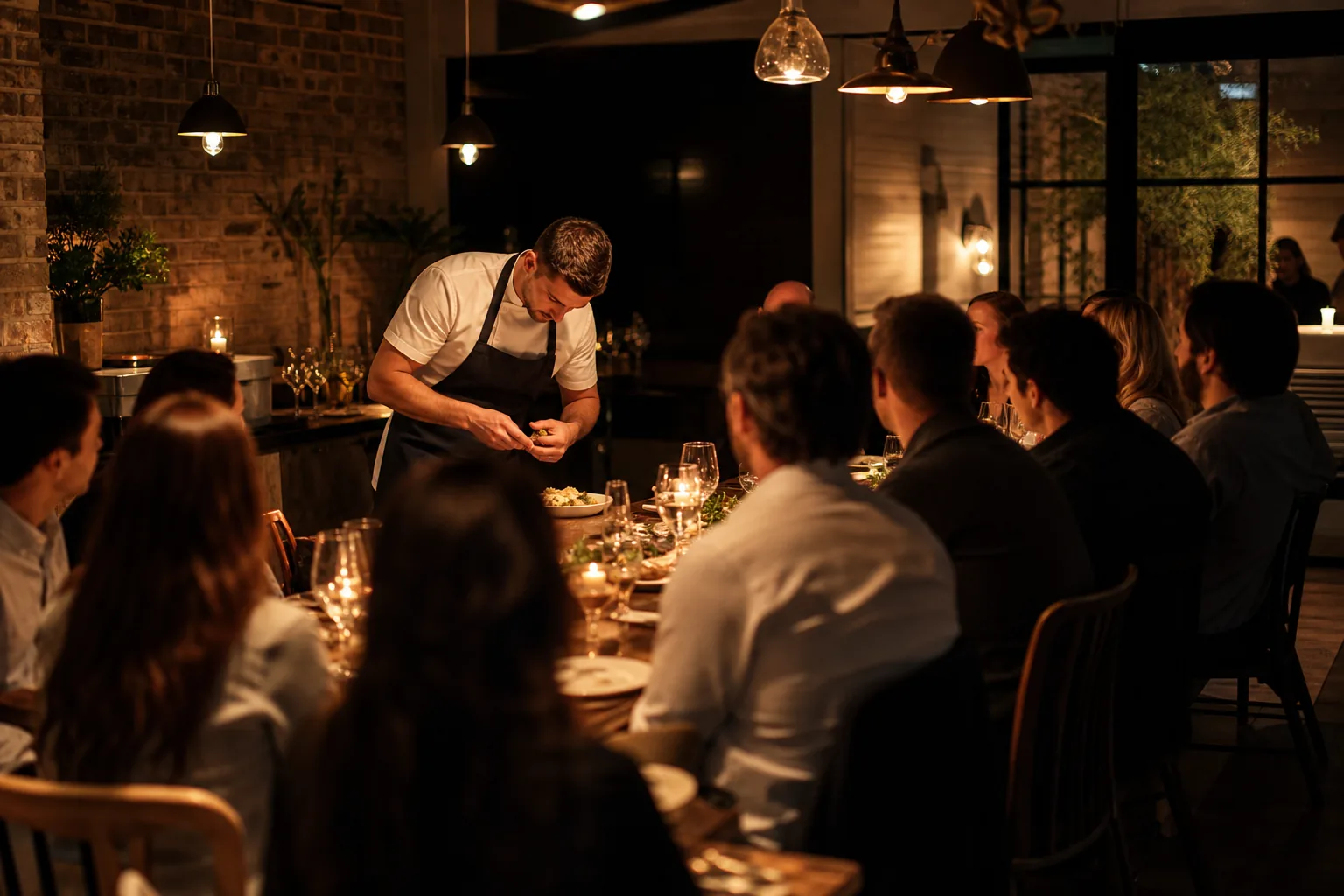
Monday, closed day: the next tasting goes live
Your sommelier plans a six-wine tasting for twenty-four guests on three Thursdays. You add the evening once, with three dates, and the link is in your newsletter before lunch.
Wednesday: the phone rings at the bar
A regular wants two seats for the murder mystery dinner but does not book online. You enter the order in a minute, the guest pays on the night, and the seats are off the online count at once.
Thursday, 4 pm: a couple cancels
The chef's table was sold out and a couple drops out. You refund them, the two seats open again, and the waiting list offers them to the next guests, who have 24 hours to say yes.
Thursday, 7 pm: the kitchen knows everything
Two vegans, one nut allergy, a birthday at table three. Every guest answered your questions when booking, and the list on the pass shows it by name.
When you sell tickets for restaurant events, you stop guessing how many guests will turn up. A tasting menu, a supper club or a cooking class only works when every seat is paid and every allergy is known before you order the produce. Event Ticket Hub gives your restaurant its own ticket page with your logo, where guests pick an evening, pay with card, PayPal or bank transfer, and answer your questions about diets and celebrations. The money goes to your own payment account as each guest pays.
Restaurant events repeat. The wine tasting runs every month, the cooking class every Saturday morning, the supper club whenever the chef has a new idea. You create events with a series of dates once and reuse them, and for classes you can generate time slots with a fixed number of places each. You do not need a reservation system to run ticketed evenings, and KIMISUITE takes no fee per ticket, which counts on a menu with wine pairing. To set a price that covers food, wine and staff, start with the event ticket price calculator.
What you get
Monthly tastings without retyping
Repeat an evening weekly or monthly, up to 120 dates, or duplicate a date with all its tickets. Each date sells and reports on its own.
Time slots for classes
For cooking classes and tasting flights, generate slots across chosen weekdays with a length, a break and a capacity. Each slot becomes its own date.
Allergies before you shop
Ask about diets and allergies for every ticket, or one question per booking for an occasion. The answers come with the order and on the attendee list.
Wine pairing as an extra
Sell the wine pairing, a bottle to take home or a signed cookbook as extras with the ticket. Guests add them while they book, so you plan the cellar in advance.
Phone bookings in a minute
Book orders yourself for guests who call or ask at the bar, as paid or with payment open. They get the same ticket with QR code as online guests.
A waiting list for full evenings
When an evening sells out, guests join the waiting list. If a seat comes back, the next person gets an offer that stays open for 24 hours.
See how a tasting evening is set up
Three dates, twenty-four seats each, a wine pairing extra and a question about allergies: open Event Ticket Hub and follow the set-up from your menu to the first booking.
What a ticketed dinner costs you to sell
Run the numbers for your own evenings: the ticket fee calculator shows what a fee per ticket would mean for your seats and your menu price.
- Ticket fee from KIMISUITE
- 0 %, also on a menu with wine pairing
- Payment fees
- your own payment provider's fee per booking, nothing on top
- Phone and bar bookings
- booked by hand, no booking fee is added to these orders
- Your workspace
- one monthly price for the restaurant, however many evenings you run
How to get started
Add Event Ticket Hub
Open a KIMISUITE workspace for your restaurant and add Event Ticket Hub. You have fourteen days to set up your first evening and invite your team.
Describe the evening
Create the event with photos, the menu in the description and your address. Add the dates, or a series if it repeats, with the number of seats.
Add tickets, extras and questions
Create the dinner ticket, the wine pairing as an extra and a required question about allergies. If you seat guests at tables, draw the room from the restaurant template.
Connect payments and share
Connect your Stripe, PayPal or Bankart account, publish, and print the QR code for your menus and the window. Your regulars find every evening on one page.
Pricing
Event Ticket Hub starts at a fixed monthly price (see pricing) for your whole restaurant workspace, not per member of staff and not per ticket. KIMISUITE adds a 0 % ticket fee to your evenings; your payment provider charges its usual fee on each payment.
Your manager, sommelier and chef can all work in the same workspace.
Is it the right fit?
A good fit if
- Restaurants that run wine tastings, chef's tables, themed dinners or murder mystery evenings
- Supper clubs and pop-up dinners that sell every seat in advance
- Cooking schools and restaurants with classes on fixed time slots
- Bars and wineries that host tastings with a fixed number of places
Not the right fit if
- Restaurants looking for an everyday table reservation book for walk-in service
- Places that need ticket sales tied to their till or reservation system
- Hosts who want to take a deposit now and the rest after the dinner
- Venues that must sell the same evening in several currencies
Frequently asked questions
How do I sell tickets for restaurant events online?
How do I sell tickets for a dinner event with a set menu?
Can guests who phone in still get a ticket?
What happens when a guest cancels at short notice?
Do I need a reservation system for ticketed evenings?
Can I seat guests at specific tables?
Do you charge a fee per ticket?
Read next
- Related solutionsSell tickets for New Year's Eve party nights and gala dinnersFill every table for the last night of the year. Seats, menu upgrades and dietary needs come in through one checkout, the money lands on your own account, and the door scanner keeps going at midnight.
- Related solutionsHow to sell tickets for a workshop, a comedy night or a small gigPut every session, show and gig on one page, sell a whole course with a single pass, and let the waiting list fill the seat when someone drops out.
- Related solutionsSell tickets for Christmas party nights and company Christmas partiesEvery Friday and Saturday in December in one shop. Office organisers book for their whole team, each guest picks a starter and a main, and the company gets its invoice without a single spreadsheet.
- From the blogSell Tickets Online From Your Own Shop, Without Per-Ticket FeesEvent Ticket Hub gives every organiser an own ticket shop, a checkout that pays into their own Stripe, PayPal or bank account, and tickets b...
- From the blogReserved Seating Online: How to Build a Seating Plan People Can BookWhen reserved seating makes sense, what a good online seating plan needs, and how to draw rows, tables and standing areas, set price categor...
Ready when you are
Set it up in your own workspace and see how it works with your data.
- Cancel anytime
- No long-term contract
- 14 days free
