Reserved seating means every ticket belongs to a specific seat, and the buyer picks that seat when ordering. It is what people expect from a theatre, a concert hall, a gala dinner or a football ground, and it changes how an event sells: buyers commit earlier, pay more for better places, and nobody queues two hours before doors open to get a good view.
The hard part is not the idea. It is the seating plan behind it. This guide explains what a good online seating plan needs, and how you build one in Event Ticket Hub, the ticketing app in KIMISUITE.
Reserved seating or general admission?
Not every event needs seats. A quick way to decide:
| Your event | Usually best |
|---|---|
| Club night, festival, standing concert | General admission |
| Theatre, cinema, classical concert, comedy show | Reserved seating |
| Gala dinner, wedding, company party | Tables, sold per seat or as a whole table |
| Sports ground with stands and a standing terrace | Both: seats and standing areas in one plan |
| Small talk or workshop, under 50 people | General admission is usually enough |
Many venues mix both. Event Ticket Hub lets you put rows of seats, tables and standing areas with their own capacity in the same plan, so one plan can cover a cabaret with a standing area at the back.
What a good online seating plan needs
From the buyer's side, a seating plan has three jobs: show what is free, show what it costs, and make choosing easy on a phone. From your side, it has to match the real room, keep certain seats back, and never sell the same seat twice.
That leads to a short checklist:
- It looks like your room. Curved rows, blocks, tables, a stage, a bar.
- Prices are visible on the plan, not hidden behind a click per seat.
- Buyers can let the system choose, because many people just want "the best two seats".
- It works without a mouse, including for people using a screen reader or keyboard.
- You can hold seats back for guests, press or sponsors.
- Every date has its own plan, so Saturday's sales never touch Friday's.
Draw your plan in the editor
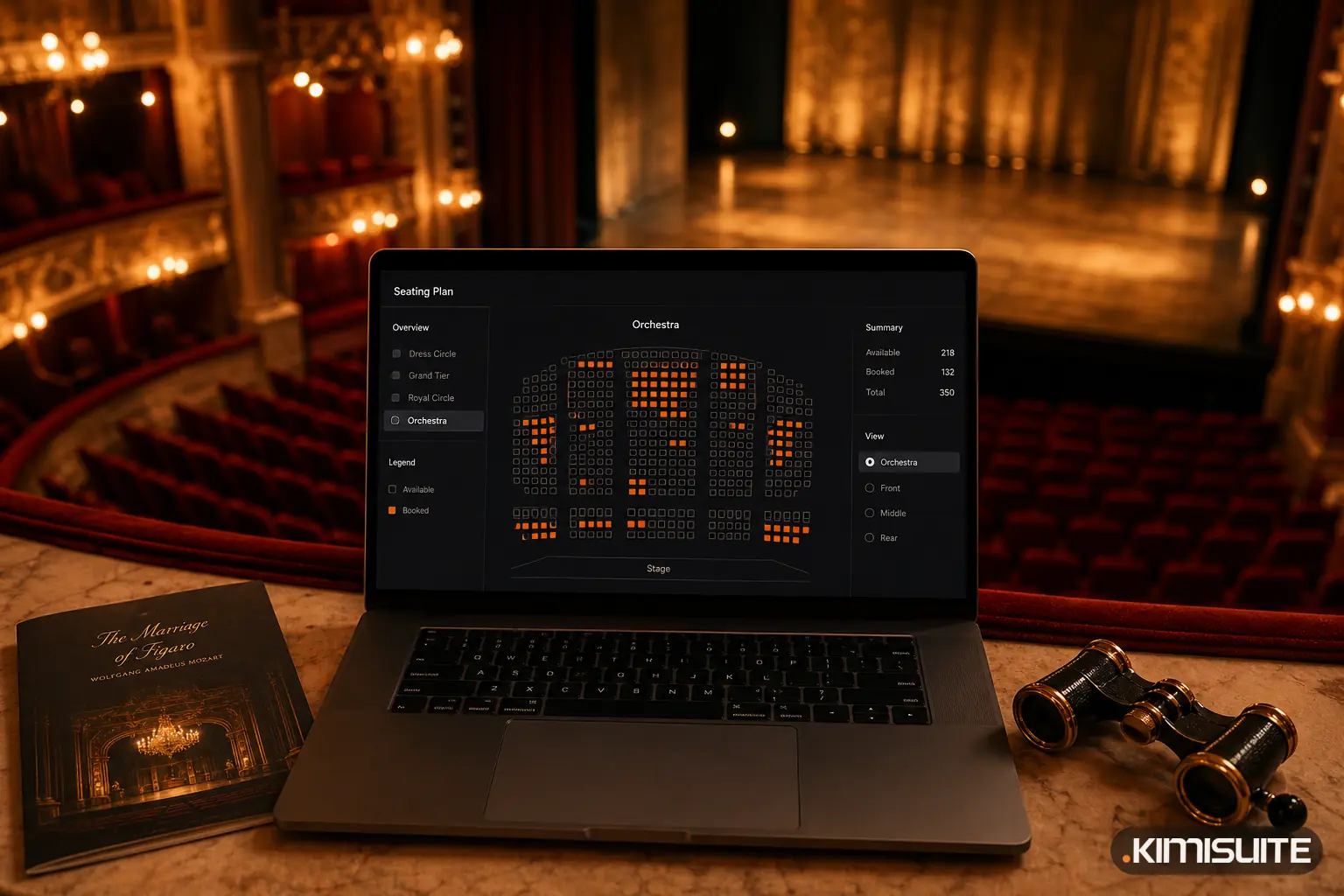
The seating plan editor in Event Ticket Hub opens full screen, and it is built for a large screen like a laptop or desktop. You can draw a plan from scratch or start from one of five templates:
- Restaurant with tables
- Hall with straight rows
- Cinema with curved rows
- Arena with blocks
- Stadium with four tiers and more than 50,000 seats
From there you add or change what you need: blocks of rows, also curved, free-standing blocks, round and square tables, standing areas and labelled shapes for the stage, the bar or the screen. Rotate, snap to the grid, zoom, undo. A counter shows how many places you have used.
Individual seats can carry a note that matters to the buyer: wheelchair space, companion seat, restricted view, or blocked if a pillar is in the way.
One venue can have several plans, for example "Concert, seated" and "Party, standing". When you add a date to an event, it gets its own copy of the plan, so changes for one date never mix up another. More on the seating plans page.
Price categories in colour
Most venues do not price every seat individually. They use zones: front stalls, rear stalls, balcony. In Event Ticket Hub, you create price categories with a colour and link them to your ticket types. Then you paint the seats in the plan with those colours.
In the shop, buyers see a "from" price per block and a legend that explains the colours. A theatre might use:
| Category | Colour | Ticket types |
|---|---|---|
| Category 1, rows 1 to 6 | gold | Adult, Concession |
| Category 2, rows 7 to 14 | blue | Adult, Concession, Child |
| Balcony | green | Adult, Child |
| Wheelchair places | grey | Wheelchair + companion |
Because the categories are linked to ticket types, discounts work automatically. A concession ticket in category 1 costs what you set for it, without a second plan. Ticket types explains how to set them up.
Tables, sold the way you want
For dinners, galas and cabaret evenings, tables work differently from rows. You decide per table how it sells:
- per seat, so couples and small groups can share a table
- as a whole table, for companies and families
- or both, with a minimum number of guests per table
A gala with 30 tables of 8 can sell the front tables only as a whole, to sponsors, and let the back tables fill seat by seat.
How buyers pick their seats
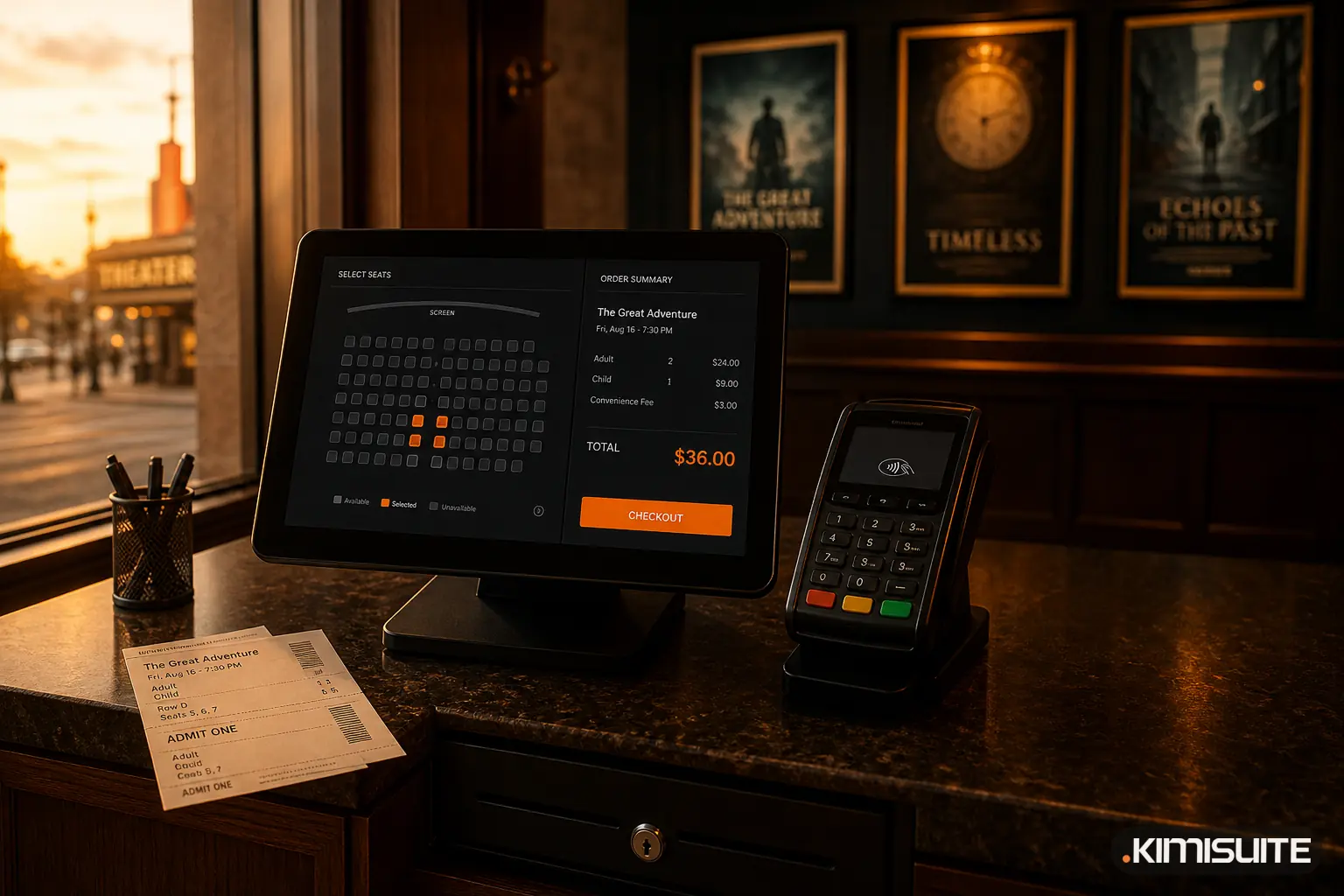
In the shop, buyers start with an overview of the blocks and zoom into the area they want. Free seats are clearly marked, sold ones are not selectable. Three things make the choice easier:
- "Suggest seats" picks the best available places together, for up to 10 people.
- A list view for buyers who prefer it or use a keyboard or screen reader, with a filter for wheelchair places.
- A 15-minute hold during checkout, so the chosen seats are safe while the buyer pays.
The result is a checkout where a family of four can go from "Saturday evening" to four seats side by side in a few taps.
Hold seats back for guests and partners
Every venue has seats that should not go on open sale: the press row, the sponsor's table, the artist's guests. With named holds, you reserve those seats under a name like "Press" or "Sponsor A". Each hold gets its own private purchase link, so a partner can buy exactly those seats and nobody else can. Named holds are part of the larger Event Ticket Hub plans.
Sell it, scan it, report it
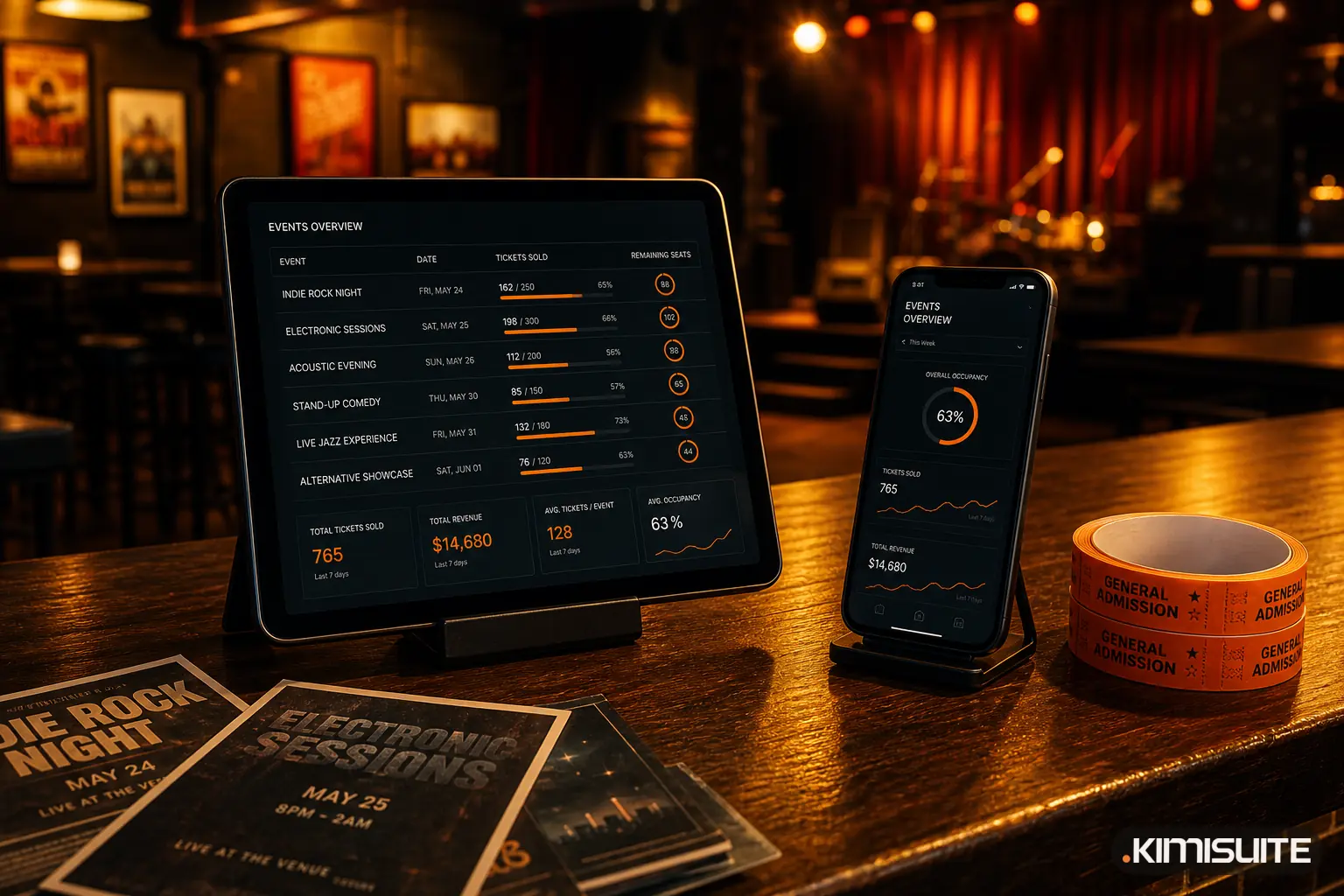
Once the plan is live, everything else follows from it. Buyers get their tickets by e-mail, the door team scans them on any smartphone, and your reports show sales per date and the attendee list. If you have not set up your shop yet, start with our guide to selling tickets online without per-ticket fees.
Event Ticket Hub is part of your KIMISUITE workspace, billed per workspace and not per user. Create your free workspace and draw your first plan with a free trial.
Build your seating plan in Event Ticket Hub
Cancel anytime · No minimum term · 14 days free