Box office software is the part of a ticketing system that sells at the venue itself: at the door, at the theatre desk or by phone. It has to be fast for walk-in guests, exact with cash, and tied to the same seats and tickets you sell online, so nothing is ever sold twice.
Since 20 October 2026, the box office in Event Ticket Hub sells reserved seats and tables straight from your seating plan, and you can create orders by hand for phone bookings, groups and invoices paid later. This article shows how the box office works and where manual orders save you time.
What a box office has to handle
Online sales are predictable. The box office gets everything else:
- the couple who walks in ten minutes before the show and wants two good seats
- the school that calls to book 28 tickets and pays by bank transfer next week
- the sponsor whose reserved table is picked up by their assistant
- the regular who pays cash and wants a printed ticket
- the end-of-night count, when the cash in the drawer has to match the sales
A good box office handles all of these without a second system and without a paper list next to the till. More on the box office page.
Selling at the door
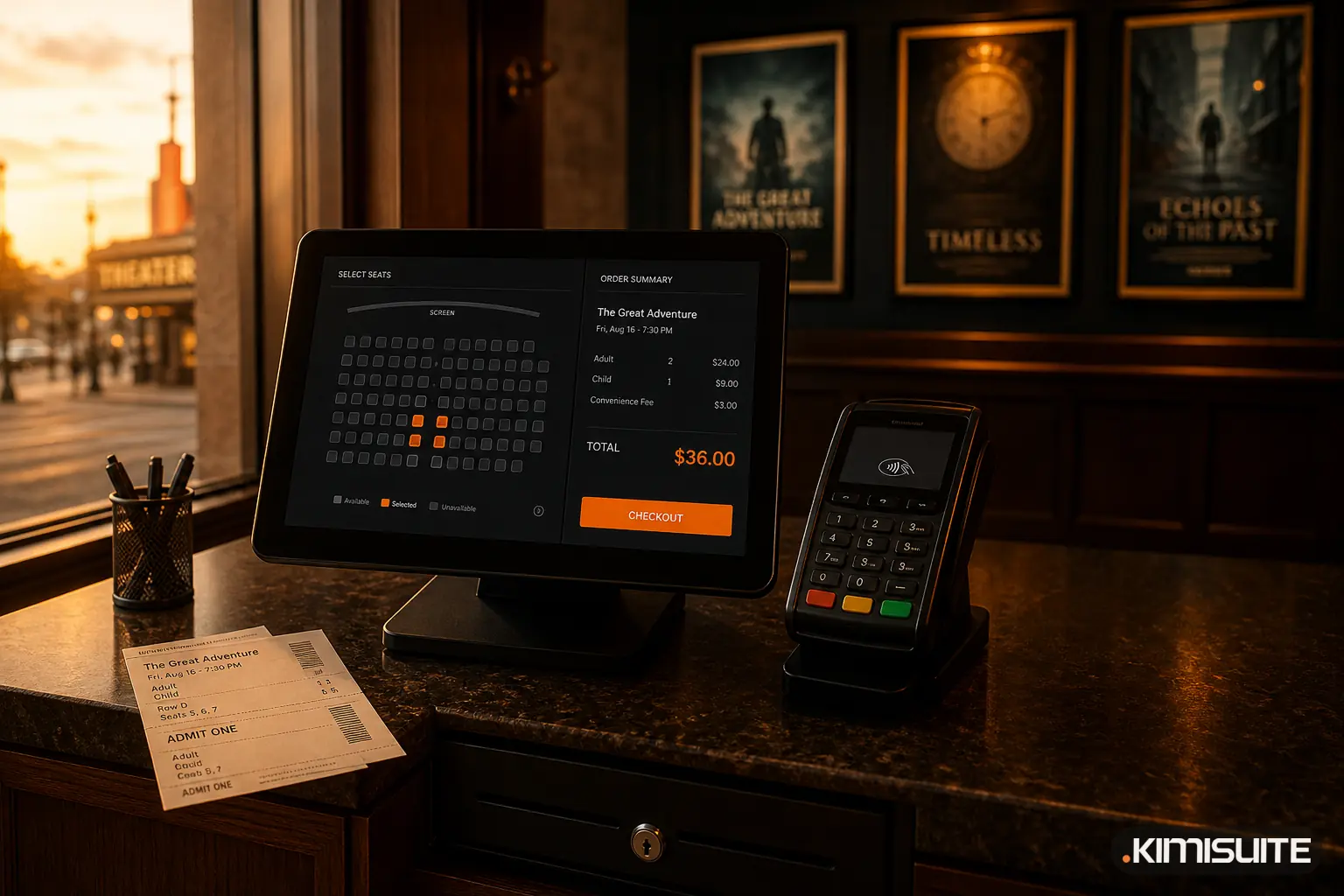
The box office in Event Ticket Hub runs in the admin area or on a paired device with the box office role, for example a tablet at the desk. A sale takes a few steps:
- Choose the date and the tickets: standing, seats, tables or extras such as a programme.
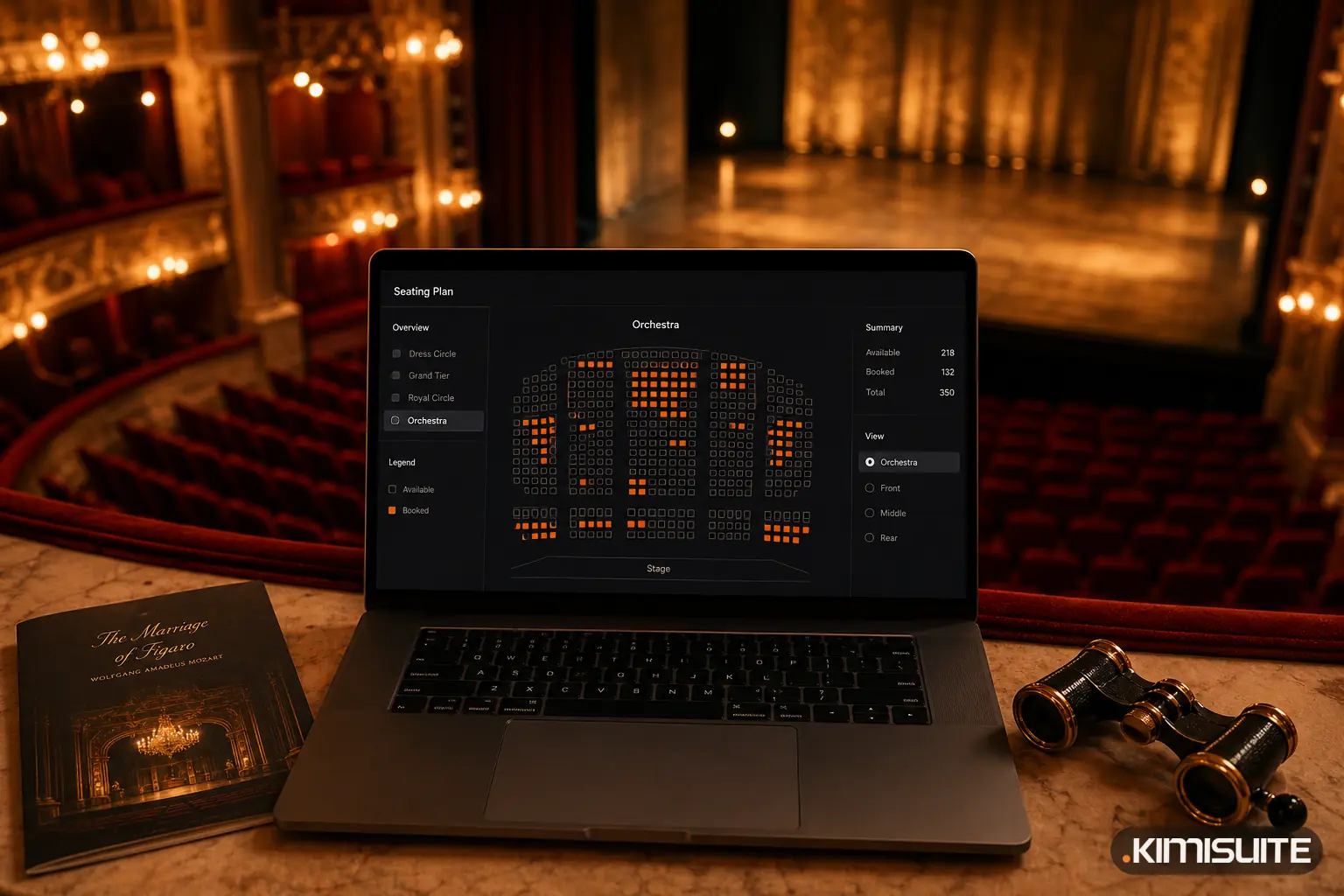
- Pick the seats on the plan or let the system choose the best available ones.
- Take payment by cash, with the change calculated for you, or by card. Guests on your guest list get free tickets, while any extras are still charged.
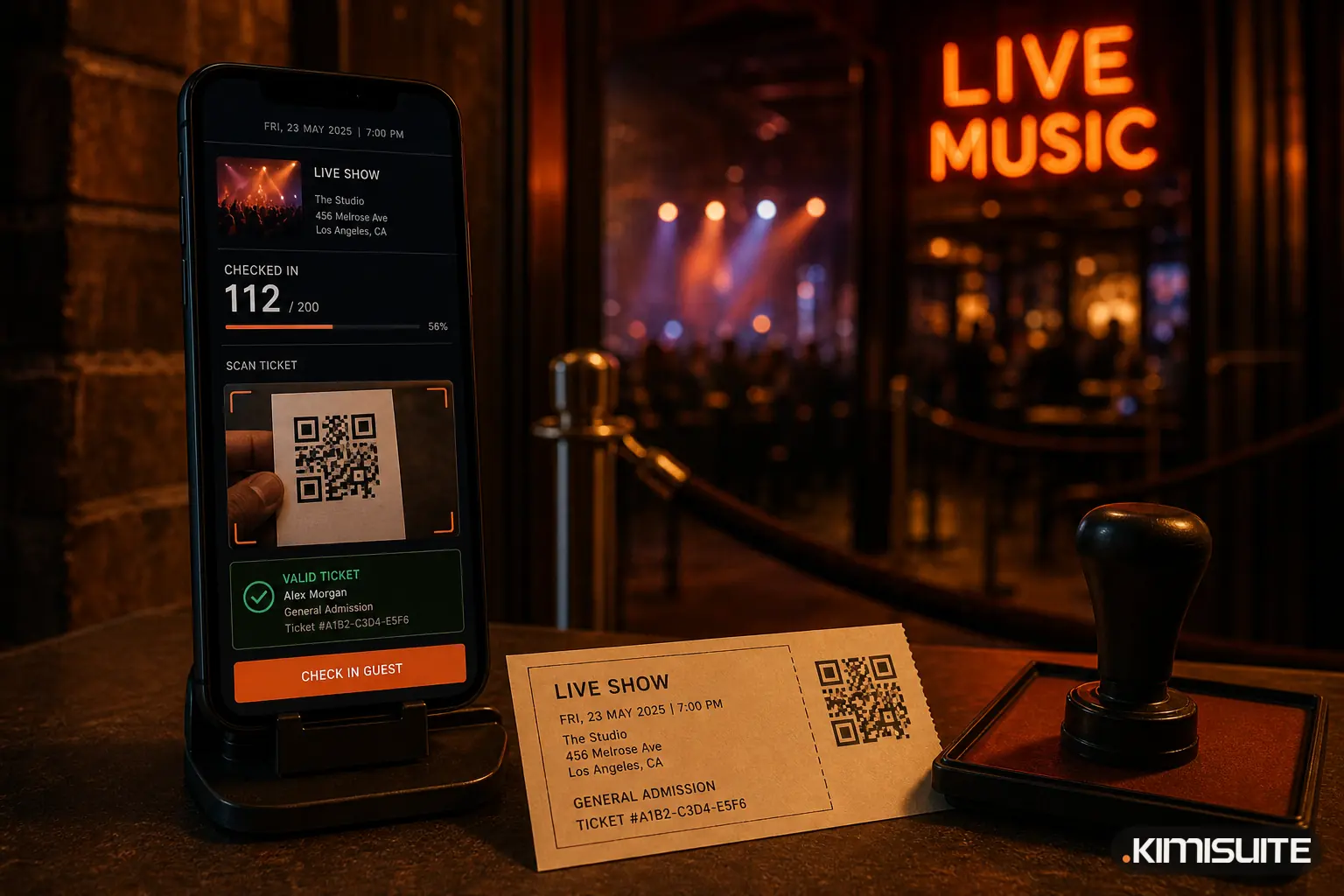
- Print the tickets and a receipt, or let the guest straight in with one tap.
Because the box office uses the same seating plan as your online shop, a seat sold at the desk disappears from the shop at once, and the other way round.
Seats and tables from the plan
Until now, many box offices had to send seated guests to the online shop. Now the cashier sells seats and tables directly:
- Free seats are selected on the plan, just like in the shop.
- Table tickets are picked on the plan in the same way, seat by seat.
- Held seats can be sold too. If you held a block for "Sponsor A" or "Reception", the cashier picks that hold and sells exactly those seats.
The plan can be enlarged to almost full screen, which helps on a busy evening with a large hall. Buyers in your online shop get the same "Enlarge" button, so choosing seats on a big plan is easier for them as well. More on seating plans.
Manual orders for phone bookings, groups and invoices
Not every sale happens at the desk. "New order" lets your team create an order by hand for any date:
- Buyer details: name, and optionally e-mail, phone and company
- Tickets: standing tickets by quantity, seats and tables picked on the plan, plus extras
- Price: the normal ticket price, or a price set by hand, for example a group rate or a friends price
- Payment: already paid by cash, card or bank transfer, or payment open with an optional due date and an internal note
Tickets are issued immediately in both cases. If you entered an e-mail address, the buyer receives the same e-mail with ticket PDF and QR code as an online buyer.
An open order keeps its seats until it is paid or cancelled. It does not expire after 15 minutes like an online checkout, because you know the buyer and you decide. There are no partial payments: an order is either paid or open. When the money arrives, you click "Mark as paid", choose how it was paid, and the order is complete. Paid orders become invoices in CRM Business Hub, just like online orders.
At the door, the scanner admits tickets from an open order and shows a "Payment open" note, so your team can settle it before the show if needed.
Three typical cases
| Situation | How you book it |
|---|---|
| A school books 28 tickets, pays by transfer next week | New order, payment open, due date in 7 days, ticket PDFs by e-mail |
| A sponsor's assistant collects the reserved table | Sell from the hold, paid by card |
| A friend of the band gets two seats at half price | New order, price set by hand, paid in cash |
Cash shifts and the end-of-night count
Cash is where box offices lose money without noticing. Event Ticket Hub runs every cashier in a shift:
- Open the shift with a float, the cash in the drawer at the start.
- Sell throughout the evening. Every cash sale is recorded with the amount given and the change.
- Close the shift by counting the drawer. The system shows the expected amount and the difference.
- Download the Z report as PDF or CSV, and see the settlement per date.
For the treasurer of a club or the manager of a small theatre, that is the difference between "roughly right" and a closing that matches to the cent.
How many tills you need
Each box office device counts as a station. The number of stations depends on your Event Ticket Hub plan, from a couple for a small venue up to many for an arena with several entrances. Door scanners are separate and unlimited in every plan, so adding a till never takes a scanner away.
If you are new to door operations, our guide to the event check-in app explains how the scanner and entrances work together with the box office.
One system for every sale
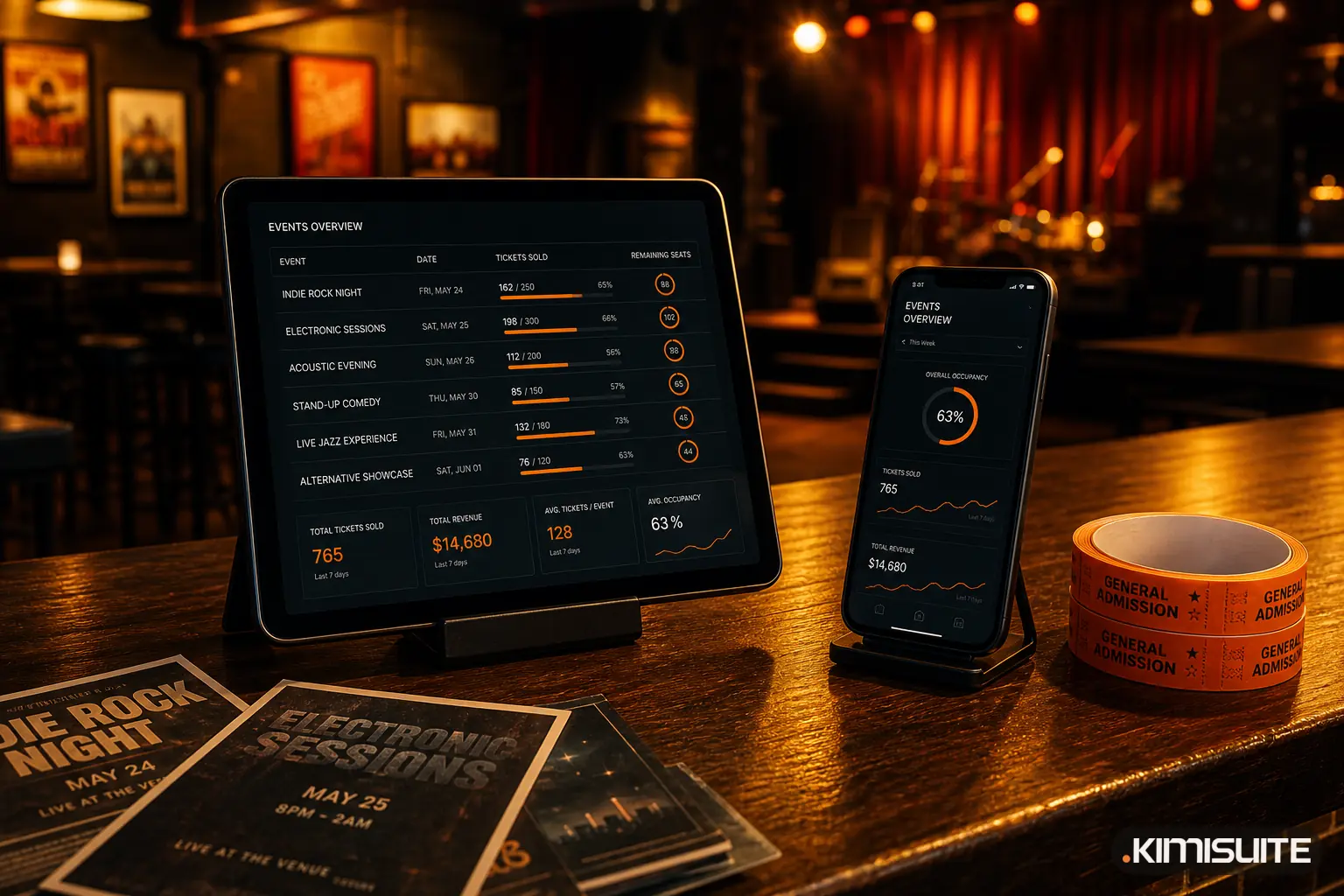
Online shop, box office, phone orders and the scanner at the door all work on the same events, seats and tickets. That means one sales report per date, one attendee list and one set of invoices in CRM Business Hub, whatever channel the ticket was sold through. And because KIMISUITE is billed per workspace, not per user, your box office staff do not add a seat fee.
Create your free workspace and try the box office with a free trial of Event Ticket Hub.
Run your box office with Event Ticket Hub
Cancel anytime · No minimum term · 14 days free