To sell tickets online, you need three things: a page where people can see your events, a checkout that takes their money, and a ticket they can show at the door. Most organisers get all three from a ticketing platform, and they pay for it twice: with a fee on every ticket, and with buyers who belong to the platform rather than to them.
Event Ticket Hub, the new ticketing app in KIMISUITE, takes a different route. Your events are sold in your own shop, payments go straight to your own payment account, and KIMISUITE takes no fee per ticket. You pay for the app as part of your workspace, not per ticket sold.
What per-ticket fees really cost
Ticket fees look small on a single ticket. Over a season they add up quickly. Take a theatre club with a modest programme:
| Events per year | 24 |
| Tickets per event | 180 |
| Average ticket price | EUR 22 |
| Tickets per year | 4,320 |
| Ticket revenue per year | EUR 95,040 |
If a platform charges 5 % per ticket, that is EUR 4,752 a year, before payment fees. If it charges a fixed amount per ticket on top, it is more. With many platforms, the money also reaches you only after the event, minus whatever the platform keeps.
With Event Ticket Hub, the payment provider you choose charges its usual transaction fee, and that is it. If you want to pass on your own costs, you can add a booking fee, fixed or as a percentage, and buyers always see it in the final price. Our break-even calculator helps you work out how many tickets an event has to sell before it pays for itself.
Your own ticket shop, ready in minutes
Every workspace with Event Ticket Hub gets its own public shop at events.kimisuite.com/your-name. It shows your logo and all your published events:
- Event cards with a "from" price, the next date and how many more dates follow
- Search and filters by month and category
- "Few tickets left" when an event is close to selling out
- A waitlist on sold-out dates: buyers tap "Notify me" and get an offer when tickets come back
- A share button with a QR code for your posters, as PNG or SVG
The shop works in 16 languages, including Arabic from right to left, in light and dark mode. Your organiser details and your own terms, privacy and cancellation policy appear on the pages, the tickets and the e-mails. Search engines and social networks get structured event data, so your events show up properly when someone shares a link. More on the online ticket shop.
A checkout that does not lose buyers
The checkout runs on its own booking page, eventbooking.kimisuite.com, in four clear steps: tickets, your details, review and order, done.
- No account needed. Buyers order as guests.
- Tickets are held for 15 minutes while they pay, so nobody loses a seat mid-checkout.
- Company invoice details for businesses that buy for their team.
- Invisible bot protection instead of a captcha puzzle.
You choose how people pay. Connect your own Stripe account for cards and every method you have switched on there, add PayPal, or accept bank transfer, with your bank details on the confirmation and the seats held until the payment date. Payment connections cost nothing extra. See all options under ticket payments.
Tickets your buyers can find again
After the purchase, the buyer gets a confirmation e-mail from your name, with an A4 ticket PDF and a signed QR code. A reminder follows 24 hours before the event. No app is needed on the buyer's side.
Lost the e-mail? On the "Check your booking" page, buyers enter their order number and e-mail address and find everything again. From there they can:
- open their tickets and download the PDF
- send the tickets to themselves again
- correct their own details until the invoice is issued
- change the name on a ticket up to a deadline you set, for example when a friend takes their place
- ask for a cancellation, if your rules allow it
Each of those is a phone call or an e-mail your team no longer has to answer. Details on managing bookings.
Everything you sell, in one place
Event Ticket Hub is built for the way small and mid-sized organisers really work:
- One-off events and series with up to 120 dates, time slots, day tickets and festival passes
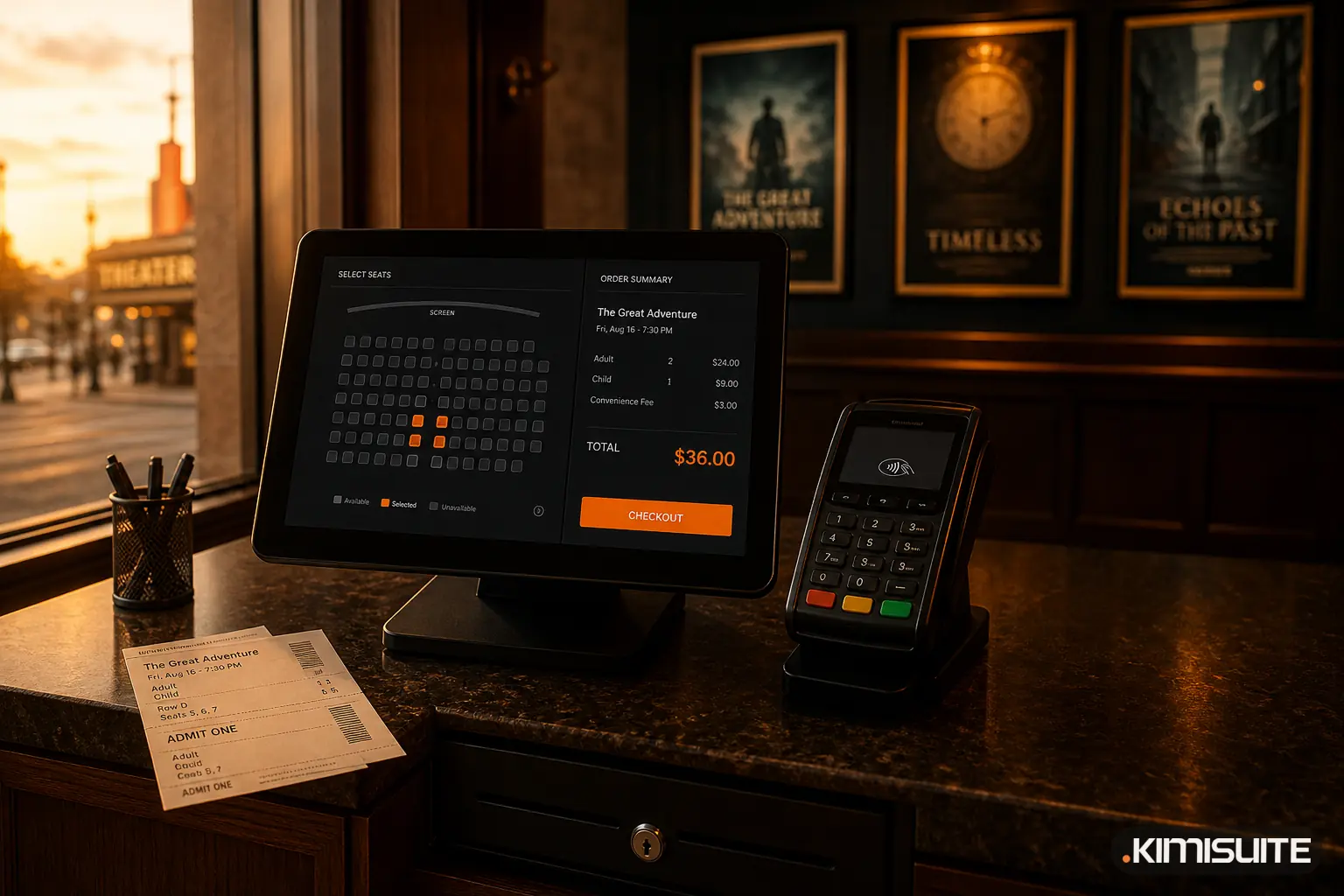
- Ticket types like adult, child, member or VIP, with early-bird prices and sale windows (ticket types)
- Vouchers as a percentage, an amount or a fixed price, which can also unlock hidden tickets for partners
- Extras such as a programme booklet or a parking space, sold together with the ticket
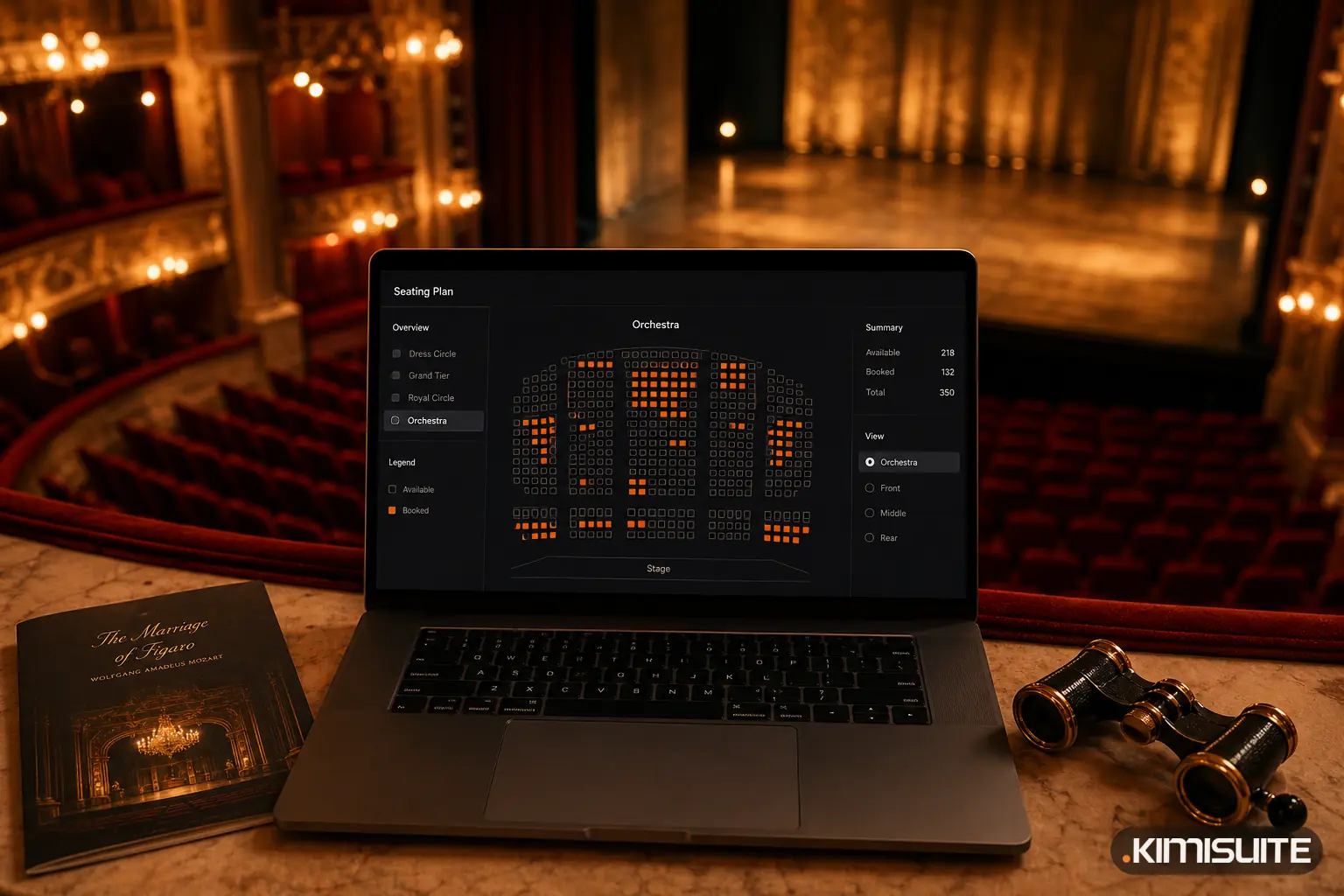
- Seating plans for theatres, halls, restaurants with tables and stadiums, with seat selection in the shop
- Cancel or postpone a date: buyers get an e-mail, and online payments are refunded automatically
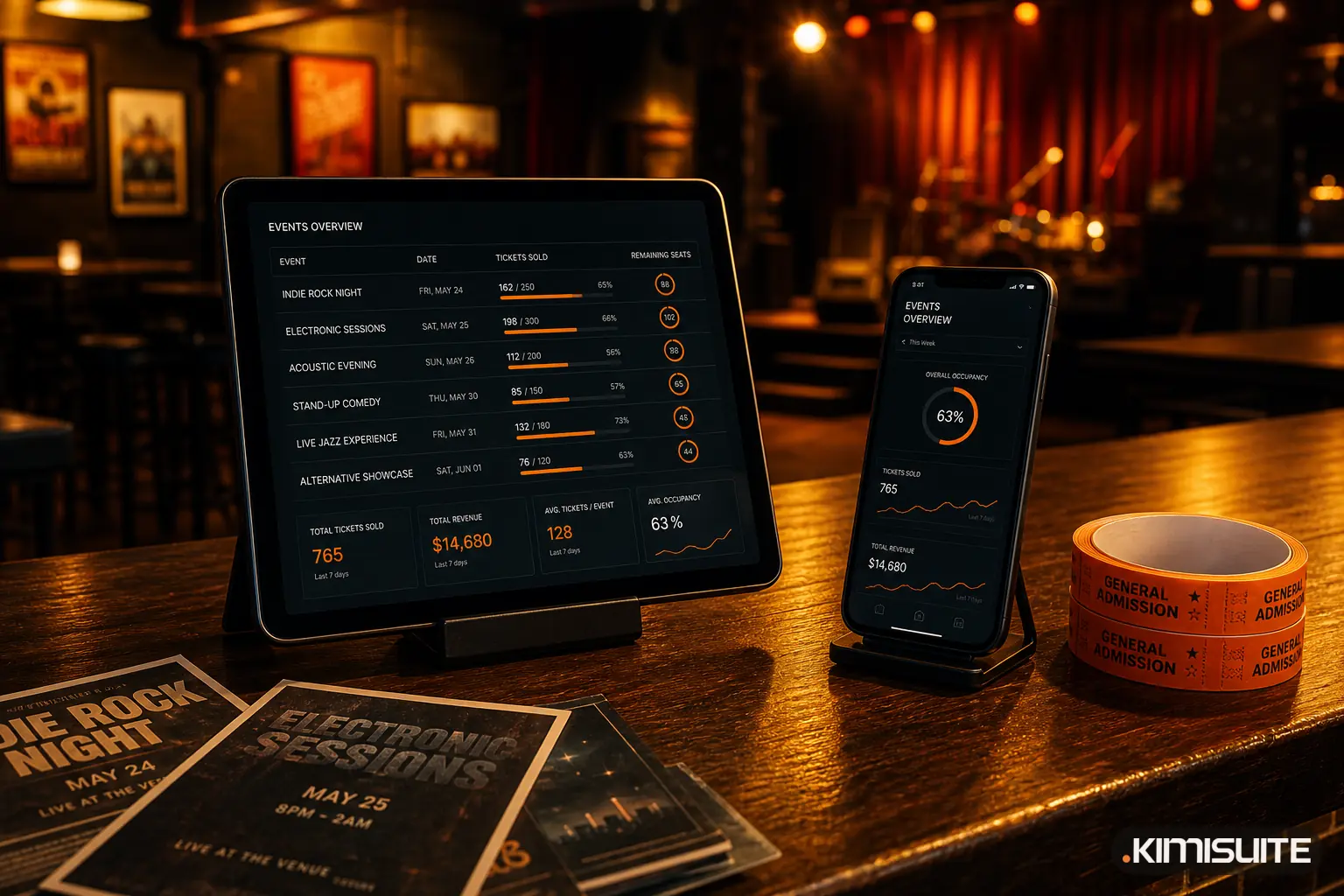
- Reports with sales per date, attendee lists, check-in numbers and Excel export
At the door, your team scans tickets with any smartphone in the browser, even without a connection.
Part of your workspace, not another login
Because Event Ticket Hub sits inside your KIMISUITE workspace, it works with the apps you already use. Paid orders become proper invoices in CRM Business Hub, and refunds become credit notes. Buyers land in Contacts, and your team can see every event date in the shared Calendar.
Your team works with roles, so the person at the box office does not see refunds or settings, and the person who plans events does not need access to payments. KIMISUITE is billed per workspace, not per user, so adding your door staff and volunteers does not raise your bill.
Getting started
- Add Event Ticket Hub to your workspace from the App Store.
- Enter your organiser details and connect Stripe, PayPal or your bank account.
- Create your first event, add ticket types and publish it.
- Share the link to your shop on your website, social media and posters.
No website yet? A simple site with a big "Tickets" button is enough to start. Read how the AI Website Builder turns a description into a live site.
Ready to sell your next event yourself? Create your free workspace and start Event Ticket Hub with a free trial.
Start selling tickets with Event Ticket Hub
Cancel anytime · No minimum term · 14 days free