 AI Website Builder
Car dealer website builder: your dealership online tonight, with the cars on your yard
Tell trettly about your dealership and it builds the pages, or rebuilds the site you have. Place your Vehicle Hub widgets with one click, and the cars on the site follow your stock.
- Cancel anytime
- No long-term contract
- 14 days free
What it looks like in practice
Evening, the old site goes
Your website still shows a car you sold in spring. You type its address into the import, tick the pages worth keeping and trettly rebuilds them with your colors, fonts and logo, without the stale car pages. It tells you in the chat what it took over and what it left behind.
Twenty minutes later, the stock is live
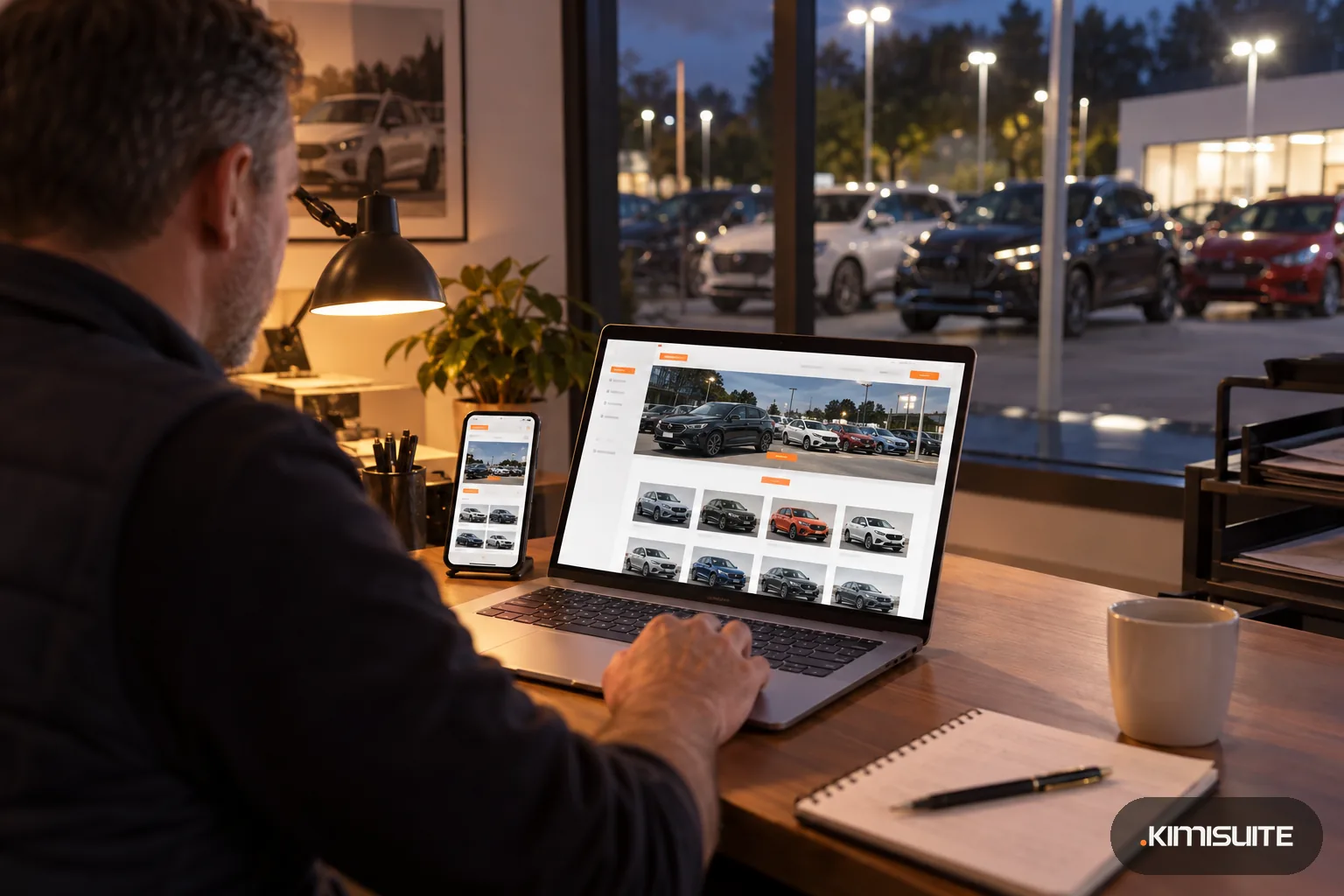
trettly suggests the Vehicle Hub widgets. You place search, stock and a car page from Widget Creator on the 'Our cars' page, and the yard you see out of the window is on the screen.
Next morning, a price drop
You lower the price of the estate in Vehicle Hub. The stock widgets on your site show the new price on the next page load, and nobody touches the website.
Saturday, the enquiry
A buyer sends a message from your contact page. It lands in the website inbox and in CRM Business Hub, and you reply before he has visited the next dealer's site.
A car dealer website builder has two jobs: a site that looks like a dealership people trust, and a stock page that is never out of date. The KIMISUITE AI Website Builder handles the first. Choose 'used car dealership' or describe your business in your own words, answer a few questions about your brands, services and what you do differently, and trettly builds a modern site with pages like home, our cars, about us and contact. It picks up your dealership's address, phone number and opening hours from the workspace and writes from your answers, without invented reviews.
The second job belongs to Vehicle Hub. In the editor, trettly recommends the Vehicle Hub widgets, and you place them through website widgets: a search, the full stock, a single car and a slider for the homepage. The widgets read your Vehicle Hub stock, so a sale or a price change shows on the next page load. A separate page address for every car, with an entry in the sitemap, is something the Vehicle Hub widgets do on a site where you paste their embed code; the builder does not promise it for a trettly site today, and there the widgets load after the visitor's click or consent. Already have an old site? trettly can import it and rebuild it, keeping your look on the pages you choose. Each page gets an SEO score and an accessibility check, and the site is built to load fast on a buyer's phone.
What you get
Pages written from your answers
Your brands, your services, your part-exchange and finance offers in your own words. trettly writes the pages, and you change any sentence by clicking on it.
Your Vehicle Hub stock on the pages
trettly suggests the Vehicle Hub widgets, and you place search, stock, slider and comparison from Widget Creator with one click. The cars they show follow your Vehicle Hub stock.
Import your old dealership site
Enter your web address, tick up to 25 pages and choose to keep your look. Colors, fonts, buttons, logo and images come across, and trettly tells you what it did not take. The stock part of the old site is handed to Vehicle Hub.
Enquiries into your CRM
The contact form sends messages to your website inbox and, if you switch it on, into CRM Business Hub as a lead. Auto-replies need your own mail server (SMTP).
Tracking for your ad campaigns
Connect Google Analytics 4, Google Tag Manager, the Meta pixel or cookie-free Umami in the settings. The cookie banner holds back what needs consent. Your analytics then show which campaign brings buyers to your site.
Found locally
Structured data with your address, opening hours and location, a sitemap and page titles for every page, plus an SEO score that tells you what to improve.
Build your dealership site in one sitting
Pick 'used car dealership', answer the questions and look at the preview on desktop and phone. Add your Vehicle Hub stock and you see the site a buyer will see.
How to get started
Open the car dealer website builder
Add the AI Website Builder to your KIMISUITE workspace. Start step by step, chat with trettly, or import your current site.
Tell trettly about your dealership
Your brands, services and opening hours, and what buyers should do first: call, send an enquiry or browse the stock. Pick one of the matching designs.
Add your stock from Vehicle Hub
Create the Vehicle Hub widgets in Widget Creator and put them on your pages with one click. Replace sample photos with pictures of your yard.
Legal pages, address, live
Let the legal assistant write the imprint and privacy policy, connect your dealership's domain or use an address on kimisuite.si, and publish.
Pricing
The AI Website Builder starts at a fixed monthly price (see pricing) for the dealership's workspace, whoever on the team edits the site. trettly's AI tasks take credits from the workspace balance at their real cost; your own edits, design changes and restored versions take none.
The live stock comes from Vehicle Hub, a separate app in the same workspace with its own price per workspace.
Is it the right fit?
A good fit if
- Independent used-car and multi-brand dealers who want to build and change their own site
- Dealers with an outdated website that should be rebuilt without starting from zero
- Dealers who keep their stock in Vehicle Hub, or plan to
- Dealers who run Google or Meta ads and need tracking on their site
Not the right fit if
- Dealers who want buyers to reserve or pay for a car online; trettly builds no shop
- Dealers who want customer accounts or saved searches with a login; trettly builds websites, not web apps
- Dealers who want their stock on the site without Vehicle Hub
- Dealers who want an agency to design the site for them
- Dealers who need an indexable page address for every car on a trettly site; that comes with the Vehicle Hub widgets on a website where you paste their embed code
Frequently asked questions
How does the car dealer website builder get my stock onto the site?
Can I keep my current domain?
Will buyers see sold cars?
Can I rebuild my old website instead of starting new?
Does the site work in several languages?
How are the AI credits charged?
Can I show finance and part-exchange information?
Will the site be found on Google?
Read next
- Related solutionsMedical practice website builder for doctors, dentists and therapistsAnswer a few questions about your practice and get a calm, accessible website with your opening hours, your services and the way to book. You check every text before anything goes live.
- Related solutionsA website for guest houses and small hotels, written in an evening and read in every guest's languageTell trettly about your rooms, your breakfast and the walk to the lake. You get a site that looks after itself on the phone, speaks your guests' languages and, with Booking Hub, shows available rooms and prices live.
- Related solutionsSoftware for independent car dealers who sell from the forecourt, not from a franchise manualKeep every car in one place, with its photos, price and history. Your website, your ads and your enquiries all work from that same stock, so nobody calls about a car you sold last week.
- From the blogWebsite Redesign With AI: Import Your Old Site and Rebuild It in Any LanguageGive the AI Website Builder your current address, tick the pages you want and get a modern, editable rebuild in about a minute. Since 17 Oct...
- From the blogWhy AI Needs Your Website (And the "It Will Find Me Anyway" Myth)Many businesses now believe AI will find them without a website. The opposite is true: without a website, AI either says nothing about you —...
Ready when you are
Set it up in your own workspace and see how it works with your data.
- Cancel anytime
- No long-term contract
- 14 days free
