 Booking Hub
A holiday let booking system for cottages, flats and self-catering apartments
Take direct bookings on a booking page of your own, keep Airbnb, VRBO and Booking.com on one calendar, and send every guest the door code and arrival notes for their apartment without picking up the phone.
- Cancel anytime
- No long-term contract
- 14 days free
What it looks like in practice
Sunday evening: next week's arrivals
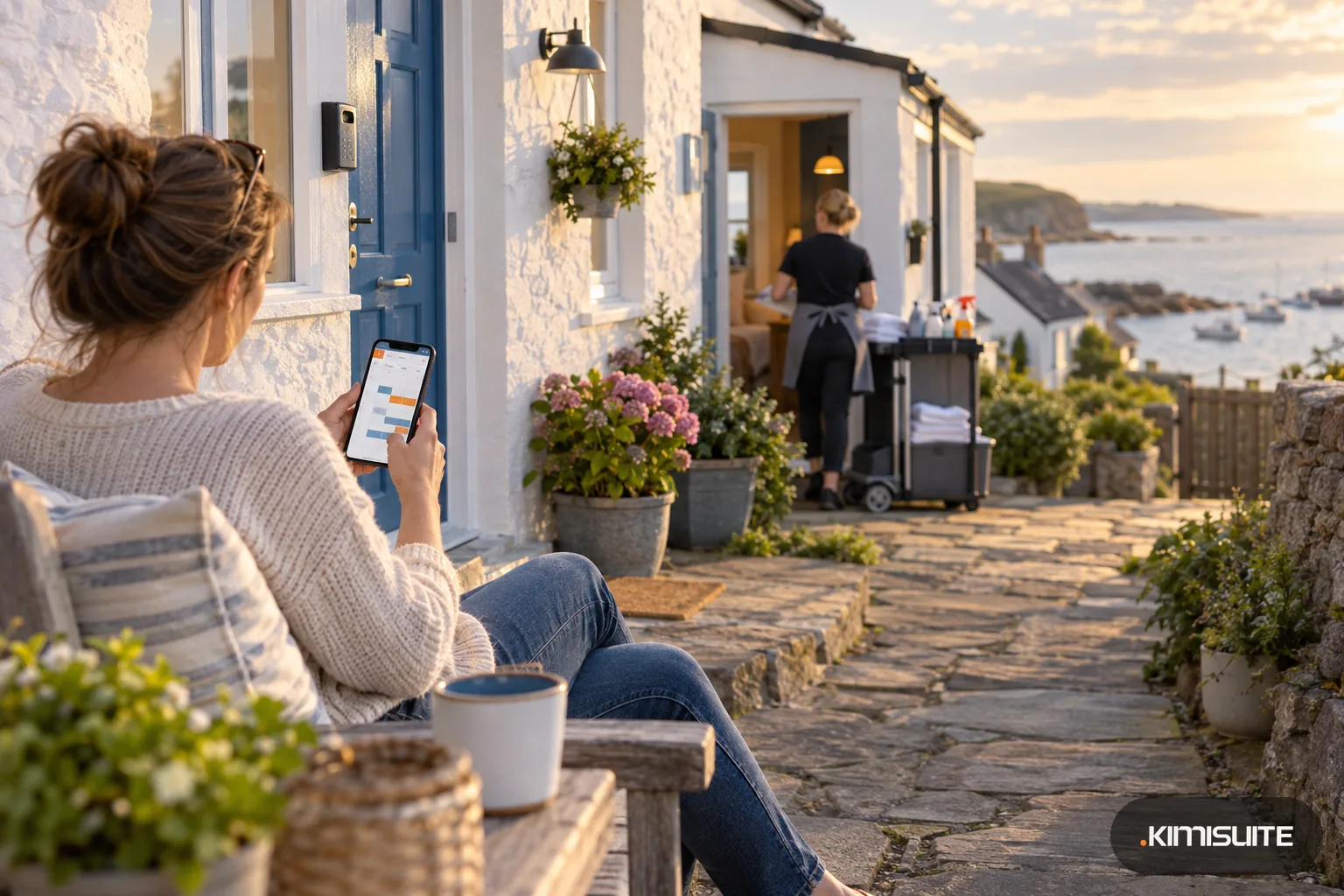
Four stays start this week across your two cottages and the flat above the harbour. The dashboard lists who arrives on which day and who leaves, so you plan the cleaning before Monday.
Tuesday: a booking from Airbnb
A family books the garden cottage for ten nights on Airbnb. The same nights close on your own booking page and on Booking.com at once, and the booking sits in your list with its source and the commission it cost.
Friday, 2 pm: the arrival message
You open the booking, pick the guest's language and send the key safe code with your written arrival notes for that cottage: where to park, which gate, how the heating works.
Friday, 9 pm: a question from the terrace
The guests cannot find the spare towels. They write from their booking page, you answer from your phone in the inbox, and the conversation stays on that booking.
A holiday let booking system has to do two jobs at once: fill your calendar from the platforms and win back the guests who would rather book you directly. Booking Hub gives each cottage or apartment its own prices, rules and photos, takes bookings on your own booking widget or on a free booking page, and keeps every booking in one list, wherever it came from. Your guests pay online or on arrival, receive a confirmation with their access code, and can open their booking later without an account.
Most holiday let owners never wanted to run a website. If you have none, add the free booking page: your own address on kimistay.com with your logo, colors and photos, and the full booking process on it, from dates to payment. Print its QR code on the card in the welcome folder, so returning guests book you, not the platform. When you also sell on Airbnb, VRBO or Booking.com, the channel manager extension keeps one calendar for all of them. On arrival day, self check-in sends the code and the directions for the exact apartment the guest booked. See all of it on the Booking Hub page.
What you get
A booking page without a website
The landing page extension costs nothing: a branded page on kimistay.com with search by dates and guests, prices, photos, your legal texts and checkout. It runs on a phone and comes with a QR code as PDF, PNG or JPG.
Airbnb, VRBO and Booking.com on one calendar
With the channel manager extension, a booking on one platform closes the dates on the others and on your own page. Expedia, Agoda and Trip.com connect the same way.
Holiday let booking system with self check-in
Each apartment carries its own door or key safe code and written arrival notes in every language you offer. Send them from the booking, preview the email first and add a line for that guest.
Prices for short breaks and long stays
Length-based pricing lets a seventh night cost less than the first. Seasonal prices cover summer and school holidays, and everything outside them keeps your regular rate.
A chat on every booking
Guests write from their booking page, you answer from one inbox sorted by booking. An automatic welcome message goes out with their name, and unread messages turn into an email.
Cleaning between stays
With the housekeeping extension, a check-out puts the cleaning task on your cleaner's phone. Cleaners sign in with a PIN, need no KIMISUITE account and report a broken kettle where they find it.
Set up your first cottage in an afternoon
Add one apartment with photos, beds and a seasonal price, switch on the free booking page and make a test booking on your phone. The setup guide ticks off each step as you go.
What a direct booking costs you
Work out how much the platforms take from your season and what each direct booking keeps in your pocket with the OTA commission loss calculator.
- Commission on your own booking page or widget
- 0 %, the guest pays you
- Platform bookings
- the platform's own commission, shown on each booking so you see what it cost
- Booking page on kimistay.com
- a free extension of Booking Hub
- Your workspace
- one monthly price for the business, never a fee per booking
How to get started
Add Booking Hub to your workspace
Open a KIMISUITE workspace for your letting business and add Booking Hub. The first setup guide shows what is done and what is still open.
Describe each cottage or apartment
Add photos, beds with their widths, amenities such as a washing machine or a garden, and the number of guests. Choose how it is priced: by season, by length of stay or by number of guests.
Write the arrival notes
Store the door or key safe code for each apartment and write the arrival notes once per language. Add your cancellation policy, house rules and privacy text.
Open your channels
Switch on the free booking page or put the widget on your site, connect a payment method, and connect Airbnb, VRBO or Booking.com through the channel manager if you use them.
Pricing
Booking Hub starts at a fixed monthly price (see pricing) for your whole letting business, billed per workspace, not per user. Your plan sets how many apartment types you can create, not how many bookings you take.
The booking page, Telegram alerts and the Stripe, PayPal and pay-on-arrival payment methods are free extensions. The channel manager and housekeeping are paid extensions you add only if you need them.
Is it the right fit?
A good fit if
- Owners with one to a handful of holiday cottages, flats or self-catering apartments
- Holiday let owners who sell on Airbnb, VRBO or Booking.com and want direct bookings next to them
- Letting businesses without a website that need a bookable page fast
- Owners who hand over keys by code and want arrival notes sent per apartment
Not the right fit if
- Owners who let only Saturday to Saturday or on fixed changeover days: Booking Hub has no arrival-day or changeover-day rules
- Owners who take a damage deposit: Booking Hub does not hold or collect security deposits
- Owners who want the booking page on their own domain name: it lives on kimistay.com, your own domain takes the widget instead
- Letting businesses that need promo codes or discount coupons
- Owners who want to close dates on one platform and keep them open on another: closing a room applies across the connected platforms
- Agencies that need a guest profile with stay history: guest details sit on each booking
Frequently asked questions
What does a holiday let booking system do that a calendar does not?
Will a booking on Airbnb block the dates everywhere else?
Can my own booking page be cheaper than Airbnb?
How do guests get the key safe code?
Can guests cancel by themselves?
Do my cleaners need an account?
Read next
- Related solutionsGuest house software for B&Bs, pensions and small innsSell your rooms with breakfast online, take the phone booking while you set the tables, and know every morning who arrives, who leaves and what is still unpaid.
- Related solutionsMulti-property hotel software for owners of two or three houses, each with its own teamGive each house its own team, rooms, prices and data processing agreement, move between them with one login, and decide exactly what each manager, receptionist and cleaner may see.
- Related solutionsA booking widget for WordPress that is two lines of HTML, not another pluginThe widget shows a KIMISUITE booking app you subscribe to: Booking Hub, Service Manager or Restaurant Hub. Paste two lines into a block, and rooms, appointments or tables become bookable on the page visitors are already reading.
- From the blogSimplify Channel Management with Live SyncStop manually updating listings! KIMISUITE Live Sync automates availability, rates & bookings across Booking.com, Airbnb, Expedia & more—one...
- From the blogBooking.com Commissions Explained: What Hotels Really PayThe base commission is only the first layer. Genius, Preferred Partner, Visibility Booster and Sponsored Listings can each add several perce...
- From the blogDirect Booking vs. Platforms: What’s Best for Independent Hotels?Direct bookings save up to 20% in commissions and give independent hotels full control over guest data, pricing, and communication – a smart...
Ready when you are
Set it up in your own workspace and see how it works with your data.
- Cancel anytime
- No long-term contract
- 14 days free
