To translate a restaurant menu for tourists, you keep the original dish names, add a short plain description in each guest language, translate the allergen legend and the menu headings, and keep every version in step with the original whenever a dish or price changes. The translation itself is the quick part. Keeping four or five language versions correct through a whole season is where most restaurants struggle.
This guide covers which languages to choose, what to translate and what to leave alone, the mistakes that make guests laugh or worry, and how to run several languages without keeping several menus.
Choose languages from your guests, not from a list
Before you translate anything, look at who actually comes in:
- Ask your team. Waiters know which languages they hear every day in July.
- Check your reservations and reviews. Names, phone prefixes and review languages show where guests come from.
- Ask the tourist office or your hotel neighbors. They know the season's markets.
Two or three languages that cover most of your foreign guests are worth more than eight that nobody checks. English is almost always one of them, because it is the language many tourists fall back on.
What to translate and what to keep
Keep the dish name. "Ćevapi", "Wiener Schnitzel" or "Pastel de nata" are what guests came for. Translating the name throws away the dish's identity and often creates something odd. Put the original first and explain it underneath.
Translate the description. One sentence in plain words: what it is, how it is cooked, what comes with it. "Grilled minced beef rolls with flatbread, onion and ajvar (red pepper relish)."
Explain local ingredients. Ajvar, speck, kaymak, txakoli: a few words in brackets save your staff a question at every table.
Translate the structure. Headings such as starters, mains, sides, desserts, drinks, and notes such as "served until 3 p.m." or "for two people".
Translate the allergen legend. Guests with allergies read the legend more carefully than anything else on the page. A legend that only exists in the local language is a real safety problem. More on the rules in the 14 allergens list.
Do not translate prices, but think about currency. The price stays the price. If many guests think in another currency, some restaurants show a second currency; if you do, enter it yourself and keep it up to date, rather than relying on an exchange rate that changes daily.
The mistakes guests notice
- Literal translations of dish names. The funny menu photos that go around online usually come from word-for-word translations of a local name.
- Mixed languages on one line. Half the description in English, the cooking method still in the local language.
- Outdated versions. The local menu got a new dish and a new price in May; the English one did not. Guests order what is no longer there, or see a different price on the bill.
- Missing allergen information in the translated version.
- Too many languages on one sheet. Five languages under each dish make a printed menu unreadable. A separate page or a phone menu with a language switch works better.
Machine translation: fine as a first draft
Machine and AI translation is good at descriptions and terrible at cultural nuance. A sensible routine:
- Translate descriptions automatically as a first draft.
- Keep the original dish names untouched.
- Ask a native speaker, a staff member or a regular guest to read each language once.
- Correct the few lines that sound wrong, and keep those corrections when you translate again.
Reading one language usually takes an hour or so, and it saves a season of confused questions.
One menu, several languages
The real cost of a multilingual menu is maintenance. Every price change, every new dish, every sold-out special has to happen in every language. With separate files per language, one of them will be wrong by August.
The answer is to keep the menu in one place, with each dish holding its own translations, and to produce every version from that record: the QR menu, the printed menu, the website and the screen in the window.
How Restaurant Hub handles it
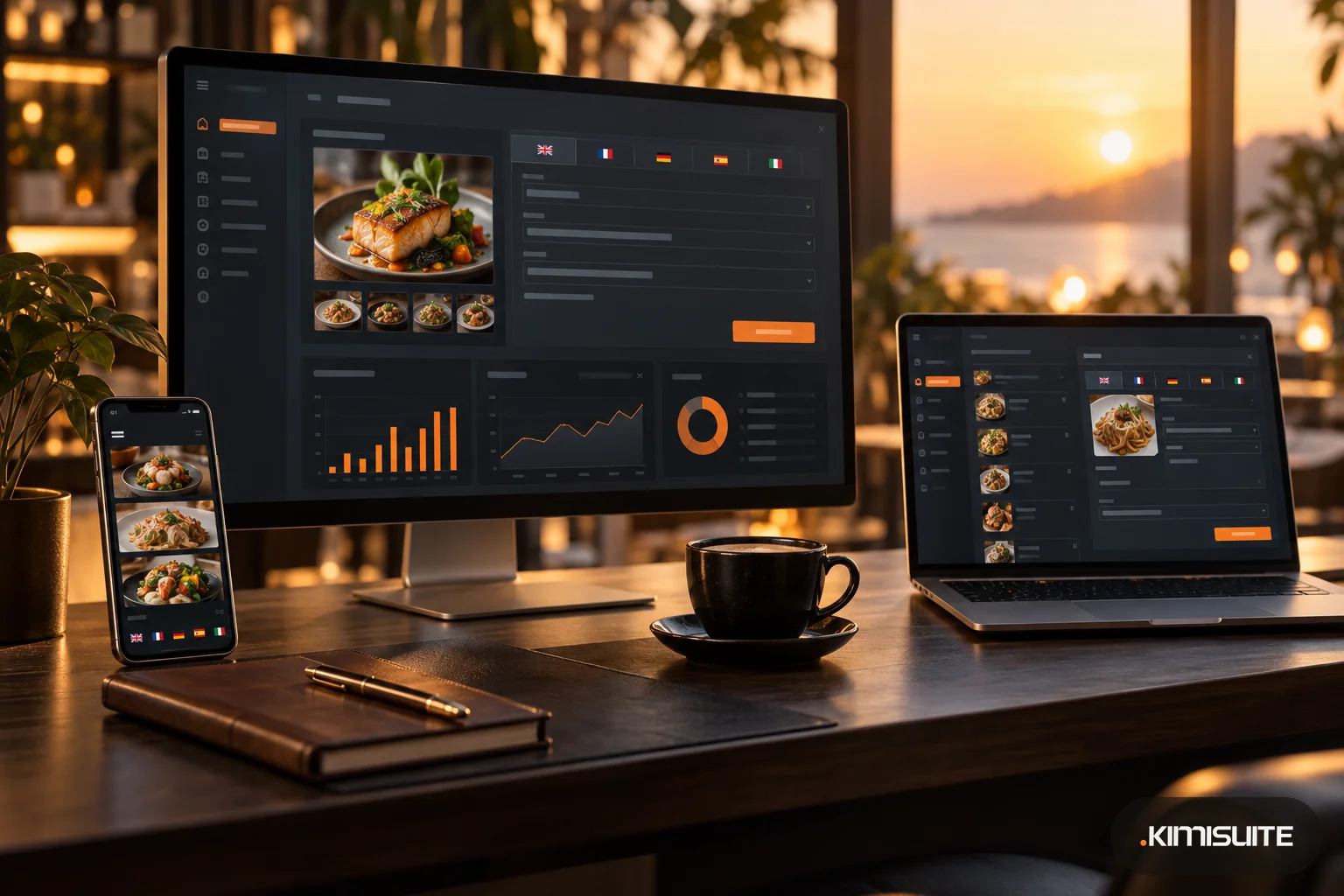
In Restaurant Hub, the menu app in KIMISUITE, you set a default language and switch on additional languages, each with its flag. Every dish, category, daily offer and promotion has a name and description per language, and the button "Translate to all languages" fills them in with AI in one click. You then read and correct the result.
From the same menu:
- guests switch language on the digital QR menu with the flag in the footer, and categories, texts and price format change with it
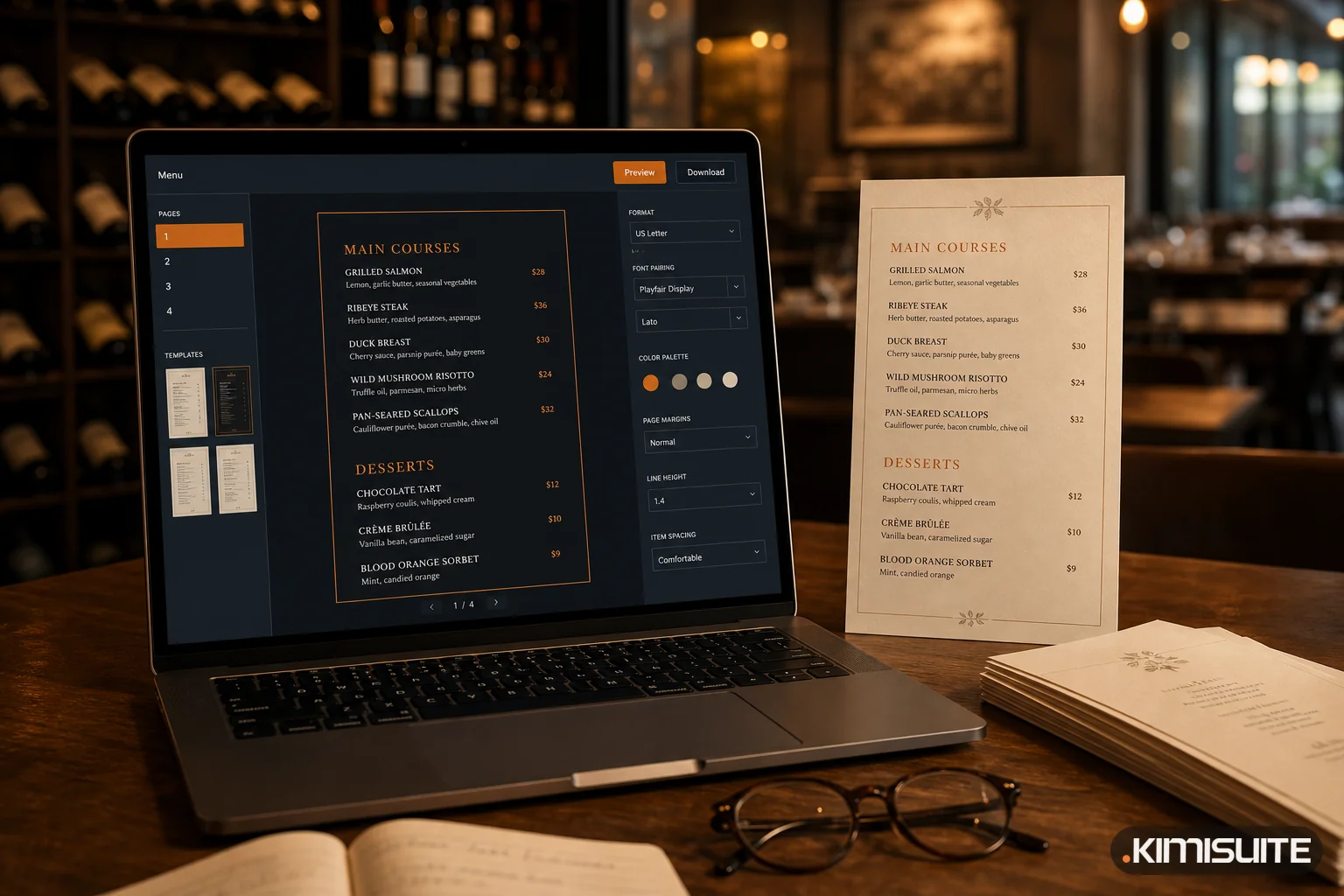
- the printed menu is created per language, so you can print an English and a German version side by side
- the menu widget on your website can be embedded in a specific language
- allergen and additive names can be translated into every language you add
Prices are kept per currency, not per language. You can add further currencies and enter a price for each; Restaurant Hub does not convert them automatically, so the price a guest sees is always the one you entered. More on the feature in multilingual menus with AI translation.
Checklist before the season
- Two or three languages chosen from your real guests
- Original dish names kept, plain descriptions added
- Local ingredients explained in a few words
- Headings, notes and allergen legend translated
- Every language read once by a native speaker
- Second currency decided and entered by hand, or left out
- One source for all menus, so a price change happens once
- Staff know the translated names of the most-asked dishes