 Part of Restaurant Hub
 Printable restaurant menu
A beautiful printed card from the dishes you already have
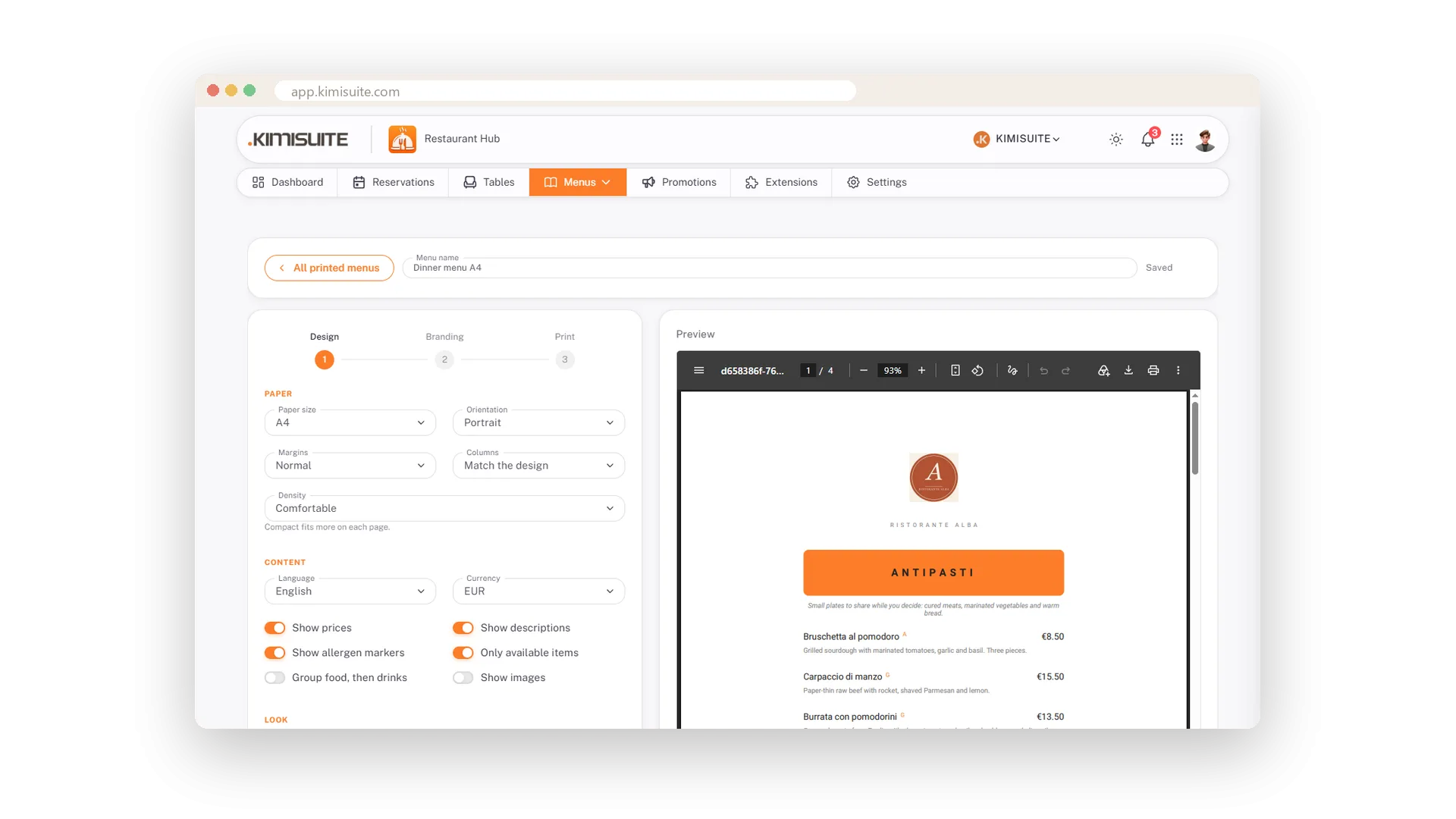
Prices changed? Open your saved menu, and the preview already shows the new figures. Print. No designer, no layout program, no evening spent in Word. The printed card comes straight from the dishes you maintain, with the same photos, allergen letters and translations.
Make it yours in three steps. Design: paper size, columns, a comfortable or compact page, templates like Elegant with serif type and dotted price lines. Branding: your logo, a title, a footer line and the QR code of your digital menu on the card. Print: a live PDF preview page by page, then download or print directly. Save as many cards as you need - dinner menu, wine list, lunch card - each with its own settings.
Key Benefits
Prices changed? Open, preview, print - no layout work
Templates like Elegant, your logo, your footer and the QR code on the card
Dinner menu, wine list and lunch card as separate saved cards
Live PDF preview page by page before a single sheet is printed
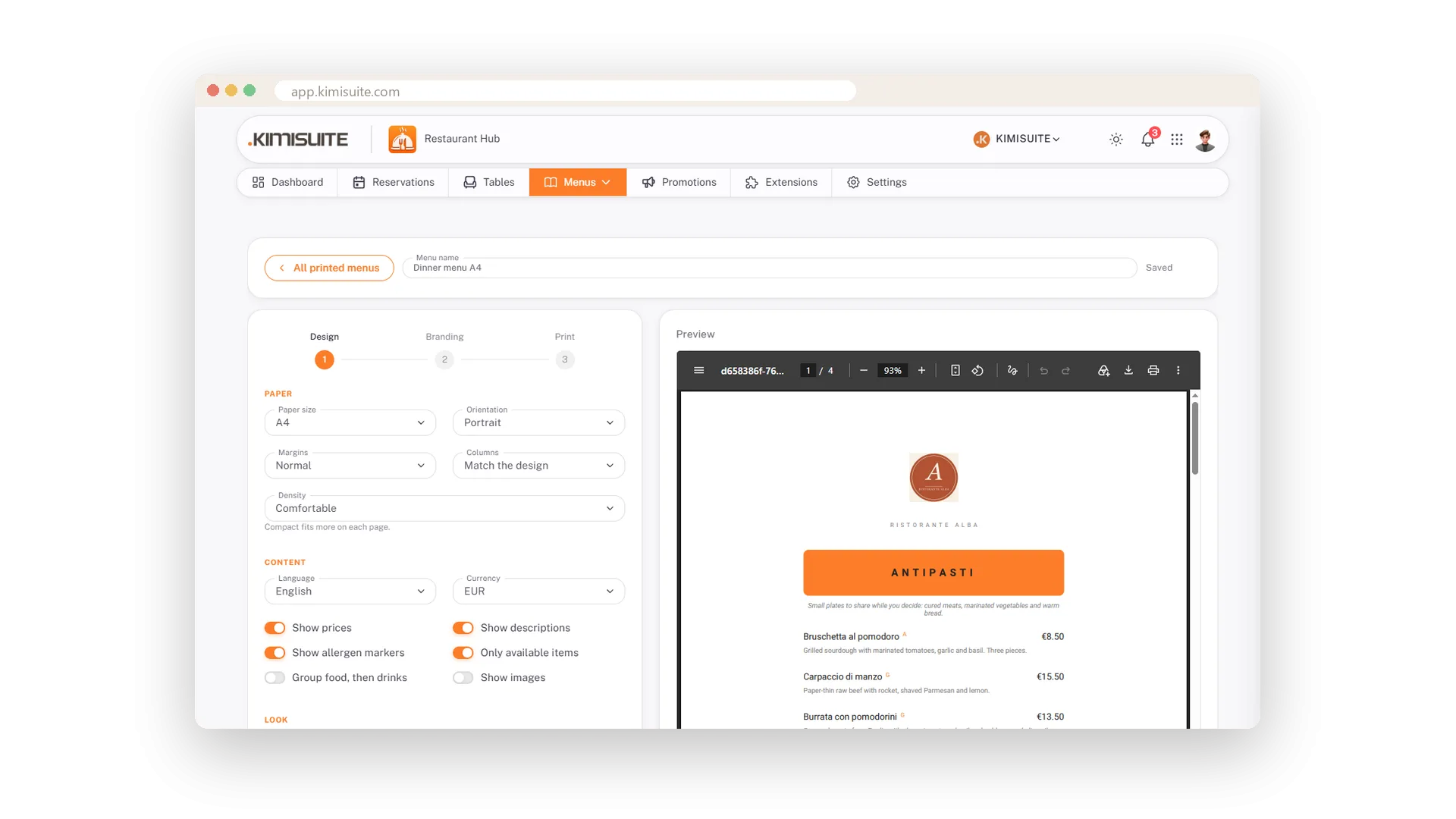
Paper, columns and density
A4 or another size, one or two columns, comfortable or compact
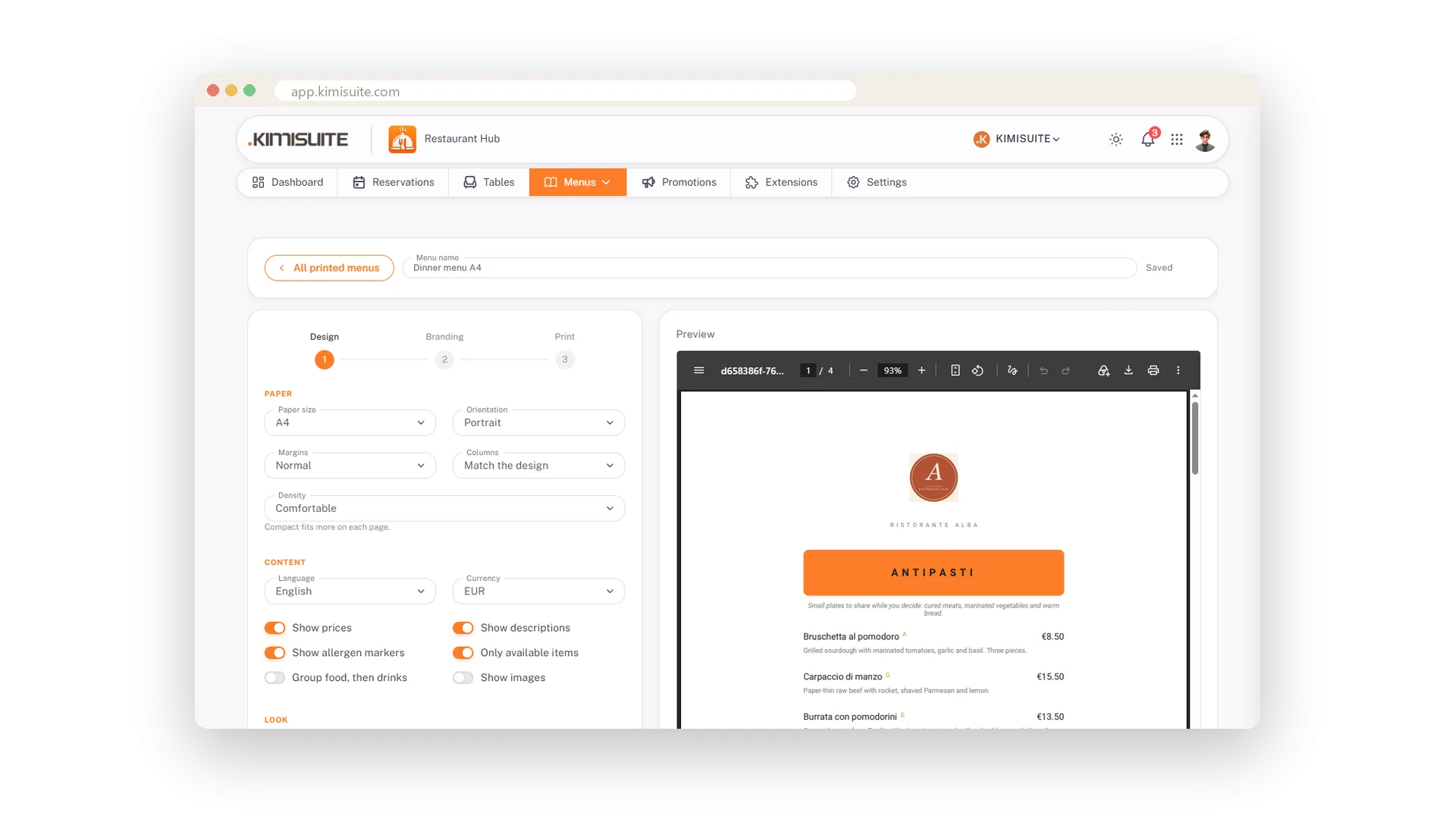
Choose the paper, portrait or landscape, the margins and the number of columns. Compact fits more on a page, comfortable breathes. The preview reflows as you click, so you see at once whether the wine list still fits on one sheet.
Print exactly what you want
Language, prices, descriptions, allergens, photos - each a switch
A lunch card in German without photos, a dinner menu in English with photos and allergen letters: both come from the same dishes. Switch on what belongs on the page and leave the rest off.
Templates and fonts
Elegant with serif type and dotted price lines, and more
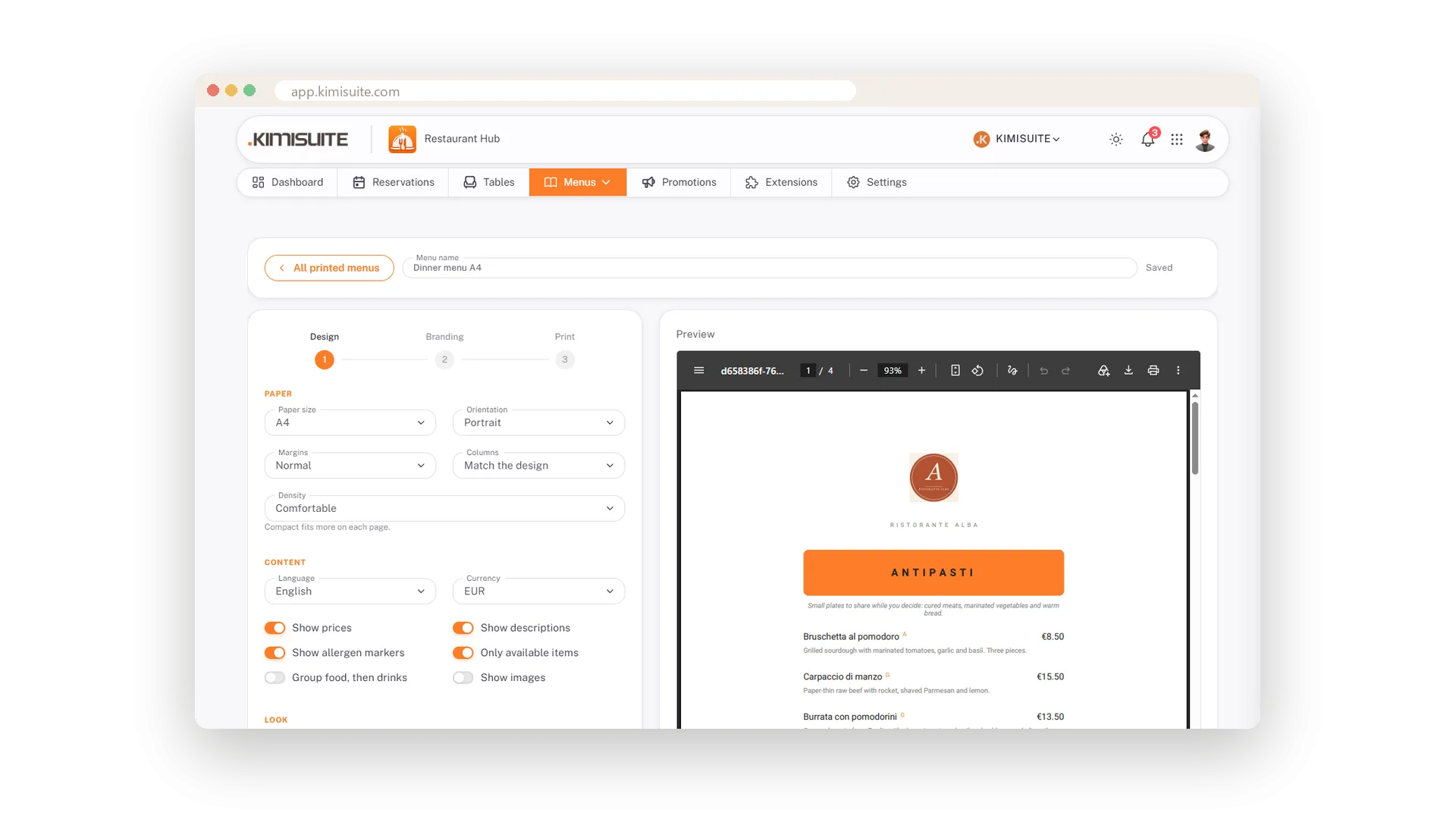
Give the card its character with a template, then choose ornament, font and colours. The app even points out an accent colour that would print too light, so the card looks on paper as it did on screen.
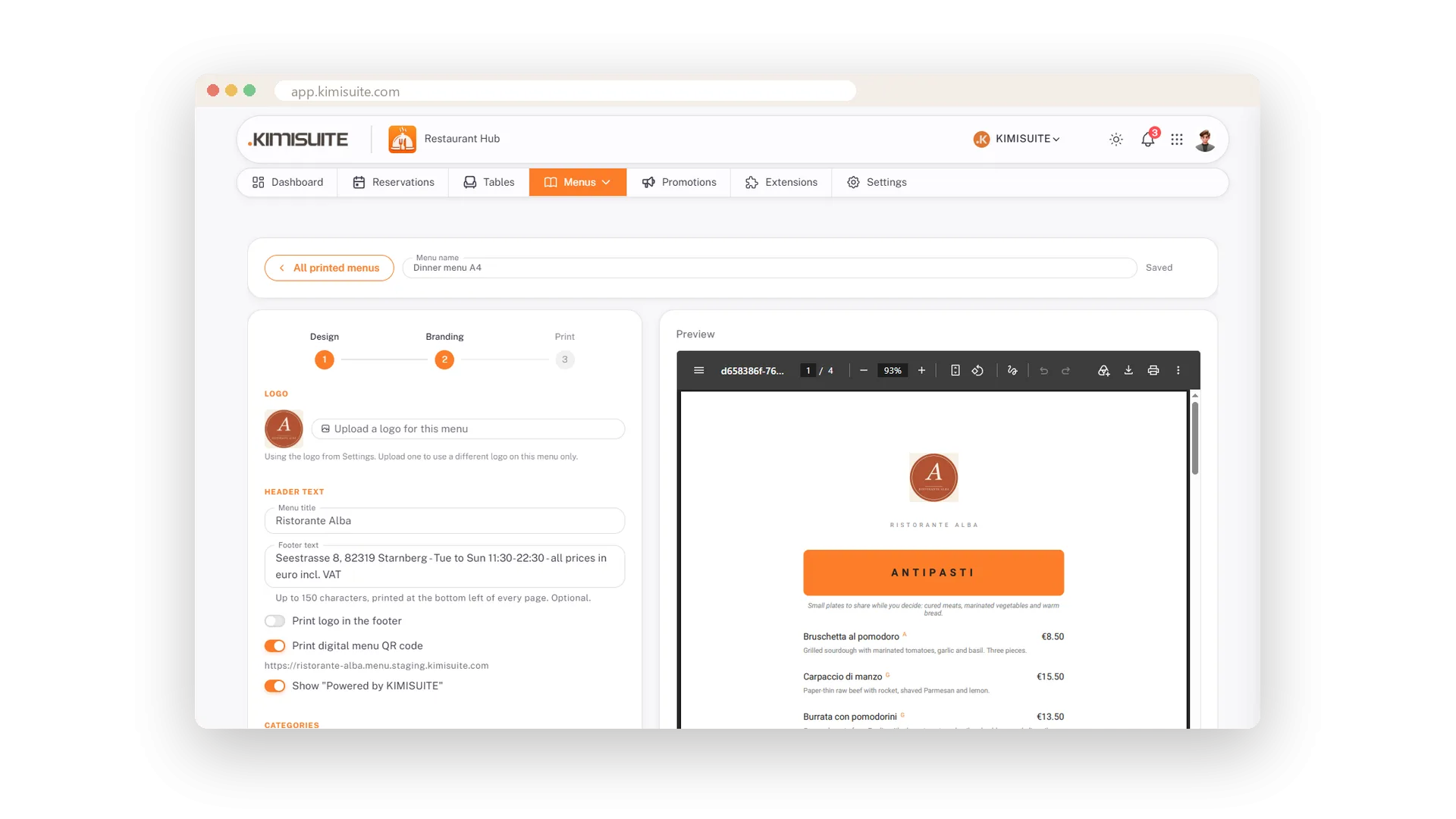
Your logo, your footer, your QR code
Branding for every card, categories in the order you serve
Put your logo and a title on top, your address and opening hours in the footer, and the QR code of your digital menu on the card. Order the categories by dragging - the way you serve.
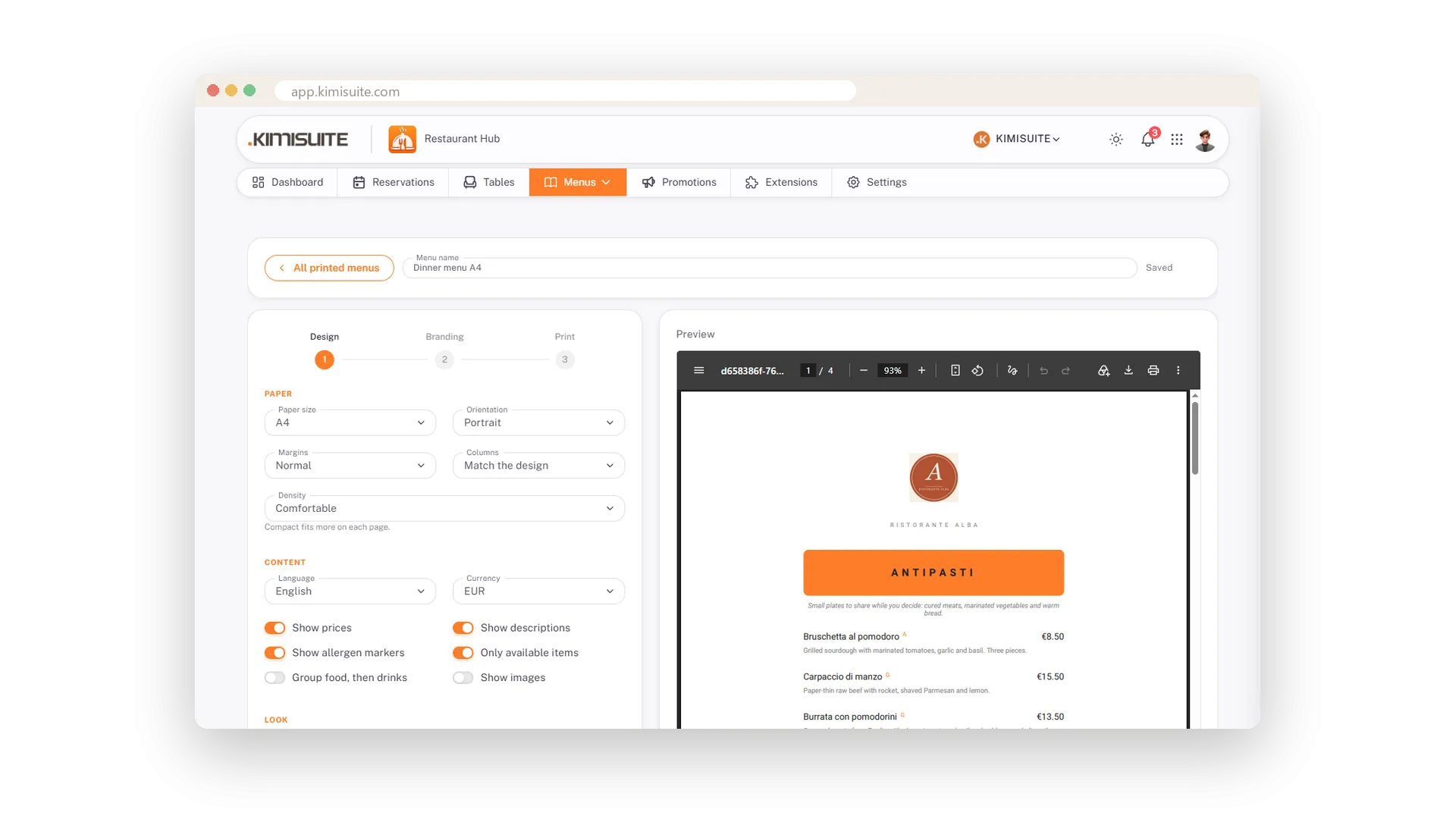
Reprint in a minute
Saved cards with all their settings, duplicate for the season
Every card is saved with its settings. Prices changed? Open it - the preview already shows the new figures - and print. Duplicate a card for a seasonal variant and keep both.
Use Cases
The dinner menu on A4
Elegant template, two columns, allergen letters on, food before drinks. Check the preview, download the PDF, off to the printer.
A wine list of its own
A second card with only the drinks, one column, no photos. It keeps its own settings next to the dinner menu, ready to reprint any time.
From paper to phone in one scan
Switch on the QR code in the branding step and every printed card leads guests to the live menu with photos and today's offers.
FAQ
Try Restaurant Hub today
Enter your menu once - serve it on the phone, on paper, online
14 days free, cancel anytime, no minimum term.
