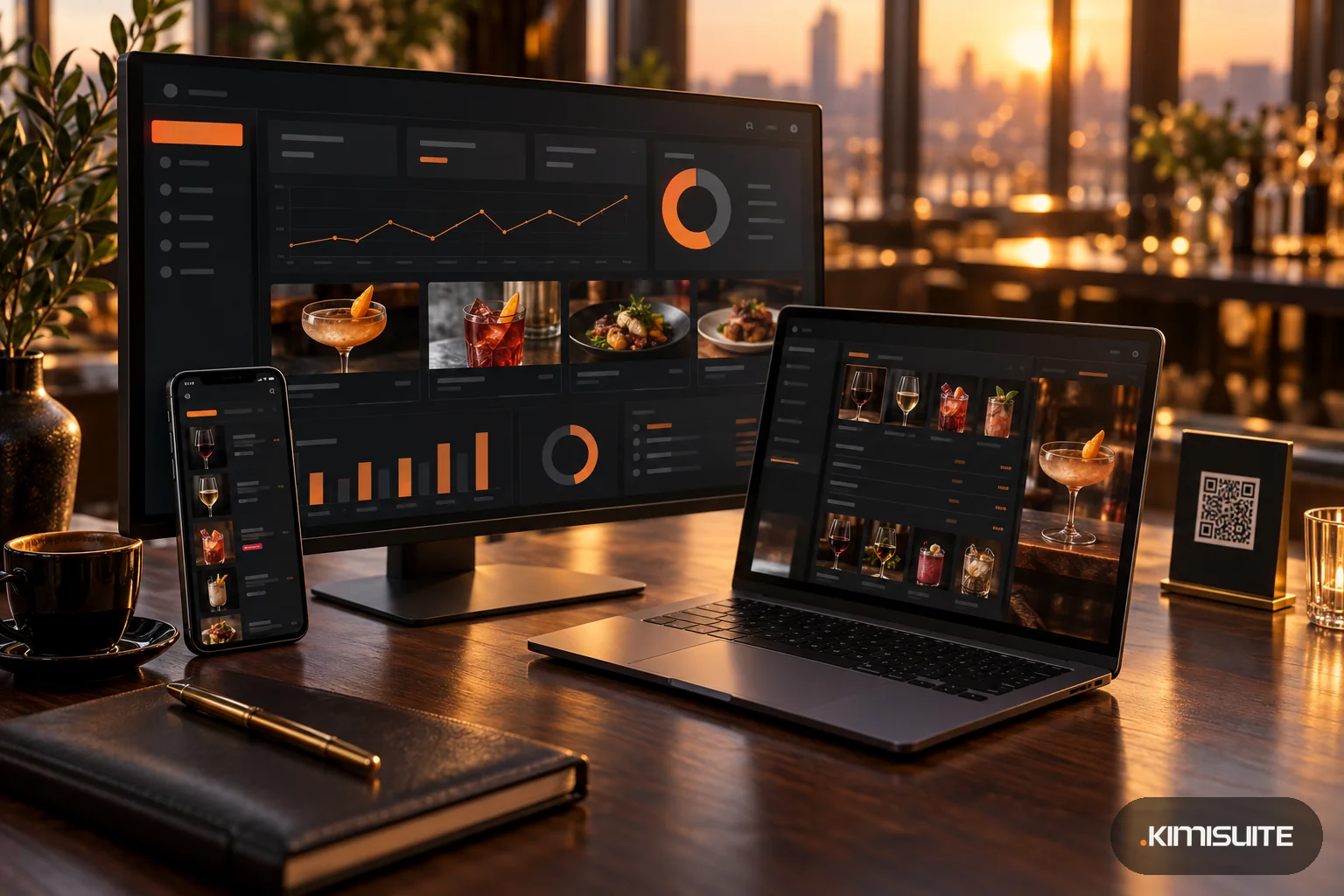
A digital drink menu is your bar's list of drinks, wines and cocktails on the guest's phone, opened by a QR code on the table or the bar, and kept up to date from one place. Drink menus change more often than food menus: a wine runs out, a new gin arrives, happy hour starts at five. That is exactly why they suffer most when they live in a PDF or a laminated card.
This guide covers how to structure a drink menu so guests order faster, how to price drinks with a simple pour-cost check, and what a digital drink menu should do that a printed one cannot.
Structure: how guests read a drink list
Guests rarely read a drink menu from top to bottom. They look for a category, then for something familiar, then for the price. Help them:
- Clear categories. Beer on tap, bottled beer, wine by the glass, wine by the bottle, cocktails, spirits, soft drinks, hot drinks. Put the categories that sell most at the top.
- Sizes next to the price. "0.3 l / 0.5 l", "glass / bottle", "single / double". Two prices on one line are easier to compare than two lines.
- House picks first. Two or three recommendations at the start of each category sell better than a long alphabetical list.
- Short descriptions where they help. Cocktails and wines need a line ("dry, citrus, light"), cola does not.
- One price per item and size, without surprises. If a mixer costs extra, say so on the menu.
Price drinks with a pour-cost check
Pour cost is the cost of the liquid in the glass divided by the menu price. It tells you quickly whether a price makes sense. The pour cost calculator works it out from four numbers.
Example: a gin and tonic. A 700 ml bottle of gin costs you 18.00 EUR, you pour 40 ml, and the drink sells for 7.50 EUR.
- Cost per pour: 18.00 / 700 x 40 = 1.03 EUR
- Pour cost: 1.03 / 7.50 = 13.7 %
- Gross profit on the spirit: 7.50 - 1.03 = 6.47 EUR
Example: house wine by the glass. A 750 ml bottle costs 8.00 EUR, a glass is 150 ml, and it sells for 6.50 EUR.
- Cost per glass: 8.00 / 750 x 150 = 1.60 EUR
- Pour cost: 1.60 / 6.50 = 24.6 %
- Gross profit: 6.50 - 1.60 = 4.90 EUR
The calculator compares the result against the benchmark ranges it uses, so you see at once which drinks deserve a second look. Two notes: the calculation covers the main spirit only, so for a cocktail with several ingredients add them up or use the recipe cost calculator; and it divides by the menu price as you enter it, so if your price includes VAT, the percentage is based on the gross price.
What a digital drink menu should do
Show only what you have. Wine vintages run out, a keg goes dry, a seasonal cocktail ends. A digital menu lets you mark a drink as sold out or remove it in seconds, in the middle of service.
Work in a dark room. Bars are dim. A menu with a dark mode is easier to read and kinder to the guests around.
Handle sizes properly. Glass and bottle, 0.3 and 0.5 liters, single and double: each size with its own price, not as a footnote.
Run specials without reprinting. A drink of the day, a cocktail special on Thursdays, a cocktail week in summer. Set them up once with their days or dates instead of changing the card.
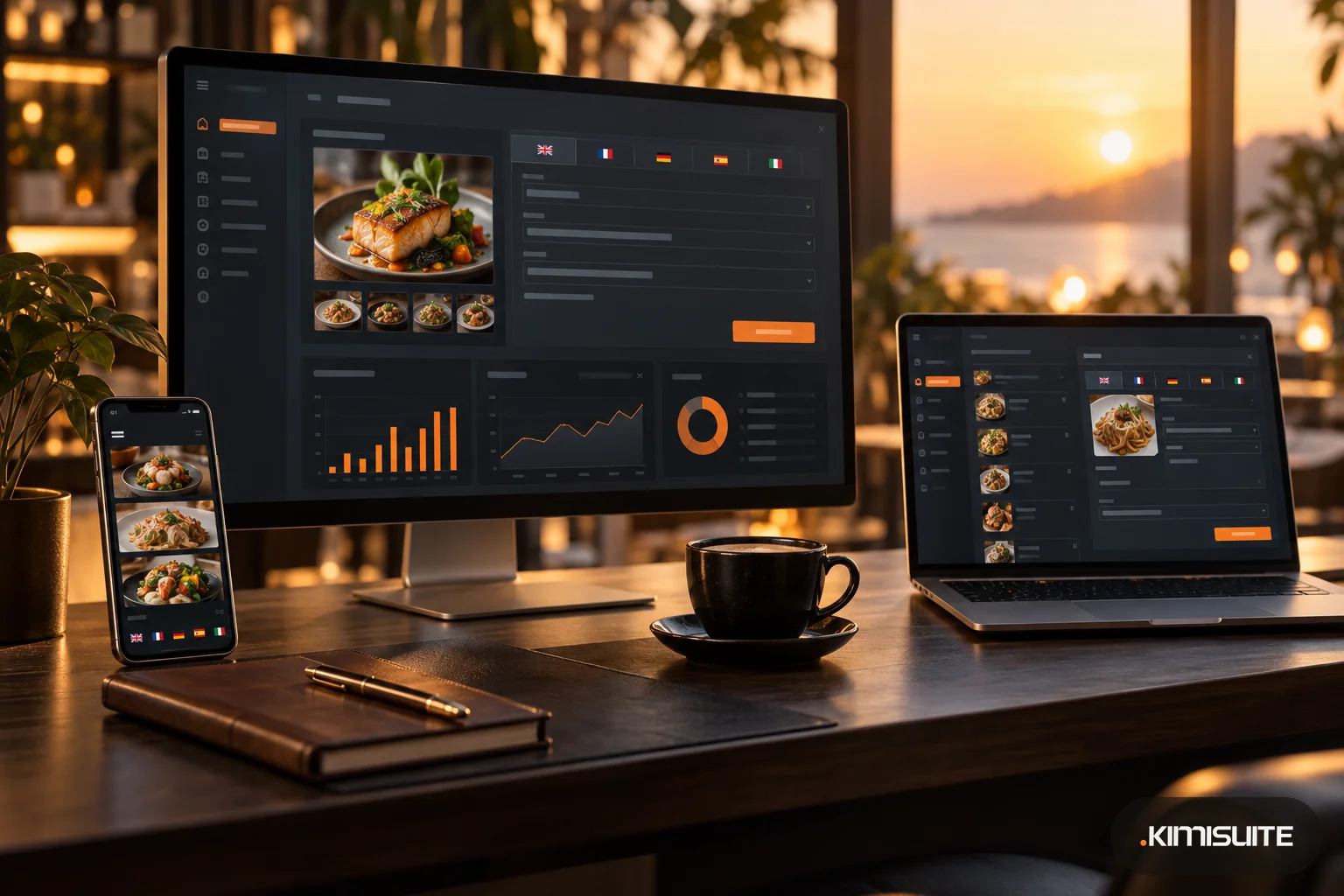
Speak the guest's language. In tourist areas, a language switch on the phone helps more than a second printed card. Keep drink names in the original and translate the description.
Stay the same everywhere. The QR menu, the printed card on the bar and the screen above it should show the same drinks and prices. That only works if they come from one list.
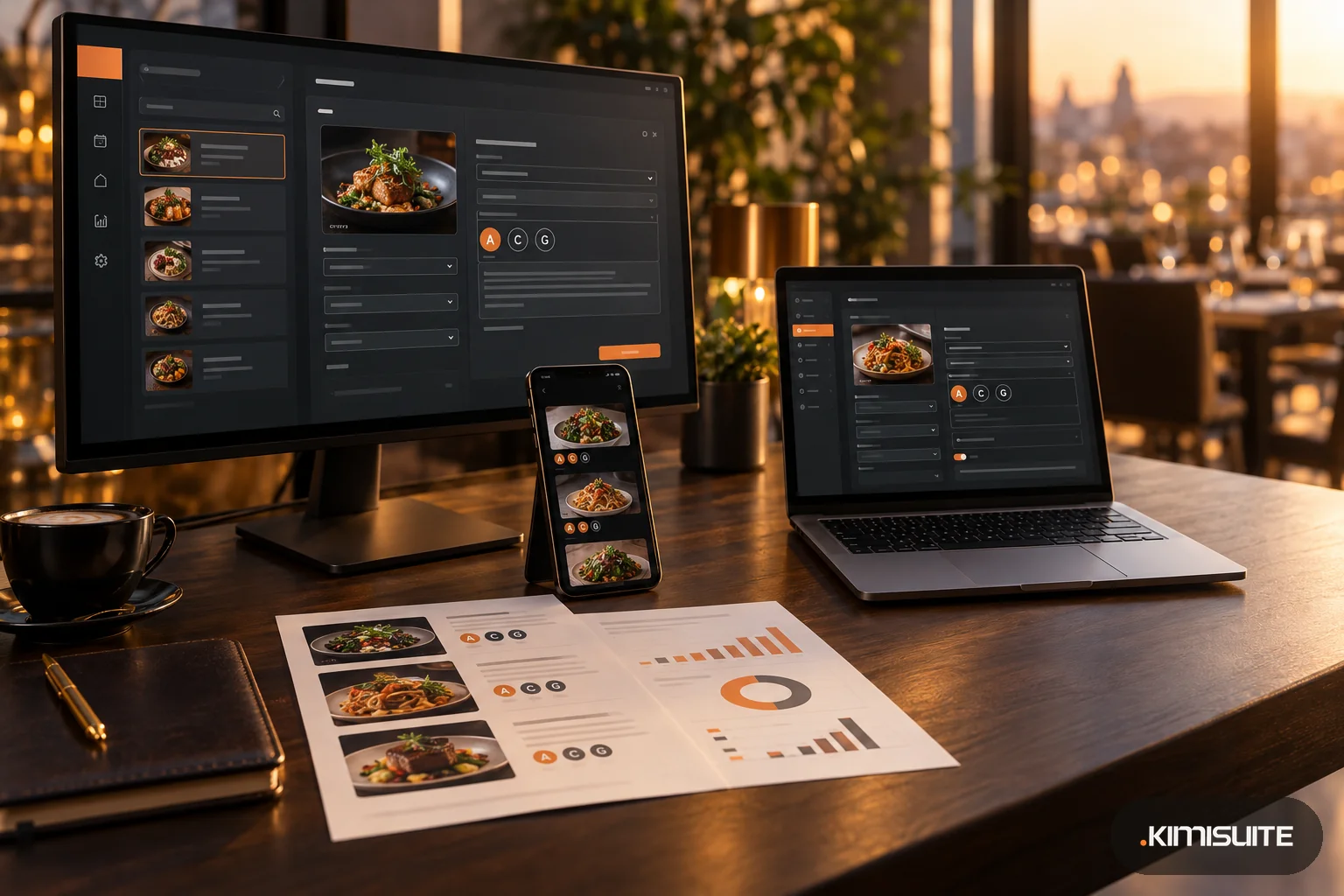
Show allergens too. Wine and many other drinks contain sulfites, and cocktails can contain milk, eggs or nuts. Drinks belong in the same allergen record as food; see the 14 allergens list.
How Restaurant Hub does it
Restaurant Hub, the menu app in KIMISUITE, keeps food and drinks in one menu. Categories have the type Food or Drinks, and the guest page shows them as two tabs. For drinks you use size sets such as Glass / Bottle for wine, with a price for each size and currency, and an option to show a price per unit.
Each drink has two switches: sold out keeps it on the menu marked as unavailable, deactivated takes it off completely. The digital QR menu has five designs, a dark mode for guests and a language switch; you download the QR code as PDF, PNG or JPG for table stands and the bar, and the dashboard counts how often it was scanned.
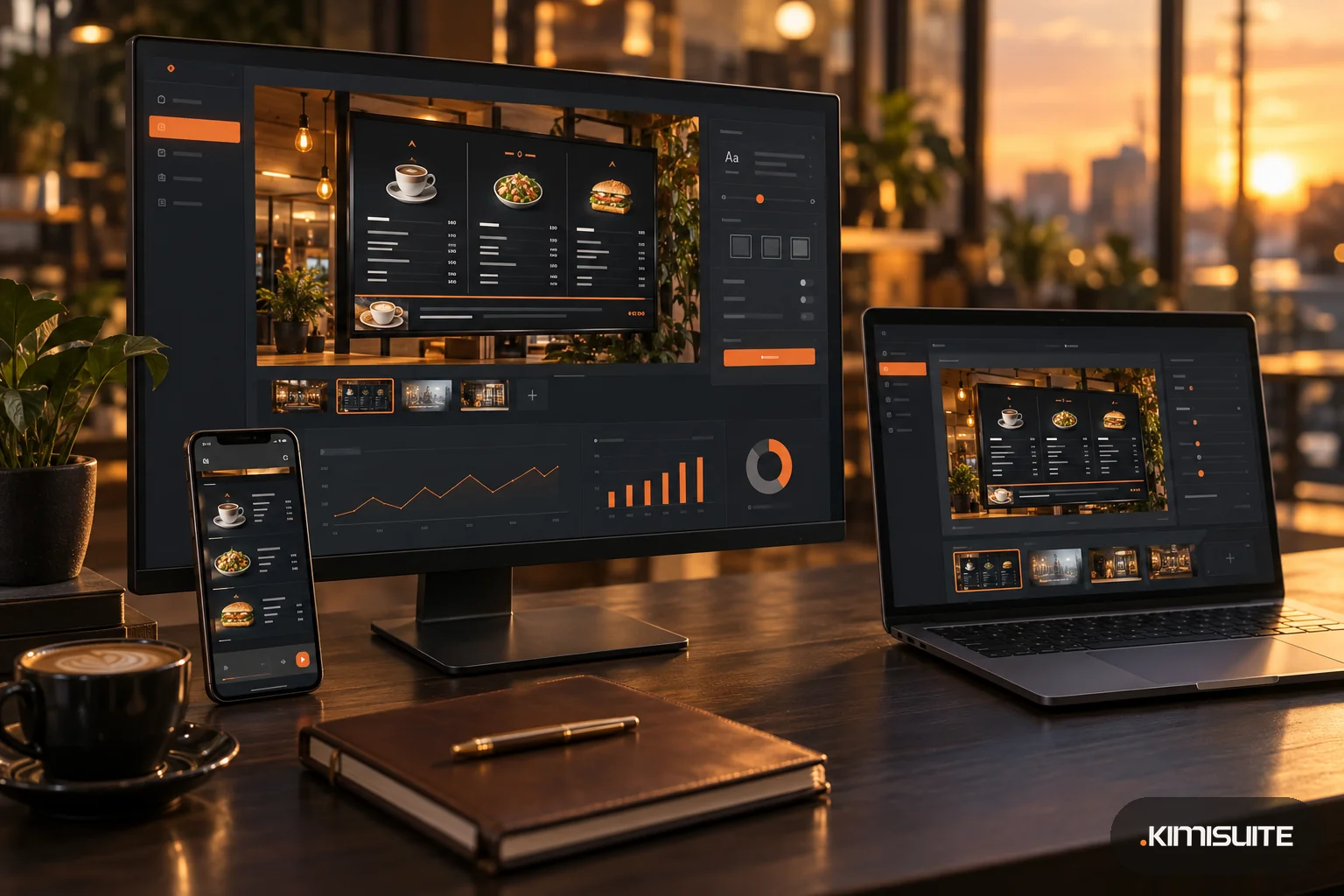
Specials run as daily offers with the weekdays you choose, and promotions such as a cocktail week have a start and an end date and disappear by themselves afterwards. For a daily happy hour, put the hours into the promotion text. The printed menu is created from the same list, and with Showroom TV in the workspace the drinks also appear on screens above the bar through the web player; see digital menu board ideas.
Restaurant Hub is a menu app, not a till: guests read the menu and order from your staff as usual.
Checklist for your drink menu
- Categories ordered by what sells most
- Sizes and prices on one line per drink
- Two or three house picks per category
- Short descriptions for cocktails and wines
- Pour cost checked for your best sellers
- Sold-out drinks removed during service
- Specials set by weekday, promotions with an end date
- Allergens recorded for drinks as well as food
- One list behind the QR menu, the printed card and the screen