A digital menu board is a screen that shows your menu, prices and offers, and changes them without reprinting. The screen is the easy part. What makes it sell is what you show, when you show it and how quickly it reads from across the room. Here are twelve ideas that work in restaurants, cafes, bakeries, bars and food trucks, and a few rules that keep a board readable.
1. Change the board with the time of day
Breakfast at 8, lunch at noon, dinner and drinks from 6. A board that still shows croissants at 7 p.m. looks forgotten. Plan the board in time blocks per weekday instead of switching it by hand, and the right menu is on screen when the first guest of each service walks in.
2. Give today's special its own screen or zone
Daily specials are what regulars look for. Put them on a separate screen, or in a fixed area of the main board, so they do not drown in the full menu. A week view works well at lunch places: Monday to Friday side by side, today highlighted.
3. Use a ticker for the small news
A running line at the bottom is good for short messages that change often: "Soup of the day: pumpkin", "Kitchen open until 10 p.m.", "Ask about our gluten-free bread". Keep each line short enough to read in one pass.
4. Fewer items, larger text
A board is read from a distance and in a few seconds. Show the dishes guests choose from at the counter, not your full menu. If the menu is long, split it into pages that rotate, and give each page enough seconds to read it.
5. One category per page
Coffee, cakes, sandwiches, cold drinks: one category per page reads faster than a crowded list. Guests scan for their category, then for the item.
6. Photos only where they help
Photos sell dishes that need explaining, such as a new burger or a seasonal dessert. They do not help on a list of 20 coffee variants. Mix pages: a photo slide for the hero dish, then a clean text list.
7. Prices that match the till
Nothing annoys a guest more than a price on the board that differs from the bill. If the board pulls prices from the same place you keep your menu, a price change happens once and the screen follows.
8. Hide what is sold out
A dish that is sold out should leave the board, not stay there until someone notices. The same goes for items that are switched off for the season.
9. Promotions with an end date
Happy hour, a set lunch for two, a tasting week: each promotion should show only while it runs and disappear by itself afterwards. A board that still advertises last month's offer costs trust.
10. A window screen for passers-by
A screen facing the street does a different job from the one at the counter: it has to stop people. Show one strong photo, the price and one sentence. A portrait screen in the window often works better than a landscape TV.
11. Speak your guests' language
In tourist areas, a second screen or a second rotation in English or another guest language helps people order without asking. Keep the original dish names and translate the description.
12. A ready-made layout for food trucks
Food trucks have one window and no time. A single screen with the five or six dishes, prices and an allergen note beats a printed board that gets wet in the rain.
Rules that keep a board readable
- High contrast. Light text on a dark background, or dark on light. Avoid text over busy photos without darkening them.
- Big enough to read from the queue. Test it: stand where the last person in line stands.
- Consistent order. The same categories in the same places, every day.
- Not too fast. Each page has to stay long enough to be read, especially pages with prices.
- Allergen information. If your board shows dishes, make sure guests can still find the allergen information the law requires, whether on the board, on the menu or from staff. More in the 14 allergens list.
How to do it with Showroom TV and Restaurant Hub
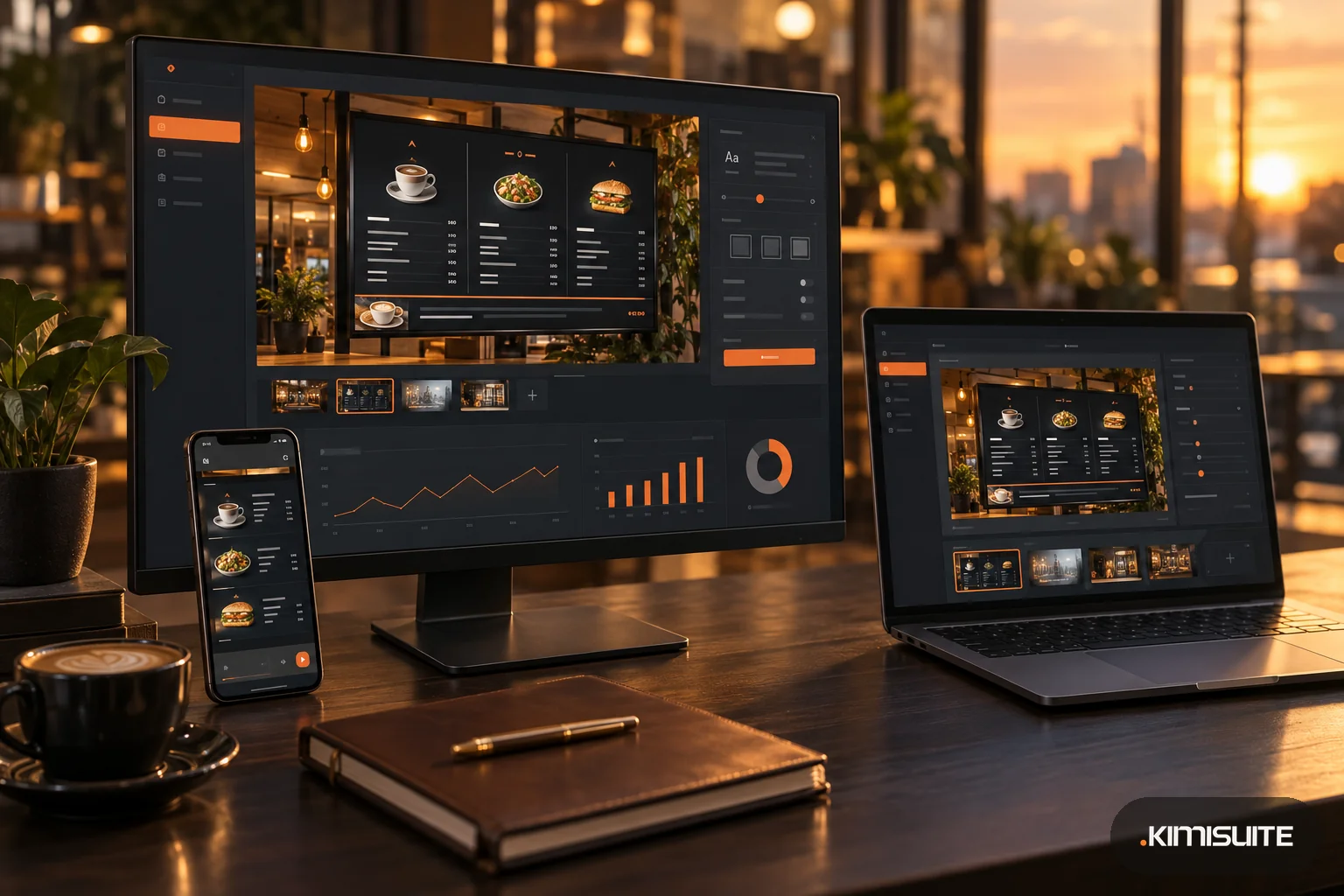
Showroom TV is the digital signage app in KIMISUITE. It plays on any TV with a browser through the web player, and you pair each screen with an 8-digit code. If Restaurant Hub is in the same workspace, your menu flows into Showroom TV as ready-made slides:
- Menu slides with the categories you choose and a set number of dishes per category
- Daily offers for today or the whole week
- Promotions that show only while they run and only if you have marked them for the menu
- Four looks (dark board, light cards, bold color, photo), font size from 70 to 160 %, one to four columns, images and descriptions on or off
- Language and currency per slide, prices exactly as you entered them in Restaurant Hub
- Long menus split into pages with a time per page you set
- Sold-out and unavailable dishes hidden if you switch that on in the integration settings
- Changes arrive by themselves: a new price or dish appears in Showroom TV within seconds and on the screen with its next update
For the time-of-day idea, campaigns in Showroom TV run on a weekly pattern, for example breakfast on weekdays from 7 to 11. Layouts add zones for a ticker or a clock next to the menu, and the web player also runs in portrait format for a window screen. The template gallery includes ready layouts for gastronomy: menu board, menu board with three columns, food truck, and daily special with ticker.
Restaurant slides currently play in the web player. More on the feature in menu board slides and scheduling and campaigns.