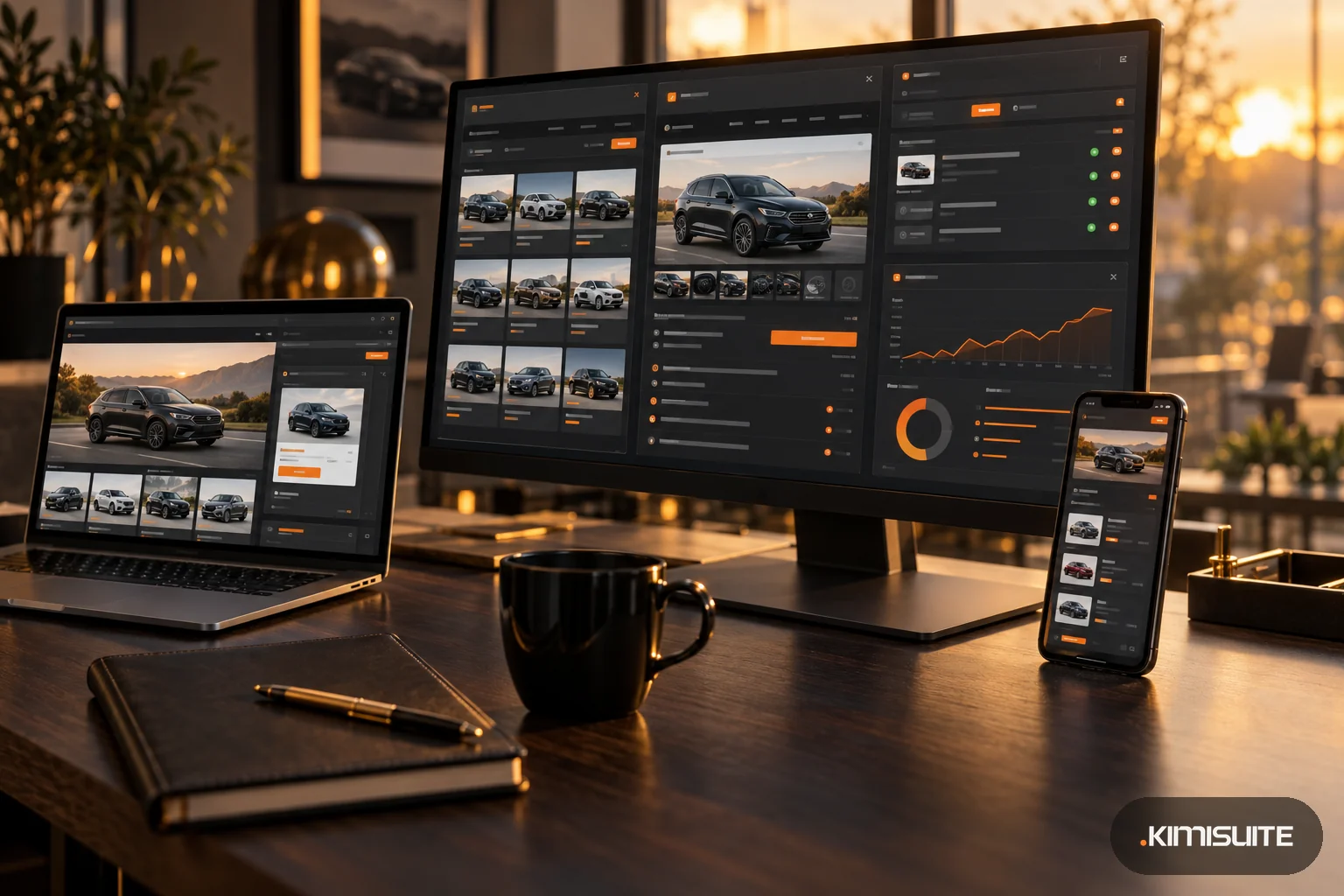
Google Vehicle Ads show a car from your stock directly in Google search, with a photo, make, model, price, mileage and your dealership's name. A click takes the buyer to the vehicle's page on your own website. To run them, you need a Merchant Center account set up for vehicle ads, a feed of your stock, a Google Ads campaign, and a vehicle page on your site for every car. Since March 2026 they are open to all vehicle advertisers in Germany, Spain and Italy.
This guide sums up the requirements and costs from Google's own help pages, as of October 27, 2026. Google changes these programs often, so check the linked pages before you start.
Where vehicle ads are available
According to Google's Merchant Center help:
- Fully released: Australia, Canada, Japan and the United States. You switch on the add-on yourself in Merchant Center.
- Other countries: closed beta, through a Google sales representative.
- United Kingdom, Germany, France, Italy, Spain and the Netherlands: listed by Google as open beta, where you first check the prerequisites and use Google's contact form before the add-on can be enabled.
- Google announced on March 27, 2026, that vehicle ads are available to all vehicle advertisers in Spain, Italy and Germany starting March 2026, and said more countries will follow.
Who can advertise
- Dealers, retailers with their own stock, aggregators and manufacturers, for new and used vehicles
- Not private sellers, individuals or brokers
- Only passenger vehicles for sale or lease. Google excludes vehicles that need a special license or are not road-legal, such as motorcycles, boats, planes, farm vehicles, go-karts and race cars, and does not support subscriptions, auction pricing, or parts, accessories, tires and services
- Vehicles with a title defect, such as a salvage or lien title, are not eligible
- A physical location where customers can see or buy the vehicle, and a dealer license where the local rules require one
The requirements, step by step
1. A dedicated Merchant Center account
For the EEA and the UK, Google's prerequisites say:
- the country in your business information must match the target country of your vehicle ads
- during allowlisting, the account should have no data sources (feeds) and should not be linked to Google Ads
- the Merchant Center account used for vehicle ads should not run other marketing methods such as Shopping ads or free listings, so if you already use those, plan a separate account
2. Link Google Ads and your Business Profile
Link a Google Ads account to the Merchant Center account, and link your Google Business Profile, or submit a store data source if you do not manage the dealer locations yourself.
3. A vehicle feed
You upload your stock as a vehicle data source. Points from Google's attribute pages that matter most:
- VIN: required in general, but optional for vehicle ads listed in France, Germany, Italy, Japan, Spain, the Netherlands and the UK. If you send it, each VIN must be unique.
- Mileage: a number with its unit (km or miles); zero is fine for new cars.
- Condition: must match what the vehicle page says.
- Price: must match the price on your website exactly, both in the feed and in the page's structured data.
- Images, availability and the other required attributes on Google's list must be filled in.
4. A vehicle page for every car
The ad sends buyers to the vehicle description page on your website. That page must show the vehicle you advertise and match the feed: same price, same mileage, same condition. Because the click goes to your own website, a portal listing cannot stand in for it; you need your own vehicle pages.
5. A campaign
Vehicle ads run through Performance Max or Standard Shopping campaigns with your vehicle data source; Google says the two can be used together. For Germany, Spain and Italy, Google's March 2026 announcement names Performance Max.
What vehicle ads cost
Google describes vehicle ads as a paid ad format. There is no separate list price: you pay through your Google Ads campaign, so the cost depends on your budget, your bidding and the competition in your market. You decide the daily budget yourself.
Plan for these costs:
- Media spend in Google Ads, the main cost
- Setting up the feed, once, plus keeping it current every day
- Vehicle pages on your website, if you do not have them yet
- Your time to watch the account, especially at the start
A practical way to judge it: compare the cost per inquiry from vehicle ads with what you pay per inquiry on portals, after the first few weeks.
In Germany: the Pkw-EnVKV still applies
A vehicle ad is an online ad. For new cars, German rules require consumption, CO2 and the CO2 class where engine details are shown, and your vehicle pages must carry them too. Read Pkw-EnVKV for car dealers before you start.
Checklist
- Country, dealer type and vehicle types eligible
- Separate Merchant Center account for vehicle ads, business country matching the target country
- Google Ads and Business Profile linked
- Feed with price, mileage, condition, images and availability (VIN where required or wanted)
- A vehicle page for every car, with the same price and mileage as the feed
- Legal details for new cars on the vehicle pages
- Performance Max campaign with a test budget
- Cost per inquiry checked after the first weeks
Where Vehicle Hub fits
Vehicle ads need one thing many dealers do not have yet: a page on their own website for every car. Vehicle Hub, the dealer app in KIMISUITE, covers that part. With the Vehicle Hub widgets, every car in your stock gets its own page on your website with photos, price and mileage from the same record, plus a sitemap and structured data for search engines. Stock imported from mobile.de, AutoScout24 or a feed is updated from the source, so the price on the page follows your stock. The vehicle feed for Merchant Center and the campaign itself are separate steps you set up in Google's tools. More in mobile.de vehicles on your own website.