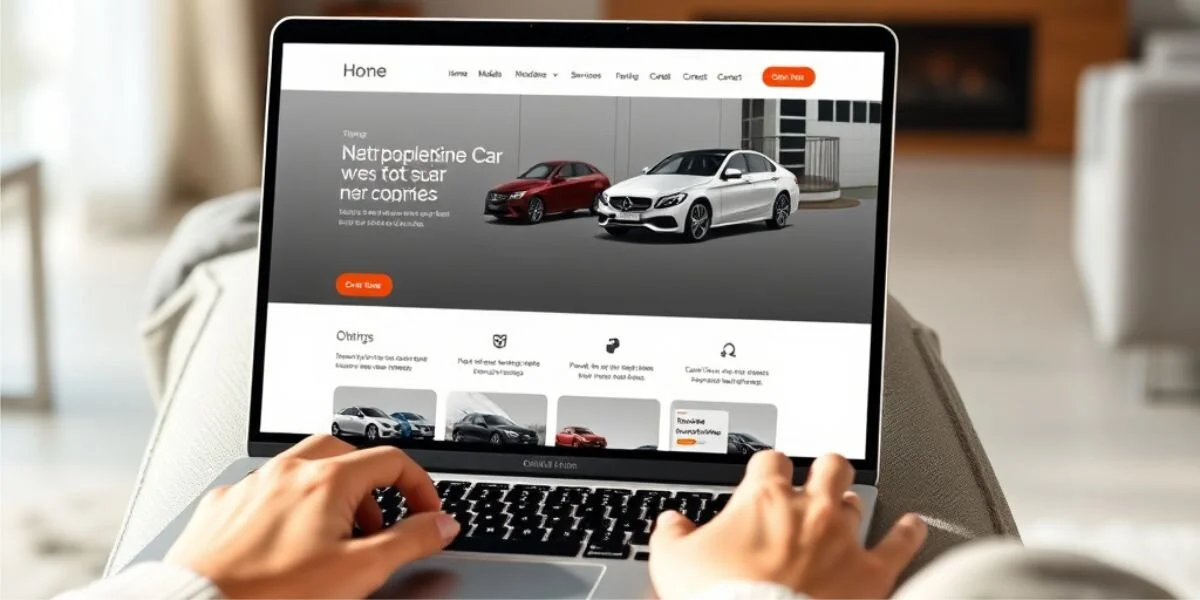
Many car dealers in Germany keep their stock on mobile.de and still send website visitors back to the portal to see it. Showing your mobile.de vehicles on your own website means the same cars, prices and photos appear on your homepage, updated automatically, with a page for each car that you control. This guide compares the usual ways to do it and what to check before you choose one.
Why show your stock on your own site at all?
A portal is where buyers search. Your website is where buyers who already know you, or who found you on Google, decide whether to call. Sending them back to the portal has costs:
- Your competitors are one click away. On the portal, the next dealer's offer sits right under yours.
- The inquiry belongs to the portal's flow, not to your own form and your own customer list.
- Google sees nothing. If the stock lives only on the portal, your site has no pages that can rank for "used BMW 3 Series" plus your town.
- Your brand disappears. Every dealer looks the same in a portal list.
Your own stock pages do not replace the portal. They make sure that buyers who come to you stay with you.
Four ways to get mobile.de cars onto your website
1. A link to your portal dealer page
The quickest option: a button "Our vehicles" that opens your dealer page on the portal.
- Pros: no setup, always current.
- Cons: visitors leave your site; no stock pages on your domain; no own inquiry form.
2. Embedding the portal page in a frame
Some dealers put the portal page into an iframe on their site.
- Pros: looks like part of the site at first glance.
- Cons: it still is the portal's page; search engines do not count it as your content; on phones frames are often awkward; it depends on whether the portal allows it.
3. Copying cars by hand into the website
Adding each car again to the website's content system.
- Pros: full control over the look.
- Cons: double work for every car, and sold cars stay online. The website is out of date within a week.
4. A synchronized inventory on your website
The stock is read automatically from your data source, kept in a dealer system, and shown on your site through a plugin or widget. Each car gets its own page on your domain.
- Pros: always current, stock pages on your domain, your own inquiry form, the same details on every car page.
- Cons: needs a one-time setup and access to your stock data.
For most dealers with more than a handful of cars, option 4 is the only one that stays correct without daily work.
What to check before you choose a solution
How often does it update? A car sold at 10 a.m. should not be advertised at 6 p.m. Ask how often the stock is read and whether you can trigger an update yourself.
What happens when a sync fails? If the connection to the data source breaks for an hour, a careless system may take every car offline or delete them. A good one notices that the result looks incomplete and does not remove cars until you confirm.
Does each car get a real page? A page per vehicle with its own address can be shared, indexed by search engines and linked from ads. Check what happens when a car is sold: does the page say so, or does it just disappear?
Are the legal details right? In Germany, new cars need consumption, CO2 and CO2 class in every ad, including your own website, visible together with the engine details. Price details need to follow the rules too. See Pkw-EnVKV for car dealers.
Where do inquiries go? An inquiry form on the car page should reach you by email and ideally land in your customer system with the car it is about.
Does it slow down your site? Stock widgets with large scripts and full-size photos can make a dealer site slow on phones. Ask for image sizes and page weight.
Does it work with your website? WordPress, a site builder or a custom site: check that the solution can be embedded where your site runs.
How Vehicle Hub does it
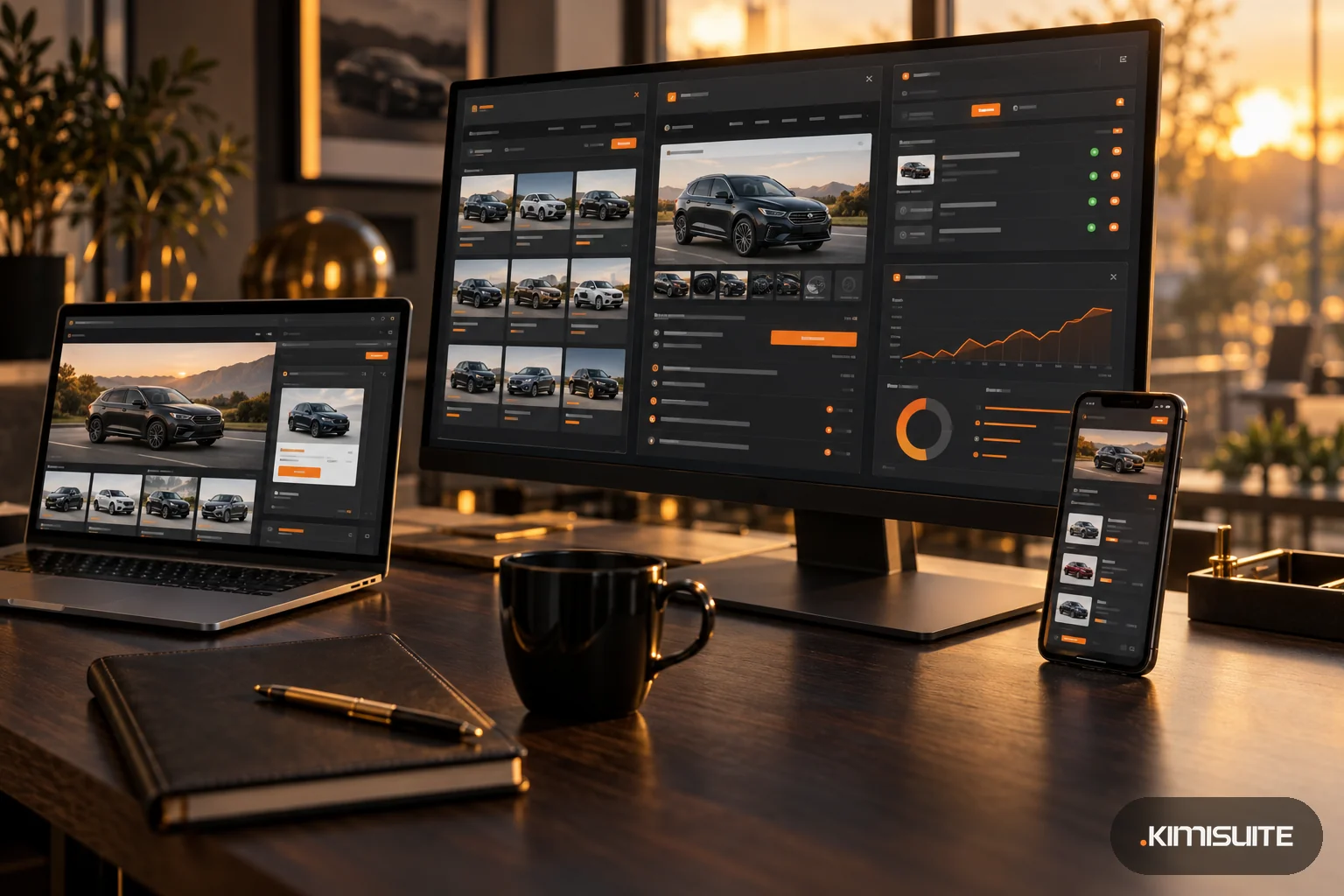
Vehicle Hub, the dealer app in KIMISUITE, imports your stock from a source such as mobile.de, AutoScout24, Carix, CXO, Carzilla or a CSV/XML feed by URL, and keeps it in sync. Sync jobs run in the background, and the system is built so that vehicles do not vanish silently: if a run looks incomplete, cars are not removed until you confirm.
On your website, the stock appears through the Vehicle Hub widgets, built in Widget Creator:
- Search, stock list, vehicle detail, slider, contact and comparison widgets
- A page per vehicle with its own address, a sitemap for search engines, a redirect when a slug changes and a clear page when a car is sold or removed
- Structured data for search engines on the vehicle pages
- Inquiries and test drive requests that reach you by email and, with CRM Business Hub in the workspace, land there as leads
- Embedding on any site, with a router kit for WordPress, PHP, Express or Cloudflare when you want real paths per car
Vehicle Hub reads stock from portals and feeds; it is not a listing portal itself, and it does not publish your cars to mobile.de or other portals.