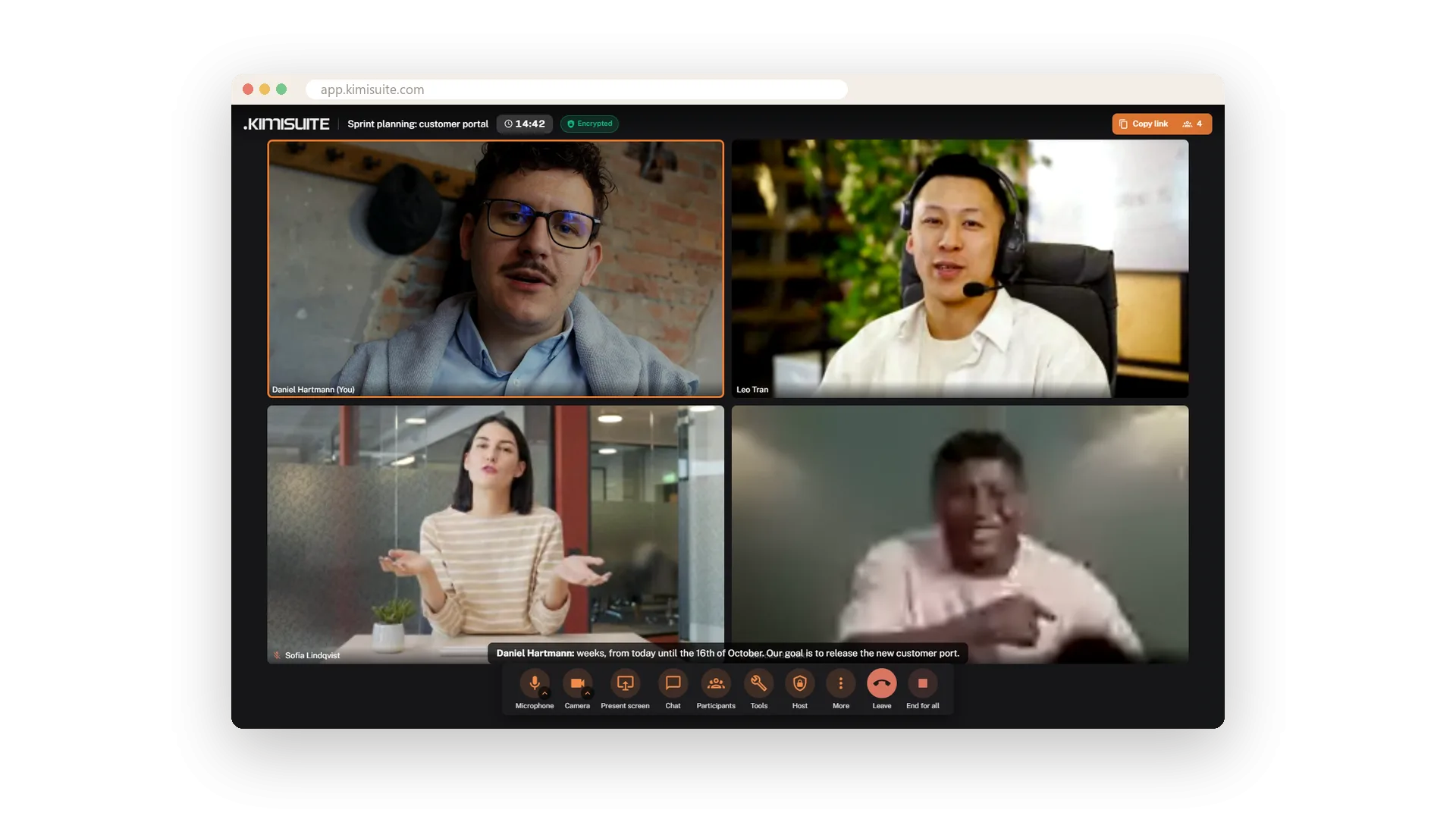
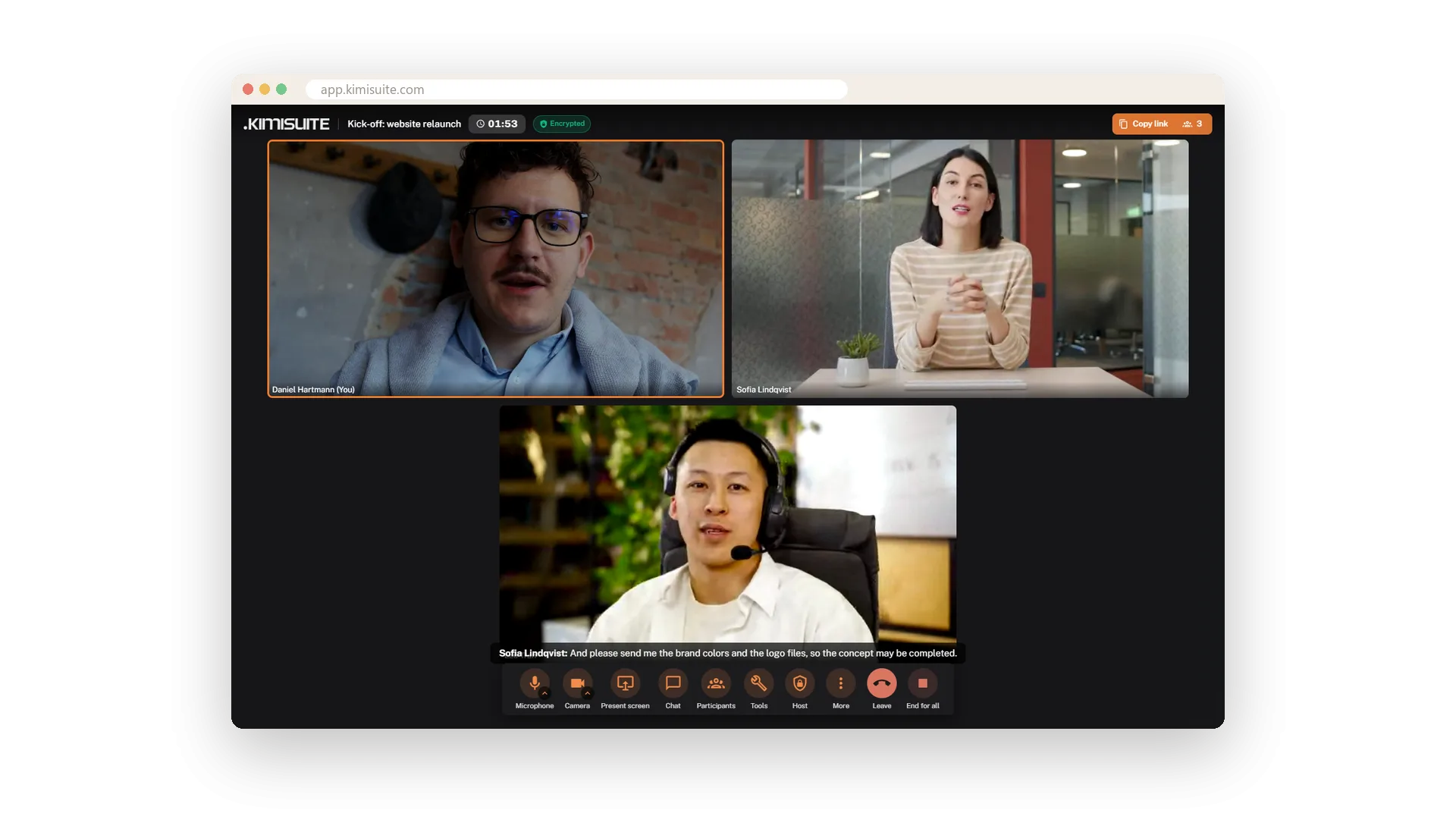
Choose how the meeting looks. Tiled shows everyone the same size, Spotlight puts one person large with the others in a strip, Sidebar keeps the stage big and the faces at the side. Whoever is speaking gets an orange frame, so you always know who is talking.
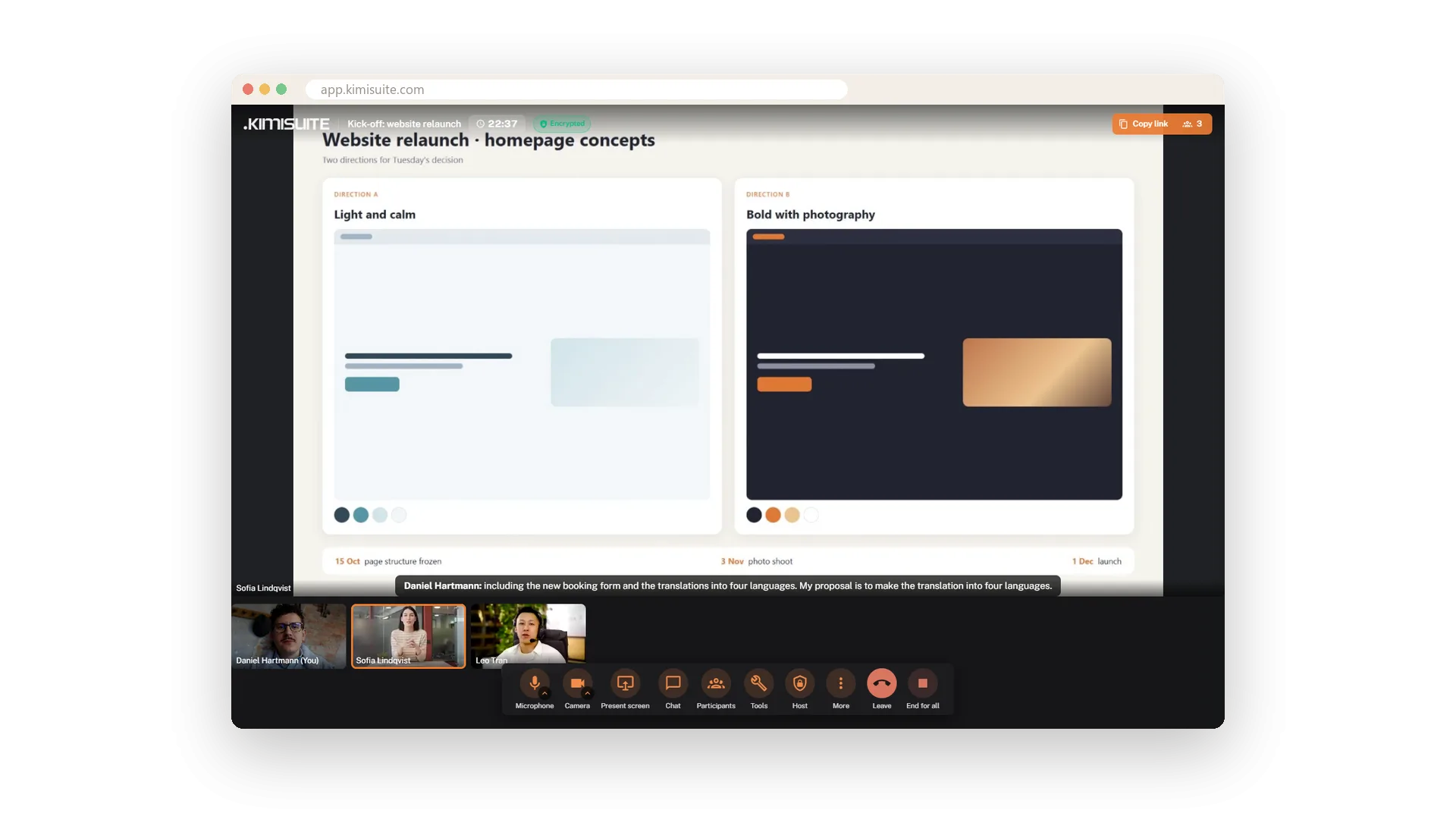
When someone shares a screen or you pin a person, they take the stage by themselves - nobody has to rearrange anything. One click on Fullscreen and the meeting fills your whole screen.
Key Benefits
Tiled, Spotlight or Sidebar - switch whenever the meeting changes
An orange frame around whoever is speaking
A shared screen or a pinned person takes the stage automatically
Fullscreen with one click, for presentations and long calls
Three layouts
Tiled, Spotlight or Sidebar - one click
Tiled for the team round where every face counts the same. Spotlight for the one person everybody listens to. Sidebar when the content is big and the faces stay at the edge. Switch whenever the meeting changes, and the speaker's orange frame shows who is talking.
The stage follows the action
Shared screens and pinned people come to the front
Nobody has to rearrange the view. When someone shares a screen it takes the stage on its own, and the cameras move into thumbnails. Pin a person and they move to the front the same way. Fullscreen is one click away.
Use Cases
The morning stand-up
Tiled shows all faces the same size. The orange frame moves to whoever is talking, so you follow the round without searching.
A presentation for a client
Share your slides and they take the stage on their own. Your camera moves to a thumbnail, and the client sees the content first.
Following one speaker
Pin the speaker of the day and switch to Spotlight. They stay large, while everyone else waits in the strip below.
FAQ

Try Meeting Hub today
Video meetings your guests join with one link - captions and AI notes included
14 days free, cancel anytime, no minimum term.