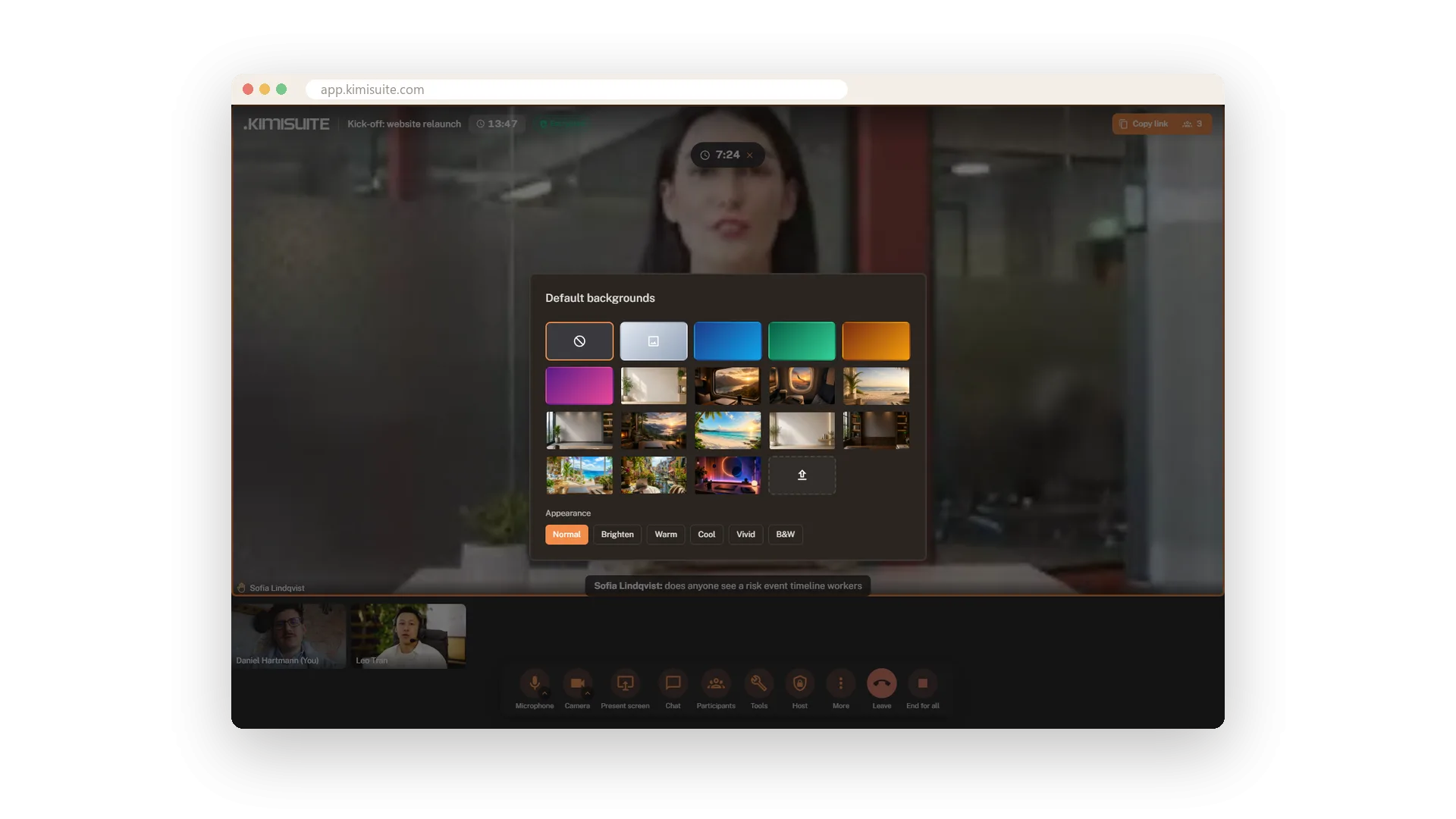
The kitchen, the hotel room, the shelf you never tidied - nobody needs to see them. Blur your background or pick one of 18 images and colour backgrounds, and the others see it live. Prefer your own picture, like your office or your brand colours? Upload it.
Filters put the finish on it: Brighten for a dark room, Warm or Cool for the right tone, Vivid or black and white. In the settings you choose a default background for the workspace - None, Blur, Studio, Mint, Sunset or Violet - so meetings start the same way.
Key Benefits
Blur or one of 18 image and colour backgrounds, visible to everyone live
Upload your own picture - your office, your brand, your view
Six filters: Normal, Brighten, Warm, Cool, Vivid and B&W
A default background for the workspace, set once in the settings
Blur or a picture
18 backgrounds built in, or upload your own
Blur what is behind you, or put yourself in front of one of 18 images and colour backgrounds. Your own picture works too - upload it in the same panel. The others see the new background the moment you pick it.
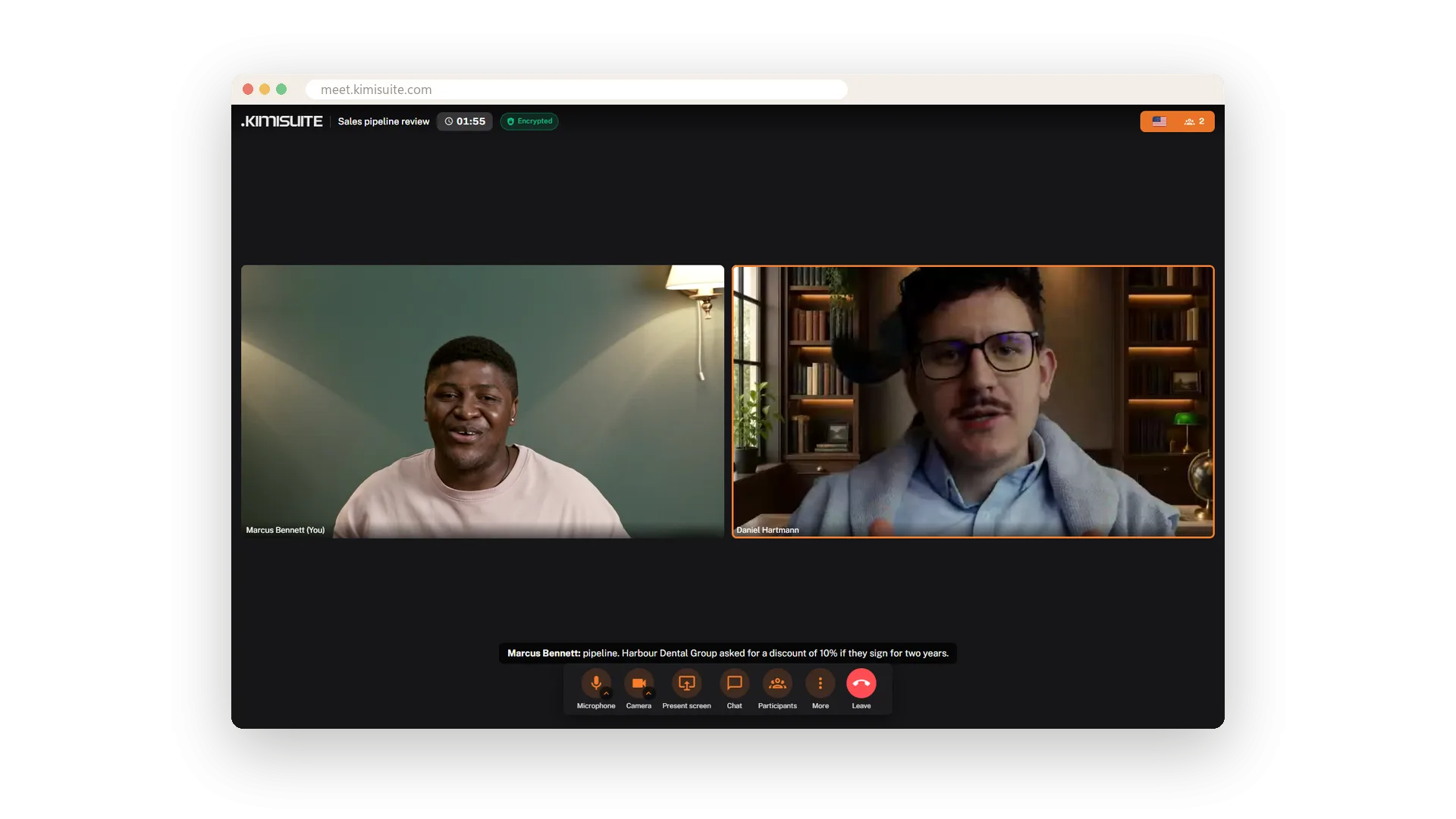
Filters for your picture
Brighten, Warm, Cool, Vivid or black and white
A dark room, cold office light, a grey day - one filter fixes it. Brighten lifts a dim picture, Warm and Cool set the tone, Vivid adds colour and B&W takes it away. Normal turns it off again.
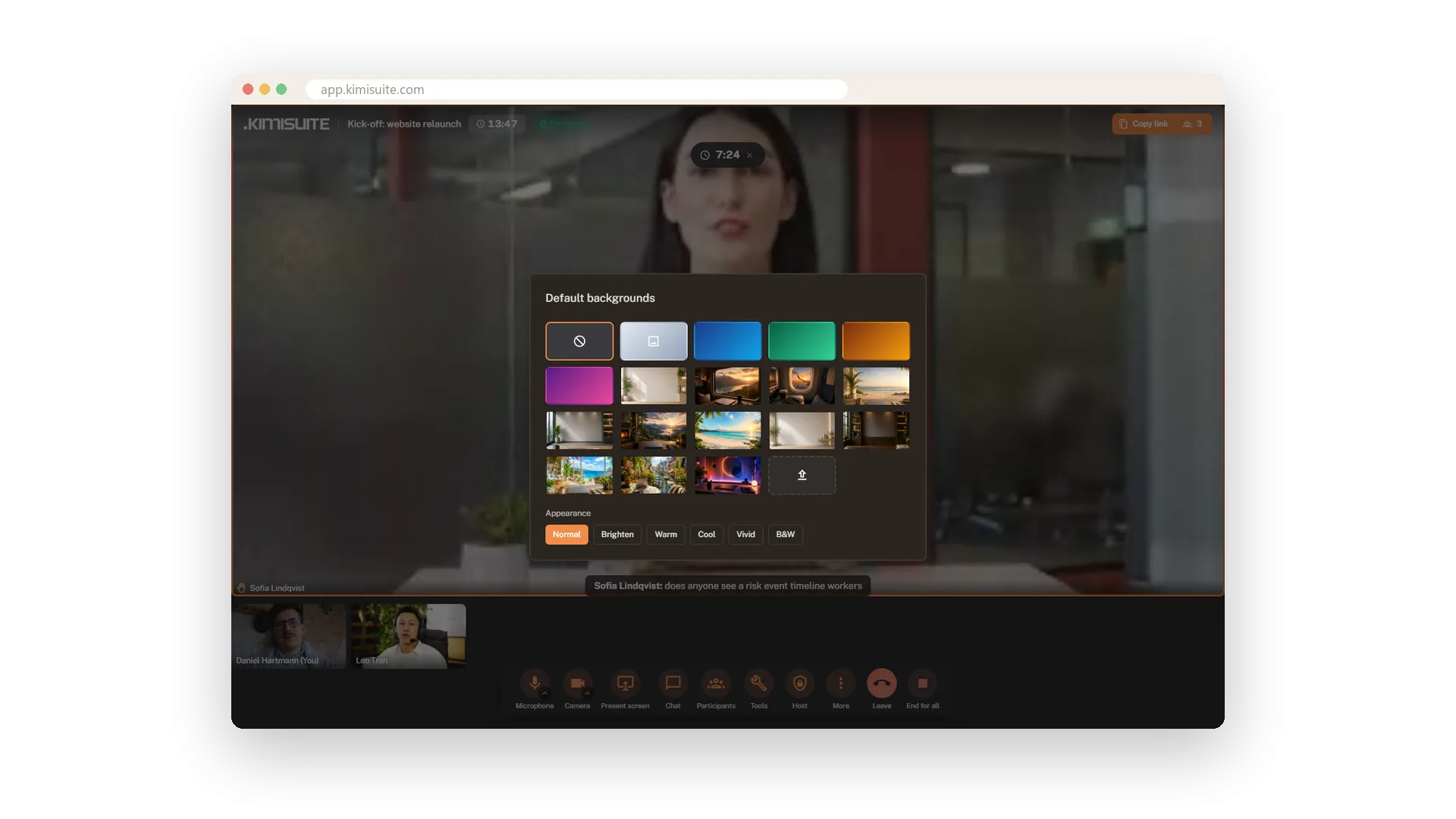
One default for every meeting
Set once in the settings, used from the start
Pick the background meetings start with: None, Blur, Studio, Mint, Sunset or Violet. Set it once in the settings of Meeting Hub and nobody has to remember it before the next call.
Use Cases
Working from the hotel
Blur on, and the unmade bed behind you is gone. The client sees you, not the room.
One look for the team
Set Studio as the default background in the settings. Meetings start in the same calm setting instead of twelve different living rooms.
The dark office in December
Switch on Brighten and you no longer appear as a silhouette in front of the window. Warm takes the chill out of the office light.
FAQ

Try Meeting Hub today
Video meetings your guests join with one link - captions and AI notes included
14 days free, cancel anytime, no minimum term.
