 Part of Support Hub
Works with your KIMISUITE apps
Customer file, contacts and tasks next to the ticket
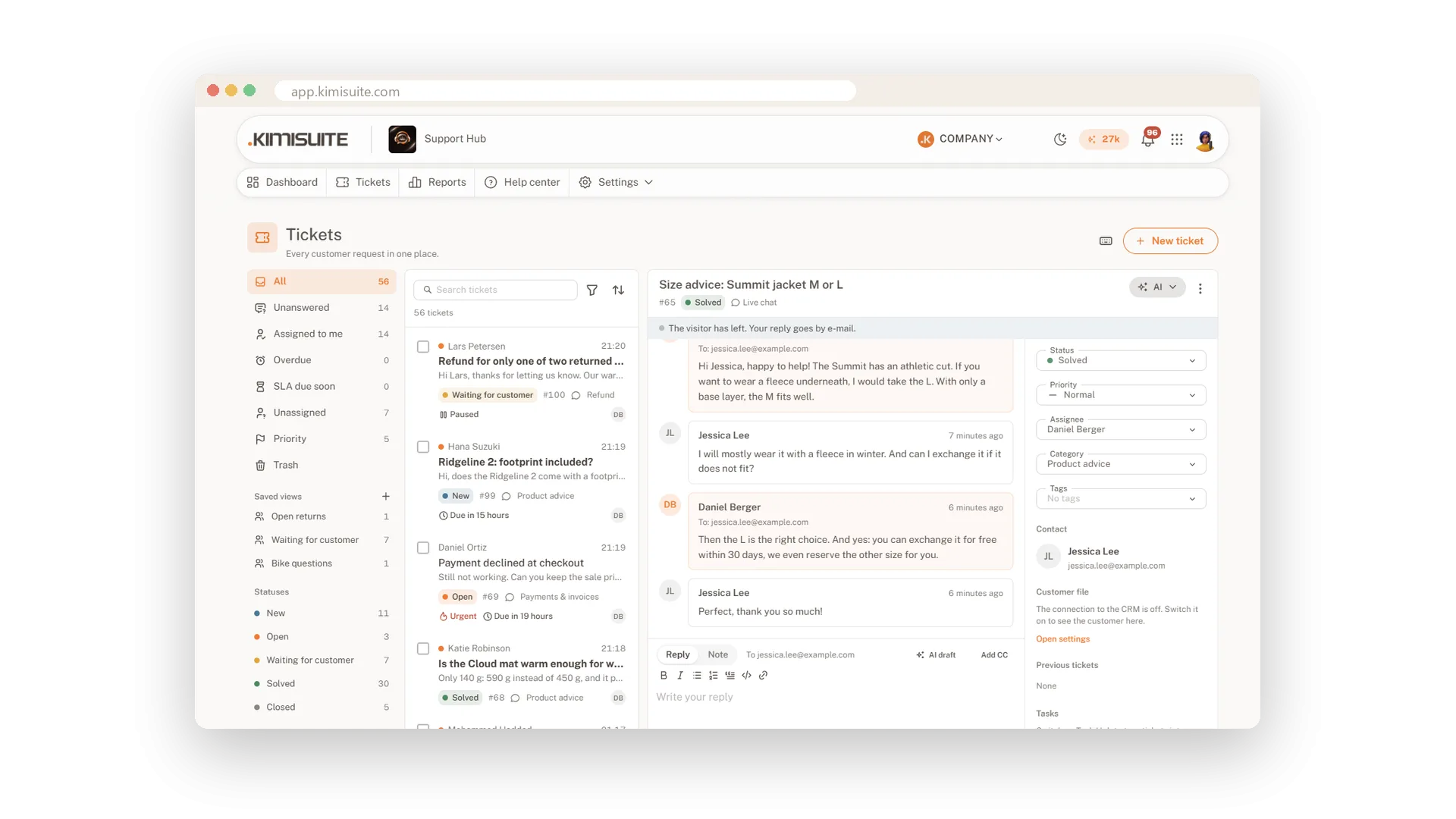
Support rarely ends in the inbox. Next to a ticket you see the customer's file from CRM Business Hub: company, customer number, contact person and open or overdue invoices, with a link into the CRM. Save a ticket's contact to Contacts with one click, and turn a ticket into a task in Task Hub when it needs work outside support.
You can also add the live chat through Widget Creator and set its position, bubble text and colours there. Because all apps live in the same workspace, there is nothing to connect by hand: switch an integration on and it works.
Key Benefits
The whole customer at a glance: CRM file and open invoices next to the ticket
Work that leaves support: a task in Task Hub from any ticket, linked on the ticket
One address book: save ticket contacts to Contacts with one click
Nothing to wire up: the apps share your workspace, switch on and go
The CRM file next to the ticket
Company, invoices and a link into the CRM
With CRM Business Hub in your workspace, the customer card shows company, customer number, contact person and open or overdue invoices per currency. If there is nothing to show, the card tells you why.
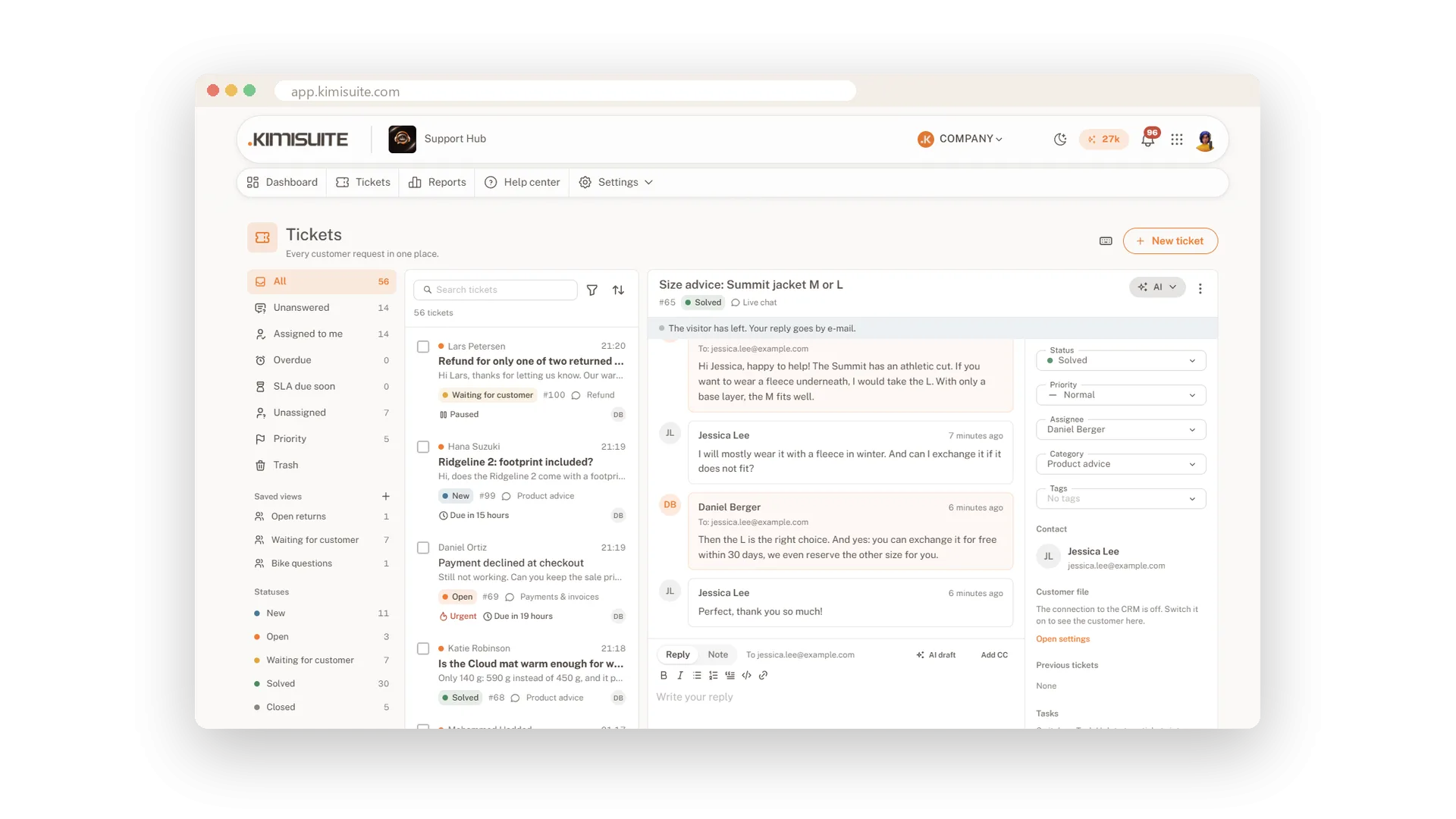
A task from any ticket
Board and list of your choice, linked back
When a ticket needs work outside support, create a task in Task Hub, choose the board and the list, and keep the link on the ticket so everyone knows where it went.
Ticket contacts in your address book
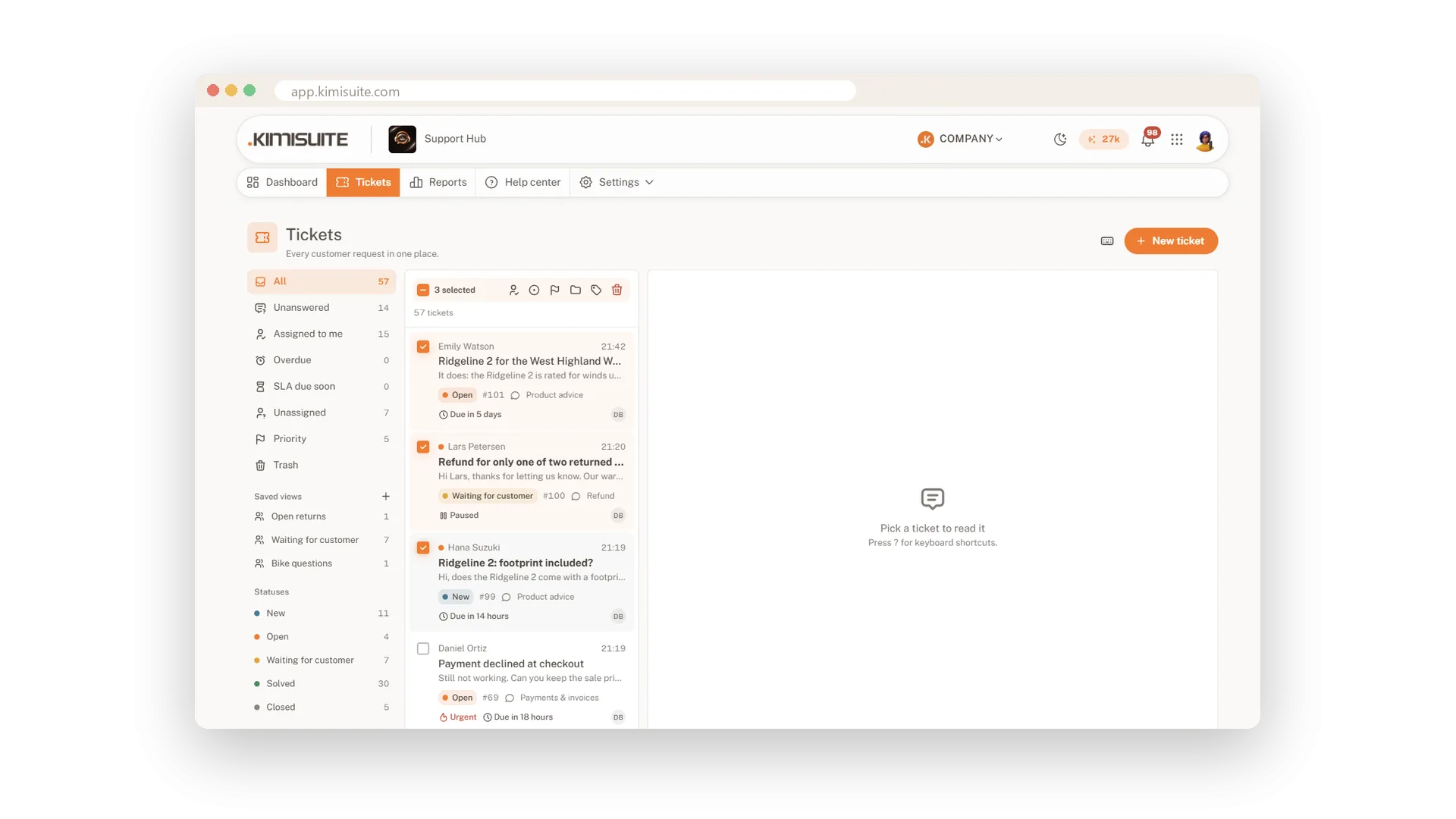
Save to Contacts with one click
Save the person behind a ticket to the Contacts app, so your whole workspace has their details. The sync goes one way, from Support Hub to Contacts.
Use Cases
Before you promise a refund
The CRM card shows two overdue invoices. You check with accounts before you answer the customer.
A repair job
The ticket needs a technician. You create a task in Task Hub on the right board, and the ticket shows the link.
A new business customer
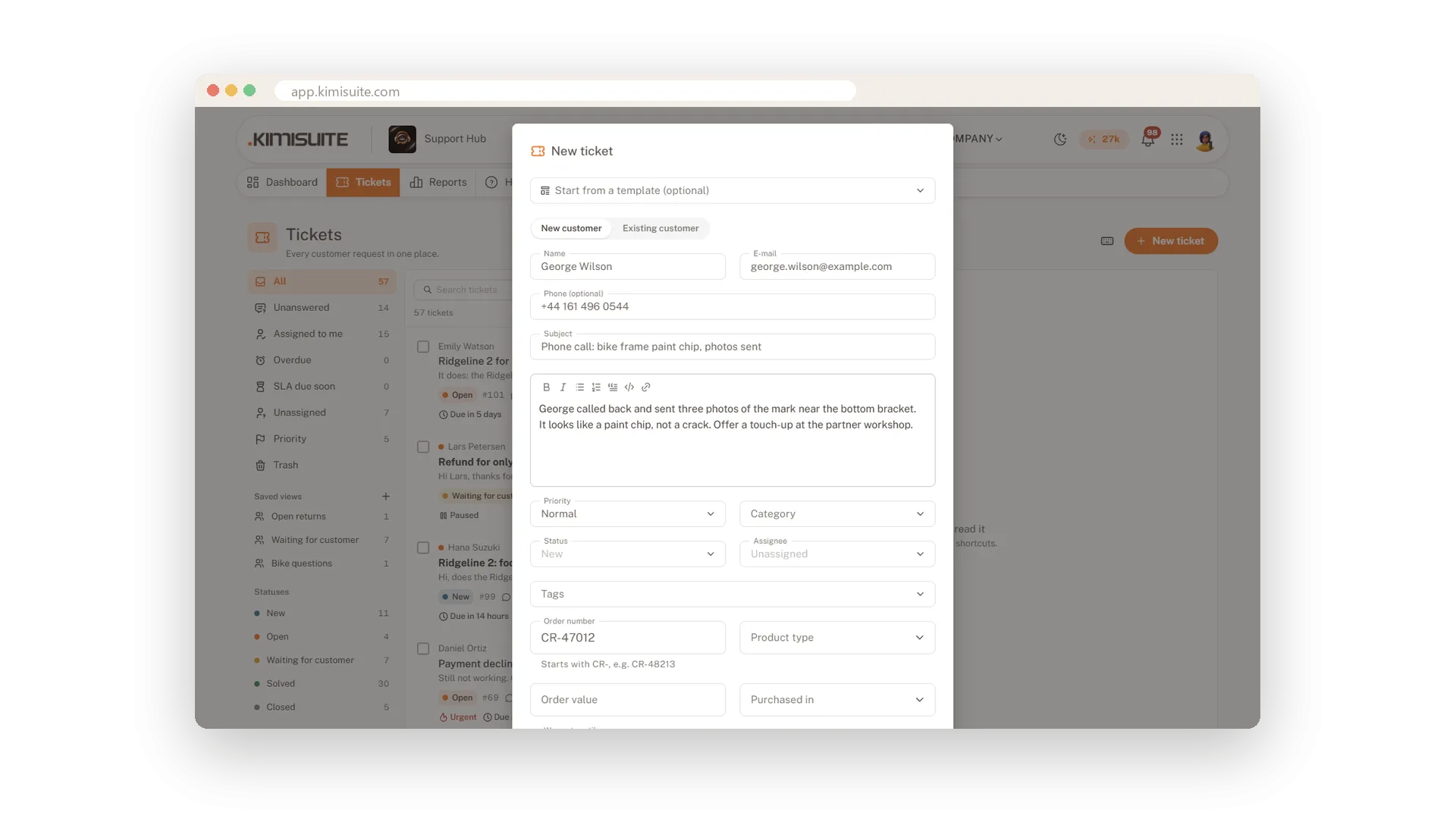
A first request from a company you want to keep in touch with. You save the contact to Contacts in one click.
FAQ
Try Support Hub today
One shared inbox for e-mail, chat and Telegram
14 days free, cancel anytime, no minimum term.
