Many tickets need the same first steps: the right person, the right category, a reminder when the customer goes quiet. Support Hub does that for you. Assignment shares new tickets in turn or by workload, canned replies come up when you type a slash, and an automatic reply tells customers you have their request.
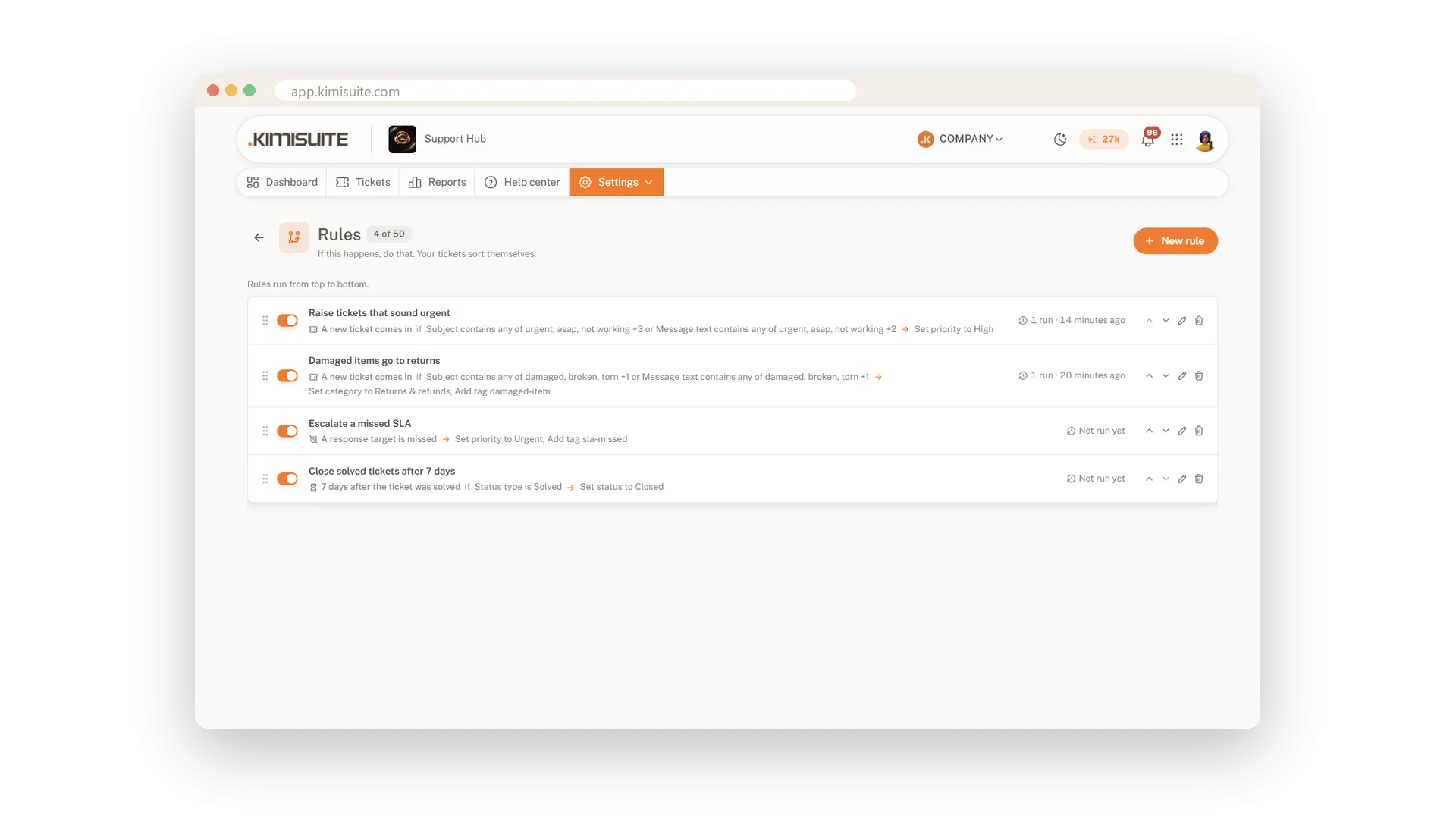
Rules go further: when a ticket comes in, changes or waits too long, they assign, tag, reply, write a note or close. You never start with an empty editor, because 13 templates by purpose are ready, and a test run on your last 50 tickets shows what a rule would do before it does anything.
Key Benefits
Fair sharing: new tickets go round in turn or, from Pro, by workload to whoever is online
Faster answers: type a slash and your canned reply goes in with the customer's real name
Safe rules from Pro: 13 ready templates and a test run on your last 50 tickets first
No forgotten tickets: rules remind quiet customers and close solved tickets on time
Tickets shared out automatically
In turn or by workload, to whoever is online
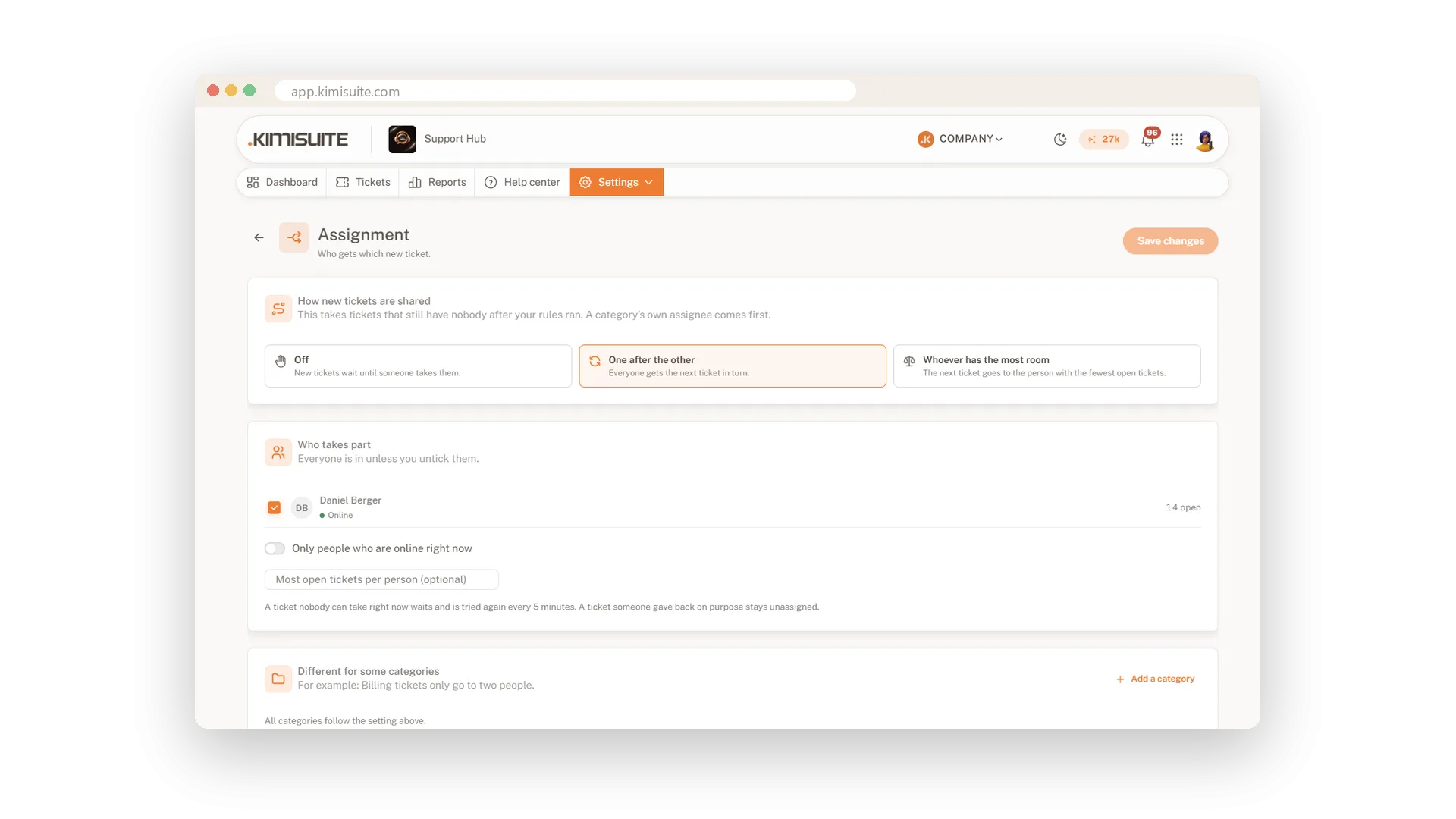
Choose who takes part and let new tickets go round in turn. From Pro, balance by workload with a maximum per person and only to those who are online. A ticket nobody can take waits and is tried again.
Rules that read like a sentence
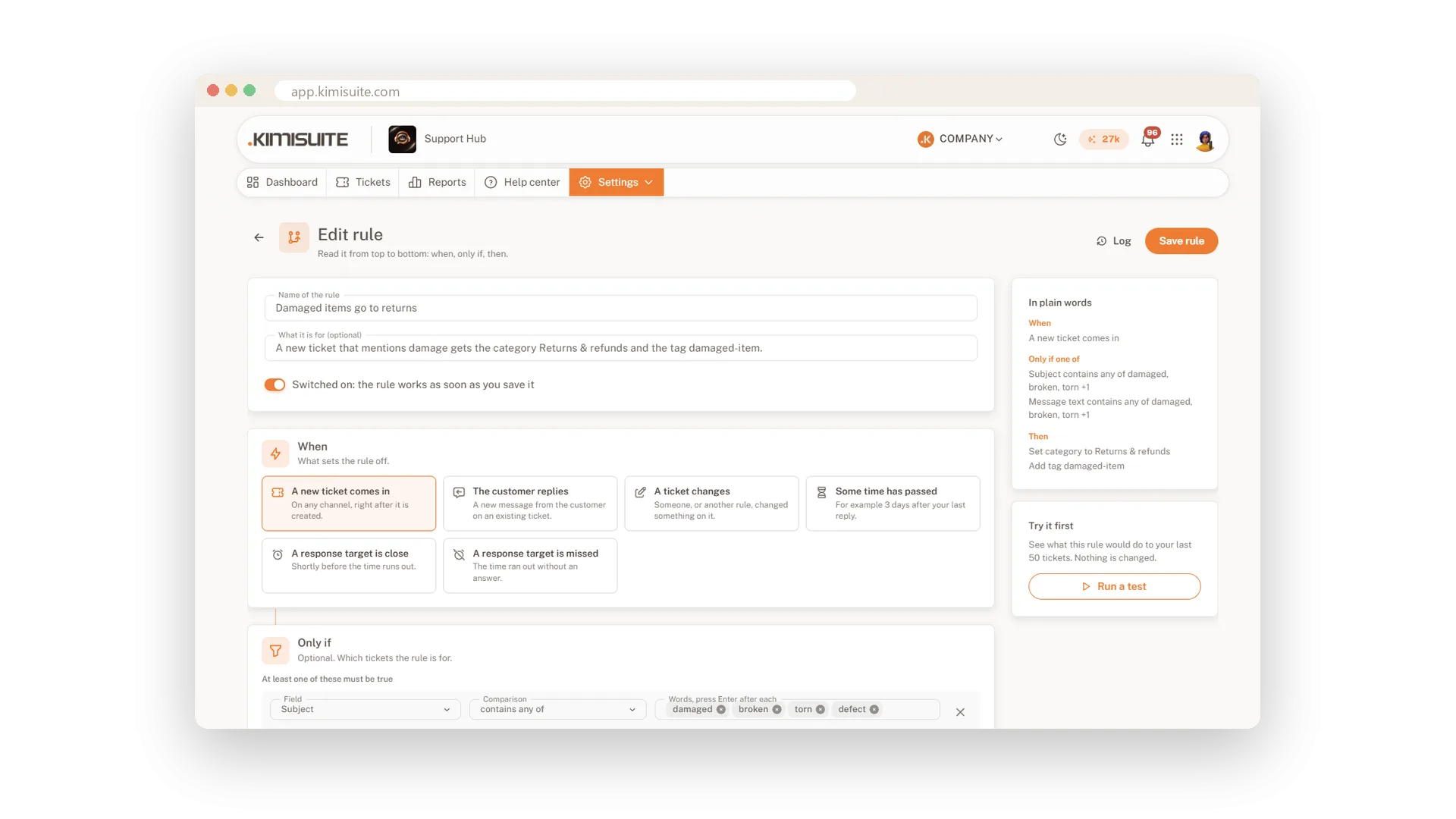
When, only if, then, tested before they run
Pick a template like Raise urgent tickets or SLA missed: escalate, adjust it and read it in plain words. The test run on your last 50 tickets shows what would happen, and the log explains every run.
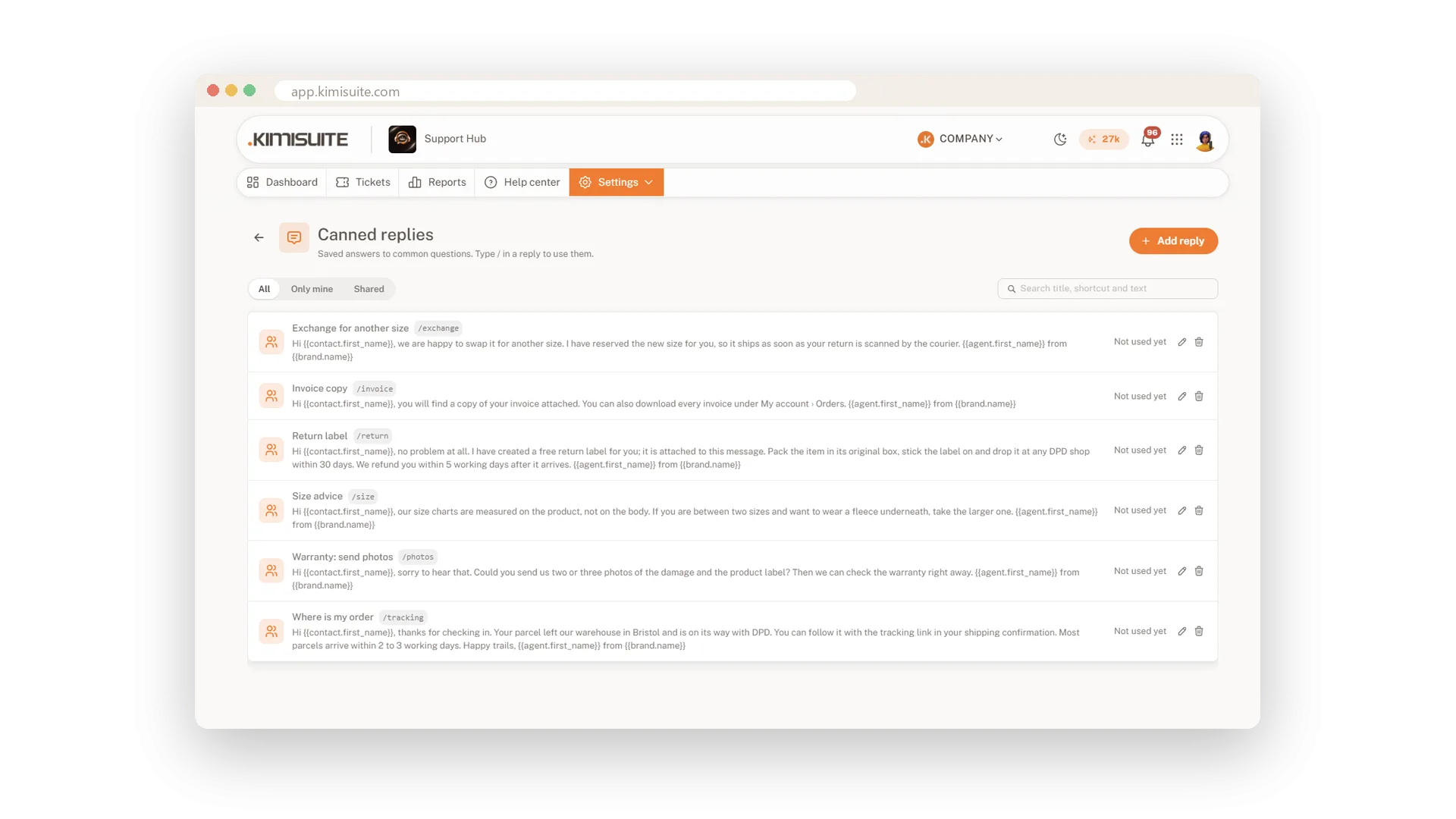
Canned replies with a slash
Your best answers, with the customer's details
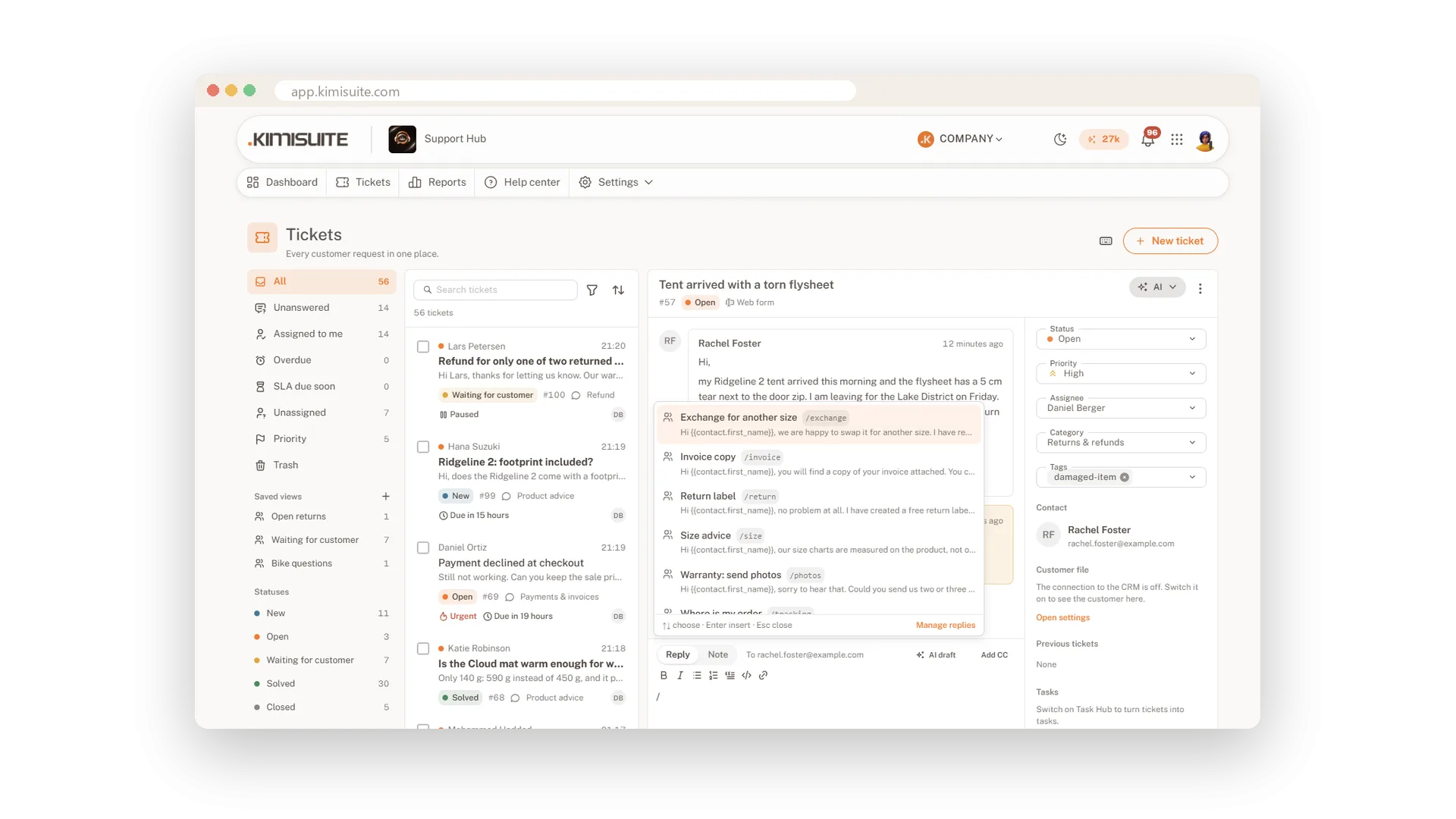
Save your best answers once, for yourself or the whole team. Type a slash in the reply box, filter, press Enter, and the text goes in with the customer's name, the ticket number and your name filled in.
An automatic reply that knows its place
Once per ticket, never to robots
Tell customers you have their request, per mailbox, form and channel. The reply goes out once per new ticket, never to machine addresses, and on the form it is part of the confirmation e-mail.
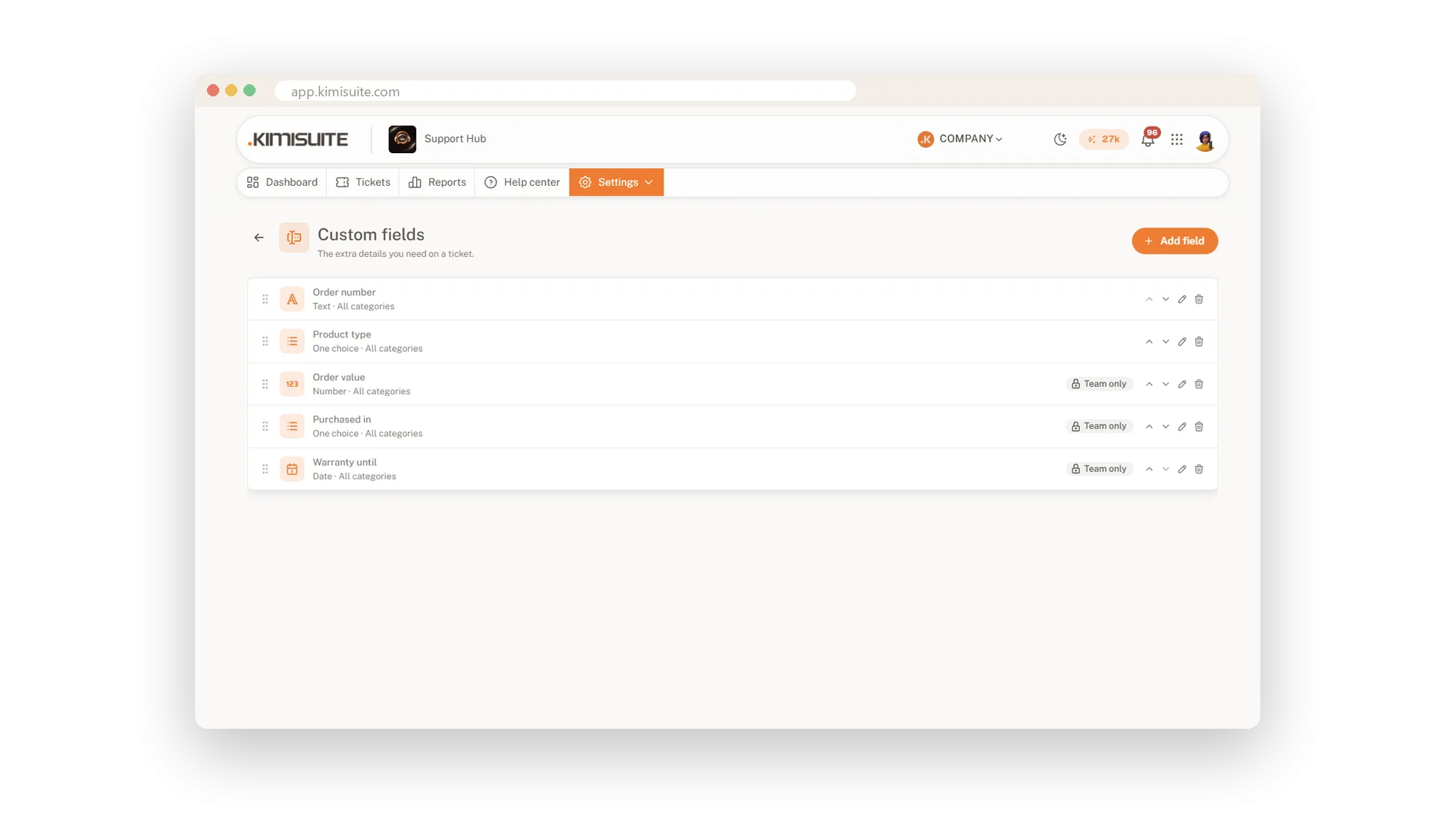
Your own fields on every ticket
Order number, device, contract and more
Add text, number, date, choice and checkbox fields, for the team only or on the public form, and make them required when it matters. In Business, fields depend on each other, from product to model to version.
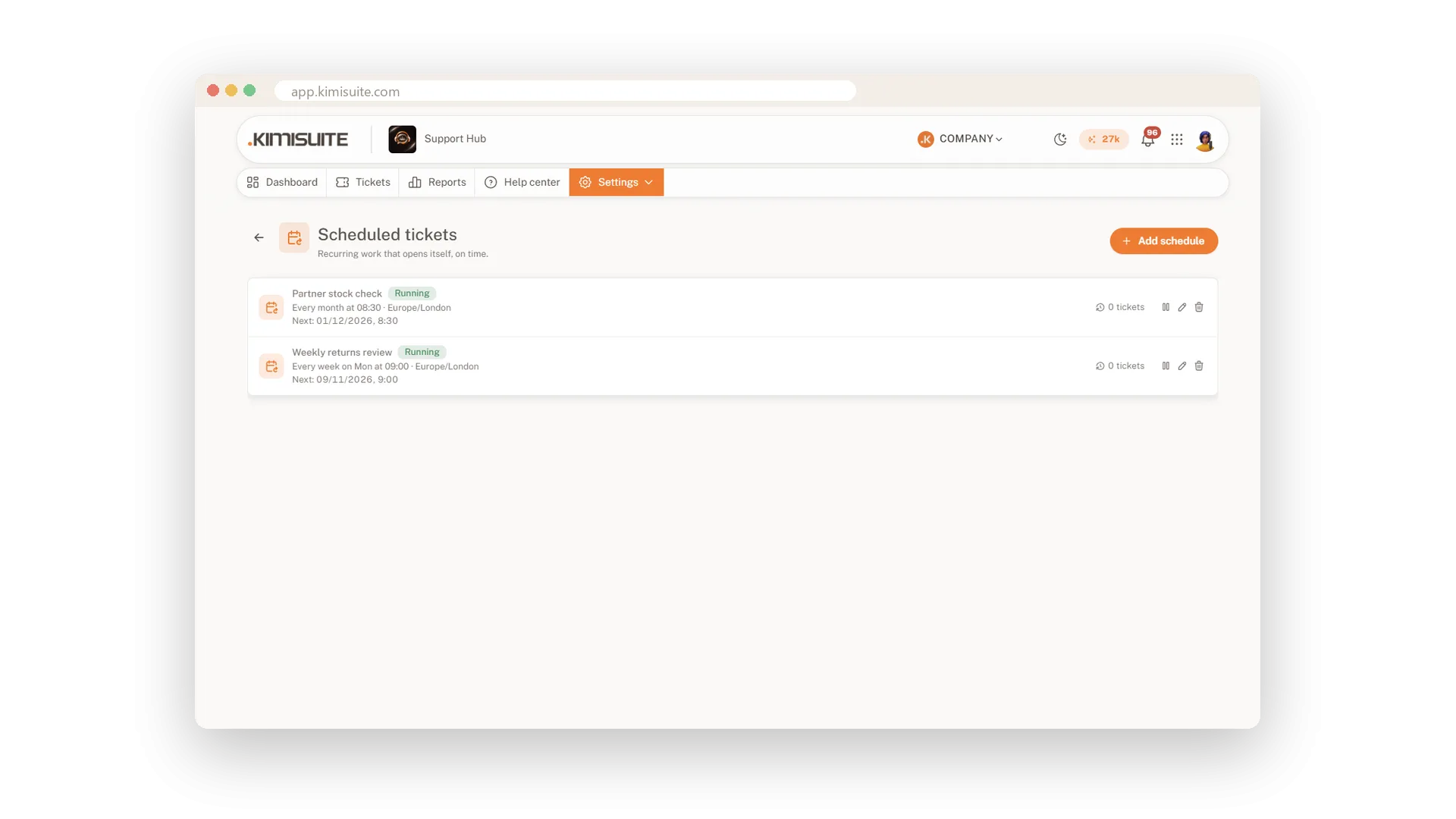
Tickets that come back on schedule
Daily, weekly, monthly or yearly
Let recurring work arrive as a ticket by itself: the monthly backup check, the yearly contract review. Ticket templates fill subject, text, category and assignee in one click.
Use Cases
Refunds to the right desk
A rule sends every ticket in the category Refunds to your accounts colleague and sets the priority to high.
The customer went quiet
After three days of waiting, a rule sends a friendly reminder. After seven days solved tickets close on their own.
The same answer, ten times a day
You save the answer about delivery times as a canned reply. Your team types a slash, picks it, and the customer's name is already in it.
FAQ

Try Support Hub today
One shared inbox for e-mail, chat and Telegram
14 days free, cancel anytime, no minimum term.
