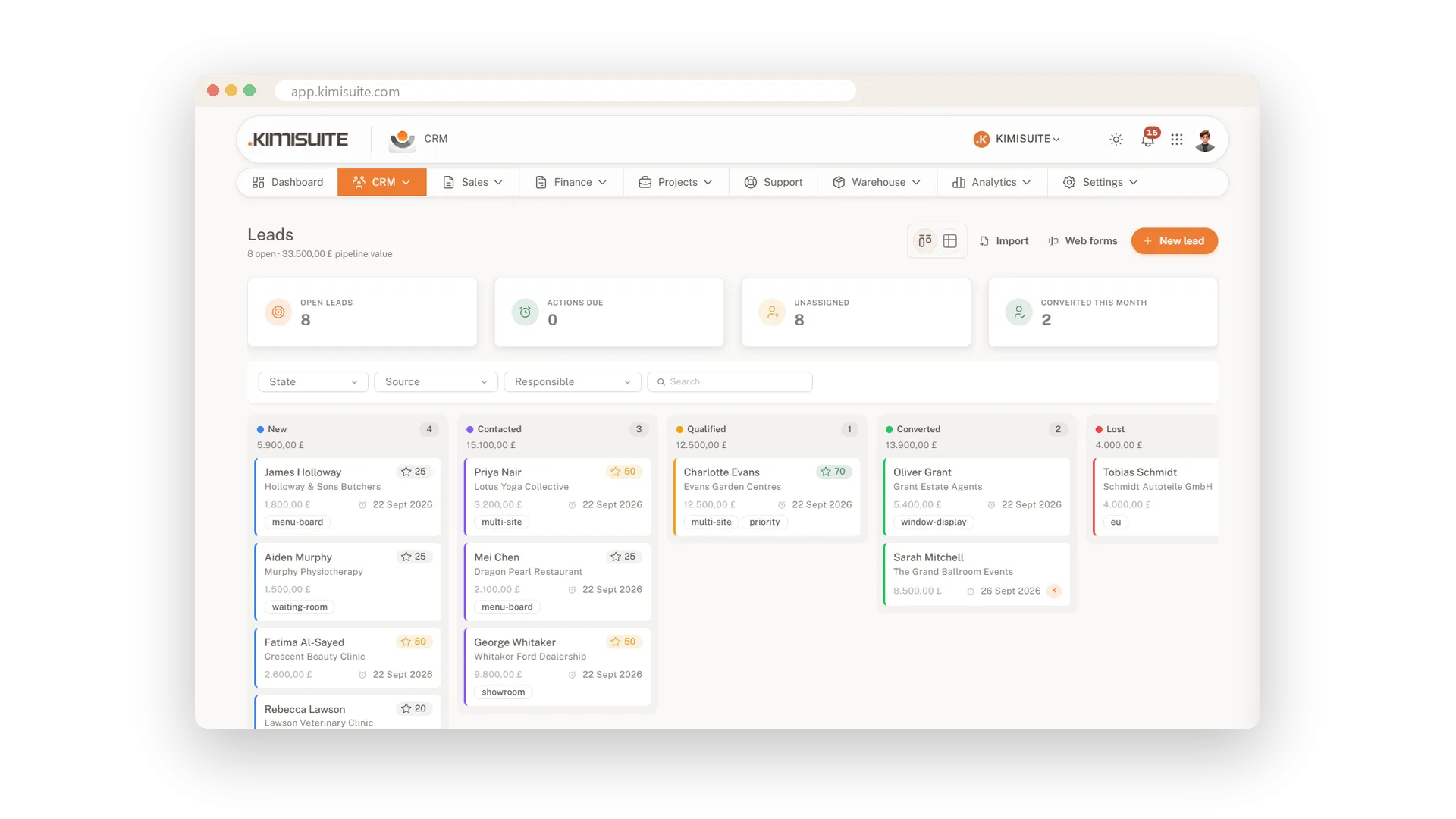
Leads that never slip through
From web form to customer, with the next step always set
 CRM Business Hub
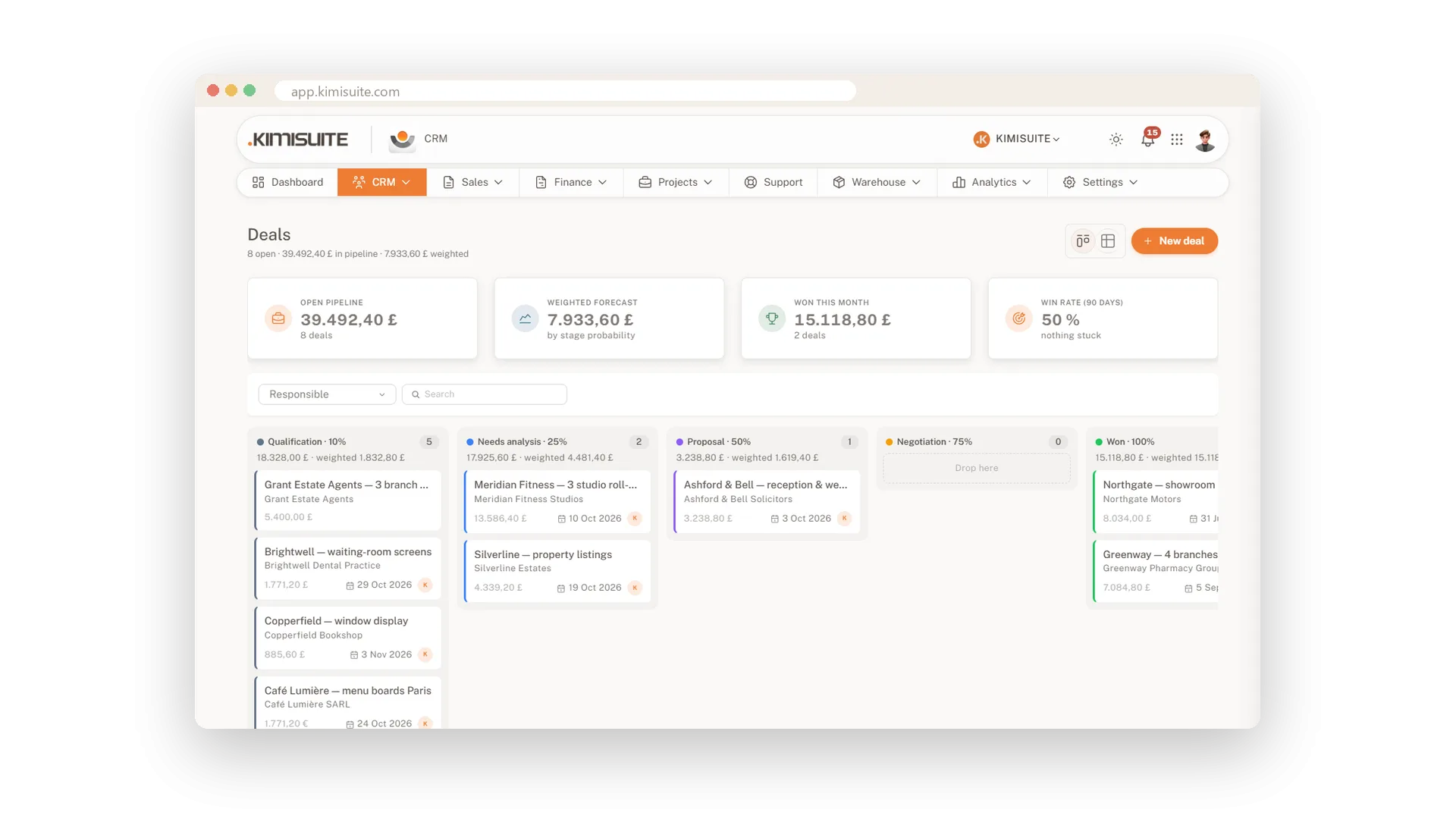
Every deal sits on a board, stage by stage, and every stage carries a probability. The tiles above tell you what is in the pipeline, the weighted forecast, what you won this month and your win rate over the last 90 days. You know where you stand without building a spreadsheet.
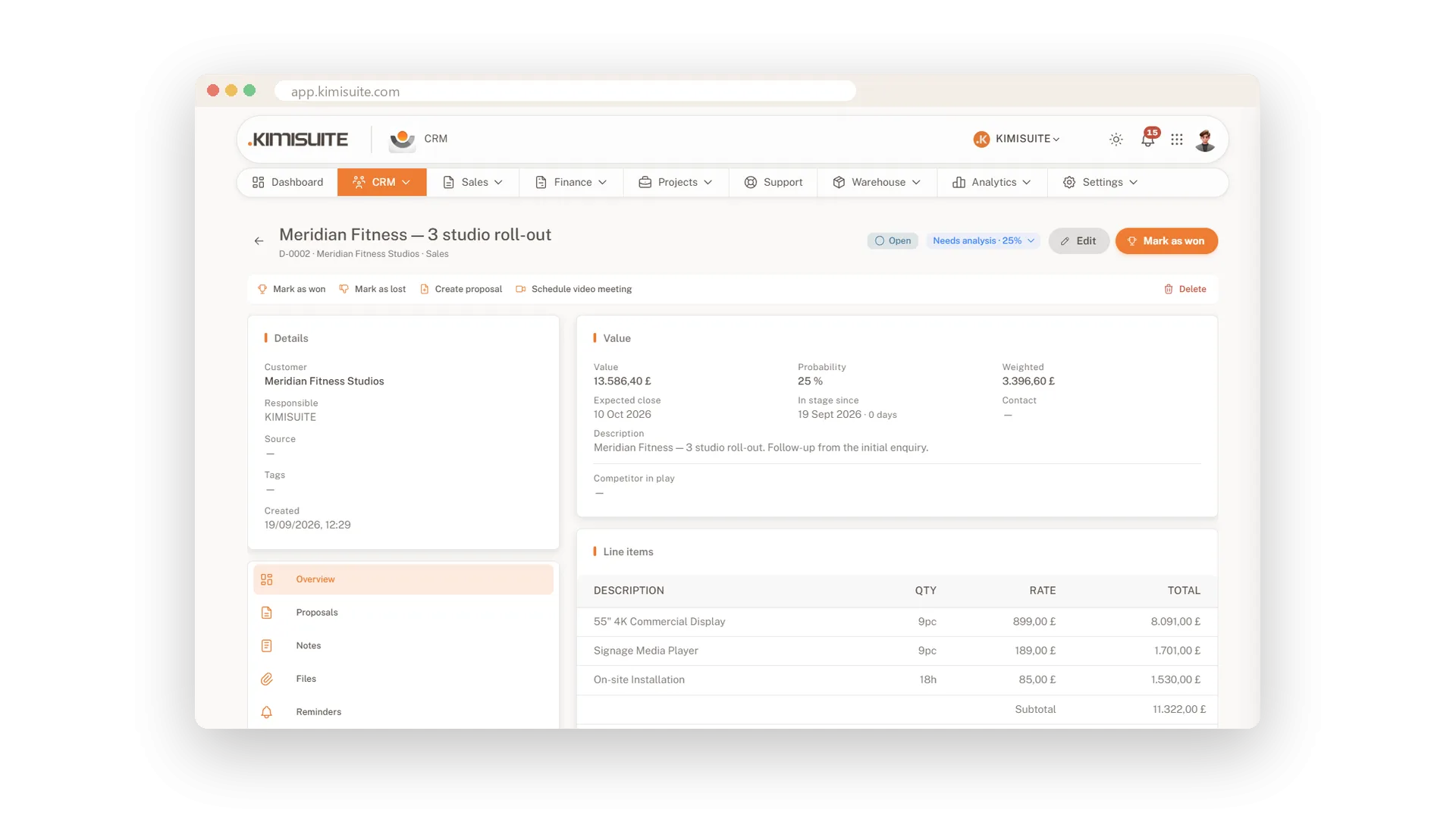
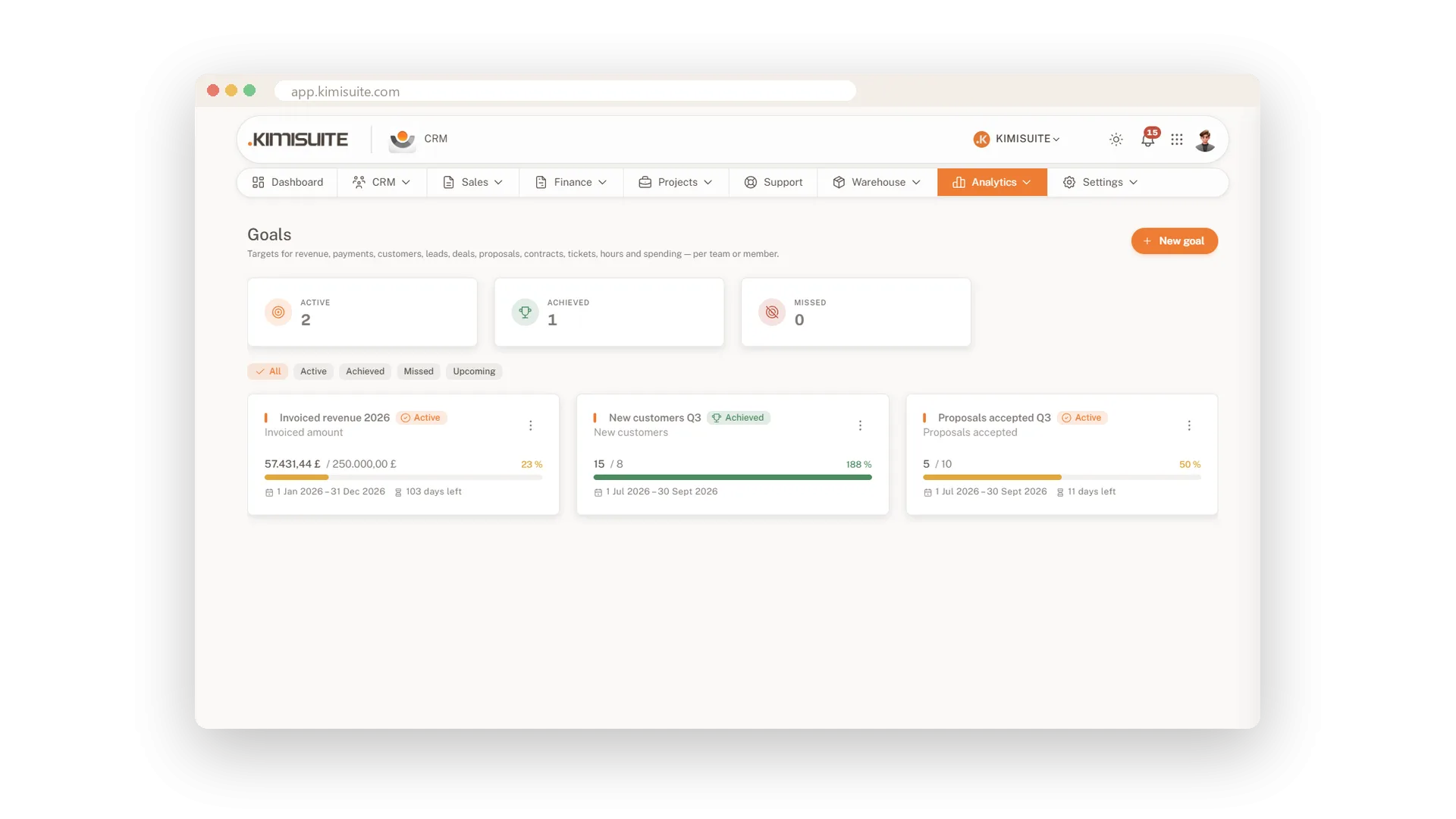
Set up as many pipelines as you run - new business, renewals, projects - each with its own stages and colours. Open a deal to see its value, probability and weighted value, its line items and every stage it went through. Mark it won or lost, or create the proposal straight from the deal. Set goals for the team or for each person and watch them fill up.
Pipeline value, weighted forecast, won this month and 90-day win rate on top of the board
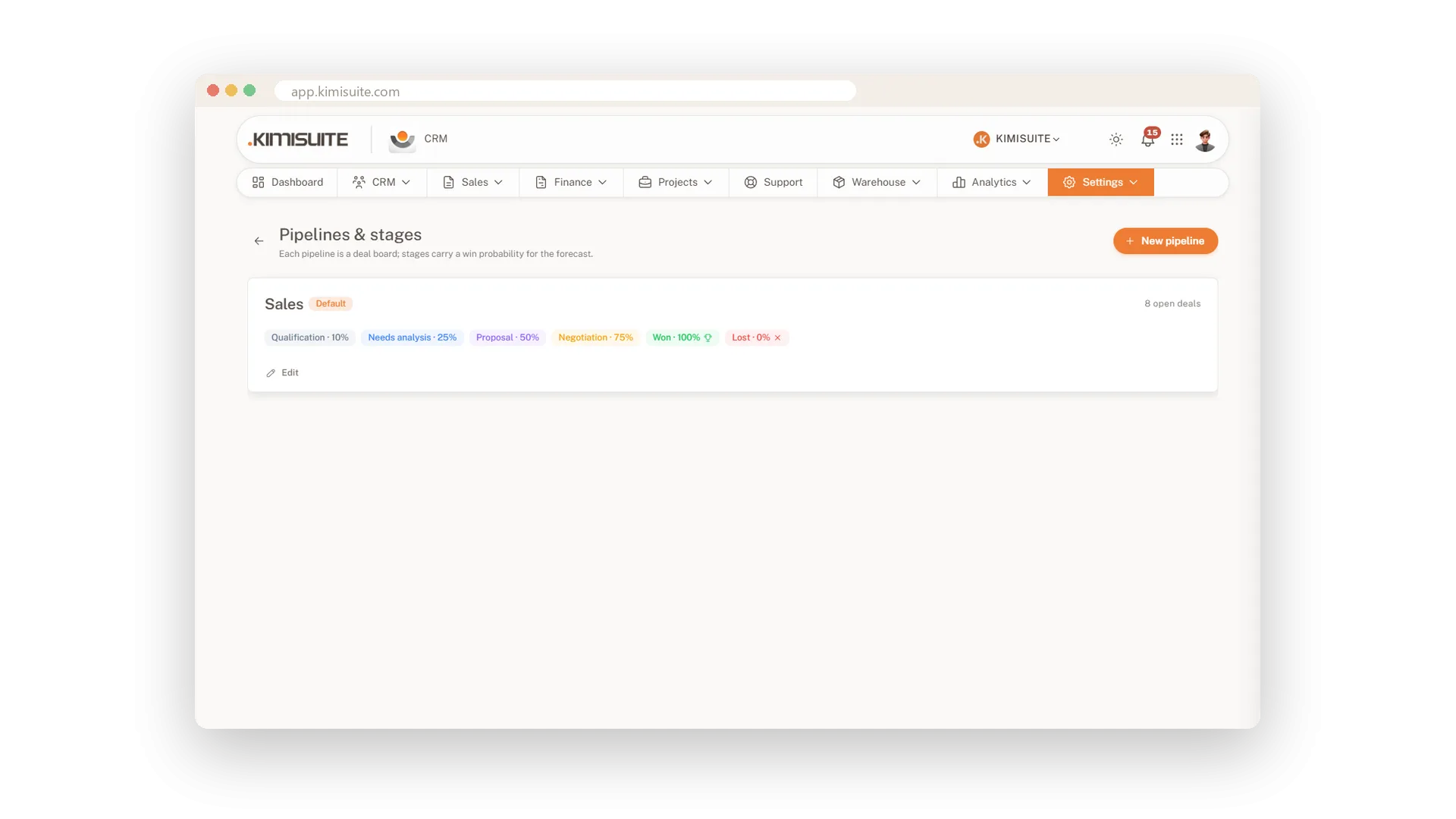
Several pipelines, each with its own stages, colours and probabilities
Create the proposal straight from the deal, or mark it won or lost with one click
12 goal types, for the team or each person, with progress you can see
One pipeline per way you sell
New business, renewals, larger projects: give each its own pipeline. Name the stages, give them colours and set the probability of each, and the board and the forecast follow your process instead of a template.
Value times probability, added up for you
Each deal carries its value, its probability and the weighted value that comes from both. The board adds them into one forecast, next to what you won this month and your win rate over 90 days.
Set a target, watch the progress fill up
Choose from 12 goal types - deals won, proposals accepted, invoiced revenue, new customers and more - and set them for the team or for one person. Progress shows as it happens, and every goal ends as achieved or missed.
Your bank asks what the next quarter looks like. The weighted forecast tile gives the figure, and each deal shows how it adds up.
Renewals follow different steps than new business. Give them their own pipeline and stages, and neither board gets cluttered.
Set a goal for deals won this quarter. The team watches the progress rise and knows exactly how far there is to go.
From web form to customer, with the next step always set
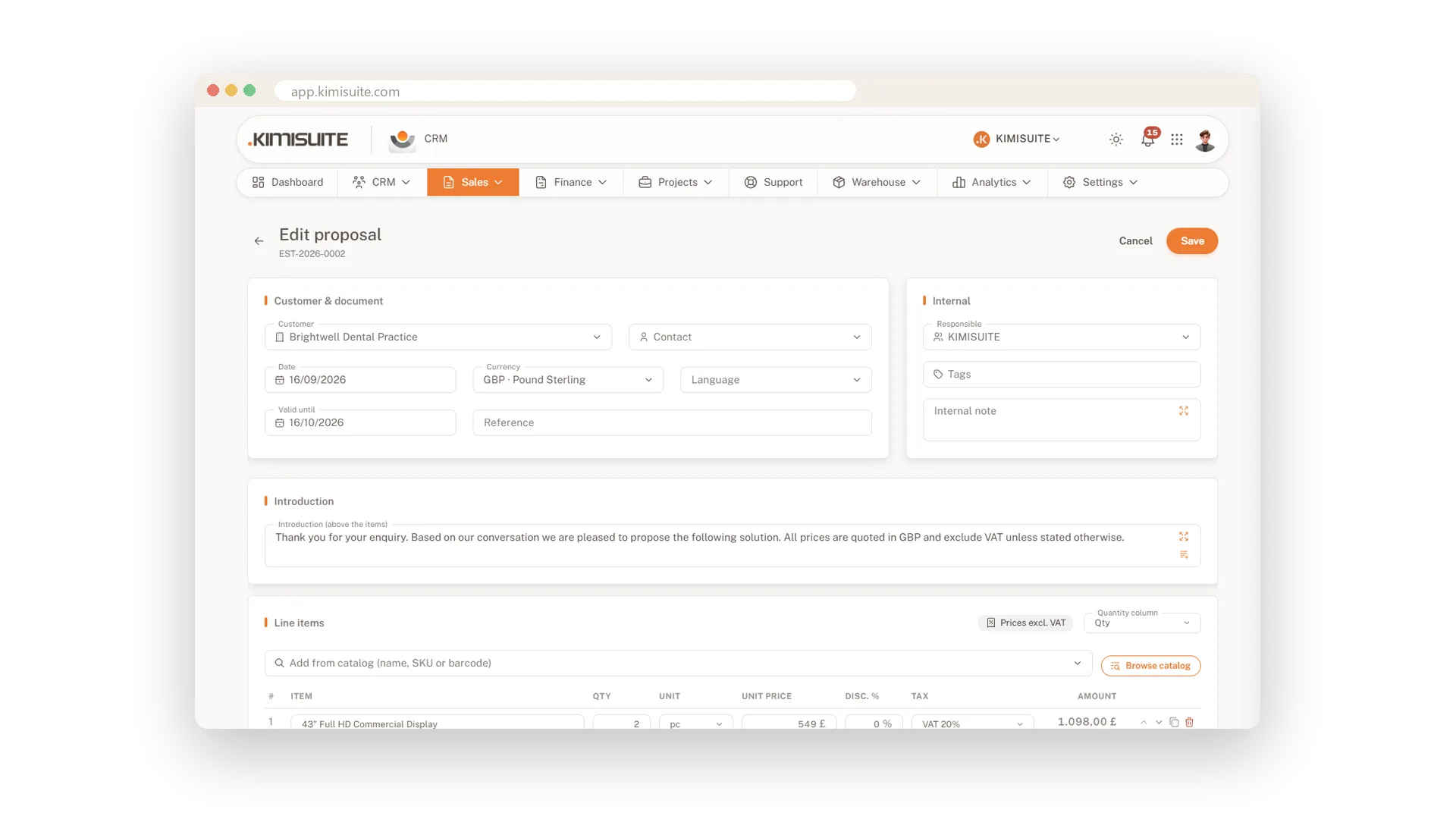
Send a link, get a yes, and the invoice is ready
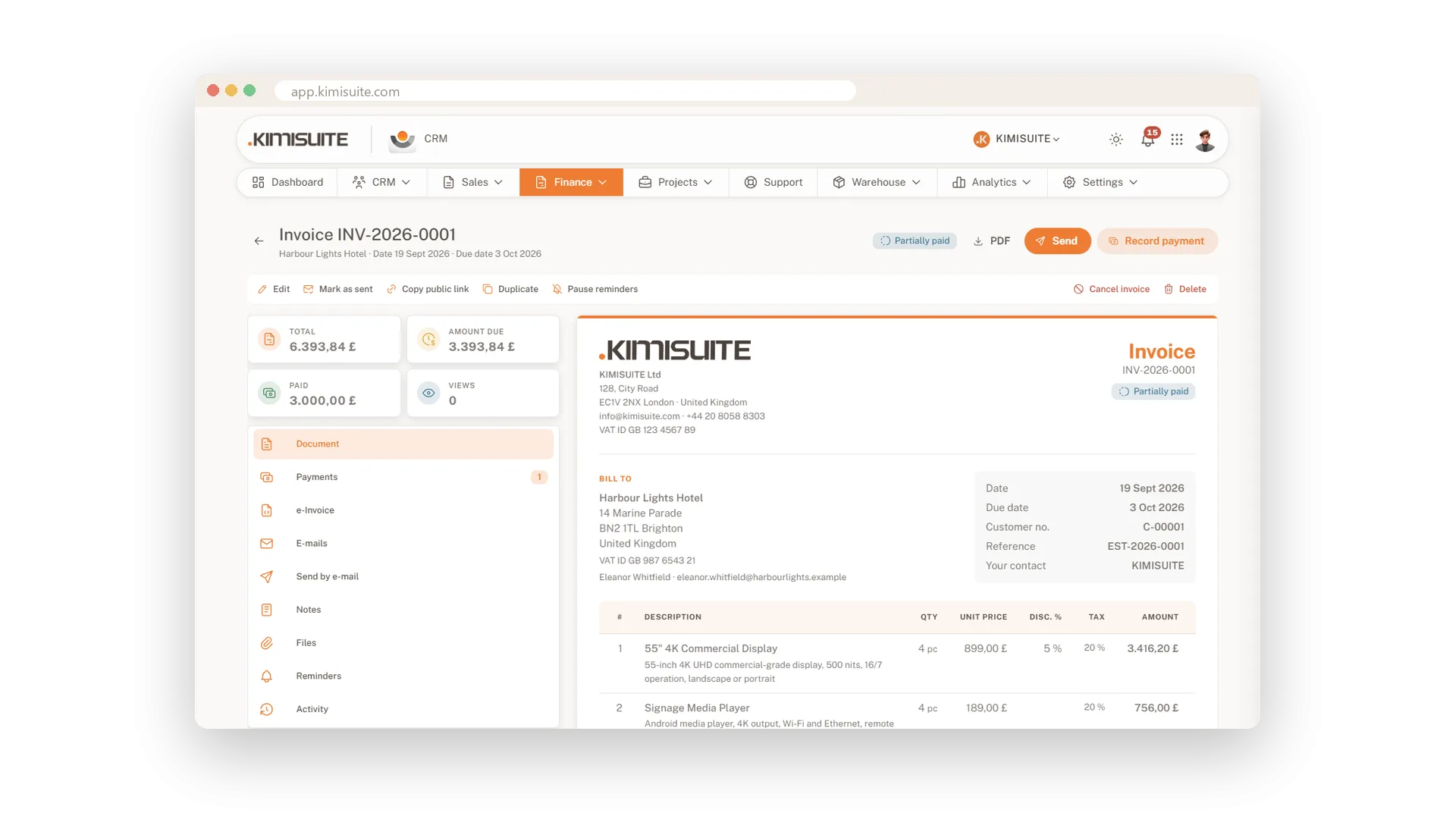
From accepted proposal to sent invoice in minutes
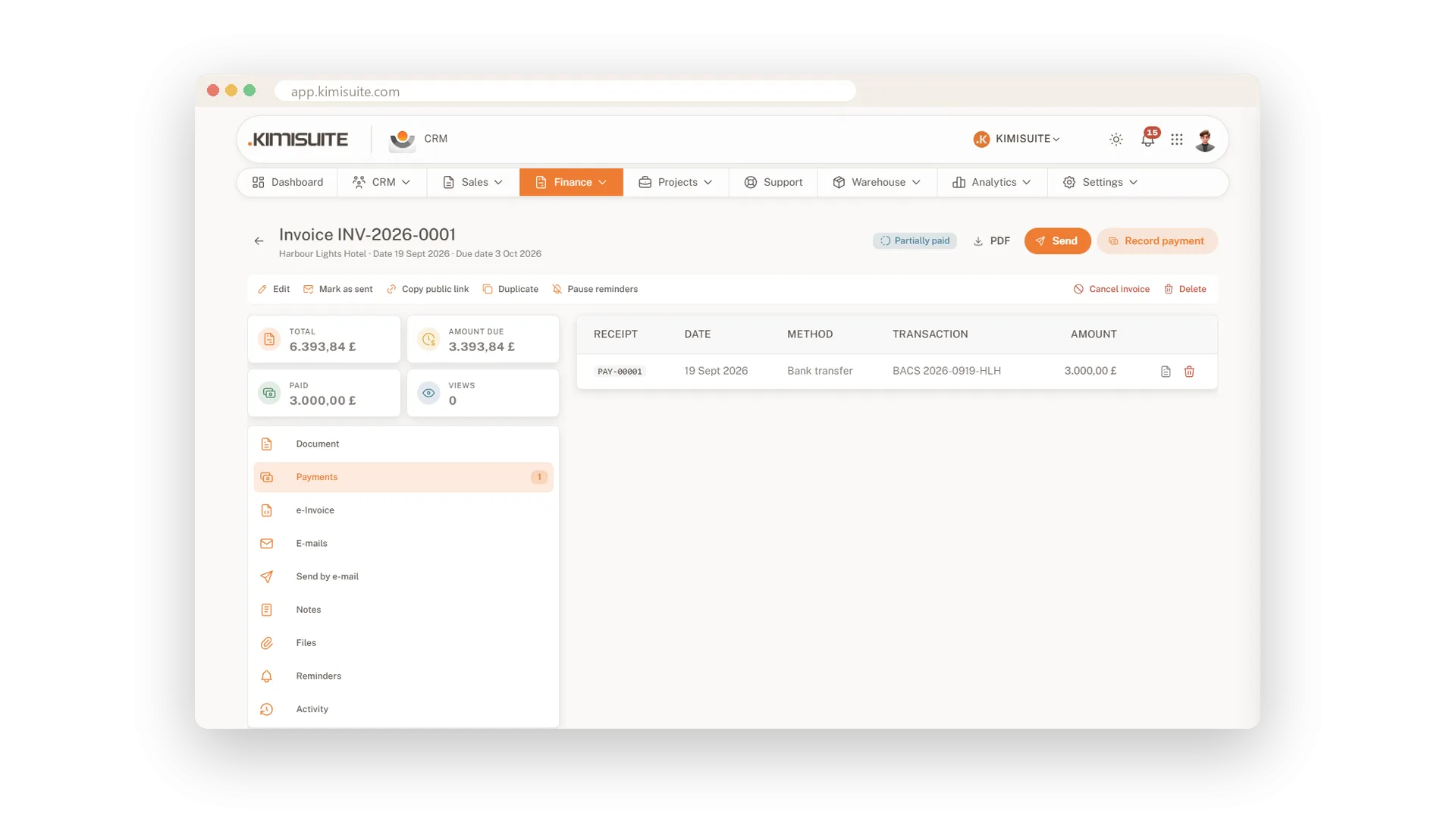
Get paid online, match your bank, chase what is late
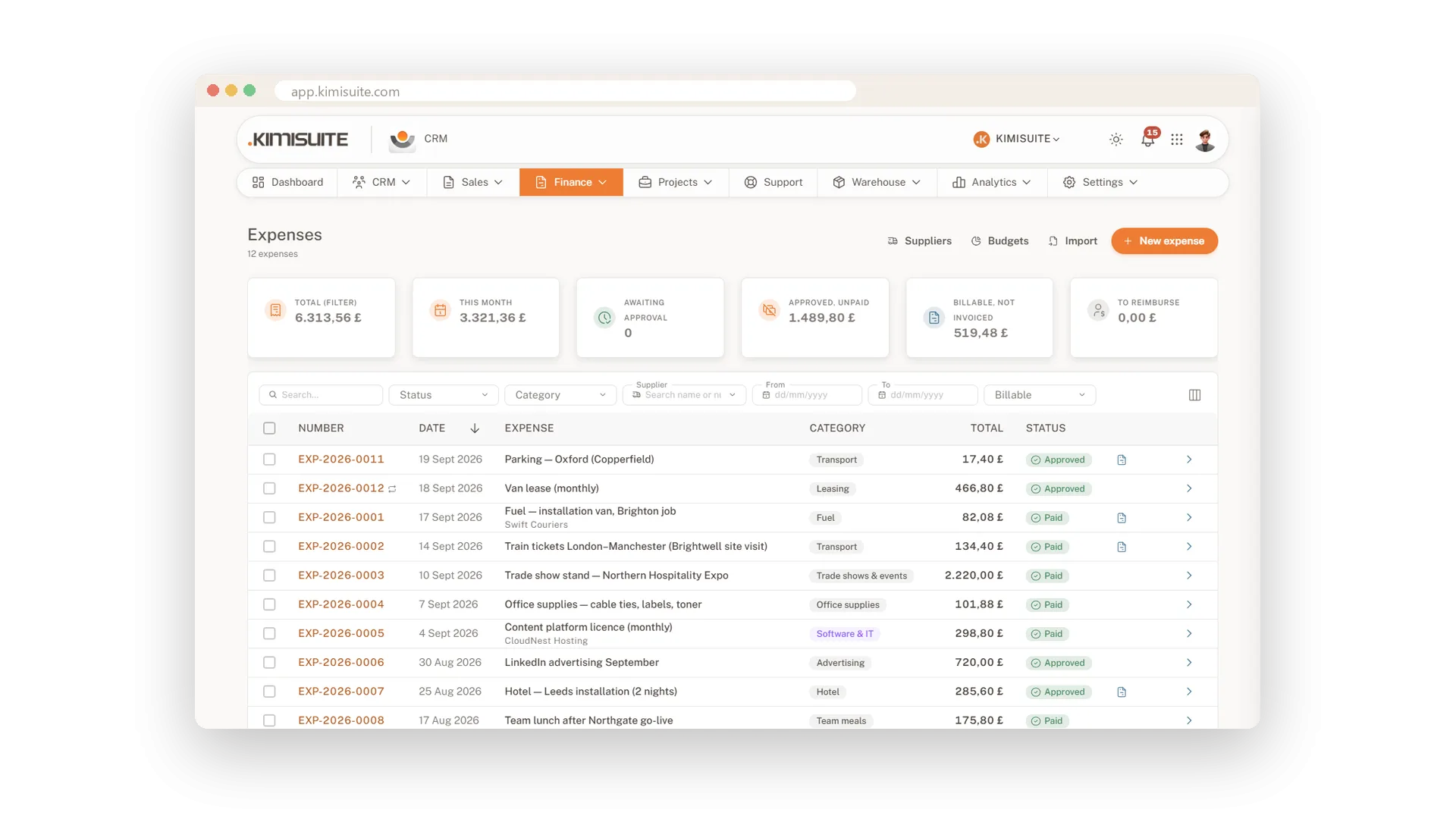
Know what goes out, not just what comes in
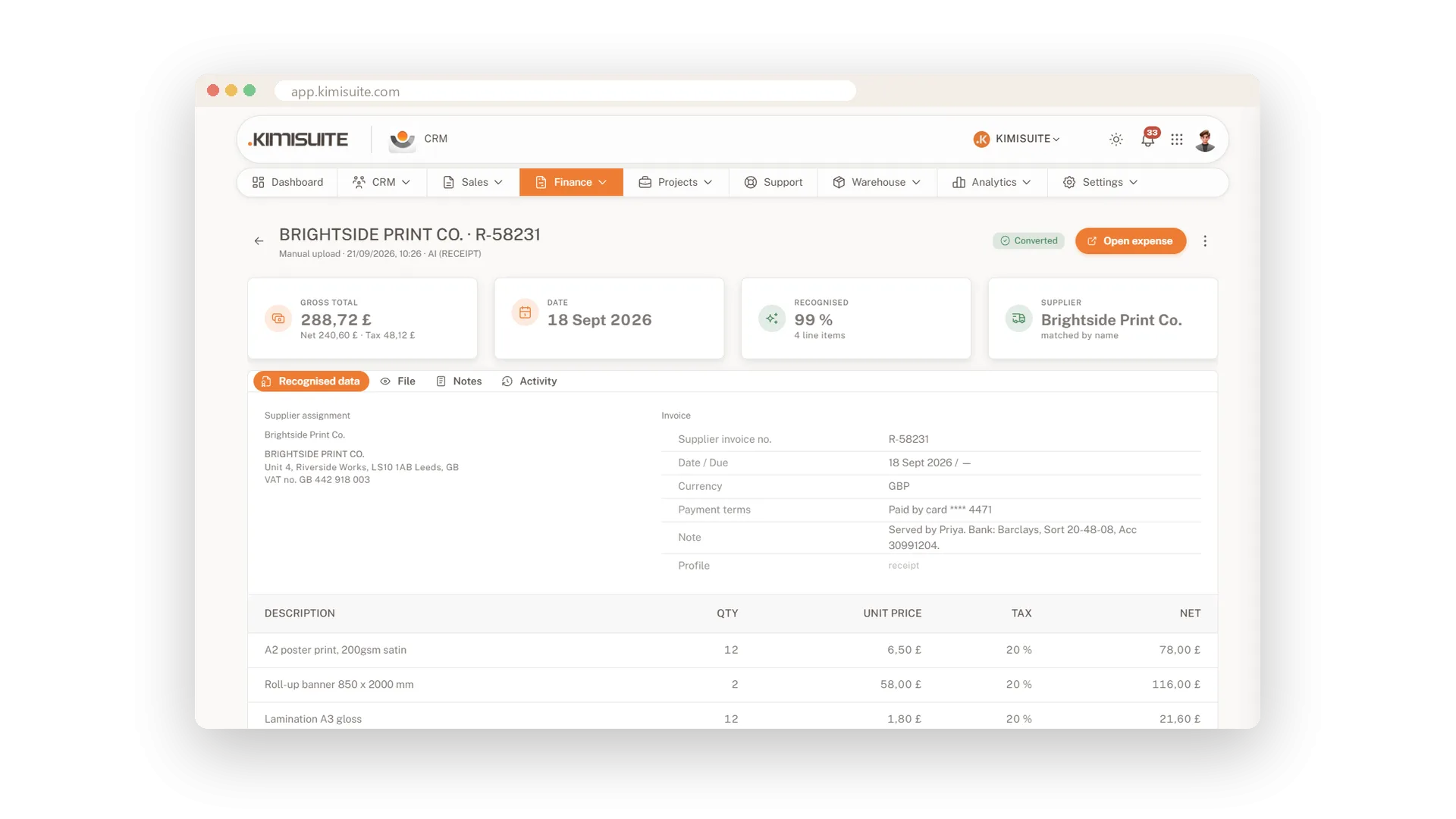
Snap a receipt and the AI types it in for you
Deals, pipelines and goals come with Business and Enterprise.
Every stage has a probability. A deal's value times that probability is its weighted value, and the board adds them up into your forecast.
Yes. Switch between the Kanban board and a list view whenever it suits you.
Create them yourself, or let them come from a lead - converting a lead creates the customer, the contact and, if you want, the deal.
Twelve types, from invoiced revenue and payments to deals won, proposals accepted and new leads - for the whole team or for one person.
14 days free, cancel anytime, no minimum term.

