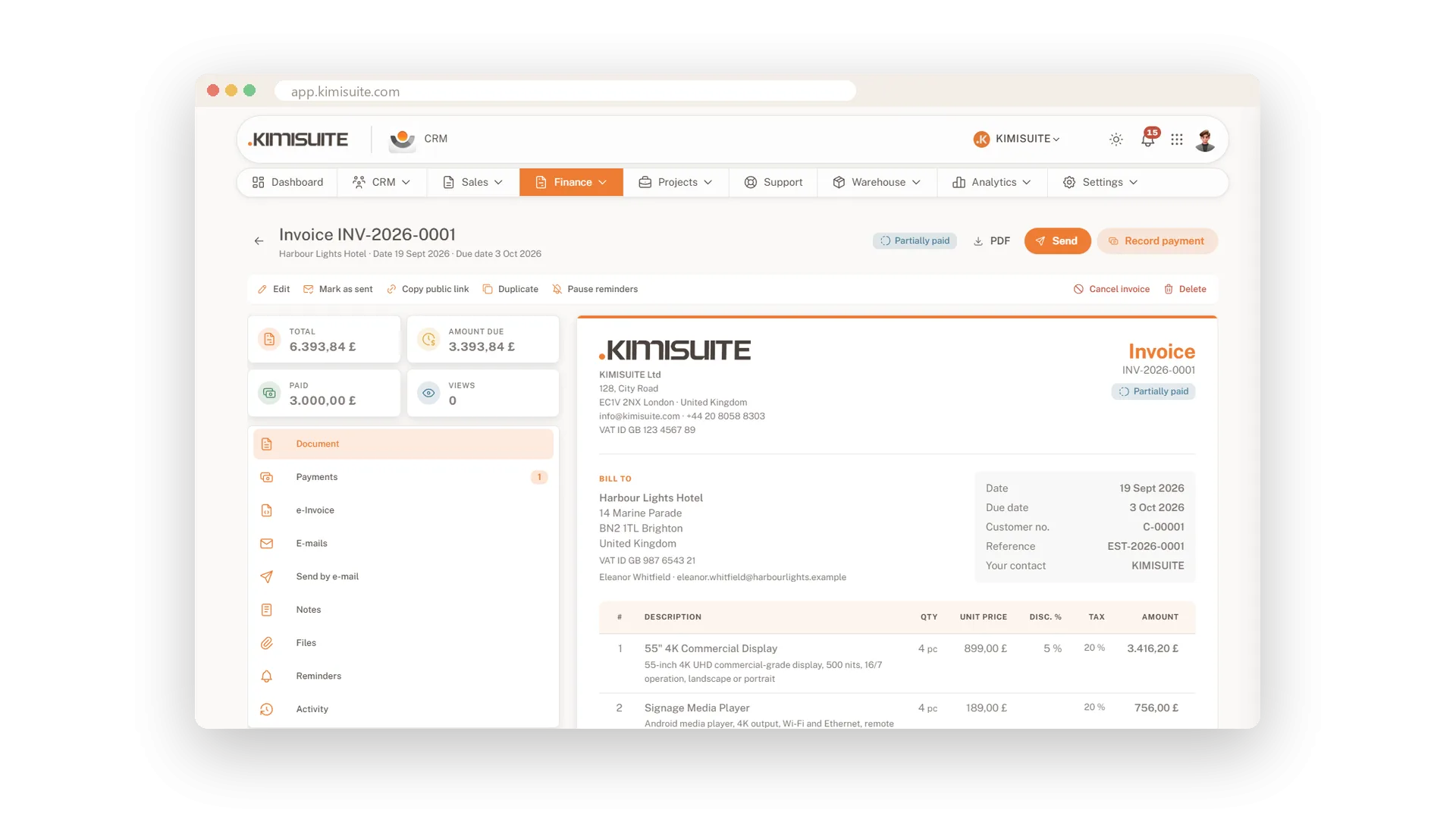
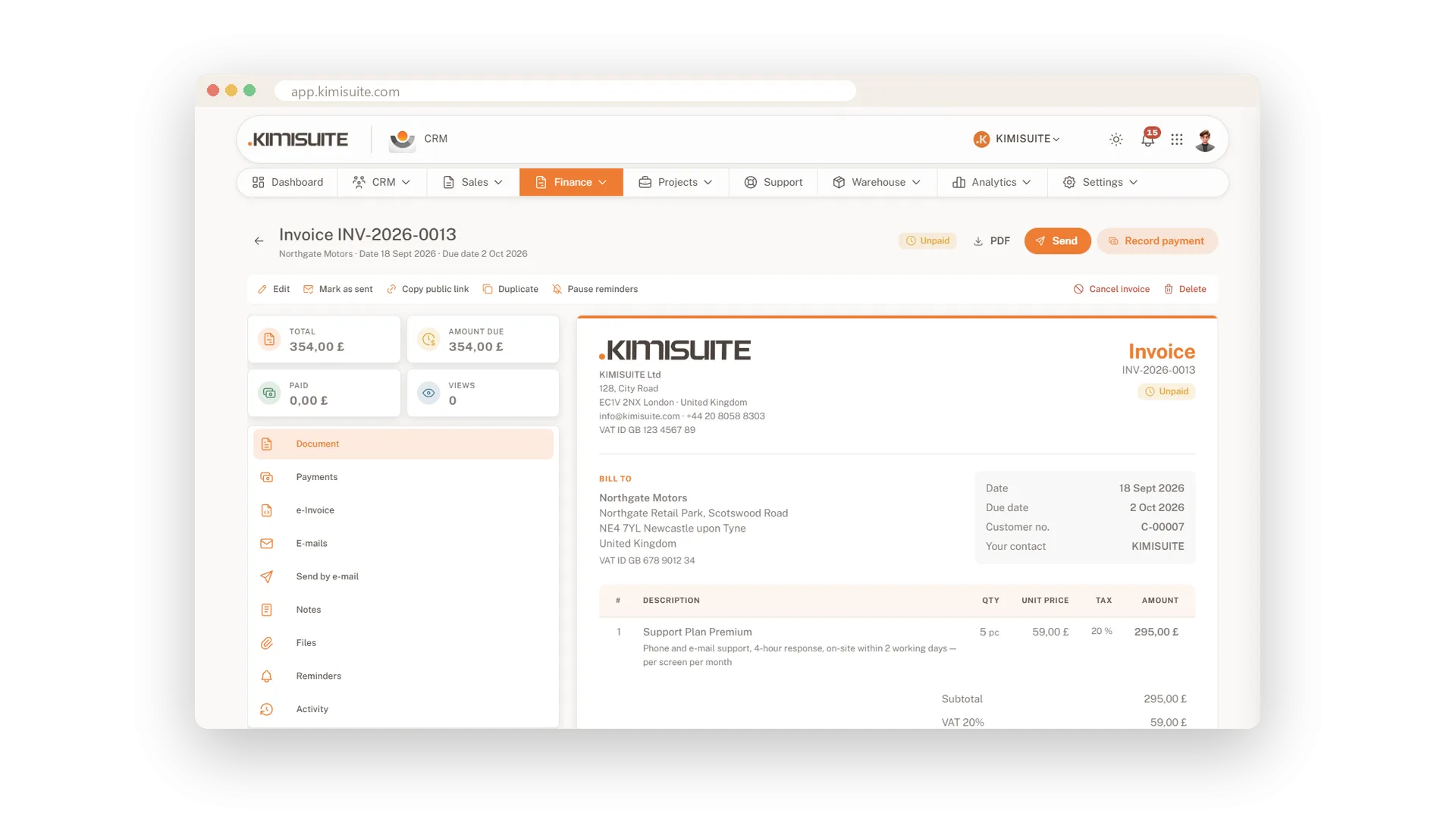
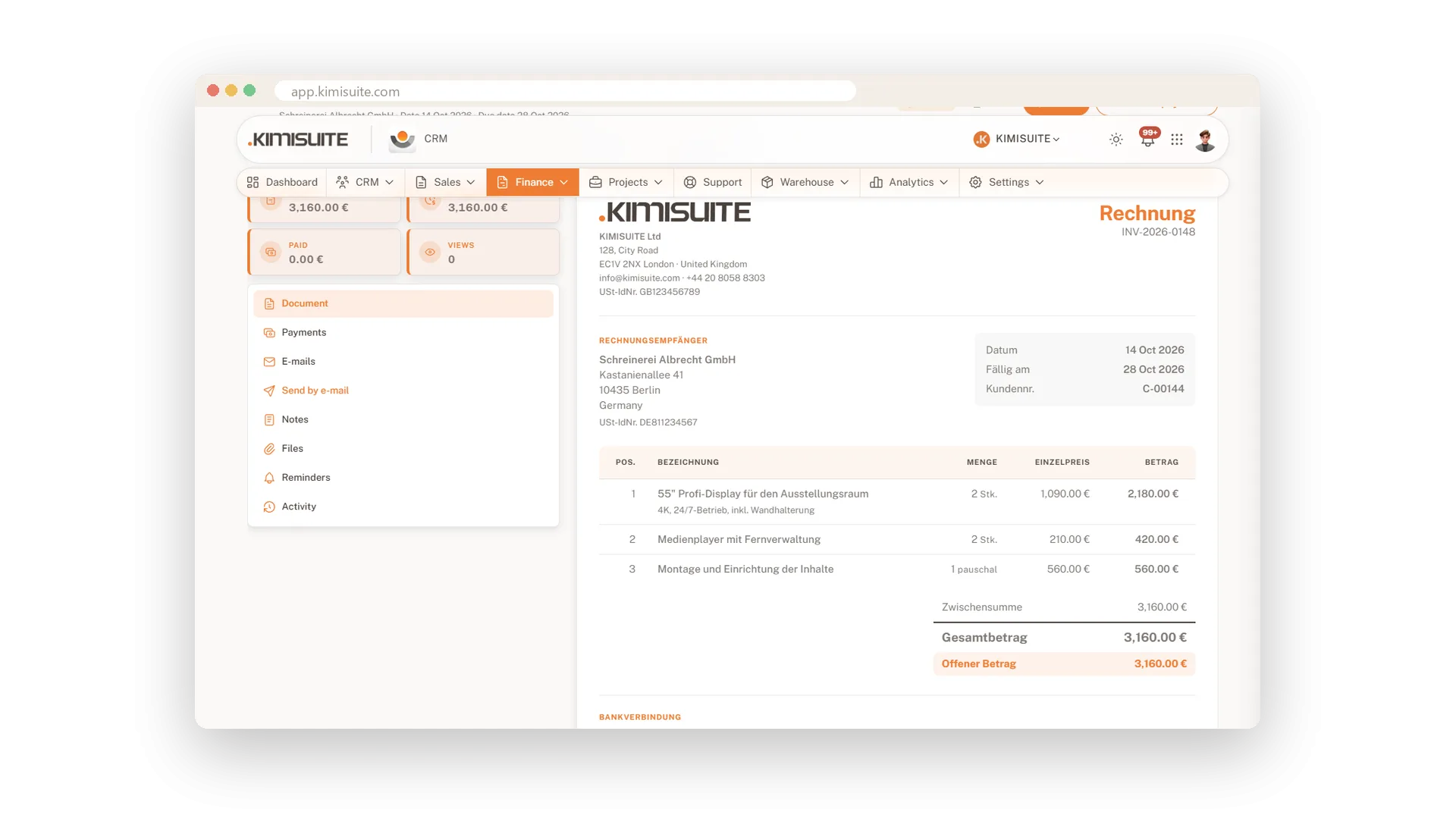
Writing an invoice should not take longer than the job it bills. Pick the customer, add lines from your catalogue, and the totals, tax and discount are worked out for you. When a customer accepts a proposal online, the invoice can be created automatically. You send it by e-mail with the PDF attached, in your customer's language.
Everything around the invoice is ready too: recurring invoices for regular work, pro forma invoices for payment in advance, and credit notes when something needs correcting. Your numbers follow your own format, and four PDF designs carry your logo, colours and bank details. E-invoices in XRechnung, ZUGFeRD or Factur-X come with every plan. Save a draft first and issue it when you are sure - the number is only assigned then.
Key Benefits
Accepted proposal becomes an invoice automatically - no retyping of lines or prices
Save as draft, issue when ready: the invoice number is only taken at that moment
Send by e-mail with the PDF attached, from a template - or let AI draft the message
Status at a glance: unpaid, partially paid, paid, overdue or cancelled
Recurring invoices on autopilot
Set the rhythm once, bill on schedule
Monthly retainers, quarterly maintenance, yearly licences: set the interval and the number of cycles once. The invoice comes back on schedule, without anyone copying last month's version.
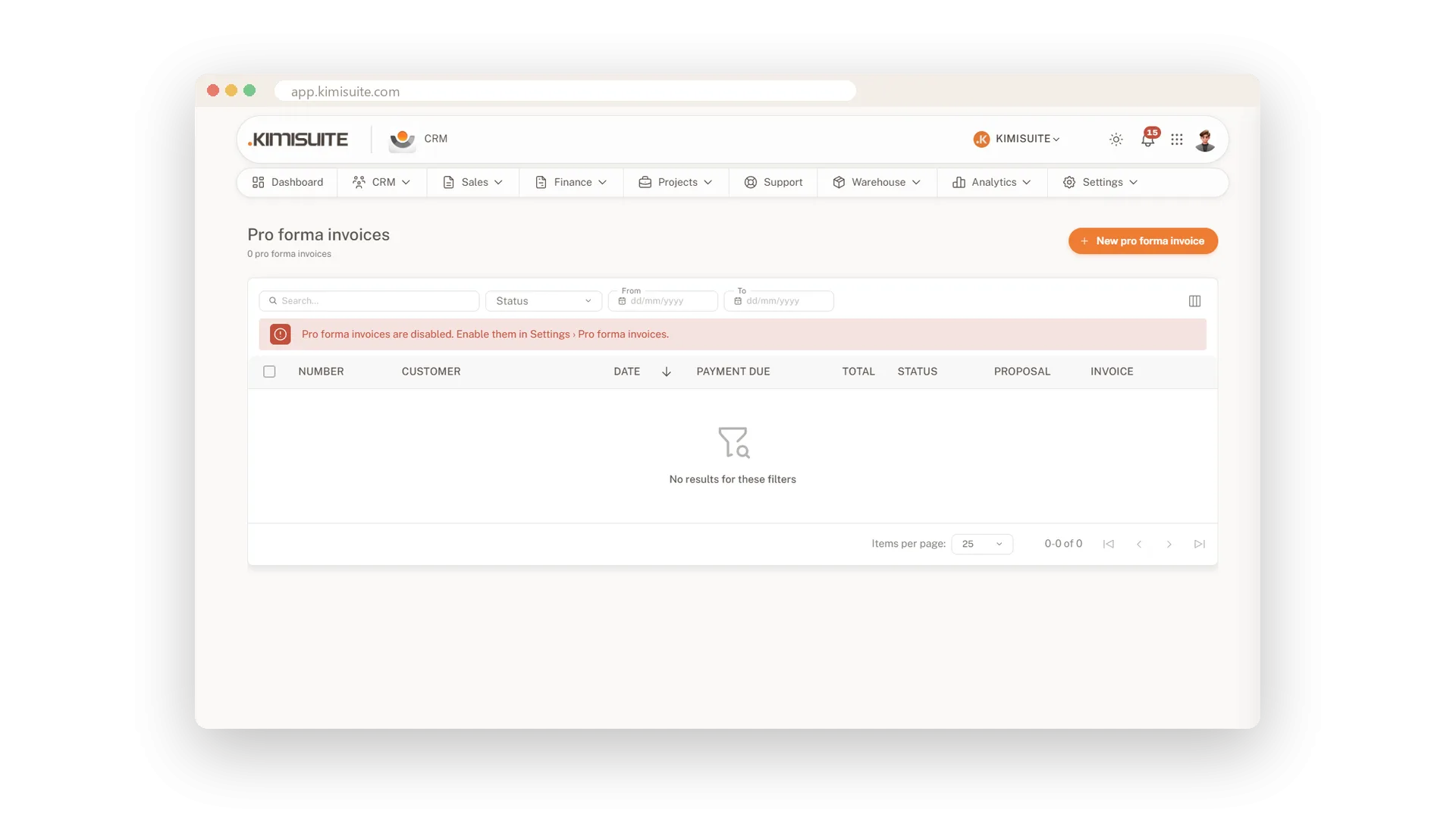
Pro forma invoices
Ask for payment before the work starts
Send a pro forma invoice when your customer needs a document before paying in advance. It has its own number range, so your real invoice numbers stay untouched, and it turns into a proper invoice with one click.
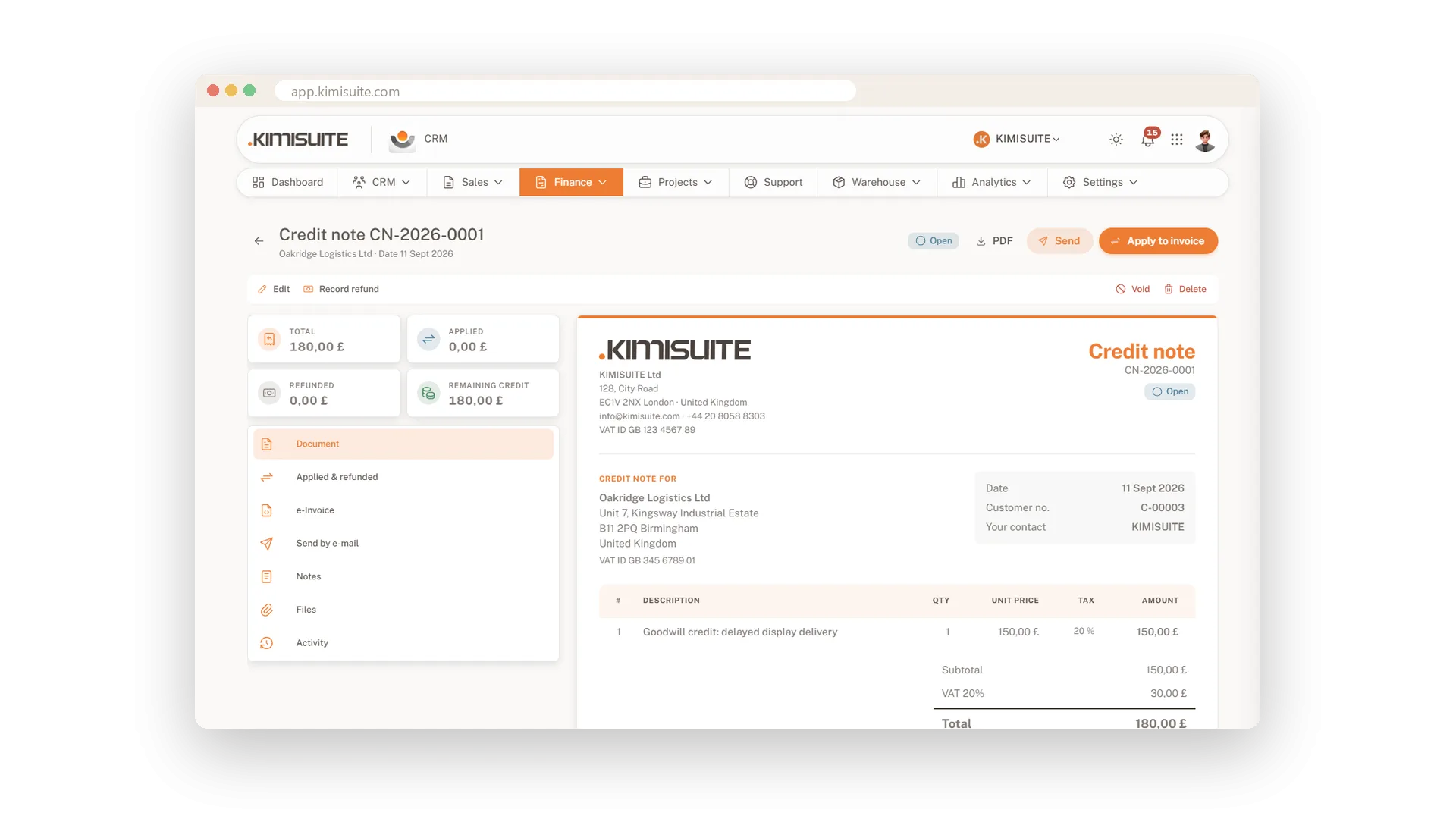
Credit notes that keep your numbering clean
Correct an invoice without breaking the sequence
Correct an issued invoice with a credit note instead of deleting it. The credit note has its own number range, keeps track of the remaining credit, and you apply it to the customer's invoices.
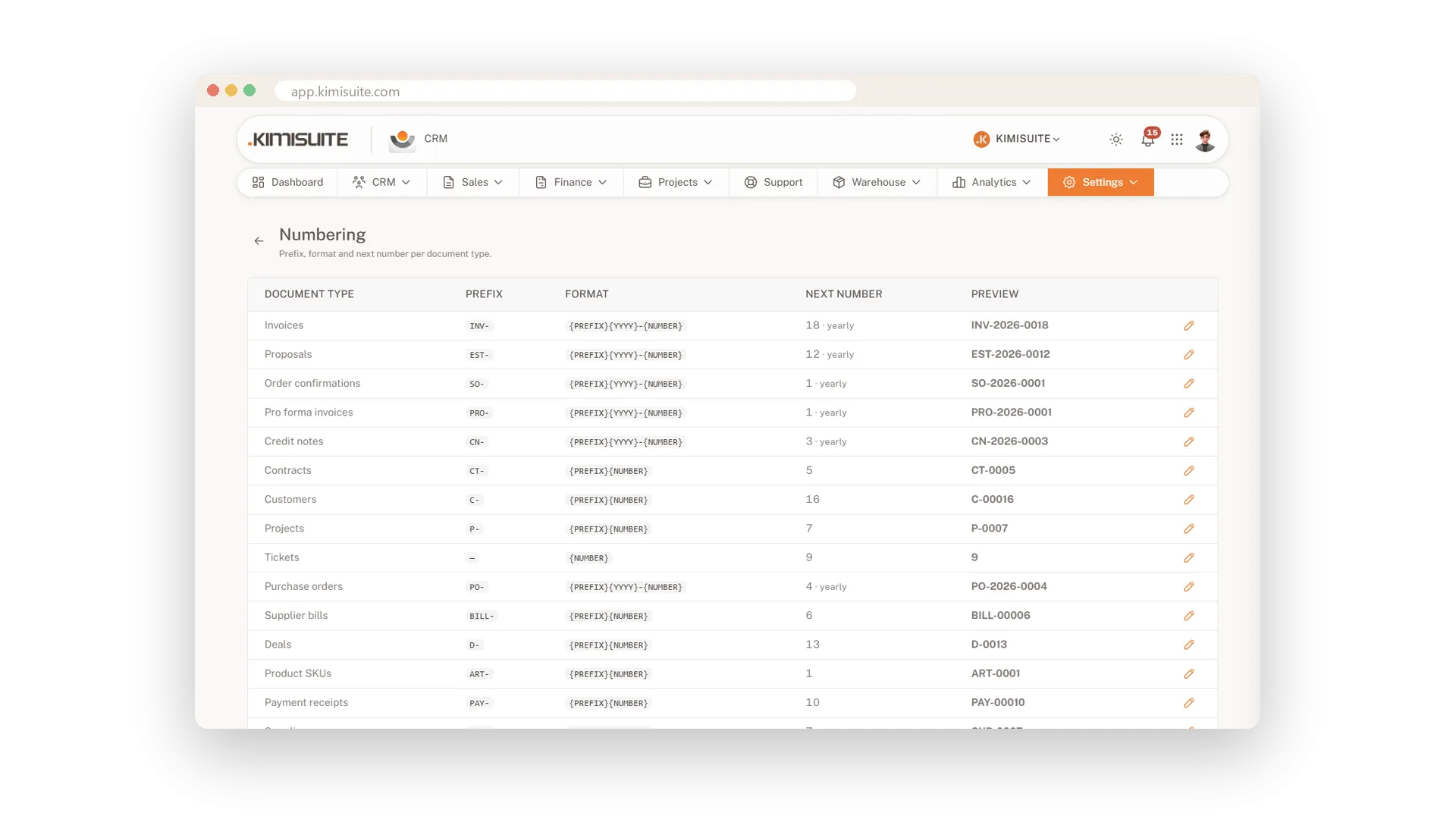
Number ranges in your format
Your prefix, your year, your sequence
Decide how your numbers look - a prefix, the year, a running number - and preview the result before you save. Set the next number, reset every year if you like, and do the same for twenty types, from invoices to customers and projects.
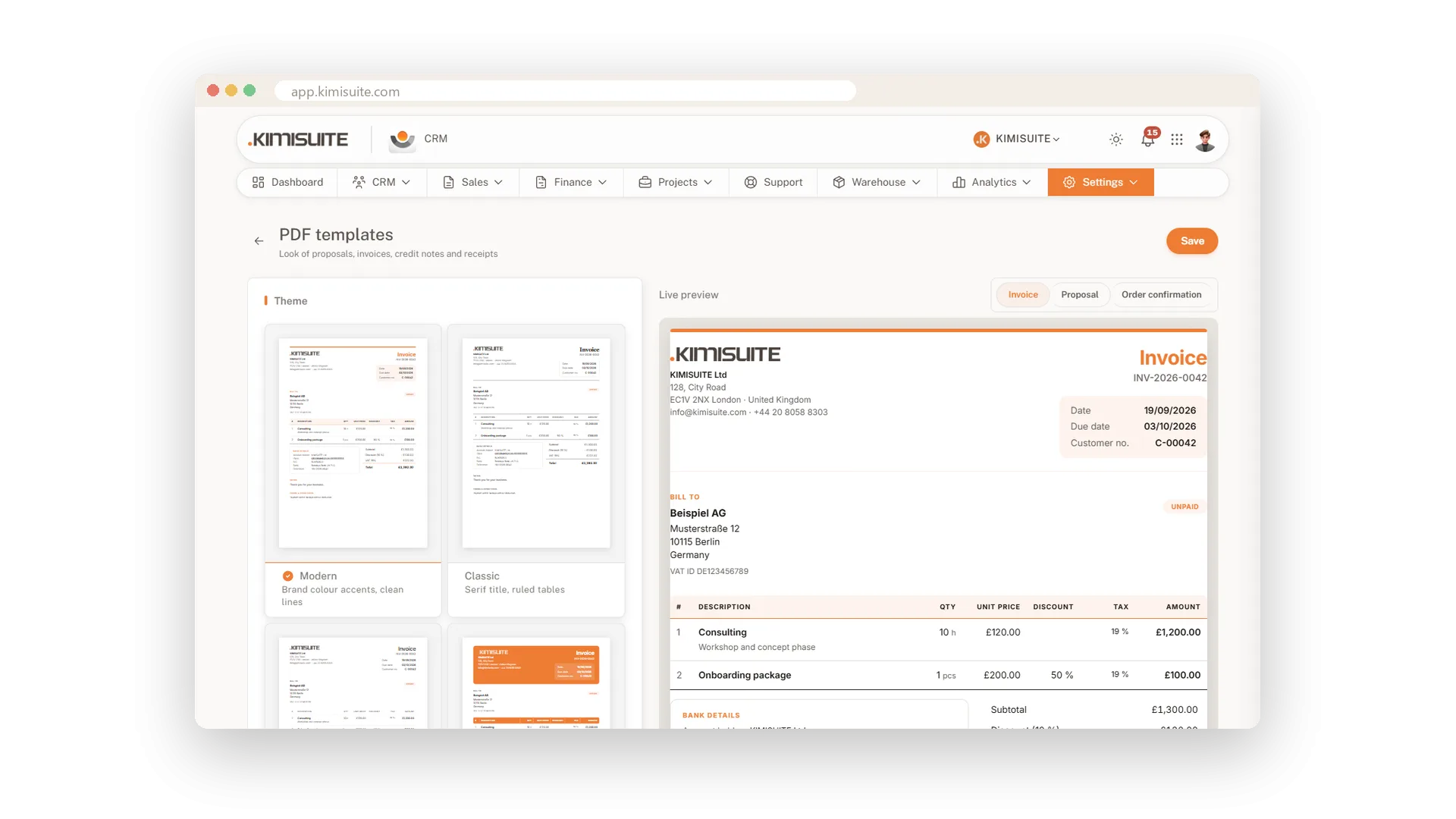
Four PDF designs in your brand
Your logo, colours and bank details on every page
Choose Modern, Classic, Minimal or Bold, then add your logo, brand colour and font. Bank details in the format of your bank's country, a payment QR code where banking apps read it, page numbers and your footer go on every document, and the live preview shows the result as you change it.
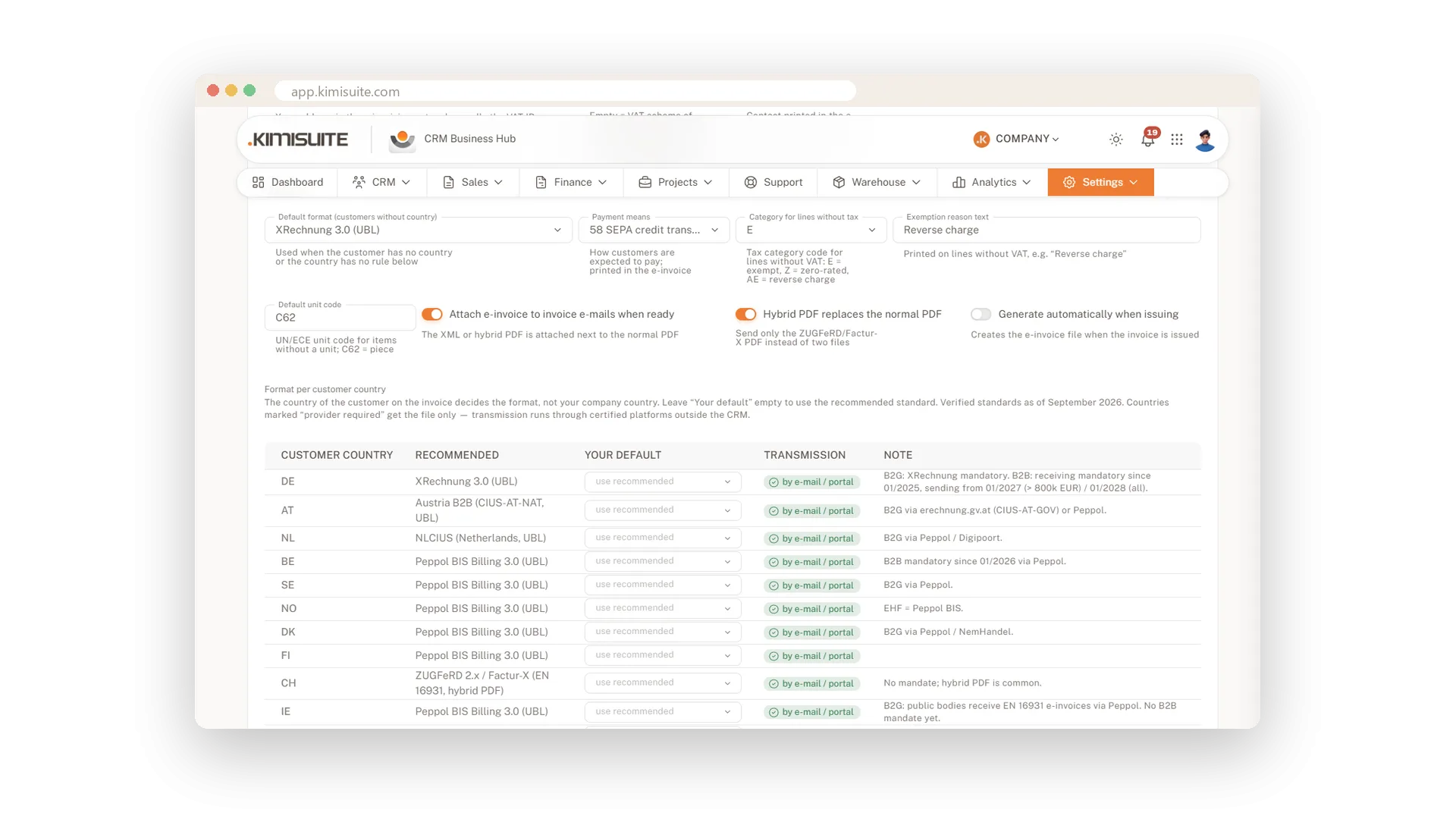
E-invoices in the format your customer needs
XRechnung, ZUGFeRD and Factur-X from every invoice
Create XRechnung in UBL or CII, ZUGFeRD and Factur-X, or the national variant your customer's country expects - the CRM checks the required fields before it builds the file. E-invoices you receive are read in your document inbox, no AI needed. In North Macedonia you submit invoices to UJP e-Faktura with your own certificate, the CRM keeps UJP's confirmation, and nothing goes to the customer before UJP has released it.
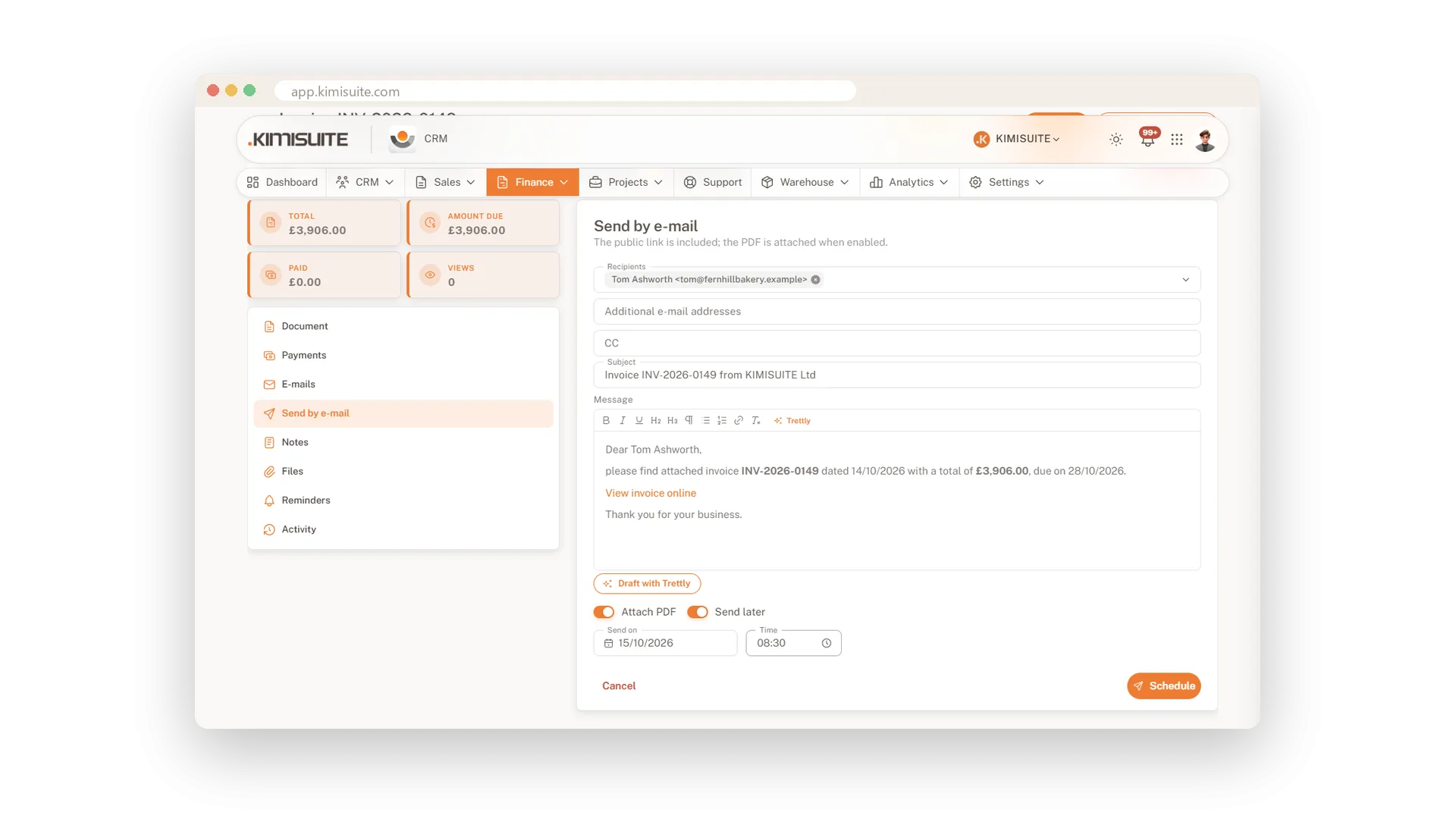
Written now, sent later
Pick the time the invoice goes out
Write the invoice tonight and choose when it is sent, for example tomorrow at nine. It goes out with your template, the PDF and the e-invoice attached.
In your customer's language
Invoices and e-mails in 16 languages
Set the document language on the customer, and proposals, invoices and e-mails go out in it, whatever language your team works in. Titles, notes and payment terms follow.
Use Cases
The proposal was accepted overnight
Your customer accepted on the proposal page at eleven in the evening. In the morning the invoice is already there, ready to issue and send.
Fifty percent up front
A large job starts with a deposit. You raise a deposit invoice from the proposal, and the rest follows when the work is done.
The same invoice every month
Your maintenance contract bills the same amount every month. Set it up once as a recurring invoice, with the interval and the number of cycles.
FAQ

Try CRM Business Hub today
From first lead to paid invoice in one app
14 days free, cancel anytime, no minimum term.
