 Part of CRM Business Hub
 Proposals your customers accept online
Send a link, get a yes, and the invoice is ready
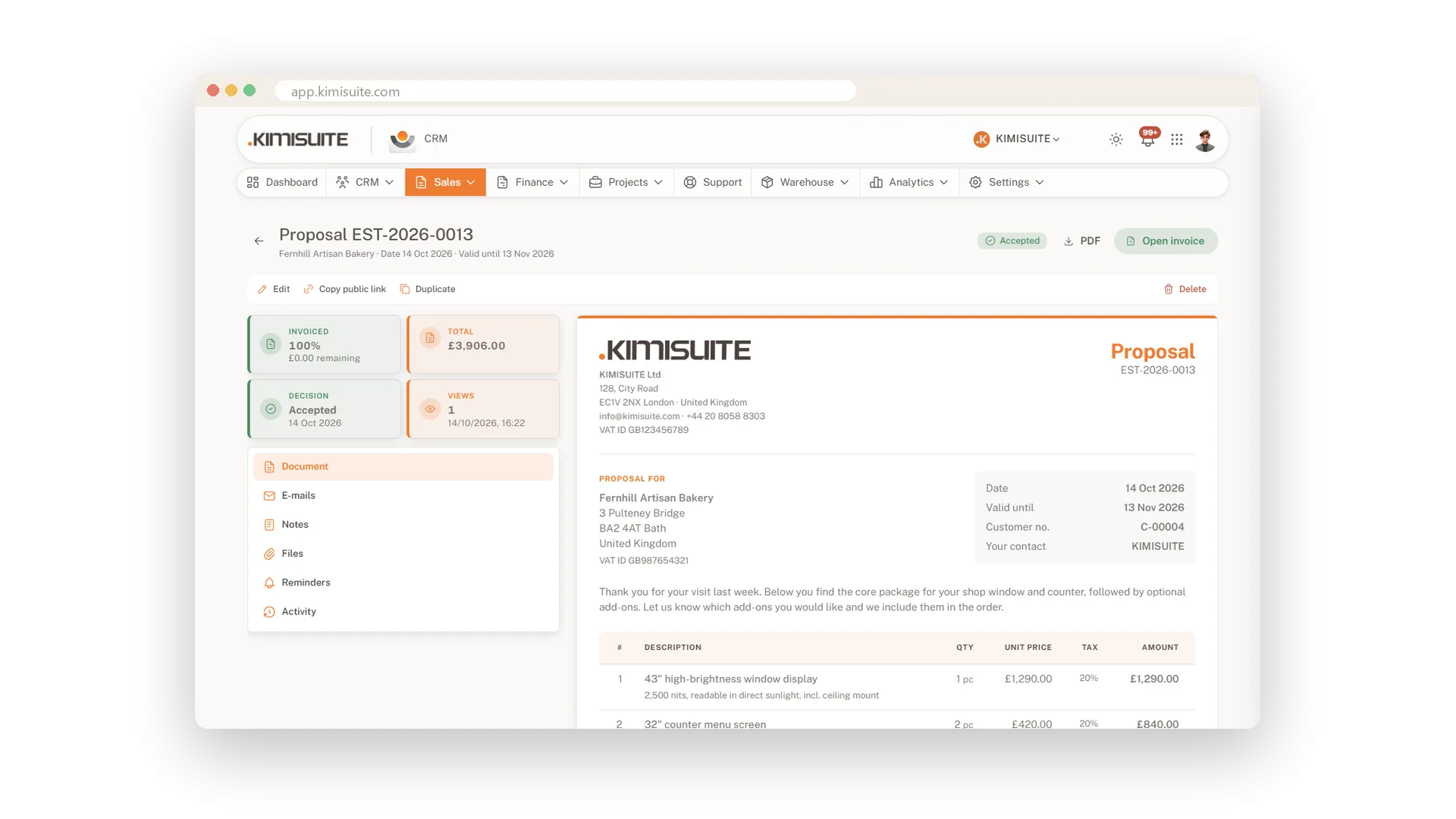
Your customer opens the proposal from a link, reads it, downloads the PDF and accepts it with their name - or declines and tells you why. You see how often it was viewed, and when the yes comes in, the invoice can be created for you. From the accepted proposal it is one click to an order confirmation or an invoice, and a deposit invoice is ready when you need one.
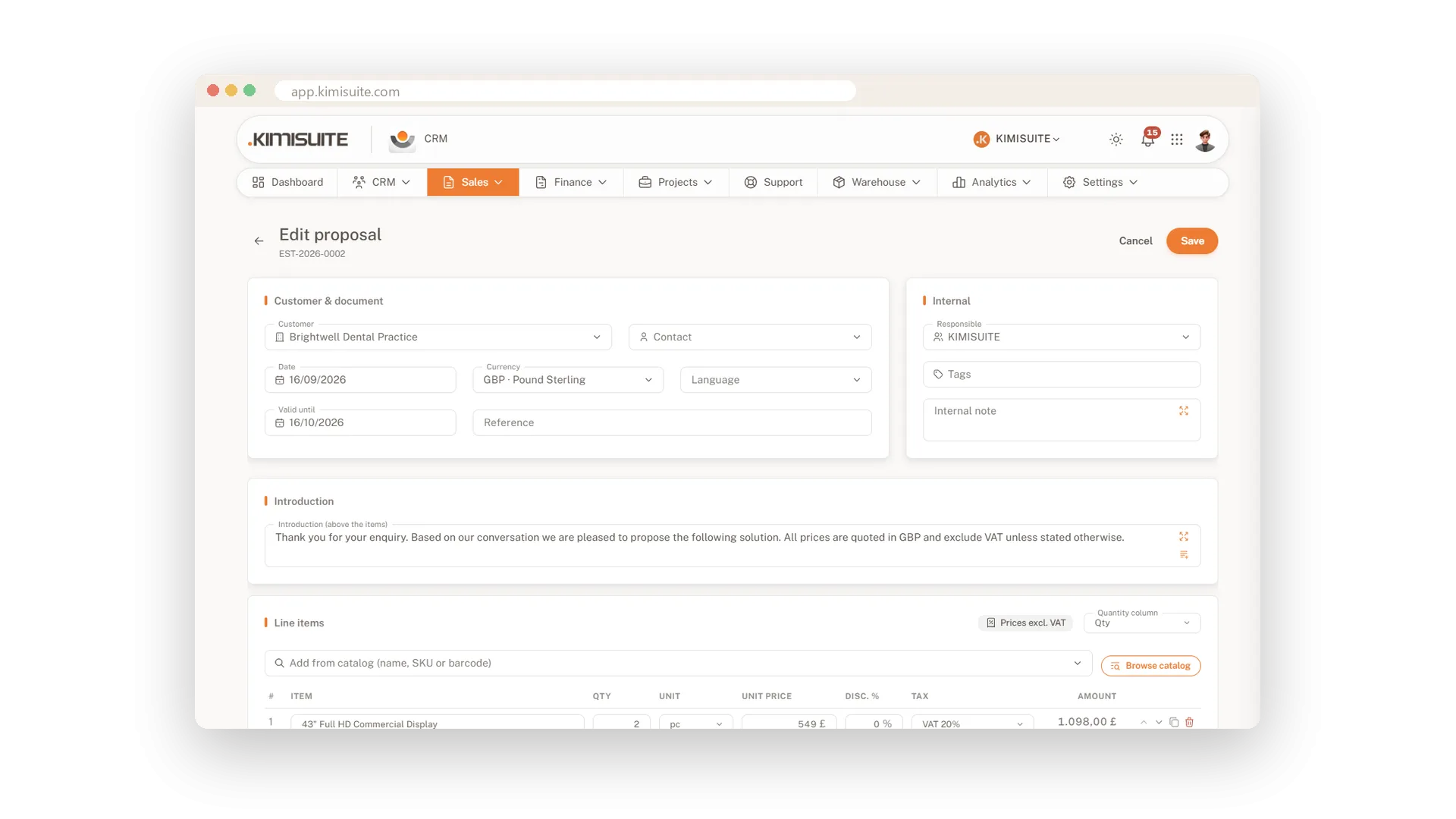
Writing a proposal is quick. Pull items from your catalogue by name, SKU or barcode, set quantities, discounts and taxes, and add optional items for the extras your customer may want. Introductions, closing texts and terms come from your own text blocks. Set a validity date, save a draft or issue it with its number, and send it in the customer's language.
Key Benefits
Customers accept on a public page with name, e-mail and consent, and download the PDF there
Let the invoice be created automatically the moment a proposal is accepted
Optional items, discounts and deposit invoices - the proposal fits the deal
Contracts with renewal dates, and tiles for what expires in 30 days or awaits signature
Every proposal and its status
Draft, sent, accepted - always know where it stands
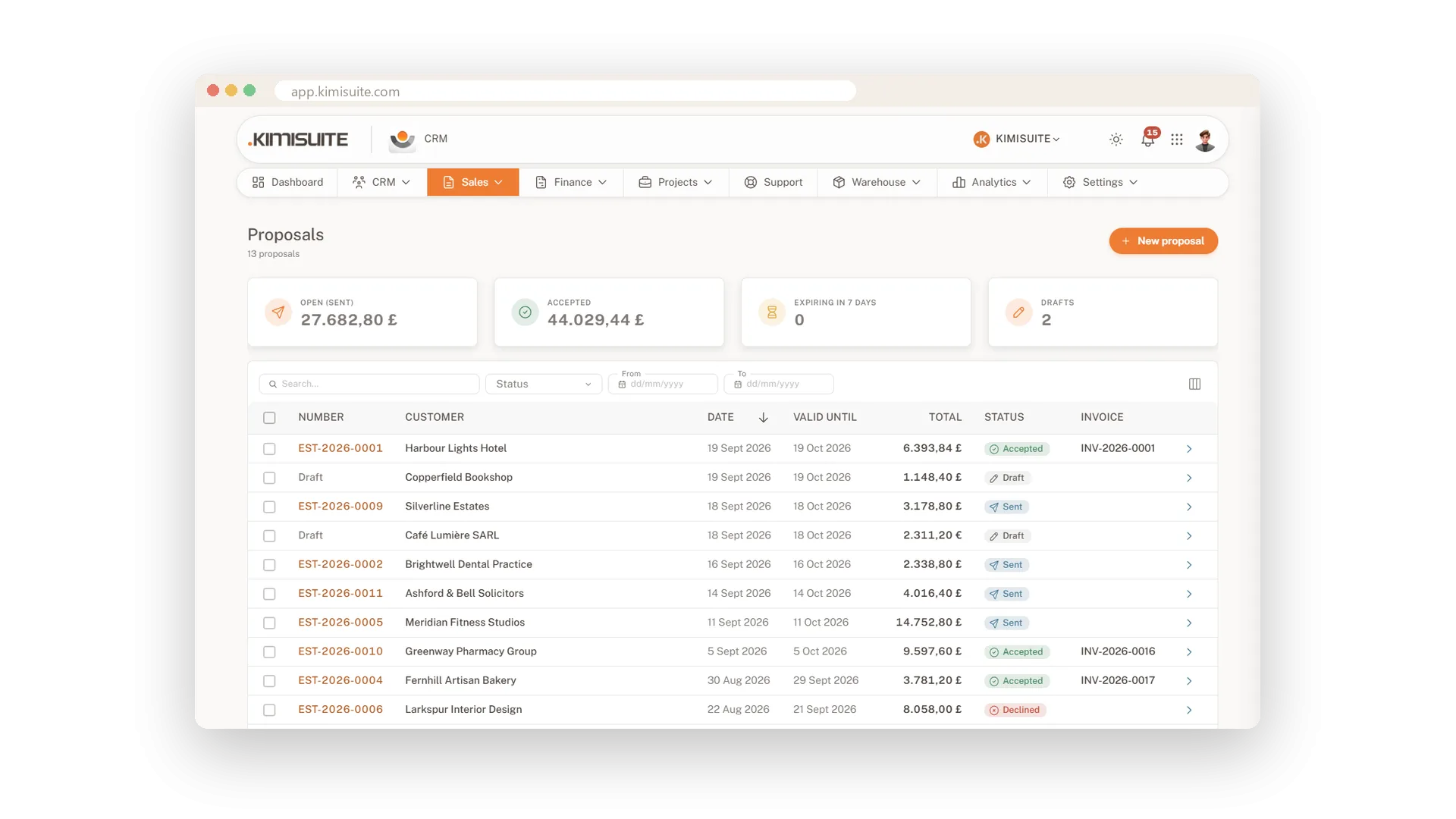
Each proposal moves from draft to issued, sent, accepted, declined or expired, and the list shows you which is which. Duplicate a good proposal for the next customer, or turn an accepted one into an invoice with one click.
Accept and sign on screen
Name, signature and consent - done on any device
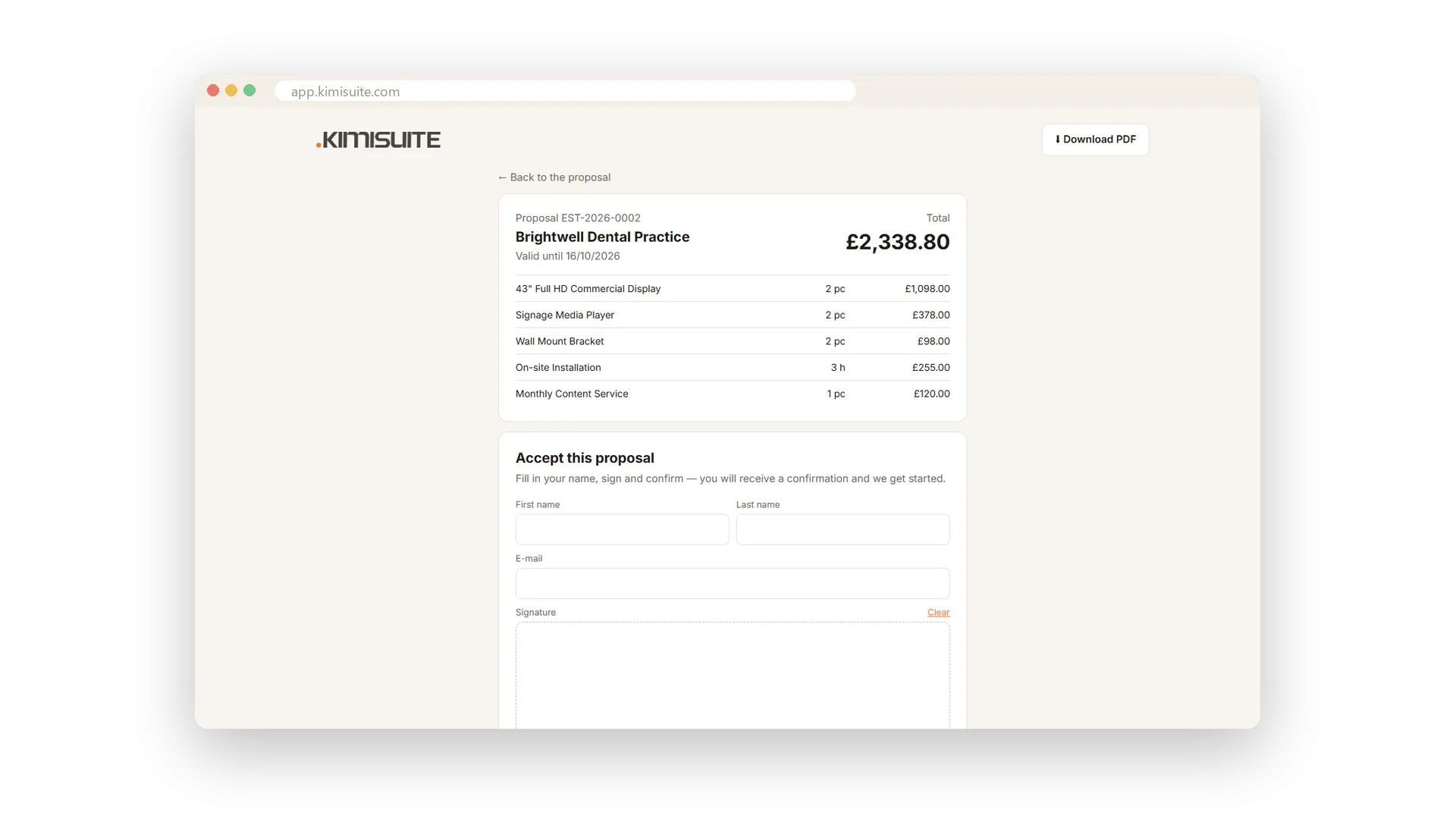
Your customer accepts the proposal on its public page with their name, e-mail and consent, and signs it right there with finger or mouse. Or they decline and give you a reason, so you know what to change.
Validity dates and view tracking
Know when it was seen and when it runs out
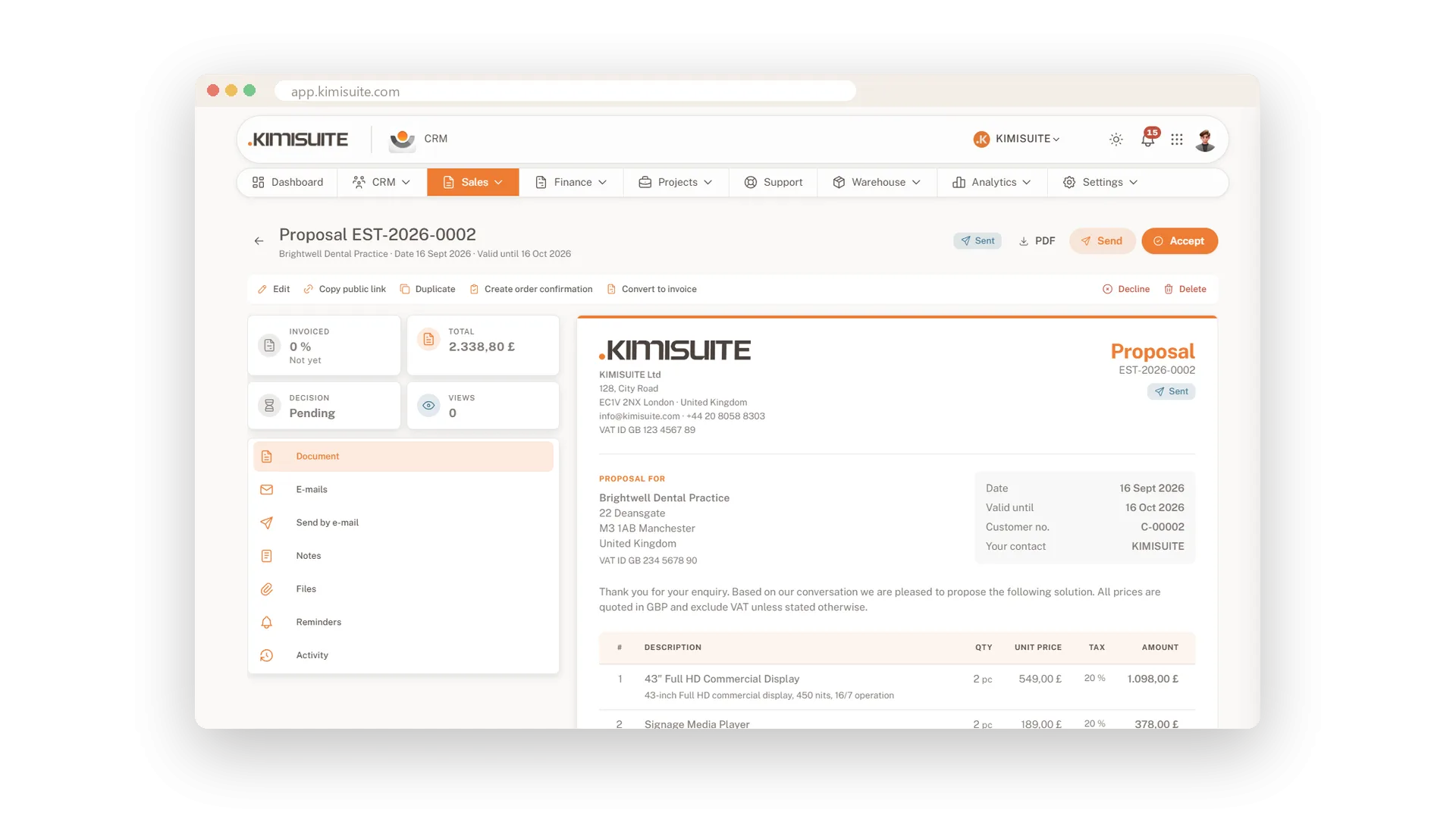
Give every proposal a valid-until date, and it shows as expired once that day has passed. The view counter tells you whether your customer has opened it - the right moment to call.
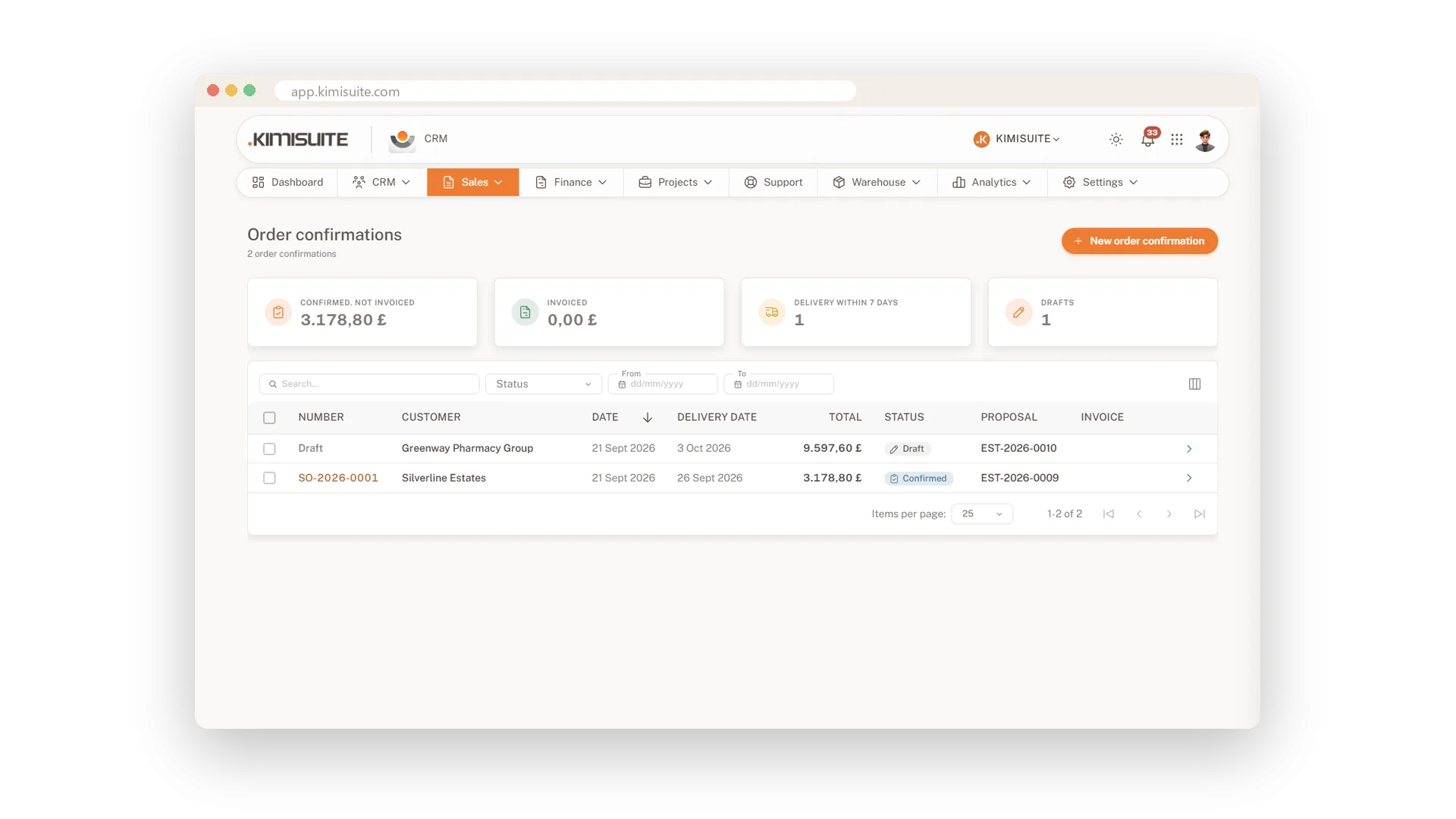
Order confirmations from the accepted proposal
Confirm the order, then invoice it in one click
Create the order confirmation from the accepted proposal - without the options the customer left out - or write one directly, with delivery date and the customer's order number on the PDF. Send it by e-mail with a link, and when the work is done it becomes an invoice with one click.
Contracts with renewal and signature
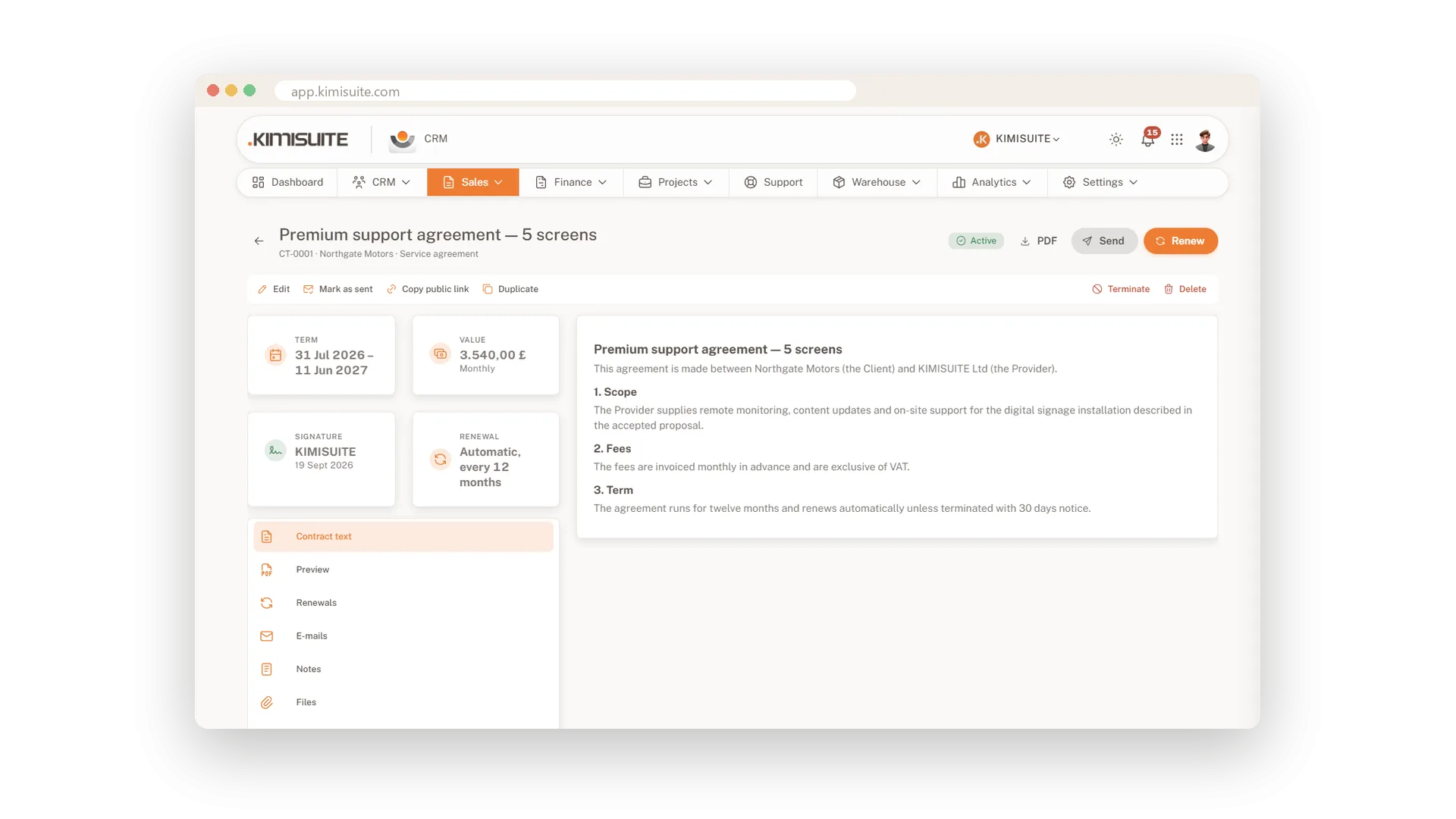
From template to signed, with renewals in view
Write service agreements, maintenance contracts, framework agreements or NDAs from your templates, with the customer's details filled in by placeholders. Set term, value, billing cycle and automatic renewal, and the tiles show what expires in 30 days and what still waits for a signature.
Reusable text blocks
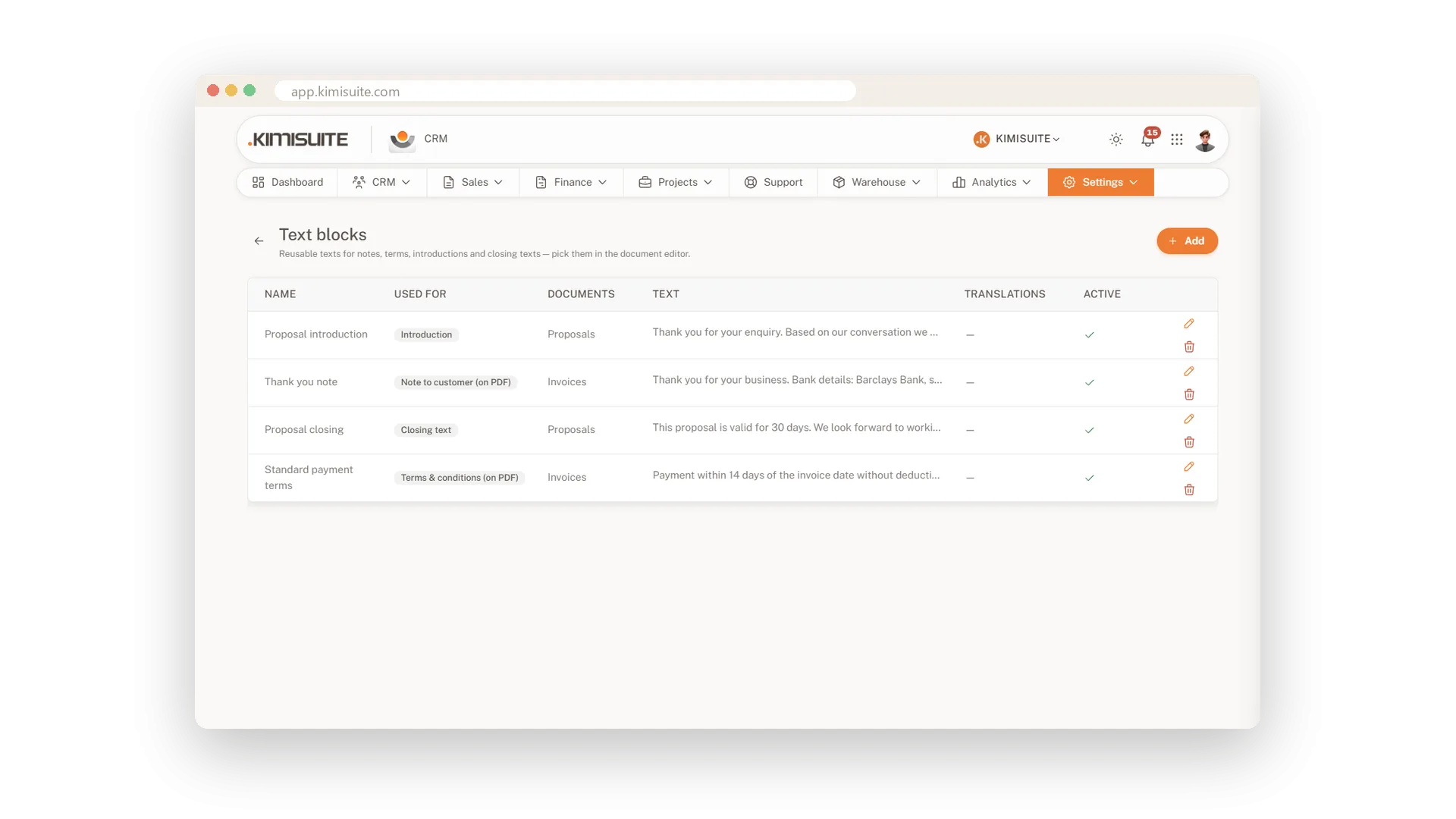
Your best wording, one click away
Save your introductions, closing texts and terms once and pick them from a list on every proposal, order confirmation and invoice. Every document sounds like you, and nobody retypes the small print.
Extras your customer can add
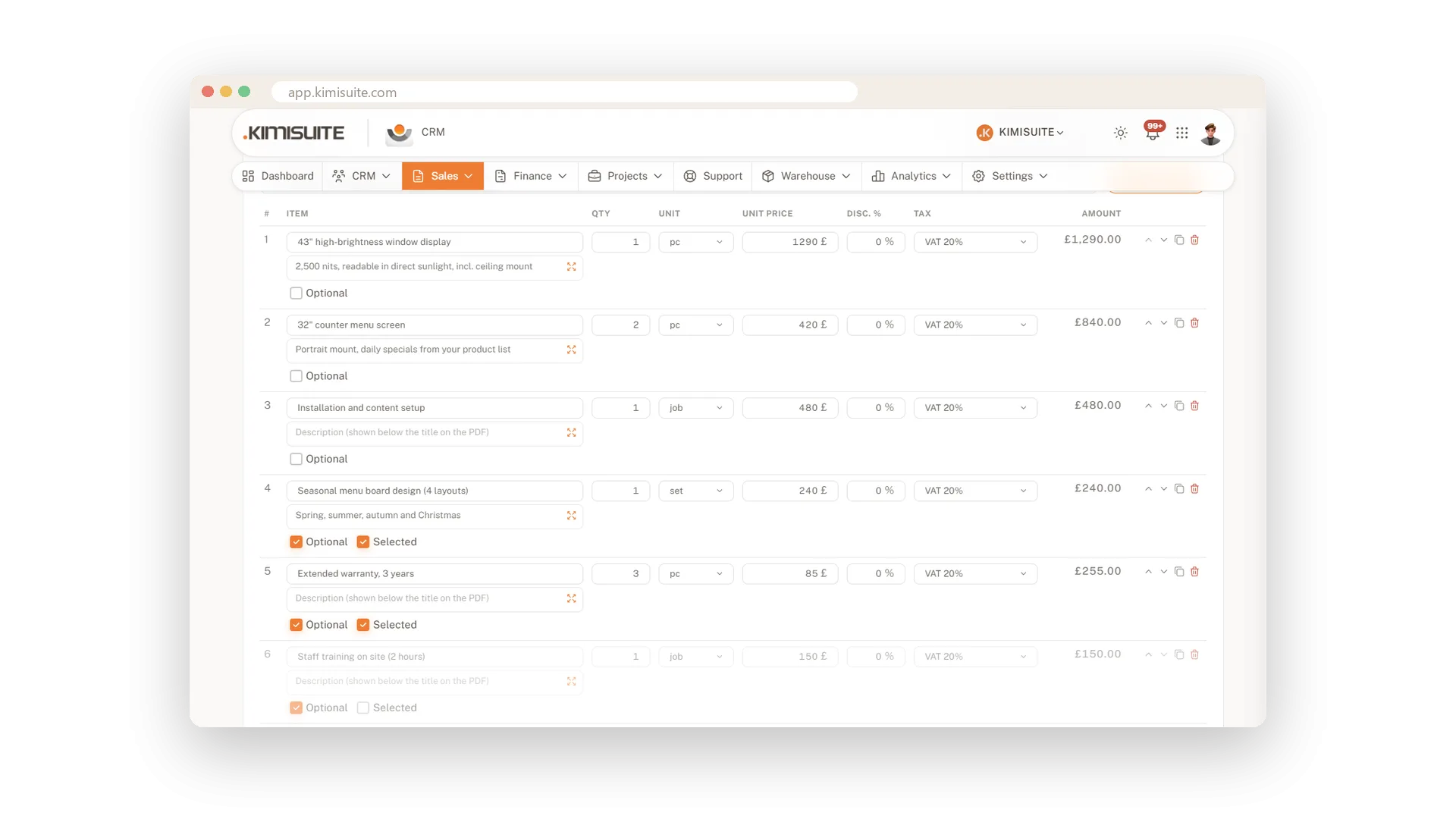
Optional lines, clearly marked
Put extras such as a maintenance package on the proposal as optional lines, marked as optional for your customer. When they decide, tick what they chose, and only that goes onto the order confirmation and the invoice.
Accepted, then invoiced
No retyping between proposal and invoice
Turn an accepted proposal into an invoice with one click, or let the CRM do it the moment your customer accepts. A deposit invoice for a share up front works the same way.
Use Cases
Accepted before lunch
You send the proposal at nine. At eleven your customer accepts it on their phone, and the invoice is already waiting for you.
The customer picks the extras
Add the maintenance package as an optional item. The order confirmation carries over only what your customer actually took.
The contract that renews itself
Write the maintenance agreement from your template with automatic renewal switched on. The contracts overview shows it among those expiring in 30 days, long before it runs out.
FAQ
Try CRM Business Hub today
From first lead to paid invoice in one app
14 days free, cancel anytime, no minimum term.
