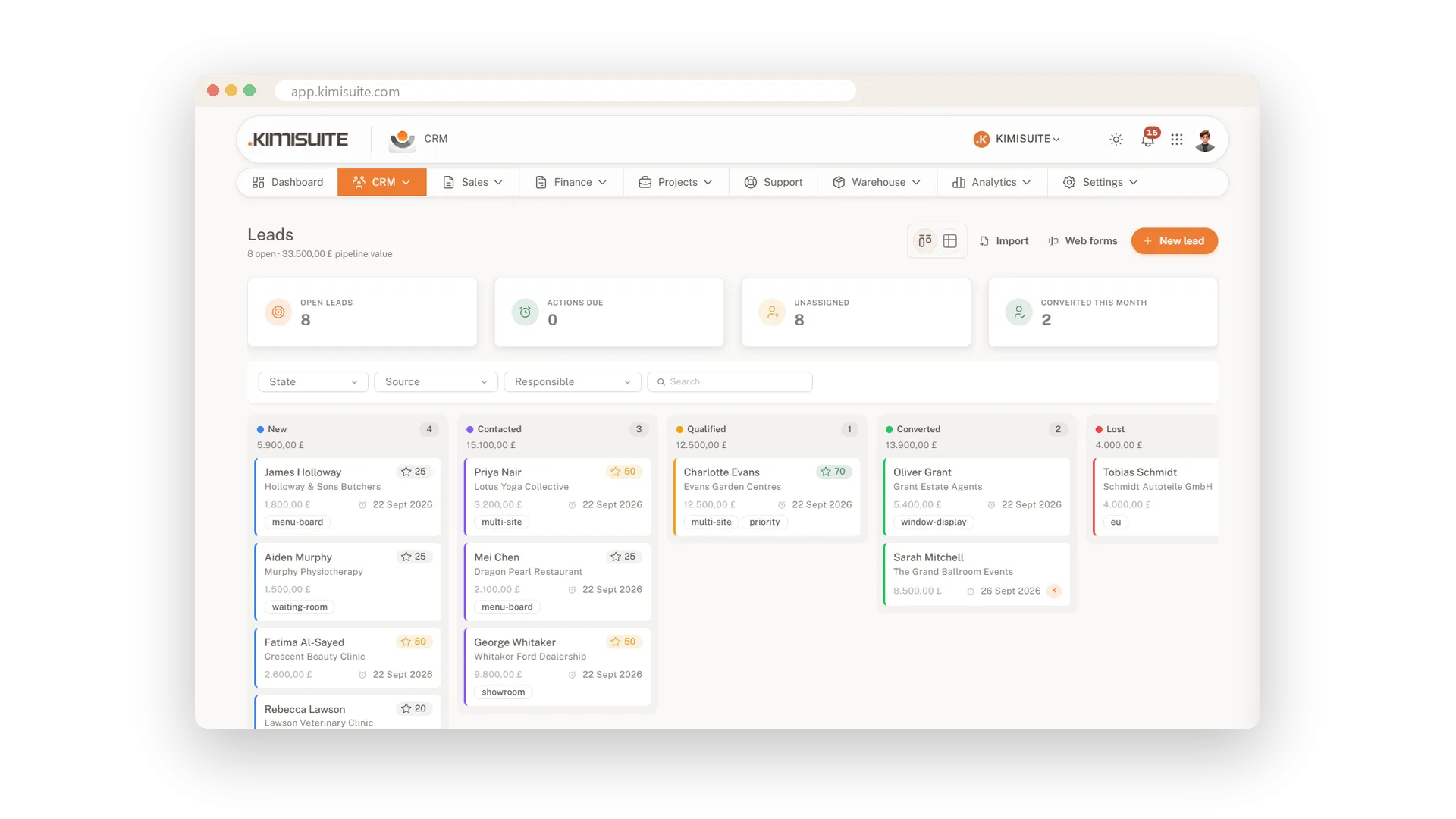
Leads that never slip through
From web form to customer, with the next step always set
 CRM Business Hub
Your CRM is not an island in KIMISUITE. Guests from Booking Hub become customers and their stays become invoices. Customers and contacts show up in your Contacts app, a video meeting is one click away from any lead or deal, and every due date lands in the workspace calendar. Leads you collect with your digital business card arrive in the CRM with their source, and the signature from Email Signature closes every CRM e-mail.
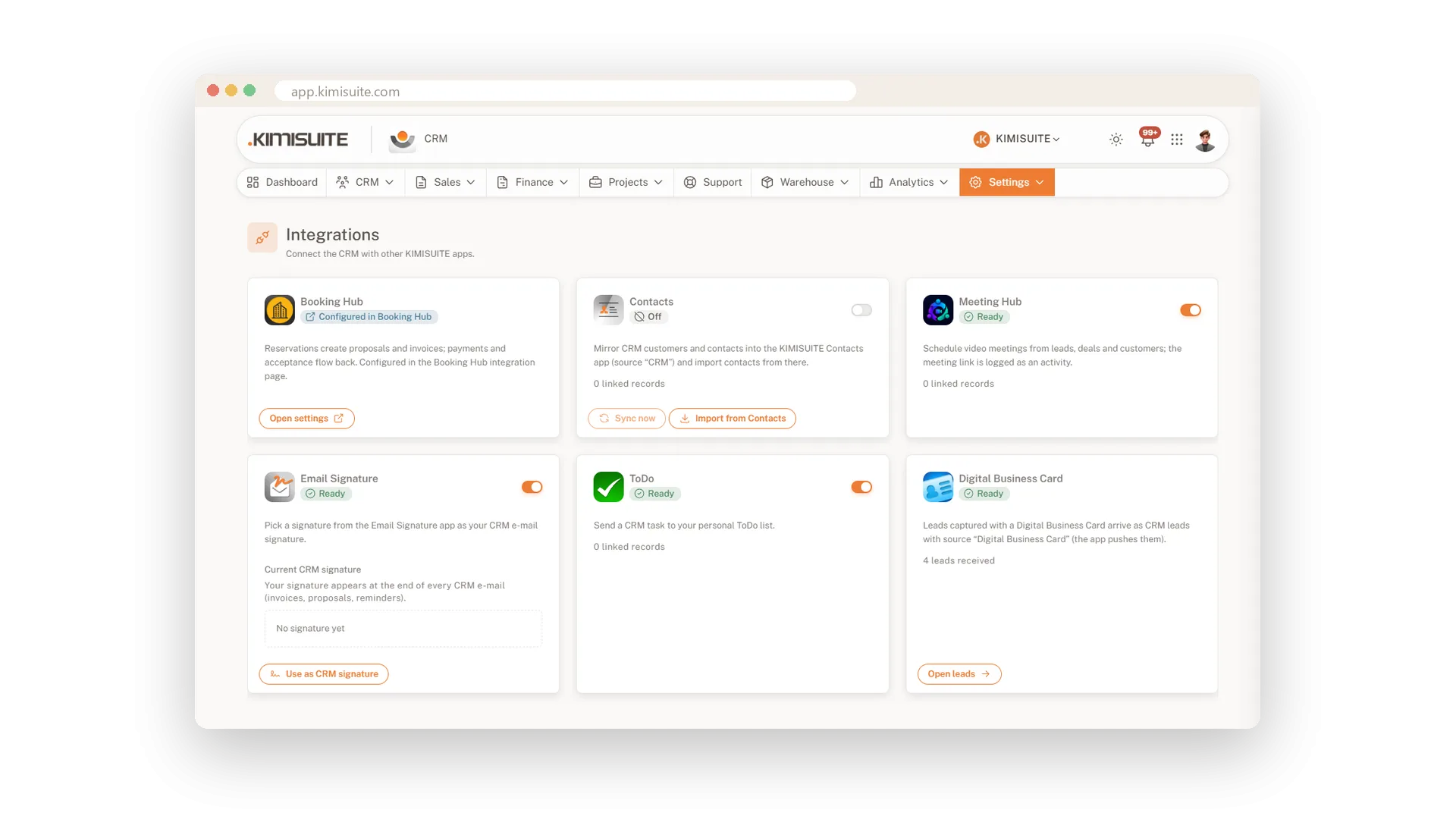
All of it runs in the same workspace, with the same login and the same team. You switch an integration on where you need it and leave the rest off. There is nothing to install and no data to copy between tools.
Booking Hub guests become customers, and their stays become invoices
Customers and contacts mirrored to the Contacts app, and imported from it
A Meeting Hub video call planned from any customer, lead or deal
Leads from your digital business card, and your signature from Email Signature
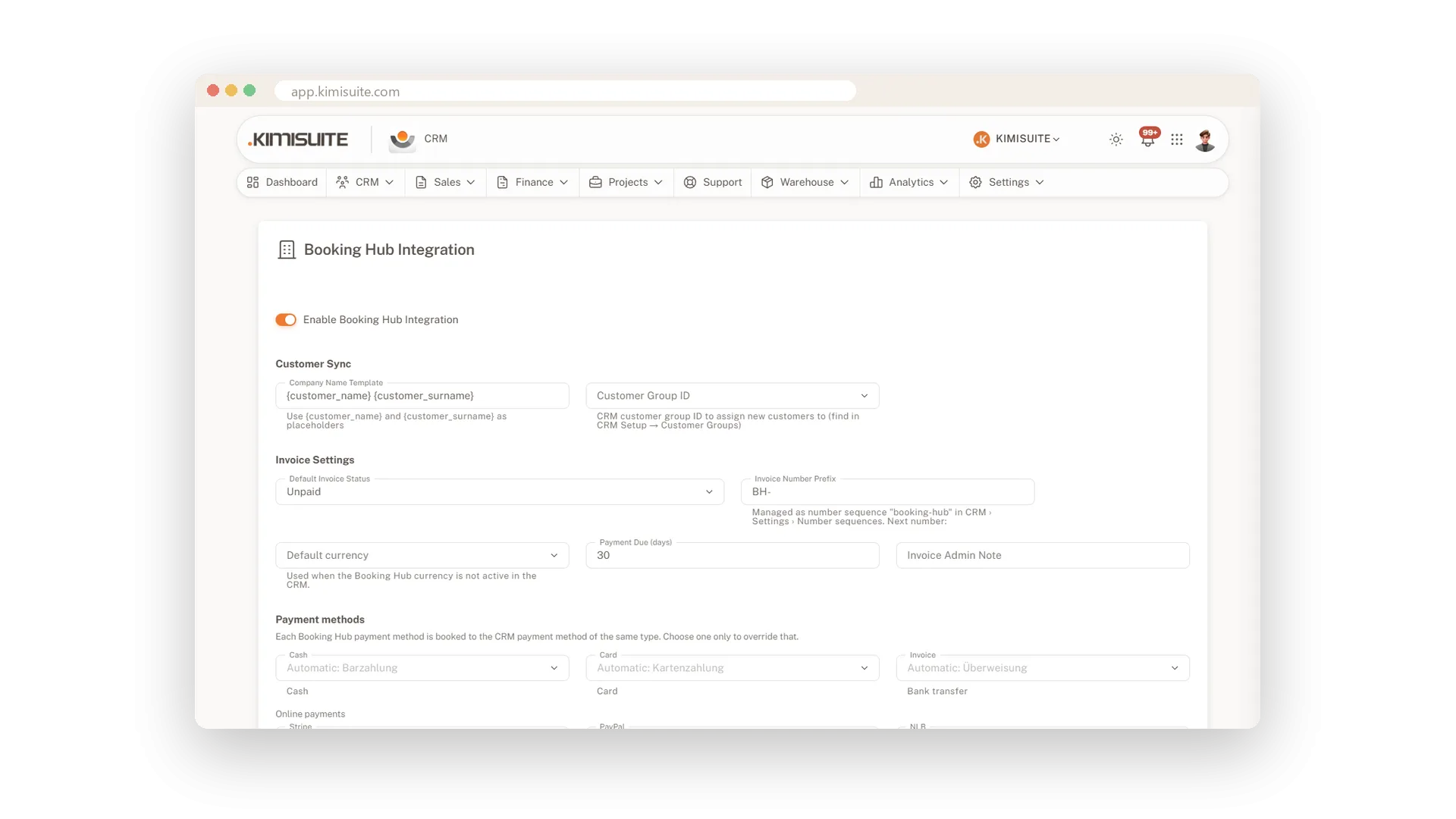
Booking Hub and the CRM, one click apart
Sync your rooms, extras and meals once as CRM products. After check-out you create the customer and the invoice from the booking, on your letterhead and in its own number range.
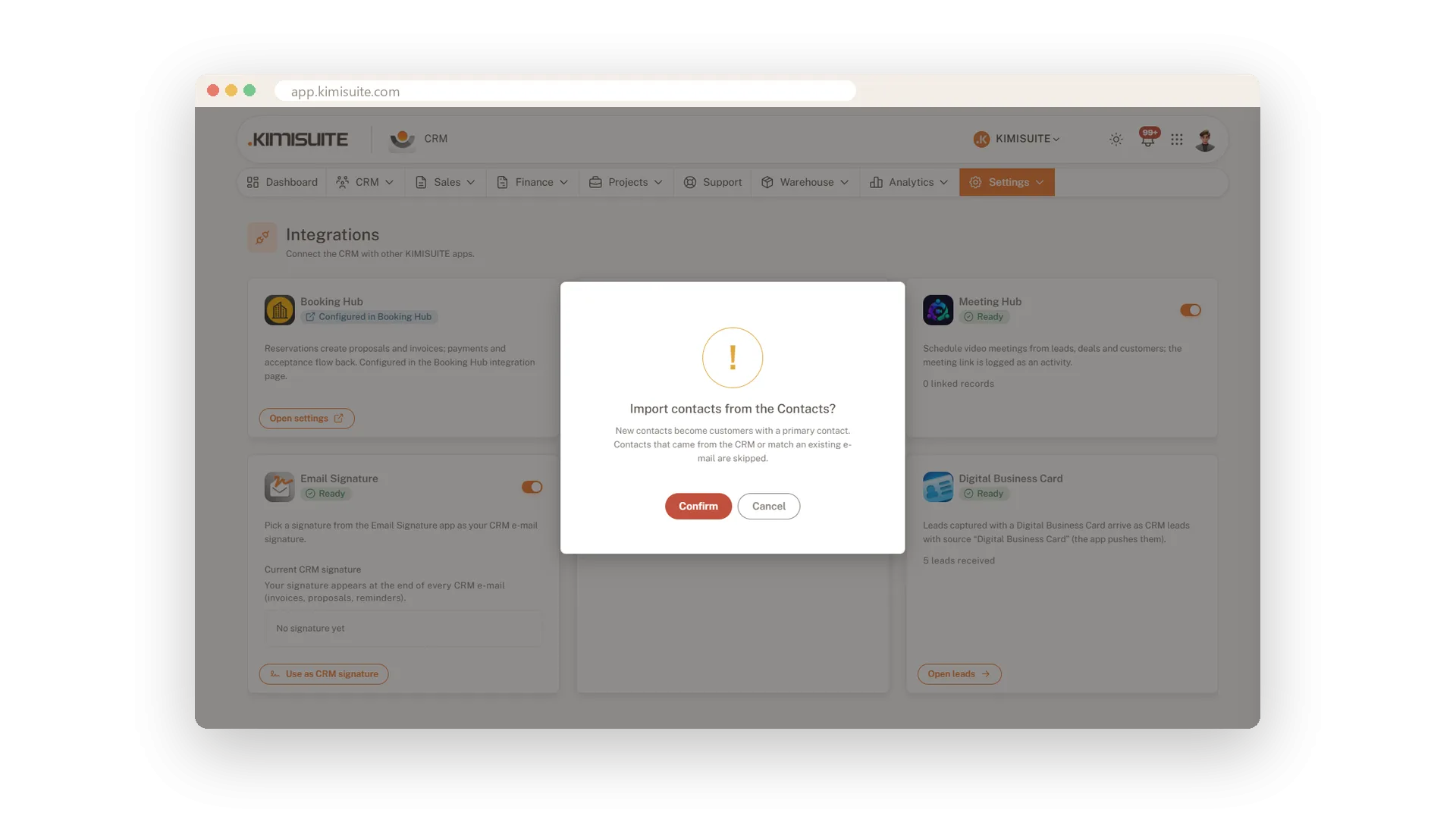
Mirrored to Contacts and imported from it
Customers and contacts you keep in the CRM show up in the KIMISUITE Contacts app, and contacts from there come into the CRM. Your team finds a phone number wherever they work.
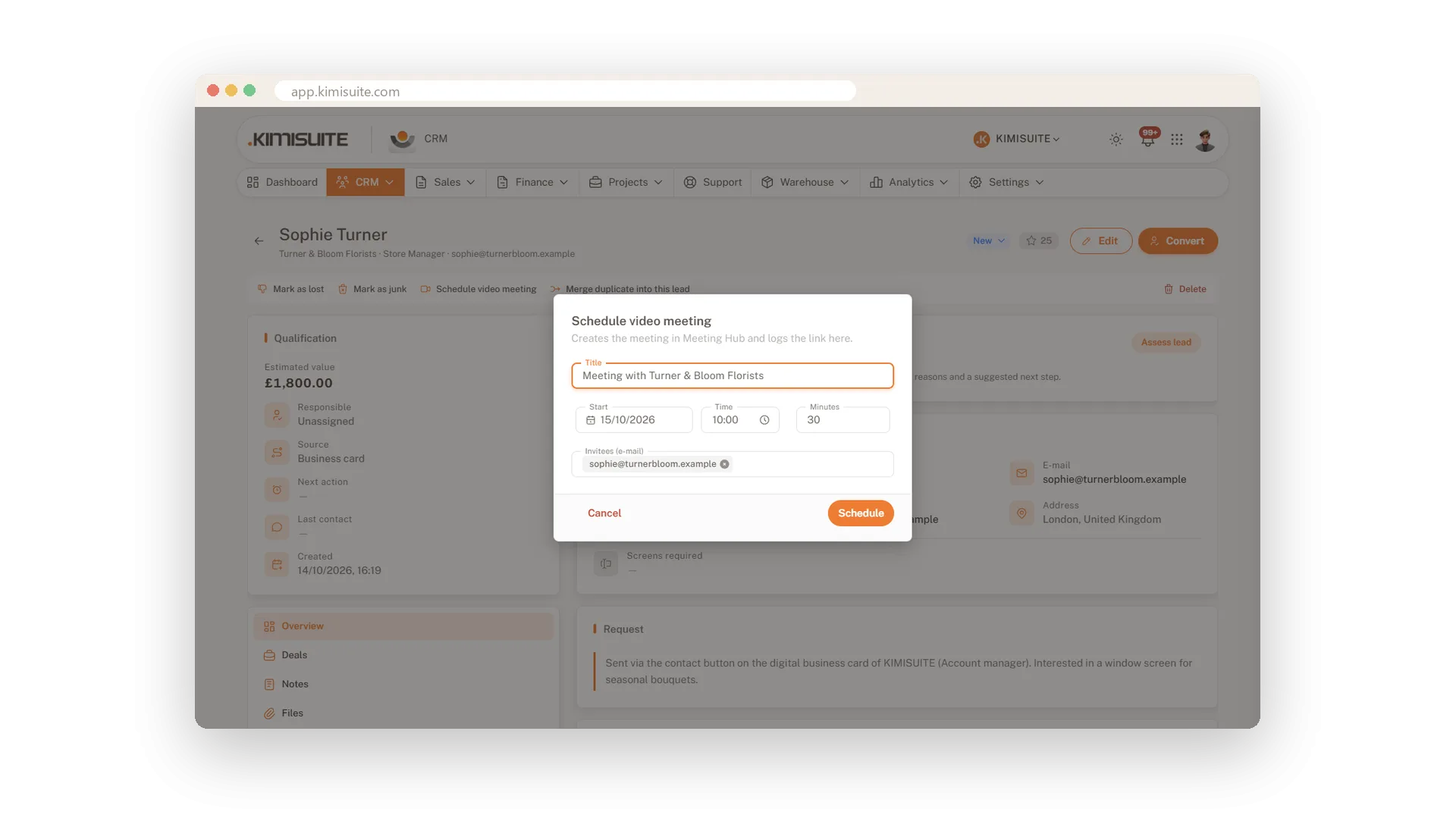
Plan it from the customer, lead or deal
Plan a Meeting Hub video call straight from a customer, lead or deal. The link goes to your guest and stays in the record's history.
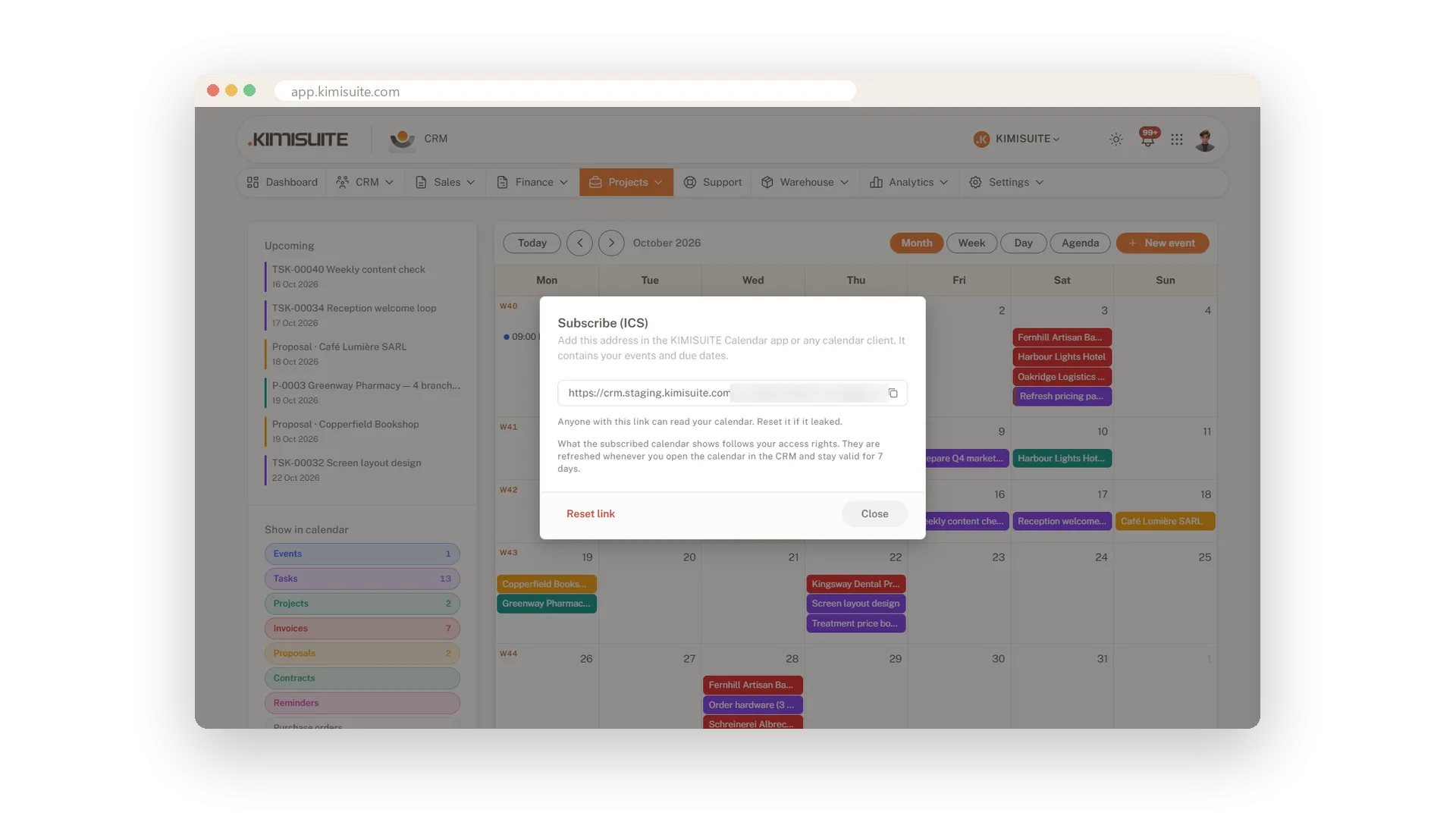
Tasks, invoices and contracts on one calendar
The CRM calendar shows appointments, tasks, invoices, proposals, contracts and orders as layers you switch on and off. They also appear in the KIMISUITE Calendar app, and an iCal feed brings them to your phone.
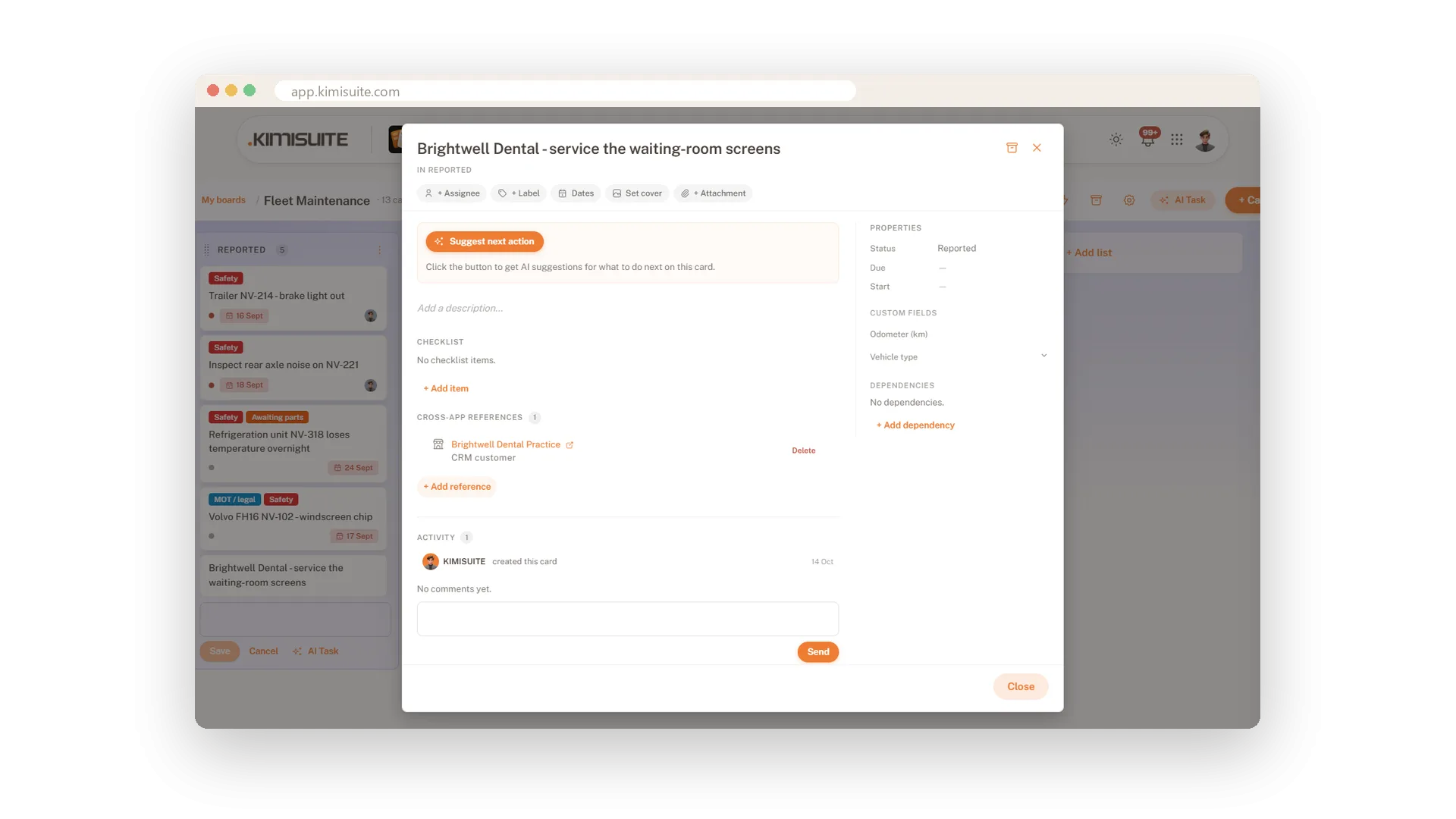
CRM events reach your boards
Task Hub cards link to the CRM customer they are about, and CRM events reach your boards through the workspace. Your team sees the customer behind every card.
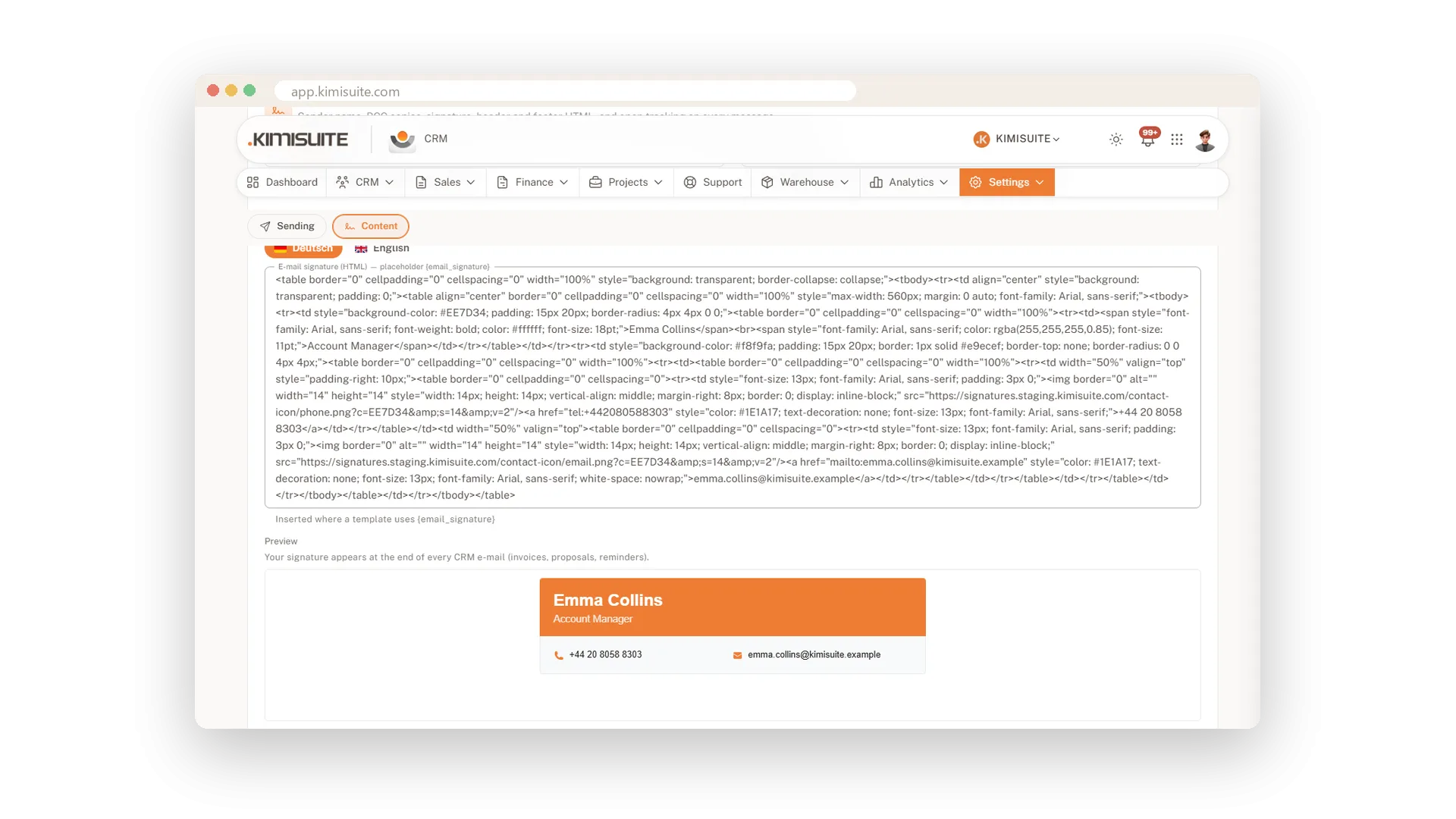
Designed once in Email Signature
Pick the signature you designed in the Email Signature app, and every proposal, invoice and reminder you send from the CRM carries it. Change it there, and the CRM follows.
Saved on the card, ready in your address book
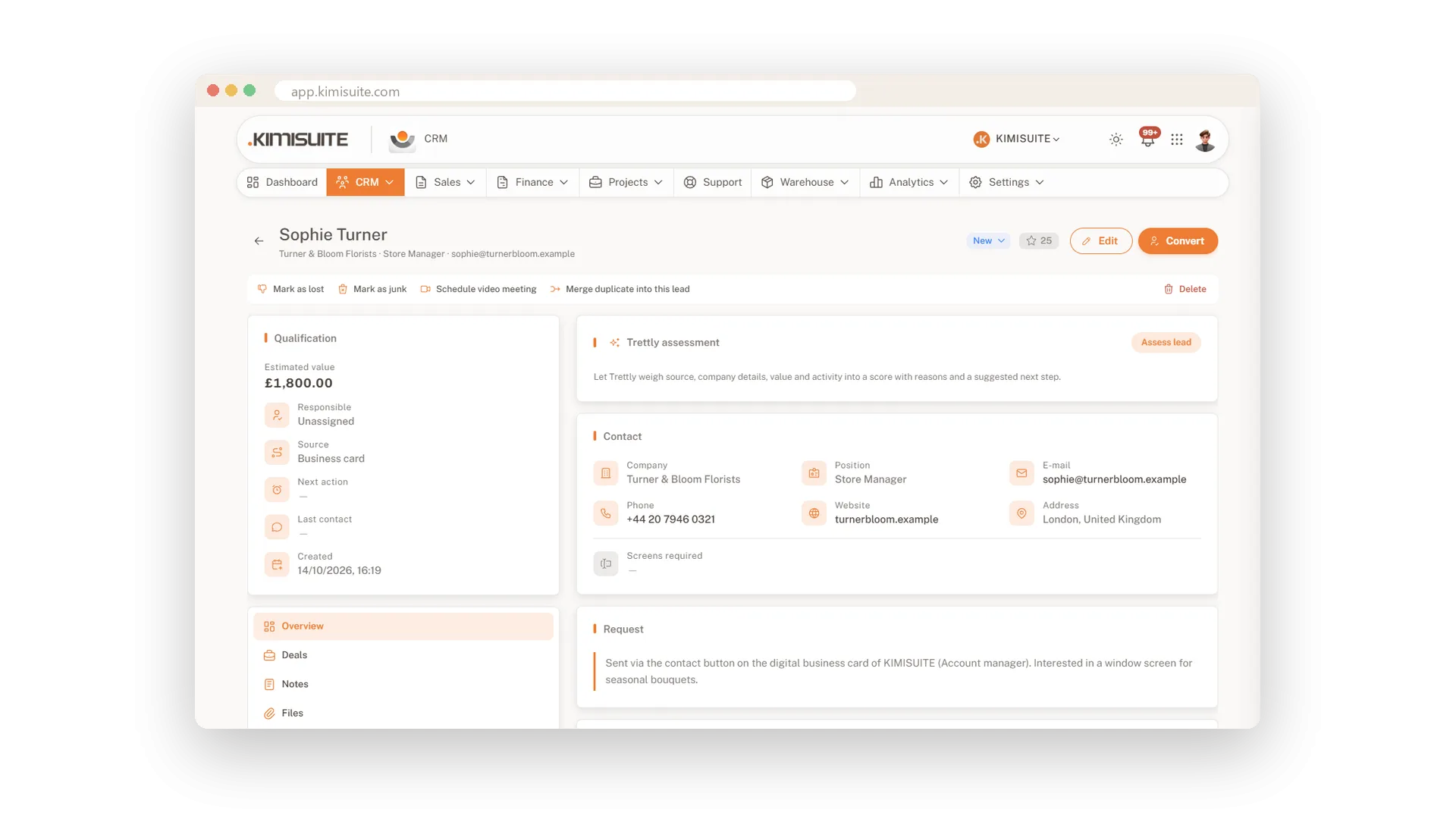
People who leave their details on your digital business card land in the Leads list of Digital Business Card and in Contacts, the shared address book of your workspace, marked with the card they came from. Your follow-up starts where the conversation ended.
The guest leaves, you create the CRM invoice from the booking in Booking Hub. Rooms, extras and taxes are already on it.
A visitor saves your digital business card and leaves their details. On Monday they are in your shared address book in Contacts, marked with the card they came from.
The deal needs one more conversation. You plan the video meeting from the deal, and the link sits in its history.
From web form to customer, with the next step always set
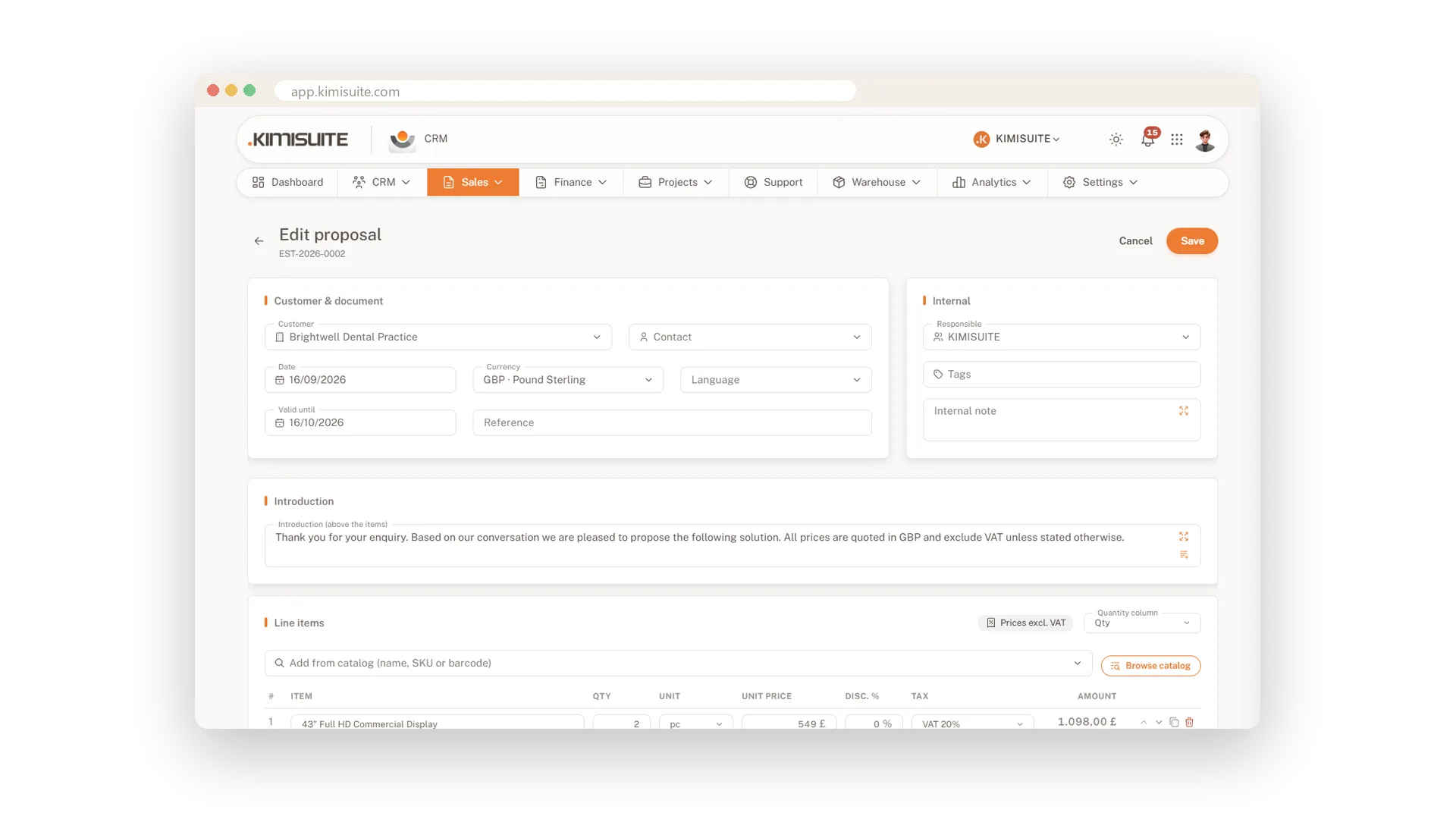
Send a link, get a yes, and the invoice is ready
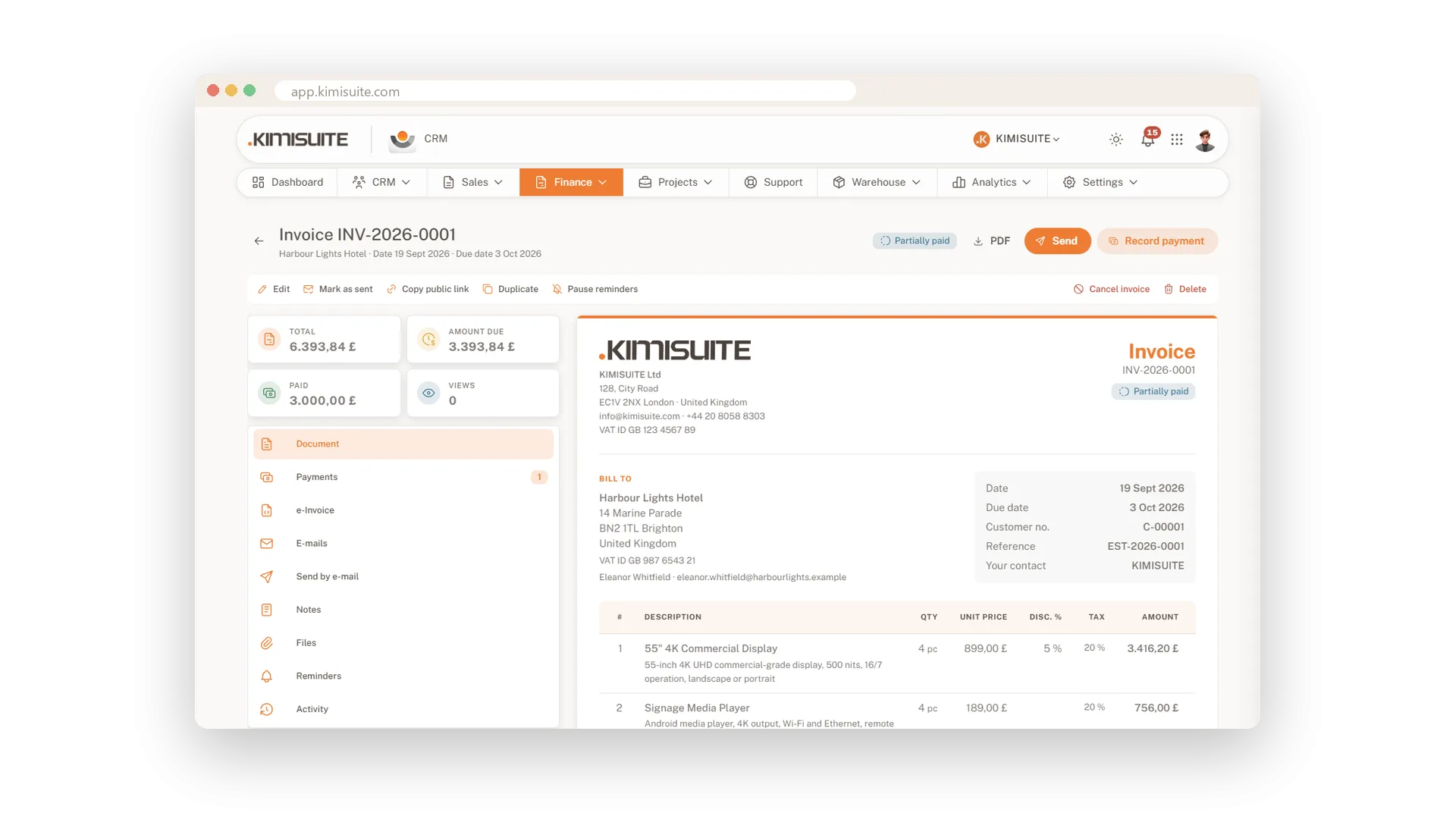
From accepted proposal to sent invoice in minutes
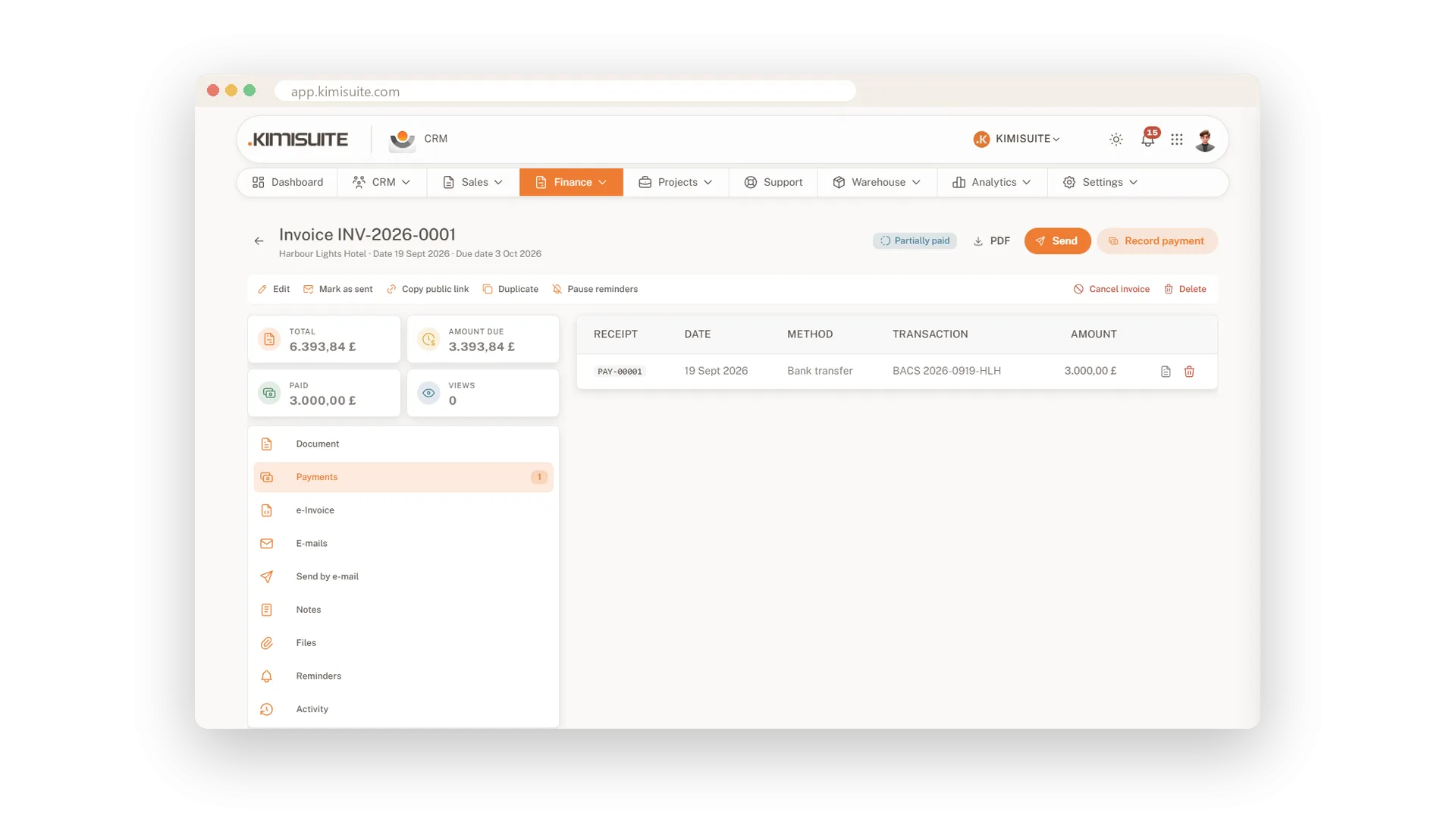
Get paid online, match your bank, chase what is late
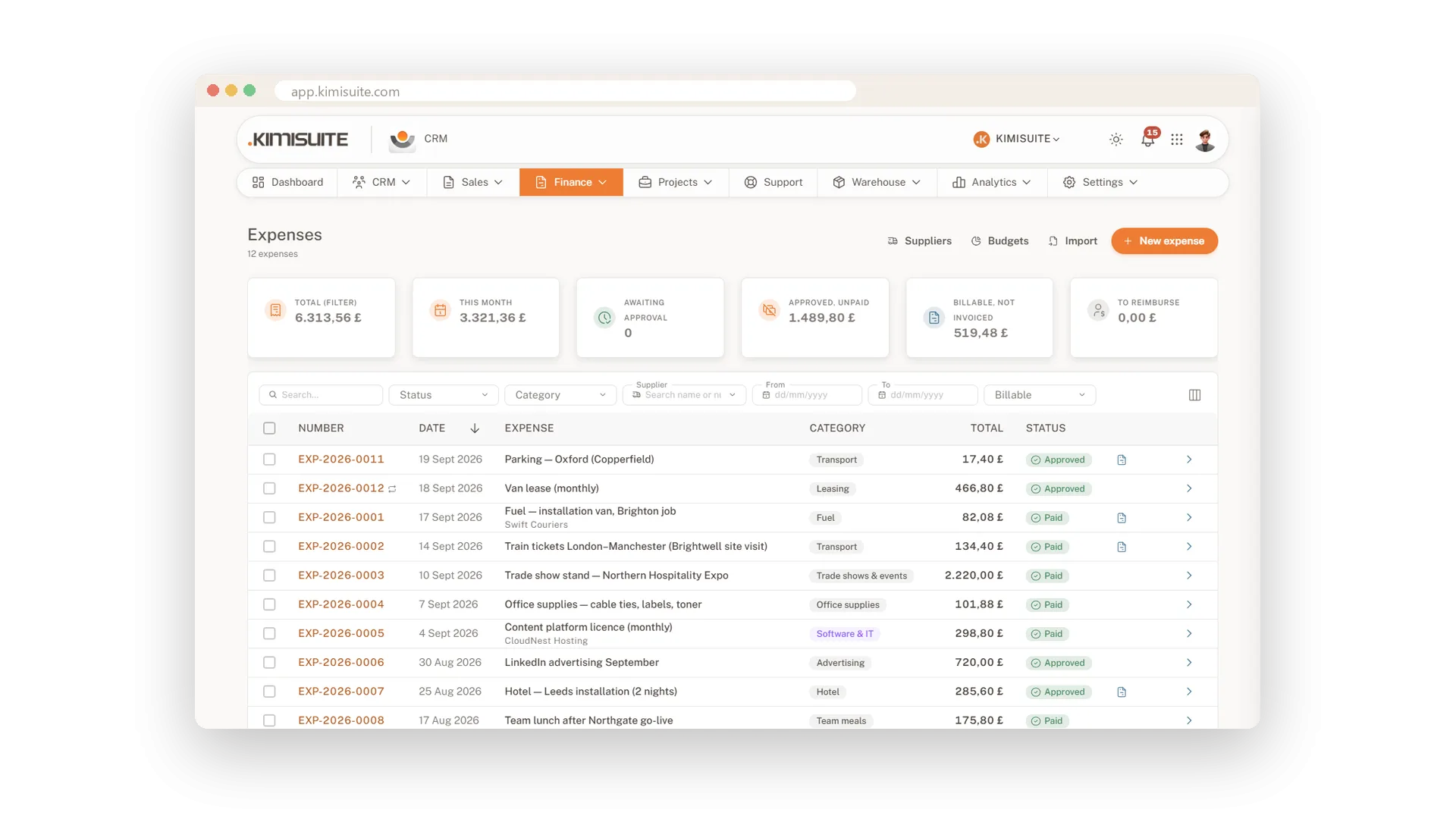
Know what goes out, not just what comes in
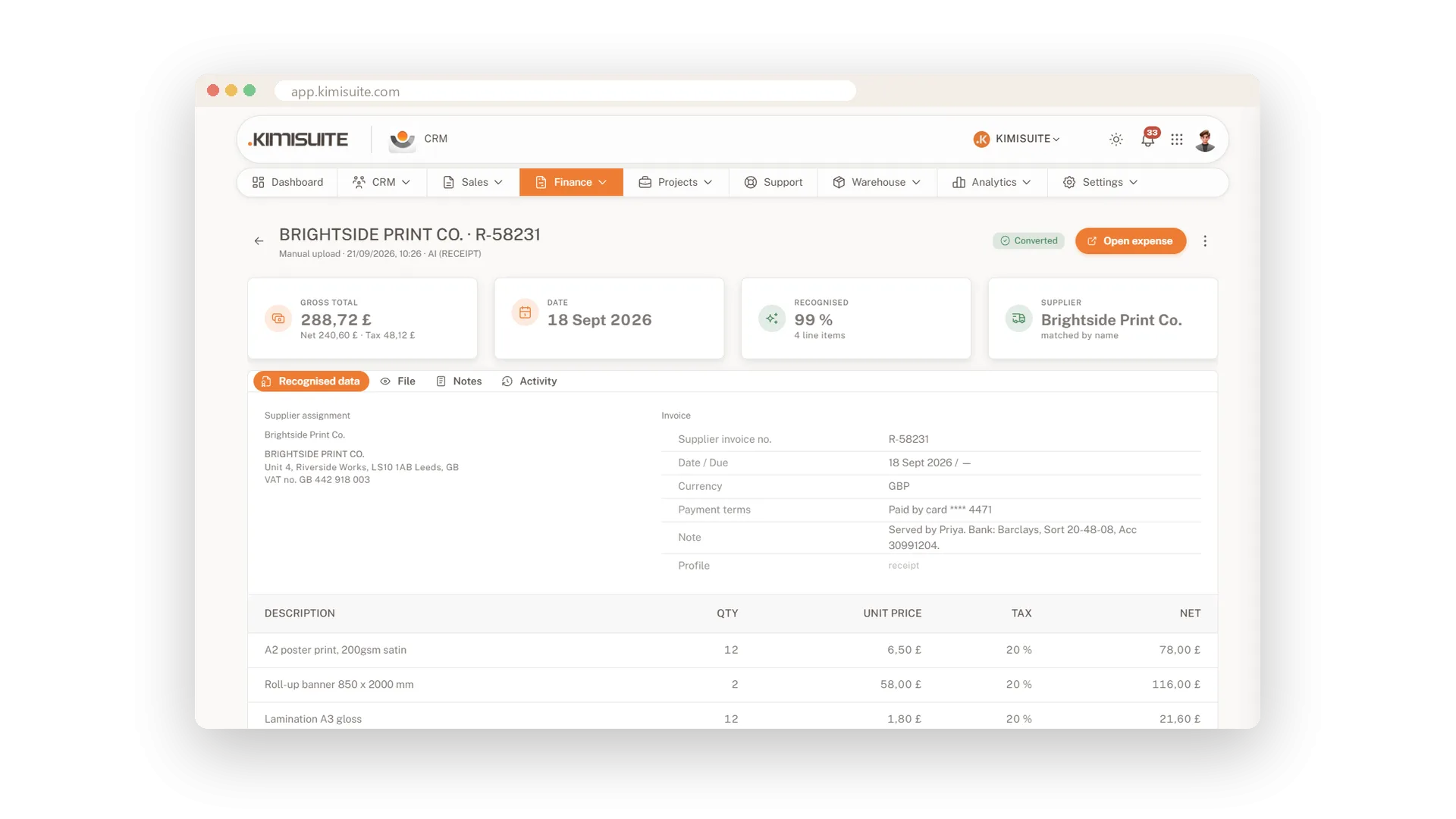
Snap a receipt and the AI types it in for you
No. The apps run in the same KIMISUITE workspace. You switch an integration on in the CRM settings and it works.
Booking Hub, Contacts, Meeting Hub, Calendar, Task Hub, ToDo, Email Signature and Digital Business Card.
You decide. You sync products once and create the customer and the invoice per booking with one click, after check-out.
No. Each integration is optional. The CRM works on its own and gets more useful with every app you add.
Yes. Beyond the KIMISUITE apps, the API and webhooks connect your own tools, Zapier or Make.
14 days free, cancel anytime, no minimum term.

