Booking Overview
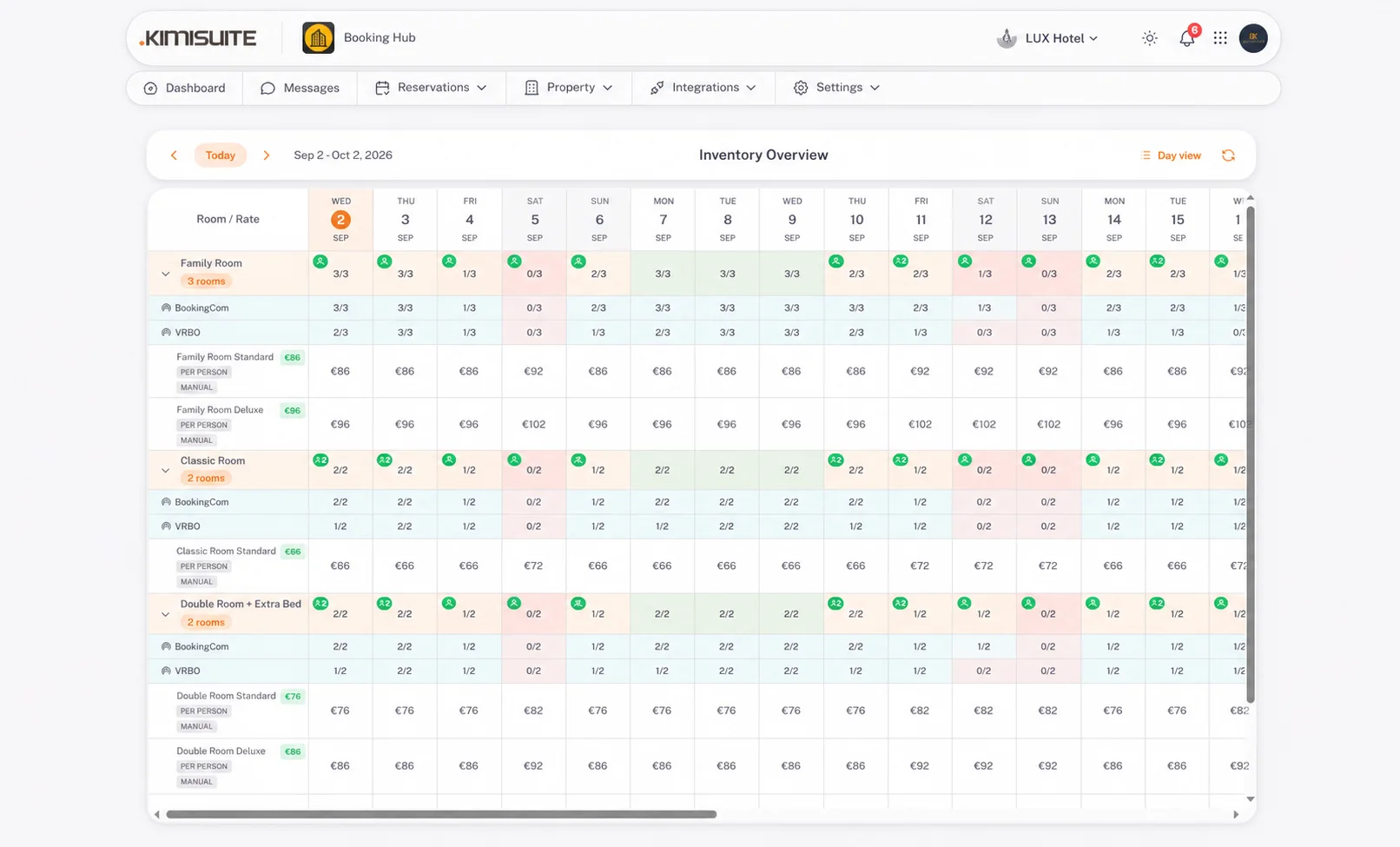
A month of rooms against dates, at a glance
 Booking Hub
Several rooms in one reservation — booked by your staff at the desk or by the guest online. One reference and one bill, but each room keeps its own dates, its own occupancy and its own rate.
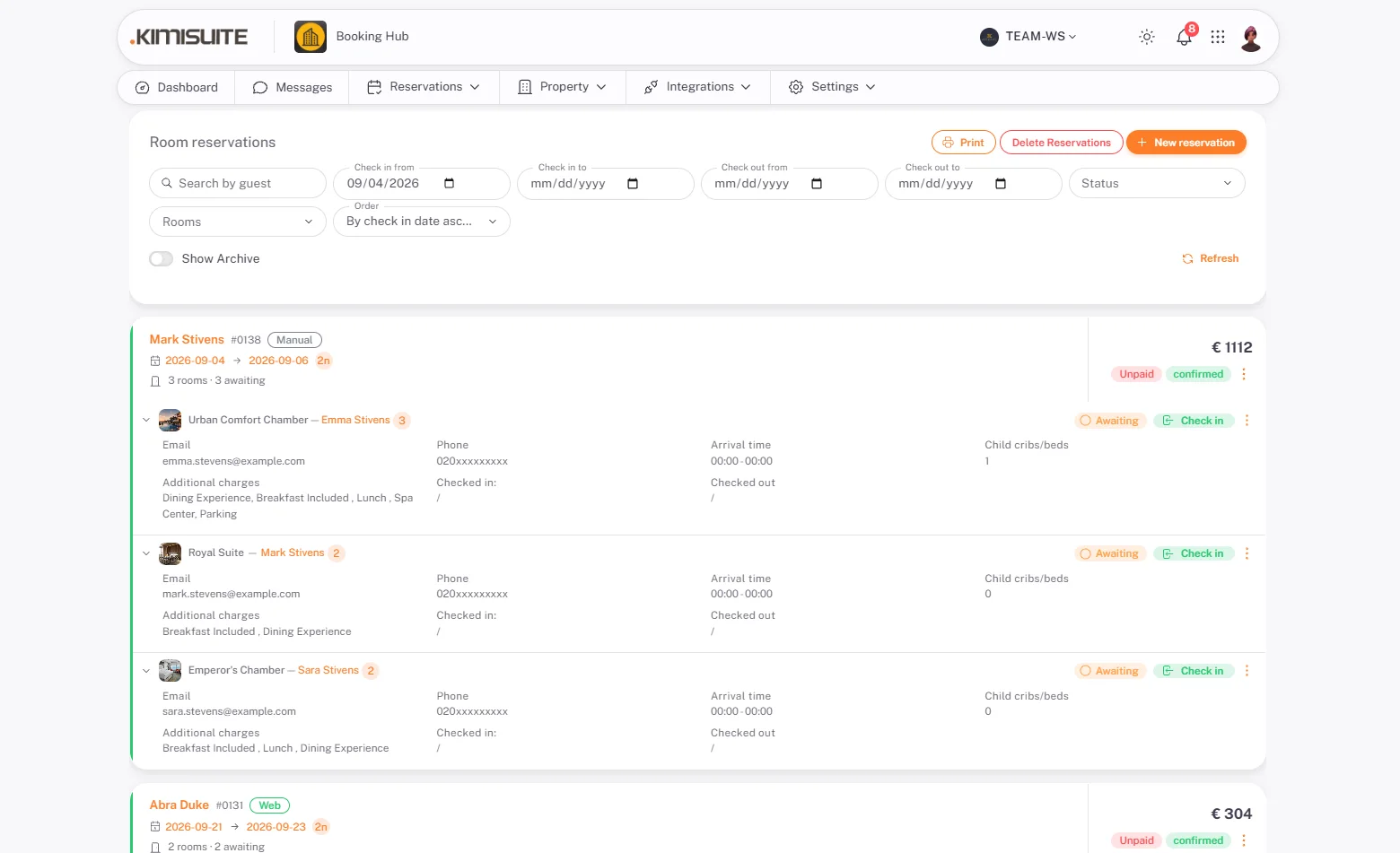
That matters for families and groups: the bill stays together while the rooms stay separate.
One reference and one bill for a family or a group, with each room worked separately
Guests book several rooms online, and your staff do the same at the desk
Each room carries its own guest, its own room number and its own check-in
Take part of the payment against chosen rooms while the account stays one
The parents take a double, the children a twin, in one booking on your website. Reception sees one reference and one bill, and checks the rooms in one by one.
Two rooms arrive at noon, the third late at night. Each room shows its own status, so the night shift knows exactly who is still to come.
Three friends book three rooms together. At checkout each pays for their own room, and the booking keeps one balance until everything is settled.
A month of rooms against dates, at a glance
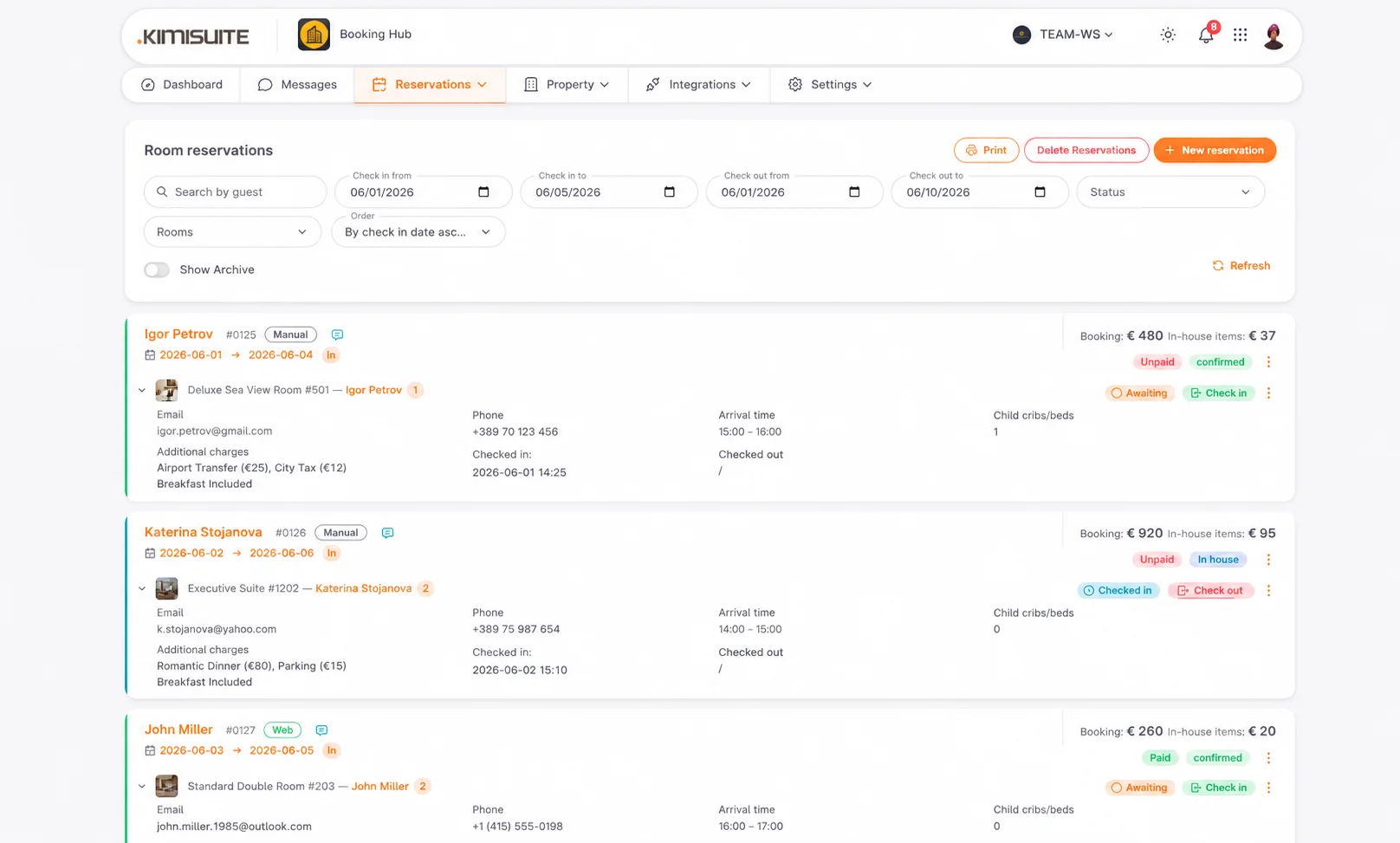
Every booking in one list, wherever it came from
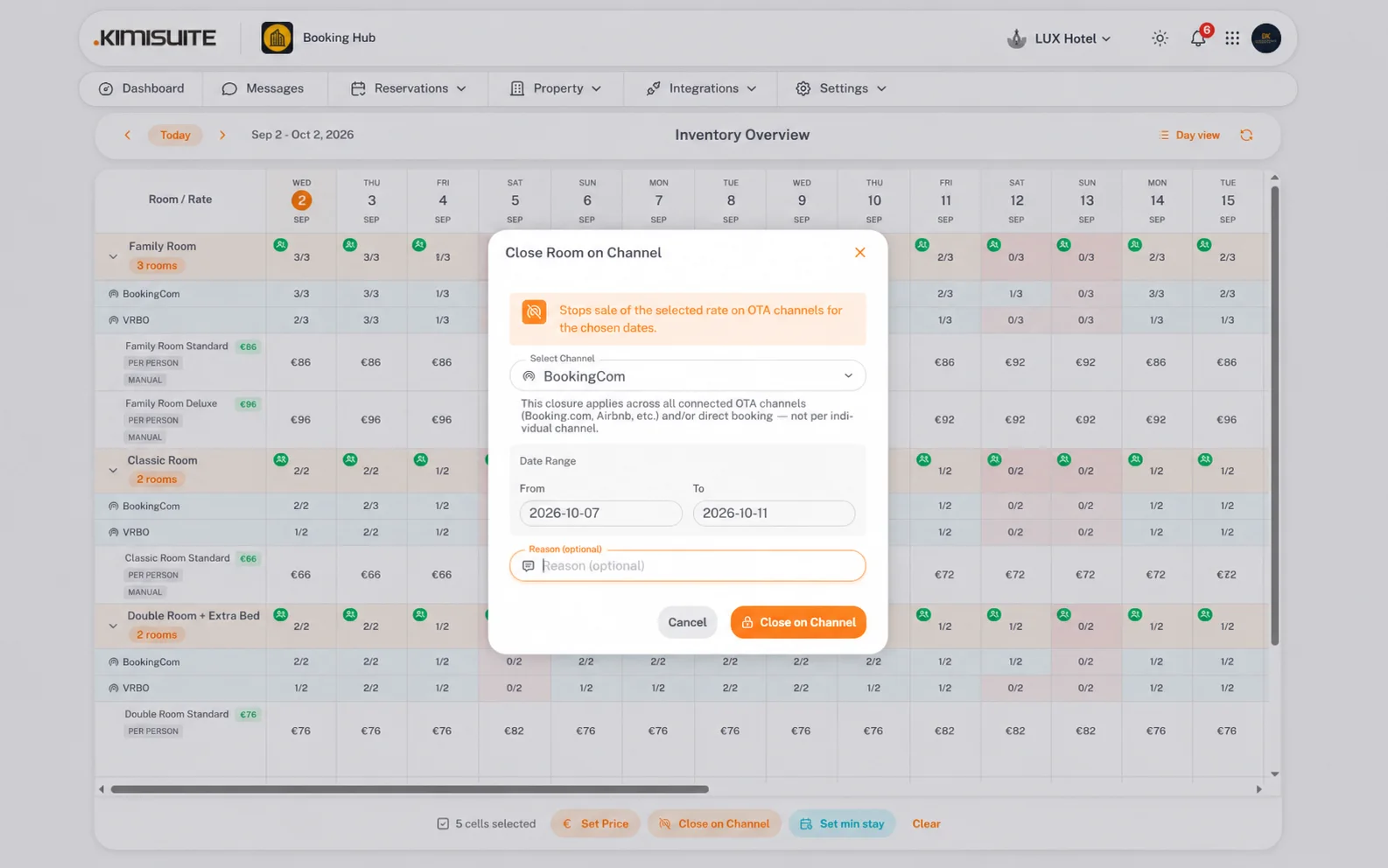
One inventory, every channel, in real time
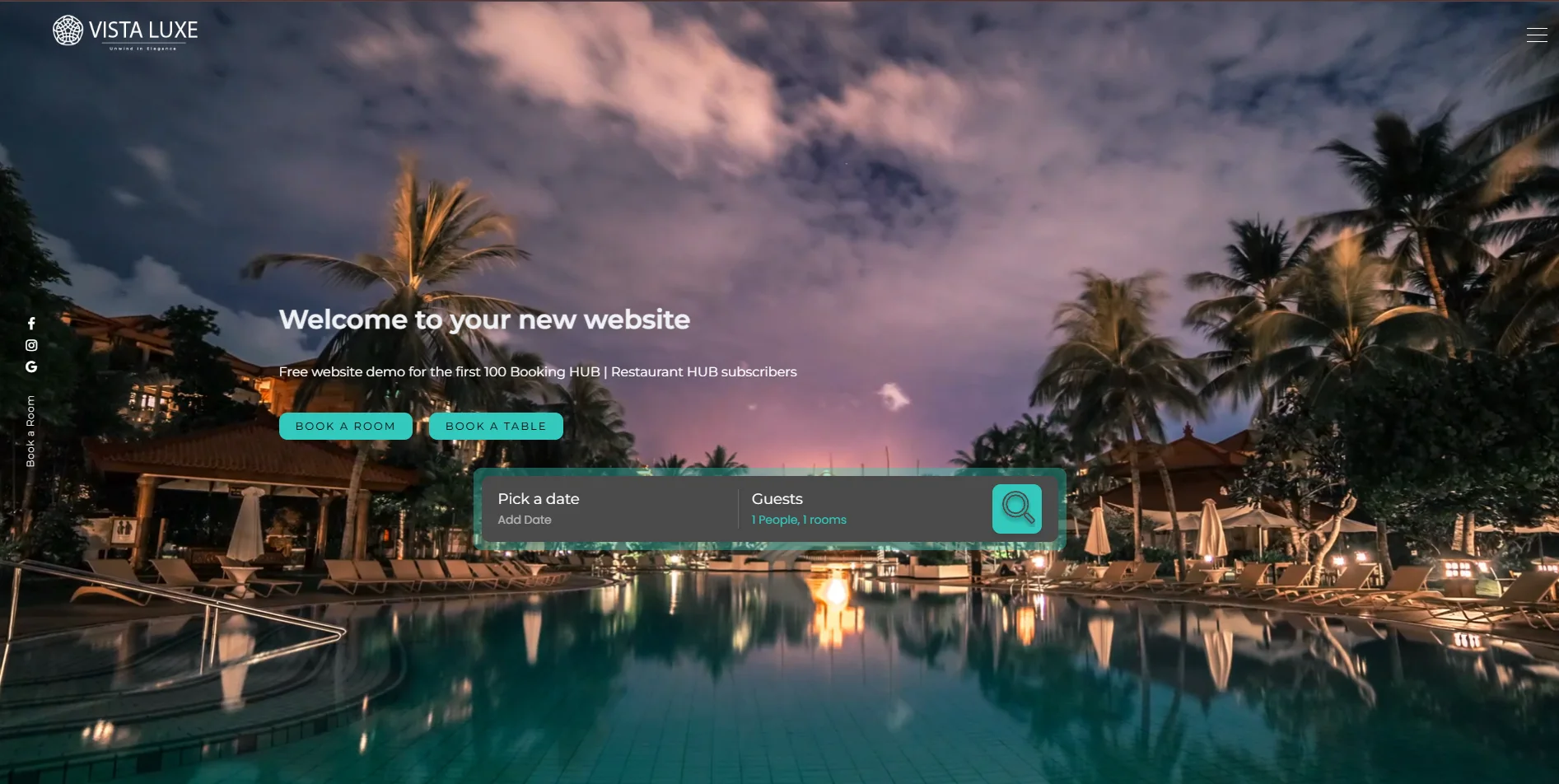
Your own website, no commission
Discount codes that bring guests to your own site
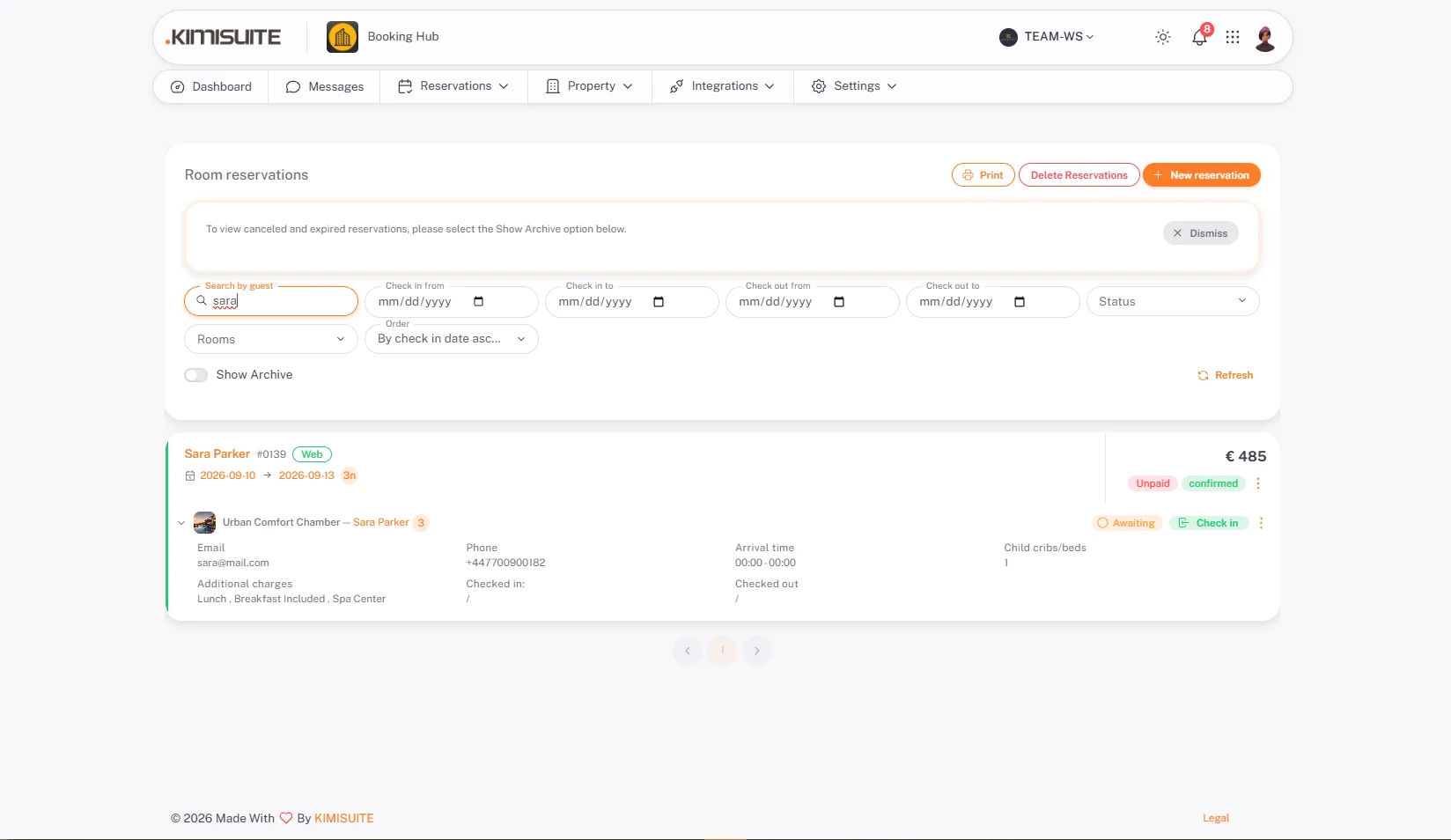
The guest file, and the message thread with it
Yes. With the Multi-Room Booking extension guests book several rooms in one go on your website and landing page, and your staff can do the same in a manual reservation.
Yes. Each room in the booking has its own room type, its own guests and its own price, and the bill adds them up under one reference.
The booking has one total and one payment status. You can take the full balance or settle against chosen rooms, so a group can pay room by room.
Yes. Every room in the booking takes availability from the same inventory as any other booking, on your website and on the connected channels.
No. Multi-Room Booking is an extension you switch on or off; there are no settings to configure.
14 days free, cancel anytime, no minimum term.

