 Showroom TV
Hotel digital signage for your lobby, event floor and breakfast room
Welcome today's guests, point them to the spa and show the morning's breakfast on the TVs you already have. Change a line at the front desk and every screen follows within about a minute.
- Cancel anytime
- No long-term contract
- 14 days free
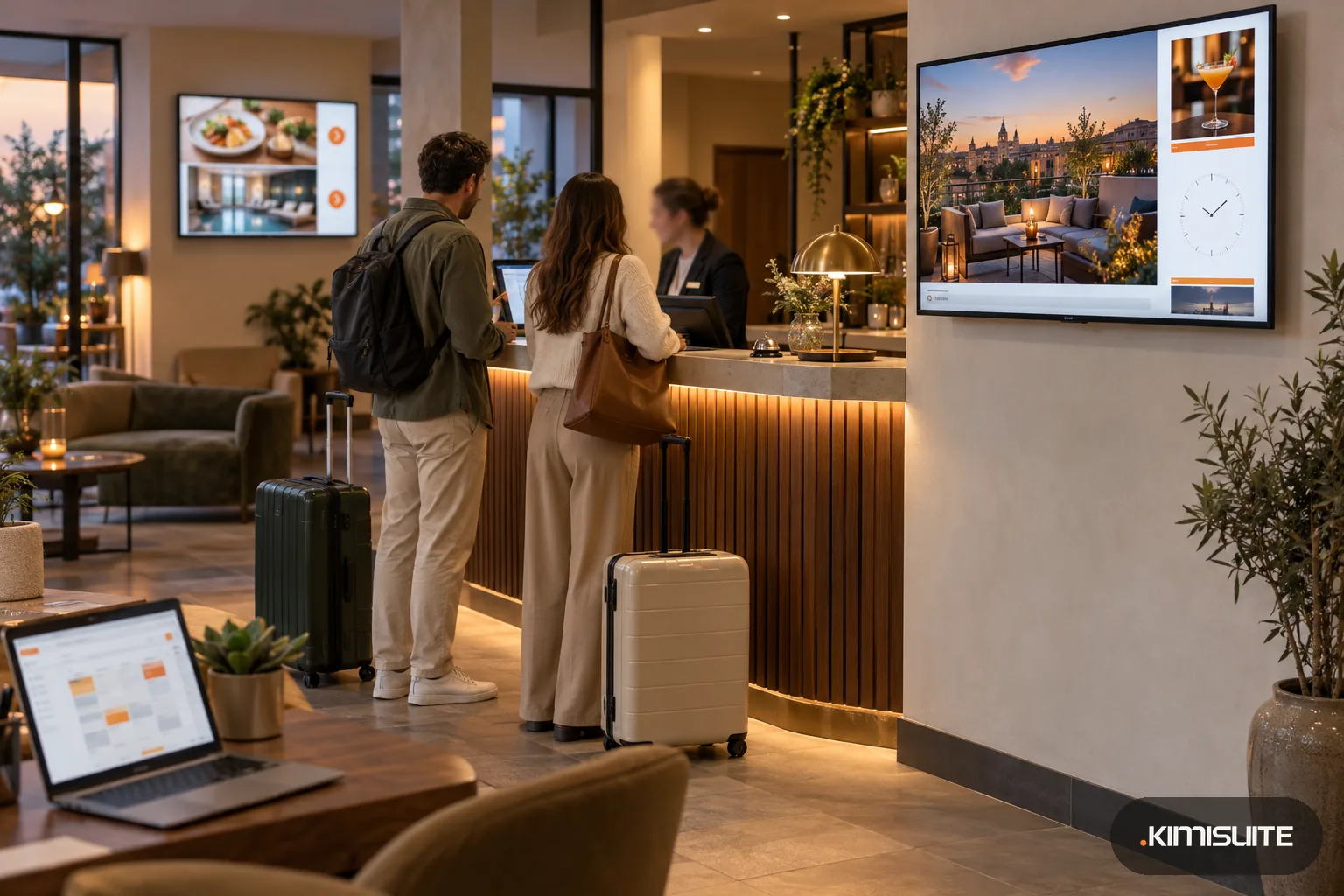
What it looks like in practice
06:15, breakfast room: the board is already on
A weekly campaign switches the restaurant TV to breakfast before the first guest comes down. At 10:30 the same screen hands back to the lobby loop without anyone touching it.
09:00, conference floor: the workshop moved rooms
The organizer asks for Room 2 instead of Room 1. You change one line on the event board, publish, and the screen outside the meeting rooms shows it before the first coffee break.
15:00, reception: a coach group checks in
The lobby screen greets the group, shows the way to the restaurant and spa, and the clock runs in your hotel's time zone, so jet-lagged guests know what time it really is.
23:00, night audit: one screen stopped reporting
The dashboard lists the screen by the spa with the time it was last seen. You send a restart from the desk instead of walking down with a remote.
Hotel digital signage works when it answers the question a guest has right now: where breakfast is served, which room the workshop moved to, what time the airport shuttle leaves. Showroom TV turns any TV with a modern browser, or an Android TV, into a screen your front office controls. Pair it once with the eight-character code it shows, give it a place such as Lobby or Spa entrance, and it fetches its program by itself. Start from the hotel templates for a lobby welcome, an event board and wayfinding to restaurant, spa and conference rooms, then replace the sample text with your own. Add a weather zone and the lobby shows the forecast for your hotel's location, refreshed every 15 minutes, so guests planning a day out see it before they ask at the desk.
A hotel runs on times of day, so its screens should too. With campaigns and schedules the restaurant screen shows breakfast in the morning and the bar in the evening, and the lobby loop can change at weekends. A calendar zone shows the coming weeks with the days you mark, such as the jazz brunch on Sunday or the wine tasting on Friday. If your hotel restaurant also uses Restaurant Hub, the menu and today's offers come onto the screen straight from your menu, with prices exactly as entered, in the web player. Everything sits in one KIMISUITE workspace next to the rest of Showroom TV, so the night shift sees the same screens as the manager.
What you get
A lobby welcome in a few minutes
Apply the Lobby welcome template and you get a layout, a playlist and a campaign ready to edit. Swap the sample text for your greeting and add photos of rooms, terrace and bar.
Event boards and wayfinding
The Event board and Wayfinding templates come with sample directions to restaurant, spa and conference rooms. Edit the lines, publish, and the corridor screen points the right way.
Clock, weather and a ticker for today
A clock runs in the hotel's time zone and a weather zone shows the local forecast. A ticker line carries today's notes: late checkout on request, the shuttle at 10:00, the bar open until midnight.
Breakfast in the morning, bar at night
Set a weekly pattern with days and hours, or a date range for a conference week. Priorities decide which campaign wins, and each screen tells you why it plays what it plays.
Each floor its own program
Group the spa screens, the restaurant screens and the lobby. Send a campaign to one group or one location, and exclude the single screen that should keep its own loop.
Screens that report in
The dashboard lists every screen that went offline, with its place and when it was last seen. Resync it from the office, and from the Grow plan restart it or clear its cache too.
Build the lobby screen before the next arrivals
Open Showroom TV, apply the hotel template, put your own welcome on it and pair the lobby TV. Layout, playlist and campaign are created for you; the photos of your rooms make it yours.
What screens in a hotel cost to run
Need more screens in a busy season? Extension packs add screens, locations and playlists to the plan you have.
- Screens
- the TVs you already own, any with a modern browser, or an Android TV or Google TV device
- Software
- one monthly price per hotel workspace; plans run from three to forty screens
- Restaurant menus on screen
- included in every Showroom TV plan when the hotel restaurant keeps its menu in Restaurant Hub, a separate app
- Front office team
- billed per workspace, not per user; the first app brings ten members
How to get started
Set up hotel digital signage on your first TV
Add Showroom TV to your KIMISUITE workspace. On the lobby TV, open tv.kimisuite.com in the browser or install the Android TV app from Google Play, and note the pairing code.
Pair the screen and name its place
Type the code, call the screen Lobby reception, choose the location and landscape or portrait. The TV switches from the code to its program straight away.
Apply a hotel template
Choose Lobby welcome, Event board or Wayfinding. Replace the sample text, upload your photos and crop them to the screen when you upload.
Schedule and publish
In the campaign, pick where it plays and when: always, on weekdays, or from 06:30 to 10:30. Activate it, then pair the restaurant and spa screens the same way.
Pricing
Showroom TV starts at a fixed monthly price (see pricing) for your hotel's whole workspace, however many people at the front desk use it. Your plan sets how many screens, locations and playlists you run, and Restaurant Hub slides are part of every plan.
Custom layouts, screen groups for each floor, web page zones and remote restart start with the Grow plan. The report of what every screen really played and emergency campaigns for a closed entrance or a moved check-in desk come with Business.
Is it the right fit?
A good fit if
- Independent and boutique hotels with TVs in the lobby, breakfast room or bar
- Hotels with meeting rooms that change the event board every day
- Hotel groups that want every property in one workspace, each with its own time zone
- Hotels whose restaurant already keeps its menu in Restaurant Hub
Not the right fit if
- Hotels looking for an in-room TV system for guest rooms
- Properties that need a native app for Samsung Tizen, LG webOS or Amazon Fire TV
- Hotels that want flight times, booking data or guest names pulled onto the screen automatically
- Lobbies that need touch screens or interactive kiosks
Frequently asked questions
What do I need to start hotel digital signage with Showroom TV?
Can the same lobby screen show something else in the evening?
Can the breakfast room screen show our restaurant menu?
Can the lobby screen show the weather and this week's events?
How quickly does a change reach the screens?
We run three hotels. Can we manage them together?
What if a screen goes dark during the night?
Read next
- Related solutionsDigital signage for restaurants that updates itself from your menuChange a price in your menu and the screen above the counter picks it up on its next fetch. Lunch offers at noon, the dessert promotion at night, no file to export and no USB stick to carry.
- Related solutionsWaiting room TV that tells patients what they actually want to knowSwap the muted news channel for your own practice: who is on the team, which services you offer, when you are closed over the holidays and a short note when the morning runs late.
- Related solutionsShop window digital signage that changes with your opening hoursTurn the screen in your window into a salesperson that never goes home. New arrivals in the morning, the sale on Saturday, opening hours and your phone number after closing time, all planned once.
- From the blogShowroom TV: Turn Any Android TV Into a Managed ScreenShowroom TV is now available in KIMISUITE: pair an Android TV with an eight-digit code, build playlists and layouts, plan campaigns by time...
- From the blogPriced per Workspace, Not per User: What It Means for a Team of 12Per-user pricing adds a line to the bill with every hire. Per-workspace pricing moves in steps. A worked example for a team of 12, including...
Ready when you are
Set it up in your own workspace and see how it works with your data.
- Cancel anytime
- No long-term contract
- 14 days free
