 Restaurant Hub
Allergen menu for restaurants that stays right when the recipe changes
The allergen folder behind the bar is out of date the day the chef swaps the dressing. Keep allergens on the dish itself, and every menu your guests read shows the same, current marks.
- Cancel anytime
- No long-term contract
- 14 days free
What an out-of-date allergen list costs you
Your kitchen still decides what is in each dish. Restaurant Hub removes the copying between kitchen, menus and folder, which is where allergen lists usually go wrong.
- A recipe changes
- paper: every printed menu and the allergen folder are wrong; Restaurant Hub: change the tick, every menu follows
- A new seasonal menu
- paper: rebuild the allergen matrix by hand; Restaurant Hub: allergens stay with every dish you keep, and new dishes get their ticks as you add them
- A guest asks at the table
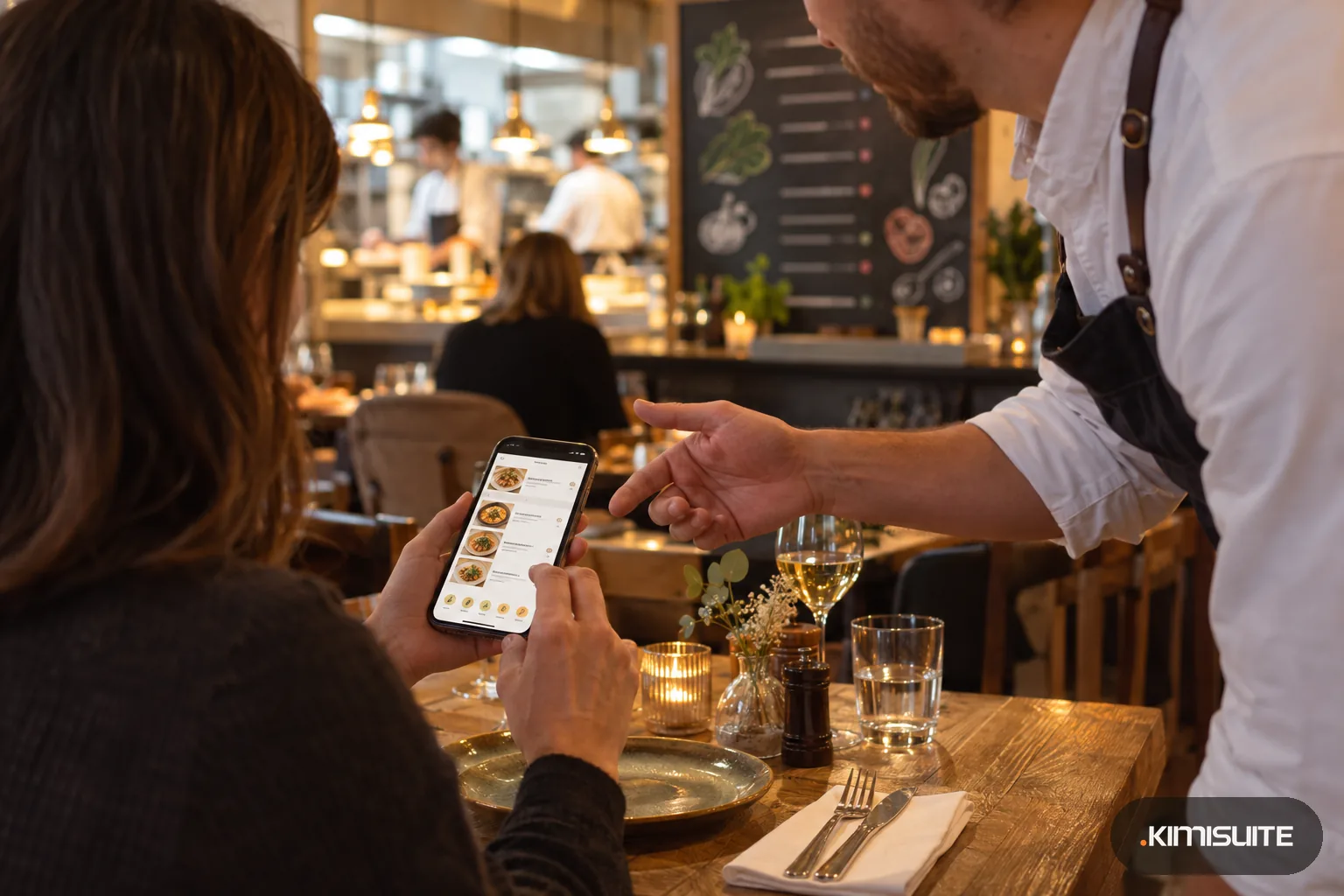
- paper: staff hunt for the folder; Restaurant Hub: codes and legend are on the guest's phone, in their language
- A second language
- paper: translate the matrix again; Restaurant Hub: allergen names are kept per language
An allergen menu for restaurants is only as good as its last update, and most go wrong in the gap between the kitchen and the printer. The chef changes a sauce, the pesto switches from pine nuts to cashews, the bread comes from a new bakery, and the laminated allergen matrix behind the bar still says what it said in spring. Restaurant Hub keeps allergens where they belong: on the dish. You tick them once in the dish editor, and the QR menu shows the codes after the dish name with a legend underneath, in every language you offer. The same marks go into your website menu and, in the Enterprise plan, into the printable menu.
In the EU, Regulation (EU) No 1169/2011 makes allergen information mandatory for food that is not prepacked, which includes the dishes a restaurant serves. Its Annex II names the 14: cereals containing gluten, crustaceans, eggs, fish, peanuts, soybeans, milk, nuts, celery, mustard, sesame, sulfur dioxide and sulfites, lupin and molluscs. The UK kept the same list. How you provide the information, on the menu, in a folder or through your staff, is set by national rules, so check what your local food authority expects. Restaurant Hub comes with those 14 allergens already set up with letter codes A to R, plus 13 common additives numbered 1 to 13, so a new menu starts with a complete list instead of an empty spreadsheet. You can change the marks to match the convention you use and add your own entries. The legend explains each code in the guest's language. What is in each dish remains your kitchen's knowledge and your responsibility; Restaurant Hub makes sure that knowledge reaches every menu at once. More on keeping one menu everywhere is in why a PDF behind a QR code falls behind.
What you get
14 allergens and 13 additives, ready on day one
The 14 EU allergens come preset with codes A to R, plus 13 common additives numbered 1 to 13. Rename a mark, switch a code to your house convention, or add an entry your market needs.
Tick once per dish, see it everywhere
Pick allergens and additives in the dish editor next to price and photo. The QR menu, the website menu and the print PDF all read the same ticks.
An allergen menu for restaurants with foreign guests
Every allergen and additive has a name per language. A French guest reads D - Poisson in the legend, an English guest D - Fish, from the same entry.
Food types guests filter by eye
Eight symbols sit on the dish: vegetarian, vegan, gluten-free, lactose-free, nut-free, sugar-free, raw and spicy. Guests spot their options before they read a word.
Allergen markers on the printed menu
In the Enterprise plan, switch allergen markers on in the print settings and the PDF carries the same codes and legend as the phone. After a recipe change you print a fresh copy in a minute.
Sold out without losing the information
A sold-out dish keeps its place and its allergens on the menu, or disable it and it leaves every menu at once, so nothing outdated stays online.
Put allergen codes on your menu today
Open Restaurant Hub, add your first category and three dishes, tick their allergens and open the QR menu on your phone. The legend is already there.
How to get started
Check the allergen list
Open the menu settings and look through the 14 allergens and 13 additives. Keep the preset codes or change them to the marks your guests know, and add a name in each menu language.
Tick allergens on every dish
Open each dish, pick its allergens and additives and the food type symbols. If you import your menu from a CSV file or a photo, add the ticks while you review the draft.
Check the guest view
Scan your own QR code and read the menu as a guest: codes after each dish, the legend underneath, and the language switch with flags in the footer.
Keep it current
When the kitchen changes a recipe, change the tick in the same minute. The QR menu and your website menu update at once; reprint the PDF if you use one.
Pricing
Restaurant Hub starts at a fixed monthly price (see pricing) for your restaurant's workspace. Allergens and additives are in every plan, the smallest included, together with the QR menu, the website menu widget, sizes, currencies and languages.
Menu import from a spreadsheet or a photo comes with Professional; the printable menu with allergen markers is part of Enterprise.
Is it the right fit?
A good fit if
- Restaurants, cafes and bistros in the EU and the UK that must provide information on the 14 allergens
- Kitchens that change recipes or seasonal menus several times a year
- Restaurants with guests from abroad who need the allergen legend in their language
- Owners who want the QR menu, website menu and printed menu to agree
Not the right fit if
- Restaurants that want software to work out allergens from recipes or supplier data
- Kitchens that need prepacked food labels or a label printer
- Restaurants that expect the AI menu assistant to answer allergy questions; that stays with your staff
- Businesses outside the EU and the UK that want their own national allergen list preset; you can add entries, but the preset is the EU 14
Frequently asked questions
How do I build an allergen menu for restaurants with Restaurant Hub?
Which allergens are already included?
Does the allergen legend translate for foreign guests?
Can the AI waiter tell guests which dishes are gluten-free?
Do allergens show on the printed menu too?
What happens when we change a recipe?
Is the allergen menu legally checked by KIMISUITE?
Read next
- Related solutionsRestaurant menu translation that keeps up with your kitchenThe English menu is always one season behind the local one, and the German one two. Keep one menu with every language attached, and a new dish reaches every guest in their own language on the same day.
- Related solutionsDigital menu for cafes and coffee shops, from the first espresso to the last sliceSmall, regular and large on one line, the cake photos that sell the slice, and the lemon tart marked sold out the moment the last piece goes. One QR code on the table, always the menu of today.
- Related solutionsDigital drink menu for bars, pubs and wine barsGlass or bottle, half pint or pint, the new autumn cocktails with photos, and a menu that stays readable when the lights go down. Change it behind the bar, and every QR code shows it at once.
- From the blogThe Question Your Waiter Dreads: Does This Contain Nuts?The allergen information exists. It is written down. It is just never available at the table, in the moment, to the person being asked — and...
- From the blogYour QR Menu Is Probably a PDF. That Is the Problem.Scan your own code and watch what happens: an A4 page opens on a phone screen, and the guest pinches and drags their way to the starters. Th...
Ready when you are
Set it up in your own workspace and see how it works with your data.
- Cancel anytime
- No long-term contract
- 14 days free
