Most restaurants have a QR menu. Scan the code and see for yourself what usually happens: a PDF opens, sized for A4, on a screen the size of a hand. The guest pinches, drags, loses the column they were reading, and gives up somewhere around the starters.
That is not a digital menu. That is a printed menu with an extra step.
The PDF looks like the cheap option, and it is not
Putting a PDF behind a QR code takes ten minutes and costs nothing, which is exactly why so many restaurants did it in 2020 and never revisited it. The costs arrive later, and they do not look like software costs.
It cannot be read comfortably. A page laid out for A4 does not reflow on a phone. Text is either too small to read or too large to see in context. Every guest performs the same small struggle, at every table, every service.
It goes out of date silently. The PDF was exported from a file on somebody's laptop. To change one price you need that file, that person, and the export step. So it does not get changed, and the code on your table serves last season's prices to everyone who scans it.
It has no allergen search. The allergen information may be in there. Finding it means reading the whole document. A guest with a real allergy will simply ask a waiter, which is the interaction the QR code was supposed to save.
It cannot switch language. A tourist gets your local-language PDF, or you print a second code for a second PDF and now maintain two.
It tells you nothing. No scan count, no idea whether anybody uses it.
The PDF menu solved the wrong problem. It made the menu contactless. It did not make it usable.
What a real digital menu changes
A digital QR menu is a page built for the device it opens on, reading live from your menu data rather than from a file somebody exported.
The differences are not cosmetic:
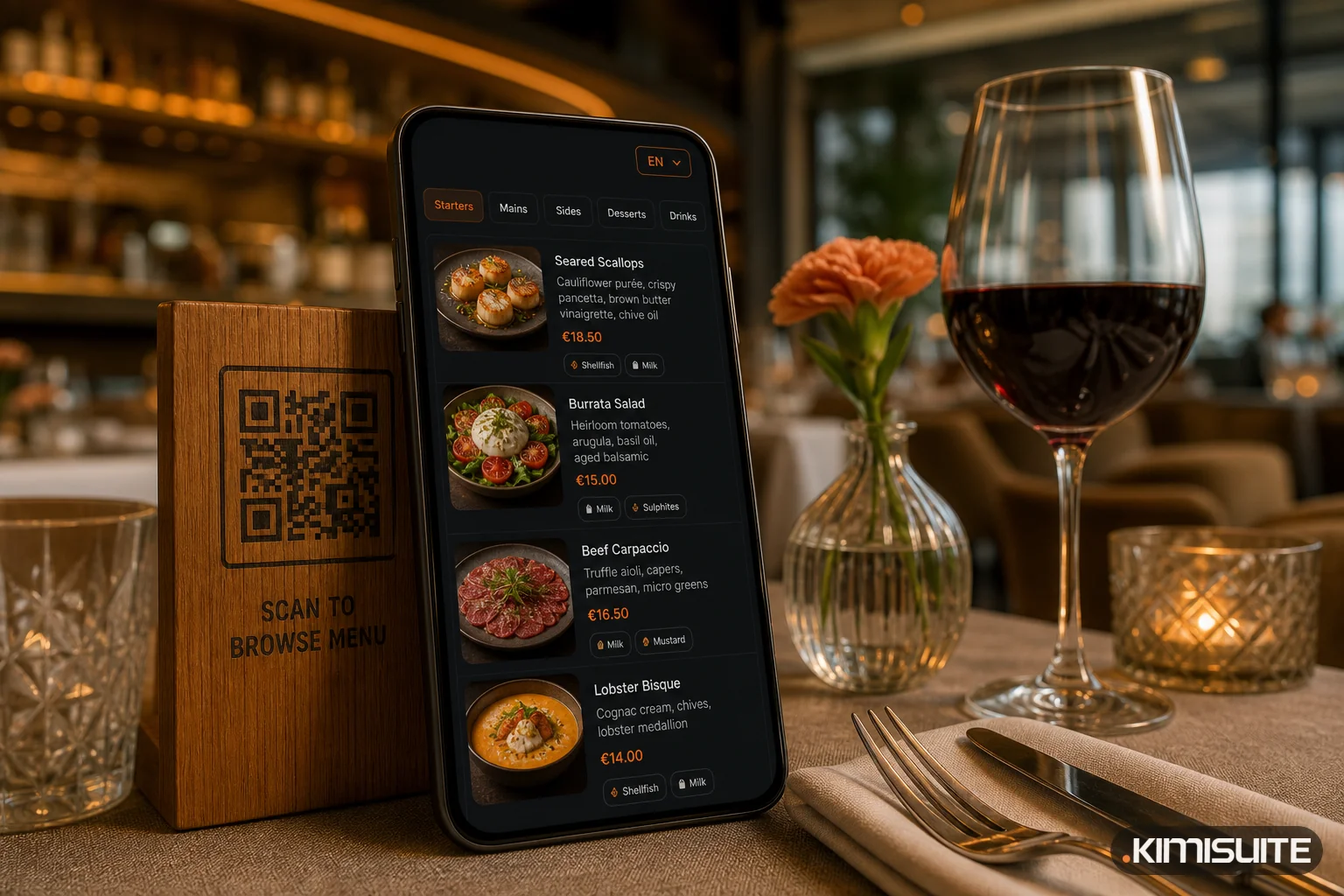
- It reflows. Categories, then dishes, then detail — the way anybody reads a phone.
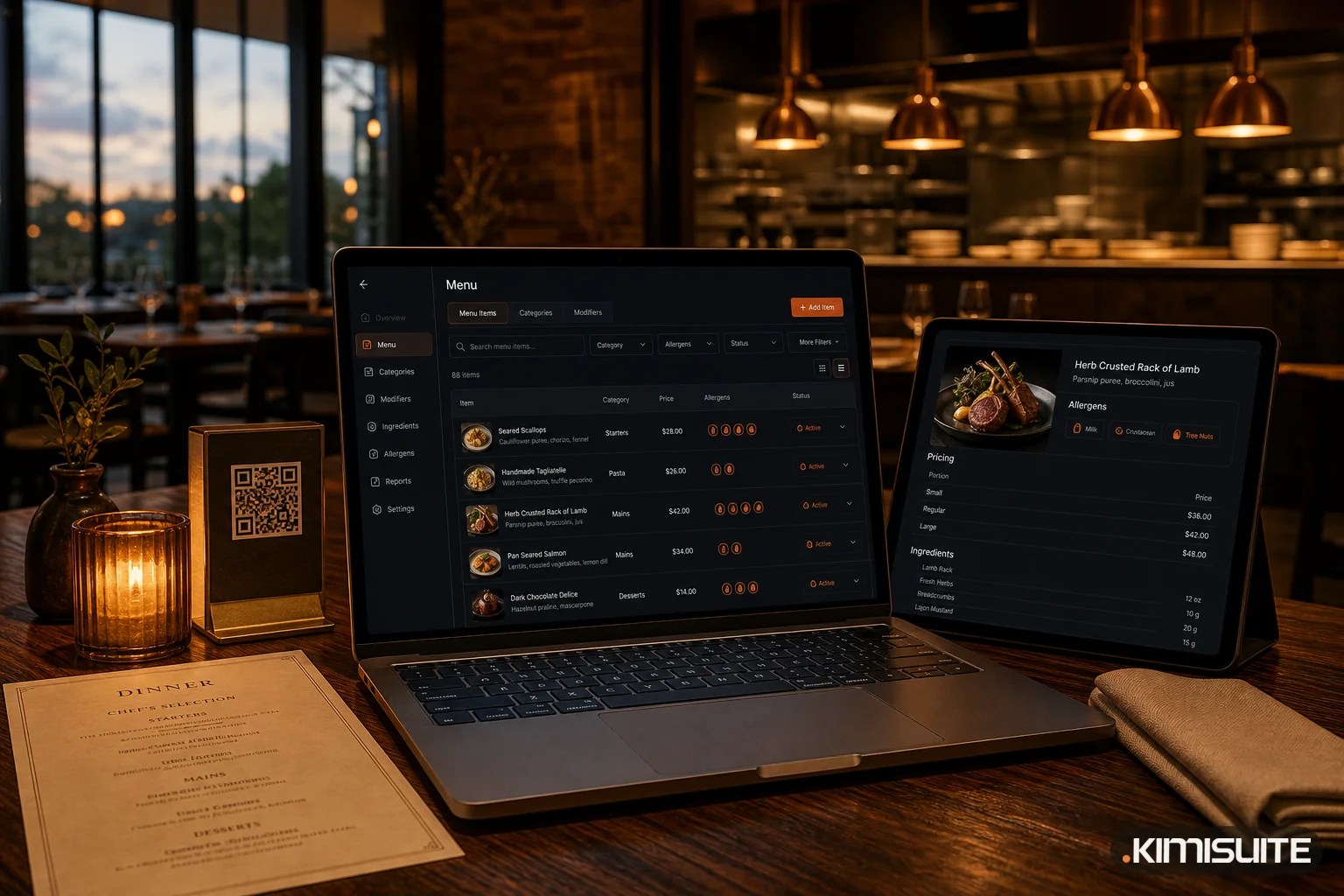
- It is live. Change a price, a photo, a description or an availability flag, and the menu behind the code is different immediately. The printed code never changes.
- It carries the structured data. Allergens, additives and food types are fields on the dish, not sentences buried in a paragraph — so they can be shown as markers and searched against.
- It switches language. One structure, text per language, a switcher in the header. Unlimited menu languages on every plan, and unlimited currencies alongside them.
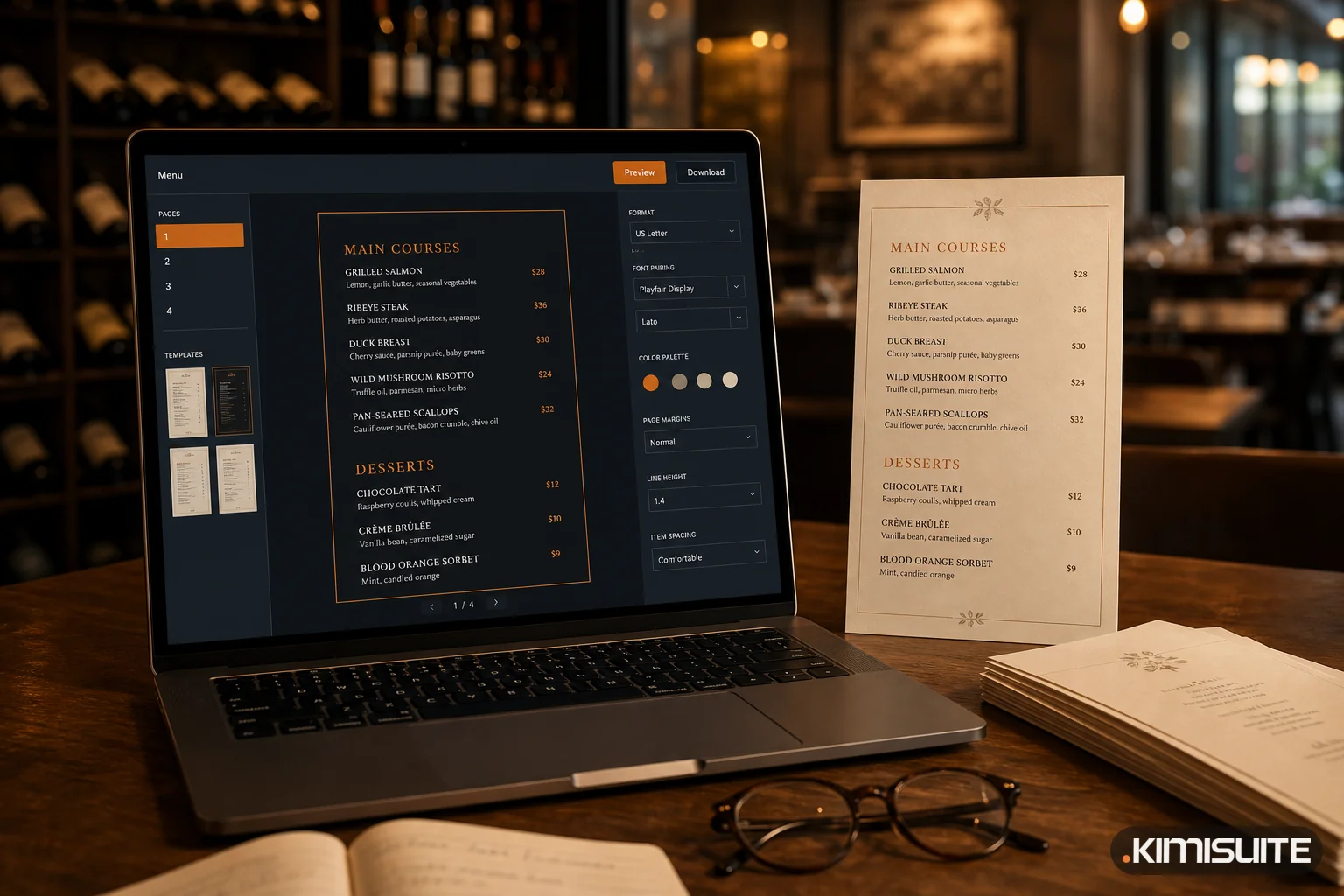
- It is yours. Menu template, colours, font, logo, browser title and favicon. A guest should be able to tell whose menu they are looking at.
- It counts. Scans show up in the dashboard, so you know whether the thing on your tables is being used at all.
The part most restaurants underestimate
Guests do not only scan at the table.
They look up a restaurant before they leave the house. They send it to the person they are meeting. They check whether there is something the vegetarian in the group can eat. None of that happens through a code printed on a table tent, because they are not in the room yet.
That is what a custom web address is for: the menu under your own link, usable in a social bio, a Google Business profile, a WhatsApp message or an email signature. The same live menu, reachable where the decision is actually being made.
And for the guests who come back, the menu can be added to the home screen and opens full screen like an app — with nothing downloaded from a store.
The website menu is the same problem, one room over
Nearly every restaurant website has a menu page that was correct on launch day. Updating it means contacting whoever built the site, so it does not get updated.
A menu widget removes that dependency. The existing site keeps its design; the menu inside it comes from the same place as the QR menu. Change a dish once and both are right. The same applies to the daily specials block and the reservation form.
You do not need a new website. You need the menu on it to stop being a copy.
Then the menu can answer questions
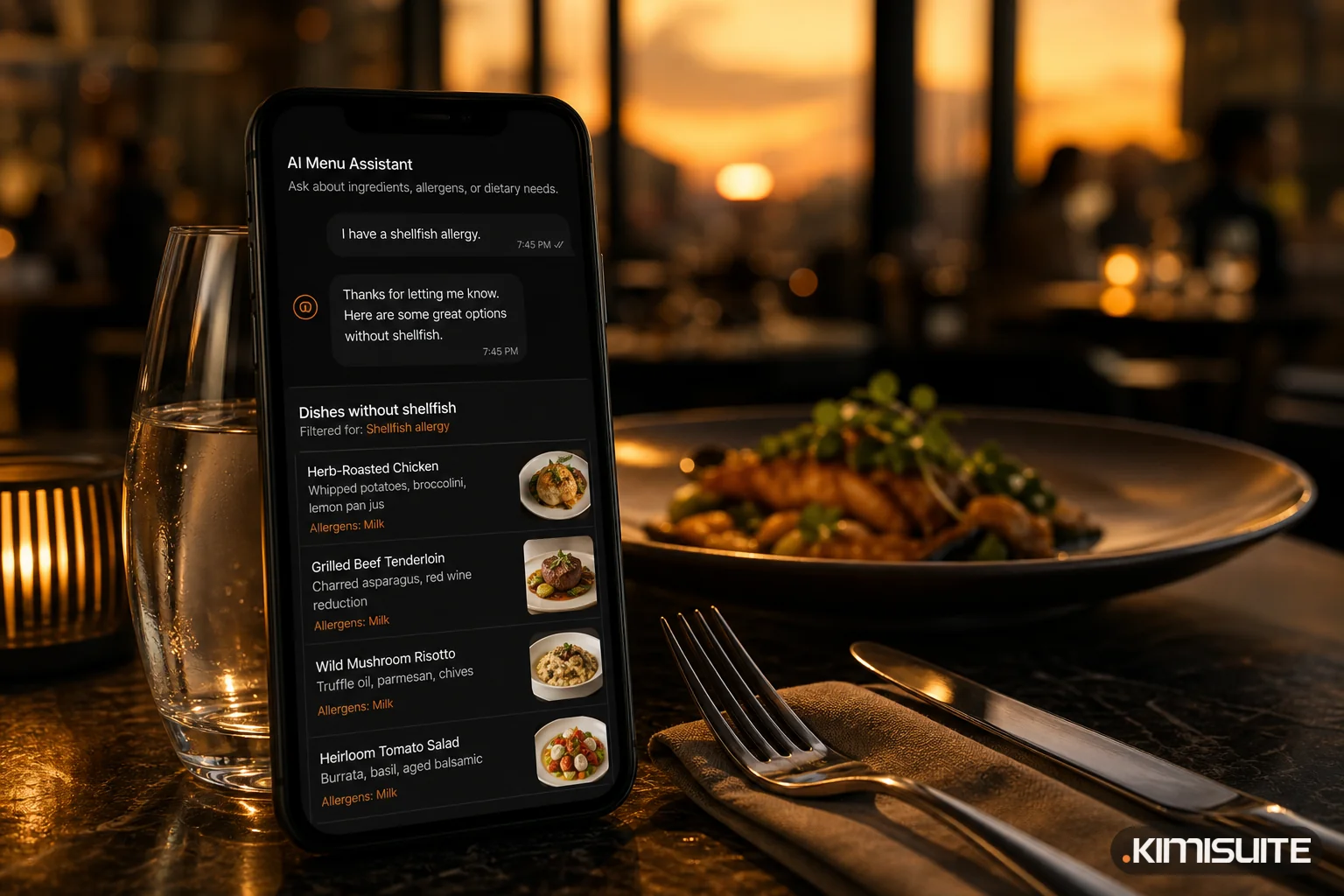
Once the menu is structured data rather than a document, something becomes possible that a PDF can never do: the guest can ask it things.
Smart Menu is an assistant inside the digital menu that answers in plain language from your dishes, ingredients and allergen declarations. "What do you have without nuts." "Show me something vegetarian." "Which wine goes with this." For a table with a dietary restriction or an unfamiliar cuisine, that removes the most awkward part of ordering.
This is the real argument against the PDF. It is not that it looks dated. It is that it is a dead end — nothing can be built on top of a document.
A short test
Scan your own QR code, on your own phone, standing where a guest stands.
Can you read it without zooming? Is the first price you check correct? Can you find every vegetarian dish in under ten seconds? Can a guest read it in a language they speak?
If the answer to any of those is no, the code on your tables is doing less than you think. Restaurant Hub exists to fix the menu behind it, not the code itself.
Read next: Your Menu on Any Website: Why a Widget Beats a PDF Link