A menu widget is a small piece of code on your own website that shows your current menu as part of the page, read live from the system where you keep the menu, instead of linking to a PDF that has to be exported and uploaded again after every change.
Many restaurant websites still do the opposite. Somewhere in the navigation there is a link called "Menu", and behind it a PDF: four A4 pages, 2 to 5 MB, designed for the printer. On a phone the guest pinches, zooms, scrolls sideways and gives up somewhere around the pasta. And the moment one price changes, the file on the website is wrong.
This post looks at what that PDF link really costs you, what a widget does differently, and where the widget has limits you should know before you switch.
What the PDF link costs you
Take an example restaurant with a menu of 40 dishes that changes a few times a year, plus a lunch offer that changes every week. Here is what keeping the website current looks like with a PDF:
| Step | Time each time |
|---|---|
| Change the price or dish in the design file | 10 minutes |
| Export a new PDF, check it | 5 minutes |
| Log in to the website, replace the file | 5 to 10 minutes |
| Check that the old file is really gone (browser and search engine caches) | 5 minutes |
| Do the same for the lunch offer | 20 minutes, every week |
That is roughly half an hour per change, and more than 15 hours a year for the lunch offer alone. In practice the result is familiar: the website menu is from last season, the lunch PDF is from three weeks ago, and nobody notices until a guest orders a dish that no longer exists.
There are quieter costs too:
- On a phone, a PDF is a document, not a page. It opens in a viewer, sometimes as a download, and the guest leaves your website to read it.
- It shows one language. A second language means a second PDF and a second upload every time.
- It cannot take a booking. A guest who has just decided they want to come has to find the phone number or a separate form.
What a widget does differently
A widget turns the menu from a file into a view. You keep the menu in one place, and the website shows whatever is there right now.
| PDF link | Menu widget | |
|---|---|---|
| Where the guest reads it | In a PDF viewer, often outside your site | On your page, in your layout |
| On a phone | Pinch and zoom | Adapts to the screen |
| After a price change | Export, upload, replace | Nothing to do on the website |
| Second language | Second file | A language setting in the embed code |
| Daily or weekly offers | Separate file, separate upload | Separate widget, updates itself |
| Booking a table | Not possible | Booking form next to the menu |
| Design | Fixed by the file | Your colours, and the font of your site |
The important line is the third one. With a widget, the website stops being a place where the menu is maintained. It becomes a place where the menu is displayed. That is the difference between a menu that is current and one that is current only on the days someone remembered.
Embedding a widget on your own website
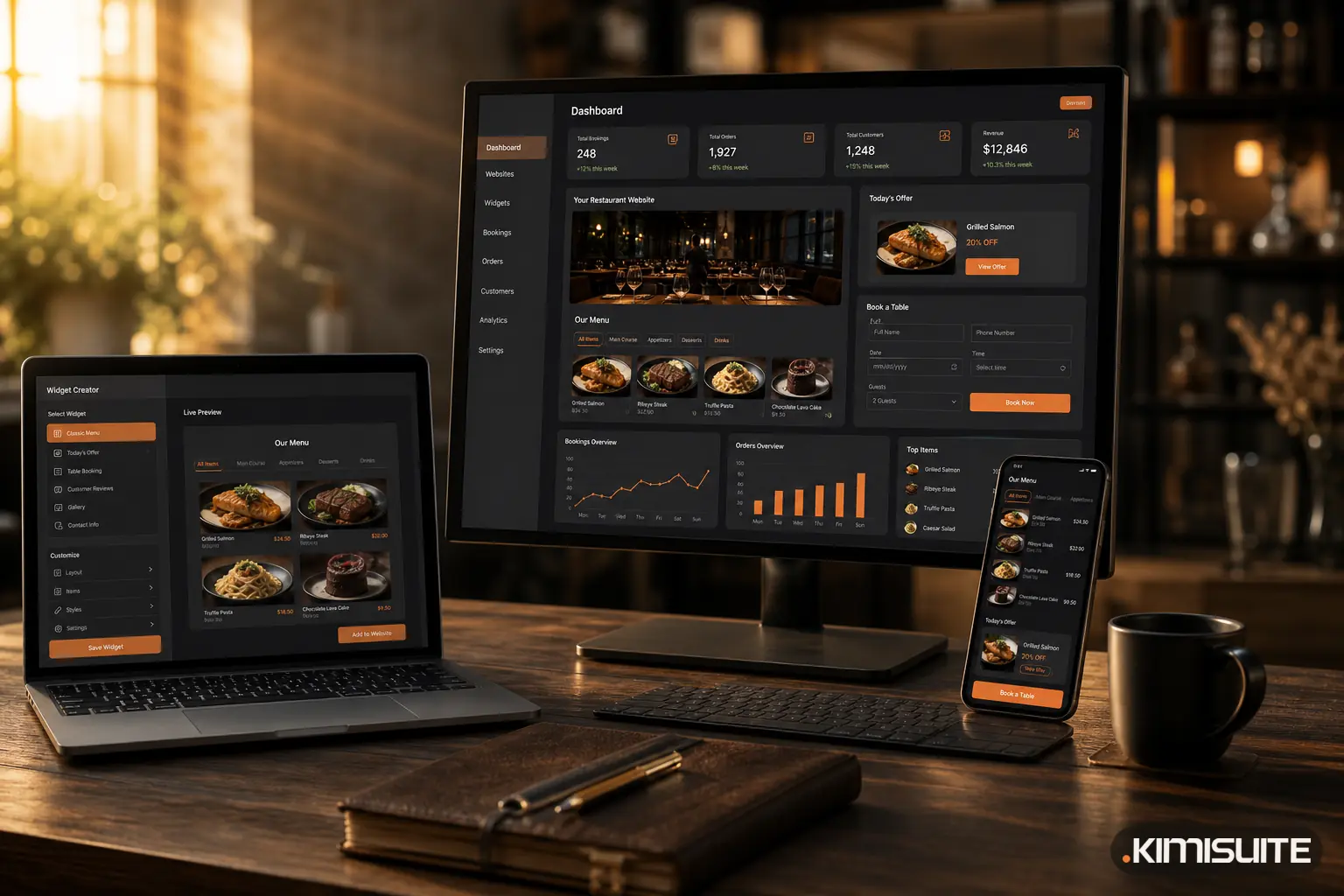
The technical part is smaller than most owners expect. With Widget Creator, an embed consists of two lines of HTML: a placeholder where the widget should appear, and one script tag before the end of the page. That works on WordPress, Wix, Squarespace or a site written by hand, because the website only needs to accept a piece of HTML.
A realistic setup for a restaurant looks like this:
| Where on the website | Which widget | What the guest sees |
|---|---|---|
| Menu page | Classic Menu | The full menu by category, with descriptions, sizes and prices |
| Home page, near the top | Today's Highlight | Only what is on offer today |
| Lunch page | Daily Menu List | The week's offers, grouped by weekday |
| Events or news section | Promotions | Running promotions only; expired ones disappear by themselves |
| Reservation page | Book a Table | Date, time, party size, contact details and a privacy checkbox |
Each widget is built once. You choose the type, adjust colours, font size and corner radius, and look at the result in a desktop, tablet and phone preview before publishing. The font can be left on "inherit", so the widget uses the font of your website instead of bringing its own. For anything the settings do not cover, there are fields for your own CSS and JavaScript.
If someone else looks after your website, you do not need to explain any of this. The embed dialog can send the instructions straight to your web designer by email, and a preview link shows the widget on its own before it goes live.
Where the content comes from
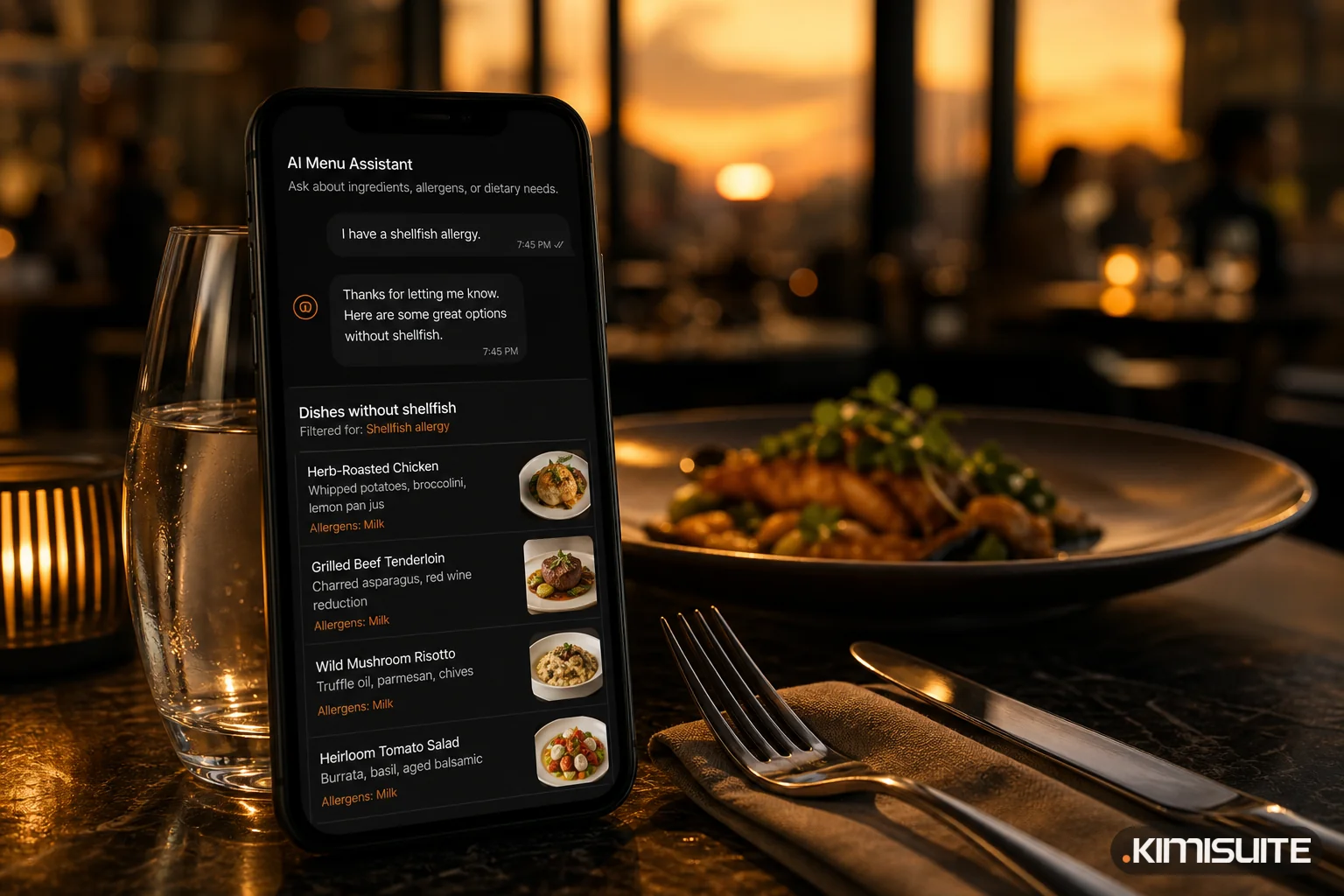
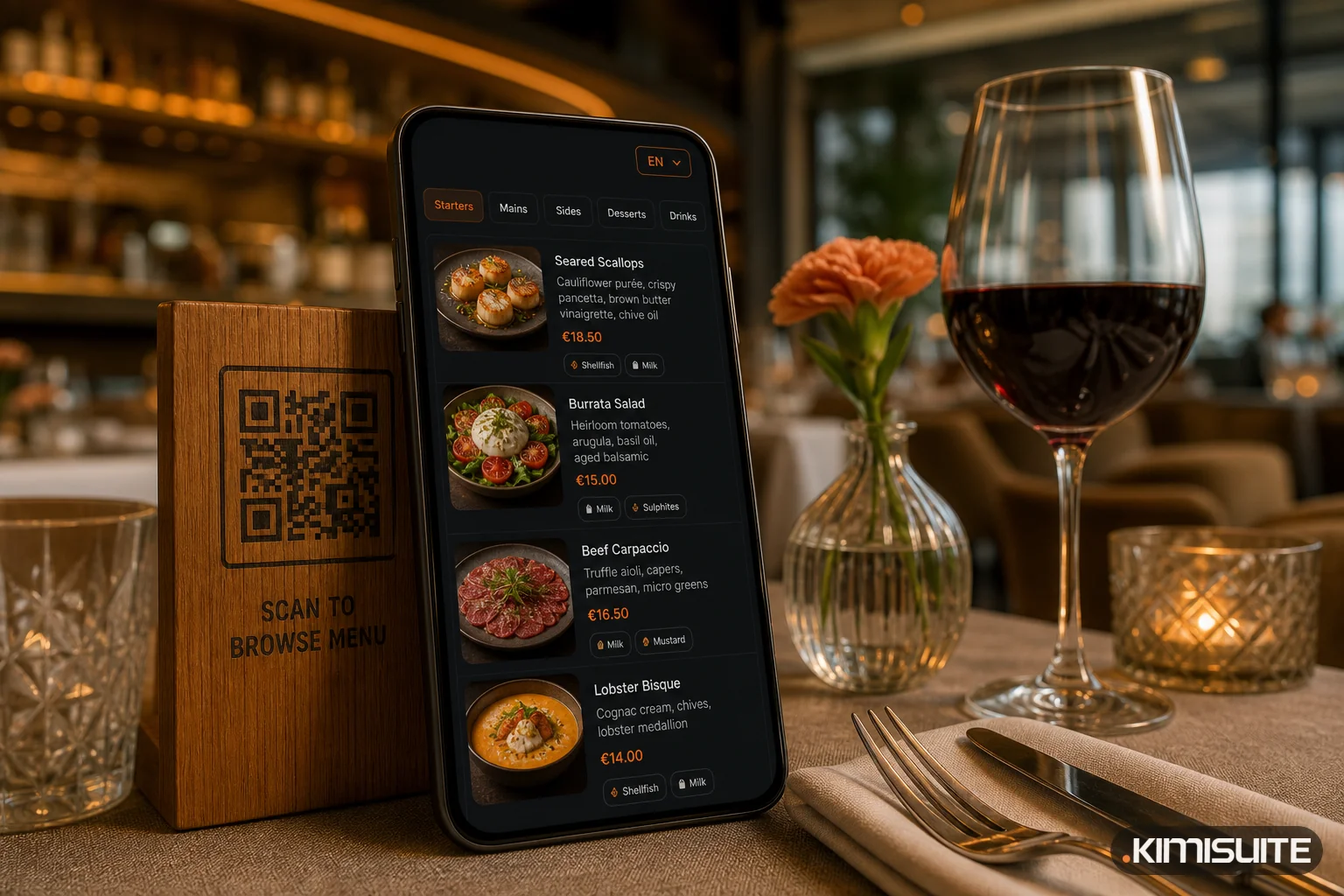
The widgets do not hold the menu. They read it from Restaurant Hub, where you enter it once: dishes, categories, descriptions, sizes, prices in your currencies, allergen marks, daily offers and promotions. The same data also feeds the digital QR menu and the printable menu, which is the idea we described in why a QR code that opens a PDF is the wrong fix.
In practice that means one change in Restaurant Hub updates the menu page, the lunch widget on the home page and the QR menu at the table at the same time. Nobody touches the website.
Table requests from the Book a Table widget arrive in Restaurant Hub as reservation requests, next to the ones your team enters, and are confirmed or declined in the same place.
The QR code on the table or in the window
Many restaurants also want a QR code that leads to the menu, on a window sticker, a flyer or a table stand. If you want that code to open the menu page of your own website, where the widget lives, a code from the free QR Code Generator pointing to that page is enough. Because the page shows the live menu, the printed code never goes out of date.
Limits worth knowing
A widget is not magic, and a few points are worth deciding up front:
- One design per widget type. You adapt it with colours, font and your own CSS, not by choosing between several layouts.
- The language is set in the embed code. If your website has an English and a German version, you embed the widget with the matching language code on each. The widget does not guess the visitor's language by itself.
- Content is edited in Restaurant Hub, not in the widget. That is the point, but it means the widget cannot show a dish that is not in your menu data.
- The script goes on the page once, even if the page shows several widgets.
- Keep some text of your own on the page. The widget loads the menu with a script. A short paragraph in the page itself about your kitchen, your location and your opening hours still helps visitors and search engines understand the page at a glance.
When the PDF still makes sense
There is one place where a PDF is still the right format: paper. A printed menu at the table or in the window needs a fixed layout. The sensible approach is to generate that PDF from the same menu data, rather than keeping a separate design file that slowly drifts away from reality. Restaurant Hub does exactly that with its printable menu.
On the website, though, the PDF has no advantage left. It is slower to update, harder to read on a phone, limited to one language and cannot take a booking.
Getting started
Widget Creator is free in every KIMISUITE workspace. The restaurant widgets read their content from Restaurant Hub, which you can add to the same workspace with 14 days free. Build your first menu widget, paste two lines into your website, and the next price change takes care of itself. Create your free workspace.