 Restaurant Hub
Restaurant menu translation that keeps up with your kitchen
The English menu is always one season behind the local one, and the German one two. Keep one menu with every language attached, and a new dish reaches every guest in their own language on the same day.
- Cancel anytime
- No long-term contract
- 14 days free
What separate translated menus cost you
Read every AI translation before you save it, above all dish names you want to keep in your own language. You decide what each guest reads.
- A new dish
- separate cards: translate, lay out and reprint every language; Restaurant Hub: one dish, translations attached
- A price change
- separate cards: correct every edition; Restaurant Hub: change it once for all languages
- A new guest market
- switch on one more language and translate the menu with one click per dish or category
- Allergen legend
- names per language are part of each allergen, not a separate translated sheet
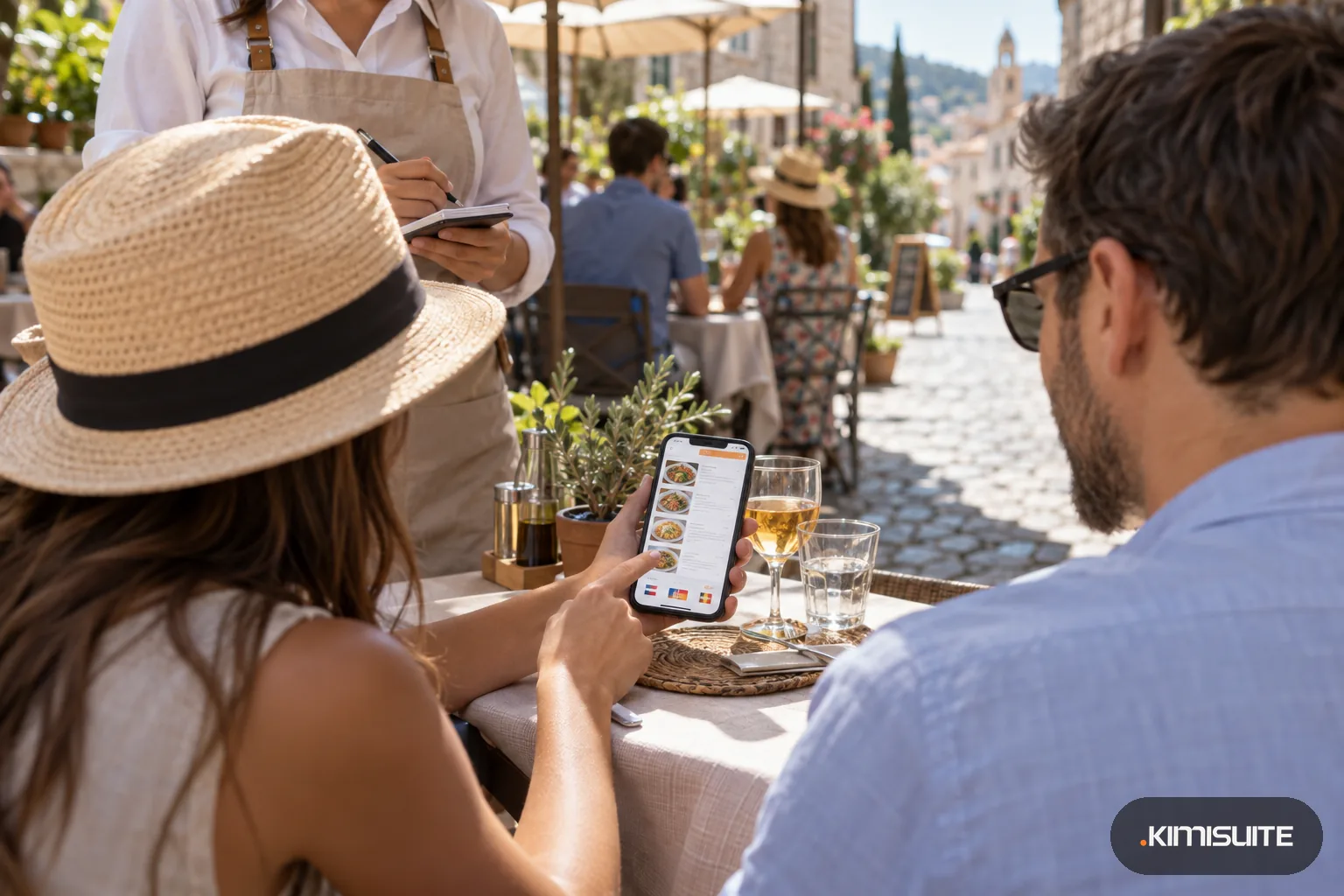
Restaurant menu translation usually goes wrong after the first version, not during it. Someone translates the menu once for the summer, then the chef adds a dish, the soup changes, a price goes up, and the English, German and French cards drift apart from the original until they describe a menu that no longer exists. Restaurant Hub keeps every language on the dish itself. Each category, dish, daily offer and promotion has its name and description in your main language and in every extra language you switch on, so there is only one menu to keep, with the translations attached. How the languages work in the app is on the multilingual menu page. A tour group from Munich, a family from Lyon and a couple from Manchester all read the same dishes, the same prices and the same allergen codes, each in their own language. Guests open your QR menu, tap a flag in the footer and read everything in their language, including the allergen legend.
Translating is quick. AI translation comes with the Professional plan; on Starter you type the translations yourself. One click on a dish or category fills its name and description in all active languages, and you can read and correct every line before it goes out. Sizes, allergen names and dining areas have their own names per language too, so a guest never meets a stray word in your local language. If your website should show the translated menu as well, the menu widget shows it in the language you set for each page.
What you get
Restaurant menu translation in one click
Press Translate to all languages on a dish, a category, a daily offer or a promotion, and its name and description are filled in every active language. Part of Professional.
15 extra languages with flags
Choose your main language and switch on the extra languages your guests speak. Each one shows as a flag in the menu footer, so nobody has to find a language menu.
Allergens in the guest's language
The 14 allergens and 13 additives have names per language. The codes after each dish stay the same, and the legend below explains them in the language the guest picked.
One change, every language
Change a price, mark a dish sold out or take it off, and every language version shows it at once, because they are all the same dish.
Prices in a second currency
Add currencies such as euro and Swiss franc and give each dish a price per currency. There is no automatic conversion, so every price is the one you chose.
Printed menus per language
In the Enterprise plan, pick the language and currency for each printable menu and keep an English, a German and a local PDF ready to reprint.
See your menu in English before the next tour bus
Open Restaurant Hub, switch on English and two more languages, translate your first category and scan your own QR code. Tap the flags and read it as your guests will.
How to get started
Switch on your guests' languages
In the language settings, turn on translation and pick the extra languages you need. Each one appears as a flag on the guest menu.
Translate categories and dishes
Open a category or dish and use Translate to all languages, or type the translations yourself. Check the names of local specialties and keep the ones that should stay as they are.
Name sizes and allergens
Give sizes, allergens, additives and dining areas their names in each language, so every word your guests see is in their language.
Read it as a guest
Scan your QR code, tap through the flags and check each language once. From now on, every change you make reaches all of them together.
Pricing
Restaurant Hub starts at a fixed monthly price (see pricing) for the whole restaurant workspace. Extra menu languages, currencies, allergens and the QR menu are in every plan, so you can type your translations yourself from day one.
One-click AI translation, daily offers and promotions come with Professional; the printable menu per language with Enterprise.
Is it the right fit?
A good fit if
- Restaurants in tourist areas with guests from several countries every day
- Hotel restaurants and terraces that serve international guests
- Restaurants near a border that show prices in a second currency
- Owners tired of keeping separate English, German and French cards
Not the right fit if
- Restaurants that want different prices for each language; prices are set per currency
- Owners who want every line signed off by a professional translator; the AI fills the text and you check it
- Restaurants that want an AI assistant to answer allergy questions in other languages
- Restaurants that want prices converted automatically into each guest's currency; you set every currency price yourself
Frequently asked questions
How does restaurant menu translation work in Restaurant Hub?
How many languages can my menu have?
Do I have to translate again when I change a dish?
Can I show different prices for tourists?
Is AI translation included in every plan?
What do tourists see when they scan the code?
Can I keep a local dish name untranslated?
Does the translated menu also appear on our website?
Read next
- Related solutionsAllergen menu for restaurants that stays right when the recipe changesThe allergen folder behind the bar is out of date the day the chef swaps the dressing. Keep allergens on the dish itself, and every menu your guests read shows the same, current marks.
- Related solutionsDigital menu for cafes and coffee shops, from the first espresso to the last sliceSmall, regular and large on one line, the cake photos that sell the slice, and the lemon tart marked sold out the moment the last piece goes. One QR code on the table, always the menu of today.
- Related solutionsDigital drink menu for bars, pubs and wine barsGlass or bottle, half pint or pint, the new autumn cocktails with photos, and a menu that stays readable when the lights go down. Change it behind the bar, and every QR code shows it at once.
- From the blogEnter Your Menu Once: What Changed in Restaurant HubA restaurant menu rarely lives in one place. It lives in the printed card, the PDF behind the QR code, the website and the lunch board — and...
- From the blogYour Menu on Any Website: Why a Widget Beats a PDF LinkA PDF menu on the website is outdated the day a price changes. A menu widget shows the live menu inside your own page, in your font and lang...
Ready when you are
Set it up in your own workspace and see how it works with your data.
- Cancel anytime
- No long-term contract
- 14 days free
