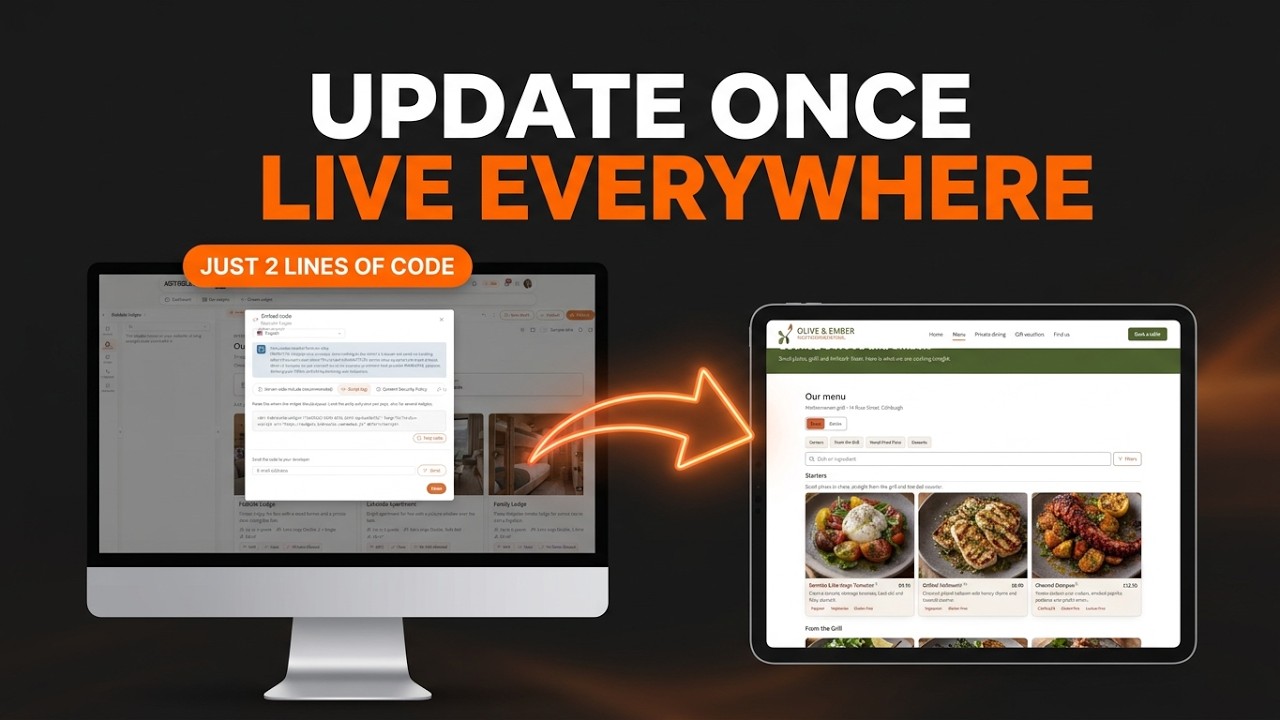
NautiX is an open XML format for boat listings, created by Nautic Network, a group of boat portals that wanted one clean way to receive data from dealers and brokers. A boat listing feed in NautiX format is a single file at a web address that holds every boat you have for sale. Each portal that supports NautiX reads your listings from that one file, so you keep your boats up to date in one place instead of typing them into a dozen portals.
What a boat listing feed is
A feed is a file that a portal fetches from your server or your software at regular intervals. It contains your current stock: one entry per boat with its data, its price and the links to its photos. When you add a boat, change a price or sell a boat, the next fetch carries the change to every portal that reads the file.
Without a feed, a dealer with 40 boats on five portals keeps 200 listings by hand. Every price change is five edits, and every sold boat is five deletions that someone has to remember. With a feed, it is one change in your own system.
Feeds are not new in the boat trade. The problem was that many portals used their own formats, so a dealer's software needed a separate export for each one. NautiX is meant to end that: one format that many portals understand.
Who is behind NautiX
According to Nautic Network, the initiative was founded by a group of leading boat portals to make data exchange error-free and of high quality through a clearly defined interface. NautiX is that interface, and Nautic Network describes it as the successor of earlier standards such as Open Marine. Nautic Network states that NautiX is open and free for anyone to use, as long as the sender follows its Code of Conduct and guidelines.
Nautic Network's partner page lists these portals, as of November 2026:
- Boat24
- YachtAll
- Band of Boats
- ScanBoat
- Boot Bodensee
- Boatnet
- Rightboat
- Navis.it
- Vaarmarkt
- Yachtsite
- TodoBarco and Boatsall
- Bateau à vendre
The list changes over time, so check the partner page before you plan your portal mix. Each portal decides itself whether and on what terms it publishes your feed, so contact the portals you want before you send them your address.

Vehicle Hub
Dealer stock with the mandatory details of 33 countries
What goes into a NautiX feed
A NautiX file describes the seller, the seller's offices and the boats, with one advert per boat. The data that matter most to buyers, and that a complete advert should carry, are:
- type of boat, builder or shipyard, model and year
- length overall, beam and draft
- engines with make, power and running hours
- price, currency and VAT status
- location of the boat
- equipment such as navigation, galley, deck and safety items
- a description in one or more languages
- the photos
The more of these values are filled in, the better your boat appears in the search filters of each portal. A boat without engine hours or length can still be listed, but buyers who filter by these values may not find it.
Validation comes first
Nautic Network runs a public validator. You enter the address of your feed or paste the XML, and it checks the format and, if you ask it to, the photos as well. The validator page is plain about the order: do not send your feed to partner websites until it is fully validated.
Problems to look for at this stage:
- values in the wrong unit, for example a length in feet entered as meters
- a builder or boat type spelled in a way the format does not know
- photo links that do not open, or photos that are too small
- required values that are empty
How to start with a feed, step by step
- Clean the stock. Check every boat for length, beam, draft, engines, hours, year, price and VAT status. Fill gaps before the feed goes out.
- Prepare the photos. Portals copy the photos from your feed. Use large, sharp originals. A watermark is your choice, but many portals show the image in their own frame anyway.
- Create the feed. Your dealer software or a developer produces the NautiX file at a fixed address.
- Validate it with Nautic Network's validator until it passes.
- Send the address to each portal you want to appear on and ask them to activate it.
- Remove manual listings on those portals once the feed is live. A boat that exists twice, once typed by hand and once from the feed, confuses buyers.
- Check the first listings on every portal: photos, price, VAT note and contact details.
Mistakes that cost inquiries
- Sold boats stay online. A feed only helps when it reflects your stock. Mark a boat sold the day the deal is done.
- Prices without VAT status. For boats, whether VAT is paid matters a great deal to buyers from another country. Say it clearly.
- One description for all markets. A German buyer on a German portal reads German first. Add the languages of the portals you use.
- Engines as free text. Power and hours in their own fields can be filtered. In the description they cannot.
Where Vehicle Hub fits
Vehicle Hub, the dealer software in KIMISUITE, also handles boats as their own vehicle type. You record each boat with the fields buyers use: boat category, shipyard, length, beam, draft, engines with power and hours, mooring, VAT status and customs status. Boats have their own equipment list of 133 items in nine groups, matching the NautiX equipment structure, so nothing is lost on the way out.
Vehicle Hub creates one NautiX address per branch, protected by a secret token, under Export next to the other exports. Every file is checked against the official NautiX schema. Values the app does not know are left out rather than guessed. Photos go out in original size without the watermark. You send the address to the portals yourself. The NautiX file covers boats you manage in Vehicle Hub; boats you only import from another system are not sent on.
The video shows Vehicle Hub from the first photo to the test drive in about three minutes.